
适用于 Minecraft 1.20.1, 1.21.1 的 Elemental Craft 模组
ElementalCraft 是一个围绕四大元素:火、水、土和风的魔法模组。
 NeoForge
 Forge
ForgeElementalCraft
ElementalCraft 是一个围绕四大元素——火、水、土、风——展开的魔法模组。
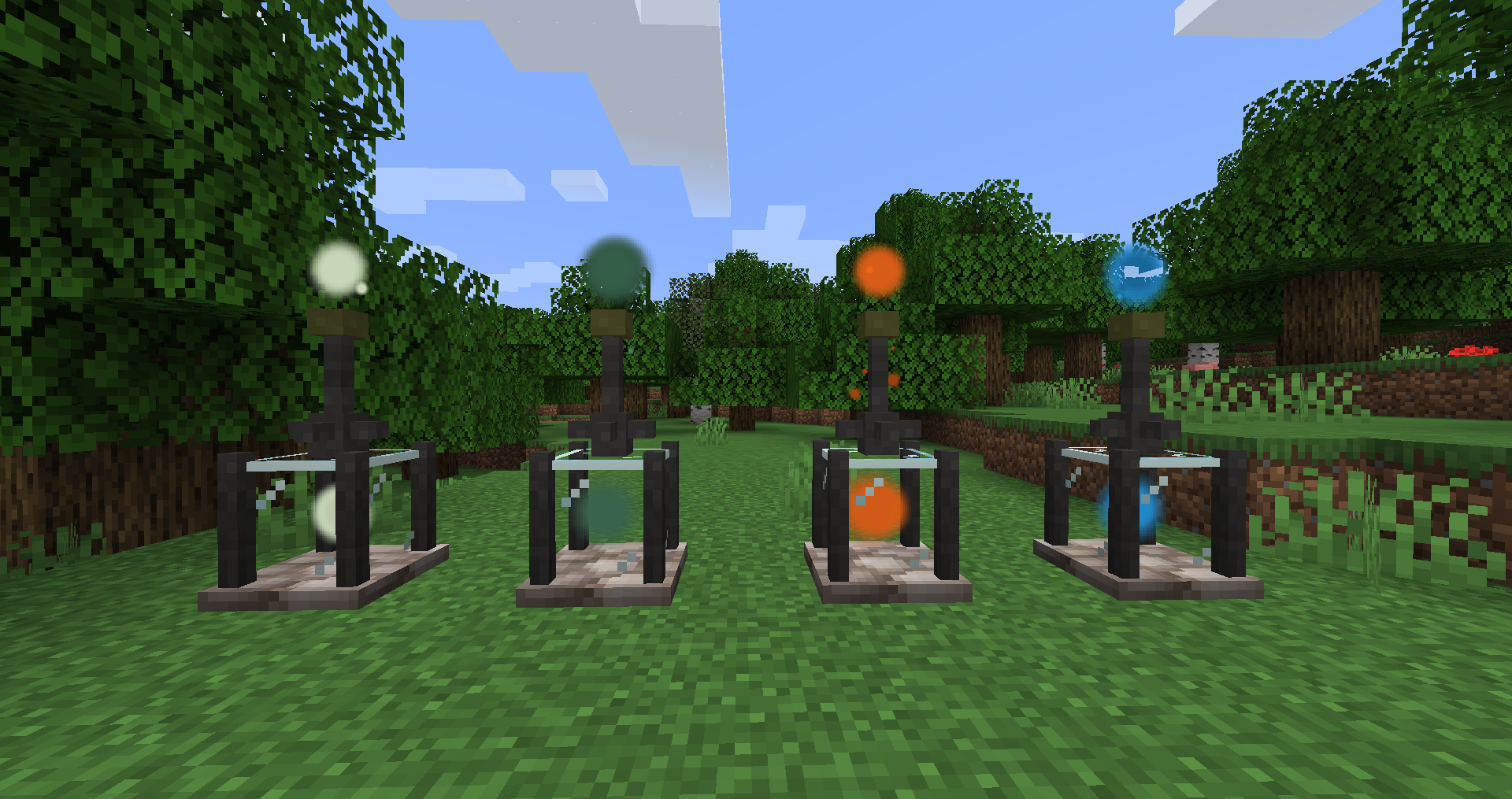
本项目引入了新的资源:元素,以及收集这些元素并将其用于不同合成方式(灌注、绑定等)的方法。你还可以使用神龛在世界中引导元素并对其产生影响,例如促进作物生长、将石头转化为熔岩或提取矿石。你还可以使用灌注器来强化现有附魔或为工具添加新能力。
本项目仍处于早期开发阶段,许多特性可能会发生变化。它旨在用于整合包中游玩,并尽可能多地使用数据包(标签和配方)以及 Forge 配置等功能。
你可以在这里找到介绍视频。法术介绍在这里。
简单入门指南:
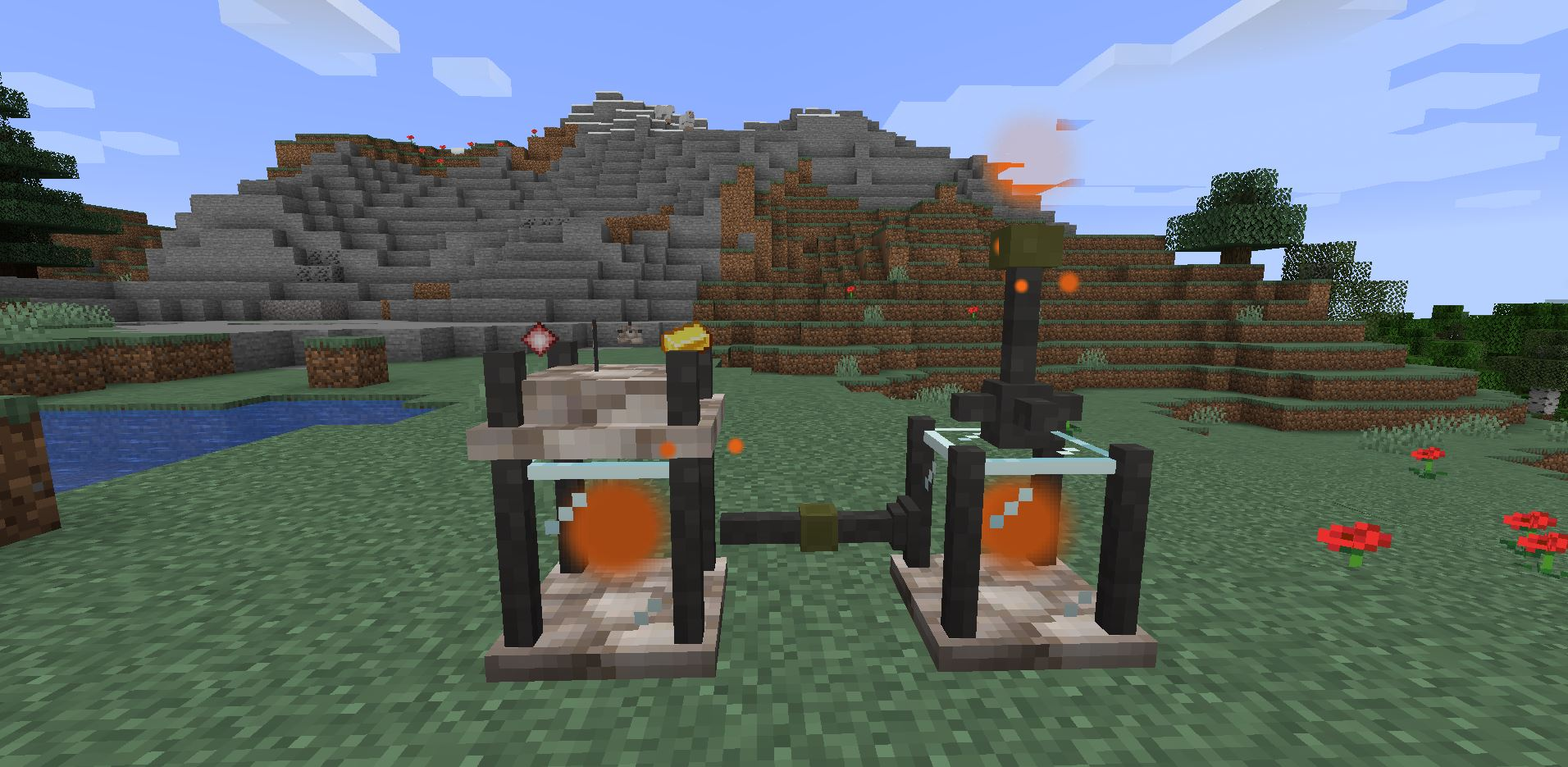
首先,从矿石中寻找惰性水晶,这是本模组的起点,你需要用金粒环绕惰性水晶来合成封闭水晶。用它们合成两个储罐、一个提取器、一个灌注器和一些管道。
当你集齐这些之后,开始探索并找到一个元素源,将提取器放在它下方,储罐放在提取器下方。然后把第二个储罐放在附近,将灌注器放在它上面,用管道将它们连接起来,并右键点击连接到提取器储罐的管道部分。现在你可以通过右键点击将惰性水晶放入灌注器中,来合成灌注水晶。
如何安装 Elemental Craft
With Millida Launcher
Install Millida Launcher
The launcher is free: download it at millida.net/launcher and sign in with any nickname.
Click “Install” on this page
The launcher opens and installs the mod for Minecraft 1.16.5–1.21.1 on Forge or NeoForge automatically.
Launch the game
A profile with it appears in the launcher: click “Play”.
Manually
Install Forge or NeoForge
The loader must match the game version of the mod file, for example Minecraft 1.21.1. After installing it, a separate profile appears in your launcher.
Download the file for your version
In the version list above, pick the file elementalcraft-7.1.3.jar (2.8 MB) for your game version and loader.
Put it in the mods folder
The folder is inside .minecraft (Windows: %appdata%\.minecraft\mods). If it does not exist, create it.
Launch the loader profile
Open “Mods” in the main menu: Elemental Craft should be in the list.
Minecraft 1.21.1 runs on Java 21: with a different Java version the game may close right after launch.
版本
含依赖项
| Minecraft | 加载器 | 文件 | 日期 | 操作 |
|---|---|---|---|---|
| 1.21.1 | NeoForge | elementalcraft-7.1.3.jar2.8 MB | ||
| 1.20.1 | NeoForge, Forge | elementalcraft-1.20.1-6.0.1.jar2.6 MB | ||
| 1.19.2 | Forge | elementalcraft-1.19.2-5.8.5.jar2.5 MB | ||
| 1.19.2 | Forge | elementalcraft-1.19.2-5.3.3.jar2.1 MB | ||
| 1.16.5 | — | elementalcraft-1.16.5-2.7.4.jar1.6 MB |
评价
成为第一个评价 Elemental Craft 的人


