

 NeoForge
 Forge
Forge关于 DefaultSettings 模组
DefaultSettings
更新整合包时永远不会丢失本地设置!
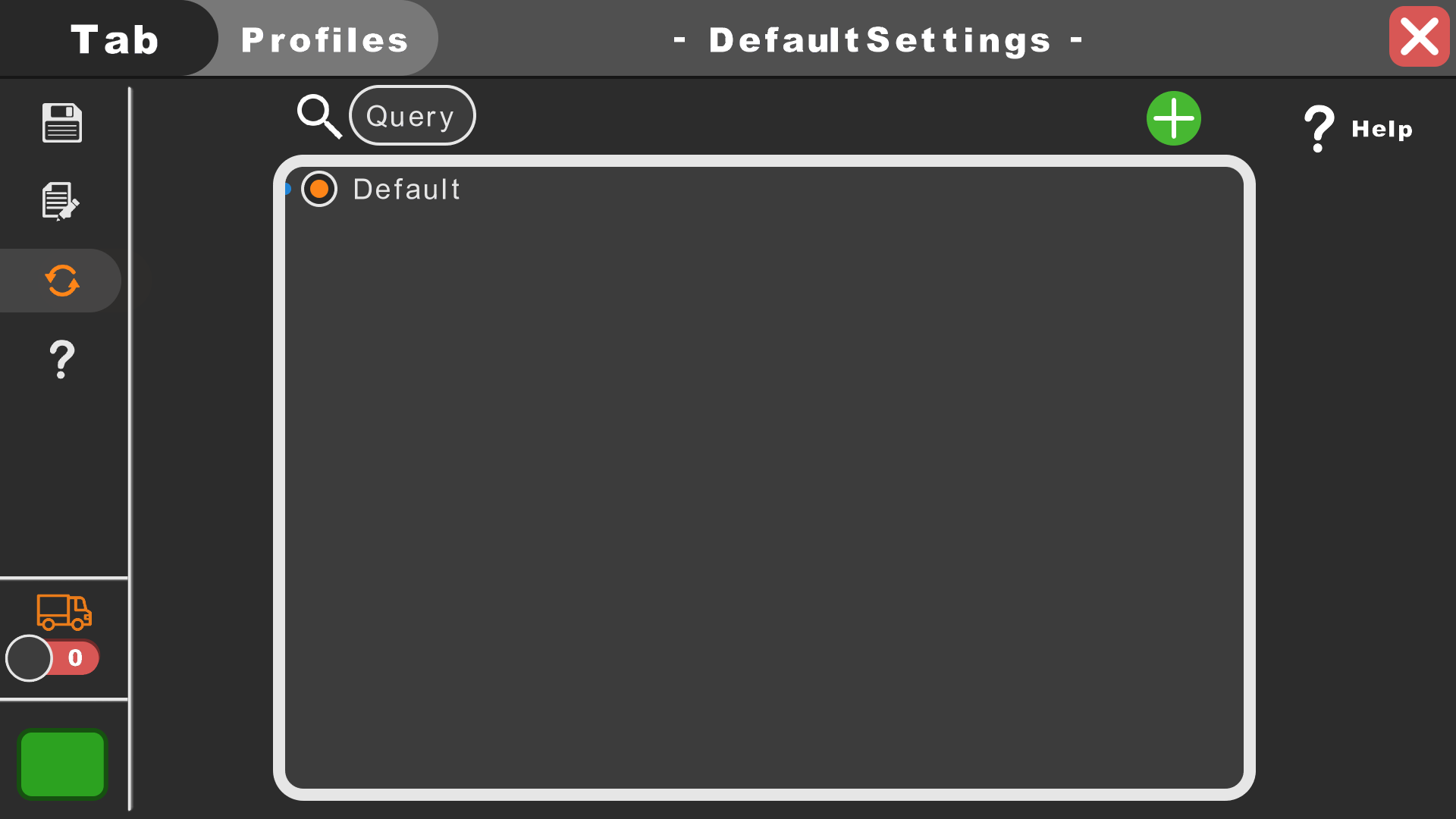
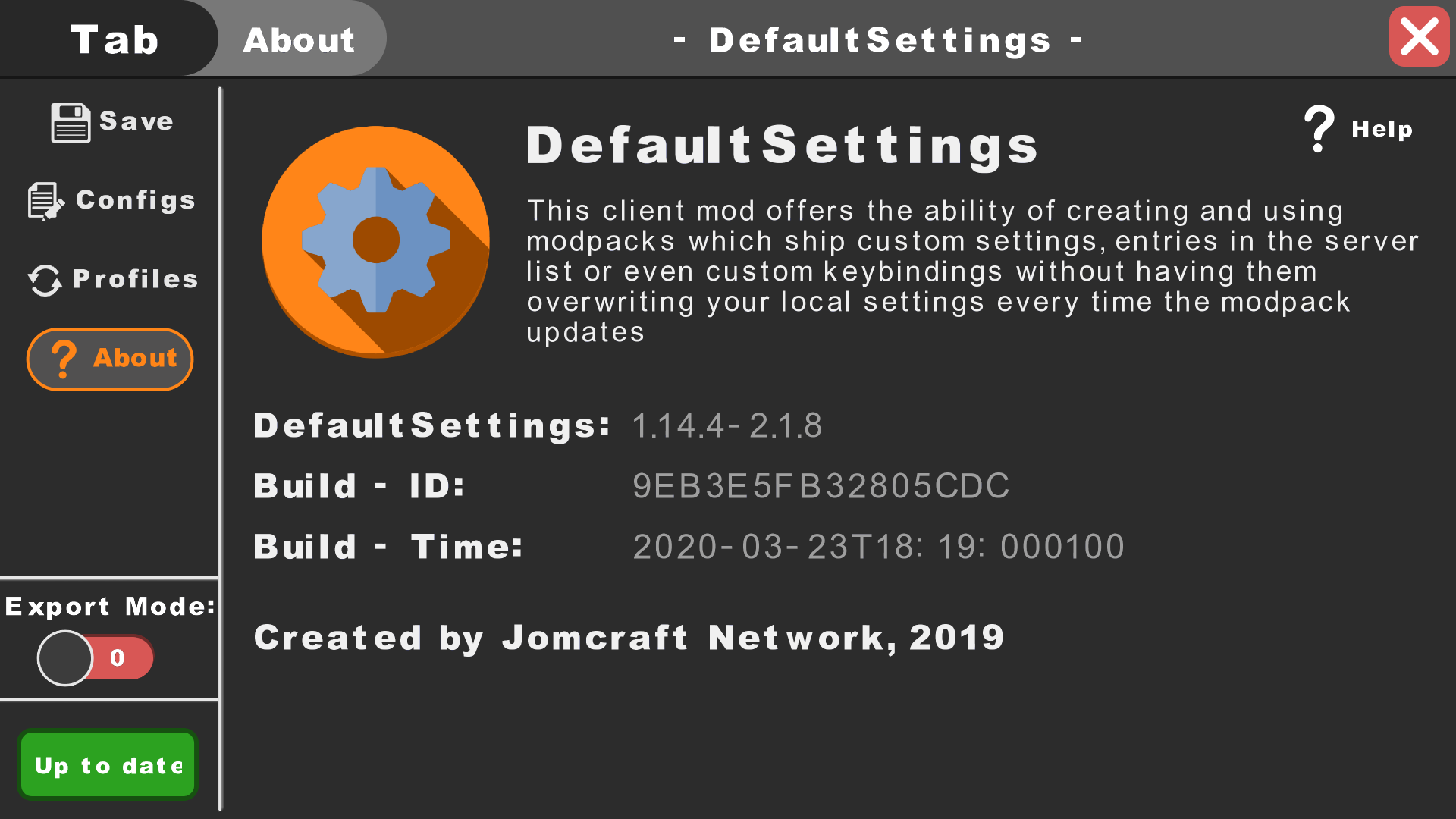
这个客户端模组提供了创建和使用整合包的能力,这些整合包可以附带自定义设置、服务器列表条目甚至自定义按键绑定,而不会在每次整合包更新时覆盖你的本地设置。可以在这里找到这个模组的快速指南。想在 Fabric 或 Quilt 上使用 DefaultSettings?点击这里。
你有什么问题吗?加入我们新的 Discord!
安装模组:
安装 DefaultSettings 相当简单,你只需要将模组的 jar 文件放入你的安装目录的 "mods" 文件夹(1.6+)或将其放入 "coremods" 文件夹(1.4+)。
DefaultSettings GUI:
要打开 DS 图形界面,只需在游戏的模组列表中或游玩世界时随时按下 F7 + G。也可以通过 Forge 的模组列表和 DefaultSettings 的 "Config" 按钮(1.7.10+)来访问 GUI。
重要提示:在 Minecraft 1.17+ 版本中,Mojang 完全改变了游戏渲染引擎的工作方式。这导致我们在所有 1.16.5 之后的版本中移除了 GUI,并扩展了命令的功能集。GUI 可能会在某个时候回归,但目前与模组的交互是通过改进后的命令系统完成的。
提示:
如果你不想或无法使用我们的图形界面,你也可以使用 /defaultsettings 和 /switchprofile(仅限 1.16.5 及以下)命令。这两个命令确保了正常功能——使用 GUI 确实很有意义,但对于后续版本(1.17+),命令才是正确的方式。
整合包创作者说明:
最新指南可以在这里找到。
隐私政策:
我们不收集任何类型的数据!除此之外,我们的模组确实使用了 Minecraft 的日志。这意味着尤其是错误会被转储到日志中——但敏感数据绝不会。
整合包:
你当然可以在私人及公开整合包中使用和分发这个模组。
版权所有 Jomcraft Network 2025 ~ 最后修改于 2025 年 10 月
如何安装 DefaultSettings
With Millida Launcher
Install Millida Launcher
The launcher is free: download it at millida.net/launcher and sign in with any nickname.
Click “Install” on this page
The launcher opens and installs the mod for Minecraft 1.4.7–26.3 on Forge or NeoForge automatically.
Launch the game
A profile with it appears in the launcher: click “Play”.
Manually
Install Forge or NeoForge
The loader must match the game version of the mod file, for example Minecraft 26.3. After installing it, a separate profile appears in your launcher.
Download the file for your version
In the version list above, pick the file DefaultSettings-26.1-4.0.10-NeoForge.jar (98 KB) for your game version and loader.
Put it in the mods folder
The folder is inside .minecraft (Windows: %appdata%\.minecraft\mods). If it does not exist, create it.
Launch the loader profile
Open “Mods” in the main menu: DefaultSettings should be in the list.
版本
含依赖项
| Minecraft | 加载器 | 文件 | 日期 | 操作 |
|---|---|---|---|---|
| 26.1 | NeoForge | DefaultSettings-26.1-4.0.10-NeoForge98.1 KB | ||
| 26.1 | Forge | DefaultSettings-26.1-4.0.10-Forge98.1 KB 1 | ||
| 1.19.3 | Forge | DefaultSettings-1.19.3-4.0.3-Forge87.9 KB | ||
| 1.19.2 | Forge | DefaultSettings-1.19.x-2.8.686.4 KB | ||
| 1.13.2 | — | DefaultSettings-1.13.2-2.2.0404 KB | ||
| 1.14.2 | — | DefaultSettings-1.14.2-1.2.377.1 KB | ||
| 1.4.7 | — | DefaultSettings-1.4.7-1.0228 KB |
常见问题
Which Minecraft versions does DefaultSettings work on?
There are files for 1.4.7–26.3, 12 versions in total. The newest is 26.3.
Is DefaultSettings for Forge or Fabric?
There are files for Forge: 1.19–26.3 and for NeoForge: 26.1–26.3. There are no files for Fabric: a mod for another loader will not start.
Does DefaultSettings need other mods?
The author lists no required dependencies: the Forge or NeoForge loader is enough.
Where can I download DefaultSettings safely?
On this page: the file DefaultSettings-26.1-4.0.10-NeoForge.jar (98 KB) is stored on Millida’s server, with no link shorteners. SHA-1 checksum: 6304874d96ebffabfd68012fa89e55bfc3666674.
评价
成为第一个评价 DefaultSettings 的人


