

 NeoForge
 Forge
Forge关于 Create Confectionery 模组
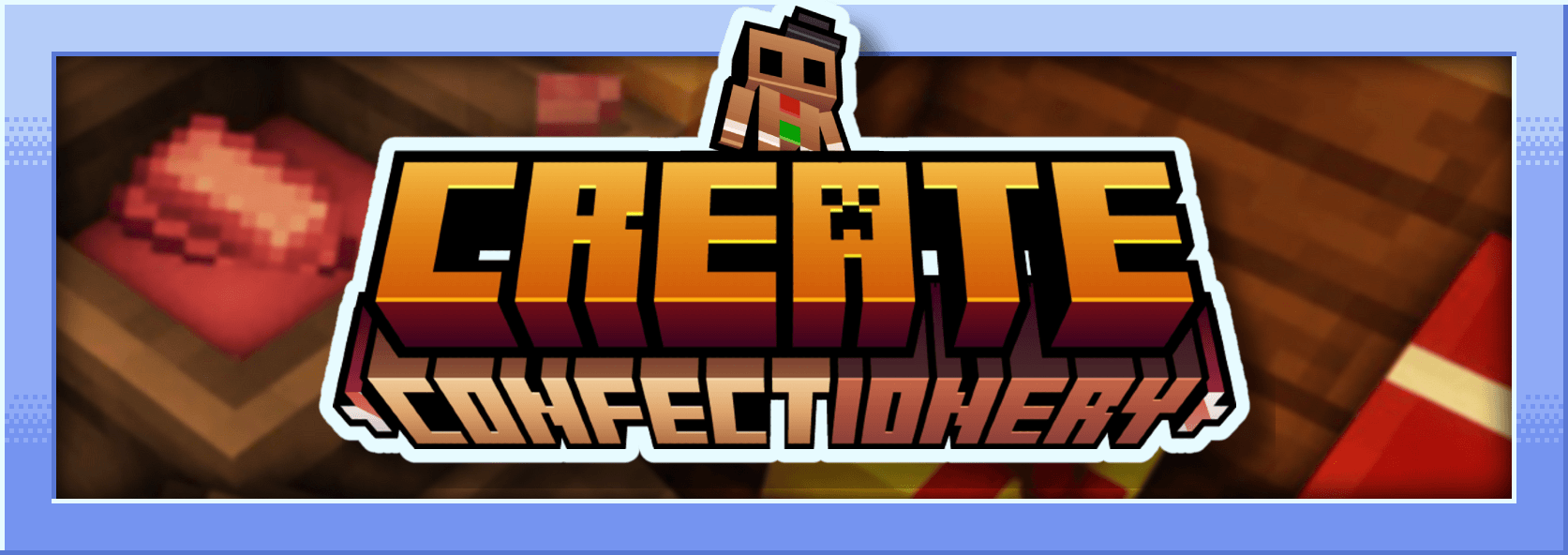

这个模组是 Create 的附属模组,它添加了用不同材料制作的食物。它添加了粉碎可可、可可脂、可可粉、白巧克力、黑巧克力、焦糖、巧克力糖、棉花糖……
我是法国人,这个模组是用 Mcreator 制作的
模组描述:
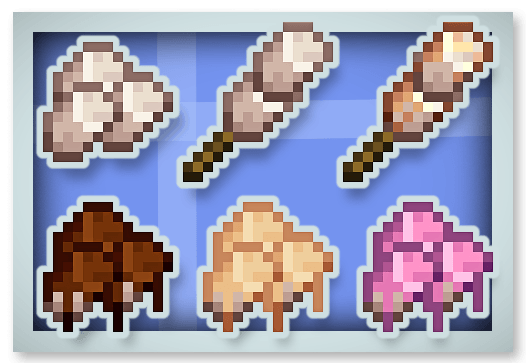
粉碎可可、可可脂和可可粉:
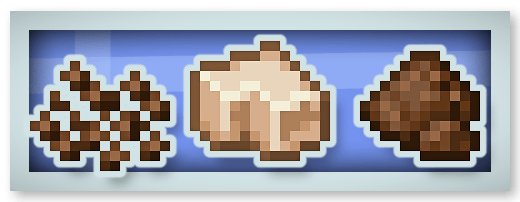
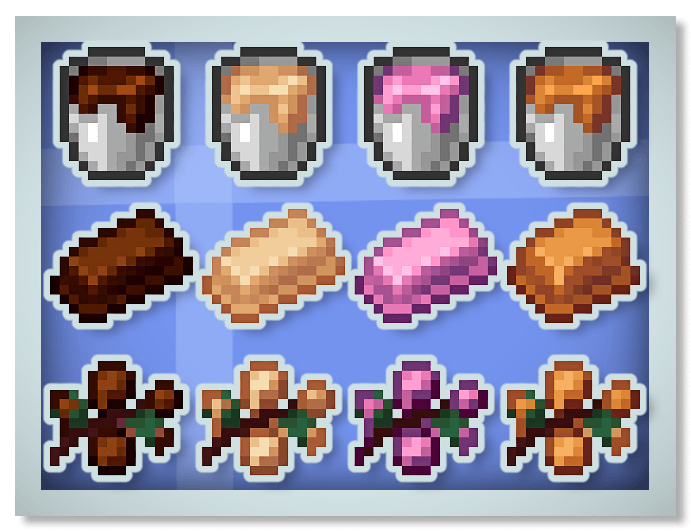
新巧克力(黑巧克力、白巧克力和红宝石巧克力)和焦糖:
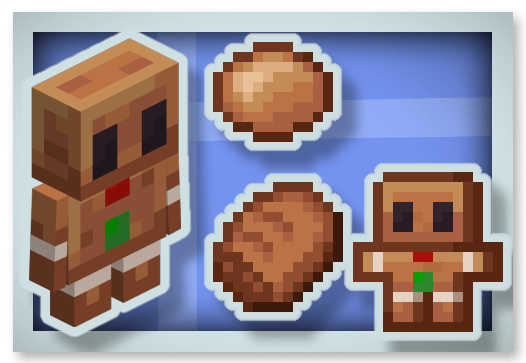
姜饼:
棉花糖:
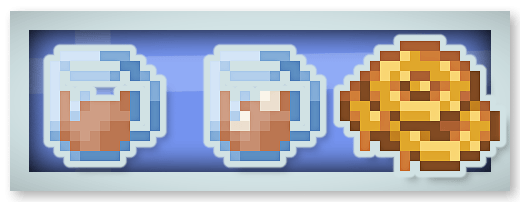
热巧克力(给予生命恢复效果)和蜂蜜糖:
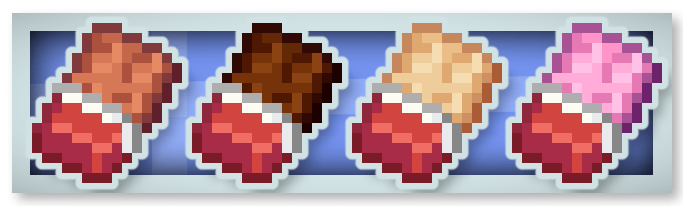
整块巧克力棒(可以食用 16 次并给予 Chocolated 效果):
巧克力糖:
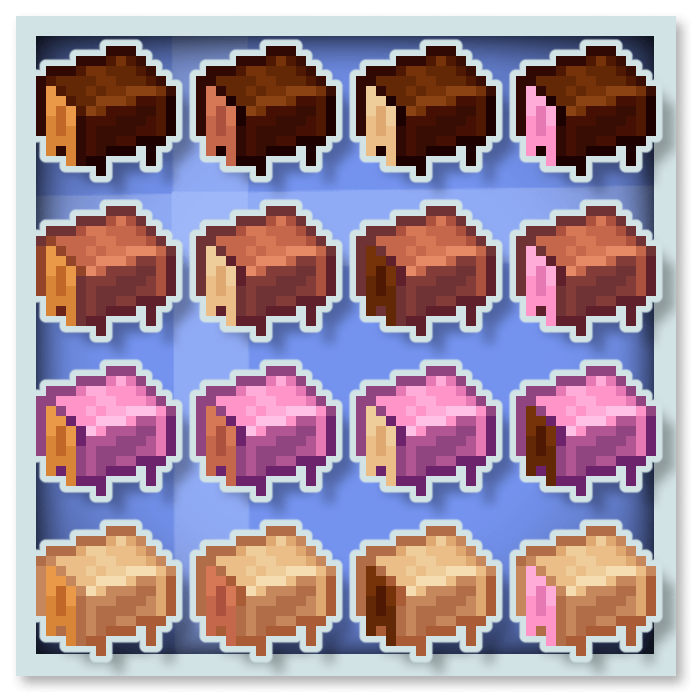
巧克力会给予特殊效果,例如 Stimulation(移除挖掘疲劳和缓慢效果)、Rest(驱散周围的幻翼)、饱和和速度。
你可以把这个模组放进你的整合包。
你也可以看看我的其他模组:










如何安装 Create Confectionery
With Millida Launcher
Install Millida Launcher
The launcher is free: download it at millida.net/launcher and sign in with any nickname.
Click “Install” on this page
The launcher opens and installs the mod for Minecraft 1.20.1–1.21.1 on Forge or NeoForge automatically.
Launch the game
A profile with it appears in the launcher: click “Play”.
Manually
Install Forge or NeoForge
The loader must match the game version of the mod file, for example Minecraft 1.21.1. After installing it, a separate profile appears in your launcher.
Download the file for your version
In the version list above, pick the file create-confectionery1.21.1_v1.1.3b.jar (2.0 MB) for your game version and loader.
Put it in the mods folder
The folder is inside .minecraft (Windows: %appdata%\.minecraft\mods). If it does not exist, create it.
Launch the loader profile
Open “Mods” in the main menu: Create Confectionery should be in the list.
Minecraft 1.21.1 runs on Java 21: with a different Java version the game may close right after launch.
版本
含依赖项
| Minecraft | 加载器 | 文件 | 日期 | 操作 |
|---|---|---|---|---|
| 1.21.1 | NeoForge | create-confectionery1.21.1_v1.1.3b.jar2 MB 152 | ||
| 1.20.1 | Forge | create-confectionery1.20.1_v1.1.3.jar2 MB 59 |
常见问题
Which Minecraft versions does Create Confectionery work on?
There are files for 1.21.1, 1.20.1. The newest is 1.21.1.
Is Create Confectionery for Forge or Fabric?
There are files for Forge: 1.20.1 and for NeoForge: 1.21.1. There are no files for Fabric: a mod for another loader will not start.
Does Create Confectionery need other mods?
The author lists no required dependencies: the Forge or NeoForge loader is enough.
Which Java does Create Confectionery need?
Minecraft 1.21.1 runs on Java 21. If the game closes right after launch, the usual cause is the wrong Java version in the profile settings.
Where can I download Create Confectionery safely?
On this page: the file create-confectionery1.21.1_v1.1.3b.jar (2.0 MB) is stored on Millida’s server, with no link shorteners. SHA-1 checksum: 47e235efa862c5cbea53fdf8346d4c499674defa.
评价
成为第一个评价 Create Confectionery 的人


