
适用于 Minecraft 1.20.1, 1.12.2 的 Controllable 模组
使用控制器/游戏手柄玩 Minecraft Java 版
 NeoForge
 Fabric
 Forge
Forge关于 Controllable 模组






📖 关于
Minecraft: Java Edition 长期以来一直缺少原生手柄支持。Controllable 旨在让玩家不受键盘和鼠标的限制,尽情享受 Java Edition。开始以完整的手柄功能游玩 Java Edition,让你可以使用 Xbox、PlayStation 或其他手柄,获得与 Bedrock Edition 相媲美的体验。Controllable 包含一系列手柄专属功能和增强,确保你拥有无缝的手柄体验。
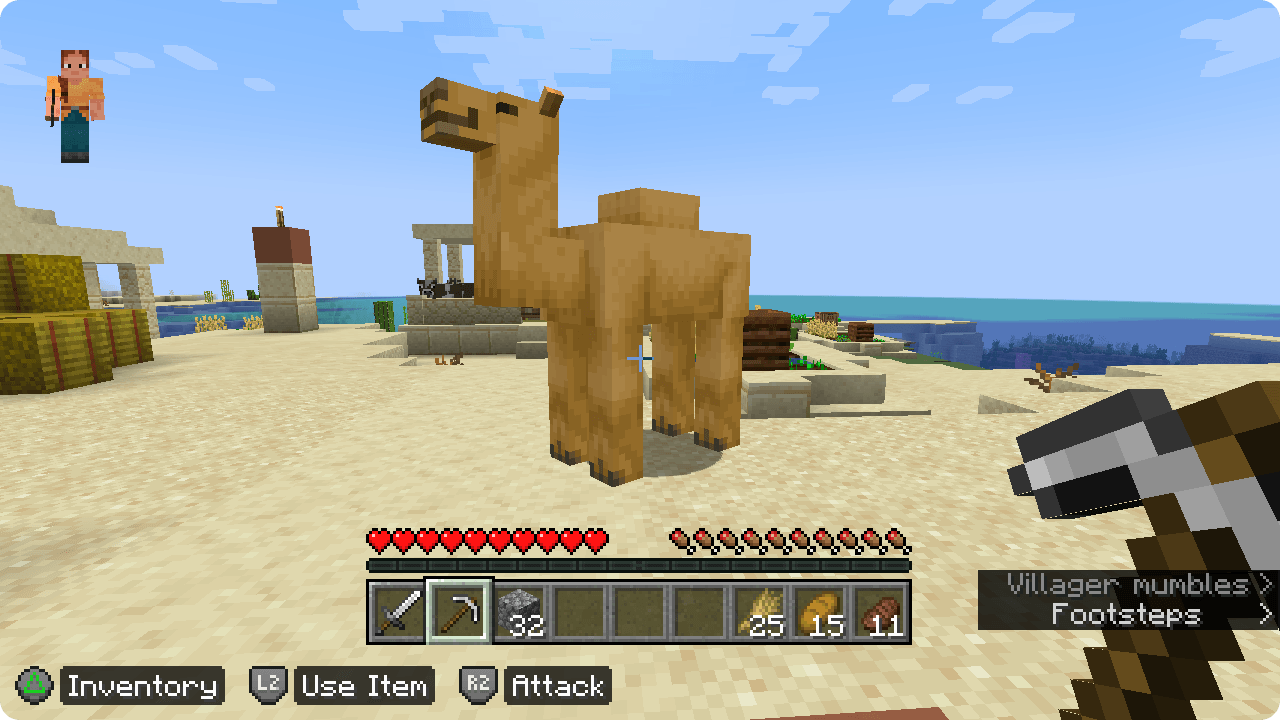
请参阅 Controllable 文档,以获取连接手柄和诊断问题的帮助。
✅ 功能
- 大量设置 - 调整按键映射、灵敏度以及 Controllable 提供的众多选项,以契合你的确切游玩风格。
- 模拟移动 - 像你在其他支持手柄的游戏中体验到的那样,自由进行 360 度移动。
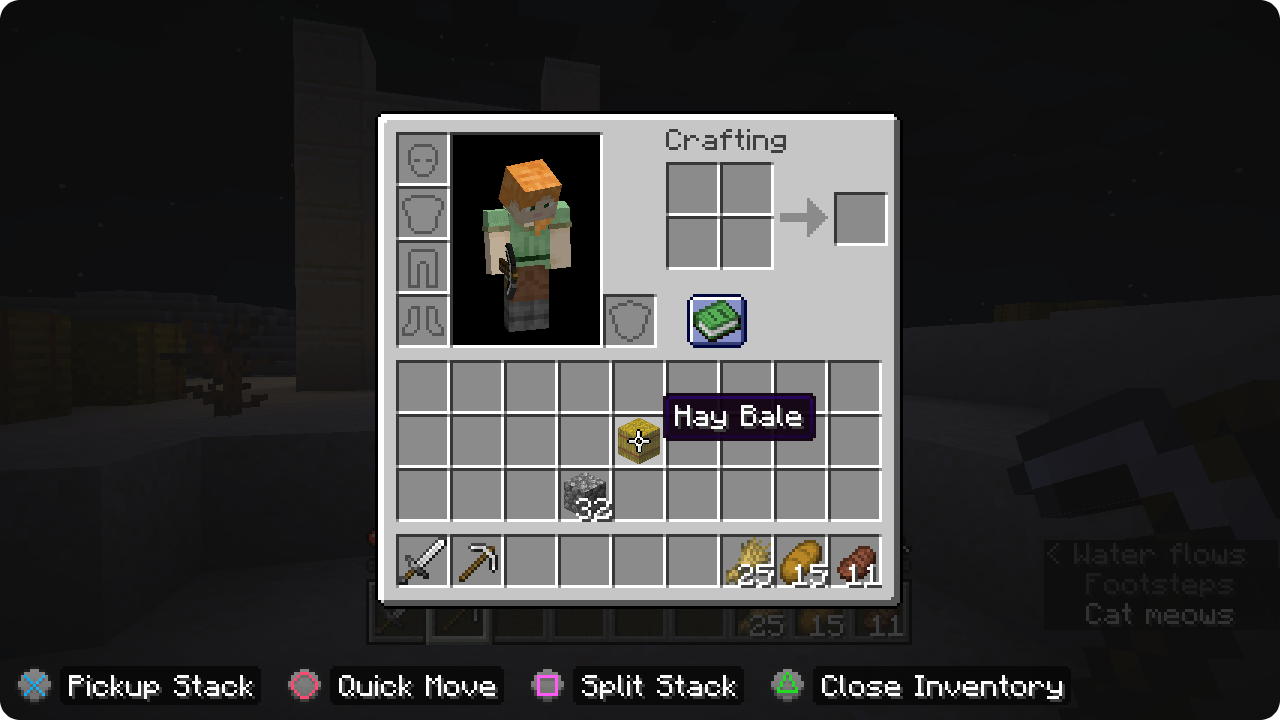
- 情境提示 - 屏幕上的按键提示会根据你当前的情况出现并变化。
- 径向轮盘菜单 - 自定义并将游戏操作分配到径向轮盘,让你手柄上的单个按键可以访问许多操作。
- 无障碍友好 - 为使用键盘和鼠标有困难的玩家提供替代输入方式。Controllable 还允许在游戏内选择两个或更多手柄,将其合并为一个统一手柄,让你可以选择打造更舒适的游玩体验。
- 模组兼容性 - 开箱即用,可与大多数模组配合运行,问题极少。
- 多实例支持 - 随心所欲地多次启动 Minecraft: Java Edition,只需为每个实例选择不同的手柄。
- 久经考验 - 由 SDL2 提供支持,这是一个在许多知名游戏中使用的跨平台库。
⚠️ 重要说明
由于反作弊插件,在远程服务器(例如 Hypixel)上游玩时,模拟移动会被禁用。你可以通过将模拟移动从“仅本地”改为“始终”来覆盖此设置,但请注意,如果你在任何服务器上被封禁,Controllable 概不负责。
如果你正在运行 Minecraft: Java Edition 的多实例,并想在服务器/局域网中游玩,每个实例都需要登录不同的 Microsoft 账户。建议在启动器中创建自定义安装,让每个实例的游戏目录指向唯一位置,否则你将共享相同的游戏设置,并且无法自定义按键映射等。
某些功能在较旧版本的 Controllable 中不可用。建议使用最新版本的 Controllable,并在最新版本的 Minecraft 上游玩,以获得最佳体验。较旧版本的 Controllable 也可能存在漏洞,且不会修复。MrCrayfish 目前支持 Minecraft 1.20.1 及以上版本。
🙋♀️ 需要支持?加入官方 Discord 服务器:
评论区不太适合寻求支持,请加入官方 discord 服务器。你可以获得安装和配置模组、解决崩溃等方面的帮助!此外,你还可以(在其他任何地方之前)获取有关模组更新和开发的消息。

如何安装 Controllable
With Millida Launcher
Install Millida Launcher
The launcher is free: download it at millida.net/launcher and sign in with any nickname.
Click “Install” on this page
The launcher opens and installs the mod for Minecraft 1.12.2–26.2 on Fabric, Forge or NeoForge automatically.
Launch the game
A profile with it appears in the launcher: click “Play”.
Manually
Install Fabric, Forge or NeoForge
The loader must match the game version of the mod file, for example Minecraft 26.2. After installing it, a separate profile appears in your launcher.
Download the file for your version
In the version list above, pick the file controllable-neoforge-26.2-0.26.1.jar (6.4 MB) for your game version and loader.
Put it in the mods folder
The folder is inside .minecraft (Windows: %appdata%\.minecraft\mods). If it does not exist, create it.
Launch the loader profile
Open “Mods” in the main menu: Controllable should be in the list.
版本
含依赖项
| Minecraft | 加载器 | 文件 | 日期 | 操作 |
|---|---|---|---|---|
| 26.2 | NeoForge | Controllable 0.26.16.4 MB 1 | ||
| 26.2 | Fabric | Controllable 0.26.16.4 MB 14 | ||
| 1.20.1 | Forge | Controllable 0.21.97.2 MB 29 | ||
| 1.12.2 | — | Controllable 0.3.19 MB 1 |
常见问题
Which Minecraft versions does Controllable work on?
There are files for 26.2, 1.20.1, 1.12.2. The newest is 26.2.
Is Controllable for Forge or Fabric?
There are files for Fabric: 26.2, for Forge: 1.20.1 and for NeoForge: 26.2.
Does Controllable need other mods?
The author lists no required dependencies: the Fabric, Forge or NeoForge loader is enough.
Where can I download Controllable safely?
On this page: the file controllable-neoforge-26.2-0.26.1.jar (6.4 MB) is stored on Millida’s server, with no link shorteners. SHA-1 checksum: 95f448e369f6d0c7d0bf816307c2ac74b51cc461.
评价
成为第一个评价 Controllable 的人


