
 NeoForge
 Fabric
 Forge
Forge关于 Configured 模组





📖 关于:
Configured 是一个简单轻量的模组,能为所有使用受支持配置系统的模组动态创建配置菜单。该模组最初是因为 Forge 内置 GUI 系统被移除而创建的,但如今它已在功能和所支持的模组加载器方面不断扩展。Configured 旨在通过提供精美的 GUI 和直观的体验,让玩家更轻松地修改模组的配置。最棒的是,只要模组使用受支持的配置系统,Configured 就无需其他模组编写额外代码即可生成菜单。这个模组可以安全地添加到任何整合包中,不会出现任何问题。
✨ 功能:
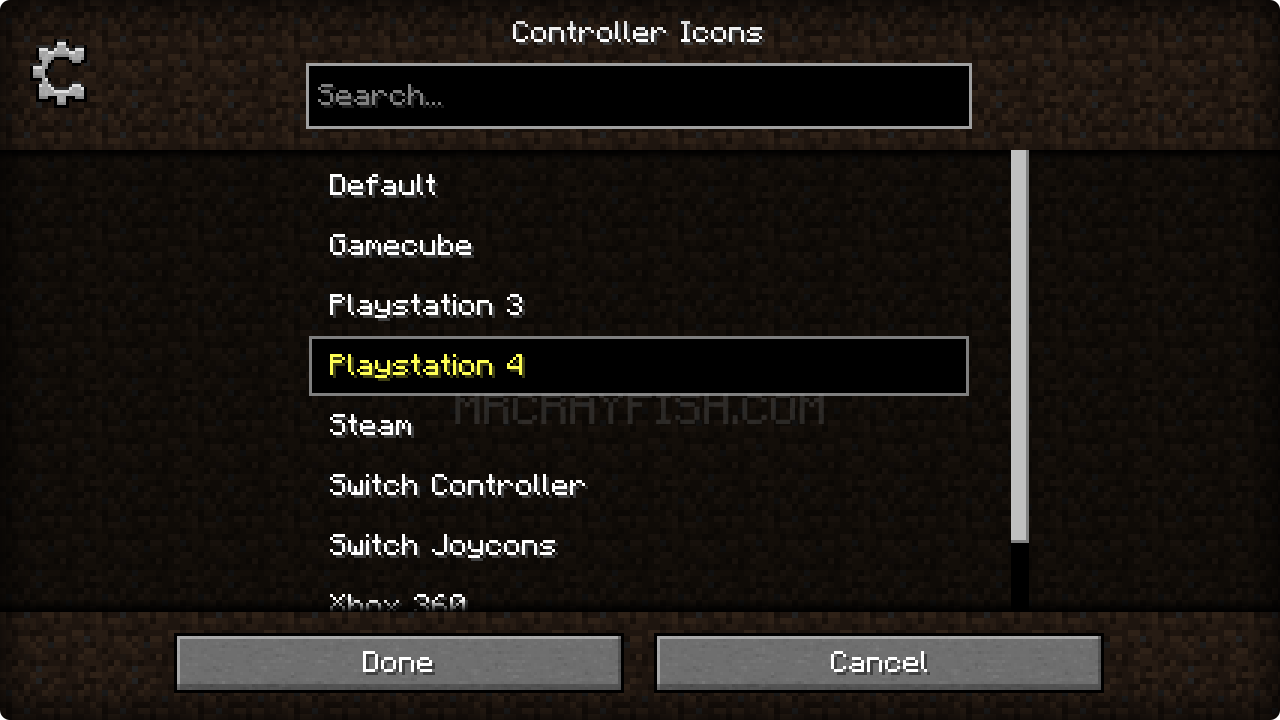
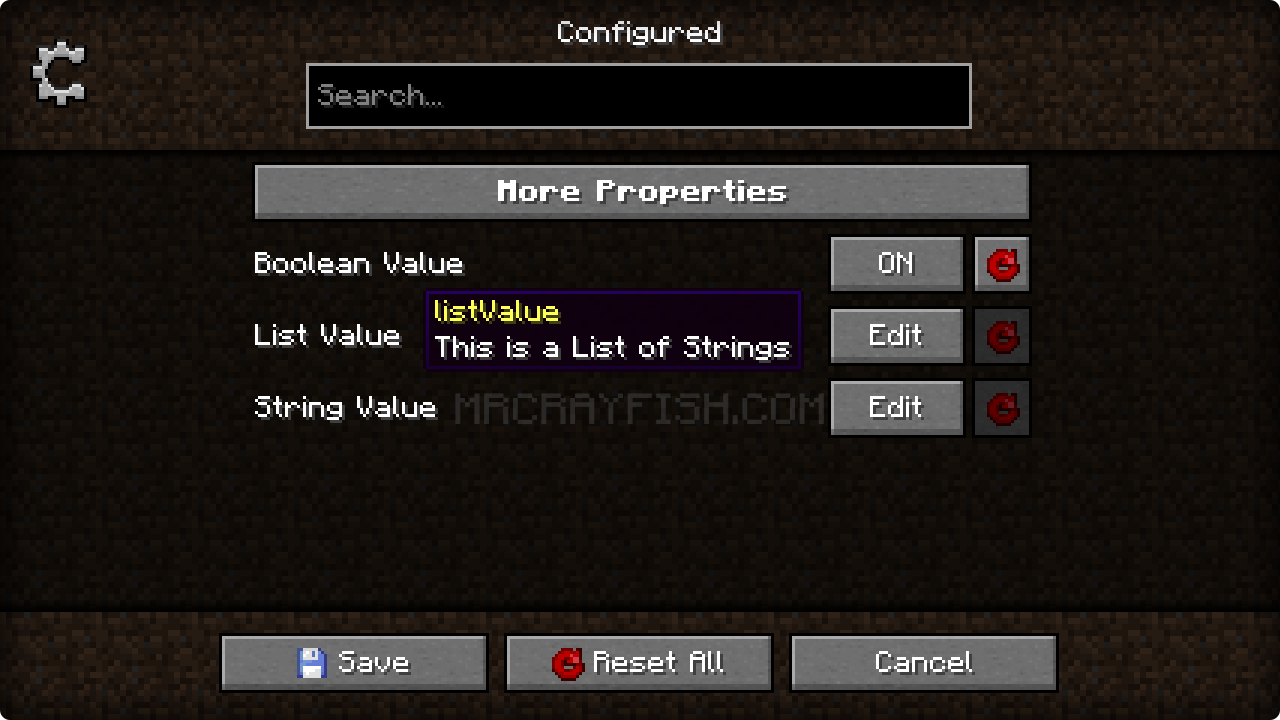
- 允许你直接在游戏内编辑模组配置。这让快速修改属性变得轻而易举!
- 自动支持所有使用受支持配置系统的模组。模组开发者无需额外工作!
- 精美的 GUI 设计,专注于打造直观的体验。
- 新增一个按键绑定,无需额外模组即可在游戏内打开模组列表。
- 为模组开发者提供可选支持,可设置其配置菜单的背景纹理(见下文)
- 轻量且开箱即用!可以毫无问题地将其添加到你的整合包中。
✅ 支持的配置系统:
- Forge(所有使用客户端、通用和/或世界配置的模组)
- NeoForge(所有使用客户端、通用和/或世界配置的模组)
- Framework(所有使用客户端、通用、服务器和/或世界配置的模组)
- JEI(支持编辑客户端配置)
📦 开发者:
本模组支持通过模组元数据更改配置界面的背景纹理。下面你可以找到每种模组加载器的示例。
Forge/NeoForge - 将此内容添加到你的 mods.toml 中的 [[mods]] 部分下
[modproperties.<yourmodid>] configuredBackground="minecraft:textures/block/stone.png"
Fabric - 将此 JSON 合并到你的 fabric.mod.json 中
{ "custom": { "configured": { "background": "minecraft:textures/block/stone.png" } } }
🙋♀️ 需要支持?加入官方 Discord 服务器:
评论区不太适合寻求支持,请加入官方 discord 服务器。你可以获得安装和配置模组、解决崩溃等方面的帮助!此外,你还能第一时间获取有关模组更新和开发的消息(比其他任何地方都早)。

如何安装 Configured
With Millida Launcher
Install Millida Launcher
The launcher is free: download it at millida.net/launcher and sign in with any nickname.
Click “Install” on this page
The launcher opens and installs the mod for Minecraft 1.15.2–26.2 on Fabric, Forge or NeoForge automatically.
Launch the game
A profile with it appears in the launcher: click “Play”.
Manually
Install Fabric, Forge or NeoForge
The loader must match the game version of the mod file, for example Minecraft 26.2. After installing it, a separate profile appears in your launcher.
Download the file for your version
In the version list above, pick the file configured-neoforge-26.2-2.7.5.jar (426 KB) for your game version and loader.
Put it in the mods folder
The folder is inside .minecraft (Windows: %appdata%\.minecraft\mods). If it does not exist, create it.
Launch the loader profile
Open “Mods” in the main menu: Configured should be in the list.
版本
含依赖项
| Minecraft | 加载器 | 文件 | 日期 | 操作 |
|---|---|---|---|---|
| 26.2 | NeoForge | Configured 2.7.5426 KB 1 | ||
| 26.2 | Fabric | Configured 2.7.5402 KB 40 | ||
| 1.21.1 | Forge | Configured 2.6.3421 KB 7 | ||
| 1.15.2 | Forge | Configured 0.4.263.2 KB |
常见问题
Which Minecraft versions does Configured work on?
There are files for 26.2, 1.21.1, 1.15.2. The newest is 26.2.
Is Configured for Forge or Fabric?
There are files for Fabric: 26.2, for Forge: 1.15.2–1.21.1 and for NeoForge: 26.2.
Does Configured need other mods?
The author lists no required dependencies: the Fabric, Forge or NeoForge loader is enough.
Where can I download Configured safely?
On this page: the file configured-neoforge-26.2-2.7.5.jar (426 KB) is stored on Millida’s server, with no link shorteners. SHA-1 checksum: acdb5bce930c10a6f272a9b5ce0ecd47b8386f2d.
评价
成为第一个评价 Configured 的人


