
适用于 Minecraft 1.16.5, 26.1.2 的 CompactStorage 模组
最多可升级至 21x12 的箱子、木桶、背包和桶,最多可存储 4096 个物品!
 NeoForge
 Forge
Forge Fabric
欢迎来到 CompactStorage 26.2
1.21.11 及以后版本需要 Balm,Fabric 版本需要 Fabric API
1.19.3 至 1.20.6 版本需要 Architectury API
26.2.14 有什么新内容?
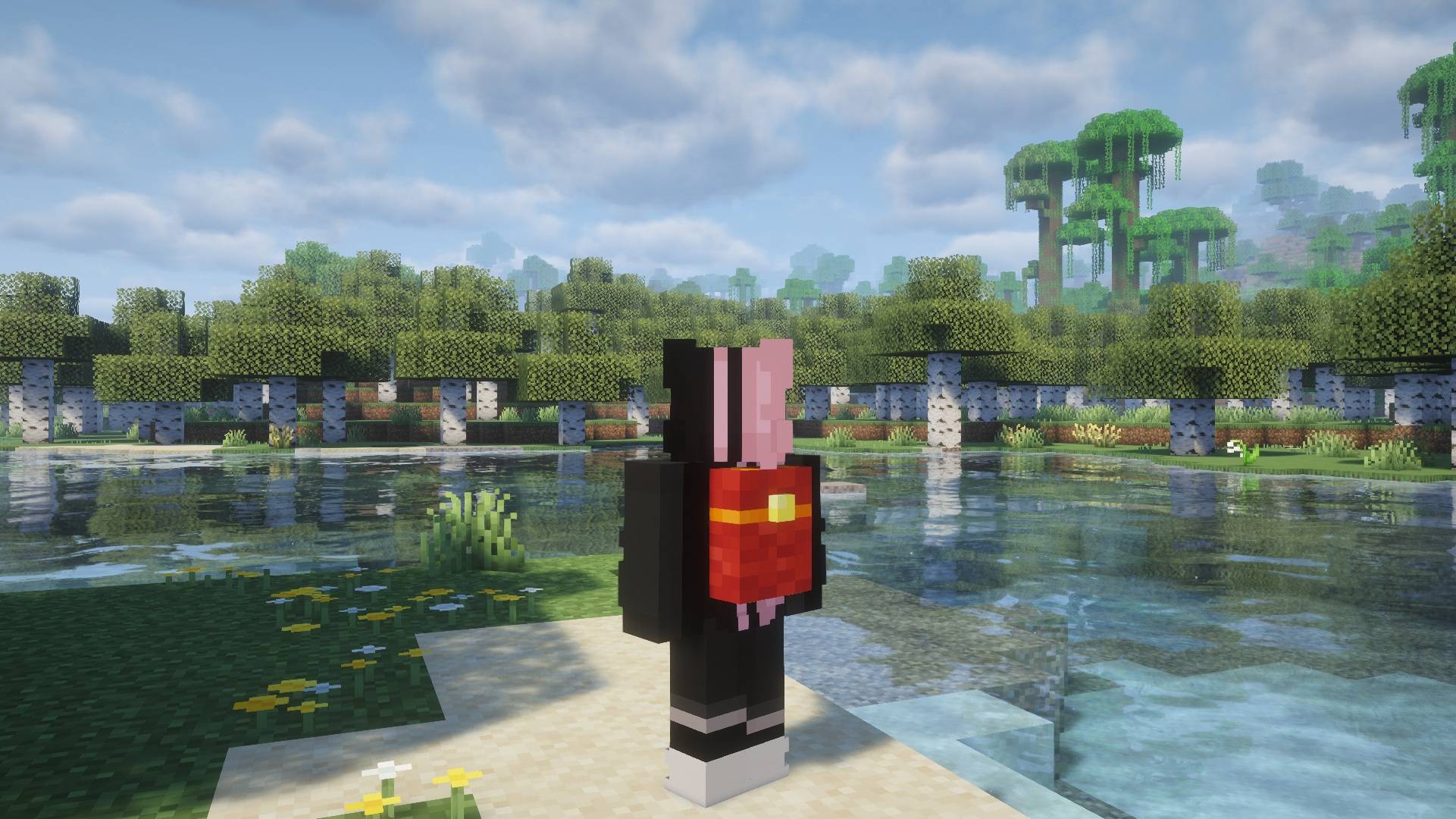
- 添加了在原版中于胸甲槽穿戴背包的能力,使用 'U' 键打开(可配置)
- 添加了对 Trinkets Updated 的支持,基于 Trinkets 和 Curios
- 添加了对 JADE 和其他 HUD 模组的支持
- 错误修复!
已知问题
- 在低于 26.1.9 的版本中,完全升级的箱子和木桶被破坏时不会保留内容物,此问题已修复,请更新到此版本以避免物品丢失。
- 请将任何问题报告到问题页面
特性
箱子和木桶
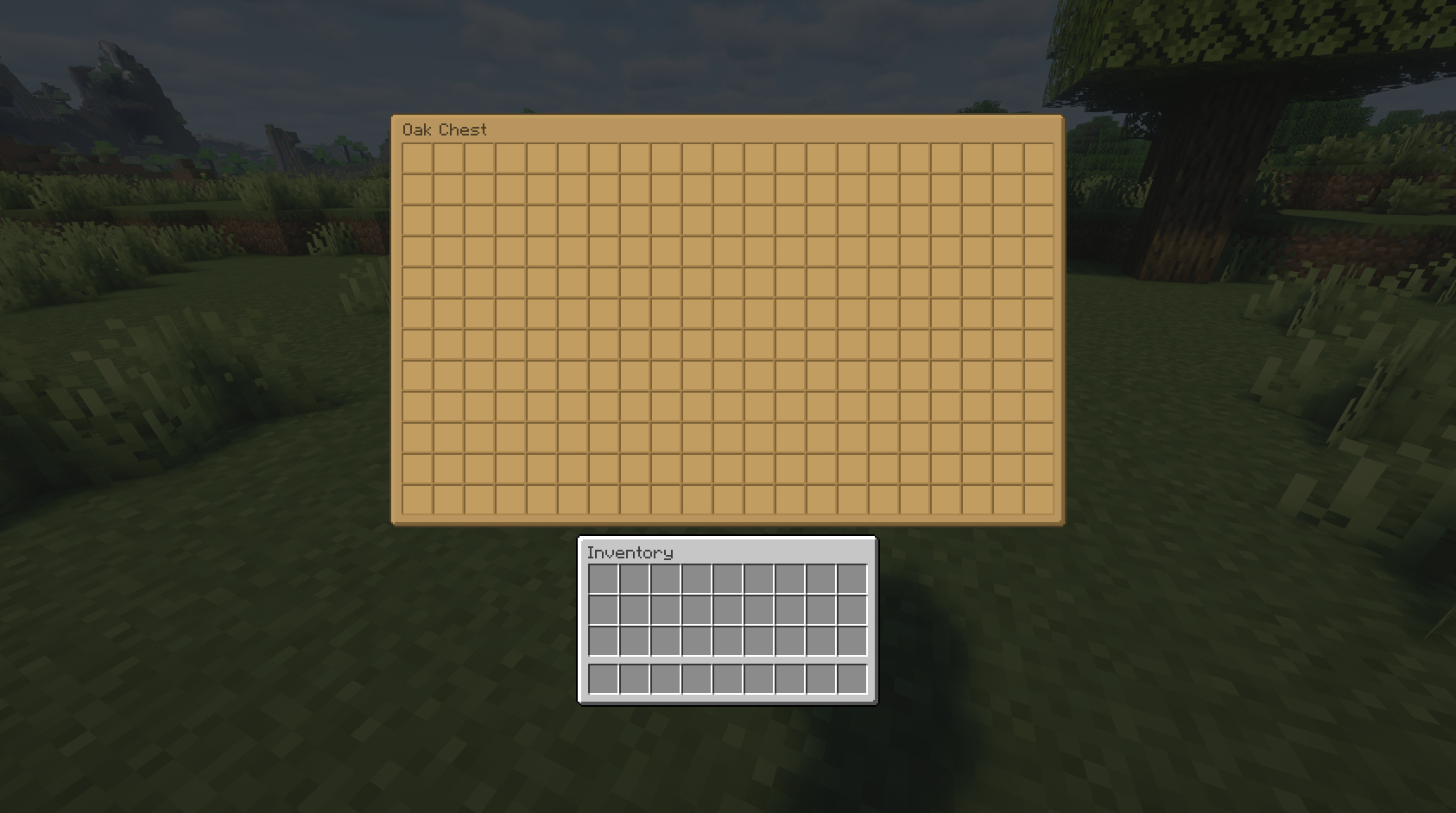
箱子和木桶作为原版对应物的可升级版本。通过组合使用宽度和高度升级,它们可以升级到最大 21 x 12 的尺寸。它们也都可以接受保留升级和虚空槽升级。
配方
彩色箱子
木箱子
彩色木桶
木木桶
背包
背包是一种随身存储物品,可以通过右键点击打开,或者当背包穿戴在胸甲槽或 Trinkets / Curios / Trinkets Updated 背部槽时使用热键(默认按键:U)打开。它们可以升级到默认 21 x 12 的尺寸,也可以接受虚空槽升级。
配方
背包配方
木制背包框架配方
物品鼓
物品鼓是一种基于交互的存储方块,物品可以通过右键点击插入,通过击打移除。物品鼓中只能存储一种物品类型,默认大小为 64 组。对于最大堆叠大小为 64 的情况,这允许在一个方块中存储 4096 个物品!物品鼓可以使用物品鼓升级升级到最多 256 组(16384 个物品)
配方
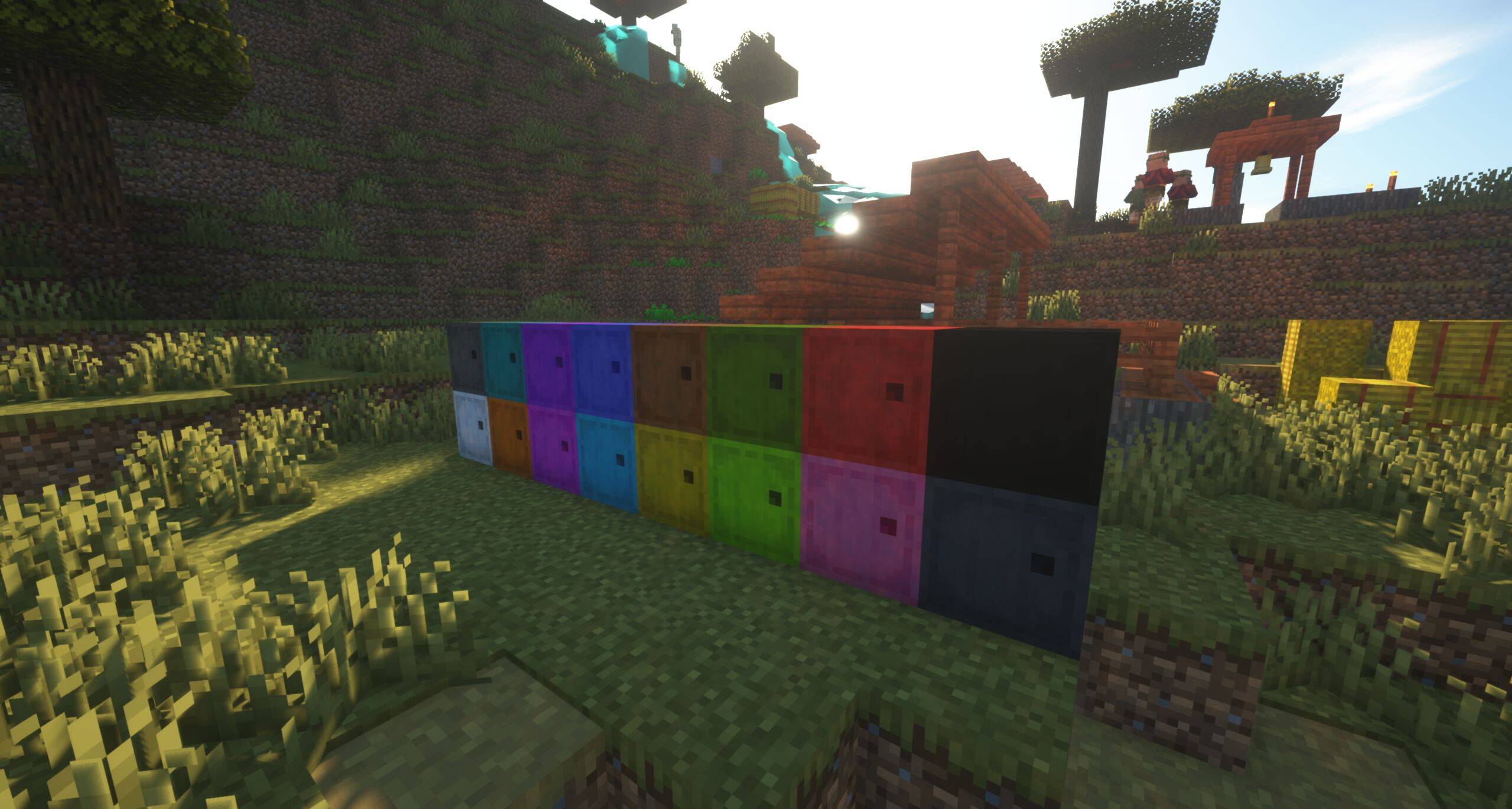
彩色物品鼓
木物品鼓
升级
宽度 / 高度升级
宽度和高度升级允许增加库存的大小,每个方块 / 物品都有可配置的默认和最大尺寸
配方
宽度升级
高度升级
升级互换
保留升级
可用于箱子、木桶和物品鼓,使它们在破坏时保留内容物!
配方
虚空槽升级
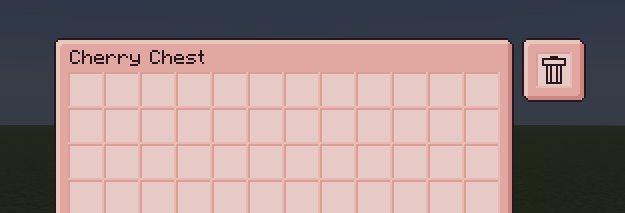
可用于为箱子、木桶和背包添加一个“虚空槽”。插入虚空槽的物品会被删除,对于清理你的库存很有用!
配方
物品鼓升级(新!)
可用于以 8 组为增量升级物品鼓,一直升级到 256 组!
配方
任何存储选项都可以在世界中染色!
整合包
你可以在任何整合包中使用 CompactStorage!我唯一的要求是注明我的名字并链接回此页面!
问题
如果你在 CompactStorage 中遇到任何错误,甚至想到希望添加的功能,你可以在我的 GitHub 上创建一个问题!
如何安装 CompactStorage
With Millida Launcher
Install Millida Launcher
The launcher is free: download it at millida.net/launcher and sign in with any nickname.
Click “Install” on this page
The launcher opens and installs the mod for Minecraft 1.7.10–26.1.2 on Fabric, Forge or NeoForge automatically.
Launch the game
A profile with it appears in the launcher: click “Play”.
Manually
Install Fabric, Forge or NeoForge
The loader must match the game version of the mod file, for example Minecraft 26.1.2. After installing it, a separate profile appears in your launcher.
Download the file for your version
In the version list above, pick the file compact_storage-neoforge-26.1.16.jar (1.0 MB) for your game version and loader.
Put it in the mods folder
The folder is inside .minecraft (Windows: %appdata%\.minecraft\mods). If it does not exist, create it.
Launch the loader profile
Open “Mods” in the main menu: CompactStorage should be in the list.
版本
含依赖项
| Minecraft | 加载器 | 文件 | 日期 | 操作 |
|---|---|---|---|---|
| 26.1.2 | NeoForge | 26.1.16+neoforge-26.1.21 MB | ||
| 26.1.2 | Forge | 26.1.16+forge-26.1.21 MB | ||
| 26.1.2 | Fabric | 26.1.16+fabric-26.1.21.1 MB 2 | ||
| 1.21.11 | NeoForge | 21.11.104 for NeoForge 1.21.111 MB 1 | ||
| 1.21.11 | Forge | 21.11.104 for Forge 1.21.111 MB 14 | ||
| 1.21.11 | Fabric | 21.11.104 for Fabric 1.21.111 MB 22 | ||
| 1.16.5 | — | Forge 1.16.5 5.1b17358 KB | ||
| 1.8 | — | CompactStorage 3.0 Alpha for 1.864.8 KB |
评价
成为第一个评价 CompactStorage 的人


