
- 次浏览
- 20 次浏览
- 已更新
- 已更新 18.10.2026
- 1.16.3 — 1.19.2
 Forge
Forge
Compact Crafting
合成更小了。
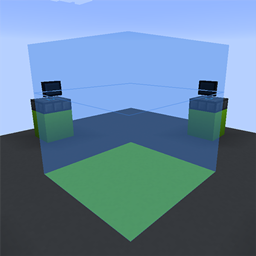
Compact Crafting 的灵感来自 Compact Machines 模组中的微型化合成机制。这是一个全新的更新,带来了改进的配方加载、数据包支持、炫酷的全新客户端功能以及现代化的代码库。Compact Crafting 的目标是简化合成机制的使用,让用户和整合包开发者都能轻松无痛。
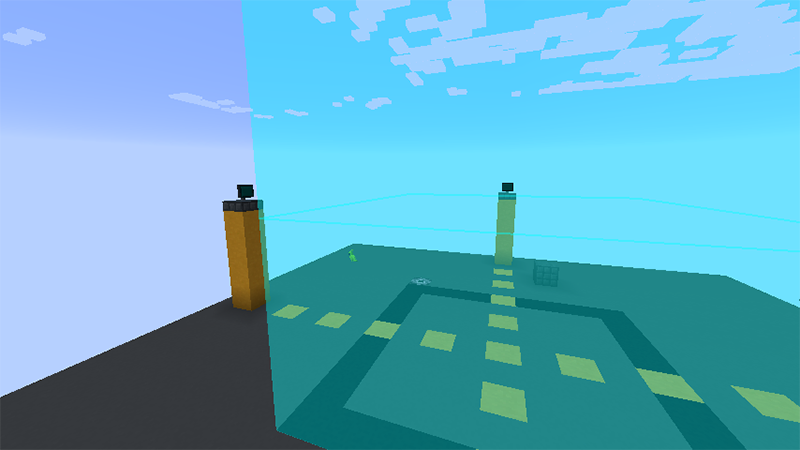
功能:JEI 逐层视图
JEI 界面已完全重做,可以以爆炸视图显示配方(快速查看配方中心),或者,如果你想深究细节,甚至可以逐层查看配方!非常感谢 Elucent 为此控件的精灵图制作做出的巨大贡献。
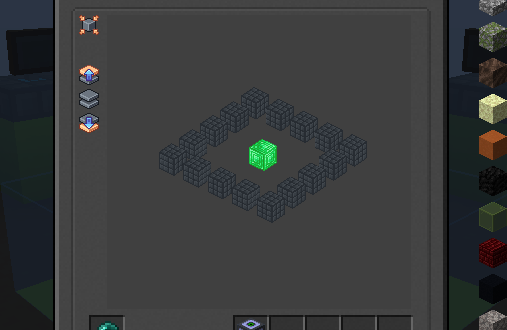
功能:配方层
之前在 Compact Machines 3 中,合成机制迫使配方设计者对配方层的定义极其明确。鉴于这意味着设计者需要做更多的工作,而不是让模组自身"自行处理",因此自定义配方在模组中感觉像是二等公民。在 Compact Crafting 中,该系统经过重新设计,使层定义更加简便。
配方规范对比在此处 - 目前,请查看 wiki 链接以了解层的工作原理。
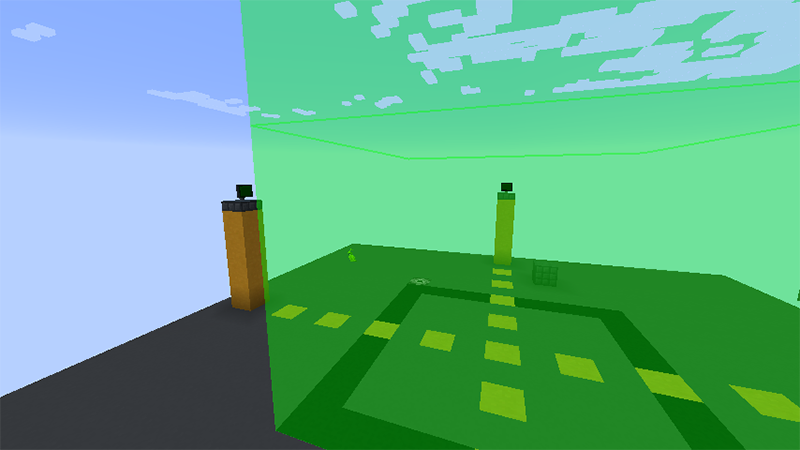
整合包使用
所有 Compact Mods 都可免费在整合包中使用。如果你在 Curseforge 之外重新托管该模组,且你的发布平台支持,请提供返回该模组页面的链接。谢谢!
漏洞报告与问题
Compact Crafting 是对微型化合成逻辑的完全重写,因此预计会出现问题。你可以在 GitHub 上的公共仓库的 issue 追踪器中记录它们。
如何安装 Compact Crafting
With Millida Launcher
Install Millida Launcher
The launcher is free: download it at millida.net/launcher and sign in with any nickname.
Click “Install” on this page
The launcher opens and installs the mod for Minecraft 1.16.3–1.19.2 on Forge automatically.
Launch the game
A profile with it appears in the launcher: click “Play”.
Manually
Install Forge
The loader must match the game version of the mod file, for example Minecraft 1.19.2. After installing it, a separate profile appears in your launcher.
Download the file for your version
In the version list above, pick the file compactcrafting-3.1.0.jar (2.6 MB) for your game version.
Put it in the mods folder
The folder is inside .minecraft (Windows: %appdata%\.minecraft\mods). If it does not exist, create it.
Launch the loader profile
Open “Mods” in the main menu: Compact Crafting should be in the list.
Minecraft 1.19.2 runs on Java 17: with a different Java version the game may close right after launch.
版本
含依赖项
| Minecraft | 加载器 | 文件 | 日期 | 操作 |
|---|---|---|---|---|
| 1.19.2 | Forge | compactcrafting-3.1.0.jar2.6 MB | ||
| 1.16.5 | Forge | compactcrafting-1.0.0-beta.7.jar403 KB | ||
| 1.16.3 | Forge | compact-crafting-1.0.0-alpha.2.jar239 KB |
评价
成为第一个评价 Compact Crafting 的人


