

 Fabric
 NeoForge
ㅤㅤㅤㅤㅤㅤㅤ如果我的所有模组都依赖同一个库会怎样?
TimCore 正迅速从我所有 Cobblemon 修复和共享功能的存放处,转变为一个独立平台,让 Minecraft 模组开发对每个人来说都更简单、更易上手。
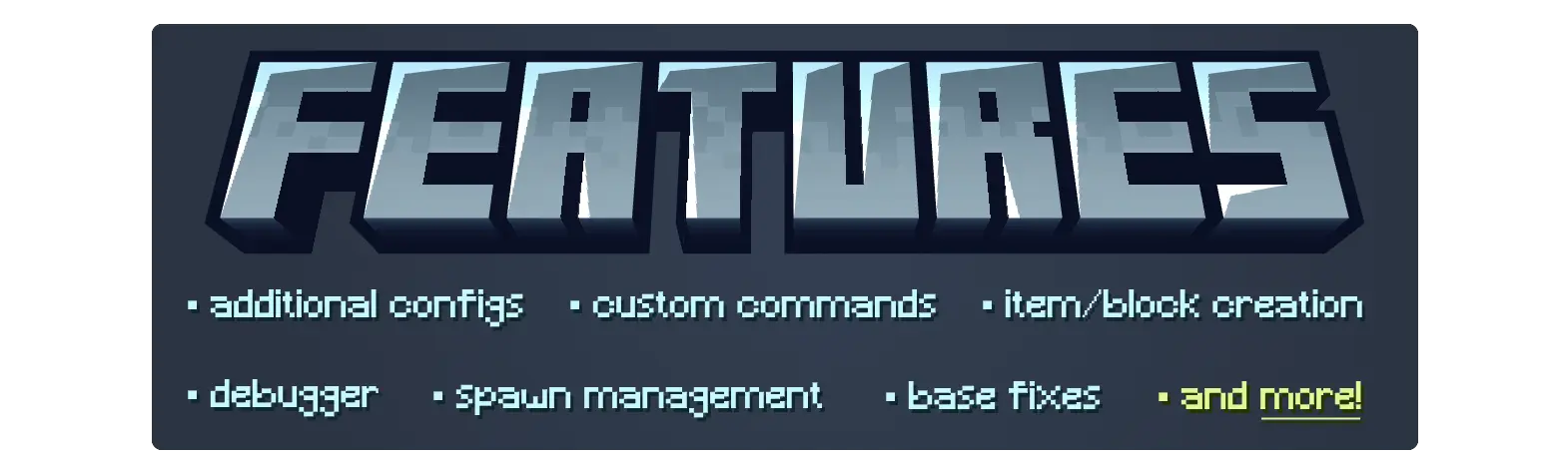
ㅤㅤㅤㅤㅤㅤㅤㅤㅤㅤㅤㅤㅤ完整功能列表:
AbstractConfig │ AbstractHandler │ AbstractMod │ 基础 Cobblemon 修复 │ 方块与物品注册 │ 编解码器 │ 命令 │ ConfigBuilder │ 自定义宝可梦属性 │ 自定义属性提取器 │ 调试器 │ 事件 │ ExpAll 逻辑 │ 持有物 │ 有限列表 │ 可覆盖选项 │ PokemonMatcher │ PokemonExtensions │ PokemonRepresentation │ 阻止生成 │ 资源重载监听器 │ 生成原因附加 │ 生成桶附加 │ 生成影响 │ 野生宝可梦预留系统 ─────────────────────────────────────────────────────────────────────────

Cobblemon

我开发模组是为了让社区能够享受。我的模组现在和将来都可以免费下载和随意修改。喜欢我的作品?考虑通过 Ko-Fi 支持 TimInc!
如何安装 Cobblemon Tim Core
With Millida Launcher
Install Millida Launcher
The launcher is free: download it at millida.net/launcher and sign in with any nickname.
Click “Install” on this page
The launcher opens and installs the mod for Minecraft 1.21.1 on Fabric or NeoForge automatically, together with its dependencies: Cobblemon.
Launch the game
A profile with it appears in the launcher: click “Play”.
Manually
Install Fabric or NeoForge
The loader must match the game version of the mod file, for example Minecraft 1.21.1. After installing it, a separate profile appears in your launcher.
Download the file for your version
In the version list above, pick the file timcore-fabric-1.8.4-1.36.1.jar (324 KB) for your game version and loader.
Put it in the mods folder
The folder is inside .minecraft (Windows: %appdata%\.minecraft\mods). If it does not exist, create it. Required dependencies go there too: Cobblemon.
Launch the loader profile
Open “Mods” in the main menu: Cobblemon Tim Core should be in the list.
On a server
A server on Fabric or NeoForge
The mod only works on a server with the same loader and game version, for example 1.21.1.
File goes into the server’s mods folder
Stop the server, put the mod file into the mods folder and start the server again.
Use the “To server” button
On Millida Hosting, the button at the top of the page uploads the file to your server and restarts it for you.
Minecraft 1.21.1 runs on Java 21: with a different Java version the game may close right after launch.
版本
含依赖项
| Minecraft | 加载器 | 文件 | 日期 | 操作 |
|---|---|---|---|---|
| 1.21.1 | Fabric | 1.21.1324 KB | ||
| 1.21.1 | NeoForge | 1.21.1324 KB 2 | ||
| 1.21.1 | Fabric | 1.21.1324 KB 1 | ||
| 1.21.1 | NeoForge | 1.21.1324 KB | ||
| 1.21.1 | Fabric | 1.21.1324 KB 1 | ||
| 1.21.1 | NeoForge | 1.21.1324 KB | ||
| 1.21.1 | Fabric | 1.21.1324 KB | ||
| 1.21.1 | NeoForge | 1.21.1324 KB 1 |
运行所需
常见问题
Which Minecraft versions does Cobblemon Tim Core work on?
Only Minecraft 1.21.1: there are no files for other versions.
Is Cobblemon Tim Core for Forge or Fabric?
There are files for Fabric: 1.21.1 and for NeoForge: 1.21.1. There are no files for Forge: a mod for another loader will not start.
What does Cobblemon Tim Core need to work?
Required: Cobblemon. Without it the mod will not start: dependencies go into the same mods folder.
Do players need to install Cobblemon Tim Core?
No. Cobblemon Tim Core works on the server side: it is installed on the server only, and players do not need to download anything.
Which Java does Cobblemon Tim Core need?
Minecraft 1.21.1 runs on Java 21. If the game closes right after launch, the usual cause is the wrong Java version in the profile settings.
Where can I download Cobblemon Tim Core safely?
On this page: the file timcore-fabric-1.8.4-1.36.1.jar (324 KB) is stored on Millida’s server, with no link shorteners. SHA-1 checksum: 39a15ff51e473938cf71c3be2373ad0f82e1104d.
评价
成为第一个评价 Cobblemon Tim Core 的人


