

关于 Classy Hats 模组
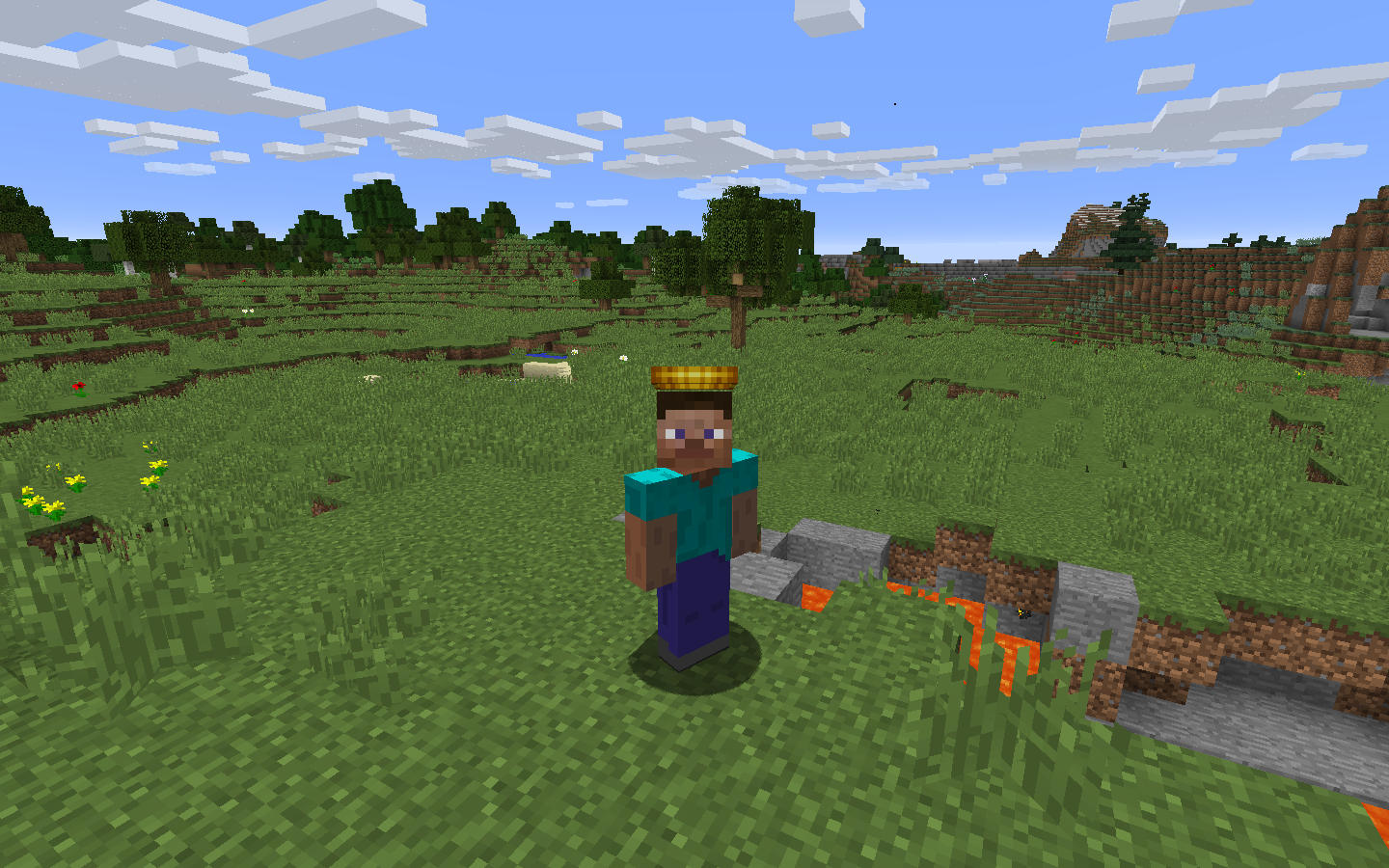
这个模组添加了帽子!给你的脑袋戴的!
使用帽子物品栏(H)你可以装备帽子,并访问多达1000个存储槽位。帽子会在战利品中生成,从Boss身上掉落,偶尔也会出现在生物身上,让收集它们成为一种挑战!尽情装扮自己,并留意 elusive 帽子,它们比普通帽子稀有20倍。
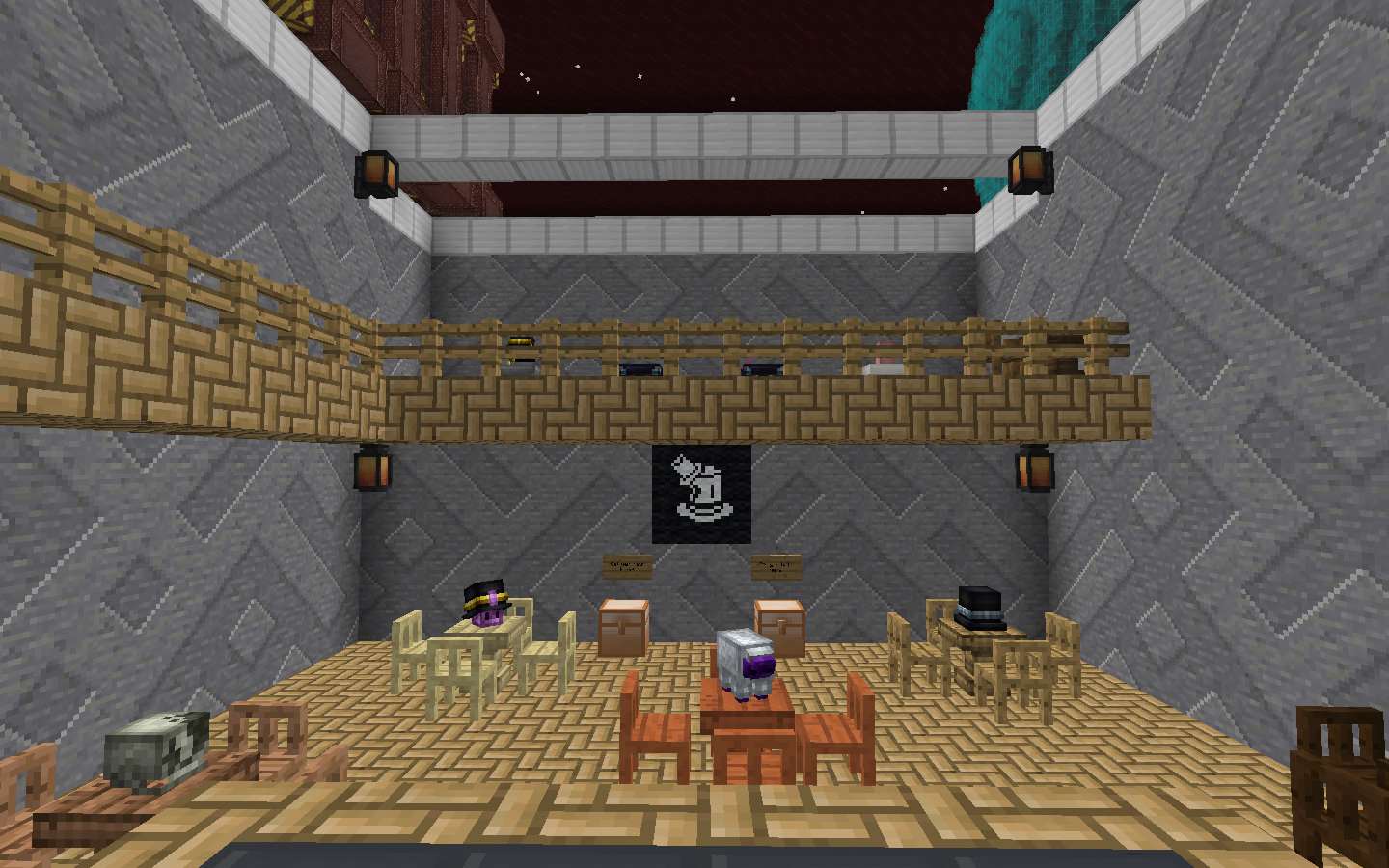
把你的帽子存放在架子上!它们看起来很漂亮,并且可以像生物头颅一样摆放。
这还带来了强大的可配置性,让任何人都能为自己的整合包制作带有自定义资源的专属帽子!
一个额外的功能是幻影线,这个物品可以让你隐藏自己的盔甲,以便更好地展示你的帽子。制作成本低廉,只需在合成台中将其与盔甲结合,就能让你的盔甲隐形。
如何安装 Classy Hats
With Millida Launcher
Install Millida Launcher
The launcher is free: download it at millida.net/launcher and sign in with any nickname.
Click “Install” on this page
The launcher opens and installs the mod for Minecraft 1.12.2 automatically.
Launch the game
A profile with it appears in the launcher: click “Play”.
Manually
Download the file for your version
In the version list above, pick the file classyhats-1.6.0.jar (318 KB) for your game version.
Put it in the mods folder
The folder is inside .minecraft (Windows: %appdata%\.minecraft\mods). If it does not exist, create it.
Launch the loader profile
Open “Mods” in the main menu: Classy Hats should be in the list.
Minecraft 1.12.2 runs on Java 8: with a different Java version the game may close right after launch.
版本
含依赖项
| Minecraft | 加载器 | 文件 | 日期 | 操作 |
|---|---|---|---|---|
| 1.12.2 | — | classyhats-1.6.0.jar318 KB 1 | ||
| 1.12.2 | — | ClassyHats-1.4.jar295 KB |
常见问题
Which Minecraft versions does Classy Hats work on?
Only Minecraft 1.12.2: there are no files for other versions.
Which Java does Classy Hats need?
Minecraft 1.12.2 runs on Java 8. If the game closes right after launch, the usual cause is the wrong Java version in the profile settings.
Where can I download Classy Hats safely?
On this page: the file classyhats-1.6.0.jar (318 KB) is stored on Millida’s server, with no link shorteners. SHA-1 checksum: 8c7f05c8fbd2cc1dbbb591310cfde12d8b5fabbc.
评价
成为第一个评价 Classy Hats 的人


