
适用于 Minecraft 1.20.1, 1.12.2 的 Chisels & Bits - For Forge 模组
使用游戏内材料创造无尽的自定义装饰。
 NeoForge
 Forge
Forge关于 Chisels & Bits - For Forge 模组
Discord - Wiki - CurseForge (Forge) - Releases (Forge) - CurseForge (Fabric) - Releases (Fabric)
Code - Issues - Pull Requests - Patreon - CreeperHost
感谢您游玩我们的模组!如果您想支持我们继续开发 Chisels and Bits,请考虑在 Patreon 上支持我们。
感谢 CreeperHost 的慷慨支持,现在您从他们那里购买服务器时可享受 25% 的折扣。点击上方图片,或在结账时使用“chisels-and-bits”作为折扣码!
此版本的模组专为 Minecraft Forge 开发。因此,它需要 Forge 才能正常运行。
如果您想在 Fabric 上使用 Chisels & Bits,则需要另一个版本的模组。一个专为 Fabric、其加载器和 API 设计的版本。此特定版本的模组可在此处找到:here。
我们尽力为模组提供尽可能多的文档。您可以在我们的 wiki 上找到文档。如果您缺少某些内容,请告诉我们!
我们的每一个物品、方块和系统都在那里有文档记录。
虽然我们有一个专门的 wiki,可以帮助您了解 Chisels & Bits 添加到游戏中的所有物品、方块和系统,但我们还有一个专门的 Discord 服务器,您可以在那里提问、讨论想法并获得模组方面的帮助。
如果您想加入服务器,可以点击上方图片,或点击此处。
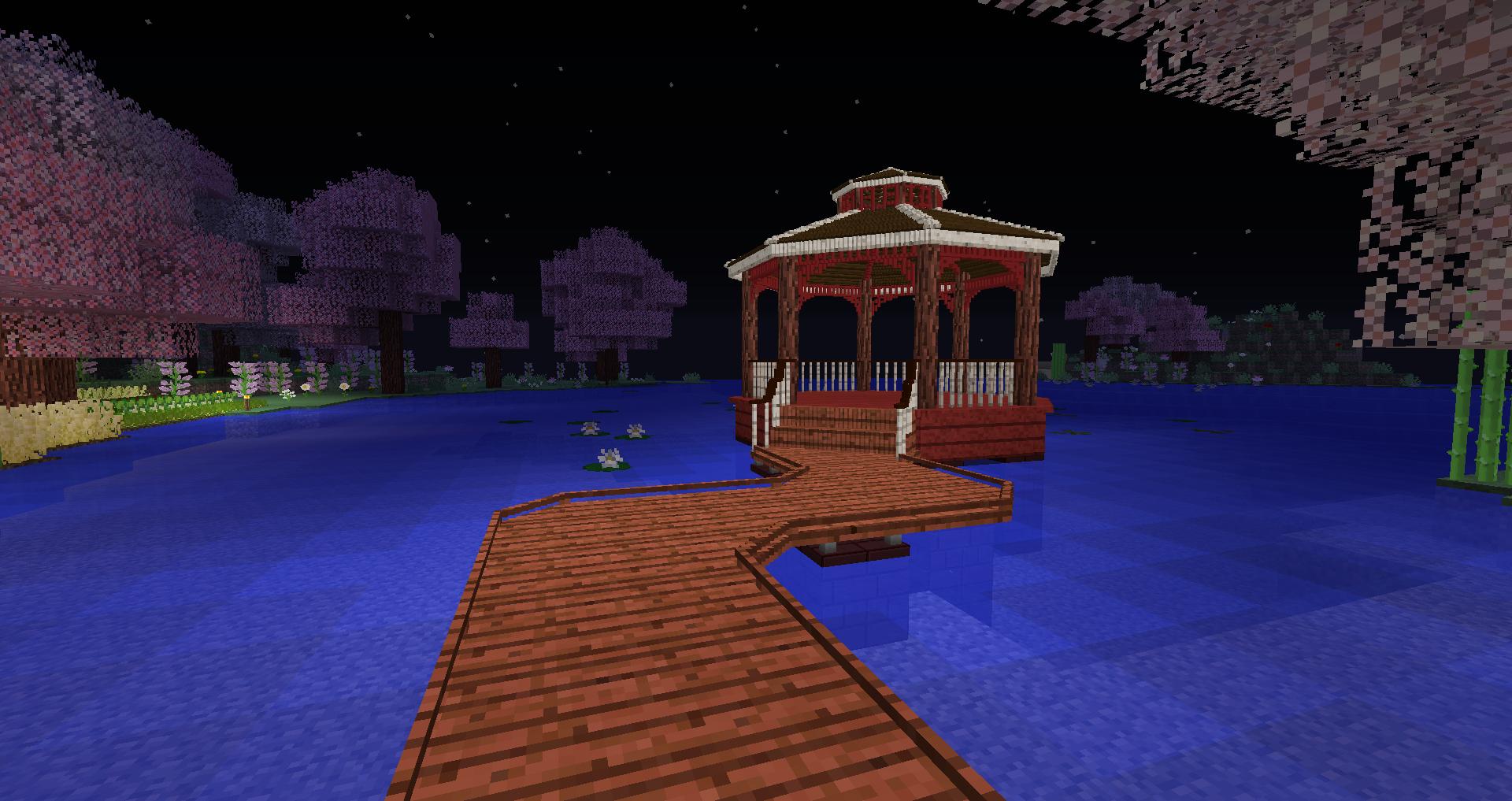
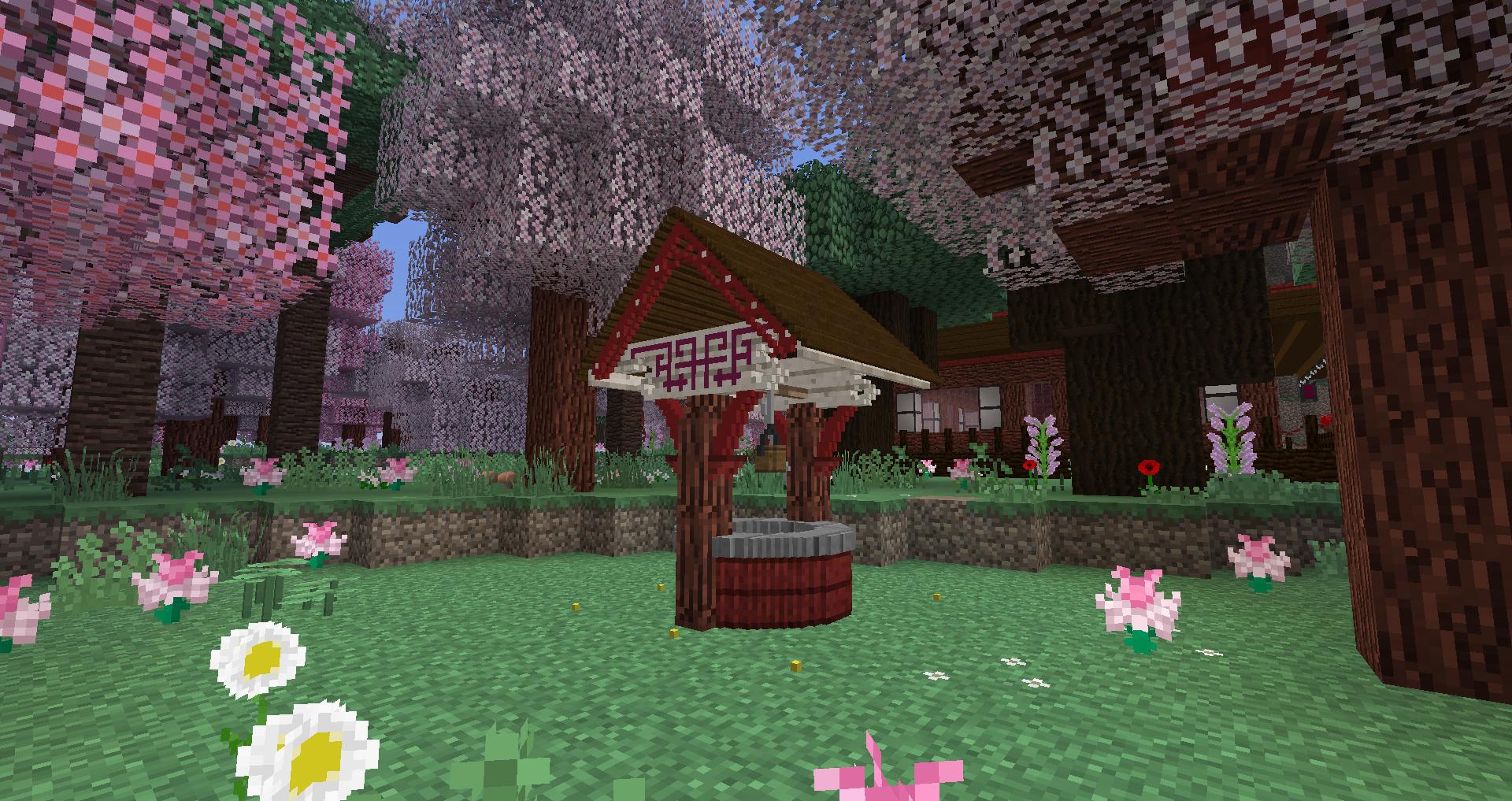
Chisels and Bits 是一个 Minecraft 模组,允许您将构成您世界的大方块切割成小块,并以任何您喜欢的方式将小块放回。
想要更平滑的楼梯?尽管去做。
想要更好看的屋顶?或者柱子?现在一切皆有可能。
您可以通过混合和匹配不同现有方块的碎片,制作出全新外观和感觉的方块。
默认情况下,所有实心、简单、完整的立方体方块,如原木、木板、矿石、存储方块(钻石、绿宝石、铁等)都受支持。此外,一些特定方块是手工挑选的,特别是所有玻璃方块、树叶和草方块。兼容方块的扫描也会自动检测所有兼容的模组方块。如果模组作者想要控制他或她的方块的选择过程,可以通过将它们添加到以下两个标签之一来实现:
- chiselsandbits:chiselable/forced 强制方块可被雕刻(适用于玻璃类方块)
- chiselsandbits:chiselable/blocked 阻止通常可被雕刻的方块被雕刻。
如何安装 Chisels & Bits - For Forge
With Millida Launcher
Install Millida Launcher
The launcher is free: download it at millida.net/launcher and sign in with any nickname.
Click “Install” on this page
The launcher opens and installs the mod for Minecraft 1.12–26.1.2 on Forge or NeoForge automatically.
Launch the game
A profile with it appears in the launcher: click “Play”.
Manually
Install Forge or NeoForge
The loader must match the game version of the mod file, for example Minecraft 26.1.2. After installing it, a separate profile appears in your launcher.
Download the file for your version
In the version list above, pick the file chisels-and-bits-neoforge-26.1.2.33.jar (1.6 MB) for your game version and loader.
Put it in the mods folder
The folder is inside .minecraft (Windows: %appdata%\.minecraft\mods). If it does not exist, create it.
Launch the loader profile
Open “Mods” in the main menu: Chisels & Bits - For Forge should be in the list.
版本
含依赖项
| Minecraft | 加载器 | 文件 | 日期 | 操作 |
|---|---|---|---|---|
| 26.1.2 | NeoForge | chisels-and-bits - 26.1.2.33 - release1.6 MB 24 | ||
| 1.20.1 | Forge | chisels-and-bits-forge-20.1.20.jar2 MB 194 | ||
| 1.16.3 | Forge | chiselsandbits-1.0.42-ALPHA.jar1.3 MB 39 | ||
| 1.16.3 | Forge | Rebuild: 1.0.10977 KB 1 | ||
| 1.16.3 | — | 1.0.0848 KB 44 | ||
| 1.12.1 | — | chiselsandbits-14.33.jar720 KB 15 |
常见问题
Which Minecraft versions does Chisels & Bits - For Forge work on?
There are files for 1.12–26.1.2, 10 versions in total. The newest is 26.1.2.
Is Chisels & Bits - For Forge for Forge or Fabric?
There are files for Forge: 1.16.2–1.20.1 and for NeoForge: 26.1.2. There are no files for Fabric: a mod for another loader will not start.
Does Chisels & Bits - For Forge need other mods?
The author lists no required dependencies: the Forge or NeoForge loader is enough.
Where can I download Chisels & Bits - For Forge safely?
On this page: the file chisels-and-bits-neoforge-26.1.2.33.jar (1.6 MB) is stored on Millida’s server, with no link shorteners. SHA-1 checksum: fe92fe750feafb531d0c147f6d5d52725b5591a8.
评价
成为第一个评价 Chisels & Bits - For Forge 的人


