

适用于 Minecraft 1.20.1, 1.21.1 的 CC:C Bridge 模组
通过更多外设添加CC: Tweaked与Create之间的兼容性!
 NeoForge
 Forge
Forge Fabric
CC:C Bridge
通过更多外设,为 CC: Tweaked 和 Create 之间添加兼容性!可通过 (Neo)Forge 和 Fabric 用于 mc1.19.2、mc1.20.1 和 mc1.21.1。
undefined
虽然 Create 本身对 CC: Tweaked 的支持很有限,但 CC:C Bridge 额外添加了更多外设方块,让你有更多方式来监控 Create 的机器并与之交互。
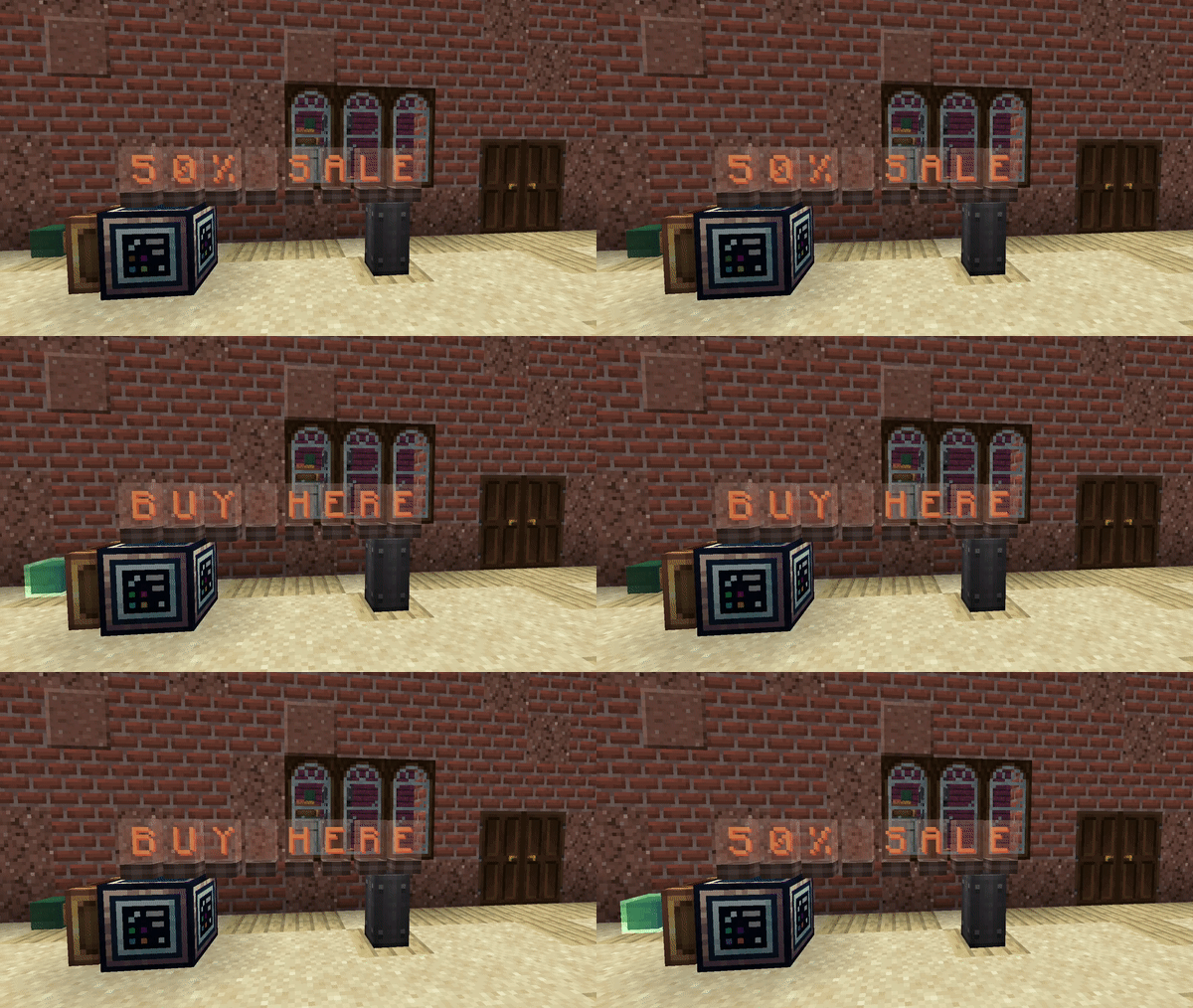
使用 Source Block 和 Target Block,可以在 Computer 之间发送可显示的信息。这意味着像当前 Stress Units 这样的信息可以被精确读取和解析,而来自 Computer 的其他信息则可以显示在 Flip Display、Nixie Tube、Lectern 或 Sign 上。
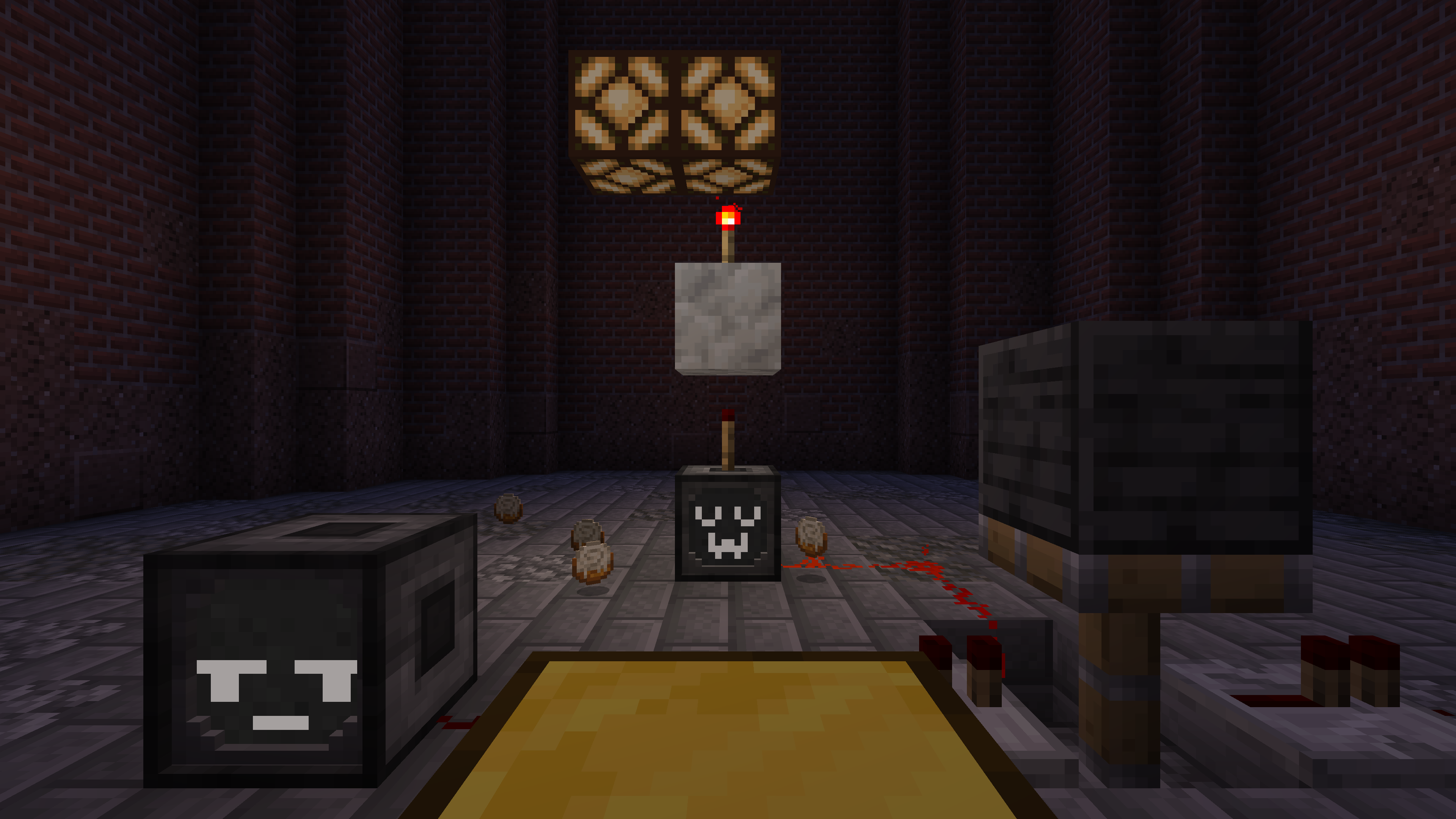
此外,还添加了其他有趣的方块,比如 Animatronic,它可以让你制作富有表现力又有趣的机器人木偶动画,或者 RedRouter,让你可以通过一根简单且无限长的线缆控制红石信号。
有了这些方块,许多你一直想通过 Lua 脚本精确又轻松处理的事情现在都能实现了!
undefined
文档与反馈
新手指南以及 API 文档都可以在我们的 wiki 上找到。
如果你发现了任何 bug 或者有新功能的想法,欢迎在我们的 GitHub Issue Tracker 上开一个新的 issue!
undefined
如何安装 CC:C Bridge
With Millida Launcher
Install Millida Launcher
The launcher is free: download it at millida.net/launcher and sign in with any nickname.
Click “Install” on this page
The launcher opens and installs the mod for Minecraft 1.20.1–1.21.1 on Fabric, Forge or NeoForge automatically.
Launch the game
A profile with it appears in the launcher: click “Play”.
Manually
Install Fabric, Forge or NeoForge
The loader must match the game version of the mod file, for example Minecraft 1.21.1. After installing it, a separate profile appears in your launcher.
Download the file for your version
In the version list above, pick the file cccbridge-mc1.21.1-v1.7.3-neoforge.jar (479 KB) for your game version and loader.
Put it in the mods folder
The folder is inside .minecraft (Windows: %appdata%\.minecraft\mods). If it does not exist, create it.
Launch the loader profile
Open “Mods” in the main menu: CC:C Bridge should be in the list.
Minecraft 1.21.1 runs on Java 21: with a different Java version the game may close right after launch.
版本
含依赖项
| Minecraft | 加载器 | 文件 | 日期 | 操作 |
|---|---|---|---|---|
| 1.21.1 | NeoForge | v1.7.3 NeoForge479 KB 2 | ||
| 1.20.1 | NeoForge, Forge | v1.7.1 Forge — [create v6]484 KB | ||
| 1.20.1 | Fabric | v1.7.0 Fabric — [create v5]358 KB |
评价
成为第一个评价 CC:C Bridge 的人


