
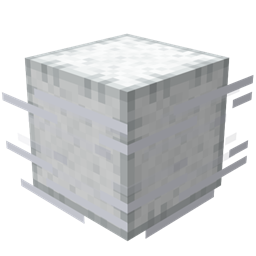
适用于 Minecraft 26.1.2 的 Breeze Bounce 模组
用风能方块弹跳到新高度!给它们充气以获得额外弹力,或用它们创建疯狂的障碍赛道。
 NeoForge
 Fabric
 Quilt
QuiltBreeze Bounce
Unleash chaos with Wind Charge-Infused blocks! Send your friends (or yourself) flying with bouncy fun!
Current Features
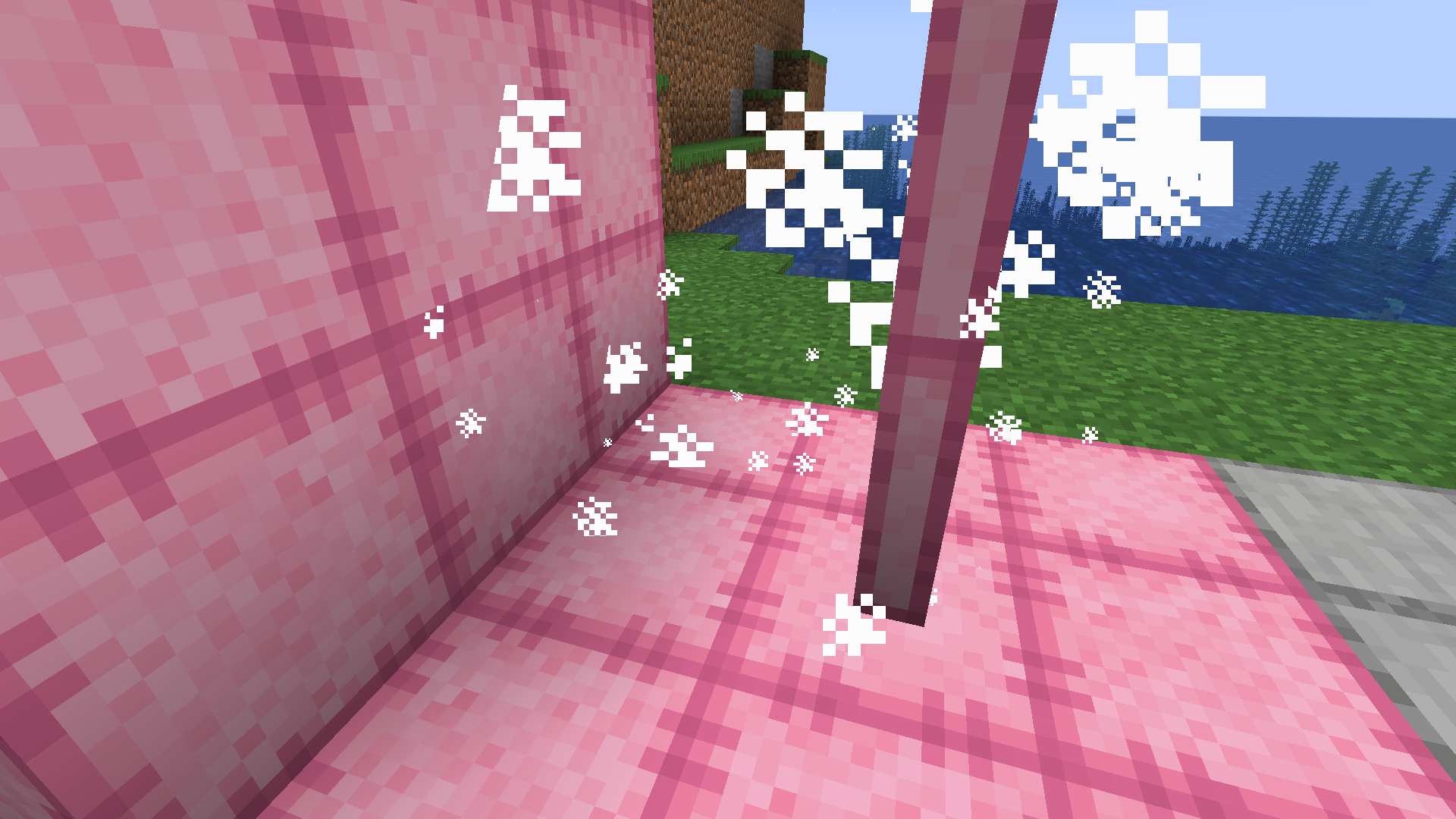
Velcro Armour
Crafted from leather and cactus, this dyeable armour set provides a unique "Velcro" effect when worn as a complete suit. While shifting, you can cling to and climb wool-like blocks with ease. Additionally, you can apply vanilla armour trims to personalize your gear.
Bounce Blocks
A set of Wind Charge-infused, wool-like blocks that will bounce entities that touch any side. When struck by a wind charge the block becomes ‘Inflated’ for a short duration, while inflated bounce power is increased. They are available as full blocks, stairs, slabs, and posts.
Double Bounce
If a sneaking player falls from a height of 2.8 blocks or more onto a non-inflated Bounce Block, the block along with any connected within a 1-block radius will become 'Inflated' for a short duration (4 seconds / 80 ticks). Entities on affected blocks bounce upward immediately.
Details
- Colours: White, Light Grey, Grey, Black, Brown, Red, Orange, Yellow, Lime, Green, Cyan, Light Blue, Blue, Magenta, Purple, Pink
- Posts can be placed horizontally
- Stairs, Slabs, and Posts can be waterlogged
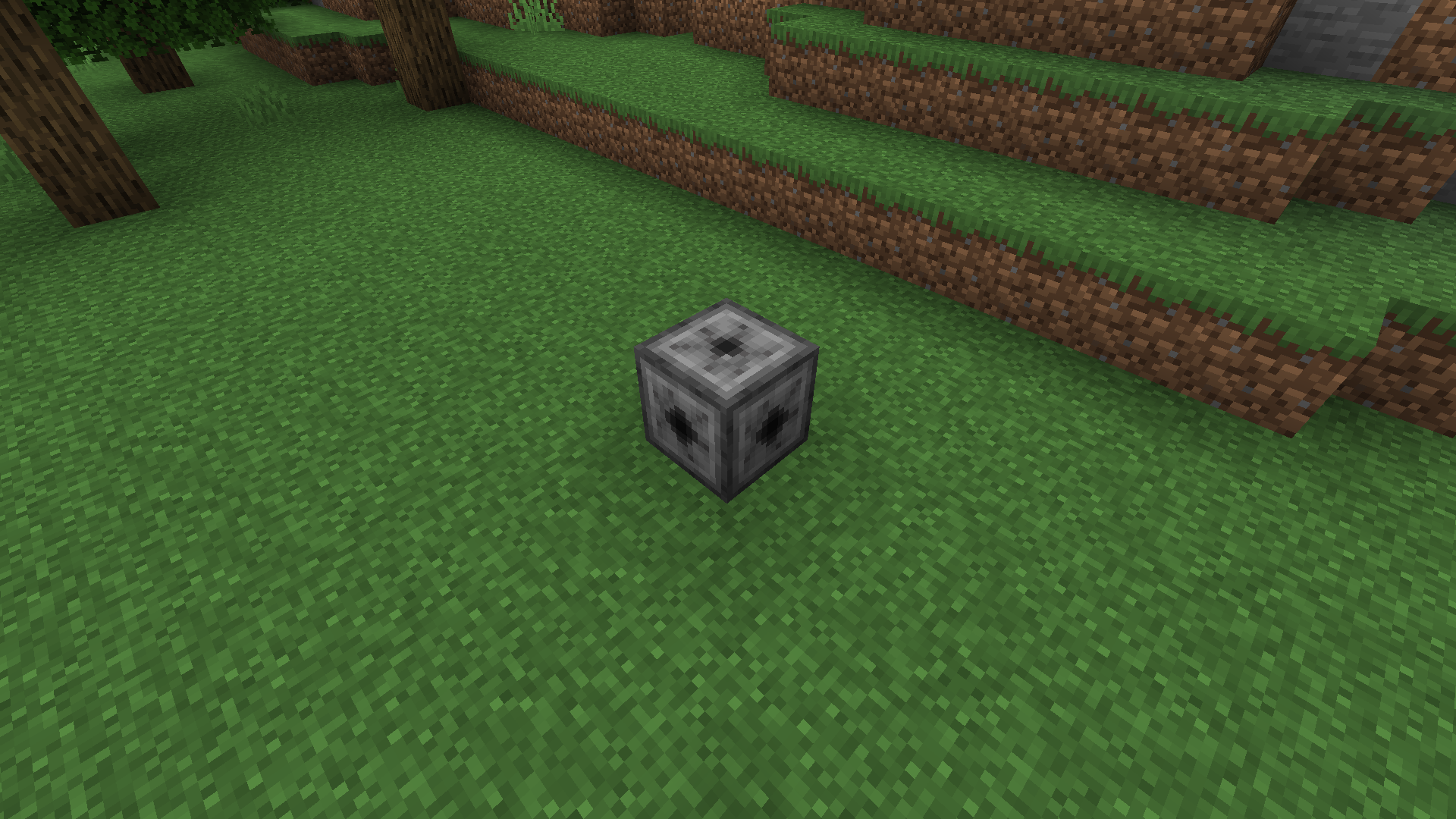
Inflation Machine
A functional block that keeps a group of connected Bounce Blocks ‘Inflated’ as long as it is fueled. Inflation can extend 5 blocks to the side and 1 block above/below in a 11x11x3 area. It can also be placed on its side allowing for greater vertical Inflation(3x11x11).
Supported Versions
Breeze Bounce supports Fabric and NeoForge for Minecraft 1.21+. Please submit bugs here. Planned features found here
如何安装 Breeze Bounce
With Millida Launcher
Install Millida Launcher
The launcher is free: download it at millida.net/launcher and sign in with any nickname.
Click “Install” on this page
The launcher opens and installs the mod for Minecraft 1.21.2–26.1.2 on Fabric, NeoForge or Quilt automatically.
Launch the game
A profile with it appears in the launcher: click “Play”.
Manually
Install Fabric, NeoForge or Quilt
The loader must match the game version of the mod file, for example Minecraft 26.1.2. After installing it, a separate profile appears in your launcher.
Download the file for your version
In the version list above, pick the file breezebounce-neoforge-26.1.2-1.3.2.jar (739 KB) for your game version and loader.
Put it in the mods folder
The folder is inside .minecraft (Windows: %appdata%\.minecraft\mods). If it does not exist, create it.
Launch the loader profile
Open “Mods” in the main menu: Breeze Bounce should be in the list.
版本
含依赖项
| Minecraft | 加载器 | 文件 | 日期 | 操作 |
|---|---|---|---|---|
| 26.1 | NeoForge | Breeze Bounce neoforge-26.1.2-1.3.2739 KB | ||
| 26.1 | Fabric, Quilt | Breeze Bounce fabric-26.1.2-1.3.2759 KB | ||
| 1.21.3 | NeoForge | Breeze Bounce neoforge-1.21.3-1.1.1-beta508 KB | ||
| 1.21.3 | Fabric, Quilt | Breeze Bounce fabric-1.21.3-1.1.1-beta524 KB |
评价
成为第一个评价 Breeze Bounce 的人


