

适用于 Minecraft 1.20.1, 1.21.1 的 BetterGrassify 模组
玩家终于能摸到草了!?在 Fabric 和 NeoForge 上实现 OptiFine 的精美和快速更好的草!
 Fabric
 Quilt
QuiltBetterGrassify
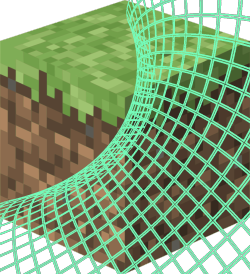
玩家终于可以摸到草了!?
为Fabric和NeoForge带来OptiFine的精细和快速更好的草!

特性
精细更好的草
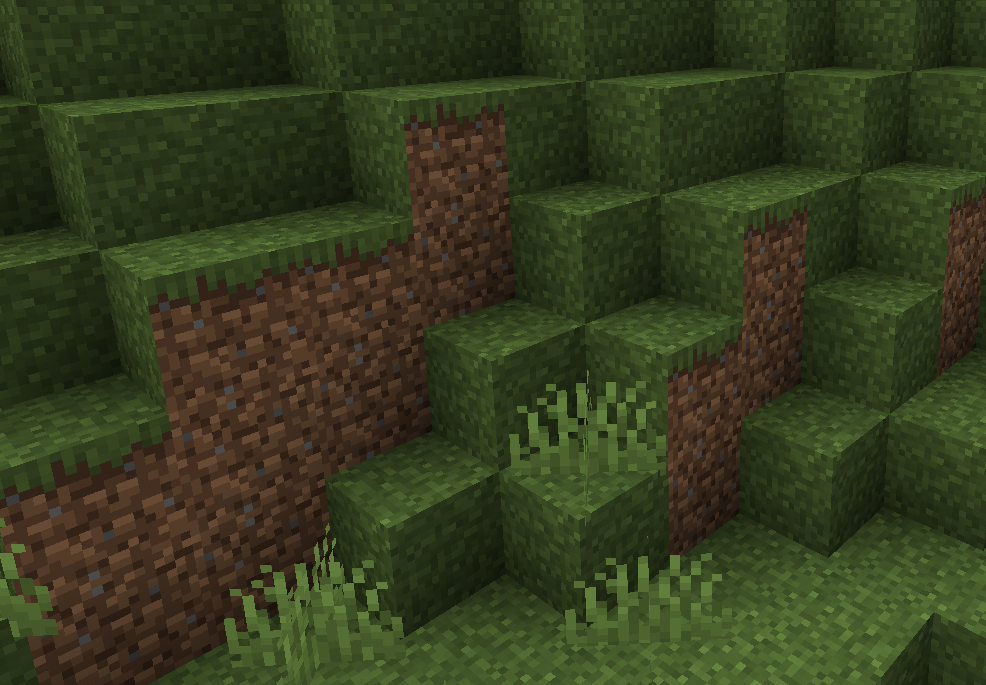
快速更好的草
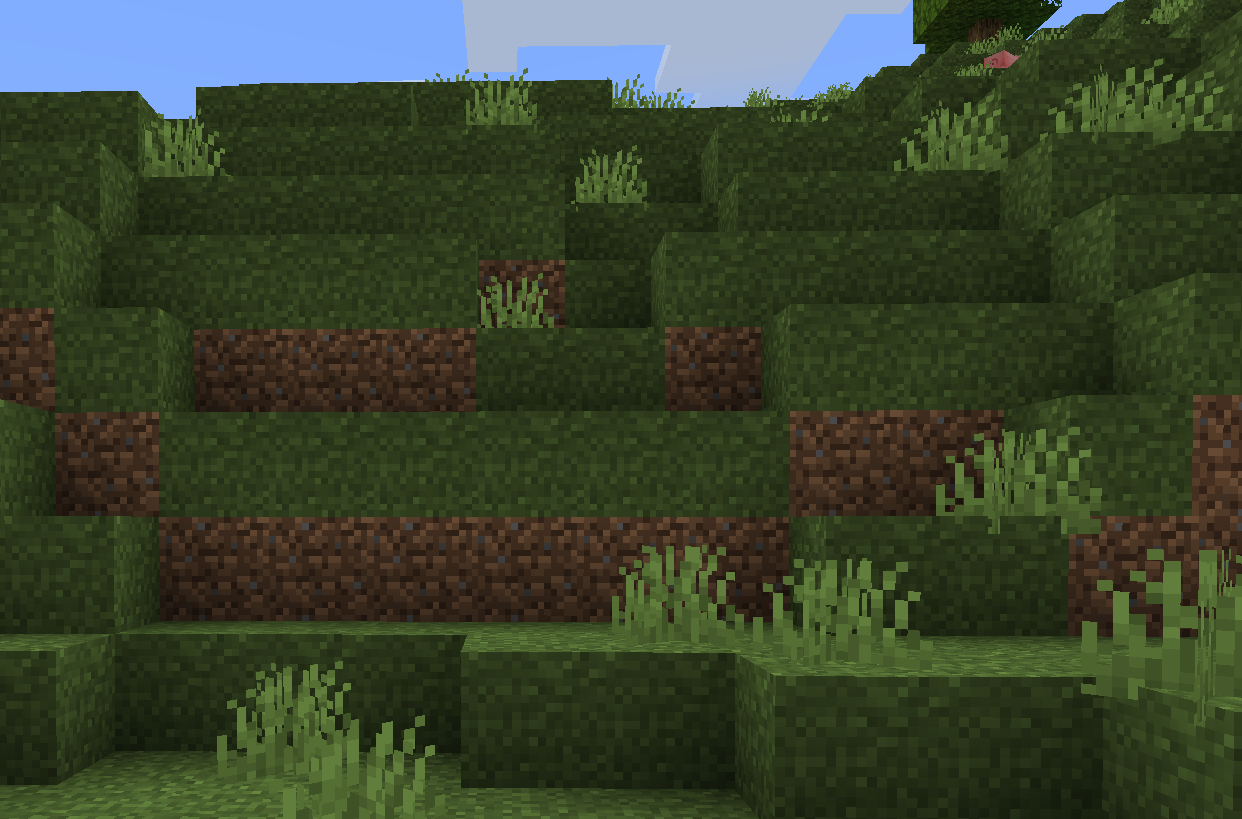
更好的雪地草
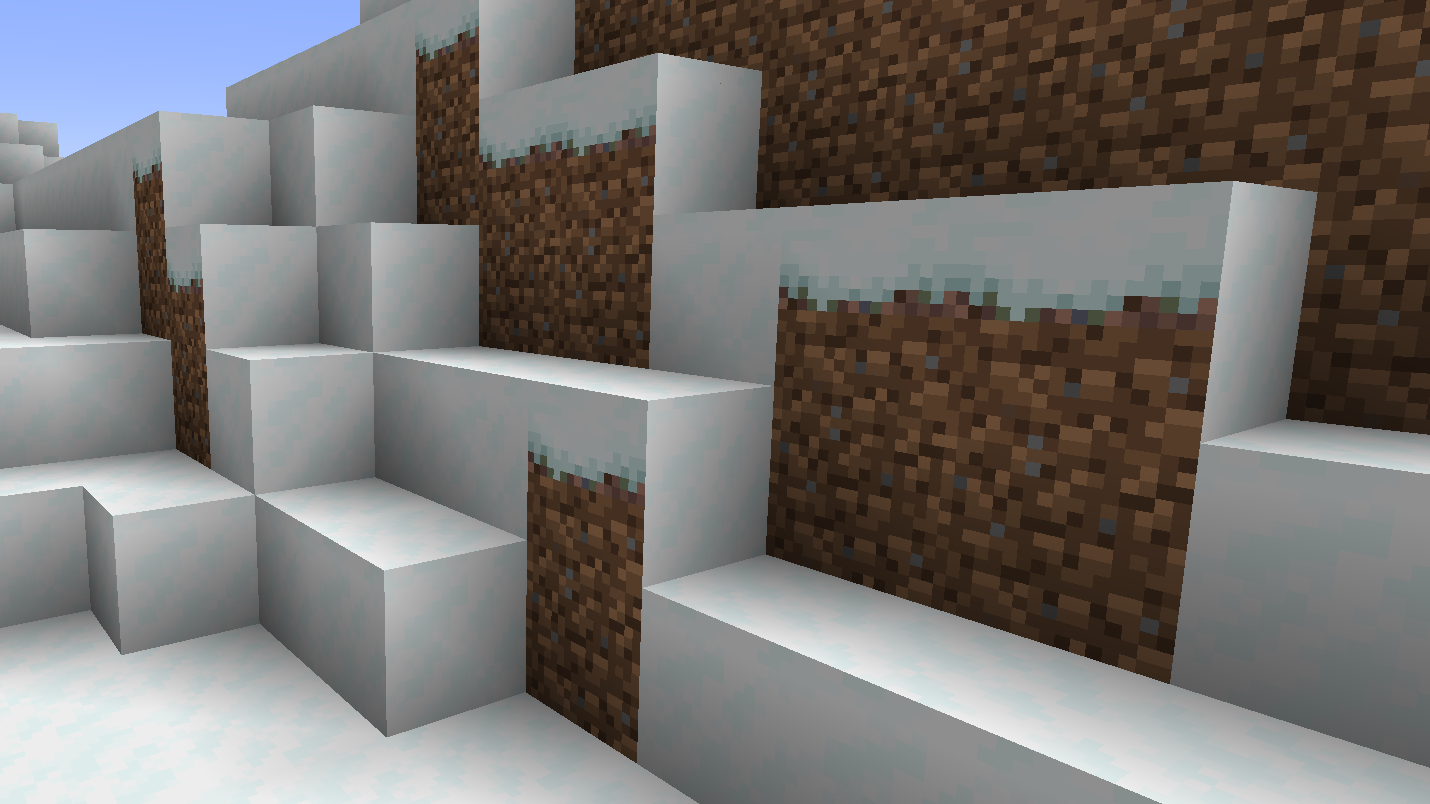
更好的雪
完全可配置
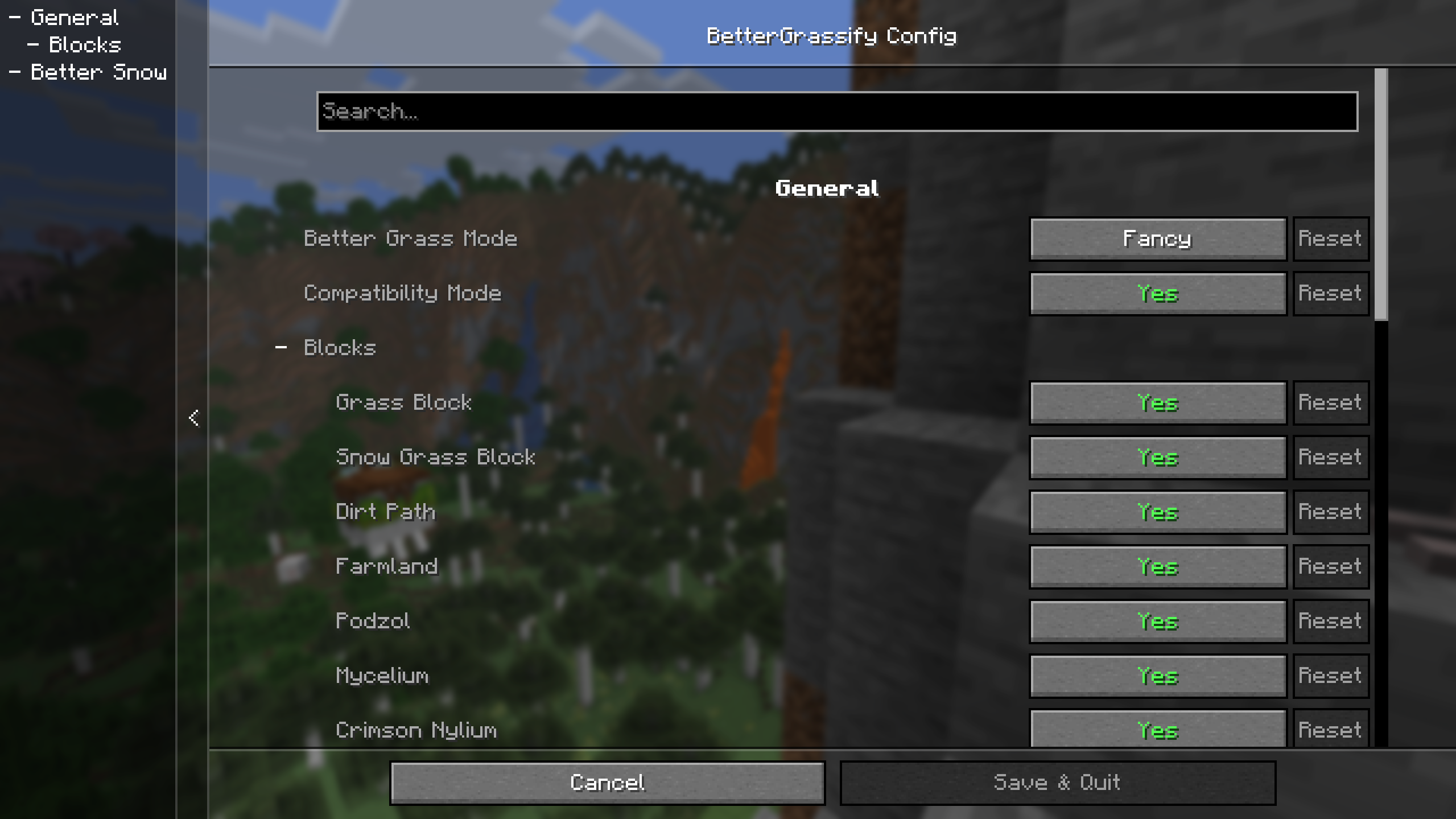
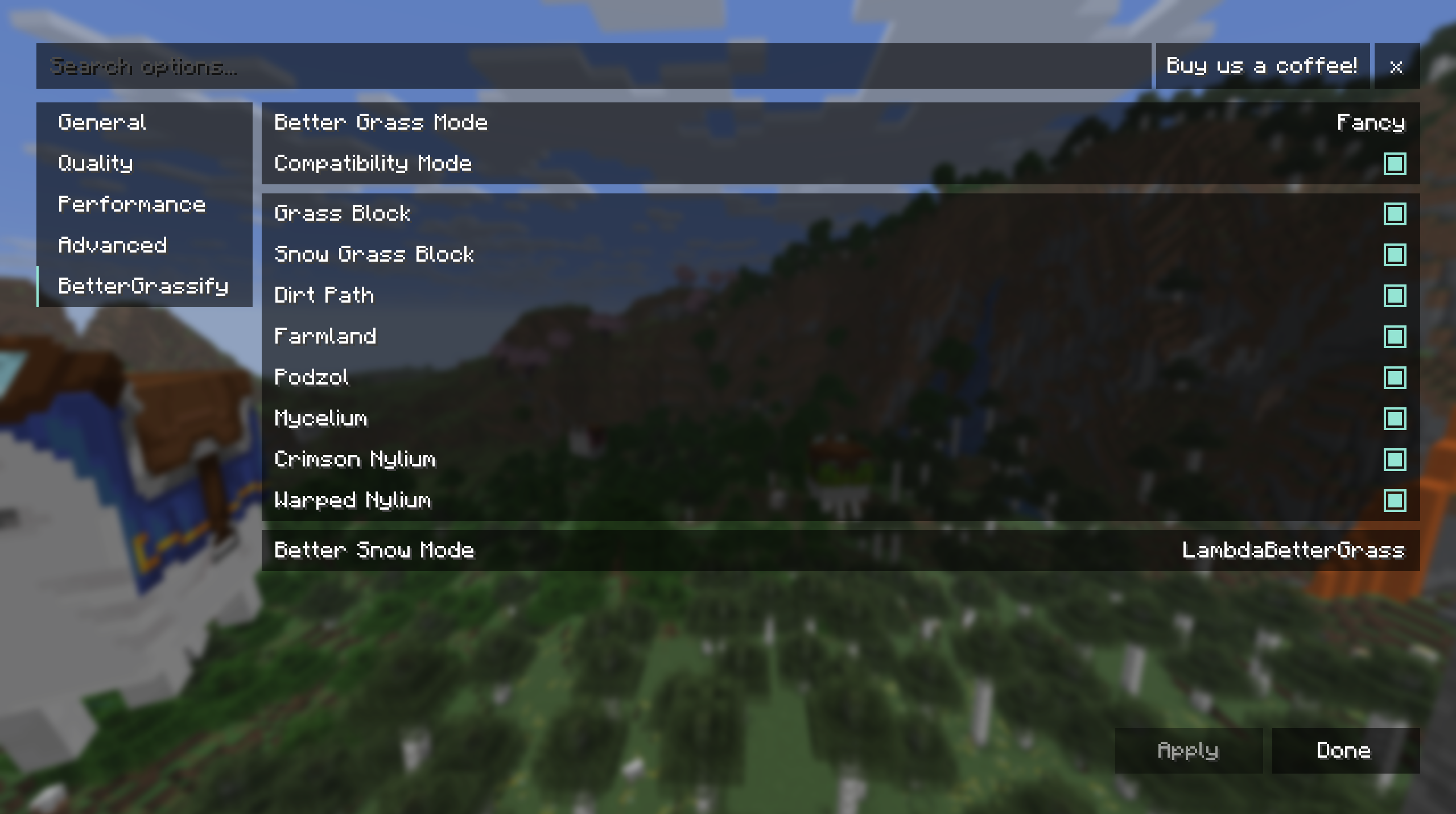
常见问题
NeoForge在哪里?
虽然NeoForge有一些较旧的构建版本,但你应该改用Sinytra Connector来在NeoForge上使用Fabric构建版本。

如何安装 BetterGrassify
With Millida Launcher
Install Millida Launcher
The launcher is free: download it at millida.net/launcher and sign in with any nickname.
Click “Install” on this page
The launcher opens and installs the mod for Minecraft 1.20–26.3 on Fabric or Quilt automatically, together with its dependencies: Fabric API.
Launch the game
A profile with it appears in the launcher: click “Play”.
Manually
Install Fabric or Quilt
The loader must match the game version of the mod file, for example Minecraft 26.3. After installing it, a separate profile appears in your launcher.
Download the file for your version
In the version list above, pick the file BetterGrassify-1.8.8+fabric.26.3.jar (87 KB) for your game version and loader.
Put it in the mods folder
The folder is inside .minecraft (Windows: %appdata%\.minecraft\mods). If it does not exist, create it. Required dependencies go there too: Fabric API.
Launch the loader profile
Open “Mods” in the main menu: BetterGrassify should be in the list.
BetterGrassify works on the player’s side only: there is no need to install it on a server.
版本
含依赖项
| Minecraft | 加载器 | 文件 | 日期 | 操作 |
|---|---|---|---|---|
| 26.3 | Fabric, Quilt | 26.387.1 KB 16 | ||
| 26.2 | Fabric, Quilt | 26.286.8 KB 13 | — | |
| 26.1 | Fabric, Quilt | 26.186.7 KB 4 | — | |
| 1.21.11 | Fabric, Quilt | 1.21.1186.9 KB 69 | — | |
| 1.21 | Fabric, Quilt | 1.2186.5 KB 1 | — | |
| 1.20.1 | Fabric, Quilt | 1.20.1149 KB 8 | — |
评价
成为第一个评价 BetterGrassify 的人


