

 NeoForge
 Forge
Forge关于 Beautify! 模组
什么是 Beautify?
Beautify 是一个客户端和服务端的装饰模组,添加了大量原版风格的装饰方式,用自定义模型来点缀你的建筑。
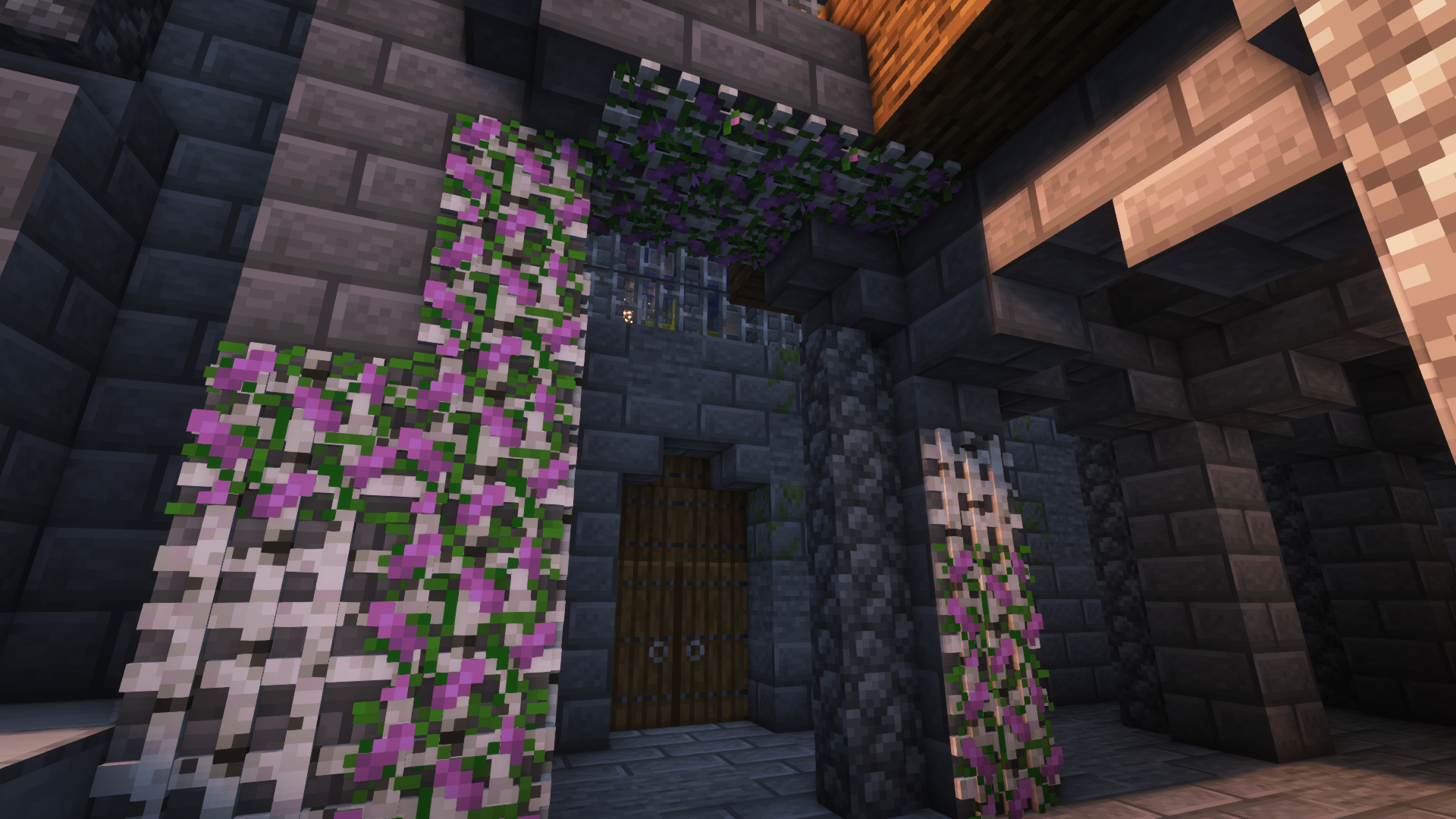
我做这个模组的目标是在提升建筑细节的同时,不扼杀想象力和创造力的需求。此外,大多数方块都包含新功能。例如,盆栽植物(比如一格高的花)可以用骨粉复制。
版本 [Forge]:1.18.2 | 1.19 | 1.19.1 | 1.19.2 | 1.20.1
更多图片:
更多示例图片
Jeikir 制作的展示视频:
功能摘要:
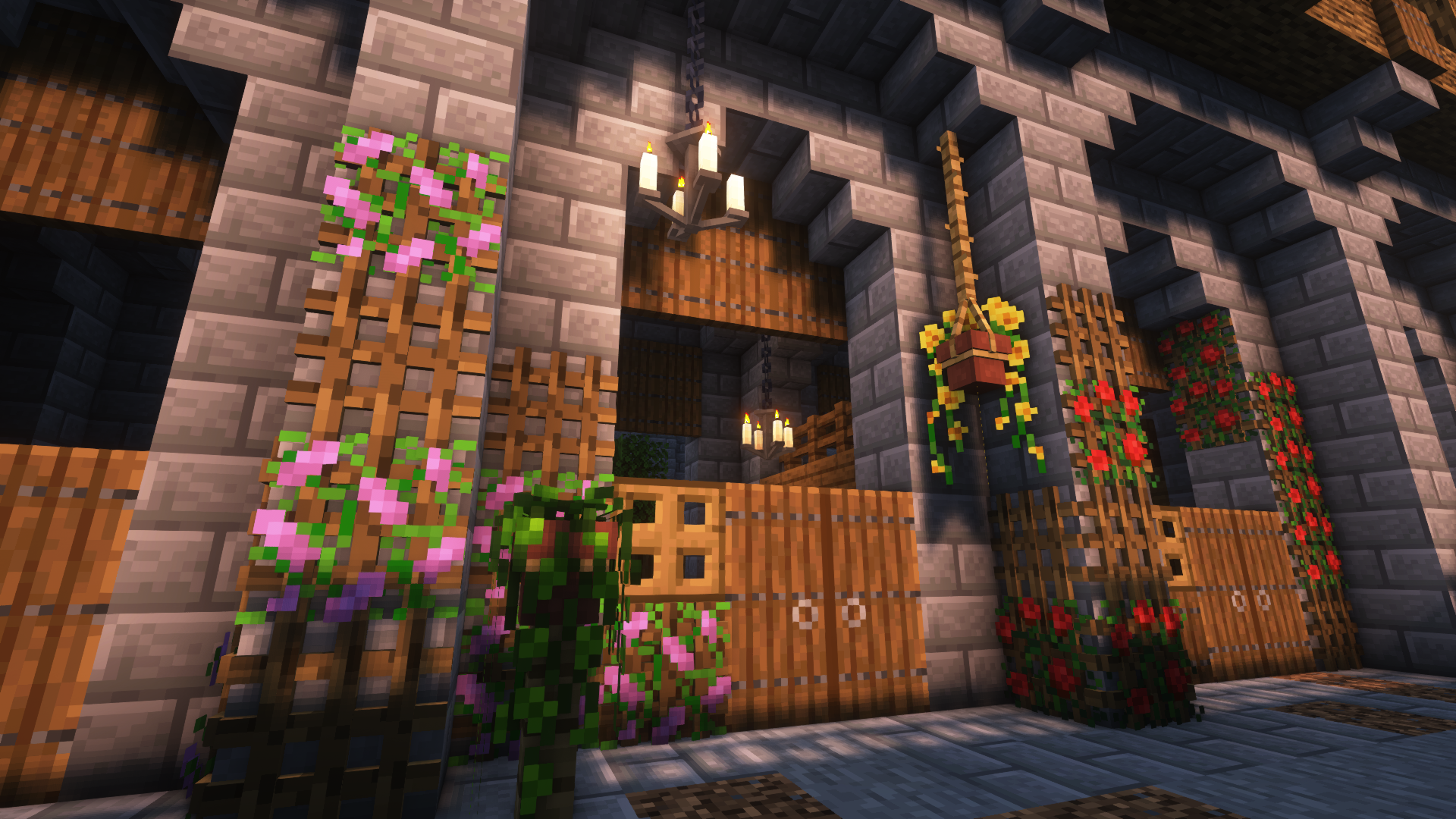
- 悬挂花盆,带有自定义花朵模型并支持多种植物
- 书堆,拥有不同模型,可以为附魔台提供能量
- 百叶窗,为你的窗户增添细节或创造新型入口
- 画框,包含全部 16x16 原版画作图案以及更多
- 绳索,悬挂花盆和其他方块可以挂在上面,玩家也可以攀爬
- 新型光源:竹灯笼、烛台/吊灯、荧光精华罐、灯泡
- 格架,用于将植物放在墙壁和天花板上
- 更多内容即将推出
有关方块及其用途的更多信息,请访问 wiki!
由于这是我的第一个模组,我感谢任何建议、反馈等,并将在未来继续开发!
如何安装 Beautify!
With Millida Launcher
Install Millida Launcher
The launcher is free: download it at millida.net/launcher and sign in with any nickname.
Click “Install” on this page
The launcher opens and installs the mod for Minecraft 1.21–1.21.1 on Forge or NeoForge automatically.
Launch the game
A profile with it appears in the launcher: click “Play”.
Manually
Install Forge or NeoForge
The loader must match the game version of the mod file, for example Minecraft 1.21.1. After installing it, a separate profile appears in your launcher.
Download the file for your version
In the version list above, pick the file beautify-neoforge-1.21.1-2.0.2.jar (910 KB) for your game version and loader.
Put it in the mods folder
The folder is inside .minecraft (Windows: %appdata%\.minecraft\mods). If it does not exist, create it.
Launch the loader profile
Open “Mods” in the main menu: Beautify! should be in the list.
Minecraft 1.21.1 runs on Java 21: with a different Java version the game may close right after launch.
版本
含依赖项
| Minecraft | 加载器 | 文件 | 日期 | 操作 |
|---|---|---|---|---|
| 1.21 | NeoForge | Beautify 1.21-V.2.0.2 [NeoForge]910 KB 2 | ||
| 1.21 | Forge | Beautify 1.21-V.2.0.2 [Forge]808 KB 3 |
常见问题
Which Minecraft versions does Beautify! work on?
There are files for 1.21.1, 1.21. The newest is 1.21.1.
Is Beautify! for Forge or Fabric?
There are files for Forge: 1.21–1.21.1 and for NeoForge: 1.21–1.21.1. There are no files for Fabric: a mod for another loader will not start.
Does Beautify! need other mods?
The author lists no required dependencies: the Forge or NeoForge loader is enough.
Which Java does Beautify! need?
Minecraft 1.21.1 runs on Java 21. If the game closes right after launch, the usual cause is the wrong Java version in the profile settings.
Where can I download Beautify! safely?
On this page: the file beautify-neoforge-1.21.1-2.0.2.jar (910 KB) is stored on Millida’s server, with no link shorteners. SHA-1 checksum: 936dc981f243c4606376ba7d6f03798e0b5a6871.
评价
成为第一个评价 Beautify! 的人


