
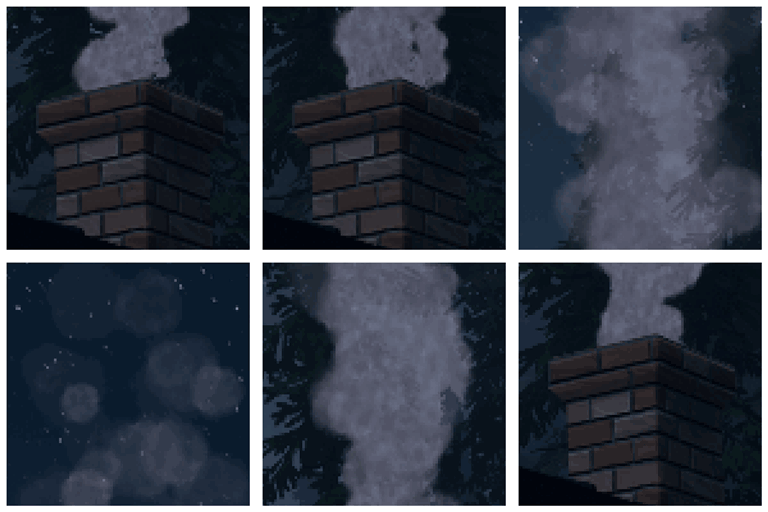
适用于 Minecraft 1.21.1, 1.18.2 的 Advanced Chimneys 模组
添加烟囱管道,可将任何热源产生的烟雾排到室外,保持室内清洁无颗粒
 Forge
Forge Fabric
 NeoForge
关于 Advanced Chimneys 模组
“Advanced Chimneys”让你用常见建筑材料搭建可定制的排烟系统,将任何热源产生的烟雾引导至室外,消除室内粒子杂乱,带来更干净、更具沉浸感的美观效果。
使用泵、通风口和管道搭建简单的垂直烟囱或复杂的通风网络。
用任意方块重新涂装烟囱来定制其外观,并观看逼真的烟雾随风向翻腾变幻。
连接多个热源以增强并放大烟雾效果,获得真正令人惊叹的成果。
需要 ForgeEndertech 库
觉得还不够沉浸?将 Advanced Chimneys 与 Pollution of the Realms 搭配使用,获得完整的大气体验。
支持的模组
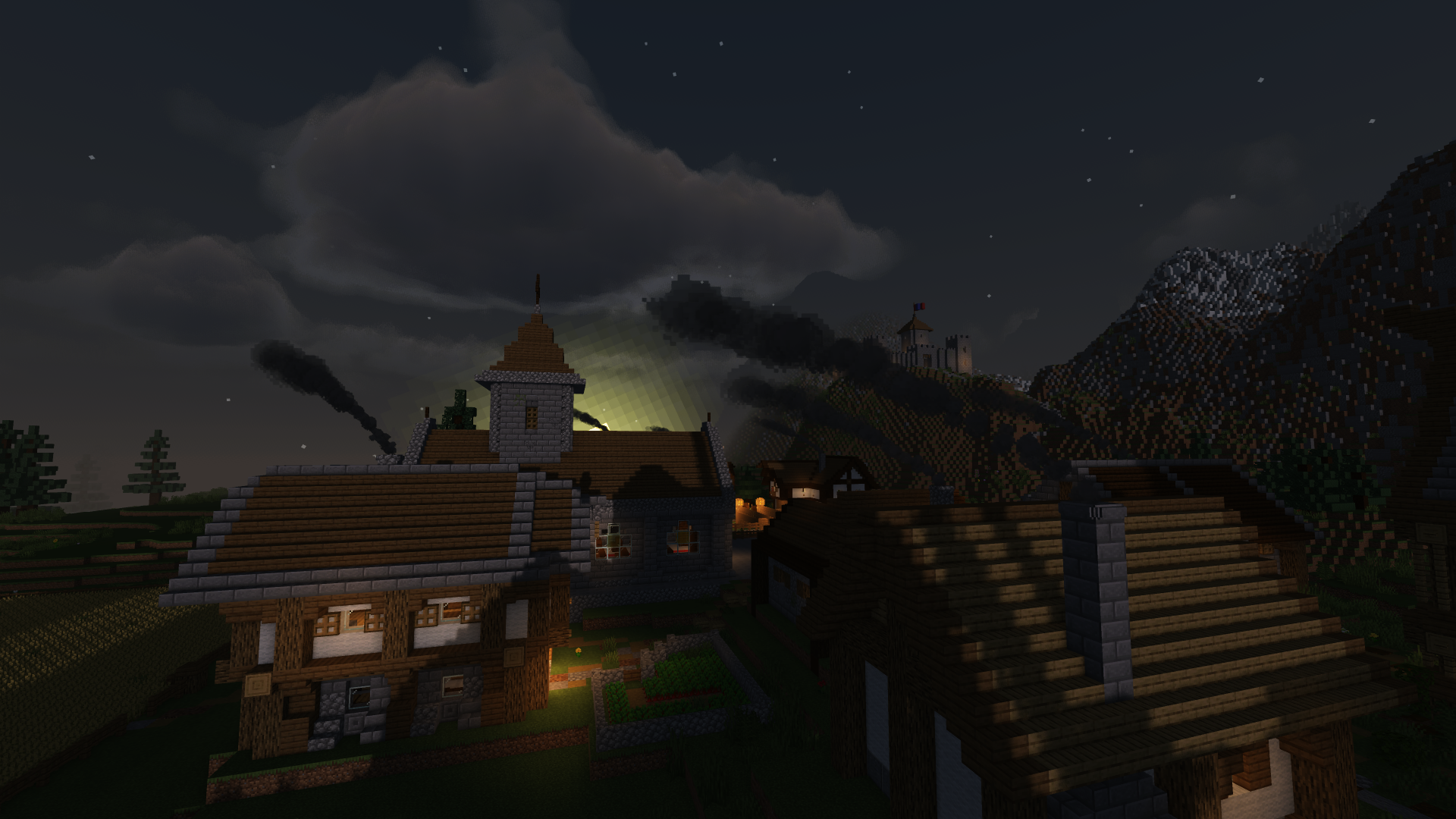
主要特性
- 可用常见建筑材料合成烟囱
- 烟雾粒子会碰撞并随风反应
- 透明烟囱带来更精彩的景观
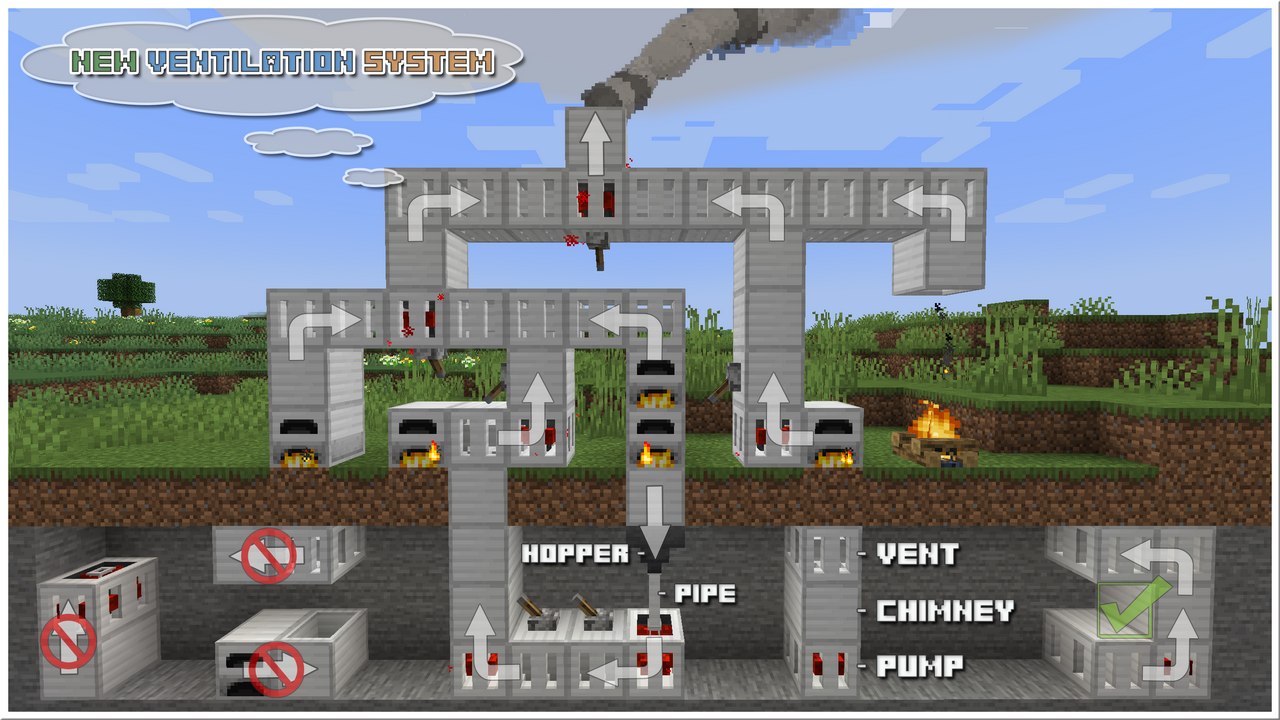
- 可使用泵、通风口、管道和漏斗搭建排烟系统
- 可一手持刷子、另一手持样本方块,并在物品栏中备有水桶和若干染料,来重新涂装烟囱
- 与工业模组和模组化熔炉广泛兼容
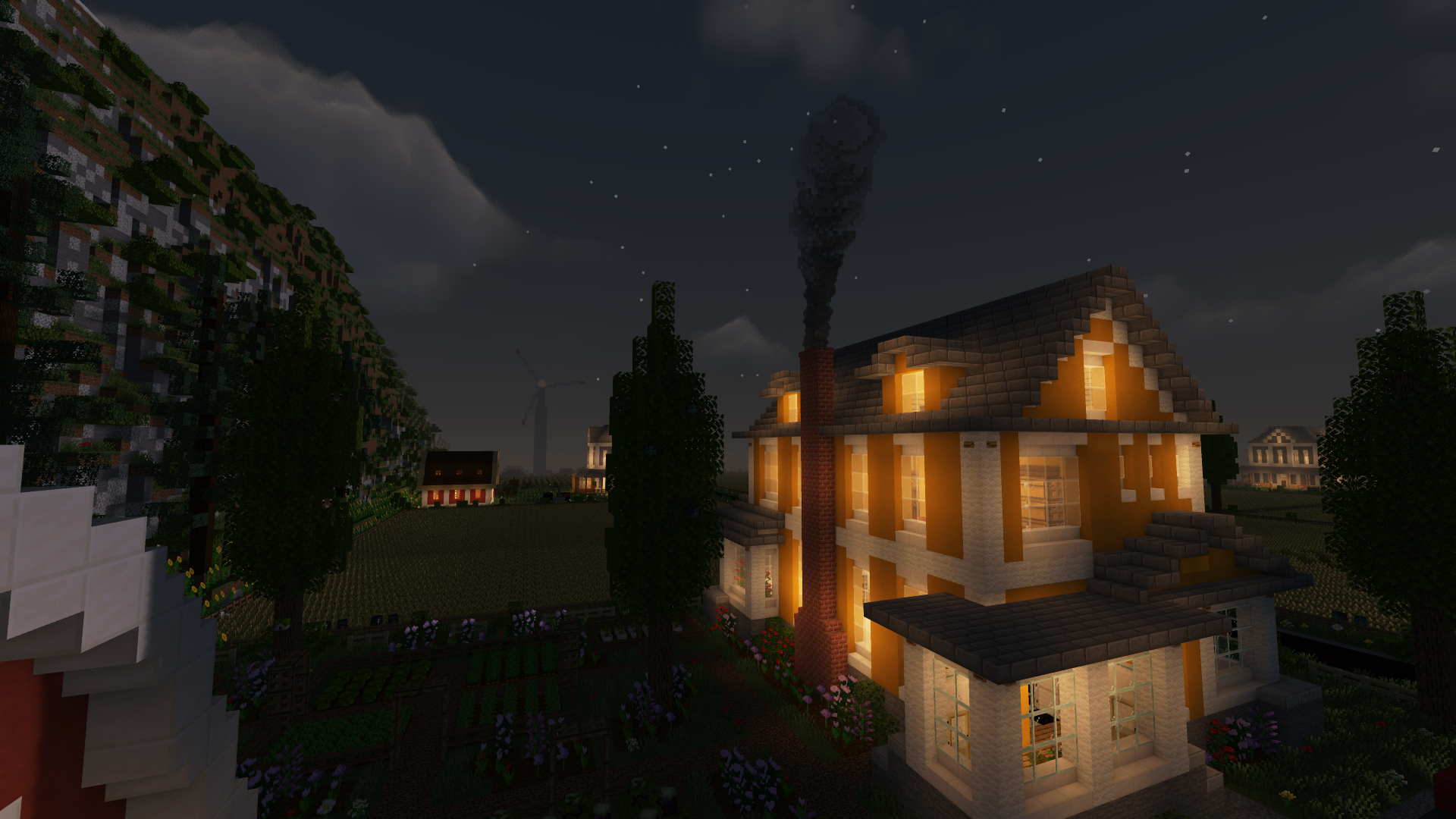
烟囱
合成配方
更新
- 新设计(1.21-11.0.0.0+、1.20.6-10.6.1.0+、1.20.1-10.1.9.0+、1.19-9.2.0.0+)
- 多方块烟囱与装饰顶部(1.19-9.1.1.0+、1.18.2-8.3.0.0+、1.16.5-6.1.0.0+)
- 完全重新涂装(1.19-9.1.0.0+、1.18.2-8.3.0.0+、1.16.5-6.1.0.0+)
使用油漆刷、一桶水和一些染料,将你的烟囱重新涂装成你喜欢的任意方块。
- 通风系统(1.19-9.0.0.0+、1.18.2-8.2.0.0+、1.16.5-6.1.0.0+)
视频
[本教程仅适用于 1.12!]
烟雾
- 连接到烟囱的源头越多,产生的烟雾就越多
- 烟雾的强度取决于它穿过的障碍物
- 烟雾颜色的多样性取决于源头以及烟雾经过的路径
- 如果在主配置(adchimneys-client.toml)中切换到原版粒子,则可与 Physics Mod 配合使用
自定义
- 添加自定义烟雾发射器
- 更改烟雾颜色、数量、强度和缩放
- [1.12] 使用 Smoker 方块生成任意类型的烟雾
- [1.12] 用你喜欢的任意方块创建自己的自定义烟囱
整合包
- 欢迎在任何整合包中使用本模组。
- 无需请求许可即可使用。
如何安装 Advanced Chimneys
With Millida Launcher
Install Millida Launcher
The launcher is free: download it at millida.net/launcher and sign in with any nickname.
Click “Install” on this page
The launcher opens and installs the mod for Minecraft 1.15.2–26.3 on Fabric, Forge or NeoForge automatically.
Launch the game
A profile with it appears in the launcher: click “Play”.
Manually
Install Fabric, Forge or NeoForge
The loader must match the game version of the mod file, for example Minecraft 26.3. After installing it, a separate profile appears in your launcher.
Download the file for your version
In the version list above, pick the file adchimneys-26.3.0.0-forge-build.0068.jar (337 KB) for your game version and loader.
Put it in the mods folder
The folder is inside .minecraft (Windows: %appdata%\.minecraft\mods). If it does not exist, create it.
Launch the loader profile
Open “Mods” in the main menu: Advanced Chimneys should be in the list.
版本
含依赖项
| Minecraft | 加载器 | 文件 | 日期 | 操作 |
|---|---|---|---|---|
| 1.21.1 | NeoForge | AdChimneys-1.21.1-11.1.11.0-NeoForge-build.1161.jar341 KB 6 | ||
| 26.3 | Forge | adchimneys-26.3.0.0-forge-build.0068.jar337 KB 9 | ||
| 26.3 | Fabric | adchimneys-26.3.0.0-fabric-build.0062.jar343 KB 55 | ||
| 1.18.2 | Forge | AdChimneys-1.18.2-8.0.0.0-build.0256.jar475 KB | ||
| 1.15.2 | — | AdChimneys-1.15.2-5.0.9.0-build.0051.jar438 KB | ||
| 1.15.2 | — | AdChimneys-1.15.2-5.0.2.0-build.0007.jar369 KB |
常见问题
Which Minecraft versions does Advanced Chimneys work on?
There are files for 26.3, 1.21.1, 1.18.2, 1.15.2. The newest is 26.3.
Is Advanced Chimneys for Forge or Fabric?
There are files for Fabric: 26.3, for Forge: 1.18.2–26.3 and for NeoForge: 1.21.1.
Does Advanced Chimneys need other mods?
The author lists no required dependencies: the Fabric, Forge or NeoForge loader is enough.
Where can I download Advanced Chimneys safely?
On this page: the file adchimneys-26.3.0.0-forge-build.0068.jar (337 KB) is stored on Millida’s server, with no link shorteners. SHA-1 checksum: 62e5c6db74bb6b6092143d89402960d34b816d87.
评价
成为第一个评价 Advanced Chimneys 的人


