
 Fabric
 NeoForge
 Forge
Forge关于 Additional Lights 模组
描述:
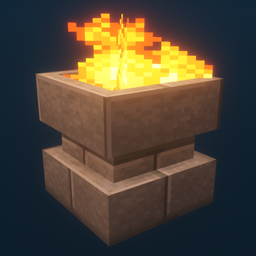
此模组添加了超过 200 种光源变体,涵盖 6 种类型,部分光源还有火焰、灵魂火和光版本。
更新:
v3.1
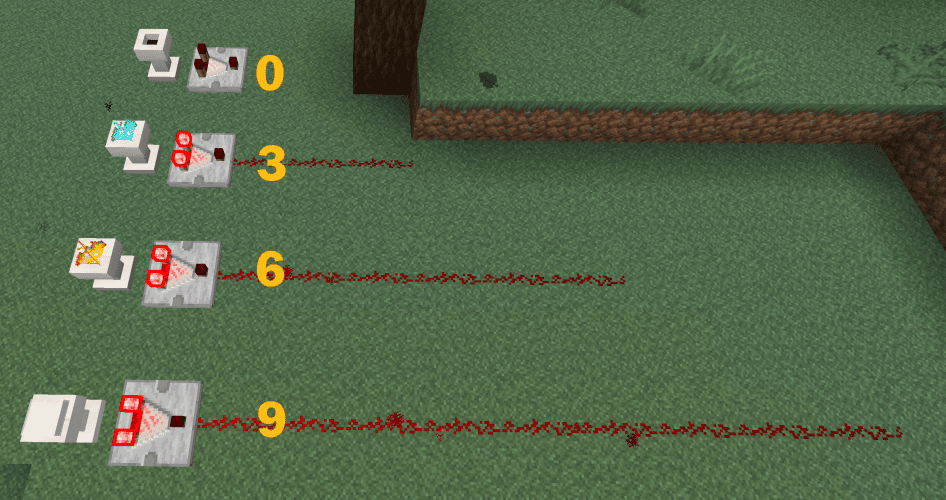
- 基座现在支持比较器输出。
v3.0
v2.2
- 为所有 Additional Lights 配方添加了配方书解锁(进度)
- 添加了一个配置选项,用于启用/禁用火焰/灵魂火合成配方(默认:关闭)
(Fabric:需要 Mod Menu + Cloth Config 才能更改配置,但没有它们模组也能正常工作)
v2.1
v2.0
注意:
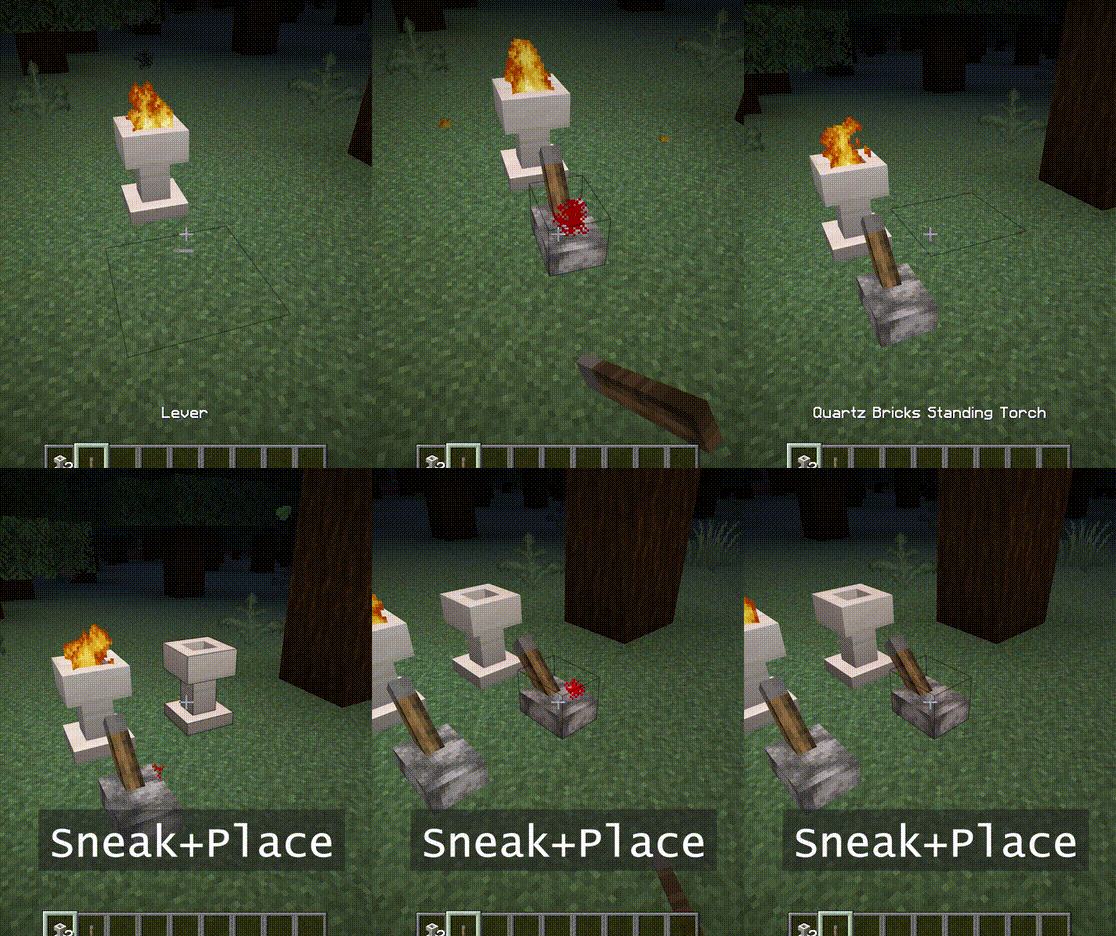
火坑和立式火把可以通过右键点燃。
它们也需要 2 格空间。
你可以使用灵魂魔杖将其变成灵魂火。
特性:
- - 火焰不造成伤害,没有火灾危险。
- - 灵魂火的亮度为 10。
- - 在潜行模式下放置时,它不会点燃。在被破坏之前也会拒绝信号。
- - [1.16] 猪灵害怕灵魂火。(火把无效)
截图:
(在以下环境中拍摄:材质包:Faithful x32,光影包:BSL v7.1.05p2,地图:Falcon's Rock v2.0.0)
此模组的 Faithful x32 资源包可在此处下载。https://www.curseforge.com/minecraft/mc-mods/additional-lights/download/3001273
你可以自由地将其包含在整合包中。
如何安装 Additional Lights
With Millida Launcher
Install Millida Launcher
The launcher is free: download it at millida.net/launcher and sign in with any nickname.
Click “Install” on this page
The launcher opens and installs the mod for Minecraft 1.12.2–26.3 on Fabric, Forge or NeoForge automatically.
Launch the game
A profile with it appears in the launcher: click “Play”.
Manually
Install Fabric, Forge or NeoForge
The loader must match the game version of the mod file, for example Minecraft 26.3. After installing it, a separate profile appears in your launcher.
Download the file for your version
In the version list above, pick the file additional_lights-fabric-26.3-3.1.3.jar (830 KB) for your game version and loader.
Put it in the mods folder
The folder is inside .minecraft (Windows: %appdata%\.minecraft\mods). If it does not exist, create it.
Launch the loader profile
Open “Mods” in the main menu: Additional Lights should be in the list.
版本
含依赖项
| Minecraft | 加载器 | 文件 | 日期 | 操作 |
|---|---|---|---|---|
| 26.3 | Fabric | Additional Lights 26.3-3.1.3-Fabric830 KB 30 | ||
| 26.3 | NeoForge | Additional Lights 26.3-3.1.3-NeoForge731 KB | ||
| 1.21.4 | Forge | Additional Lights 1.21.4-2.1.11626 KB 1 | ||
| 1.16.1 | Forge | Additional Lights 1.16.1-2.0.0489 KB | ||
| 1.12.2 | Forge | Additional Lights 1.12.2-1.2.1.2-optional326 KB 4 |
常见问题
Which Minecraft versions does Additional Lights work on?
There are files for 26.3, 1.21.4, 1.16.1, 1.12.2. The newest is 26.3.
Is Additional Lights for Forge or Fabric?
There are files for Fabric: 26.3, for Forge: 1.12.2–1.21.4 and for NeoForge: 26.3.
Does Additional Lights need other mods?
The author lists no required dependencies: the Fabric, Forge or NeoForge loader is enough.
Where can I download Additional Lights safely?
On this page: the file additional_lights-fabric-26.3-3.1.3.jar (830 KB) is stored on Millida’s server, with no link shorteners. SHA-1 checksum: 197a06d2da92880c5ed0e613db13ba8354c56055.
评价
成为第一个评价 Additional Lights 的人


