

Minecraft 1.21.1, 1.21용 Pattern Texture Pack
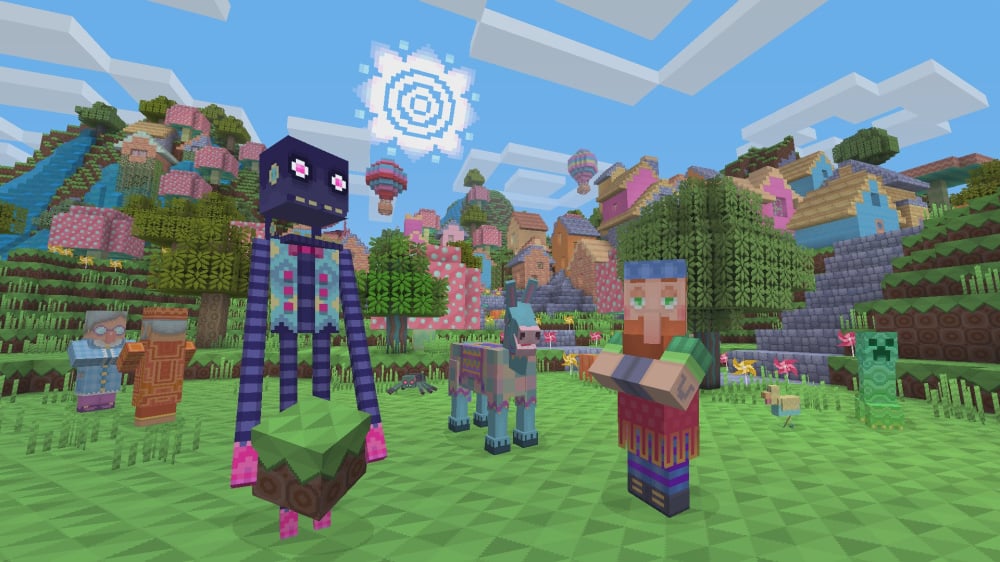
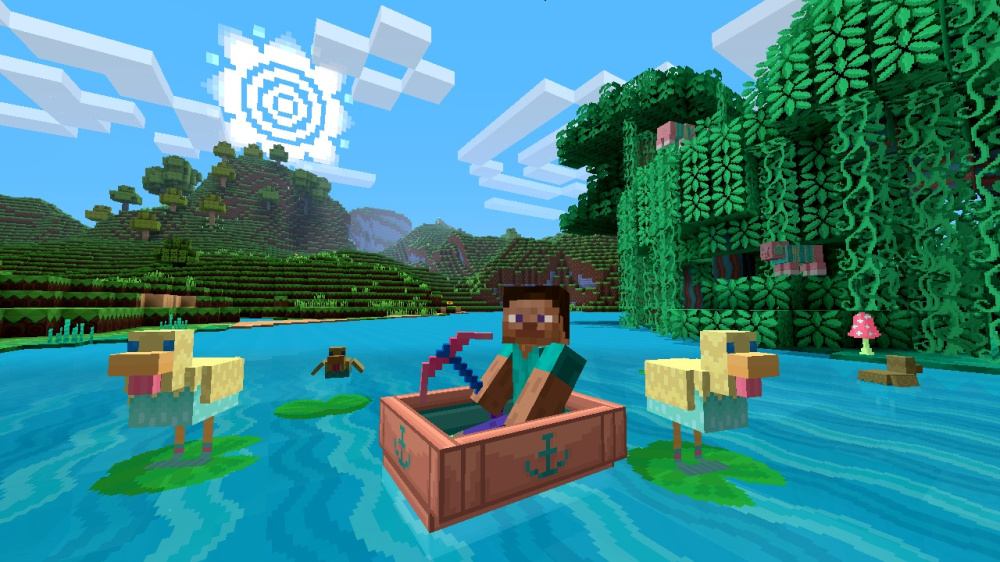
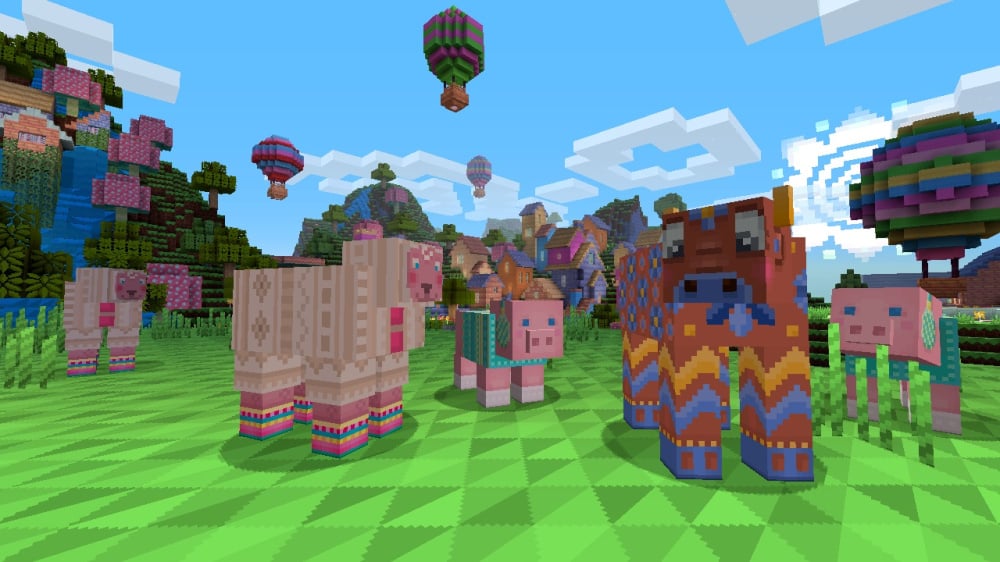
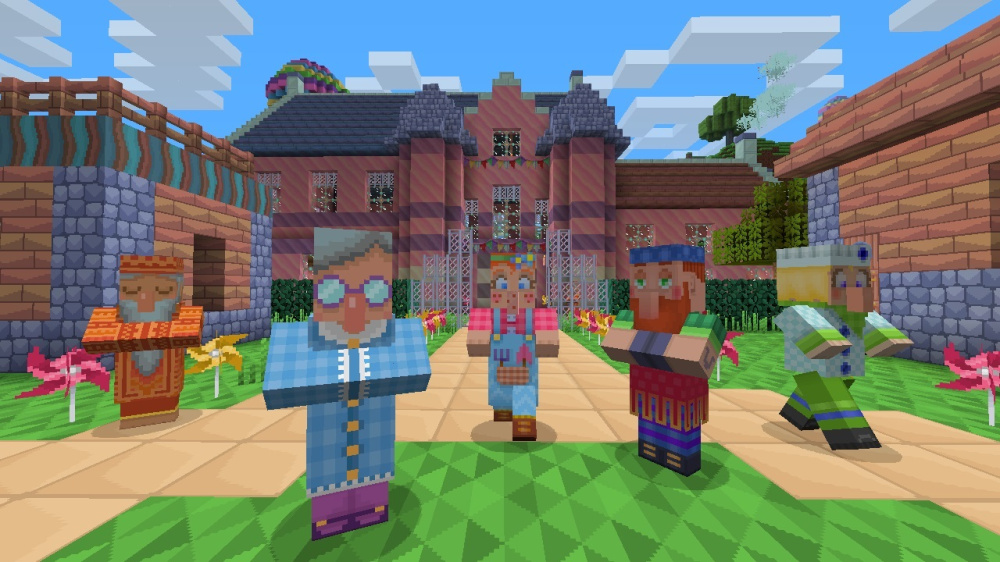
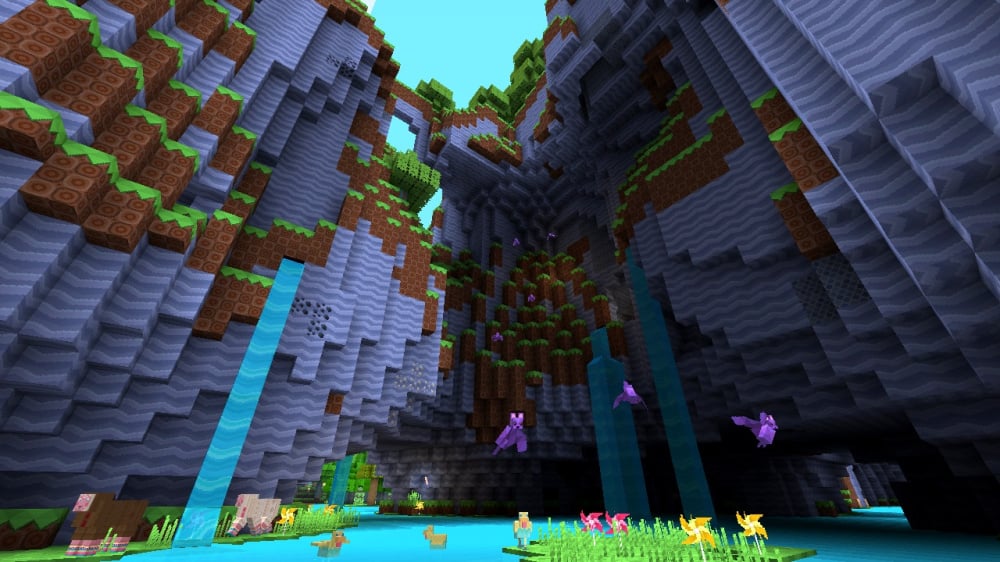
아름다운 패턴과 뜨개질 동물로 가득한 이 밝고 화려한 텍스처 팩으로 세상을 꾸며보세요! 레거시 콘솔 에디션에서 이식되었습니다.
- 다운로드
- 2 다운로드
- 조회수
- 51 조회수
- 업데이트됨
- 업데이트됨 04.09.2026
- 1.20.2 — 26.2
 바닐라 게임
- 클라이언트
Pattern Texture Pack 리소스 팩 정보
Pattern Texture Pack
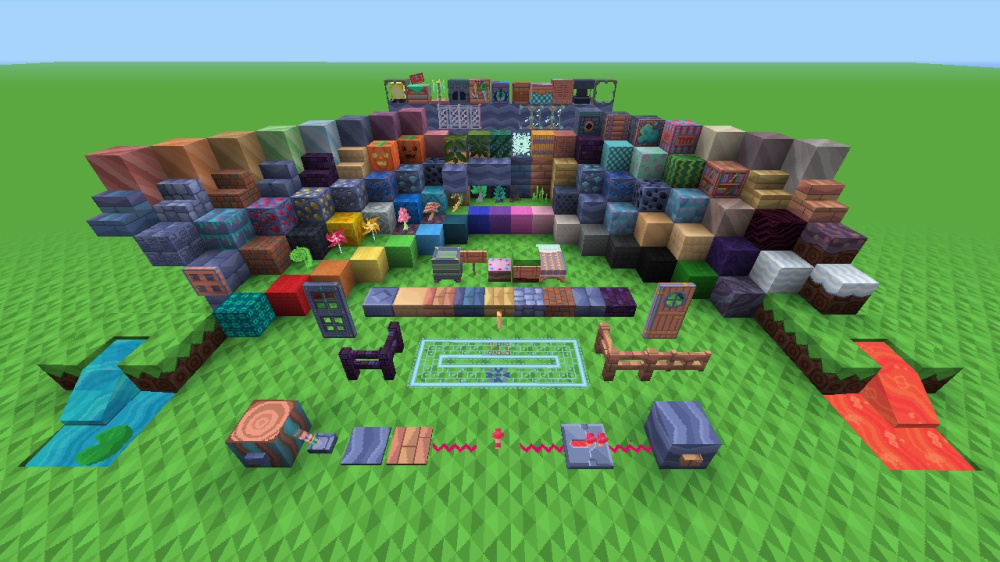
Decorate your world with this bright and colorful texture pack filled with beautiful patterns and knitted animals!

This pack adds themed textures for blocks, items, entities, and UI.
Preview
More Resource Packs
Icon Name Downloads

Plastic Texture Pack

Halloween Mash-up

Natural Texture Pack

Festive Mash-up

Fantasy Texture Pack

City Texture Pack

Candy Texture Pack

Greek Mythology Mash-up

Chinese Mythology Mash-up

Cartoon Texture Pack

Norse Mythology Mash-up

Super Cute Texture Pack

Pattern Texture Pack

Pirates of the Caribbean Mash-up

Mass Effect Mash-up

Steampunk Texture Pack

Egyptian Mythology Mash-up
This resource pack is a port of the Pattern Texture Pack from Legacy Console Edition with updated textures from Bedrock Edition. Original textures by 4J Studios.

Pattern Texture Pack 설치 방법
With Millida Launcher
Install Millida Launcher
The launcher is free: download it at millida.net/launcher and sign in with any nickname.
Click “Install” on this page
The launcher opens and installs the resource pack for Minecraft 1.20.2–26.2 automatically.
Launch the game
A profile with it appears in the launcher: click “Play”.
Manually
Download the archive
Pick the file Pattern Texture Pack.zip (8.4 MB) for your game version. No need to unpack it.
Put it in the resourcepacks folder
The easiest way: “Options”, then “Resource Packs”, then “Open Pack Folder”, and drag the archive there.
Enable the pack
In the same window, move the pack to the right-hand “Selected” column and click “Done”.
버전
의존성 포함
| Minecraft | 로더 | 파일 | 날짜 | 작업 |
|---|---|---|---|---|
| 1.21.11 | — | 1.21.118.4 MB | ||
| 1.21 | — | 1.218.4 MB | ||
| 26.2 | — | 26.28.4 MB | — | |
| 26.1 | — | 26.18.4 MB | — |
실행에 필요한 것
- [EMF] Entity Model Features선택 사항
- Dependency선택 사항
- [ETF] Entity Texture Features선택 사항
- Transparency Fix선택 사항
- Dependency선택 사항
- Dependency선택 사항
FAQ
Which Minecraft versions does Pattern Texture Pack work on?
There are files for 1.20.2–26.2, 21 versions in total. The newest is 26.2.
Does Pattern Texture Pack need mods?
No, the resource pack works in the plain game without loaders: put it into the resourcepacks folder and enable it in the options.
How do I download Pattern Texture Pack?
With Millida Launcher: it installs Pattern Texture Pack into a modpack by itself, for the right game version and loader. The launcher is free.
리뷰
Pattern Texture Pack의 첫 평가를 남겨 보세요



