
Minecraft 텍스처 팩
6,454 개리소스 팩: 목록


Fresh Animations
Make your game like the trailers! Dynamic animated entities to freshen your Minecraft experience.설치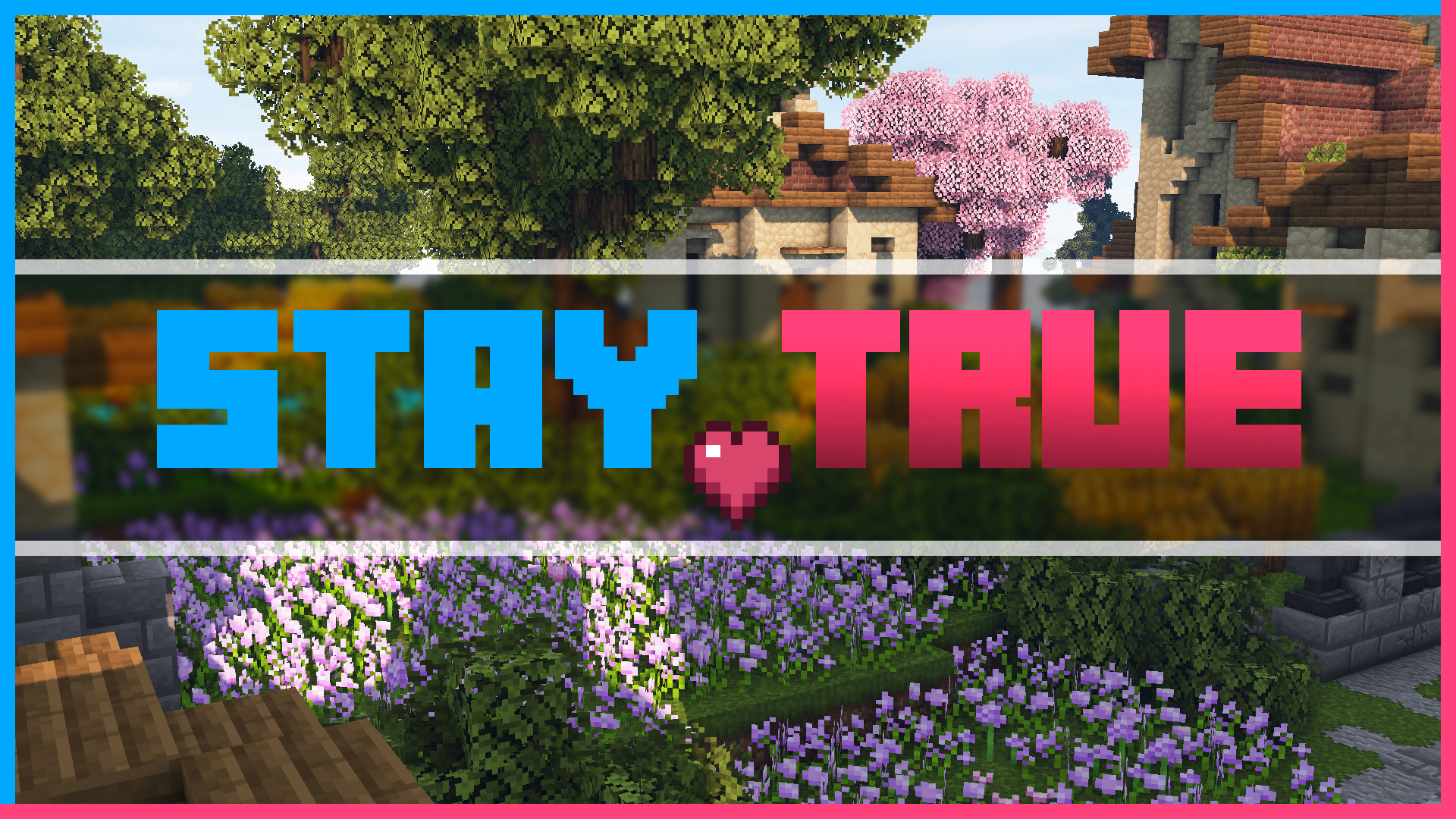

Stay True
Staying True to The Original Textures.설치
Mandala's GUI - Dark mode
An elegant Interface, in the style of Mandala Creations.설치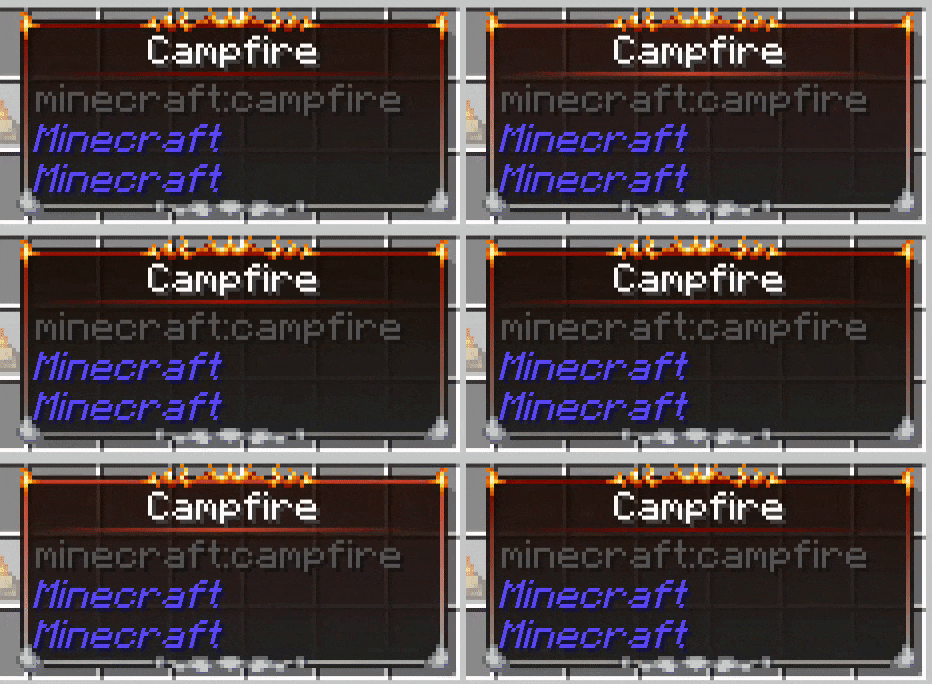

Eclectic Trove (Legendary Tooltips)
Adds 10 various custom frames for use with Legendary Tooltips.설치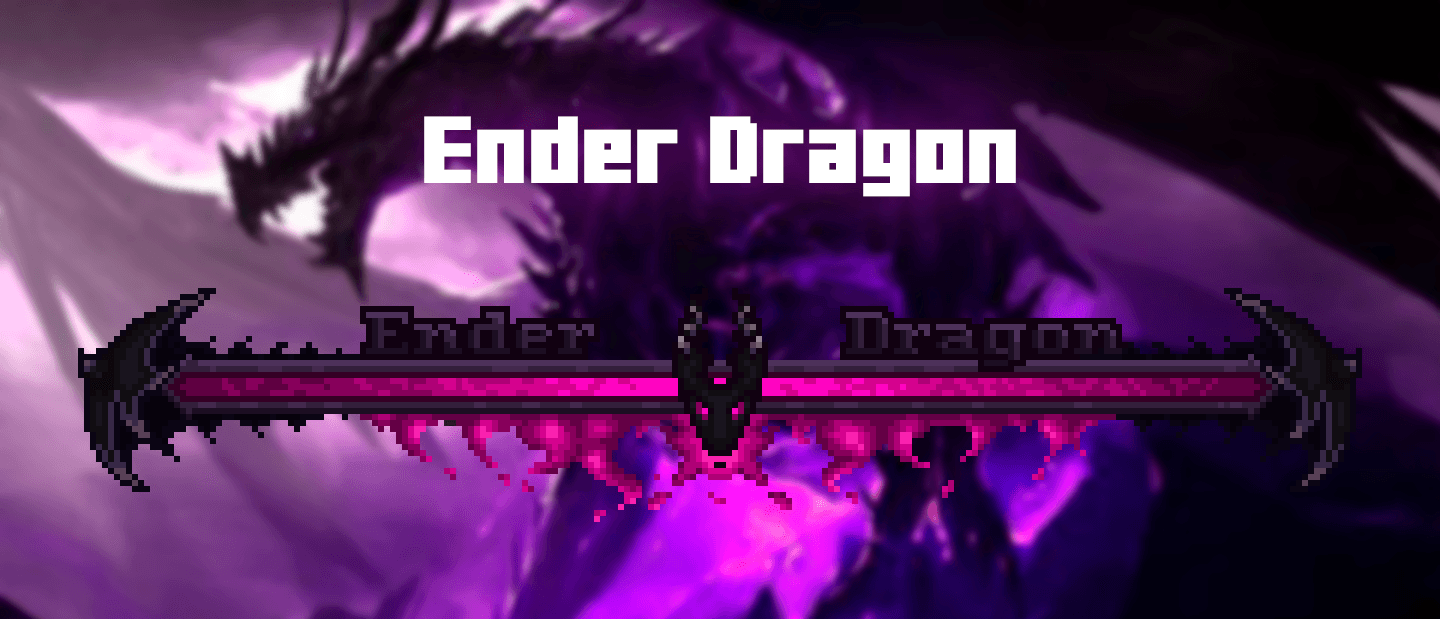

Enhanced Boss Bars
New improved boss bars!설치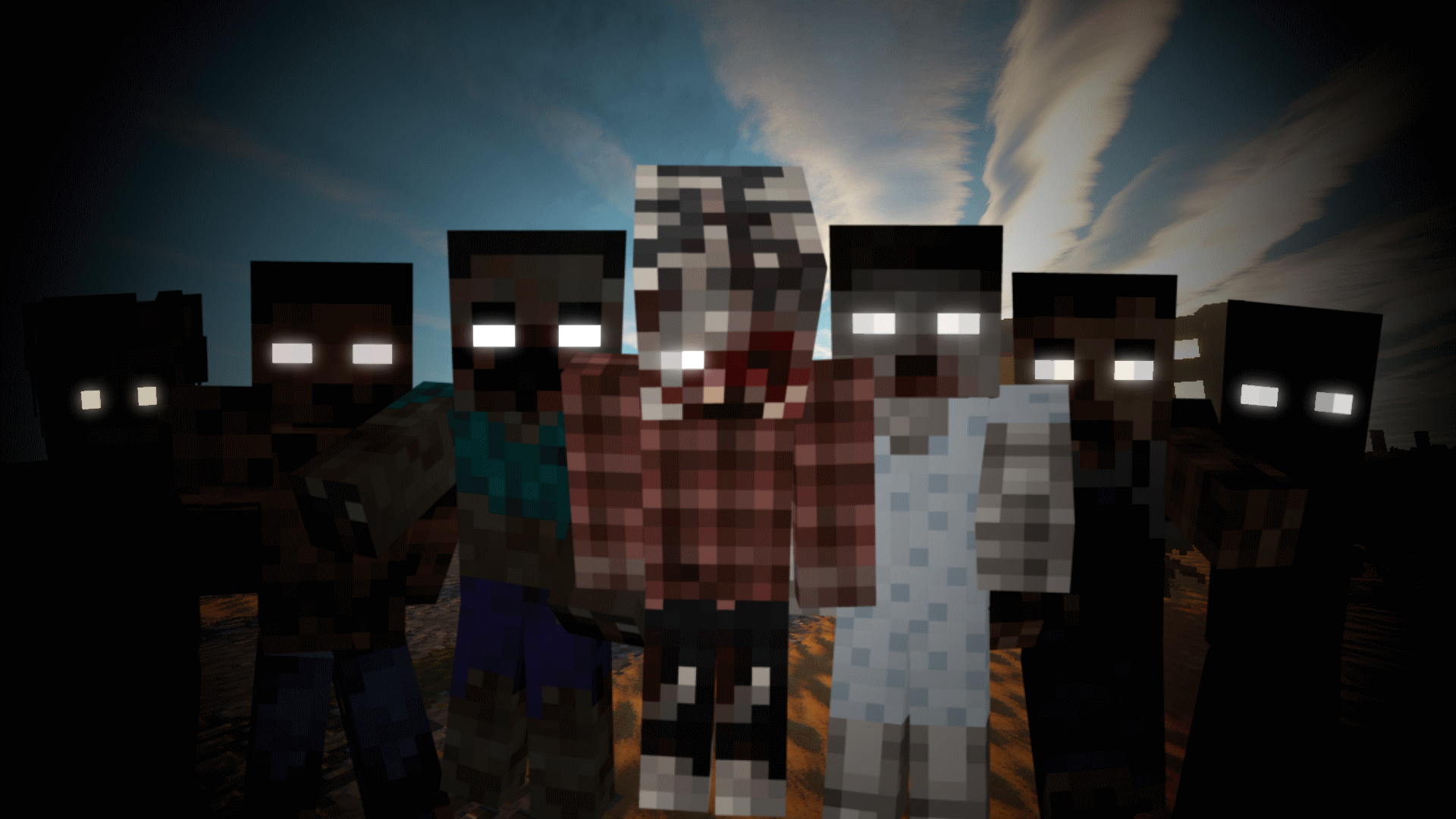

Tissou's Zombie Pack
This turns all undead to deadly horrifying walker-like creatures.설치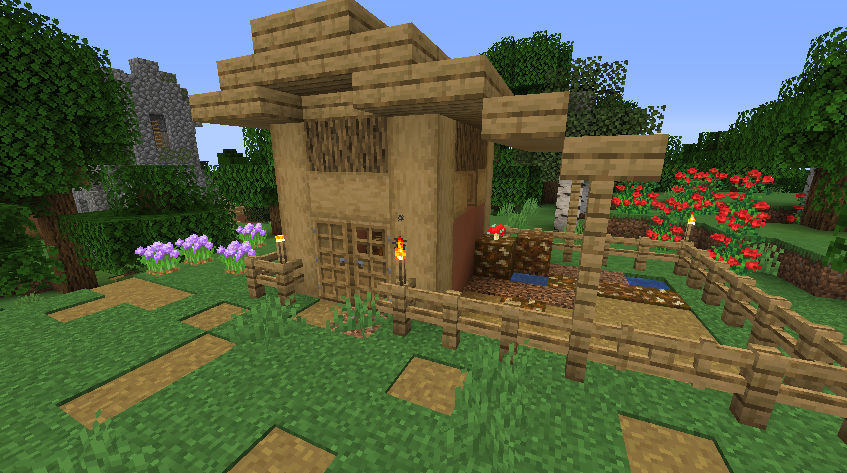
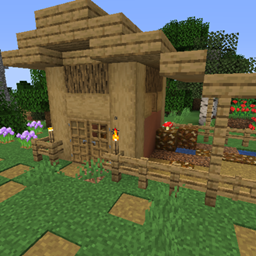
Repurposed Structures - Farmer's Delight Compat Datapack
Add Farmer's Delight to Repurposed Structures Villages설치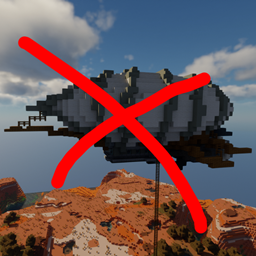
When Dungeons Arise - No Flying Structures
Disables WDA flying structures on the overworld설치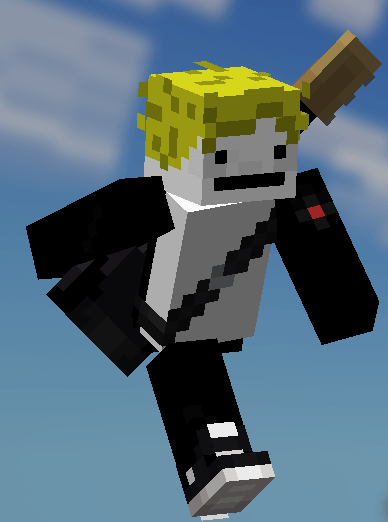

Fresh Moves
This is EMF Player Animation resource pack. Gives fancy animations to the player entity. Compatible with animations from other mods. Like Quark's emotes, Parcool techniques and Not Enough Animations.설치
When Dungeons Arise - Spacing Tweaks
Changes spacing and separation of several WDA structures설치

Translations for Sodium
Unofficial translations for the Sodium Minecraft mod설치

Motschen's Better Leaves
Improves the appearance of leaves with high mod compatibility and performance!설치
Embellished Stone (Advancement Plaques)
For use with the Advancement Plaques mod, gives them a look of embellished stone.설치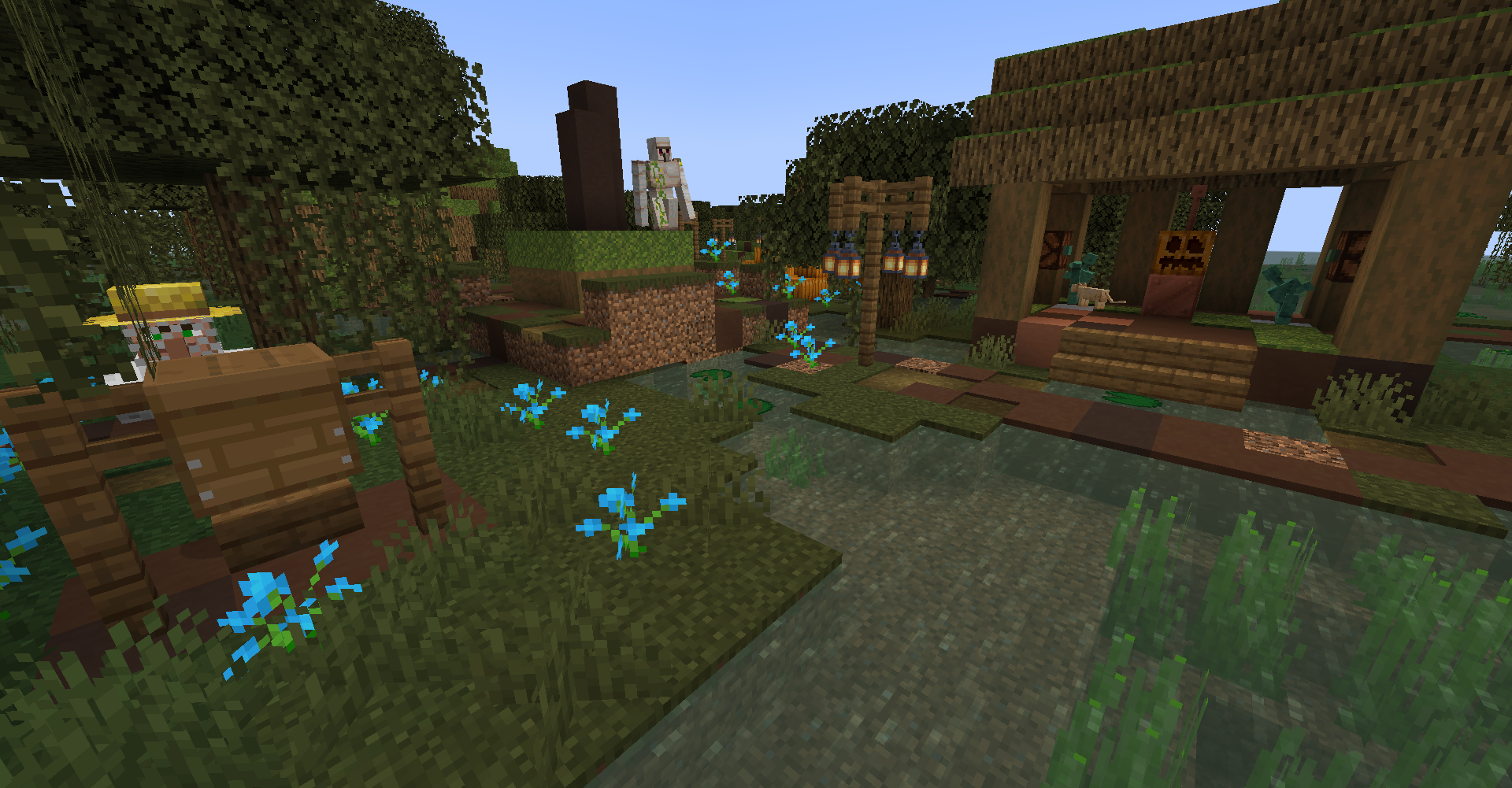
Repurposed Structures - Friends and Foes Compat Datapack
Add Copper Golems and Beekeepers to RS Villages설치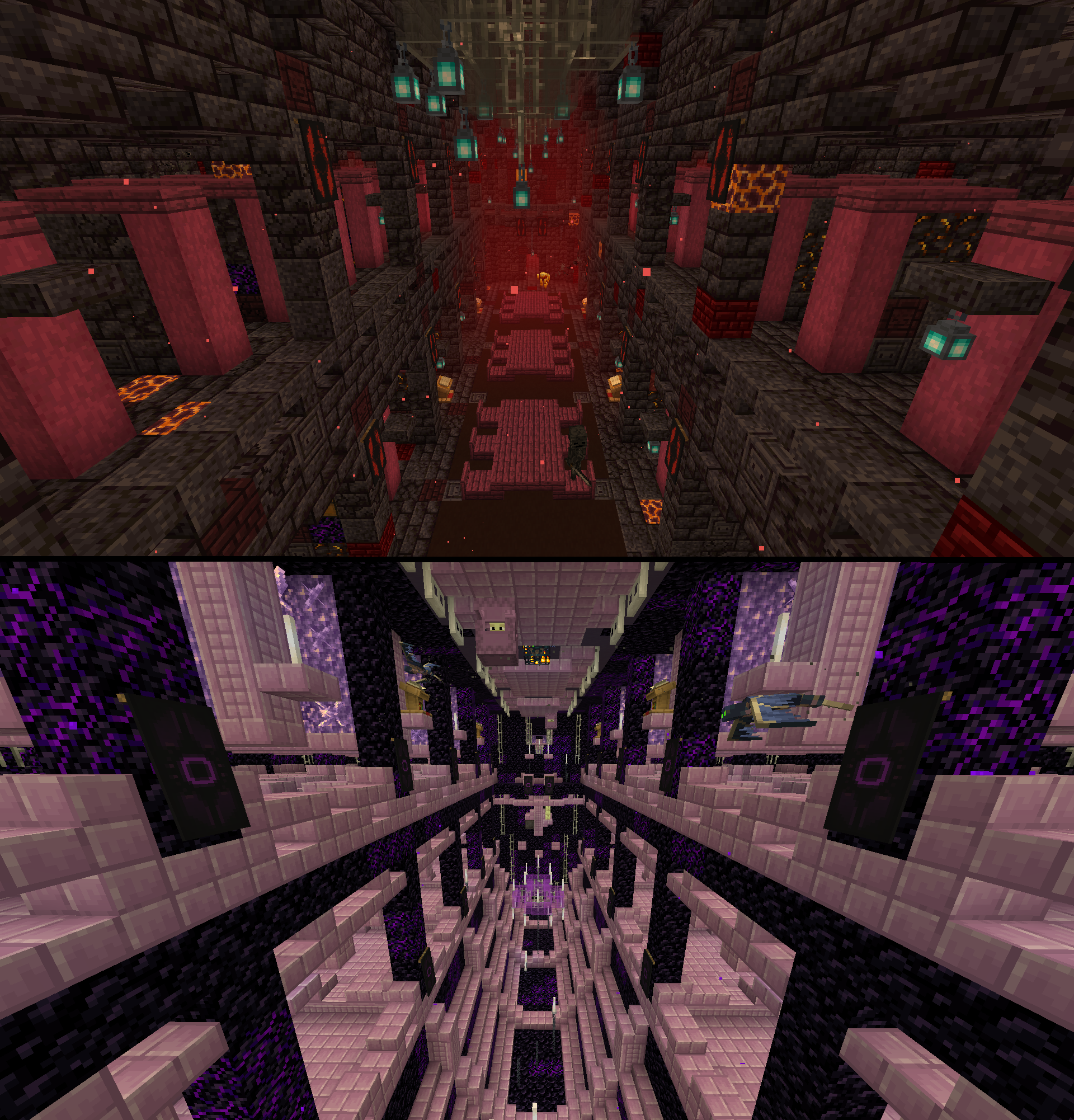
Repurposed Structures - Better Strongholds Compat Datapack
Change RS Strongholds to be in Better Stronghold's style설치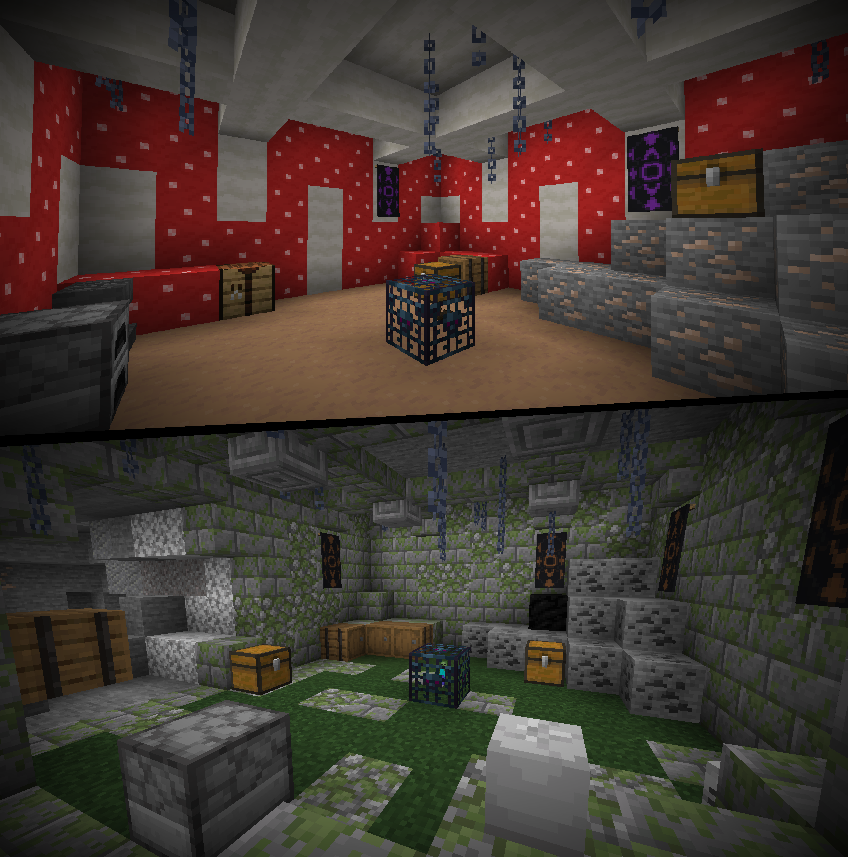
Repurposed Structures - Better Dungeons Compat Datapack
Change RS Dungeons to be in Better Dungeon's style설치

Low On Fire
Low fire on your screen! Vanilla Friendly설치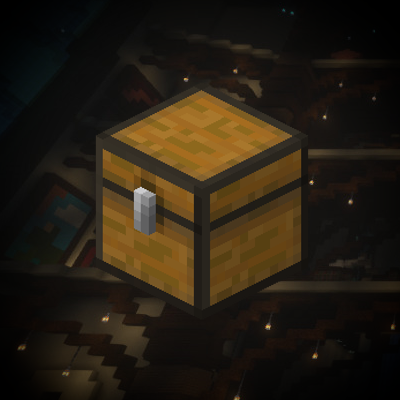
When Dungeons Arise - Loot Tweaks
A bunch of loot-changing datapacks to better fit certain modpacks설치
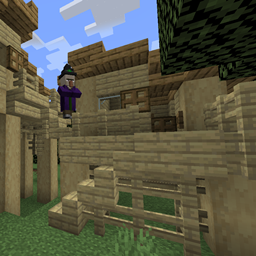
Repurposed Structures - Better Witch Huts Compat Datapack
Change RS Witch Huts to be in Better Witch Hut's style설치

Chat Reporting Helper
An educational tool that explains chat reporting in a simple and neutral way.설치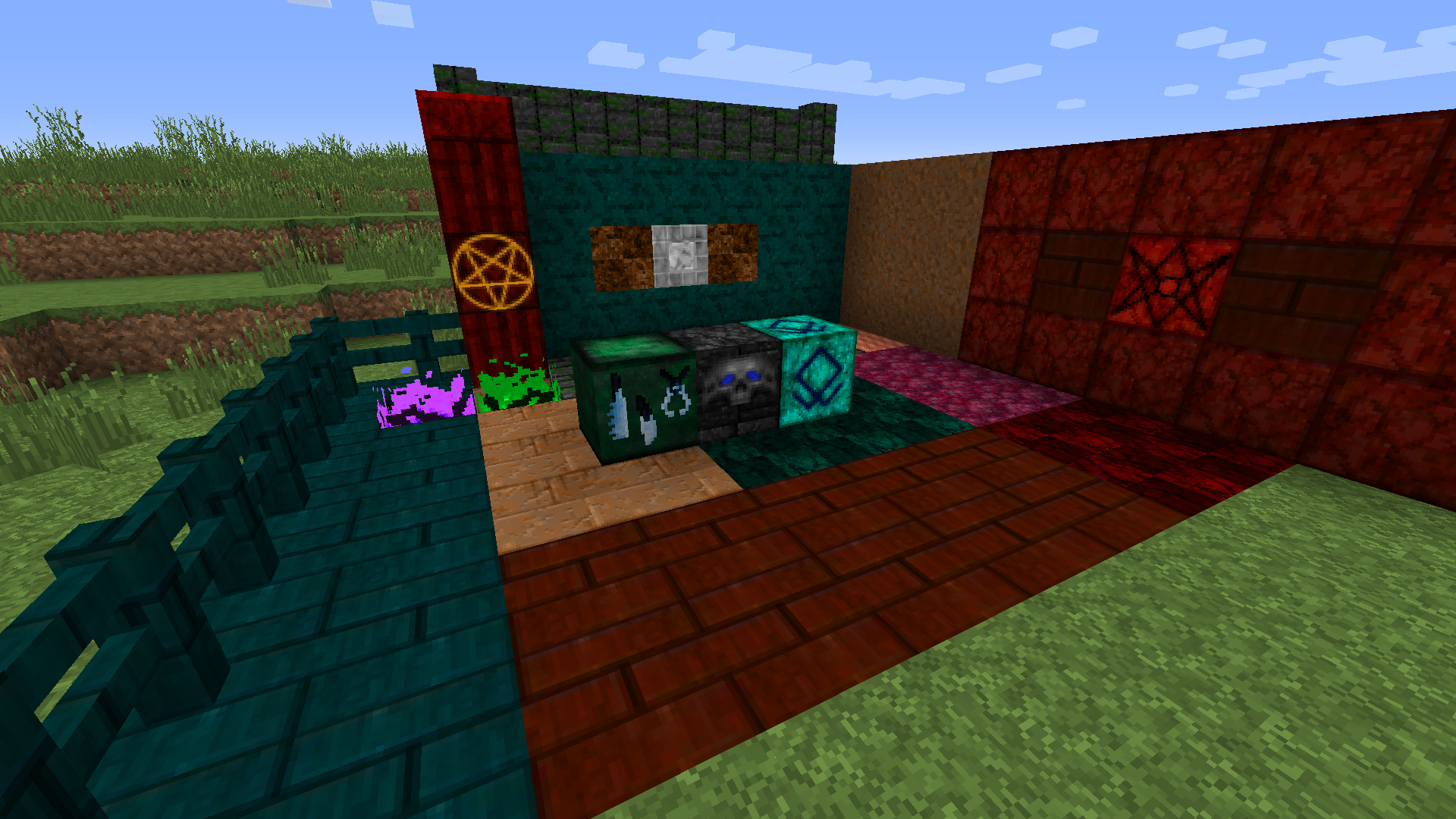

Lycanites Mobs 32X
32X Textures for Lycanites Mobs설치
Leviosa
Leviosa설치
Backpacked Recipe Fix
Replaces Backpacked mod backpack recipe설치FAQ
리소스 팩에 Forge나 Fabric이 필요한가요?
아니요. 리소스 팩은 로더나 모드 없이 일반 게임에서 작동해요. “설치”를 클릭하면 Millida Launcher가 알맞은 모드팩에 팩을 넣어주고, 그다음 설정에서 활성화하기만 하면 돼요.
16×, 32×, 64×는 무슨 뜻인가요?
텍스처 하나의 픽셀 단위 해상도예요. 16×는 원래 게임과 같고, 32×와 64×는 더 세밀하지만 더 무거우며, 128× 이상은 그래픽 카드에 눈에 띄는 부담을 줘요.
다른 버전용으로 만든 팩도 작동하나요?
대부분 부분적으로 작동해요. 예전 팩에는 새 블록의 텍스처가 없어서 그 부분은 기본값으로 남아요. 그래도 게임이 깨지지는 않아요.
텍스처 팩은 리소스 팩과 어떻게 다른가요?
이름과 시기만 달라요. 1.6 버전 전에는 이 세트를 텍스처 팩이라고 불렀고 텍스처만 바꿨는데, 1.6에서 리소스 팩이 이를 대체하면서 소리, 글꼴, 인터페이스도 바꾸게 됐어요. 1.5 이하용 예전 텍스처 팩은 변환 없이는 새 버전에서 작동하지 않아요.
PvP에 가장 좋은 텍스처 팩은 무엇인가요?
PvP 팩은 16× 이하 해상도, 짧아진 검, 낮은 불, 맑은 하늘, 밝은 입자를 특징으로 해요. 컴퓨터에 부담이 거의 없고 상대를 더 쉽게 볼 수 있어요. 이런 팩은 PvP 테마에 모여 있어요.
리소스 팩은 어떻게 설치하나요?
설치를 누르면 Millida Launcher가 해당 인스턴스의 resourcepacks 폴더에 팩을 넣어요. 그다음 게임에서 설정, 리소스 팩 순으로 활성화하세요. 직접 할 경우 압축 파일을 게임 폴더 안의 resourcepacks에 넣으면 되고, 압축을 풀 필요는 없어요.
Minecraft 텍스처 팩
리소스 팩은 게임의 모습과 소리를 바꿔요. 블록과 아이템 텍스처, 글꼴, 인터페이스, 소리 등이에요. 게임 코드는 건드리지 않기 때문에 모드 로더가 필요 없고 서버에서도 아무것도 깨뜨리지 않아요. 팩은 내 화면에서만 작동해요. 그래서 리소스 팩이 어떤 모드보다 안전한 거예요. 버전이 맞지 않을 때 최악의 경우는 일부 텍스처가 기본값으로 남는 것뿐이에요.
텍스처, 텍스처 팩, 리소스 팩은 사실상 같은 것이에요. 1.6 버전부터 Mojang은 이런 세트를 리소스 팩이라고 부르지만, 예전 이름이 여전히 더 많이 검색돼요. PvP 팩은 그 자체로 큰 장르인데, 짧아진 검, 낮은 불, 밝은 입자, 16× 이하 해상도로 상대가 눈에 잘 띄고 프레임이 떨어지지 않게 해요. 이런 팩은 대부분 1.8.9와 1.16.5용으로 만들어지며, 많은 PvP 서버가 이 버전으로 운영돼요.
팩에서 중요한 것은 해상도예요. 게임 기본 텍스처는 16×16 픽셀이고, 32×와 64× 팩은 더 세밀해 보이며, 128× 이상은 제대로 된 그래픽 카드가 필요하고 보통 셰이더와 함께 사용해요. 성능이 약한 컴퓨터라면 16×에 머무르거나 FPS를 위해 그래픽을 일부러 단순화한 팩을 고르는 게 좋아요. 여기 있는 모든 팩에는 게임 버전, 제작자, 라이선스가 표시돼 있고 출시된 모든 버전이 하나의 카드에 모여 있어요. 내려받은 압축 파일을 resourcepacks 폴더에 넣고 게임 설정에서 활성화하세요.