

Minecraft 1.20.1, 1.21.1용 [EMF] Entity Model Features 모드
EMF는 OptiFine 형식의 커스텀 엔티티 모델 대체 모드로 Fabric과 Forge에서 사용할 수 있습니다.
 NeoForge
 Fabric
 Quilt
 Forge
Entity Model Features
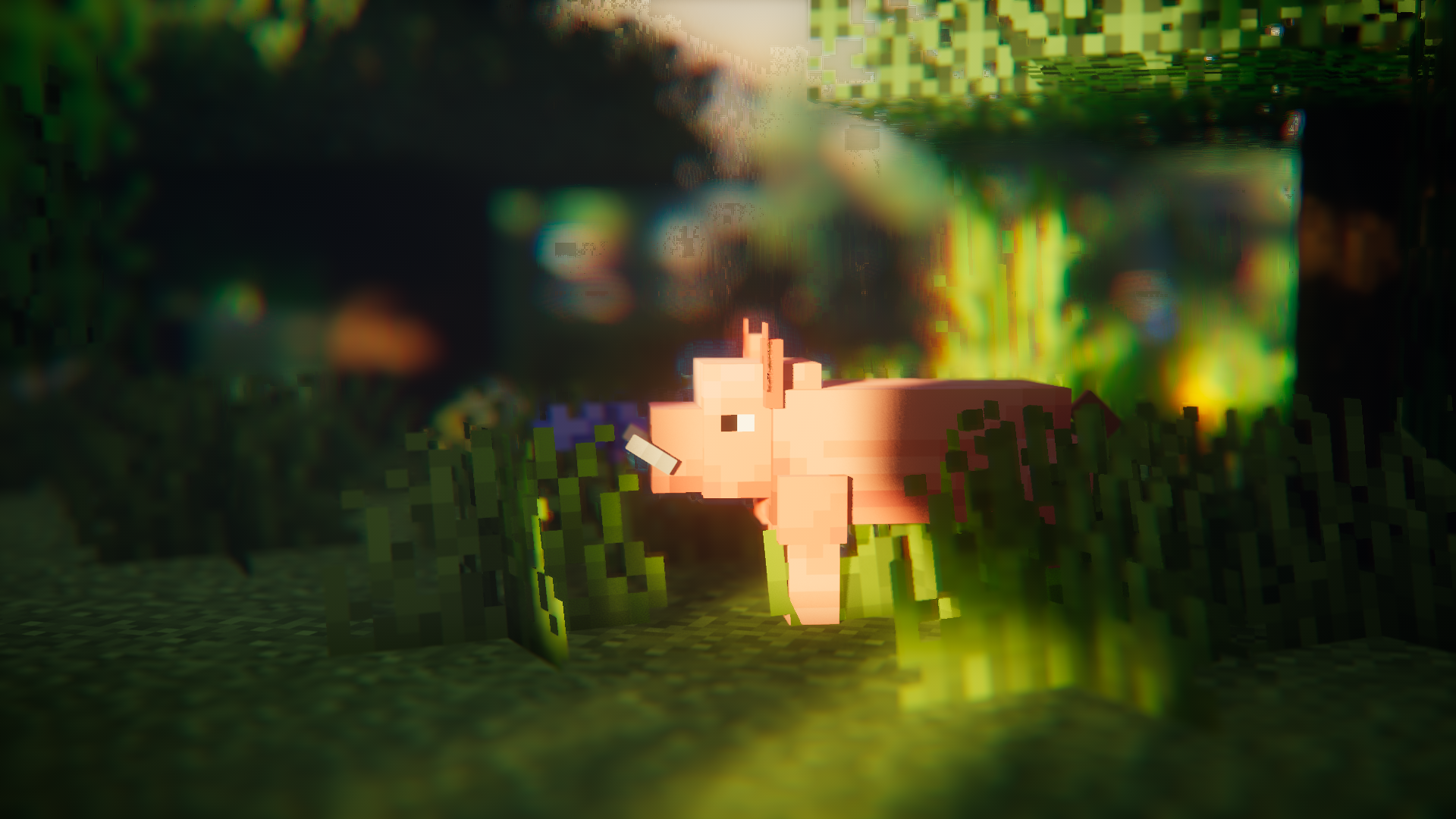
소개
Entity Model Features (EMF)는 OptiFine의 Custom Entity Models (CEM) 지원을 추가하는 Fabric, Forge, NeoForge 모드입니다.
CEM 리소스 팩 기능을 사용하면서 Sodium, Continuity 또는 ETF 같은 OptiFine 대체 모드도 함께 사용하고 싶은 분들을 위해 만들어졌습니다.

필수 모드
가능하다면 아래 모드들도 함께 설치해 주세요. Sodium처럼 당연한 모드들은 언급하지 않았습니다.
EMF는 dorianpb의 CEM 및 OptiFine / OptiFabric과 호환되지 않는다는 점도 말할 필요도 없습니다.

필수
- Entity Texture Features (ETF): EMF는 제 다른 모드인 ETF의 여러 기능을 사용하므로 필수입니다. (주로 랜덤 모델 기능, 설정 화면 지원, 그리고 OptiFine처럼 모델에 설정된 텍스처가 변화할 수 있도록 하는 데 사용됩니다)
강력 추천
- Entity Culling: 이 모드는 엔티티 렌더링 지연을 줄이는 데 놀라운 효과를 발휘하며, Sodium에 포함된 엔티티 컬링보다 더 많은 일을 해냅니다. Fresh Animations처럼 애니메이션이 많은 팩을 사용할 때 매우 유용합니다.
Fresh Animations?
네.
작동합니다 :)
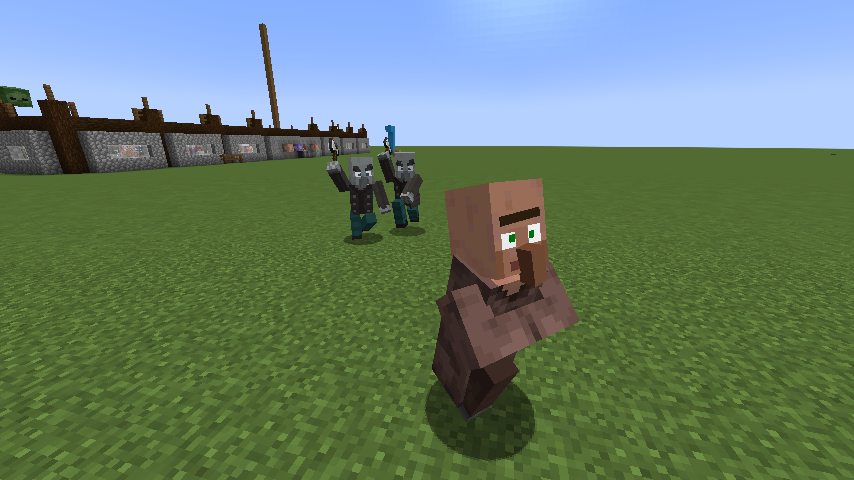
Fresh Animations 다운로드
기능 & OptiFine 차이점 & 알려진 버그
최신 기능 상세 페이지 : 기능 & Optifine 차이점
변경 로그
변경 로그는 여기에서 확인할 수 있습니다.
도움이 필요하거나 질문이 있으신가요?
제 Discord(권장)로 연락하시거나 GitHub에 이슈를 열어주세요.
[EMF] Entity Model Features 설치 방법
With Millida Launcher
Install Millida Launcher
The launcher is free: download it at millida.net/launcher and sign in with any nickname.
Click “Install” on this page
The launcher opens and installs the mod for Minecraft 1.18–26.3 on Fabric, Forge, NeoForge or Quilt automatically, together with its dependencies: [ETF] Entity Texture Features.
Launch the game
A profile with it appears in the launcher: click “Play”.
Manually
Install Fabric, Forge, NeoForge or Quilt
The loader must match the game version of the mod file, for example Minecraft 26.3. After installing it, a separate profile appears in your launcher.
Download the file for your version
In the version list above, pick the file entity_model_features-3.3.12-26.3-neoforge.jar (650 KB) for your game version and loader.
Put it in the mods folder
The folder is inside .minecraft (Windows: %appdata%\.minecraft\mods). If it does not exist, create it. Required dependencies go there too: [ETF] Entity Texture Features.
Launch the loader profile
Open “Mods” in the main menu: [EMF] Entity Model Features should be in the list.
[EMF] Entity Model Features works on the player’s side only: there is no need to install it on a server.
버전
의존성 포함
| Minecraft | 로더 | 파일 | 날짜 | 작업 |
|---|---|---|---|---|
| 26.3 | NeoForge | 26.3650 KB 207 | ||
| 26.3 | Fabric, Quilt | 26.3650 KB 594 | ||
| 26.2 | NeoForge | 26.2650 KB 79 | ||
| 26.2 | Fabric, Quilt | 26.2650 KB 320 | ||
| 26.1.2 | NeoForge | 26.1.2650 KB 22 | ||
| 26.1.2 | Fabric, Quilt | 26.1.2650 KB 85 | ||
| 1.21.10 | NeoForge | 1.21.10655 KB 6 | ||
| 1.21.10 | Forge | 1.21.10833 KB 7 |
실행에 필요한 것
이것이 필요한 콘텐츠
리뷰
[EMF] Entity Model Features의 첫 평가를 남겨 보세요


