

Minecraft 1.21.1, 1.21용 Transparency Fix 리소스 팩
일반적으로 불투명한 엔티티의 텍스처에 투명도를 사용할 수 있게 해줍니다.
- 다운로드
- 27 다운로드
- 조회수
- 114 조회수
- 업데이트됨
- 업데이트됨 04.05.2026
- 1.20.2 — 26.1.2
 바닐라 게임
- 클라이언트
Transparency Fix
This pack modifies vanilla core shaders to unlock alpha channel rendering for entities that are normally hard-coded to be opaque. It is designed to work alongside other resource packs; you must apply textures with transparency to see the effect.
Supported Entities: Beds, Paintings, Shields, Tridents, Books (Lectern/Enchanting), and Banners.
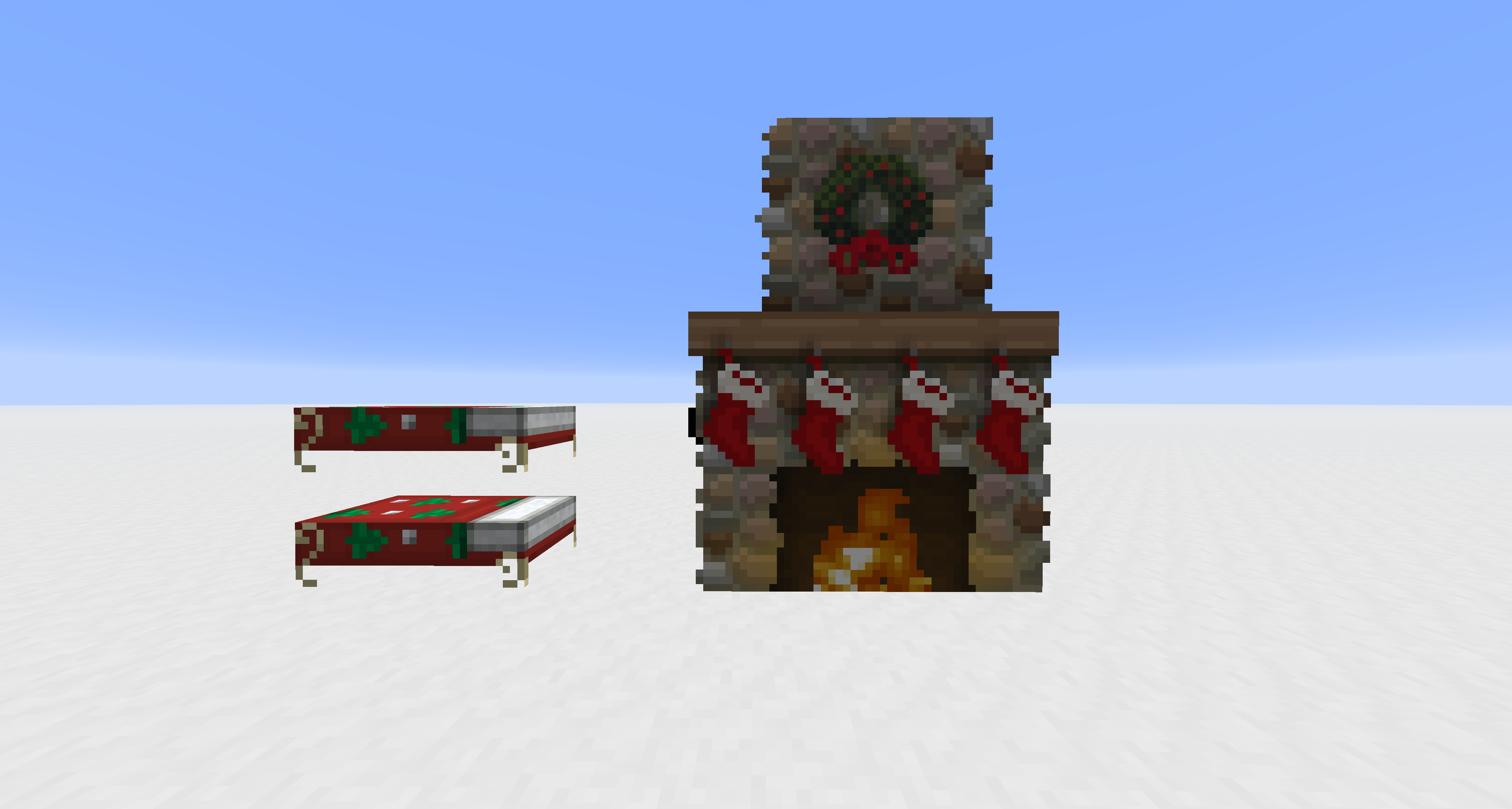
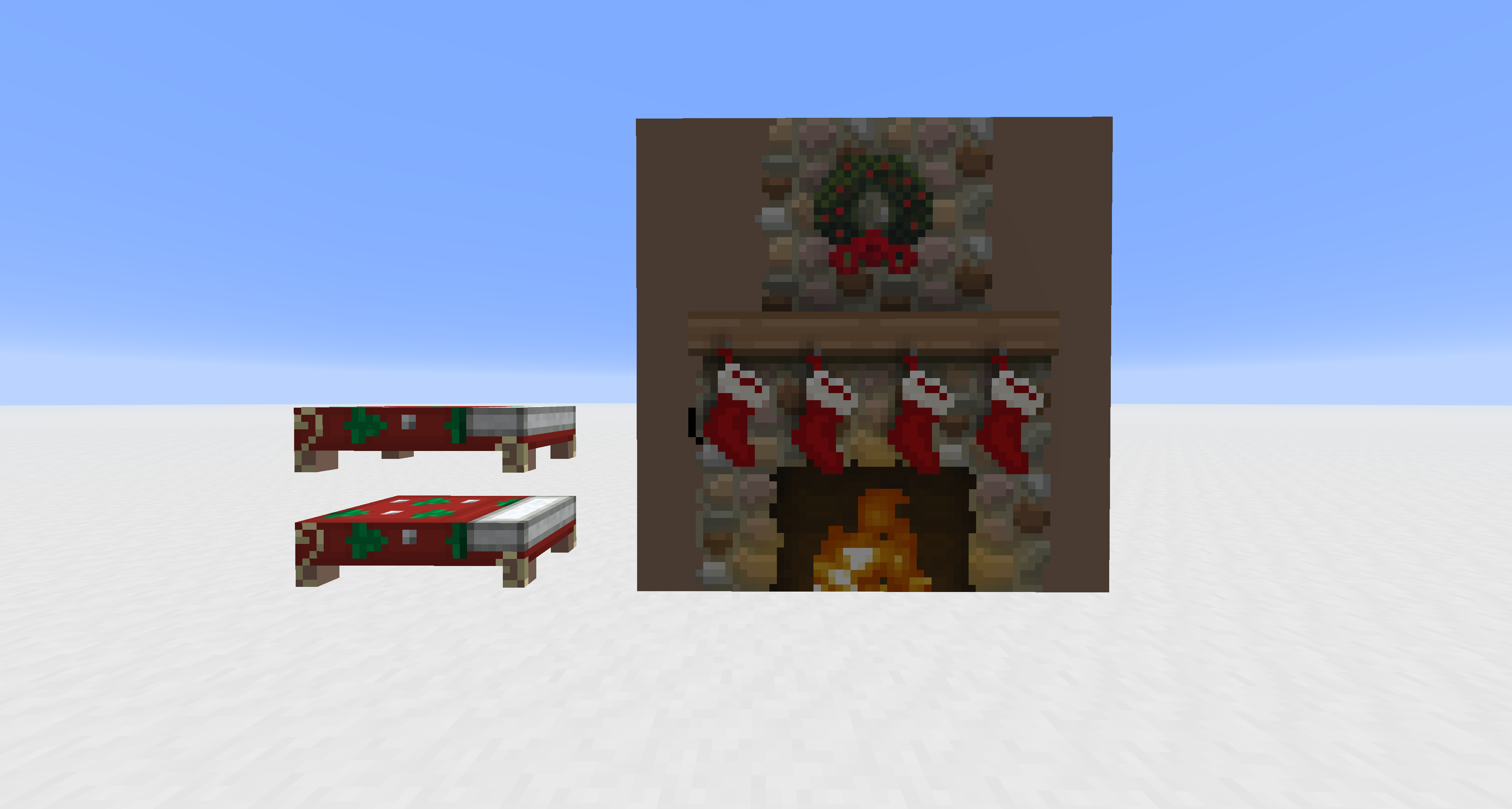
Transparency Fix 설치 방법
With Millida Launcher
Install Millida Launcher
The launcher is free: download it at millida.net/launcher and sign in with any nickname.
Click “Install” on this page
The launcher opens and installs the resource pack for Minecraft 1.20.2–26.1.2 automatically.
Launch the game
A profile with it appears in the launcher: click “Play”.
Manually
Download the archive
Pick the file Transparency Fix.zip (7 KB) for your game version. No need to unpack it.
Put it in the resourcepacks folder
The easiest way: “Options”, then “Resource Packs”, then “Open Pack Folder”, and drag the archive there.
Enable the pack
In the same window, move the pack to the right-hand “Selected” column and click “Done”.
버전
의존성 포함
| Minecraft | 로더 | 파일 | 날짜 | 작업 |
|---|---|---|---|---|
| 26.1 | — | 26.17.4 KB 26 | ||
| 1.21.11 | — | 1.21.117.4 KB |
이것이 필요한 콘텐츠
리뷰
Transparency Fix의 첫 평가를 남겨 보세요



