
Plugins for Minecraft 1.10 — page 5
642 アイテムプラグイン:一覧




NBT-API
Add custom NBT tags to Items/Tiles/Entities without NMSサーバー上でChatManager
ChatManagerサーバー上で

SlimeMobs
Allows mobs to drop slimefun items!サーバー上で

DragonTravel
Allows players on a server to travel to places on the back of dragons.サーバー上で

PlayerKits 2
An easy to use but powerful plugin to create survival kits and claim them on a GUI.サーバー上で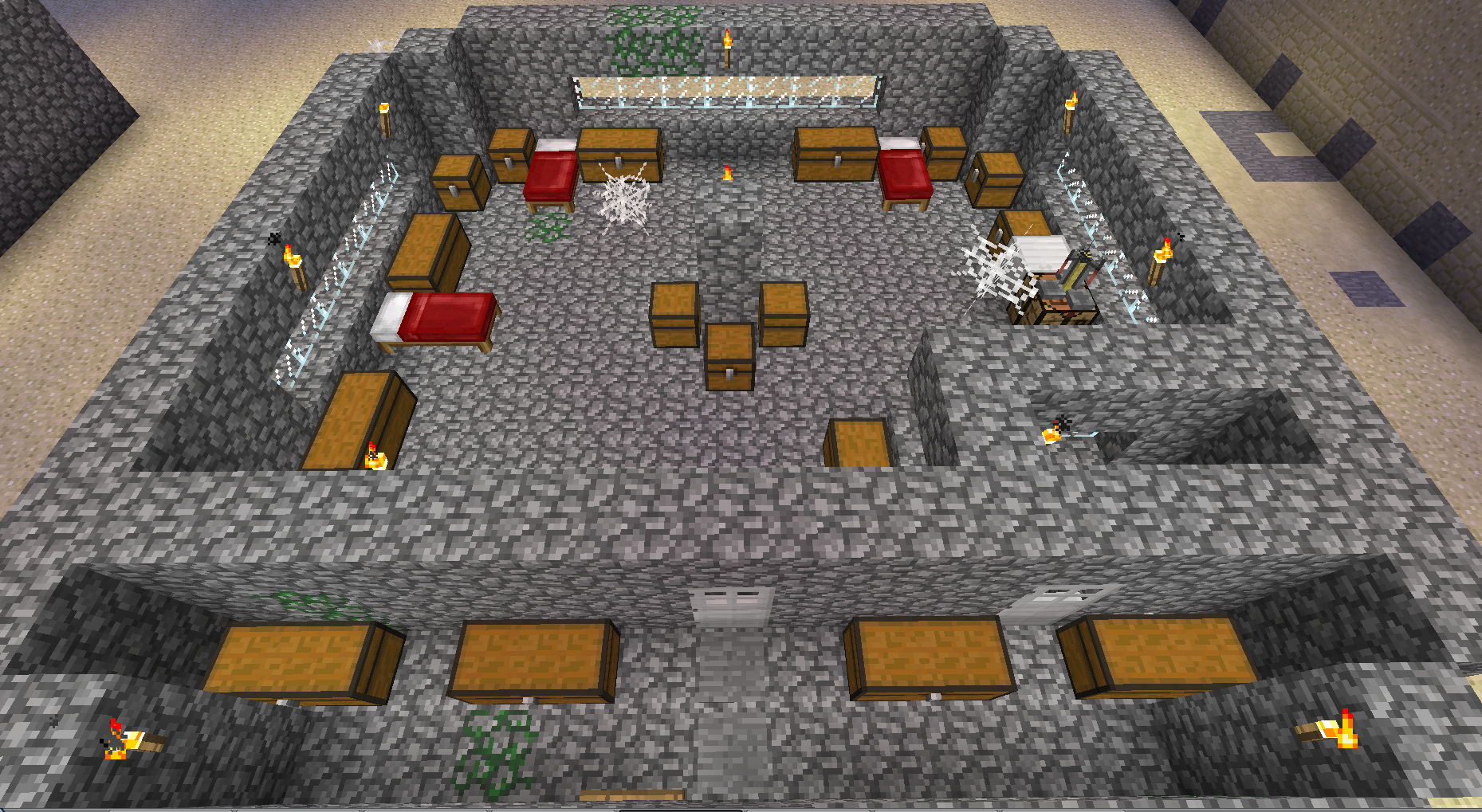

Catacombs
Catacombsサーバー上で

DecentHolograms
A lightweight yet very powerful hologram plugin with many features and configuration options.サーバー上で

EconomyShopGUI
This is a easy to use GUI shop plugin.サーバー上でStats by Lolmewn
Gather statistics for your server such as playtime, blocks broken and pvp!サーバー上で
Ancient Gates
Regular and Bungee portal plugin. Can transport players or any entity!サーバー上で
Timber Plugin
With this plugin you can cut down an entire tree by breaking the bottom part!サーバー上で

AuthMe ReReloaded(Fork)
A reliable, stable fork of AuthMe with various bug fixes, new exciting features and Folia supportサーバー上でLimitedWorldEdit
Allow Users to use Worldedit only in World Garud regionsサーバー上で
dtlTraders
A better way to trade! For Citizens(2).サーバー上で

ChatColor
Change the colour of the server chat!サーバー上で

OneBlock
OneBlock Minecraft Bukkit pluginサーバー上で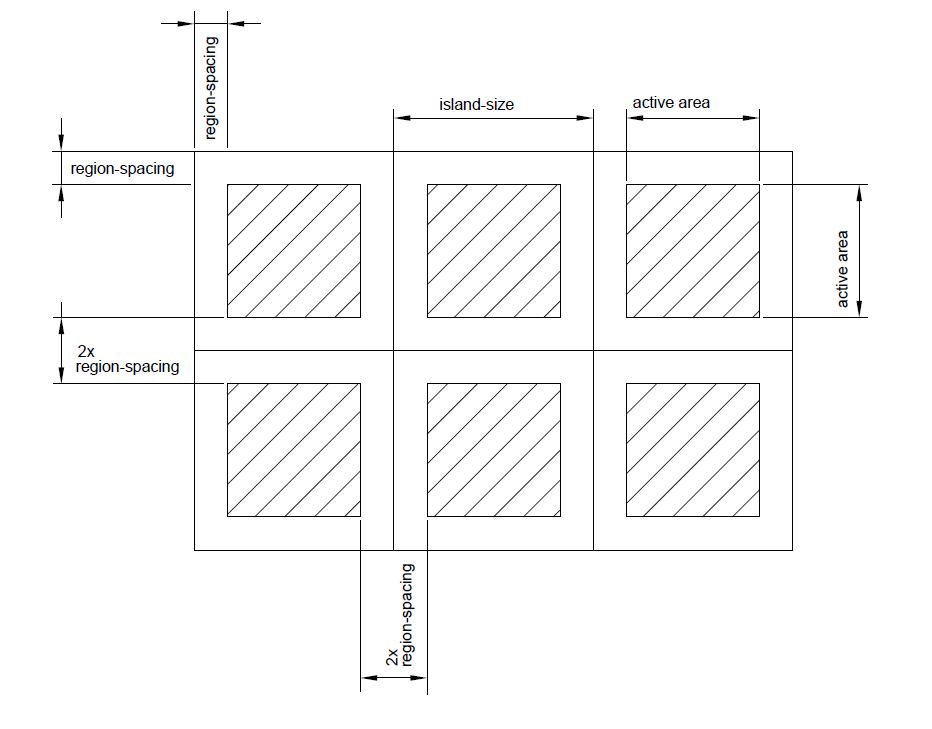

Island World (SkyBlock replacement)
IslandWorld - Survive on small isleサーバー上で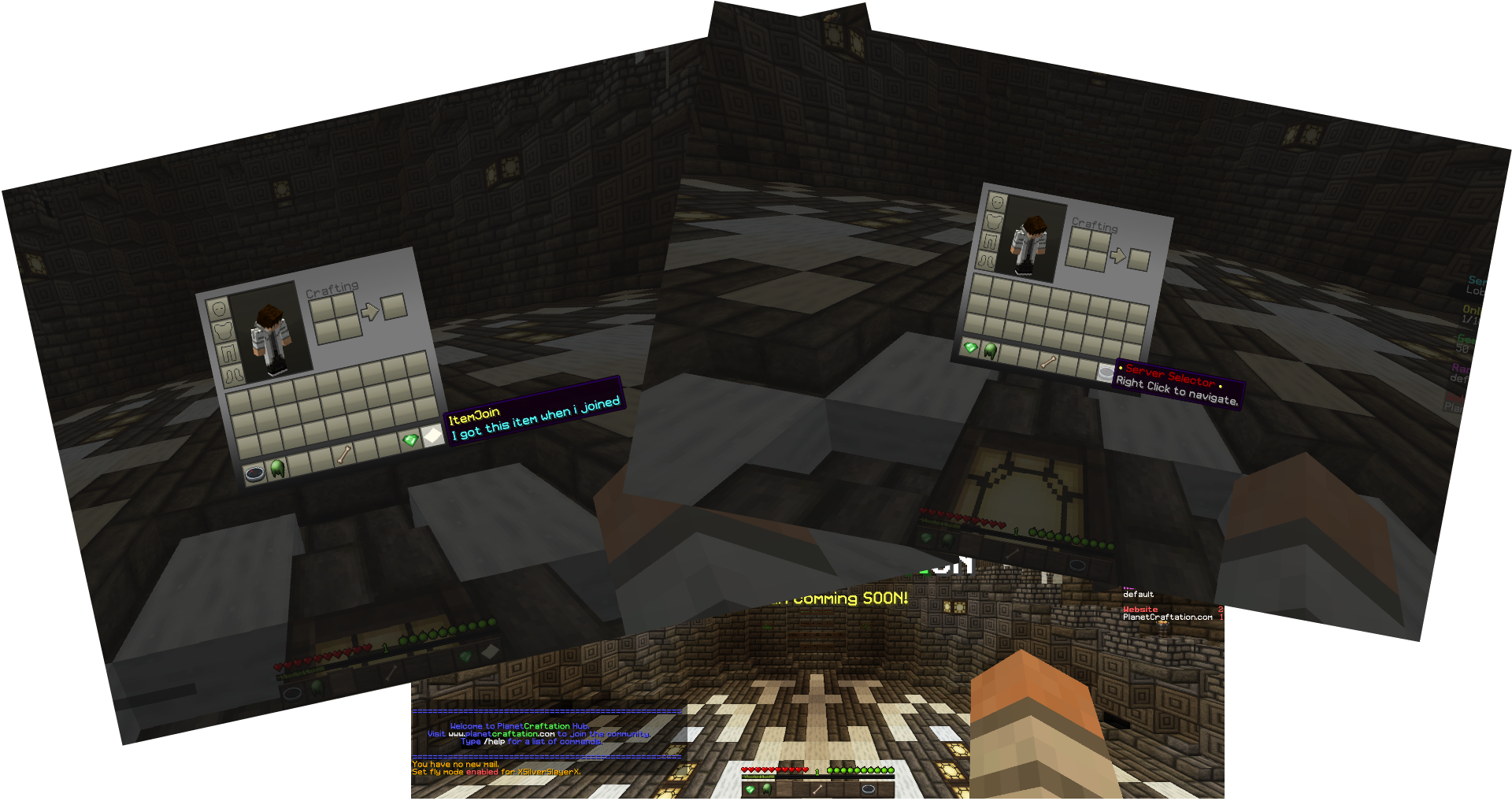

ItemJoin
Get custom items on join.サーバー上で

ViaRewind
ViaVersion addon to allow 1.8.x and 1.7.x clients on newer server versions.サーバー上で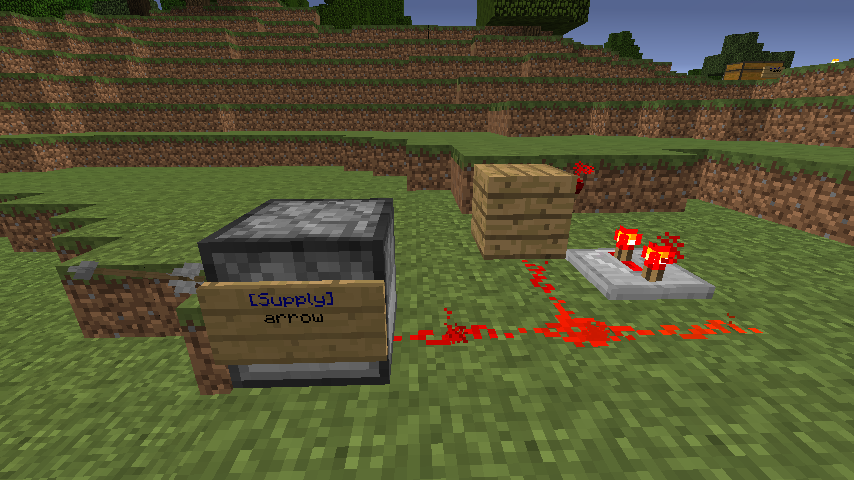
SupplySign
Infinite Items Distribution via Signs, with chest and dispenser support!サーバー上で

ItemEdit
Fast edit, customize and manage itemsサーバー上で

MyWarp
A social and self managing warp system for the Minecraft multiplayer.サーバー上で
Chest Randomizer
Chest Randomizerサーバー上でFAQ
プラグインとMODの違いは何ですか?
プラグインはサーバーでのみ動作し、プレイヤー側には何も要求しません。クライアントはバニラのままです。MODは全員がインストールする必要があり、ゲーム自体を変更します。
プラグインはどこに置きますか?
.jarファイルをサーバーのpluginsフォルダーに入れ、サーバーを再起動してください。プラグインは初回起動時に設定ファイルを作成します。
SpigotのプラグインはPaperで動作しますか?
通常ははい。PaperとPurpurはSpigotを基に作られており、そのプラグインと互換性があります。逆は成り立ちません。Paperの機能を使うプラグインは純粋なSpigotでは動作しません。
Aternosにプラグインをインストールする方法は?
Aternosでは、プラグインはパネルの「プラグイン」セクションの組み込みリストからのみインストールできます。自分の.jarファイルをアップロードできないため、有料や珍しいプラグインはAternosにインストールできません。必要なプラグインがリストにない場合は、pluginsフォルダーにアクセスできるホスティングが必要です。ファイルをそこに入れてサーバーを再起動してください。
サーバーに最初に入れるべきプラグインはどれですか?
通常は4つから始めます。EssentialsX(ホーム、ワープ、キット、テレポート)、LuckPerms(グループと権限)、WorldGuardとWorldEdit(スポーンと地域保護)、ViaVersion(他のゲームバージョンからの参加)です。ニックネームログインのあるサーバーには、パスワード用のAuthMeとスキン用のSkinsRestorerを追加します。
フレンドと遊ぶサーバーにはどのプラグインを入れるべきですか?
フレンド向けの小さなサーバーには少しで十分です。EssentialsX(ホーム、フレンドへのテレポート、ワープ)、CoreProtect(グリーフィングのロールバックとブロックを壊した人の特定)、ボイスチャット用のSimple Voice Chat(プレイヤー側に同名のMODが必要)です。権限や地域保護は通常このようなサーバーでは不要です。
Paperにプラグインをインストールする方法は?
お使いのPaperのバージョン用のプラグインファイルをダウンロードし、.jarをpluginsフォルダーに入れてサーバーを再起動すると、/pluginsコマンドに表示されます。Millida Hostingでは、プラグインページの「サーバーで」ボタンが同じことを行います。
Plugins for Minecraft 1.10
Plugins for Minecraft 1.10:プラグインセクションの642件。互換性は説明ではなくファイルで確認されます。これらの条件に一致するビルドがあるものだけがリストに残ります。
プラグインはサーバーのほぼすべてを裏で処理します。ランクと権限、土地保護、経済とショップ、アンチチート、マップローテーション、メニュー、投票などです。インストールは.jarファイルをpluginsフォルダーにコピーしてサーバーを再起動するだけです。ほとんどは初回起動時に独自の設定ファイルを作成し、それを編集します。カードには対応コアとゲームバージョン、作者、ライセンスが記載され、すべてのリリースが1ページにまとまっているので、そこから直接プラグインを更新できます。