
Minecraft texture packs — page 93
Resource packs: list


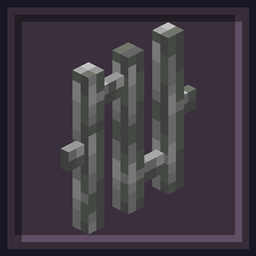
Undopia 3D Bars
Gives the Bars a 3 dimensional modelInstall

Farcr's Better Dirt
Significantly improves the game's most iconic block: Dirt!Install
Magical Building Spellbooks
Magical styled textures for Building Gadgets mod.Install

Musgo
Musgo is a resource pack that brings more life and personality to Minecraft, adding subtle details and ambiance while keeping the vanilla style. Perfect for players who want a more immersive, natural, and enchanting world.Install

Excalibur | EEEAB's Mobs Support
A bridge between EEEAB's Mobs and Excalibur.Install
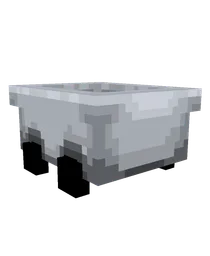
Better Minecarts
Bring a modern, animated touch to your minecart experience! Now back with brand new design!Install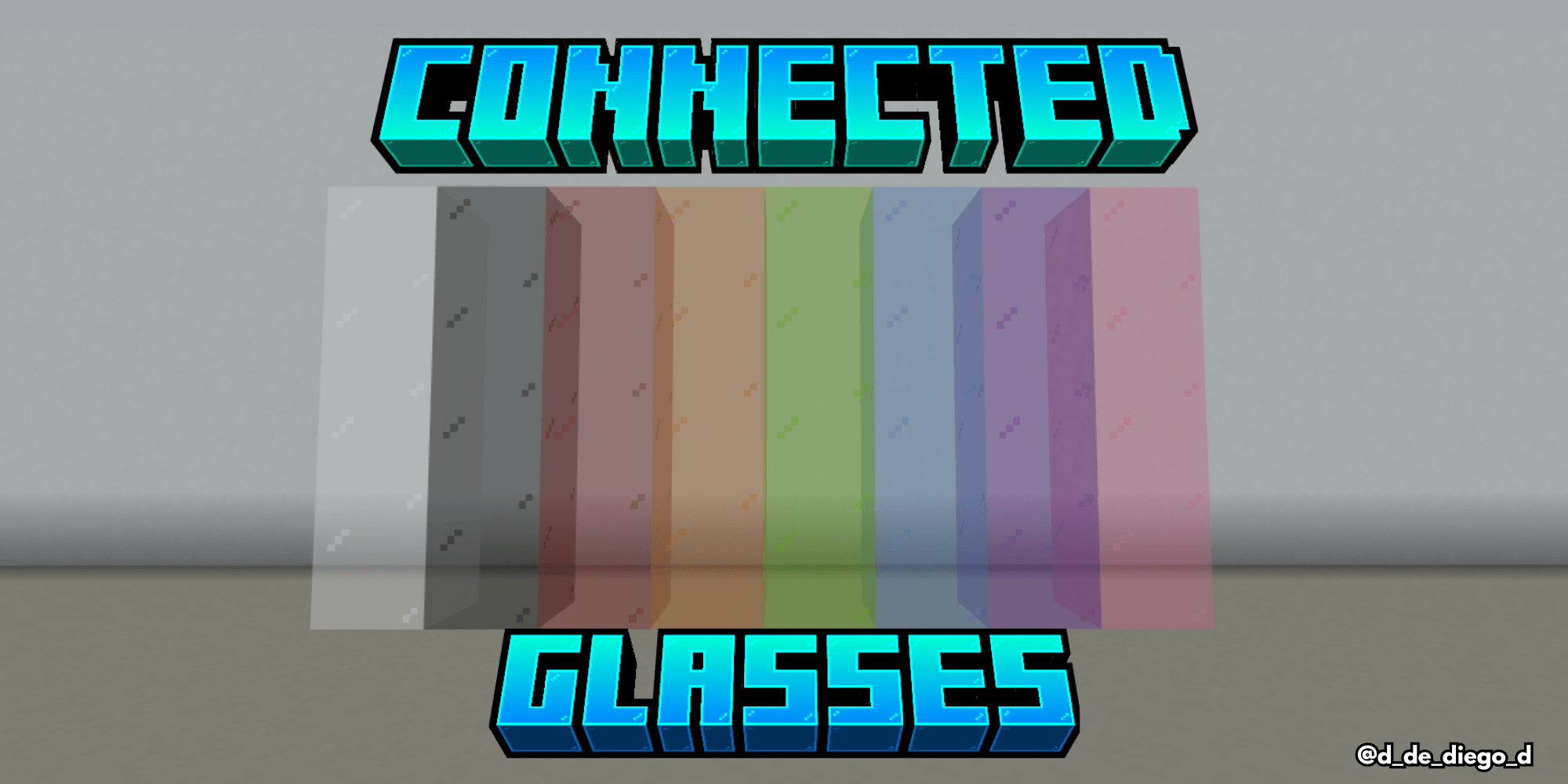

Connected Glasses
This texture pack connects the textures of the glass, so that it is not noticeable that it is a different block.Download

Hold My Tasty Items
A version of the "Tasty Items" resource pack that works properly with the "Hold My Items" mod, adding eating animations to food and other consumablesInstall

Minecraft HD(64x) Fan Updated by mrdhobbs
Default Textures in 64x Resolution by a FanInstall

Enigmaticless
Texture pack for Enigmatic Legacy - Faithless style!Install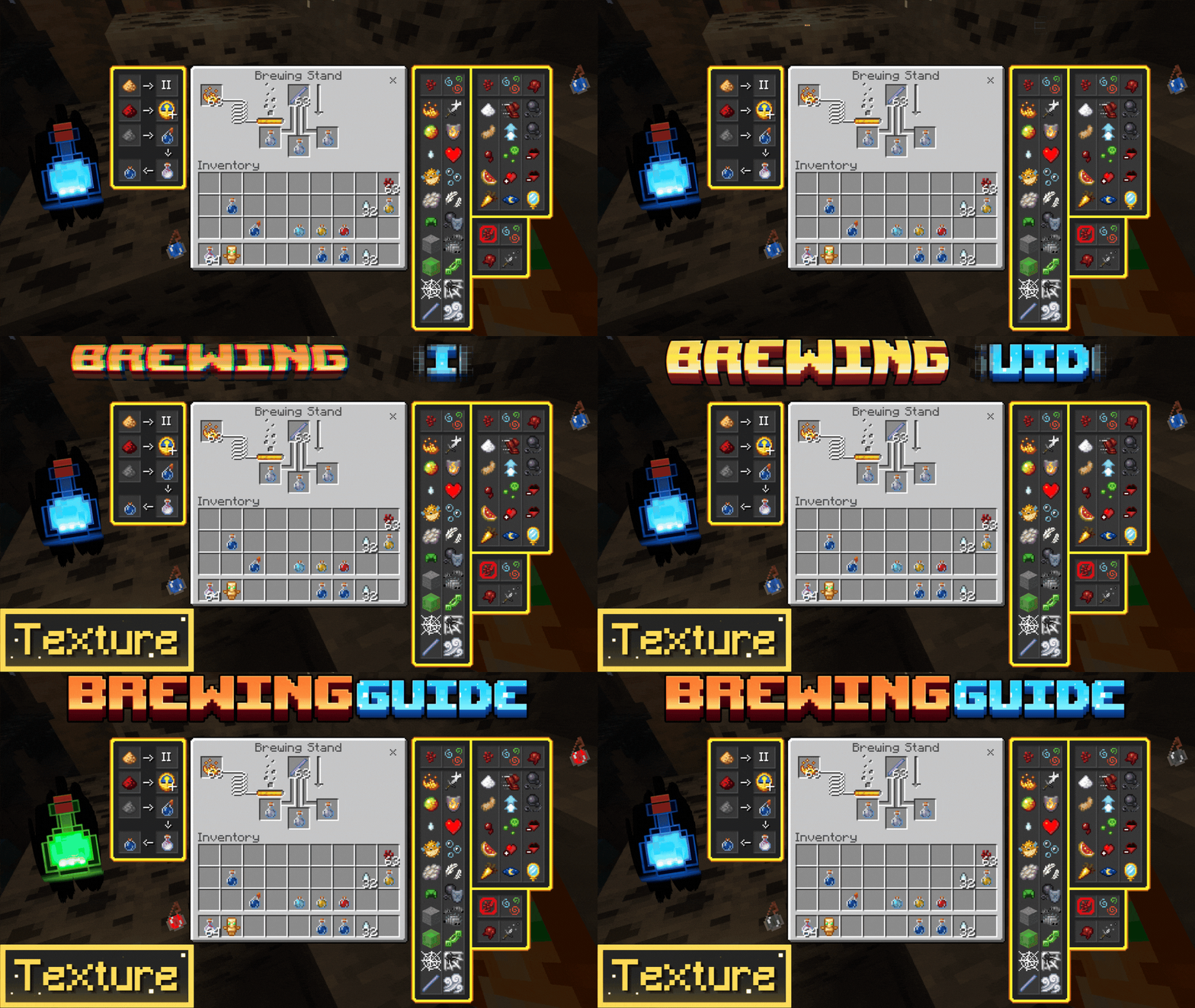

Brewing potions guide
The Potions or Brewing Guide adds a visual UI with all potion recipes, ingredients, and effects, so you no longer need to search how to make, extend, or throw them. It makes potion crafting faster, easier, and more intuitive in Minecraft.Download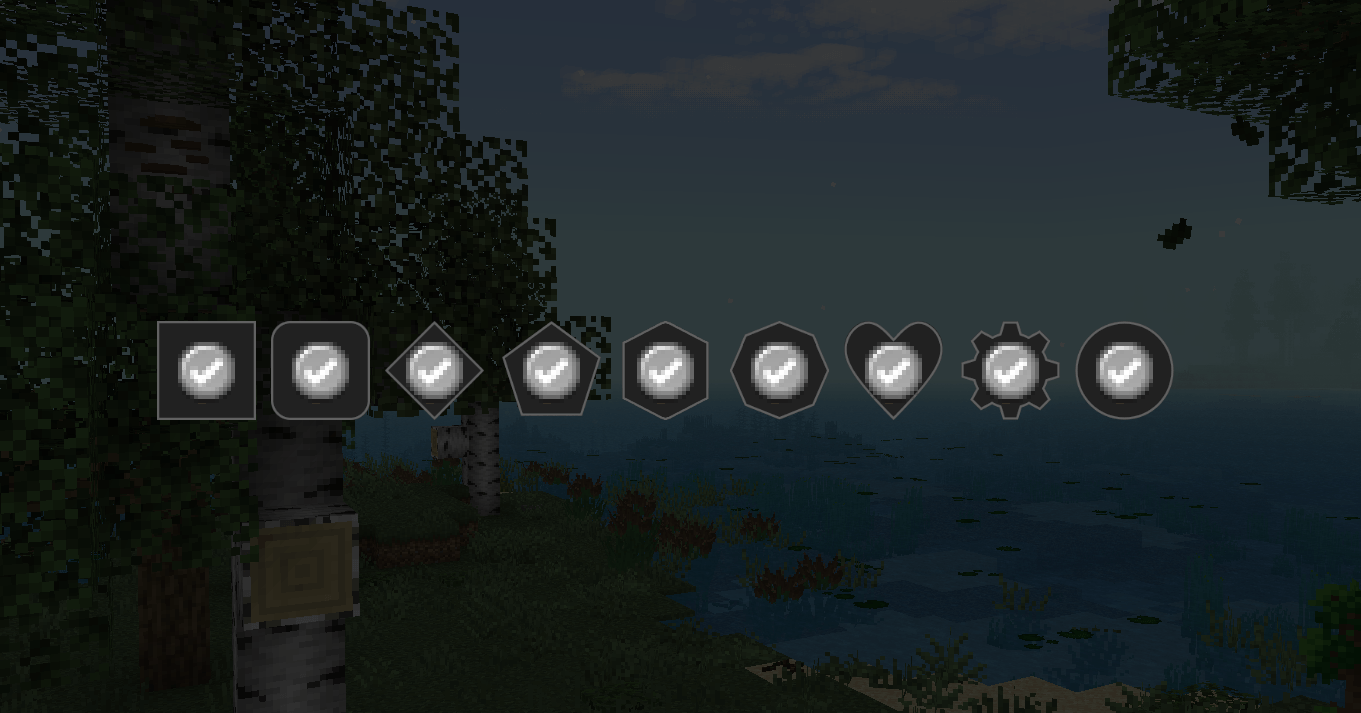

Linggango - FTB Quests Theme
Custom FTB Quest Theme for the Linggango ModpackInstall

Bare Bones PBR x128
Bare Bones PBR with x128 textures | Trailer style !Install

Mizuno Eating Animation
A texture pack for Mizuno CraftInstall

X RAY + Night Vision | Xray | Xray Glow
This resource pack does not disable achievements and works on servers. It adds X-Ray and Night Vision to help you find ores easily and see clearly in the dark 🔥Download

Main Menu Panoramas
15+ different main menu panoramas with shadersInstall
Kehaan Spawn Eggs
Re-textures all spawn eggs in a similar style to the new creeper spawn egg, adding unique mob faces to each one.Install

DrDonut's Fan Pack
An UNOFFICIAL fan-made texturepack for DrDonutInstall
GregTech: Refreshed
Gives Modern aesthetics to the GregTech ModInstall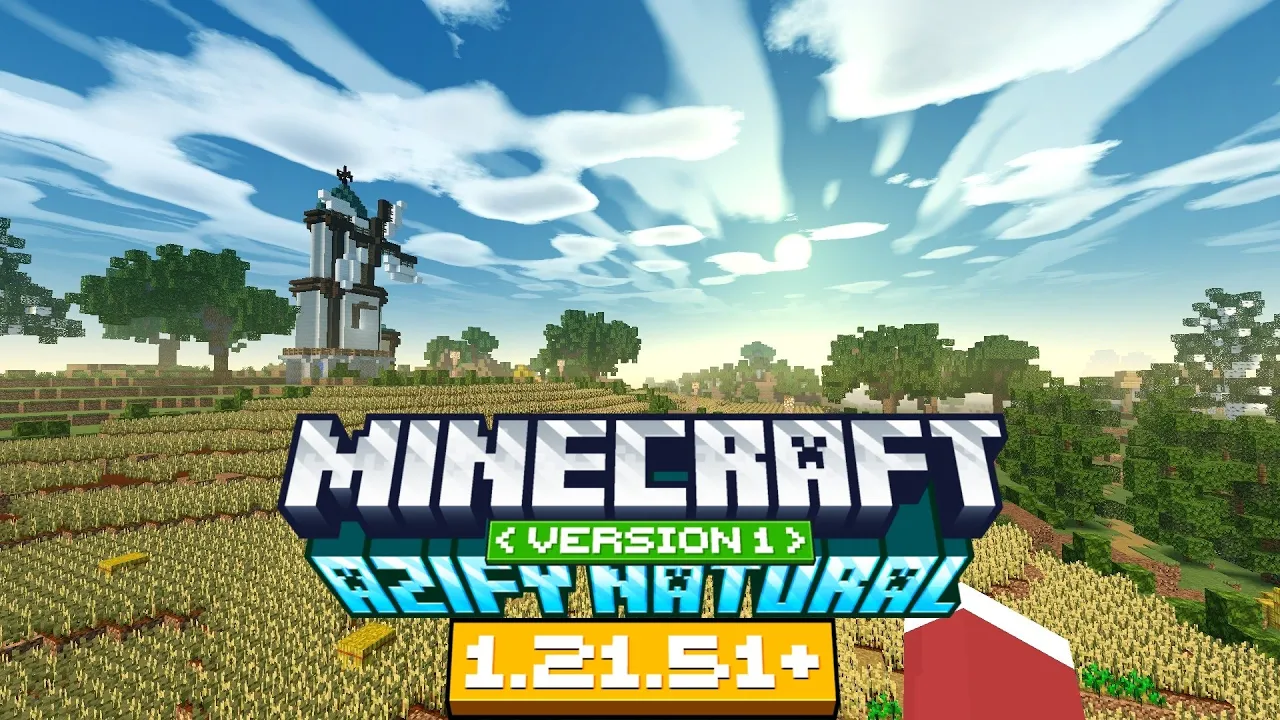

AziFy Natural Shader | AFN | MCBE/PE
Features dynamic lighting, realistic water and sky rendering, optimized performance and clean visuals that push mobile shaders further. Great balance of beauty + speedDownload

Vanilla Future Texture TXF
Vanilla future texture for minecraft 1.12.2Install

Scape and Run: Parasites Resource Pack
Full resource pack x32 textures for SRP modInstall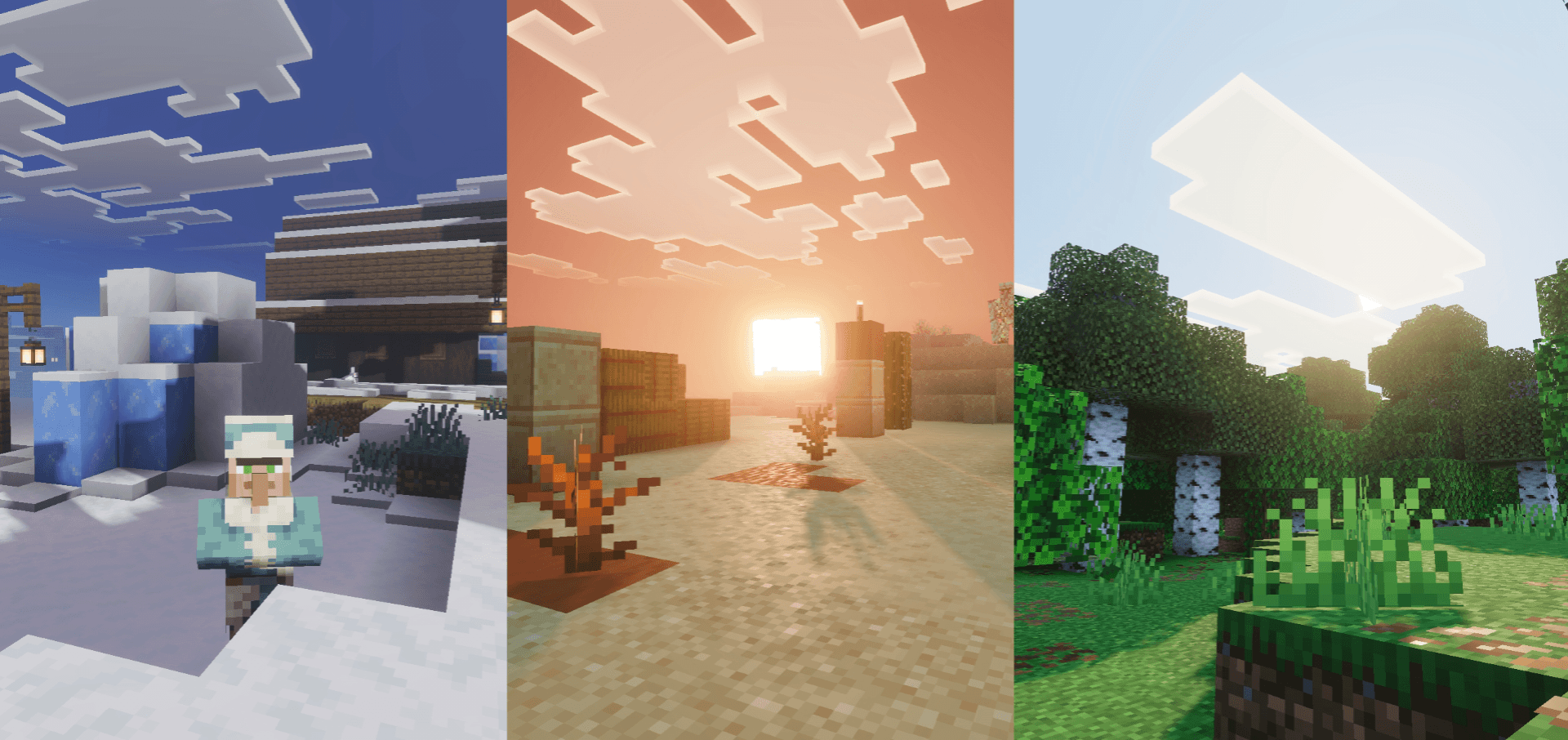
Solumn Visuals
Solum Visuals transforms Minecraft with cinematic lighting, realistic colors, dynamic fog, and immersive atmospheres. Enjoy vivid sunsets, sunrises, and nights that bring depth, warmth, and life to every world you explore.DownloadFAQ
Do I need Forge or Fabric for a resource pack?
No. A resource pack works on the regular game with no loaders or mods. Click “Install” and Millida Launcher will put the pack into the right modpack — then just enable it in the settings.
What do 16×, 32×, 64× mean?
The resolution of a single texture in pixels. 16× matches the original game, 32× and 64× are more detailed and heavier, and 128× and up put a noticeable load on your graphics card.
Will a pack made for another version work?
Most likely partly: older packs don't have textures for newer blocks, so those will stay default. The game won't break, though.
How is a texture pack different from a resource pack?
Only by name and age. Before version 1.6 the sets were called texture packs and changed only textures; in 1.6 resource packs replaced them and also change sounds, fonts and the interface. Old texture packs for 1.5 and below do not work on new versions without conversion.
Which texture packs are best for PvP?
PvP packs: 16× resolution or lower, shortened swords, low fire, a clear sky and bright particles. They barely load the computer and make the opponent easier to see. These packs are collected in the PvP theme.
How do I install a resource pack?
Press Install and Millida Launcher puts the pack into the resourcepacks folder of the right instance. Then enable it in the game: Options, then Resource Packs. Manually, the archive goes into resourcepacks inside the game folder, no need to unpack it.
Minecraft texture packs
A resource pack changes how the game looks and sounds: block and item textures, fonts, the interface, sounds. It doesn't touch the game's code, so it needs no mod loader and breaks nothing on a server — the pack only works on your screen. That's exactly why a resource pack is safer than any mod: the worst that happens on a version mismatch is that some textures stay default.
Textures, texture packs and resource packs are essentially the same thing: since version 1.6 Mojang calls these sets resource packs, but the old name is still searched more often. PvP packs are a big genre of their own: shortened swords, low fire, bright particles and 16× resolution or lower, so the opponent stands out and the frame rate does not drop. Such packs are most often made for 1.8.9 and 1.16.5, the versions many PvP servers run on.
The key thing about a pack is its resolution. The game's default textures are 16×16 pixels; 32× and 64× packs look more detailed, while 128× and up need a real graphics card and are usually paired with shaders. On a weak machine it makes sense to stay at 16× or go for packs that deliberately simplify graphics for more FPS. Every pack here lists its game version, author and license, and all released versions are gathered on one card. Put the downloaded archive in the resourcepacks folder and enable it in the game settings.