

About the Musgo resource pack

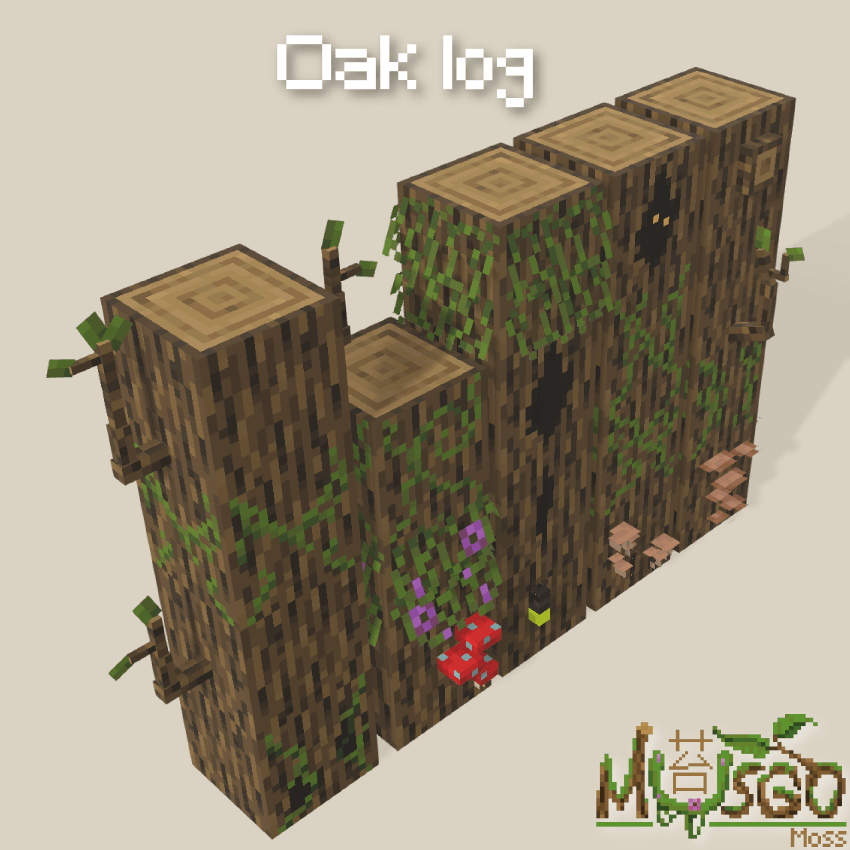
Musgo is a resource pack designed to bring more life and personality to the world of Minecraft.

All while maintaining the vanilla aesthetic, with a focus on immersion and ambiance. Ideal for those who want a more detailed, mysterious, and enchanting world without straying from the original Minecraft style.
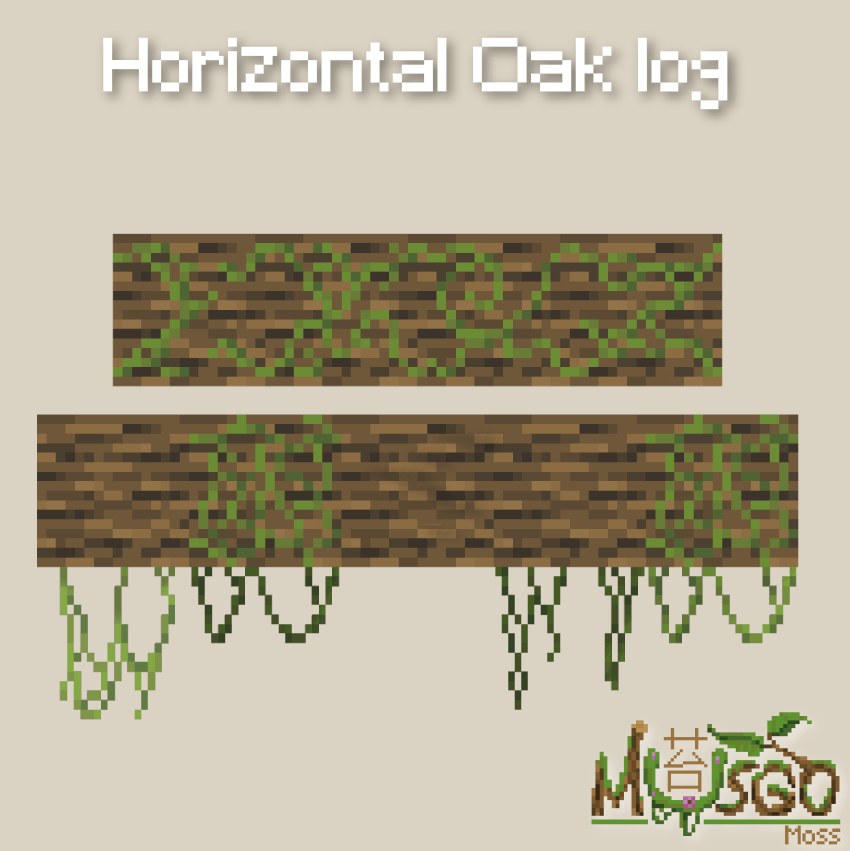
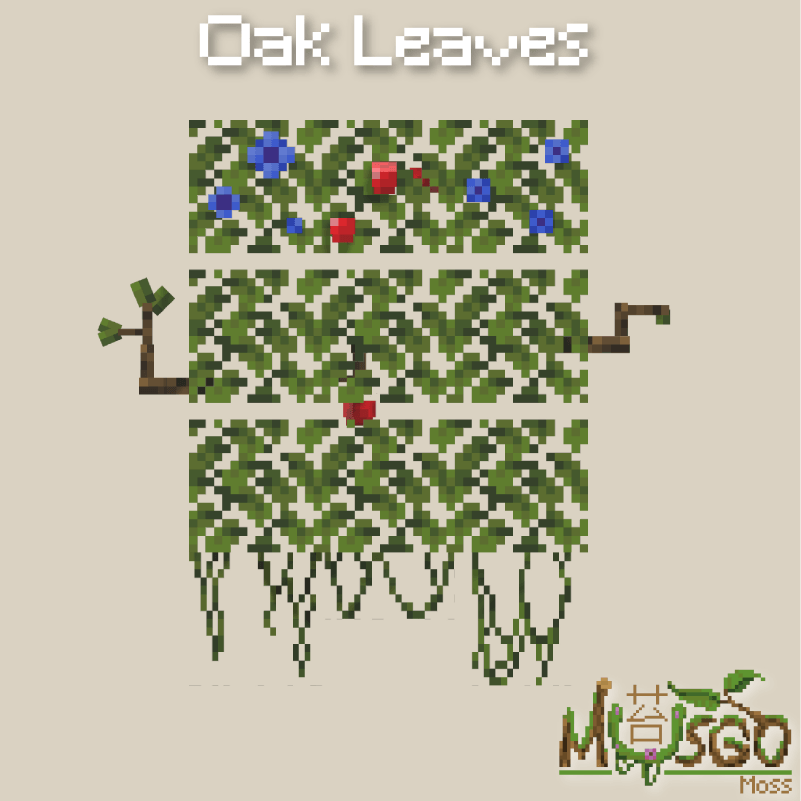
Adds multiple alternative models for logs and leaves of every wood type, as well as detailed mushrooms, plants, vines, and even lilypads.

How to install Musgo
With Millida Launcher
Install Millida Launcher
The launcher is free: download it at millida.net/launcher and sign in with any nickname.
Click “Install” on this page
The launcher opens and installs the resource pack for Minecraft 1.21.11–26.3 automatically.
Launch the game
A profile with it appears in the launcher: click “Play”.
Manually
Download the archive
Pick the file Musgo.zip (2.6 MB) for your game version. No need to unpack it.
Put it in the resourcepacks folder
The easiest way: “Options”, then “Resource Packs”, then “Open Pack Folder”, and drag the archive there.
Enable the pack
In the same window, move the pack to the right-hand “Selected” column and click “Done”.
Versions
With dependencies
| Minecraft | Loader | File | Date | Actions |
|---|---|---|---|---|
| 1.21.11 | — | Musgo 6.5.zip2.6 MB 8 |
FAQ
Which Minecraft versions does Musgo work on?
There are files for 26.3, 26.2, 26.1.2, 26.1.1, 26.1, 1.21.11. The newest is 26.3.
Where can I download Musgo safely?
On this page: the file Musgo.zip (2.6 MB) is stored on Millida’s server, with no link shorteners. SHA-1 checksum: ec126690b2214bf7dc354a382e8c6a6c2afc9361.
Reviews
Be the first to rate Musgo


