
Minecraft texture packs — page 73
6,456 itemsResource packs: list


Amne's Extra Spell Attributes Spanish Translations
Unofficial spanish Extra Spell Attributes mod translation.Install

Chase the Skies
Sunrises and sunsets inspired by the promotional art for the 1.21.6 update, Chase the skies.Install
SharpFonts [48x] (GUI Scale Dependant)
A sharp font in the style of PVP packs, that looks vectorized on your screenInstall
Simple Bedwars
Simple textures for your favorite mini game!Install

[TTO] Tacz Turrets Overhaul
Texture Overhaul of the Tacz Turrets ModInstall
miles's Enchanted Weapons Slim Version
Gives unique trims for enchanted weaponsInstall
Link Click Custom GUI Pack
This is a GUI packed themed towards the show "Shiguang Dailiren" or otherwise known as "Link Click". Don't hesitate to comment down below , I have even changed hot bar as well hope you enjoy.Install

Crosshair v3
Simple crosshair to enhance the PvP experience.Install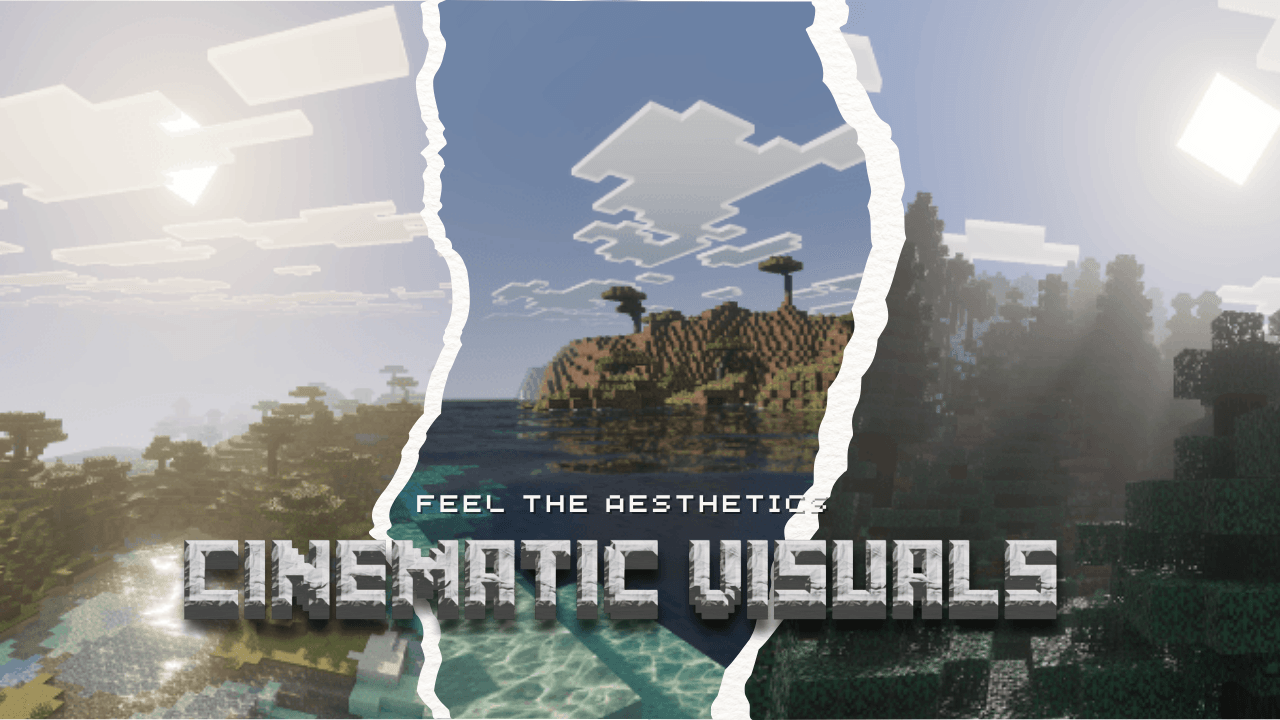

Cinematic Visuals Shader (Vibrant Visuals Pack)
Cinematic Visuals Shader pack is a Vibrant Visuals pack for Minecraft Bedrock latest version to provide you all with a Cinematic visuals exprience, PBR, reflections, new caustics, new improved water, new lightning, Godrays and alot more!!!Download

Friedrich's Modern Stock - IR Resourcepack
A Resourcepack for ImmersiveRailroading containing modern stockInstall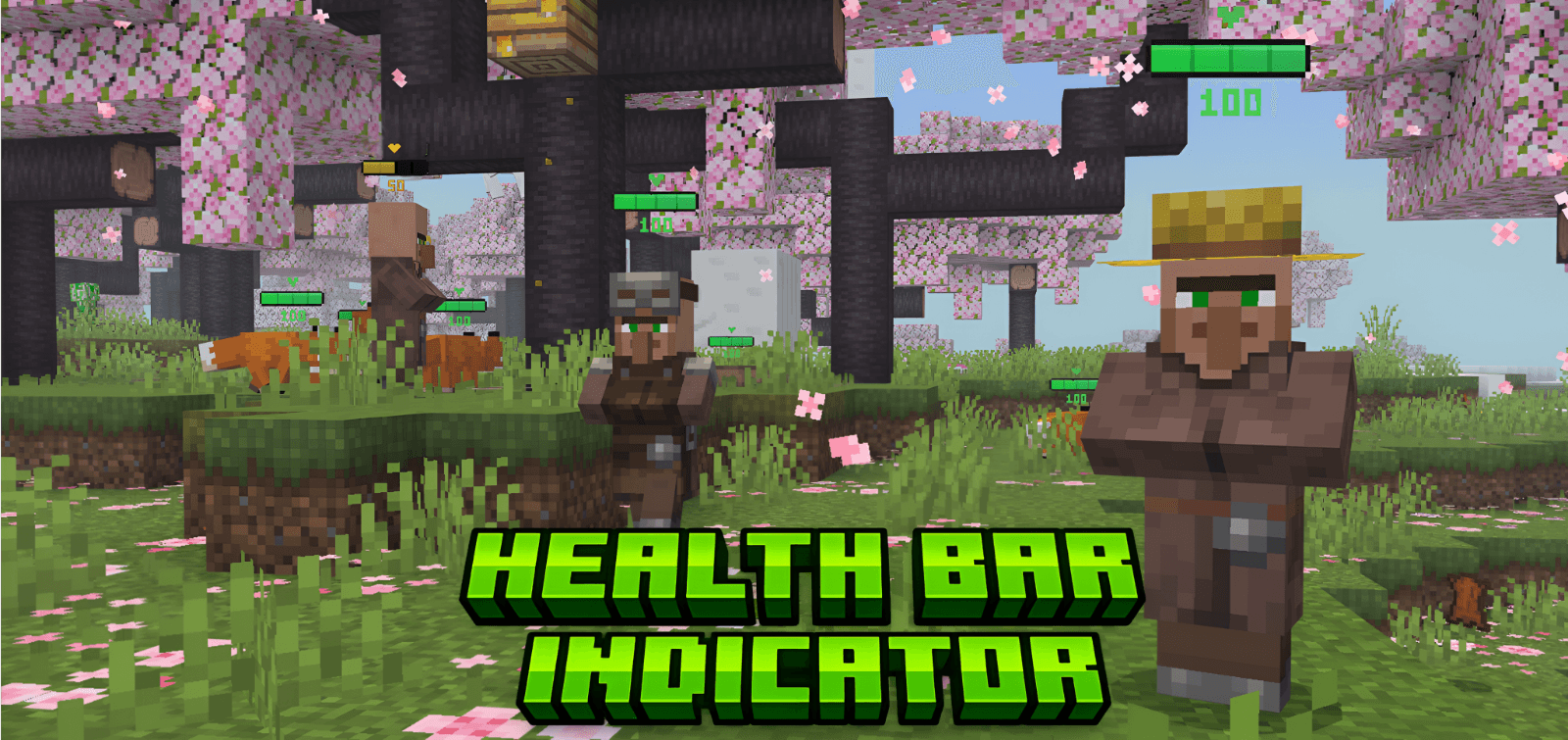

Health Bar Indicator
Displays a dynamic health bar above all mobs and players.Download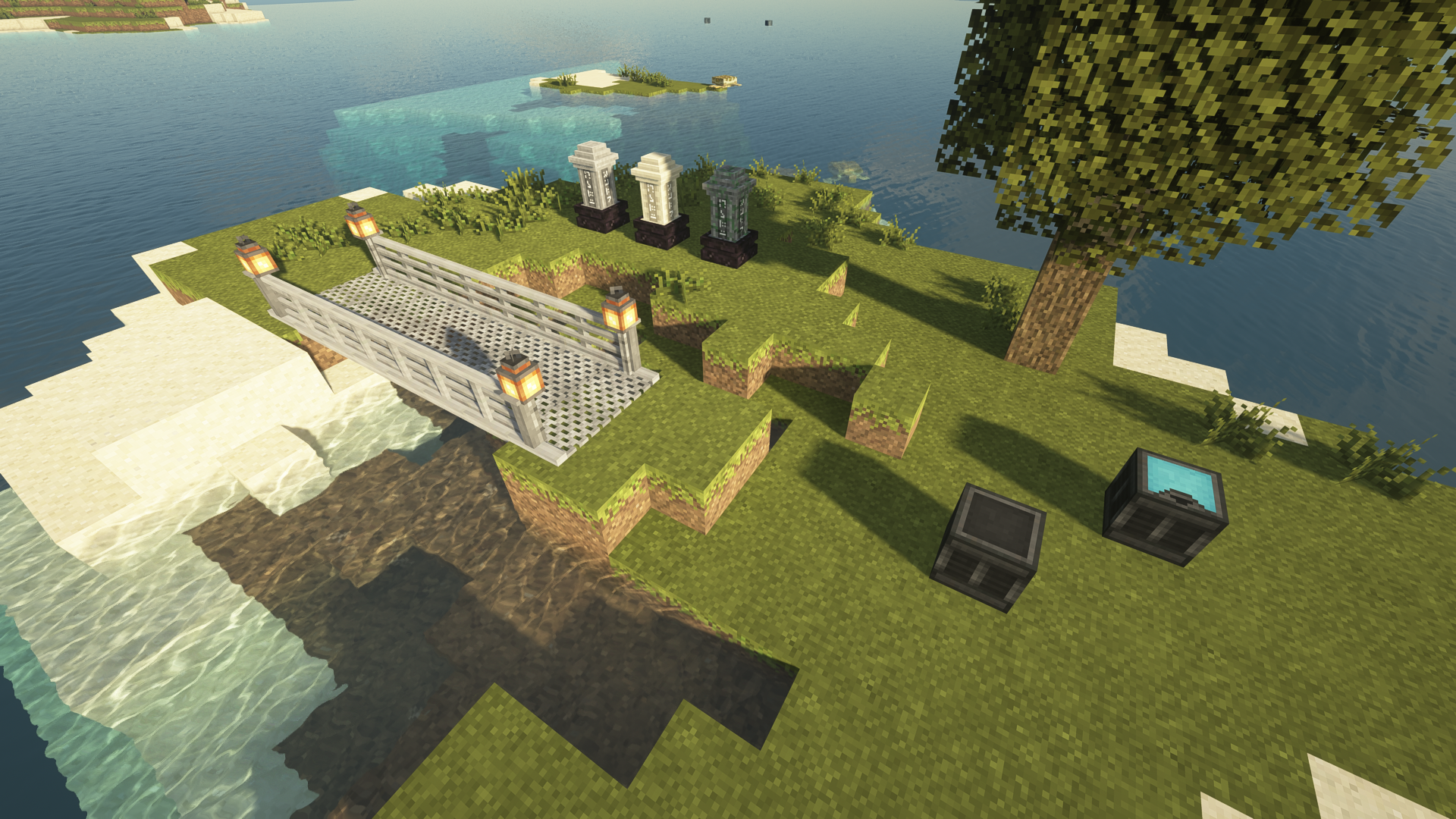
Unity: Modded
Texture support for various mods.Install

OptiAle Bedrock
Now compatible with version 1.21.51. Are you tired of having lag and want to increase the fps of your game for a greater experience? Don't worry because I already have the request for you.Download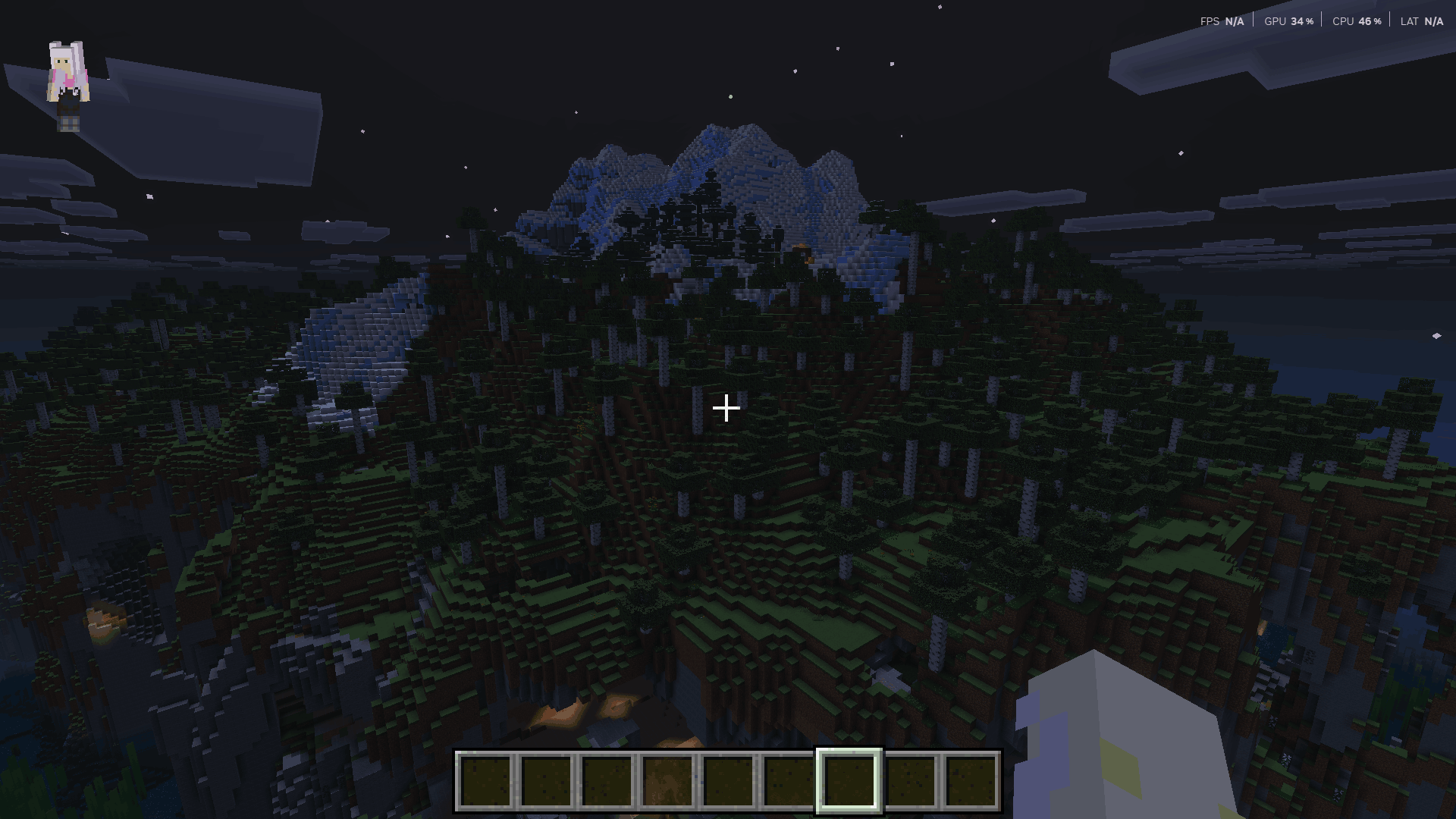
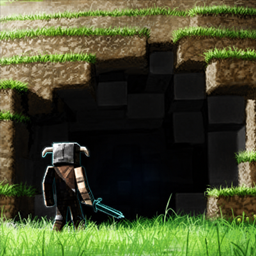
FullBright Pro
Make Minecraft look bright and clear without turning on cheats. FullBright removes heavy fog and boosts clarity so nights, storms, and murky biomes are easier to see—perfect for survival, realms, and playing with achievements enabled.Download
Kaguya-sama Love Is War GUI Pack
This is a GUI Pack in the theme of the show "Kaguya-sama Love Is War "Install

Amne's Applied Botanics Spanish Translations
Unofficial spanish Applied Botanics mod translation.Install

Clearer Water
Makes water 50% clearer for those hard days of fishing!Install

Emissive Ores
A resource pack that makes ores emissive.Install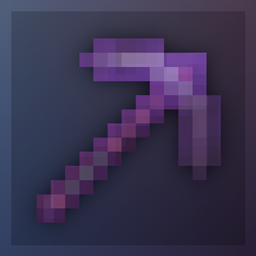
Fading Enchantment Glint
Less obtrusive enchantment glint that fades in and outInstall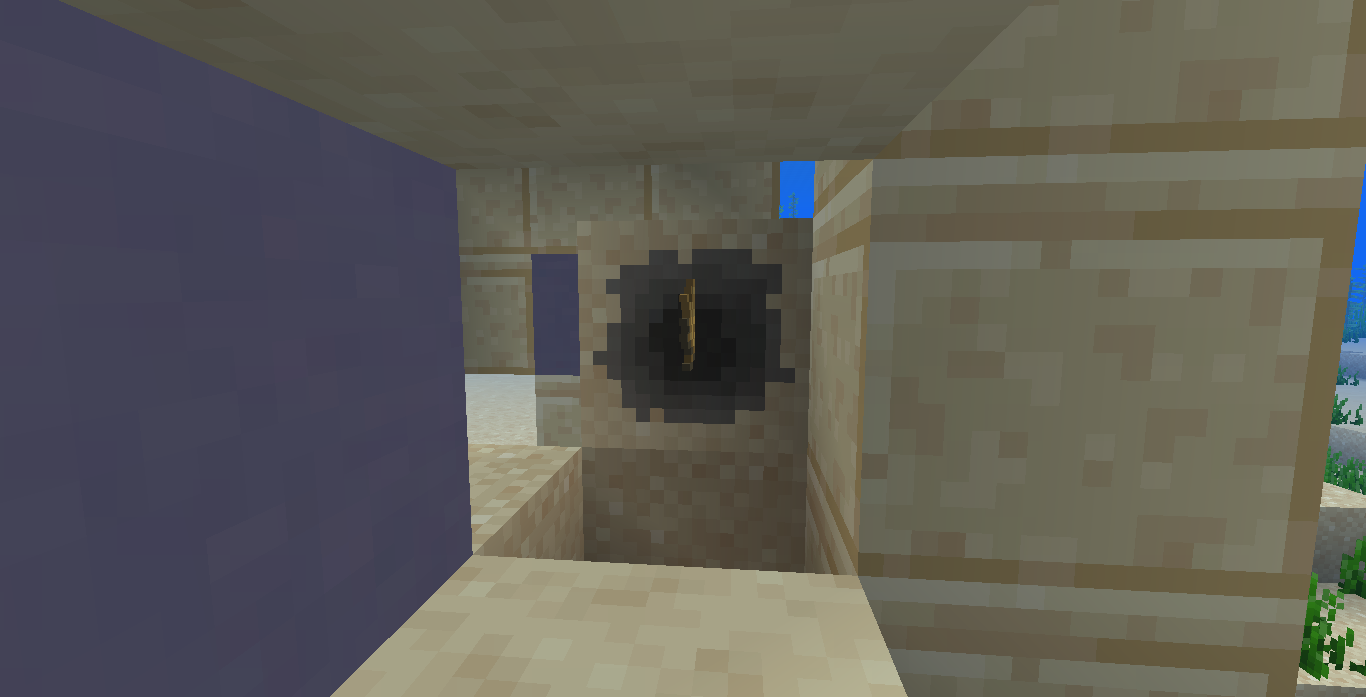

AC Digspot Suspicious Sand and Gravel
Changes Suspicious Sand/Gravel to have AC DigspotInstall

Excalibur | FTB Quests/Teams Support
A non official compatibility packInstall

Tinker's Tables
Bringing the other tables in lineInstall
Yuru Camp Custom GUI Pack
This is a GUI Pack in the theme of the show "Yuru Camp".InstallFAQ
Do I need Forge or Fabric for a resource pack?
No. A resource pack works on the regular game with no loaders or mods. Click “Install” and Millida Launcher will put the pack into the right modpack — then just enable it in the settings.
What do 16×, 32×, 64× mean?
The resolution of a single texture in pixels. 16× matches the original game, 32× and 64× are more detailed and heavier, and 128× and up put a noticeable load on your graphics card.
Will a pack made for another version work?
Most likely partly: older packs don't have textures for newer blocks, so those will stay default. The game won't break, though.
How is a texture pack different from a resource pack?
Only by name and age. Before version 1.6 the sets were called texture packs and changed only textures; in 1.6 resource packs replaced them and also change sounds, fonts and the interface. Old texture packs for 1.5 and below do not work on new versions without conversion.
Which texture packs are best for PvP?
PvP packs: 16× resolution or lower, shortened swords, low fire, a clear sky and bright particles. They barely load the computer and make the opponent easier to see. These packs are collected in the PvP theme.
How do I install a resource pack?
Press Install and Millida Launcher puts the pack into the resourcepacks folder of the right instance. Then enable it in the game: Options, then Resource Packs. Manually, the archive goes into resourcepacks inside the game folder, no need to unpack it.
Minecraft texture packs
A resource pack changes how the game looks and sounds: block and item textures, fonts, the interface, sounds. It doesn't touch the game's code, so it needs no mod loader and breaks nothing on a server — the pack only works on your screen. That's exactly why a resource pack is safer than any mod: the worst that happens on a version mismatch is that some textures stay default.
Textures, texture packs and resource packs are essentially the same thing: since version 1.6 Mojang calls these sets resource packs, but the old name is still searched more often. PvP packs are a big genre of their own: shortened swords, low fire, bright particles and 16× resolution or lower, so the opponent stands out and the frame rate does not drop. Such packs are most often made for 1.8.9 and 1.16.5, the versions many PvP servers run on.
The key thing about a pack is its resolution. The game's default textures are 16×16 pixels; 32× and 64× packs look more detailed, while 128× and up need a real graphics card and are usually paired with shaders. On a weak machine it makes sense to stay at 16× or go for packs that deliberately simplify graphics for more FPS. Every pack here lists its game version, author and license, and all released versions are gathered on one card. Put the downloaded archive in the resourcepacks folder and enable it in the game settings.