
Minecraft texture packs — page 72
6,456 itemsResource packs: list



Barebones Bossbars
simplistic per-mob icons and colors to decorate boss bars withInstall
My Totem Doll By Ancxliy
Turn your Minecraft skin into a fully animated 3D Totem with Action & Stuff-inspired interactions, supporting both Slim (Alex) and Wide (Steve) models.Download
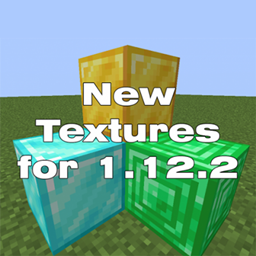
New Textures
new textures for older versions. v1.0.5.3 fixed blue flare particles 1.13, fixed the workbench interface 1.7.10, the font is inside the pack NewTextures-1.0.5.3.zip if necessary, you can get it from there.Install

KingD3fault's [Fan Made]
A pack for KingD3fault (NOT OFFICIAL) for crystal pvp or cpvpInstall

Jicklus - JEI Addon
This resource pack changes JEI GUI textures to match JicklusInstall

Shader Panorama For 1.21.6~8:Chase the Skies
A Panorama with shader for minecraft 1.21.6~8.Install

VIPack
A Pack made for the Minecraft VIPsInstall

Bushy pink petals, wildflowers & leaf litter
Make pink petals, wildflowers, and fallen leaves thick!Install

Unlit Campfire Icons
Removes the fire of the campfire icons.Install

Low Fire, Shield & More
Makes shield, food, totems, rockets, potions and fire lower and also adds eating animationInstall

Cuter Looking Spiders
re-texture to make spiders look cuterInstall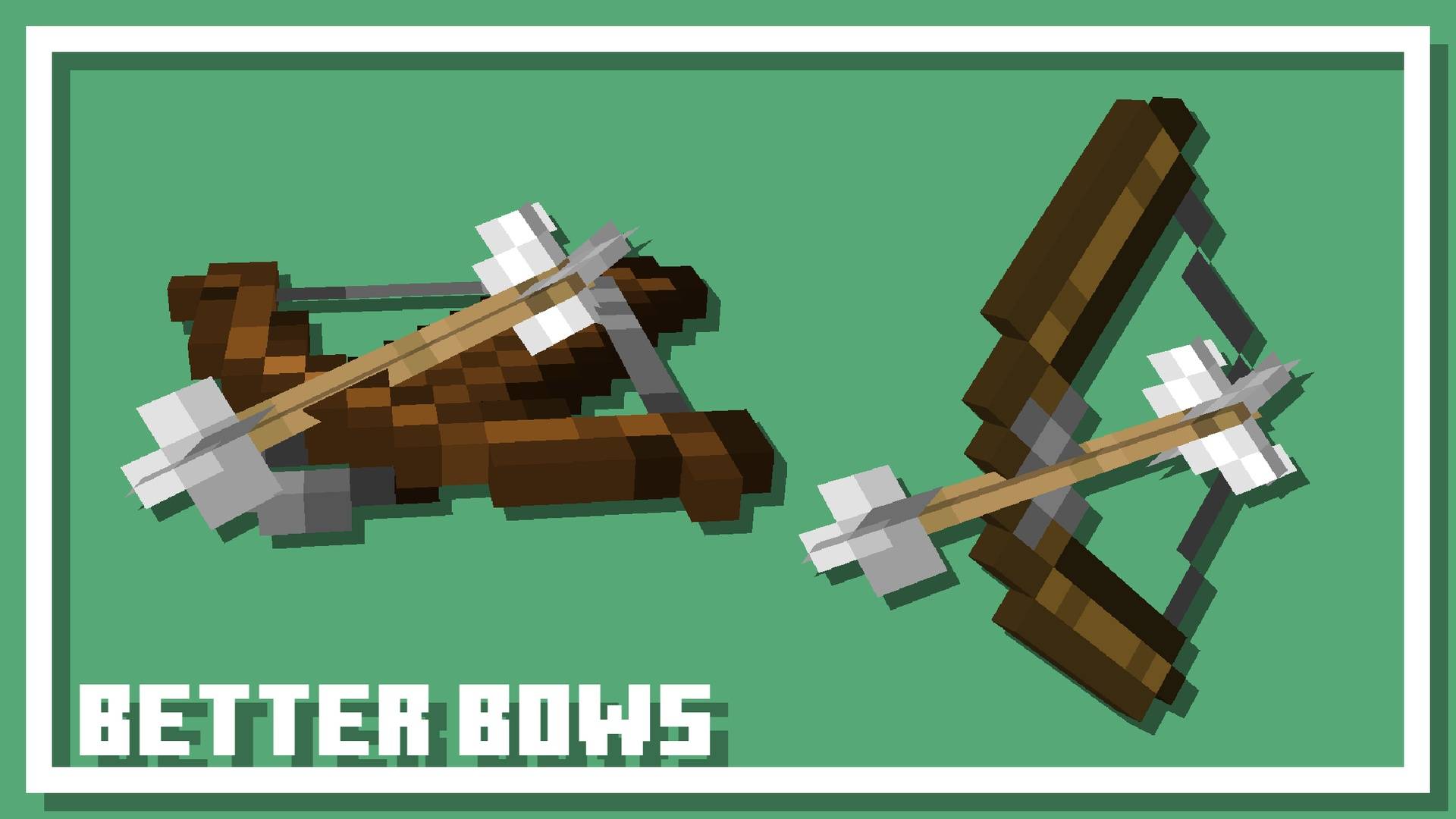
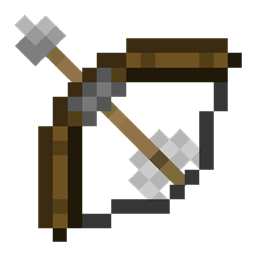
Better Bows
The bow improvement resource pack!Install

[ATS] Apocalypse Style Tips
An Apocalypse Style Tips Addon for TipsInstall
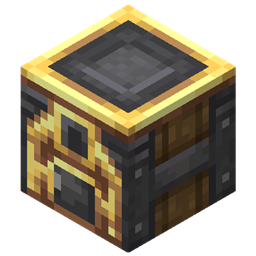
Charging Gadgets + Create Style!
"Create" Styled Charging Station block from Charging Gadgets mod.Install

Totally Accurate Wither Storm
A Resource Pack using custom models that makes the Cracker's Wither Storm look as accurate to MC:SM as possibleInstall

JustTimm's Vanilla Additions (Discontinued)
A vanilla style pack that improves the game but still keeps the vanilla feel. Requires OptiFine!Install

Crosshair TXF
New design for minecraft crosshairInstall

Colourful Containers: Modded GUI Compat
Adds a new look to all the boring modded GUI'sInstall

Music+
A music enhancement and in-game music player pack for Minecraft Bedrock.Download

Excalibur | Clarent Edition
Clarent preserves the Excalibur experience by backporting features, fixing bugs, and maintaining compatibility across Minecraft versions. As Excalibur forges ahead, Clarent preserves the past.Install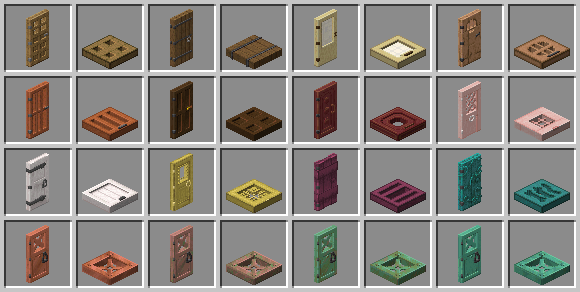
Faithful 3D
Discover Faithful with more depth !Install

PrettyRealistic PBR
Strives to make Minecraft "Pretty Realistic", but faithful to the original Minecraft feel.Install

Xali's Bushy Leaves - Regions Unexplored Addon
This is a simple compatiblity addon for Xali's Bushy Leaves that adds bushy leaves to Regions UnexploredInstallFAQ
Do I need Forge or Fabric for a resource pack?
No. A resource pack works on the regular game with no loaders or mods. Click “Install” and Millida Launcher will put the pack into the right modpack — then just enable it in the settings.
What do 16×, 32×, 64× mean?
The resolution of a single texture in pixels. 16× matches the original game, 32× and 64× are more detailed and heavier, and 128× and up put a noticeable load on your graphics card.
Will a pack made for another version work?
Most likely partly: older packs don't have textures for newer blocks, so those will stay default. The game won't break, though.
How is a texture pack different from a resource pack?
Only by name and age. Before version 1.6 the sets were called texture packs and changed only textures; in 1.6 resource packs replaced them and also change sounds, fonts and the interface. Old texture packs for 1.5 and below do not work on new versions without conversion.
Which texture packs are best for PvP?
PvP packs: 16× resolution or lower, shortened swords, low fire, a clear sky and bright particles. They barely load the computer and make the opponent easier to see. These packs are collected in the PvP theme.
How do I install a resource pack?
Press Install and Millida Launcher puts the pack into the resourcepacks folder of the right instance. Then enable it in the game: Options, then Resource Packs. Manually, the archive goes into resourcepacks inside the game folder, no need to unpack it.
Minecraft texture packs
A resource pack changes how the game looks and sounds: block and item textures, fonts, the interface, sounds. It doesn't touch the game's code, so it needs no mod loader and breaks nothing on a server — the pack only works on your screen. That's exactly why a resource pack is safer than any mod: the worst that happens on a version mismatch is that some textures stay default.
Textures, texture packs and resource packs are essentially the same thing: since version 1.6 Mojang calls these sets resource packs, but the old name is still searched more often. PvP packs are a big genre of their own: shortened swords, low fire, bright particles and 16× resolution or lower, so the opponent stands out and the frame rate does not drop. Such packs are most often made for 1.8.9 and 1.16.5, the versions many PvP servers run on.
The key thing about a pack is its resolution. The game's default textures are 16×16 pixels; 32× and 64× packs look more detailed, while 128× and up need a real graphics card and are usually paired with shaders. On a weak machine it makes sense to stay at 16× or go for packs that deliberately simplify graphics for more FPS. Every pack here lists its game version, author and license, and all released versions are gathered on one card. Put the downloaded archive in the resourcepacks folder and enable it in the game settings.