
Minecraft texture packs — page 69
6,456 itemsResource packs: list


Mellowv Shaders
Mellow Shaders brings warm, golden-hour cinematics to Bedrock without the performance cost. Lightweight volumetric lighting, soft atmospheric fog, and glowing sunsets—all optimized to run smooth on any device.Download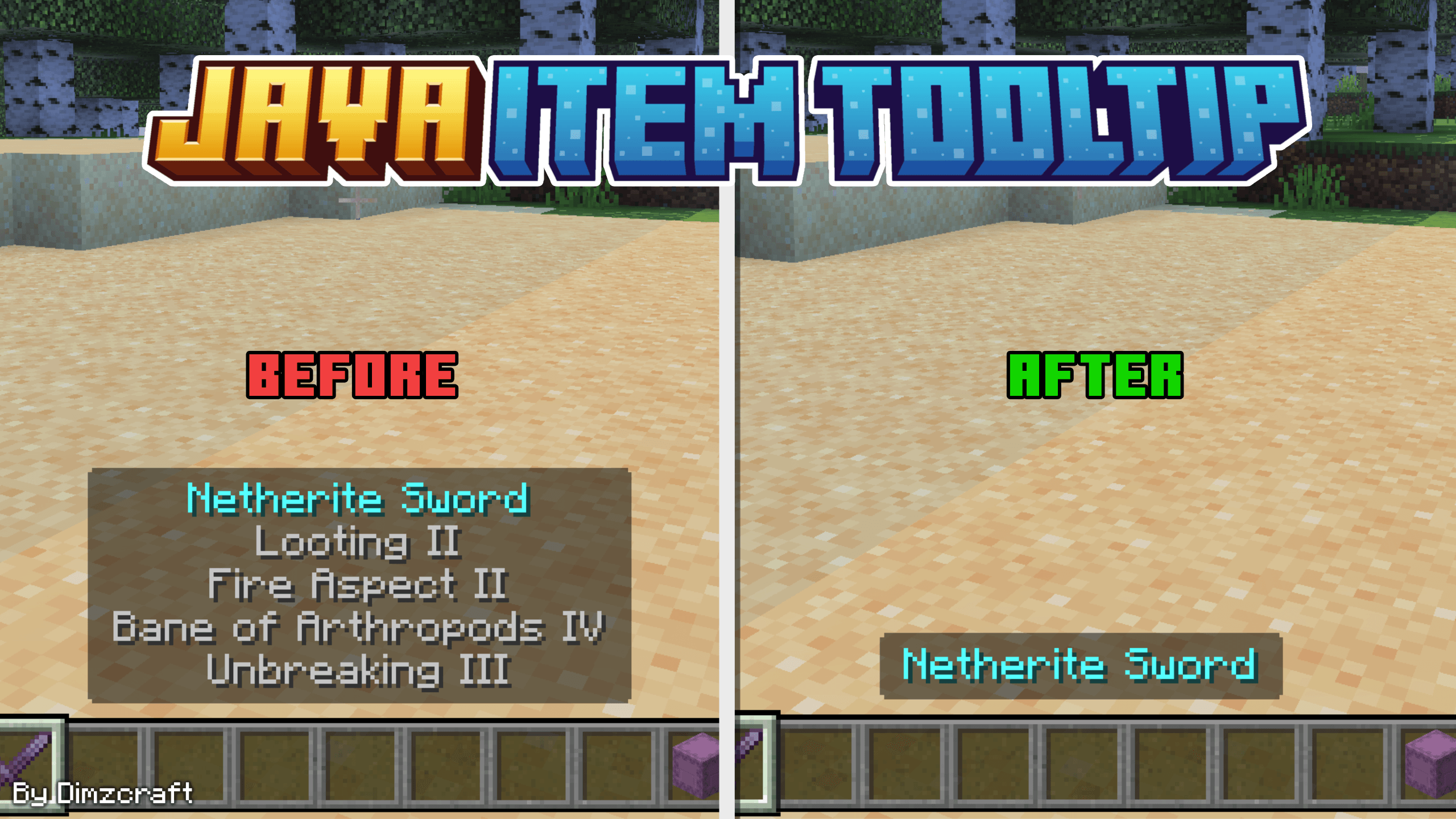
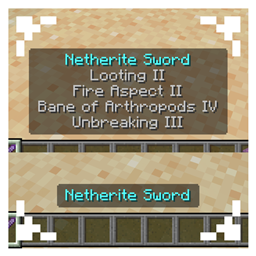
Java Item Tooltips
held item tooltips display like java edition, can be set to exclude shulker!Download
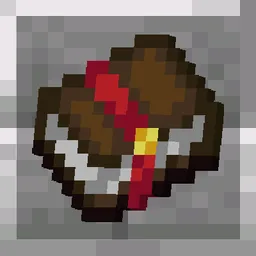
Unique Enchanted Books
A pack that gives each enchanted book different textures.Install

Amne's Philip's Ruins Spanish Translations
Unofficial spanish Philip's Ruins mod translation.Install
Ars Nouveau Brass-ified Create-Style - ANBICS
Changes Ars Nouveau blocks with Gold trim into a Brass trim variant to match Create mod's BrassInstall

[HTP] Mutant Monsters| Spanish Translation Pack
Unofficial spanish translation for the Modern Industralization mod. Includes all slangs/variations.Install

Amne's Transmog Spanish Translations
Unofficial spanish Transmog mod translation.Install

Wandrer's Visual Pack
Wanderer's Visuals is a vibrant visuals pack which has a new tonemap a better water than before, softer shadows and improved reflections and it can work on any VV supported deviceDownload

Amne's JustHammers Spanish Translations
Unofficial spanish JustHammers mod translation.Install

Amne's Create: Copycats+ Spanish Translations
Unofficial spanish Create: Copycats+ mod translation.Install

Amne's More RPG Library Spanish Translations
Unofficial spanish More RPG Library mod translation.Install

Scaffolding Delta
Show the distance without F3 enable with emit lights!Install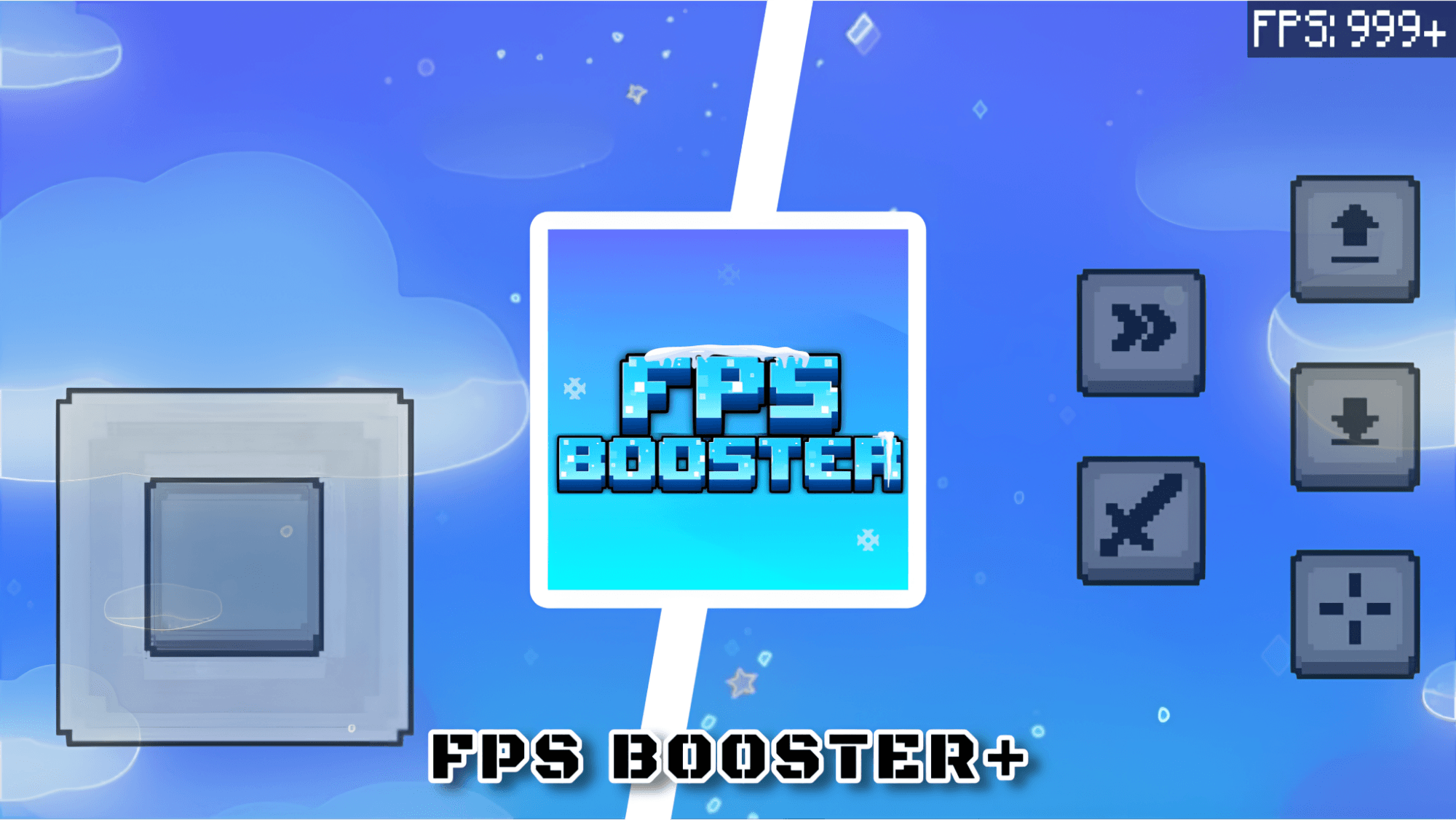

FPS Booster Pack | No Lag + Performance
FPS optimization pack for Minecraft Bedrock (MCPE) that boosts performance, reduces lag, and ensures smooth gameplay on all devices.Download
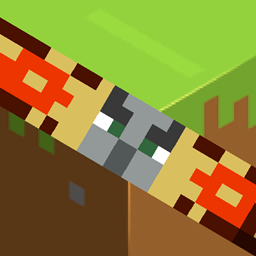
Barebones Bossbars
Barenonifies the bossbars while adding something neat icons!Install
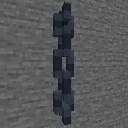
Simple 3D Chain
Vanilla 3D chains! Updated with copper chains & lanterns, and includes hanging sign chains (when possible).Install

Amne's ME Requester Spanish Translations
Unofficial spanish ME Requester mod translation.Install

Loading Backgrounds - Structures
This resourcepack is a perfect complement to the Loading Backgrounds mod, since it takes care of adding loading images related to the structures.Install

Warm Polar Bear
New texture for the polar bear!!!Install
Overlord Custom GUI Pack
This is a GUI packed themed towards the show "Overlord ". Don't hesitate to comment down below , I have even changed hot bar as well hope you enjoy.Install

Enchantment Descriptions Compat
Adds enchantment descriptions for modded enchantments that are missing them!Install
Farmer's Delight crops 3D
Simple resource pack that change 6 Farmer's Delight crops to 3D versions.Install

Prodigium Reforged : Textures
Custom textures created for the Prodigium Reforged modpack.Install

XPlus Font Pack
Use Source Han Sans in Minecraft! Integrated in XPlus Series Modpack.InstallFAQ
Do I need Forge or Fabric for a resource pack?
No. A resource pack works on the regular game with no loaders or mods. Click “Install” and Millida Launcher will put the pack into the right modpack — then just enable it in the settings.
What do 16×, 32×, 64× mean?
The resolution of a single texture in pixels. 16× matches the original game, 32× and 64× are more detailed and heavier, and 128× and up put a noticeable load on your graphics card.
Will a pack made for another version work?
Most likely partly: older packs don't have textures for newer blocks, so those will stay default. The game won't break, though.
How is a texture pack different from a resource pack?
Only by name and age. Before version 1.6 the sets were called texture packs and changed only textures; in 1.6 resource packs replaced them and also change sounds, fonts and the interface. Old texture packs for 1.5 and below do not work on new versions without conversion.
Which texture packs are best for PvP?
PvP packs: 16× resolution or lower, shortened swords, low fire, a clear sky and bright particles. They barely load the computer and make the opponent easier to see. These packs are collected in the PvP theme.
How do I install a resource pack?
Press Install and Millida Launcher puts the pack into the resourcepacks folder of the right instance. Then enable it in the game: Options, then Resource Packs. Manually, the archive goes into resourcepacks inside the game folder, no need to unpack it.
Minecraft texture packs
A resource pack changes how the game looks and sounds: block and item textures, fonts, the interface, sounds. It doesn't touch the game's code, so it needs no mod loader and breaks nothing on a server — the pack only works on your screen. That's exactly why a resource pack is safer than any mod: the worst that happens on a version mismatch is that some textures stay default.
Textures, texture packs and resource packs are essentially the same thing: since version 1.6 Mojang calls these sets resource packs, but the old name is still searched more often. PvP packs are a big genre of their own: shortened swords, low fire, bright particles and 16× resolution or lower, so the opponent stands out and the frame rate does not drop. Such packs are most often made for 1.8.9 and 1.16.5, the versions many PvP servers run on.
The key thing about a pack is its resolution. The game's default textures are 16×16 pixels; 32× and 64× packs look more detailed, while 128× and up need a real graphics card and are usually paired with shaders. On a weak machine it makes sense to stay at 16× or go for packs that deliberately simplify graphics for more FPS. Every pack here lists its game version, author and license, and all released versions are gathered on one card. Put the downloaded archive in the resourcepacks folder and enable it in the game settings.