
Minecraft texture packs — page 68
6,456 itemsResource packs: list




Radiant Redstone
Various tweaks all around redstoneInstall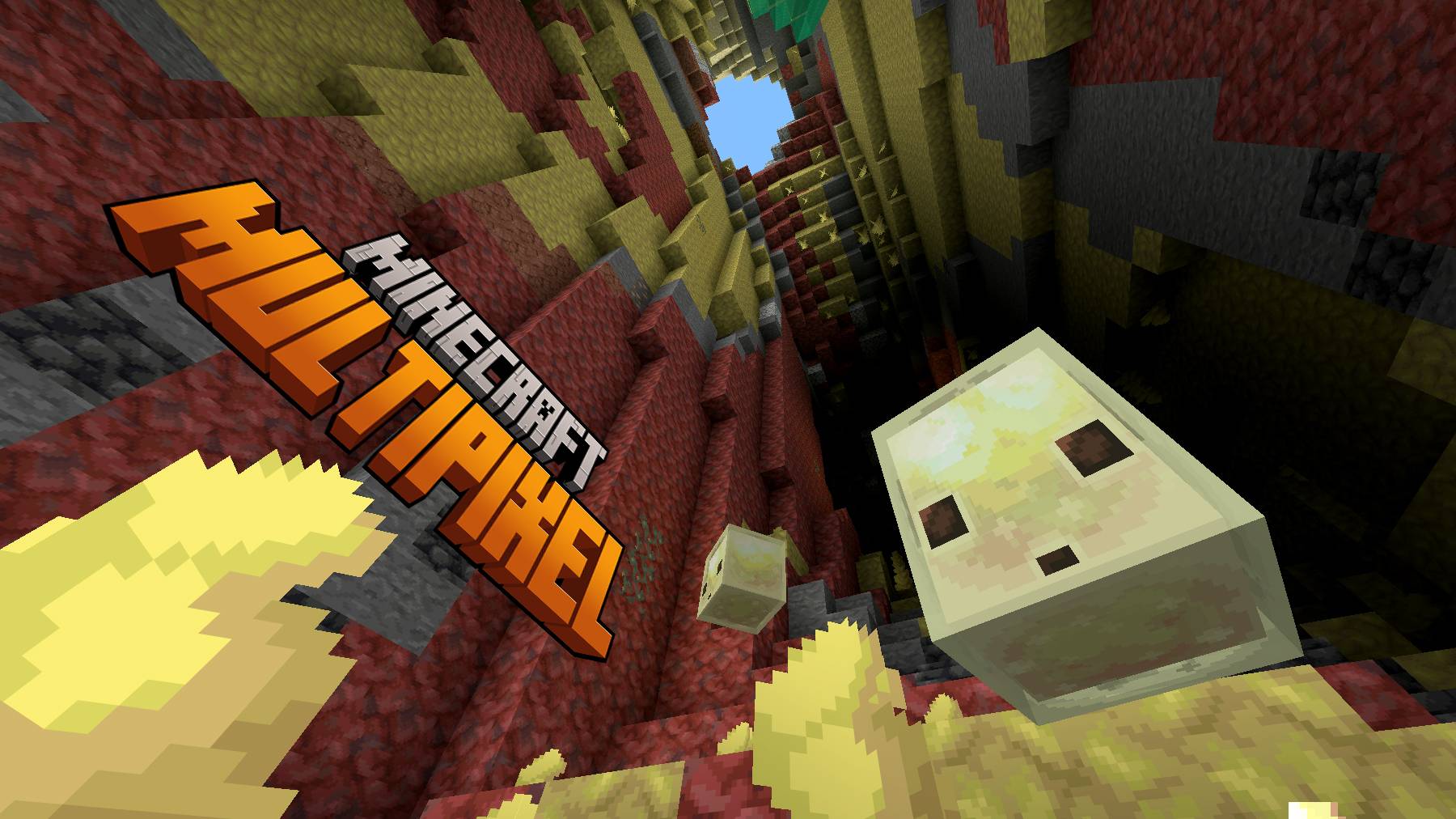

MultiPixel Texture Pack - Bedrock Edition
MultiPixel is an HD texture pack with new 32x textures that you've never seen before! It's great if you like to improve the look in Minecraft, while keeping the vanilla styling.Download

BiomeBloom
Transforms sky, fog, and water colors across every biome for a richer, more atmospheric Minecraft experience.Install

VanillaExpansion Collection
Vanilla-like but expandedInstall

Amne's Farmer's Knives Spanish Translations
Unofficial spanish Farmer's Knives mod translation.Install

Amne's AE2WTLib Spanish Translations
Unofficial spanish AE2WTLib mod translation.Install
Elden Ring GUI Pack
Elden Ring themed GUI pack for all those who are maidenlessInstall

PvP Basics
Purely vanilla, all-in-one PvP pack. Features: small fire and pop, and more!Install
Neptunium-Gear Retexturing - Aquaculture 2
I made a reskin to the Neptunium Armor of Aquaculture 2Install

F.M.R.P
This pack aim to bring the flair of Fresh Animations into the modded world.Install
MCSX Resources
You will need this resource pack to play my MCSX modpackInstall

Amne's VillagersPlus Spanish Translations
Unofficial spanish VillagersPlus mod translation.Install

PvP Utils
A texture pack, which adds Quality of Life Improvements for PvP, while keeping it in a vanilla style.Install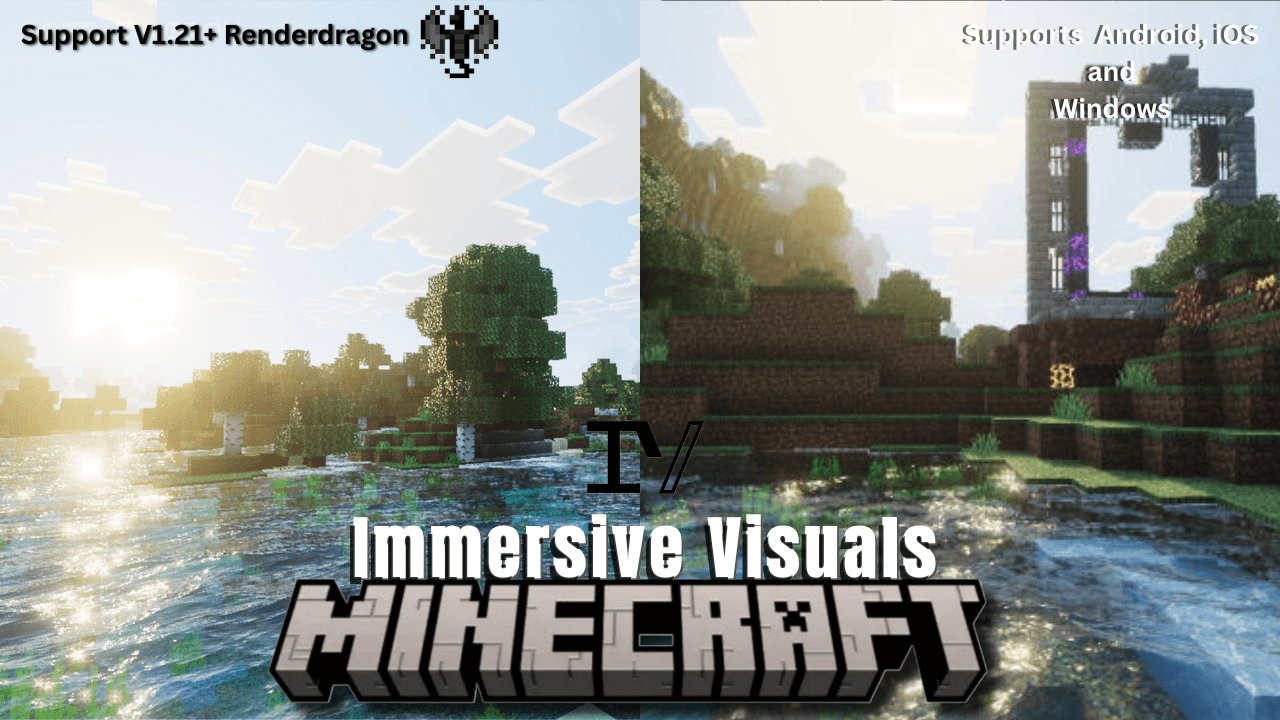

Immersive Visuals for Vibrant Visuals
Best graphics visual pack for Minecraft bedrock edition u can experience with a great lighting, inbuilt PBR pack and ultimate water with bright light and great contrast on ur bedrock editionDownload
MCSX Music
You will need this to play my MCSX modpackInstall

The Garden Awakens Skin Pack
Ported Java Edition skin pack to Legacy Skins + CPMInstall

Nightmare Obsessed
Reskins The Obsessed into a consistently creepy design, including adjusted animations and formsInstall

Dark Mode for CustomNPC+
A dark mode texture pack for CustomNPC+Install

Remodeled Doors 3D
Makes all the doors and trapdoors have 3D models. Changes the model and the item within the GUI.Install

Amne's Quartzelv Spanish Translations
Unofficial spanish Quartzelv mod translation.Install

[HTP] Create: Steam 'n' Rails| Spanish Translation Pack
Unofficial spanish translation for the Modern Industralization mod. Includes all slangs/variations.Install

No Fog – Clear View Resource Pack
Removes Minecraft’s fog for a crystal-clear view of your world.Install

Mellowv Shaders
Mellow Shaders brings warm, golden-hour cinematics to Bedrock without the performance cost. Lightweight volumetric lighting, soft atmospheric fog, and glowing sunsets—all optimized to run smooth on any device.DownloadFAQ
Do I need Forge or Fabric for a resource pack?
No. A resource pack works on the regular game with no loaders or mods. Click “Install” and Millida Launcher will put the pack into the right modpack — then just enable it in the settings.
What do 16×, 32×, 64× mean?
The resolution of a single texture in pixels. 16× matches the original game, 32× and 64× are more detailed and heavier, and 128× and up put a noticeable load on your graphics card.
Will a pack made for another version work?
Most likely partly: older packs don't have textures for newer blocks, so those will stay default. The game won't break, though.
How is a texture pack different from a resource pack?
Only by name and age. Before version 1.6 the sets were called texture packs and changed only textures; in 1.6 resource packs replaced them and also change sounds, fonts and the interface. Old texture packs for 1.5 and below do not work on new versions without conversion.
Which texture packs are best for PvP?
PvP packs: 16× resolution or lower, shortened swords, low fire, a clear sky and bright particles. They barely load the computer and make the opponent easier to see. These packs are collected in the PvP theme.
How do I install a resource pack?
Press Install and Millida Launcher puts the pack into the resourcepacks folder of the right instance. Then enable it in the game: Options, then Resource Packs. Manually, the archive goes into resourcepacks inside the game folder, no need to unpack it.
Minecraft texture packs
A resource pack changes how the game looks and sounds: block and item textures, fonts, the interface, sounds. It doesn't touch the game's code, so it needs no mod loader and breaks nothing on a server — the pack only works on your screen. That's exactly why a resource pack is safer than any mod: the worst that happens on a version mismatch is that some textures stay default.
Textures, texture packs and resource packs are essentially the same thing: since version 1.6 Mojang calls these sets resource packs, but the old name is still searched more often. PvP packs are a big genre of their own: shortened swords, low fire, bright particles and 16× resolution or lower, so the opponent stands out and the frame rate does not drop. Such packs are most often made for 1.8.9 and 1.16.5, the versions many PvP servers run on.
The key thing about a pack is its resolution. The game's default textures are 16×16 pixels; 32× and 64× packs look more detailed, while 128× and up need a real graphics card and are usually paired with shaders. On a weak machine it makes sense to stay at 16× or go for packs that deliberately simplify graphics for more FPS. Every pack here lists its game version, author and license, and all released versions are gathered on one card. Put the downloaded archive in the resourcepacks folder and enable it in the game settings.