
Minecraft texture packs — page 53
6,460 itemsResource packs: list


Realistic Animals
A resourcepack that changes the appearance of some of the vanilla animals!Install

AL's Zombies Revamped
A pack that revamps Zombies and adds more variants!Install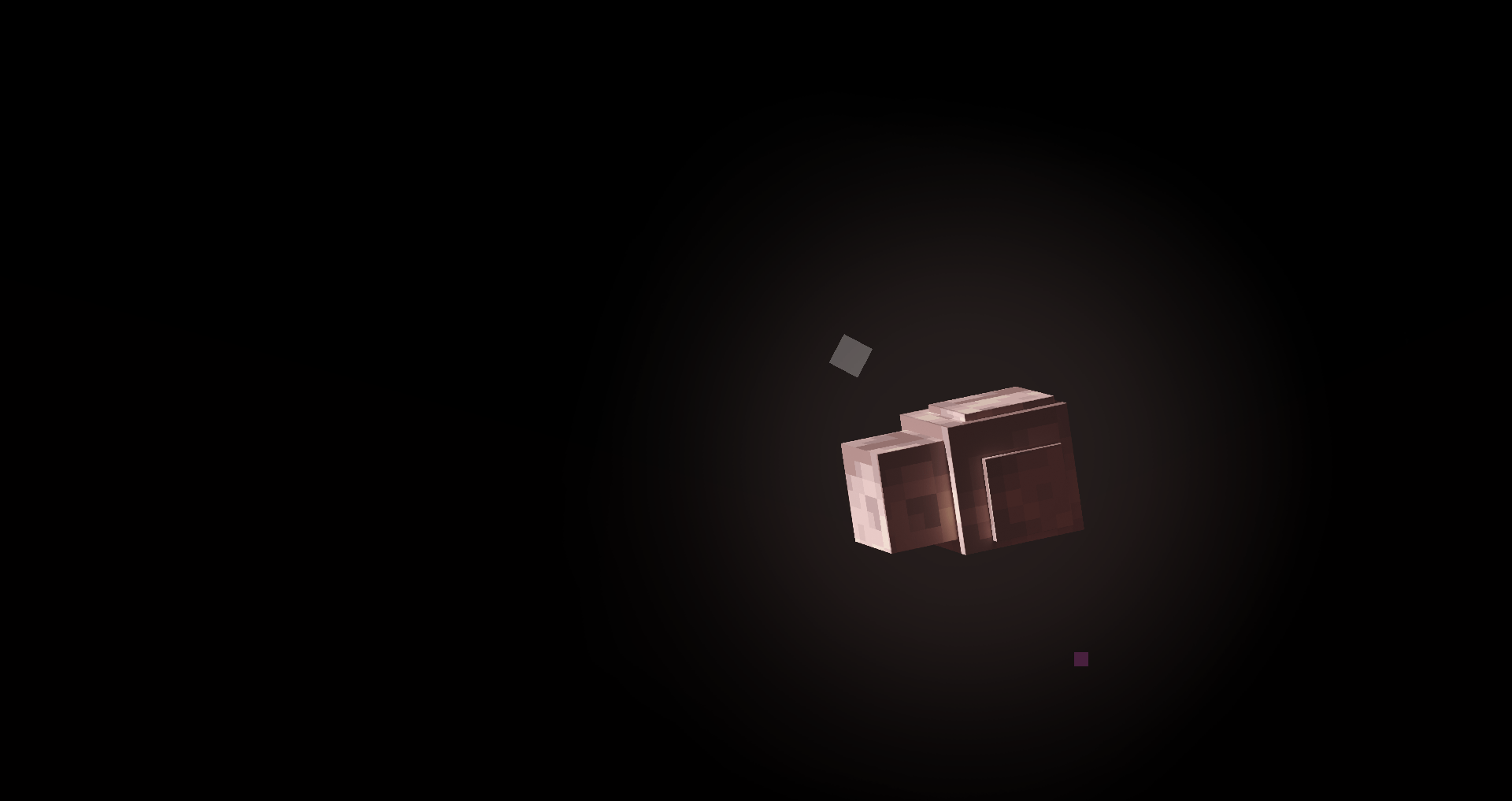
Ad Astra 3D
This pack adds stylized 3d planets to Ad Astra mod!Install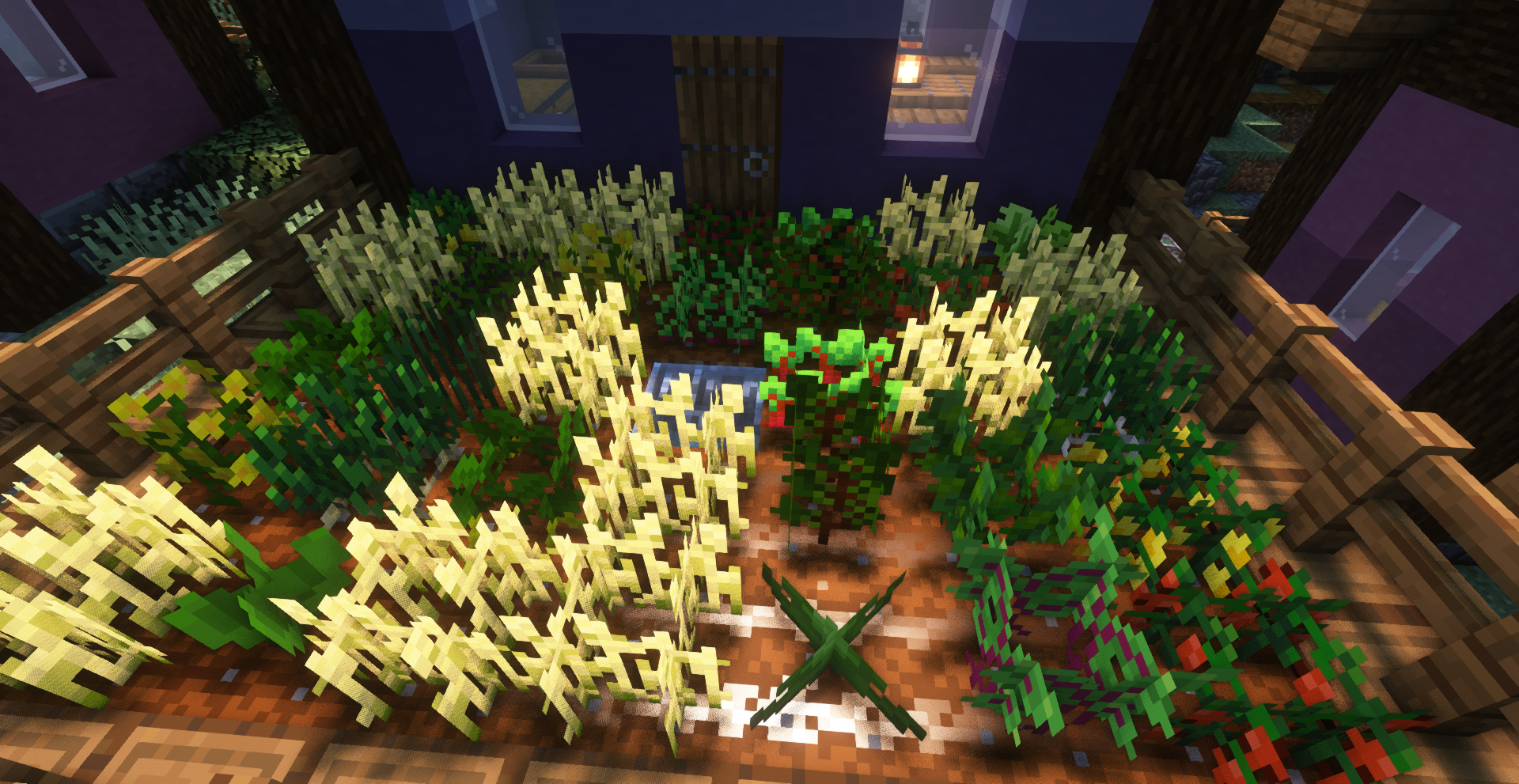
CTOV - Croptopia compatibility pack
Compatibility datapack for croptopia mod and CTOVInstall

Industrial Revolution PT-BR Translation (Unofficial)
Unofficial translation for Industrial Revolution in PT-BR (Brazillian Portuguese)Install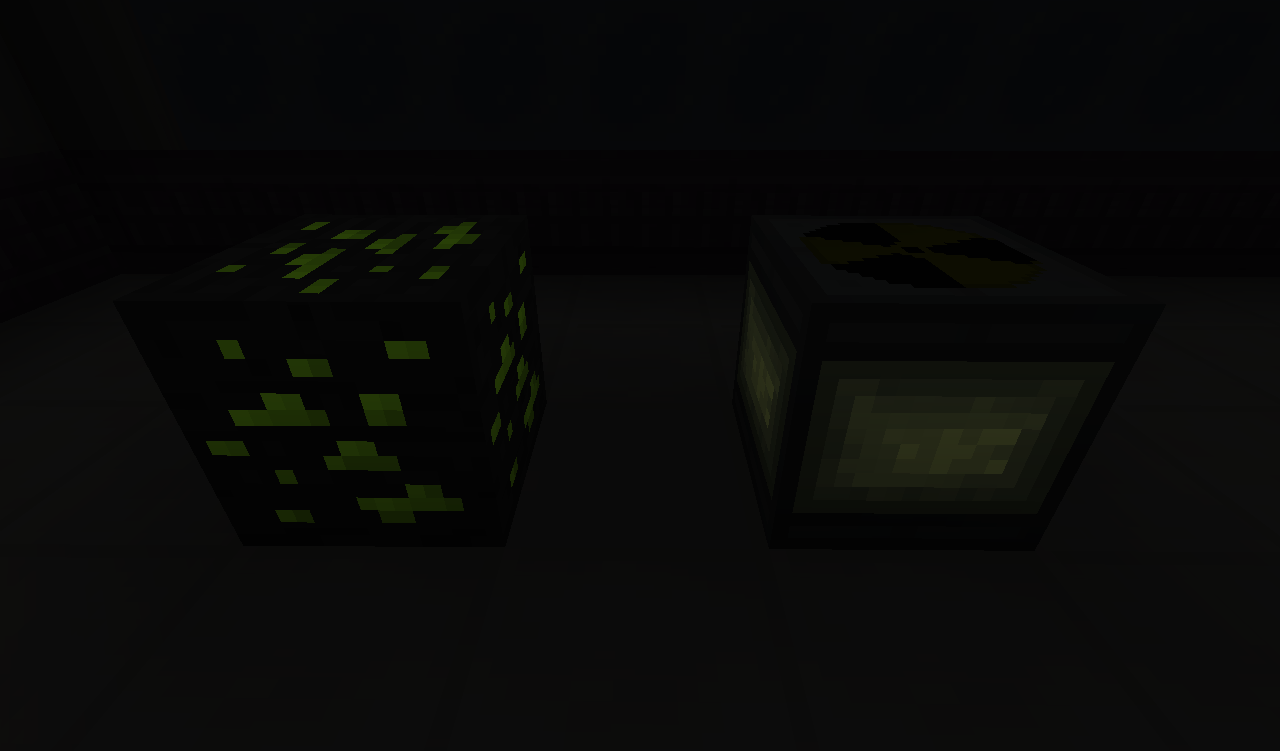

The Official Connected Textures Pack
Adds Connected Textures - Requires Connected Textures ModInstall
Glowing Ores Plus
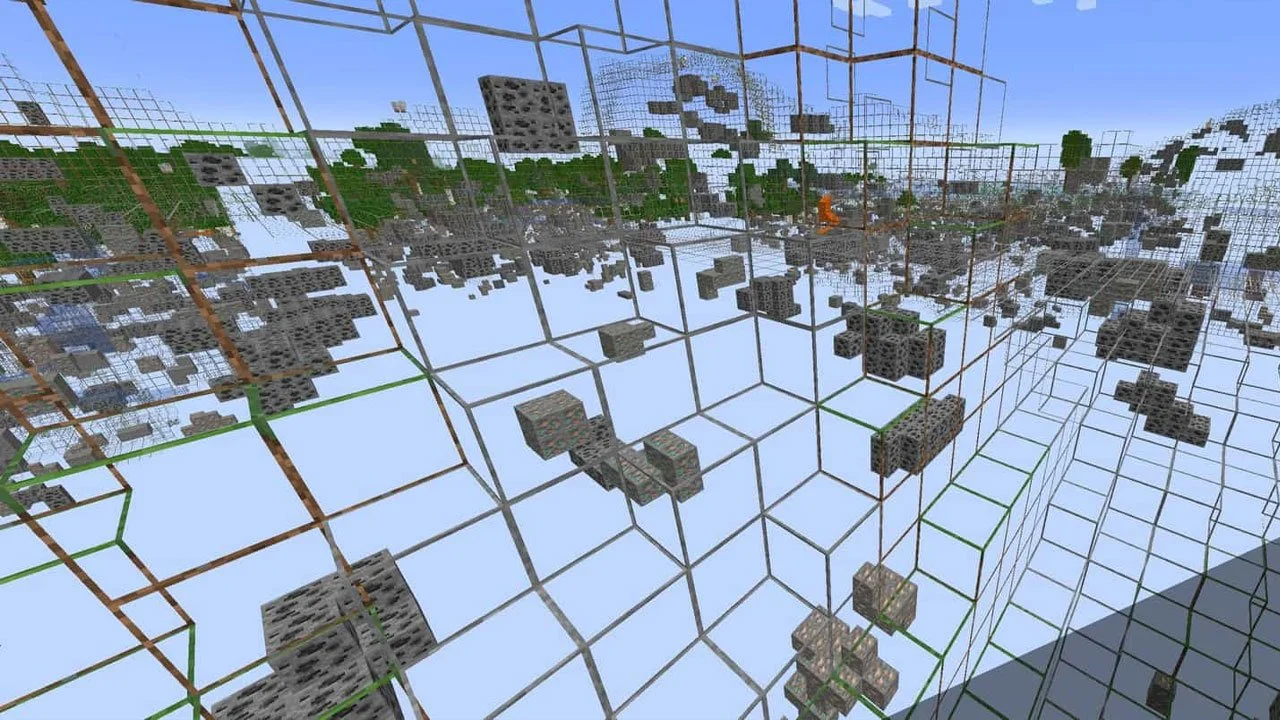
Make your ores glow in Minecraft! 💎✨ Easily spot diamonds, emeralds, ancient debris, and more.Install
Legendary Feathers Dash Bar
Change the Feathers (Elenai Dodge 2) dash bar into something different!Install
Black Clover Custom GUI Pack
Black Clover Custom GUI PackInstall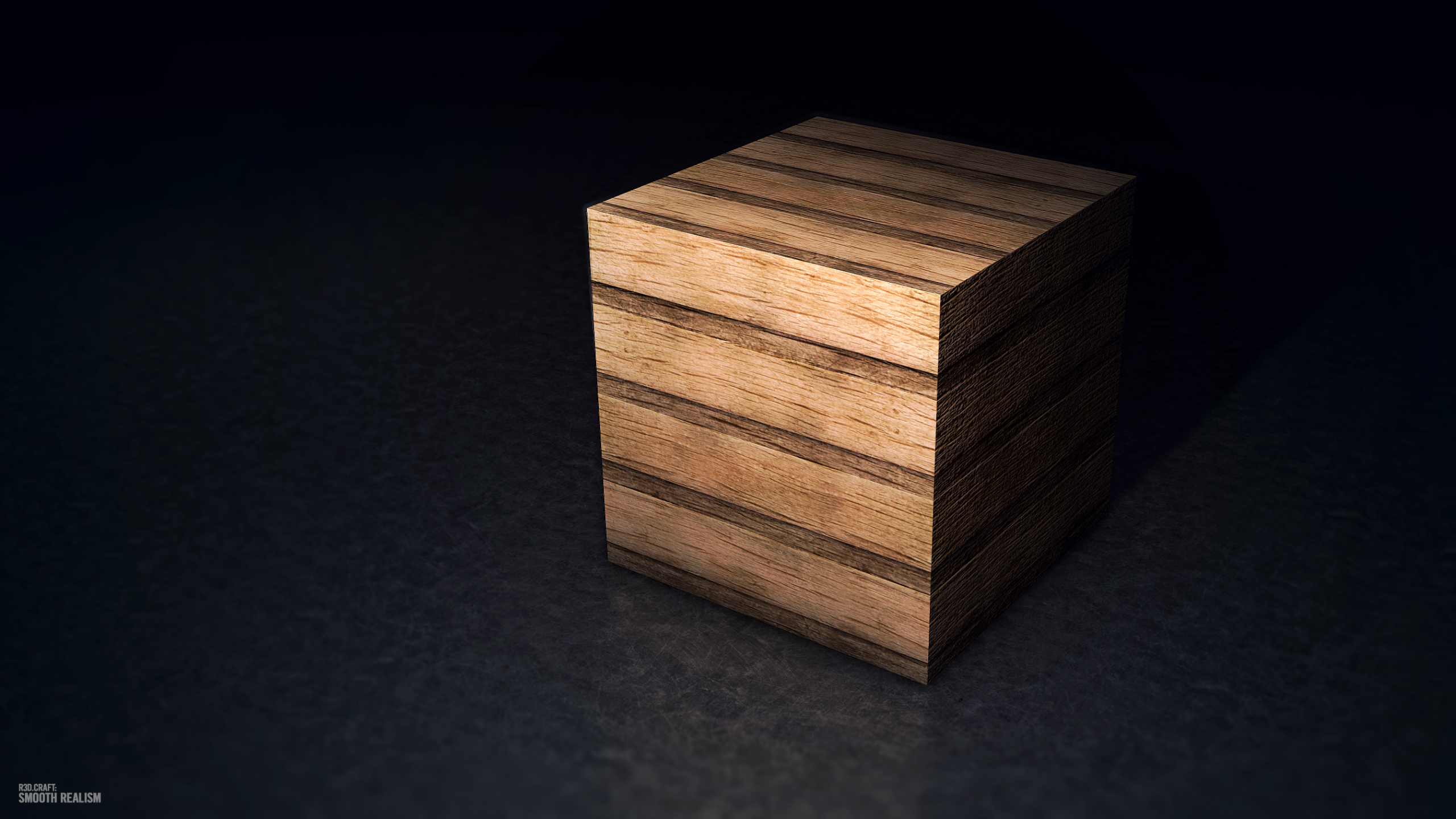

R3D CRAFT 256px
A HD alternative to Minecraft's default apperanceInstall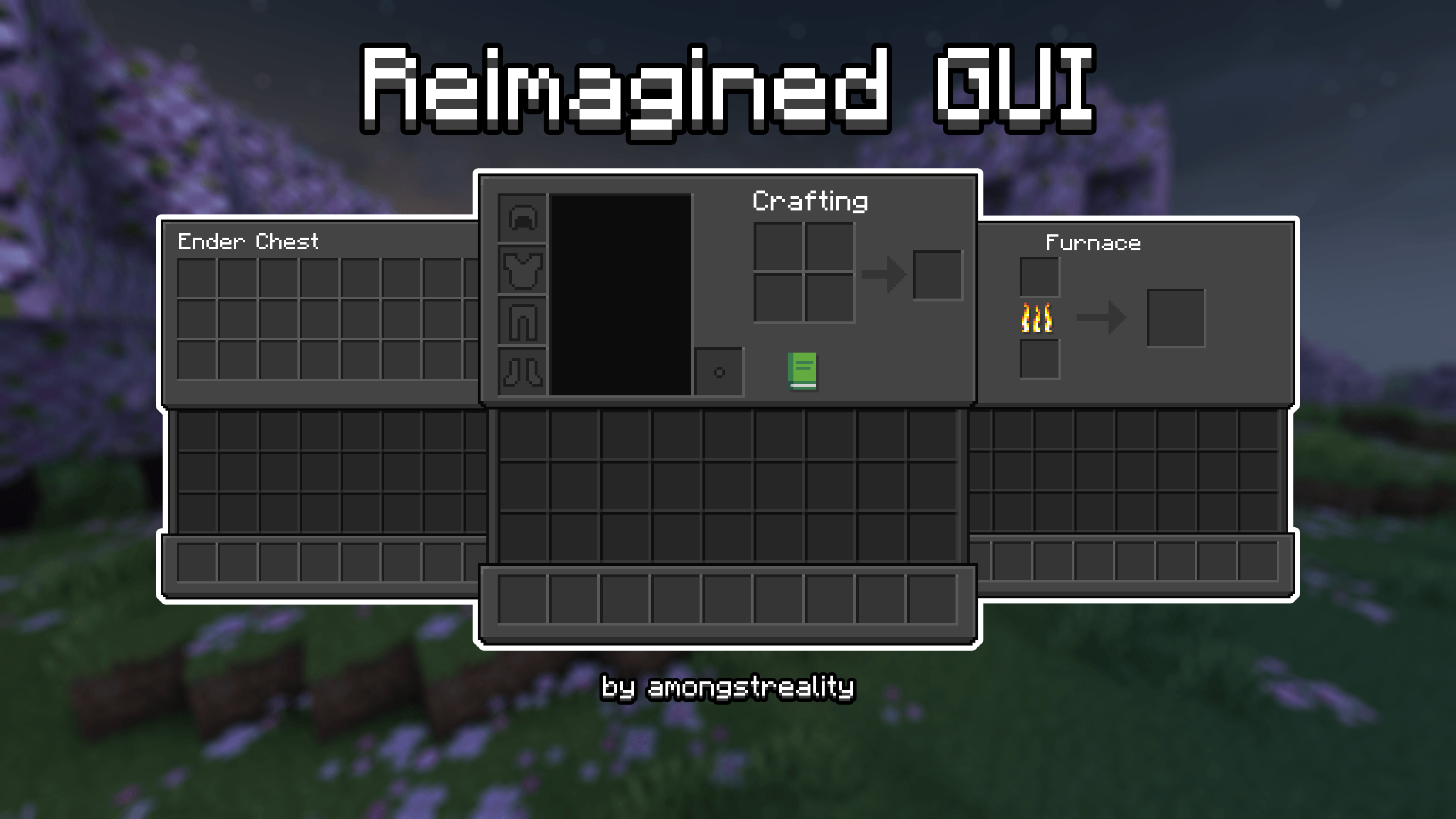

Reimagined Gui (Dark)
Reimagined Minecraft GUI | Dark ThemeInstall
Epic Fight x T.O Magic 'n Extras - Armors Patch
Fixed Armors not rendered from T.O Magic 'n Extras when EpicFight mode is ONInstall

PvP Essentials 1.21+
Every Essential YOU Need For PvP! Includes No Bobber, No Fire, Low Shield, Small Totem Pop, & More!Install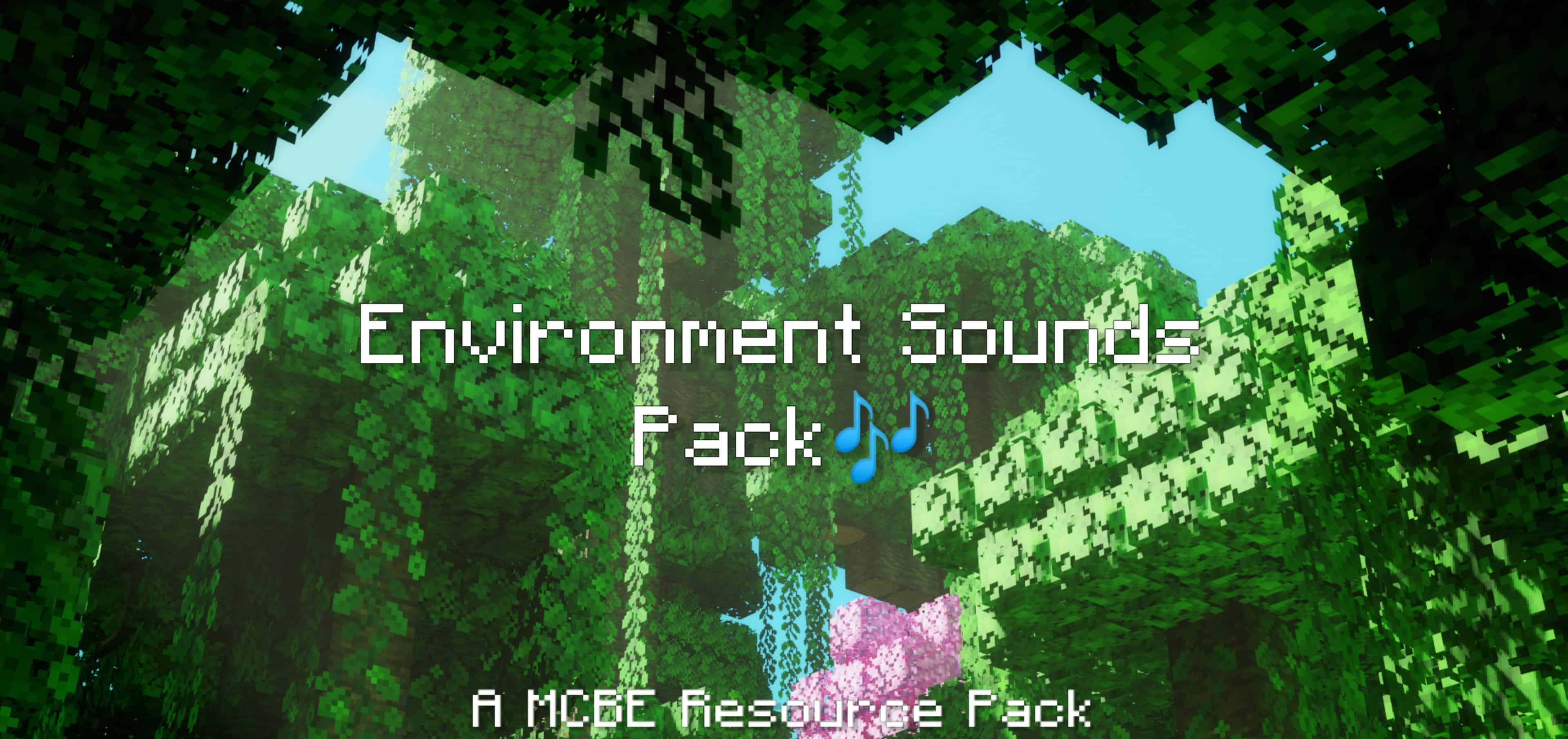

Environment Sounds Pack v2.6
The ambience of Minecraft is pretty empty and lonely, but this resource pack will fill your Minecraft worlds with relaxing ambient sounds and also improves some of the in-game sounds. This is not an addon and can be used in your survival worlds!Download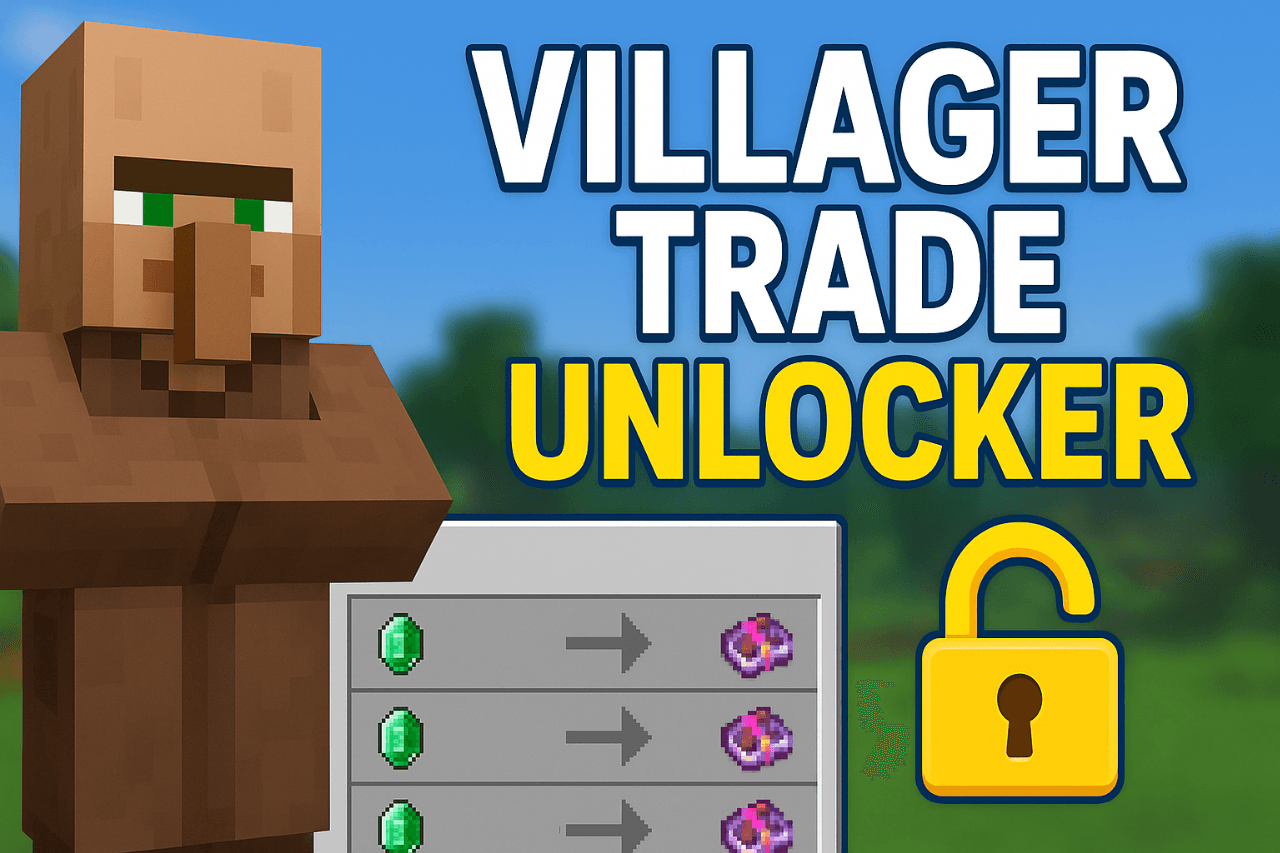
Villagers Trade Unlocker
This pack unlocks all villager trades, letting you view and trade every level instantly without leveling them up. It’s like a hack, but works as a safe resource pack, even in multiplayer.Download
Better Combat and Spell Engine - Free Legs
Free your legs in Better Combat and Spell Engine - For use with PlayerAnimator modsInstall
More Totems Of Undying PT-BR Translation (Unofficial)
Unofficial translation for More Totems Of Undying in PT-BR (Brazillian Portuguese)Install

Vanilla RTX Normals
The default ray-traced Minecraft graphics, featuring handcrafted 16x normal maps! – Vanilla Resources Made Available for Minecraft with RTX.Download

Hellion's Sniffer+ PT-BR Translation
Unofficial translation for Hellion's Sniffer+ in PT-BR (Brazillian Portuguese)Install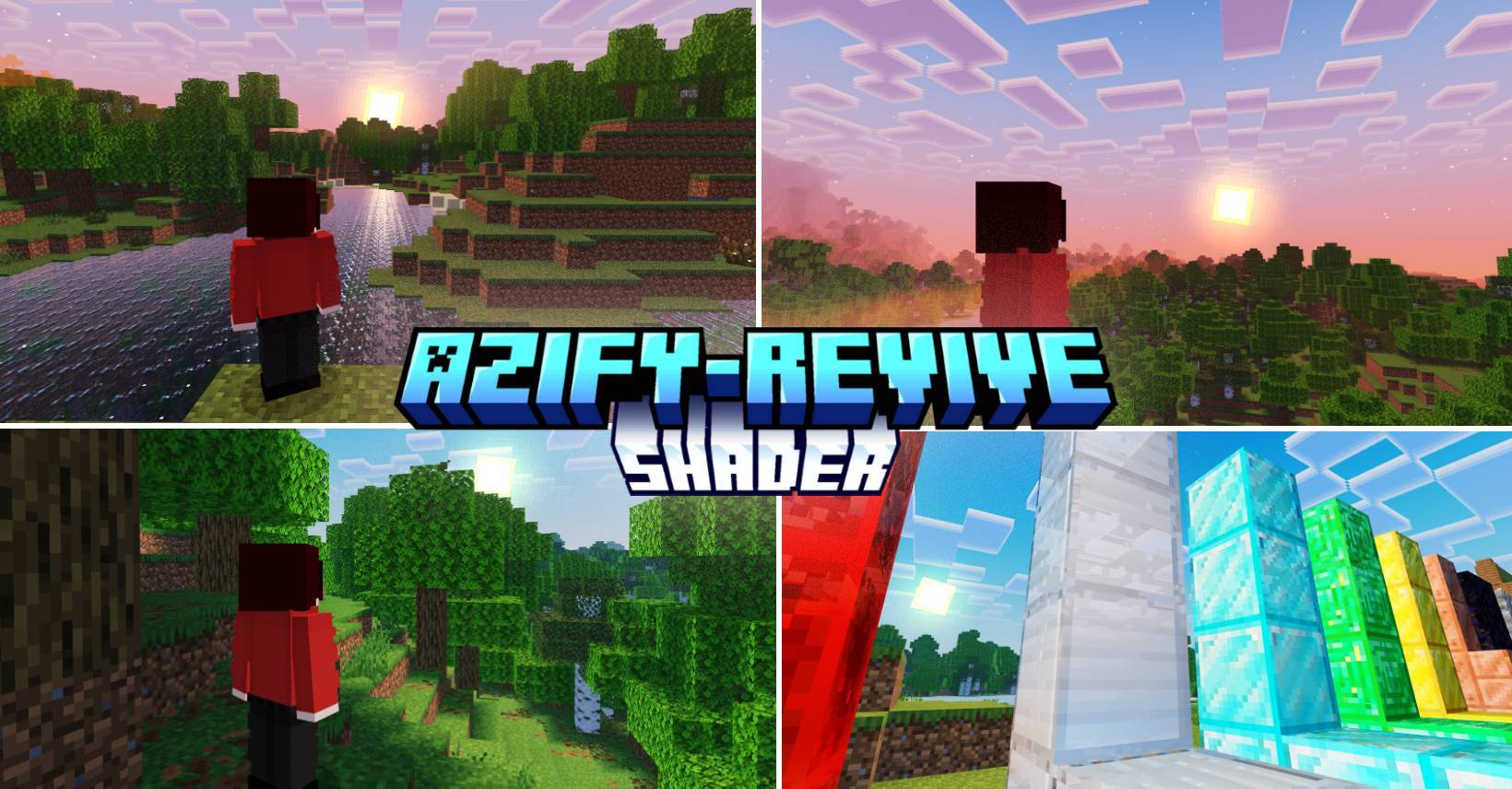
AziFy Revive Shader | AFR
Azify shader is an MCBE shader that Enhances the vanilla Experience focusing on visuals and clarity.Download
xali's Potions - Addon
Fan made extension to xali's potionsInstall

Greek Mythology Mash-up
Build a pantheon fit for the gods, trap the Minotaur in an elaborate maze, or set sail for adventures across the sea – the world is your square oyster! A port from Legacy Console Edition.Install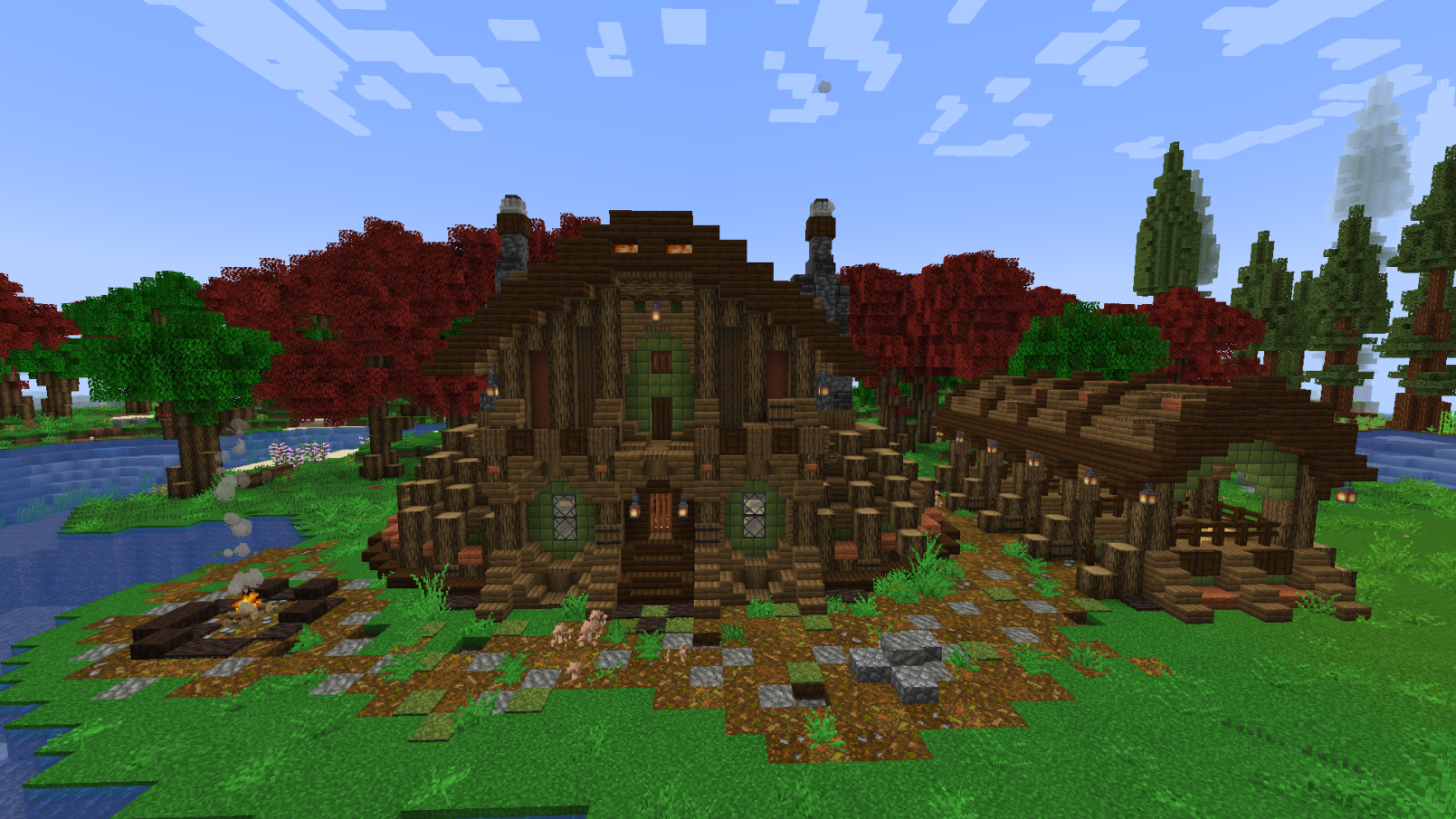
Integrated Dungeons and Structures- Configuration Datapack
The Configuration Datapack For Integrated Dungeons and StructuresInstallFAQ
Do I need Forge or Fabric for a resource pack?
No. A resource pack works on the regular game with no loaders or mods. Click “Install” and Millida Launcher will put the pack into the right modpack — then just enable it in the settings.
What do 16×, 32×, 64× mean?
The resolution of a single texture in pixels. 16× matches the original game, 32× and 64× are more detailed and heavier, and 128× and up put a noticeable load on your graphics card.
Will a pack made for another version work?
Most likely partly: older packs don't have textures for newer blocks, so those will stay default. The game won't break, though.
How is a texture pack different from a resource pack?
Only by name and age. Before version 1.6 the sets were called texture packs and changed only textures; in 1.6 resource packs replaced them and also change sounds, fonts and the interface. Old texture packs for 1.5 and below do not work on new versions without conversion.
Which texture packs are best for PvP?
PvP packs: 16× resolution or lower, shortened swords, low fire, a clear sky and bright particles. They barely load the computer and make the opponent easier to see. These packs are collected in the PvP theme.
How do I install a resource pack?
Press Install and Millida Launcher puts the pack into the resourcepacks folder of the right instance. Then enable it in the game: Options, then Resource Packs. Manually, the archive goes into resourcepacks inside the game folder, no need to unpack it.
Minecraft texture packs
A resource pack changes how the game looks and sounds: block and item textures, fonts, the interface, sounds. It doesn't touch the game's code, so it needs no mod loader and breaks nothing on a server — the pack only works on your screen. That's exactly why a resource pack is safer than any mod: the worst that happens on a version mismatch is that some textures stay default.
Textures, texture packs and resource packs are essentially the same thing: since version 1.6 Mojang calls these sets resource packs, but the old name is still searched more often. PvP packs are a big genre of their own: shortened swords, low fire, bright particles and 16× resolution or lower, so the opponent stands out and the frame rate does not drop. Such packs are most often made for 1.8.9 and 1.16.5, the versions many PvP servers run on.
The key thing about a pack is its resolution. The game's default textures are 16×16 pixels; 32× and 64× packs look more detailed, while 128× and up need a real graphics card and are usually paired with shaders. On a weak machine it makes sense to stay at 16× or go for packs that deliberately simplify graphics for more FPS. Every pack here lists its game version, author and license, and all released versions are gathered on one card. Put the downloaded archive in the resourcepacks folder and enable it in the game settings.