
Minecraft texture packs — page 52
6,460 itemsResource packs: list
Animated RGB GUI JE (Animatica/OptiFine)
A UI pack to make an animated RGB XP bar, hotbar, and Inventory screens!Install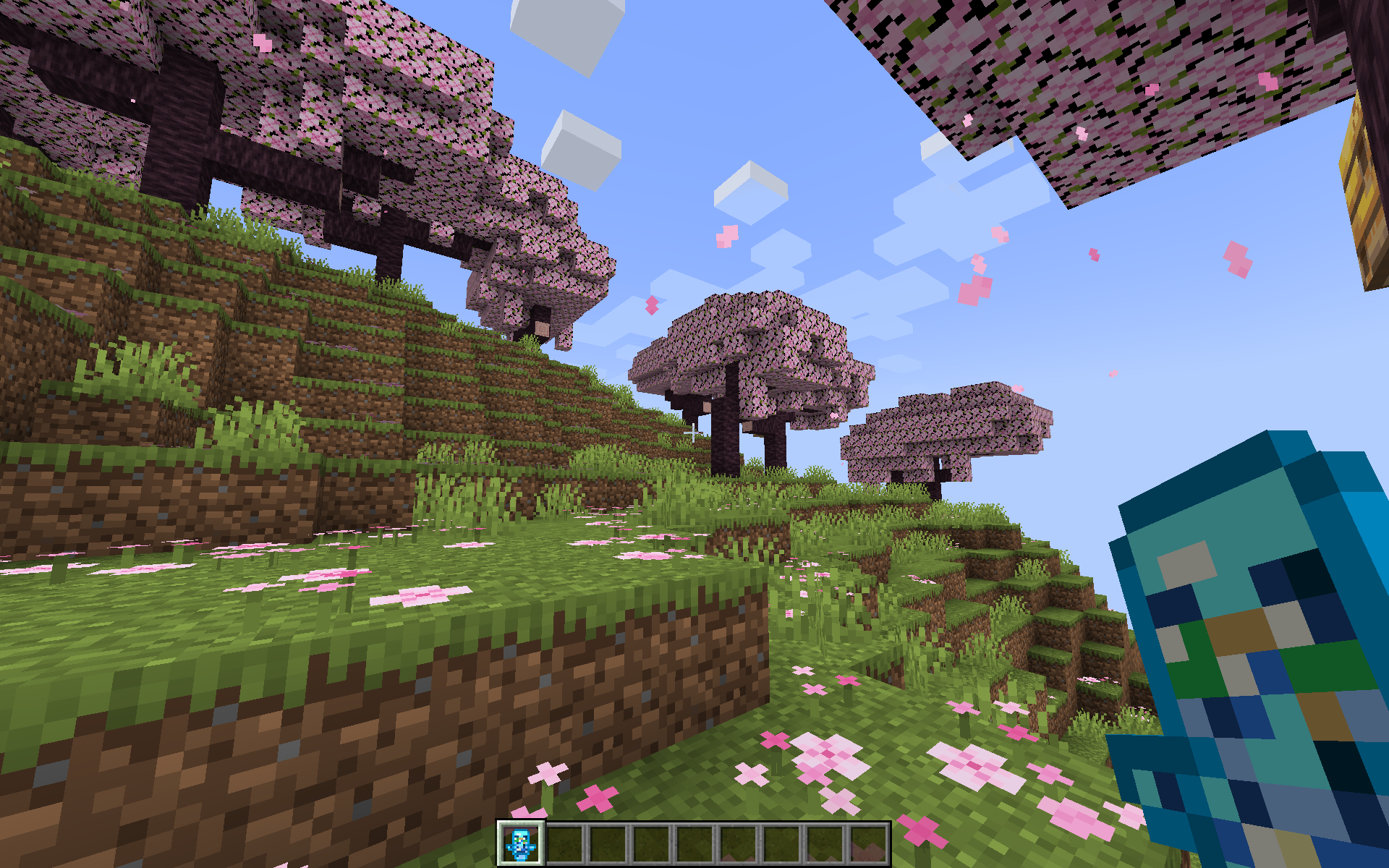
Totem Revamped
Totem Revamped changes the colour of the totem to a blue shader and gives it a outline and a cleaner colour shade.Install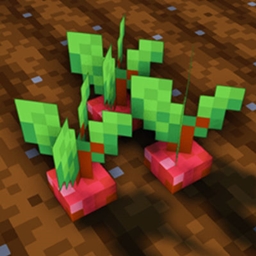
Crops 3D Reforged
Makes all the crops 3D in the default style of Minecraft.Install

City Texture Pack
Free your inner architect and shape the world around you. A port from Legacy Console Edition.Install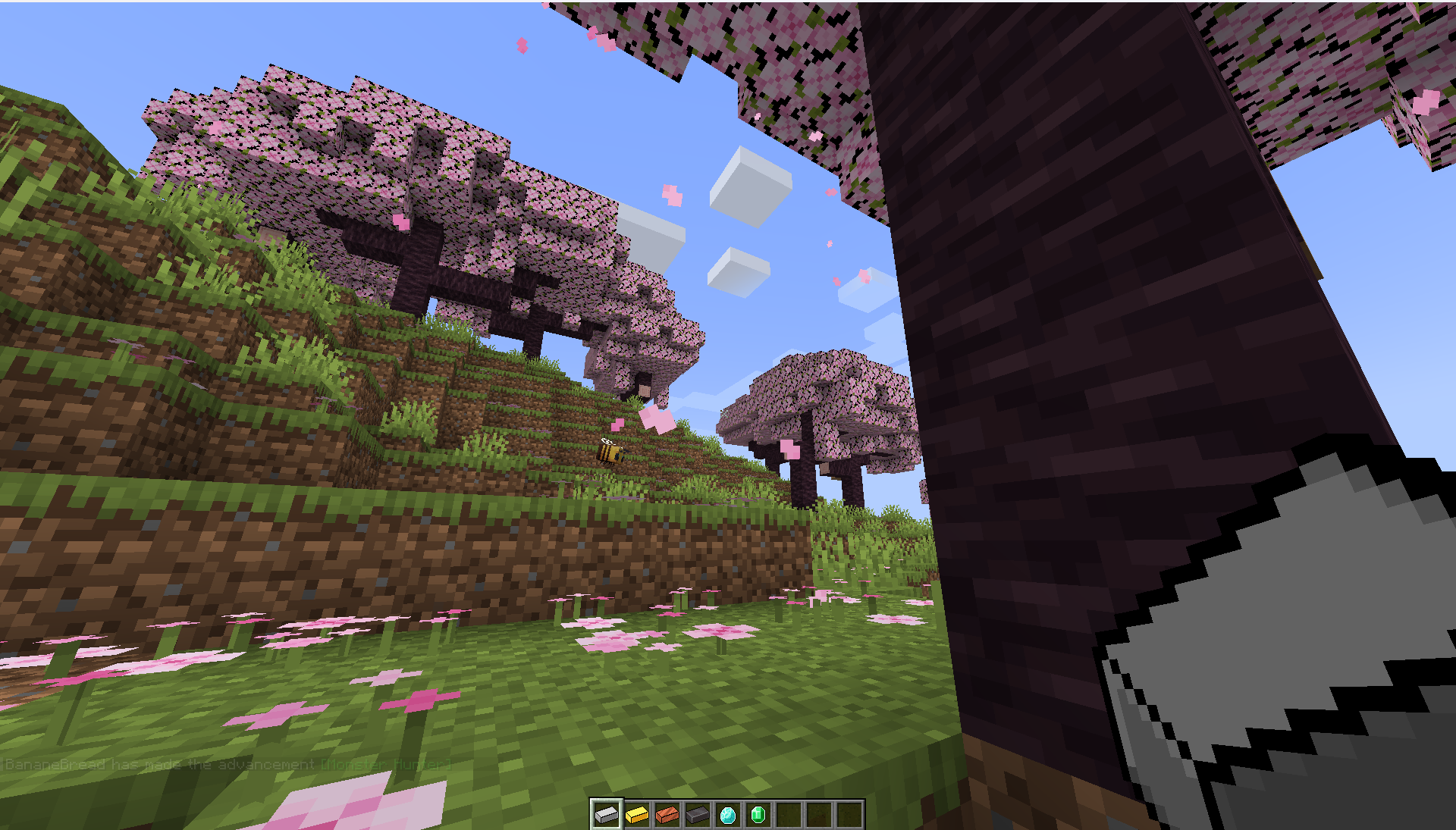
Outlined Ingots
Outlined Ingots provide a cleaner margin to the ingots and gives them a cleaner look.Install
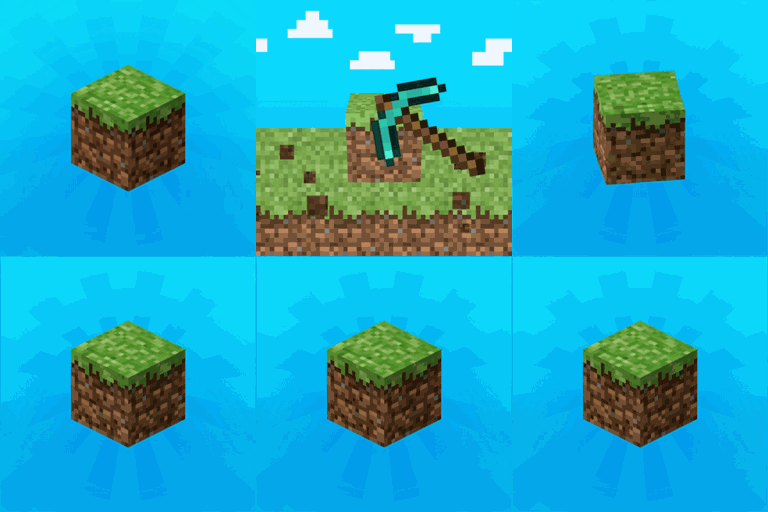
Better OneBlock - Panorama
Made for the Better One Block Modpack!Install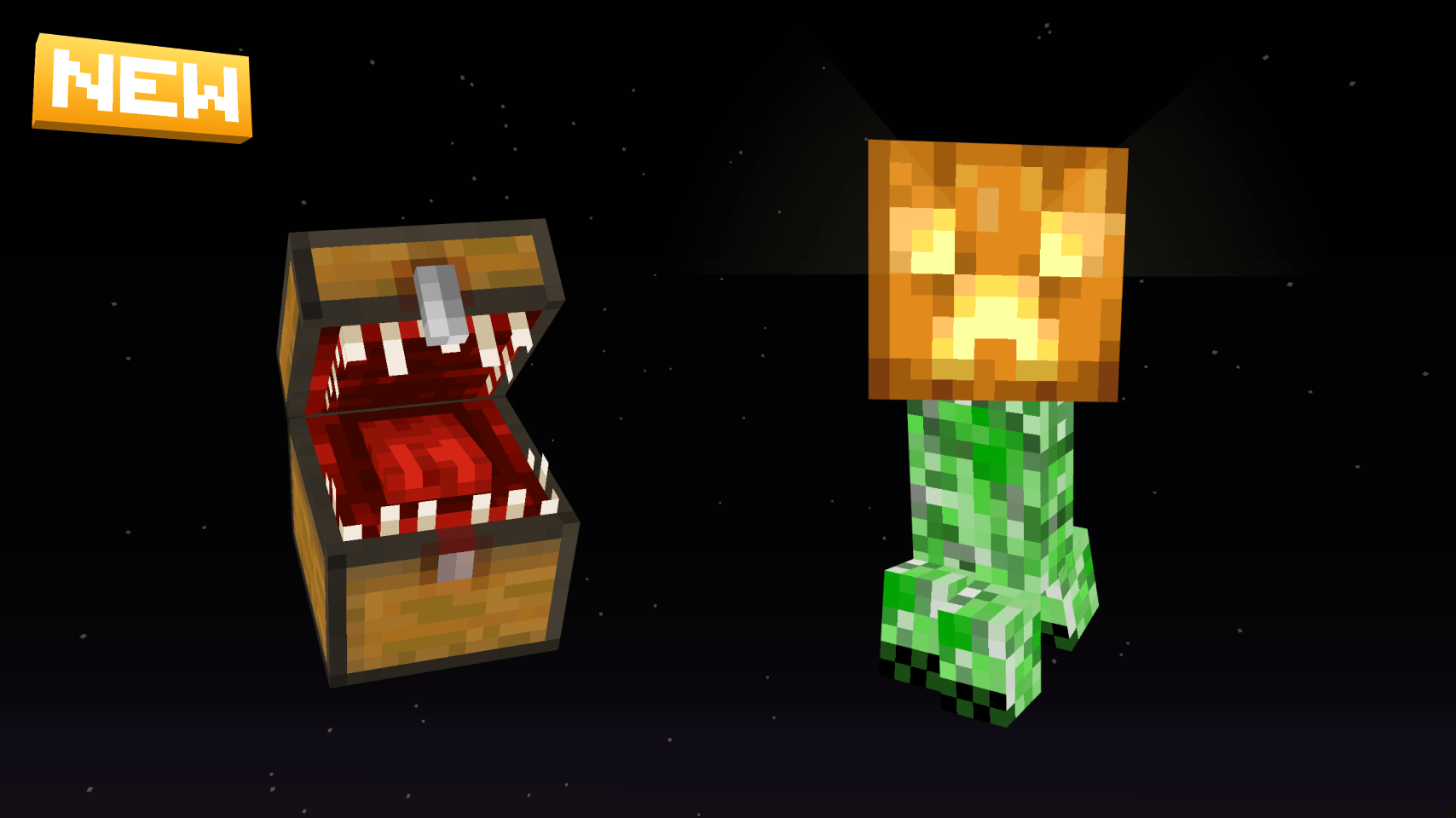
Default-Style Halloween Pack
A Halloween Themed revamp of the Default Experience!Install

Default HD 256x
The classic Minecraft experience but in amazing 256x HD!Install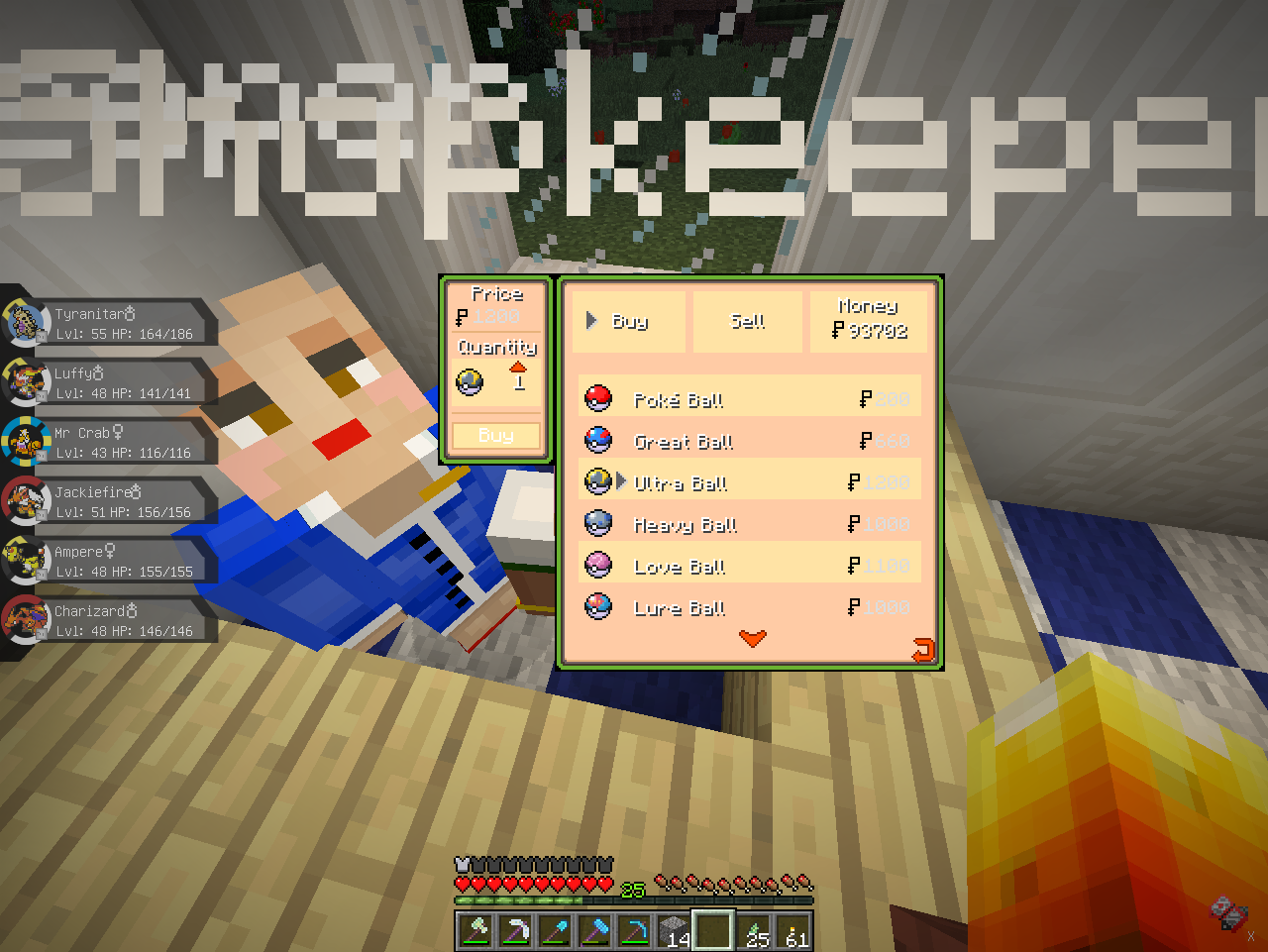
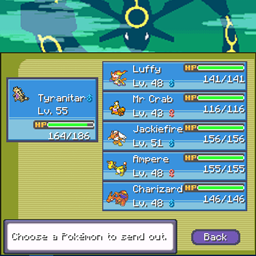
Pixelmon GUIs - Emerald inspired!
Pixelmon guis inspired by Pokemon EmeraldInstall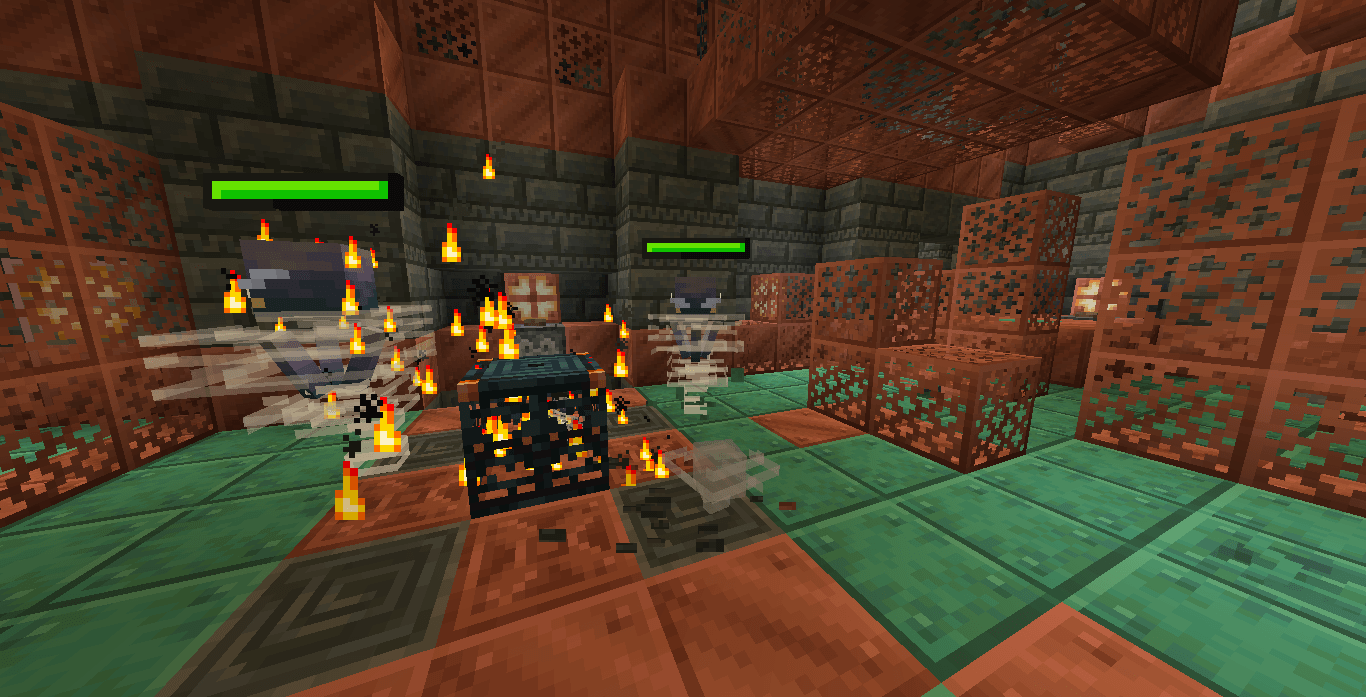
Spryzeen's Healthbars
Healthbars for minecraft mobs!!!Install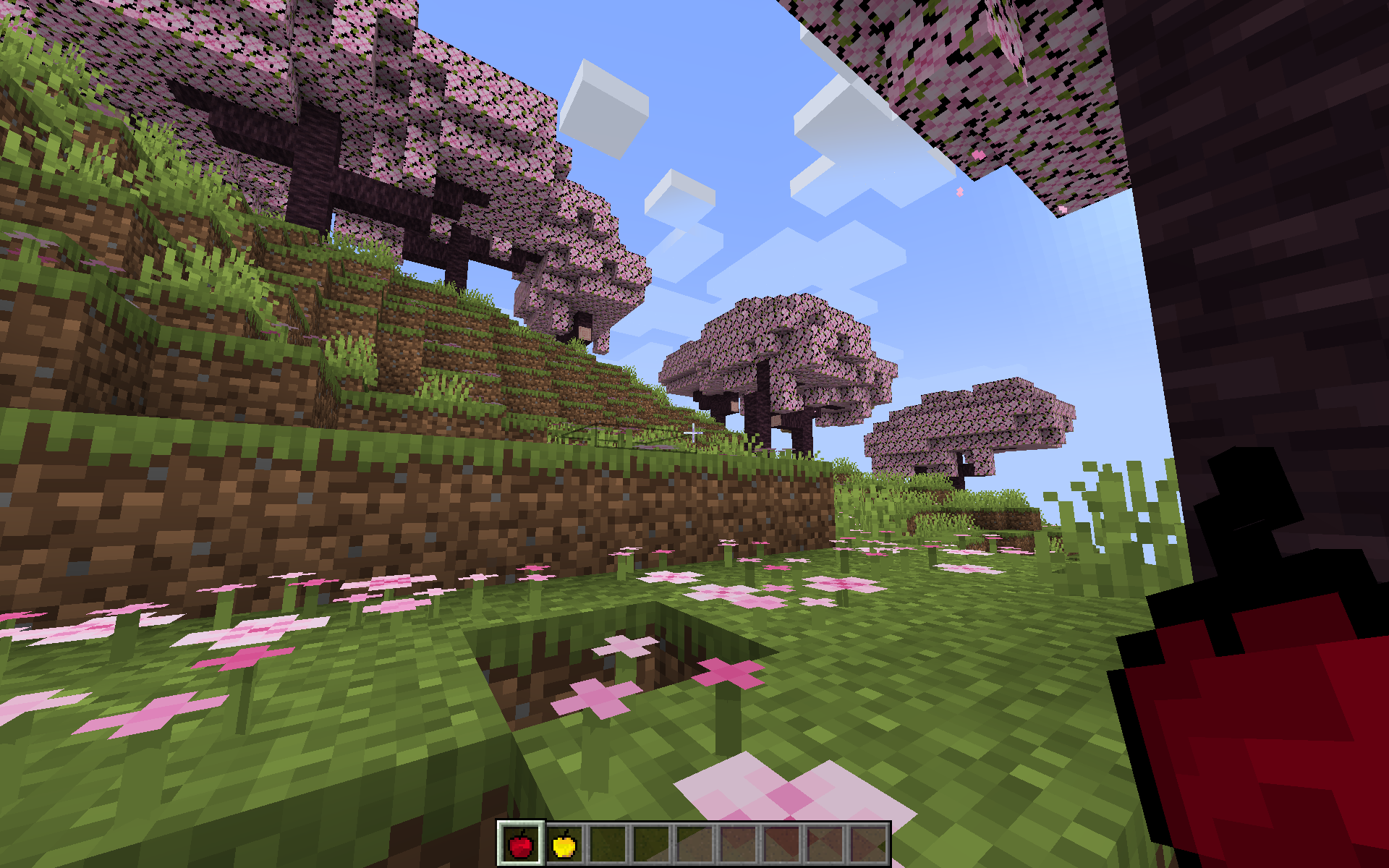
Apples Revamped
Apples Revamped provides the vanilla apples with a simple and cleaner look. Variety of colour usage has been minimised and an outline was provided for a smoother look.Install
Toradora! Custom GUI Pack
Toradora! Custom GUI PackInstall
Legacy Modpack Resources
The resources used in Lasting Legacy's modpacksInstall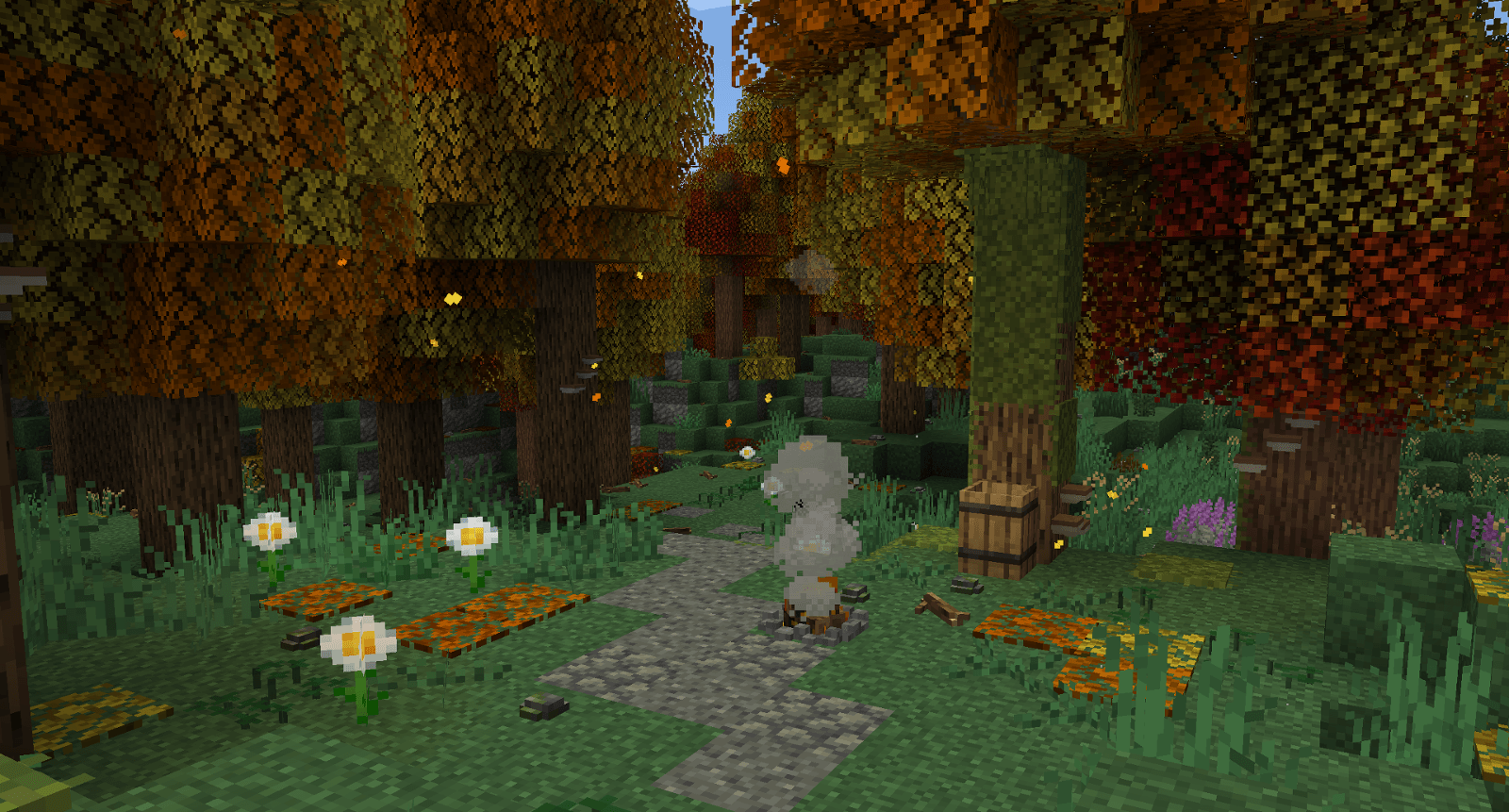
Vexxed Visuals: TerraFirmaCraft
Bringing TerraFirmaCraft for 1.21 closer to the aesthetic of the updated vanilla texturesInstall

Serious Reanimated
Complete redesign of all animations for the serious player animations mod.Install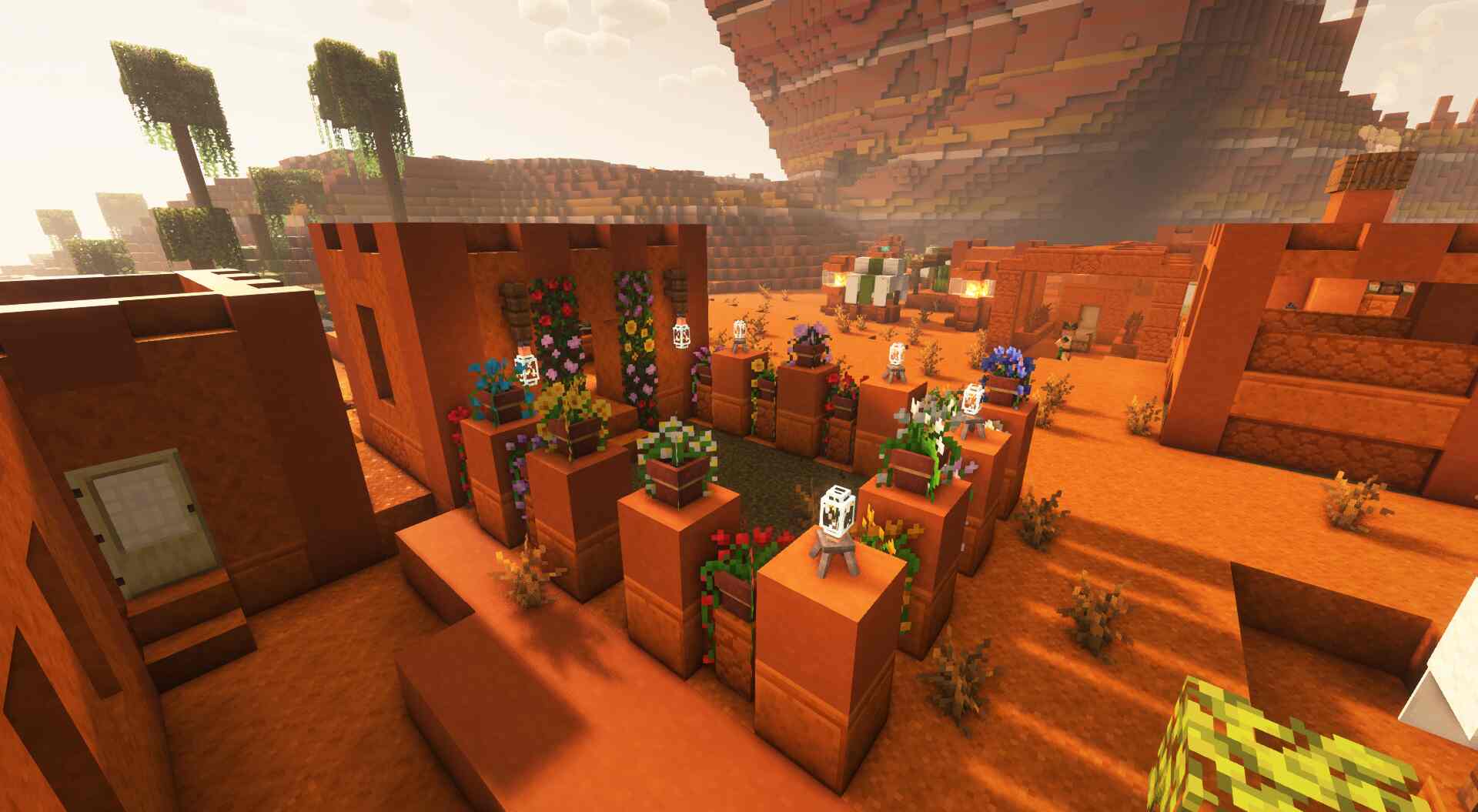
[Deprecated]CTOV - Beautify compatibility pack
Compatibility datapack between ChoiceTheorem's overhauled village and beautify modInstall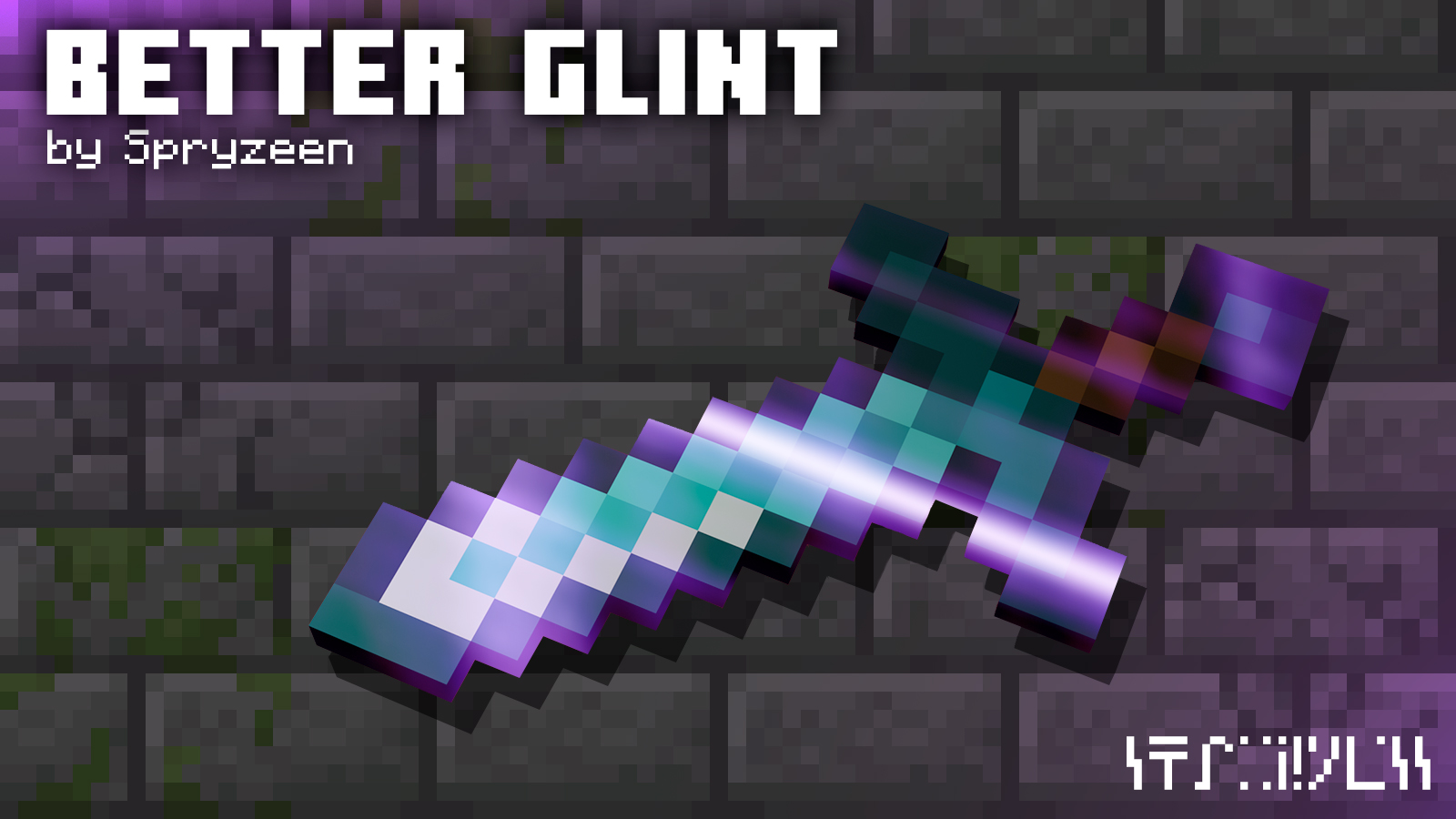
Spryzeen's Better Glint
better enchantment glint!!Install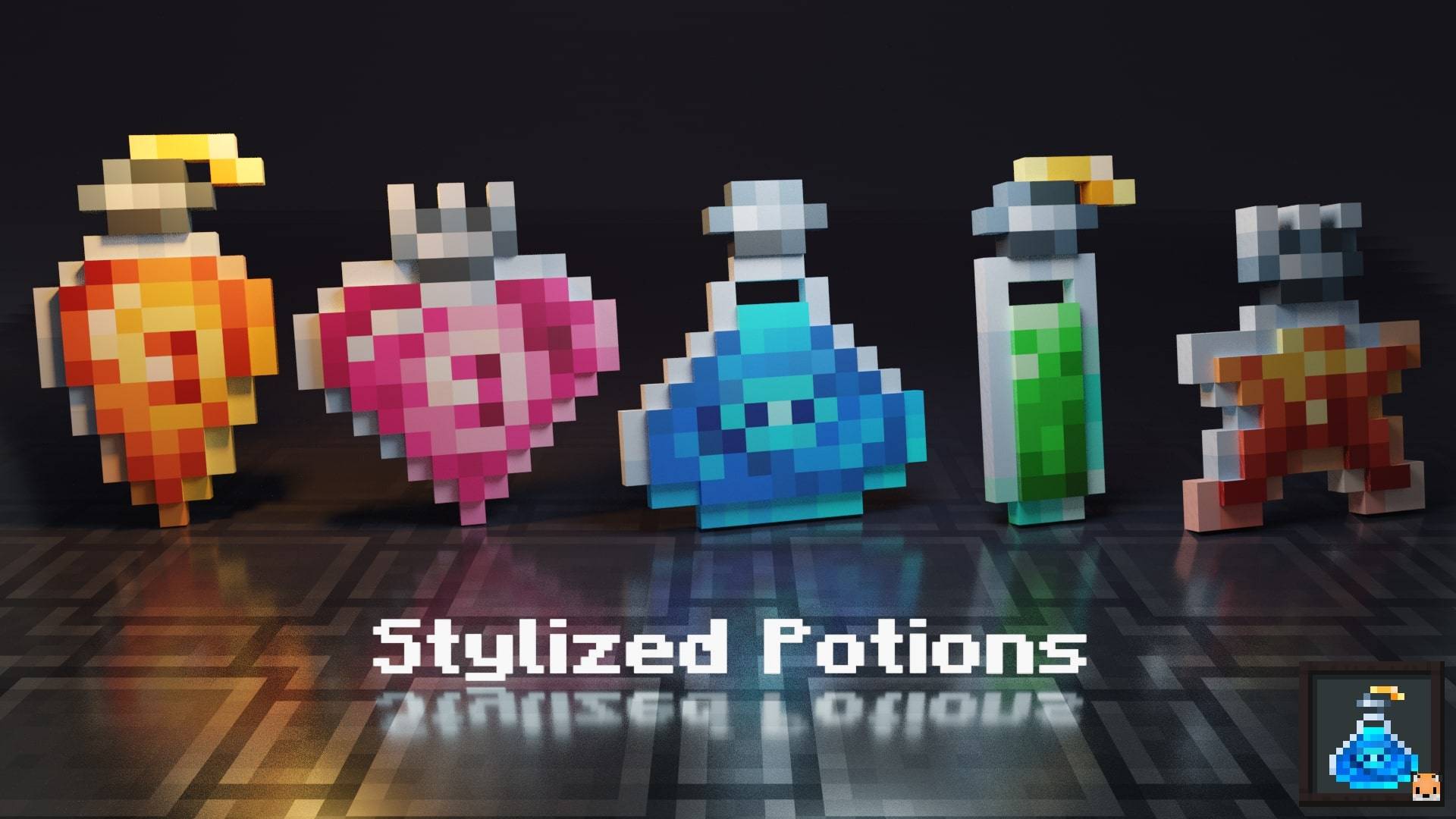
Stylized Potions
Unique potion textures!Install

Clear Glass
Makes all types of glass connect smoothly without internal lines, creating a clean and seamless look.Install

Realistic Woods
The default wood textures are somewhat boring and repetitive. Do you think you need a change?Install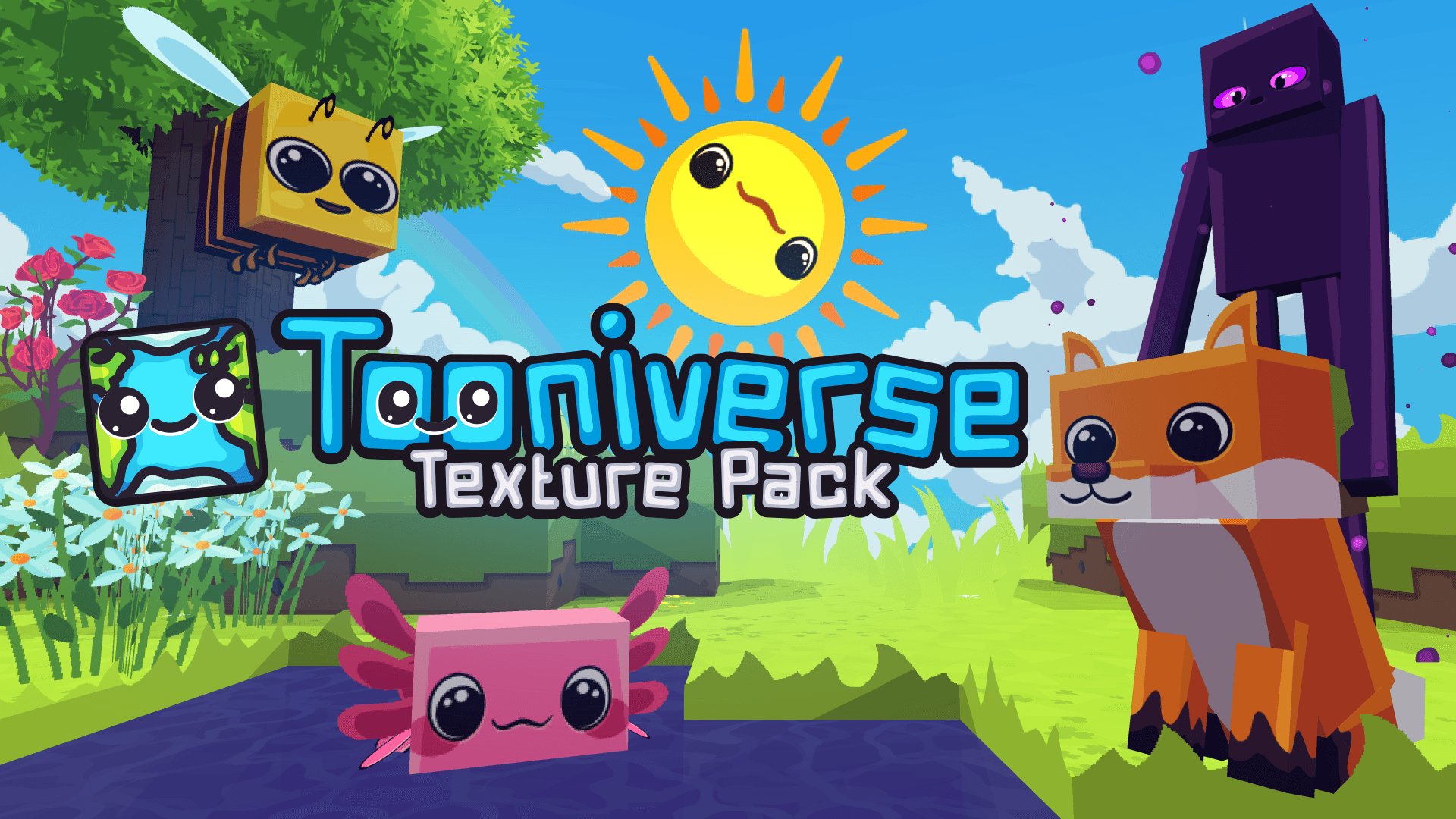
Tooniverse Texture Pack 256x
Complete colourful, cute & cartoony overhaulInstall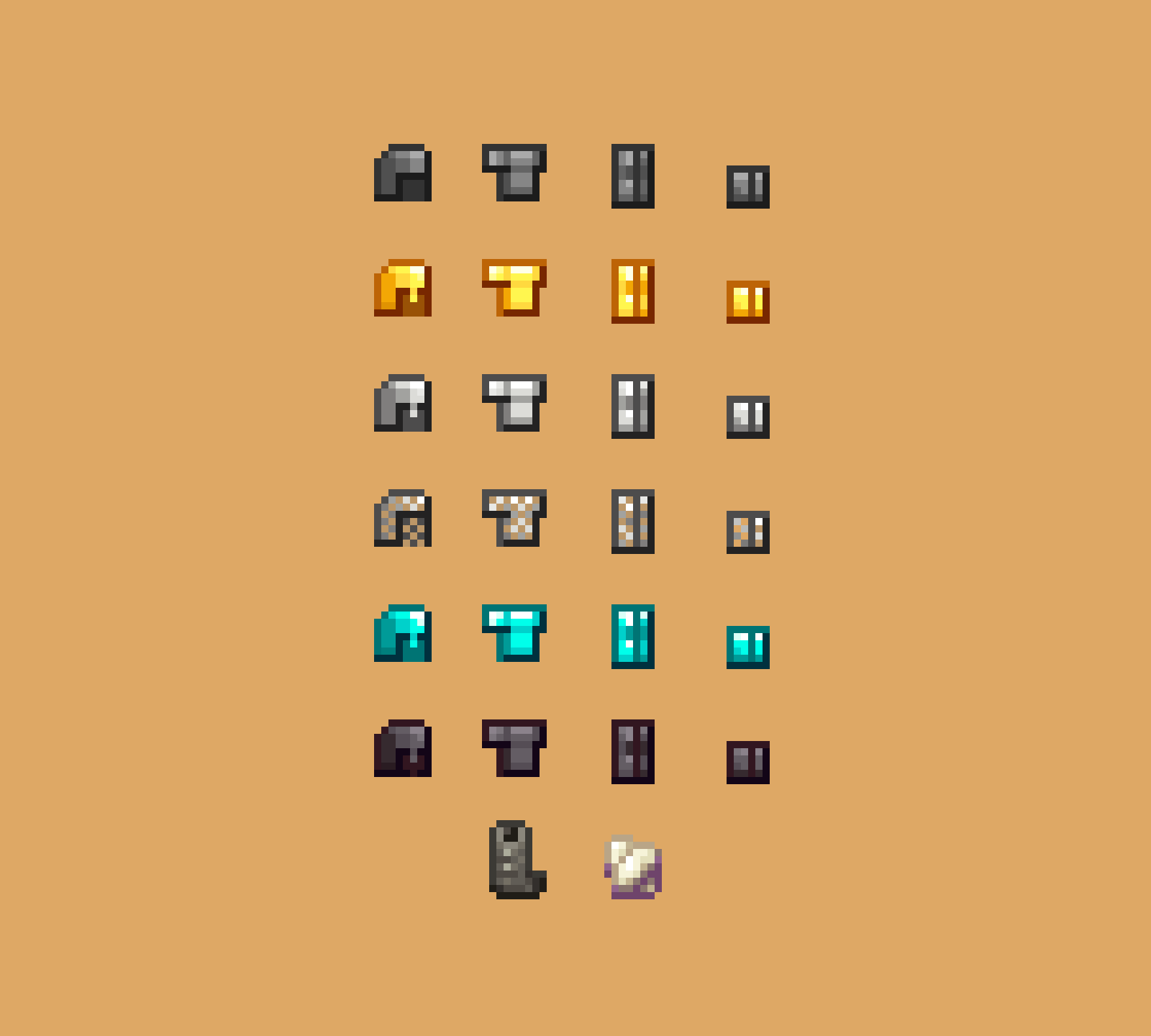
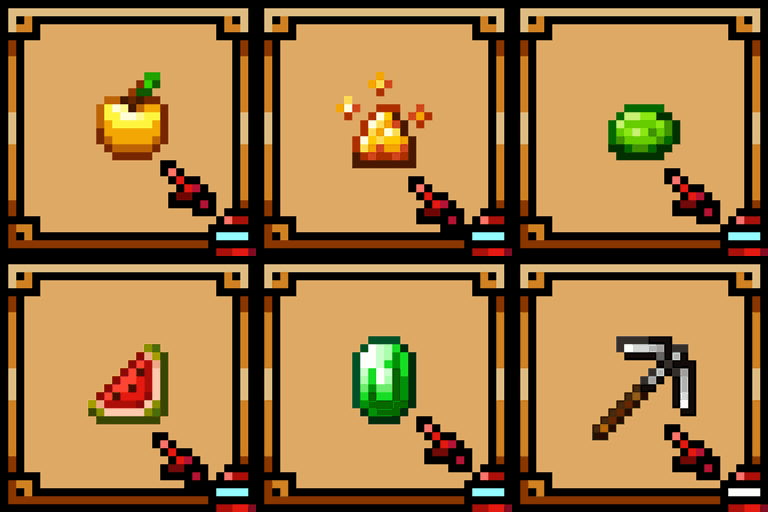
Theone's Items Pack
Vanilla-like textures. Supports Eating Animation Mod ඞInstall
New Default+ PvP Addon
The New Default+ PvP expansion pack for Minecraft: Java Edition & Bedrock Edition; made by SeaOfPixelsInstallFAQ
Do I need Forge or Fabric for a resource pack?
No. A resource pack works on the regular game with no loaders or mods. Click “Install” and Millida Launcher will put the pack into the right modpack — then just enable it in the settings.
What do 16×, 32×, 64× mean?
The resolution of a single texture in pixels. 16× matches the original game, 32× and 64× are more detailed and heavier, and 128× and up put a noticeable load on your graphics card.
Will a pack made for another version work?
Most likely partly: older packs don't have textures for newer blocks, so those will stay default. The game won't break, though.
How is a texture pack different from a resource pack?
Only by name and age. Before version 1.6 the sets were called texture packs and changed only textures; in 1.6 resource packs replaced them and also change sounds, fonts and the interface. Old texture packs for 1.5 and below do not work on new versions without conversion.
Which texture packs are best for PvP?
PvP packs: 16× resolution or lower, shortened swords, low fire, a clear sky and bright particles. They barely load the computer and make the opponent easier to see. These packs are collected in the PvP theme.
How do I install a resource pack?
Press Install and Millida Launcher puts the pack into the resourcepacks folder of the right instance. Then enable it in the game: Options, then Resource Packs. Manually, the archive goes into resourcepacks inside the game folder, no need to unpack it.
Minecraft texture packs
A resource pack changes how the game looks and sounds: block and item textures, fonts, the interface, sounds. It doesn't touch the game's code, so it needs no mod loader and breaks nothing on a server — the pack only works on your screen. That's exactly why a resource pack is safer than any mod: the worst that happens on a version mismatch is that some textures stay default.
Textures, texture packs and resource packs are essentially the same thing: since version 1.6 Mojang calls these sets resource packs, but the old name is still searched more often. PvP packs are a big genre of their own: shortened swords, low fire, bright particles and 16× resolution or lower, so the opponent stands out and the frame rate does not drop. Such packs are most often made for 1.8.9 and 1.16.5, the versions many PvP servers run on.
The key thing about a pack is its resolution. The game's default textures are 16×16 pixels; 32× and 64× packs look more detailed, while 128× and up need a real graphics card and are usually paired with shaders. On a weak machine it makes sense to stay at 16× or go for packs that deliberately simplify graphics for more FPS. Every pack here lists its game version, author and license, and all released versions are gathered on one card. Put the downloaded archive in the resourcepacks folder and enable it in the game settings.