
Minecraft texture packs — page 192
6,456 itemsResource packs: list


Earth Totem of Undying
Earth Totem customizes the Totem of Undying in Minecraft with a design focused on the elements of nature and earth, adding a sustainable and life-affirming theme to the game.Install

Skyrim Z [128x]
It is a very similar texture pack to play SkyrimInstall

Fixed Vanilla
This Resource Pack fixes a lot of issues in the game related to textures, models, animations, particles, and more.Download

Mr.Atlaz's COMPLETELY NORMAL RTX
A vanilla+ raytraced pack that applies 32x normal maps on the vanilla 16x textures.Download
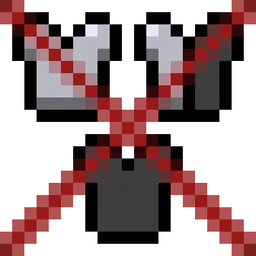
No Armour Armor - HUD Hotbar
Removes the Armor Icons from the HUD, for a cleaner GUI. Protection still works!Install
Xali's Bushy Leaves - Regions Unexplored Addon
A Regions Unexplored Addon for Xali's Bushy LeavesInstall

Enhanced Night Vision
[No Optifine required] This resource pack allows you to see more clearly while in dark areas while also allowing you to distinguish light sourcesInstall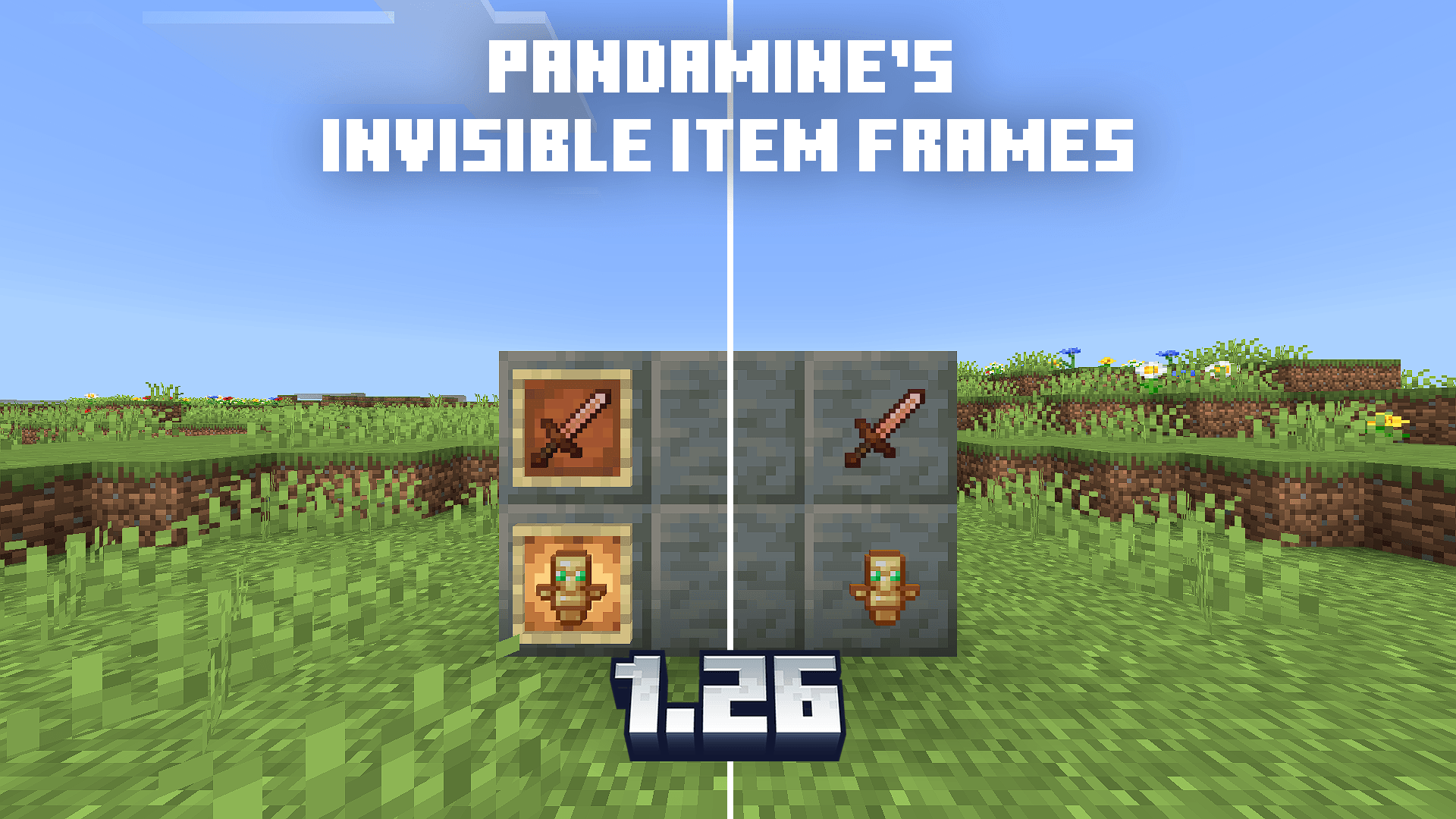

PandaMine's Invisible Item Frames & Glow Frames 1.26 | Vibrant Visuals
Makes item default & glowing frames invisible. Works on 1.26, with Vibrant Visuals and RTX.Download

xali's Framed Planks
Simple pack to new textures to double planks.Install
SERP Shaders
SERP Shaders is a configuration package for Minecraft's vibrant visuals. It modifies the game's lighting, shadows, and colors to make them more attractiveDownload

Better Outlined Ores
Like the regular outlined ores, but better!Download
Cobblemon PokeSizes
Allows Pokemon to spawn in variated sizes. REQUIRES PehkuiInstall
The Graveyard - Terralith Compatability
Improves structure generation of the Graveyard with TerralithInstall

SixtyGig Light Resource Pack (Build 1-14-2013)
SixtyGig Light Resource Pack (Build 1-14-2013)Install

PandaMine's Vibrant Visuals Unlocker (Vibrant Visuals Force Enable) | Vibrant Visuals on Unsupported Devices
Unlocks Vibrant Visuals on most unsupported devices and iGPU & featured Servers on PCs!Download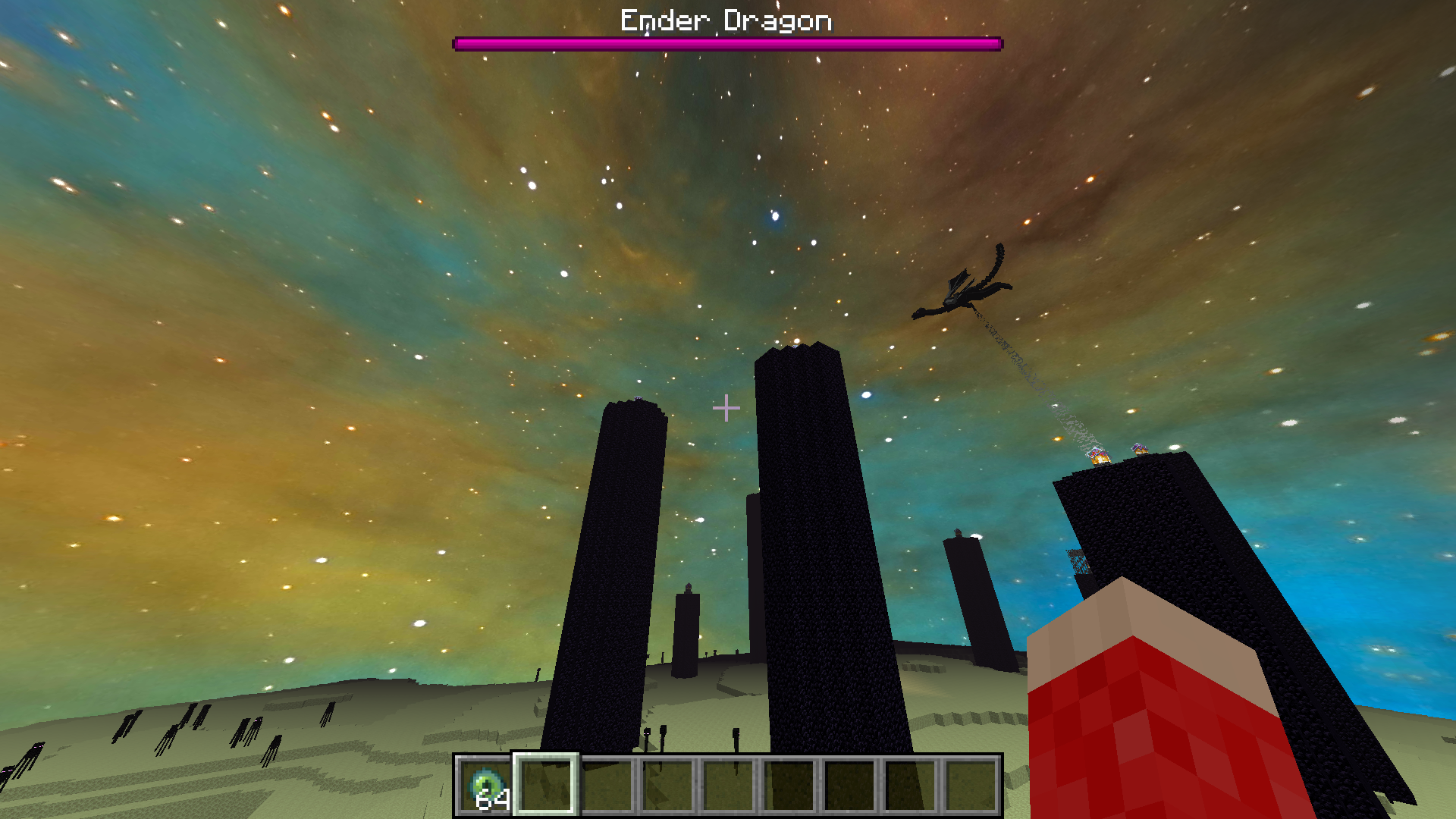

Better End Sky Resource Pack
This resource pack works with the Better End Sky modInstall

Restore Block Lines
Restores colored blocked lines back to normal colorInstall

Pesky Parrots
This pack adds 15 New Color styles and a bunch of namable variants to the ParrotInstall

Excalibur | It Takes a Pillage support
This resource pack redraws the It Takes a pillage continuation mod in the Excalibur styleInstall
T2F (Torch2Flashlight)
Turns torches into a 3D Flashlight Model!Install

Verity Totem ENG
This resource pack replaces the totem with an interesting smiley called “Verity”Install

Accurate Wither Storm Mod
"There's nothing left up there! Nothing but that Wither Storm..."Install

Ruspe Shine Engine Edition
Texture pack for minecraft bedrock, this pack enhances the vibrant visuals giving the sunsets beautiful and gorgeous also adds animations on the leaves, this pack is not official for Ruspe shadersDownloadFAQ
Do I need Forge or Fabric for a resource pack?
No. A resource pack works on the regular game with no loaders or mods. Click “Install” and Millida Launcher will put the pack into the right modpack — then just enable it in the settings.
What do 16×, 32×, 64× mean?
The resolution of a single texture in pixels. 16× matches the original game, 32× and 64× are more detailed and heavier, and 128× and up put a noticeable load on your graphics card.
Will a pack made for another version work?
Most likely partly: older packs don't have textures for newer blocks, so those will stay default. The game won't break, though.
How is a texture pack different from a resource pack?
Only by name and age. Before version 1.6 the sets were called texture packs and changed only textures; in 1.6 resource packs replaced them and also change sounds, fonts and the interface. Old texture packs for 1.5 and below do not work on new versions without conversion.
Which texture packs are best for PvP?
PvP packs: 16× resolution or lower, shortened swords, low fire, a clear sky and bright particles. They barely load the computer and make the opponent easier to see. These packs are collected in the PvP theme.
How do I install a resource pack?
Press Install and Millida Launcher puts the pack into the resourcepacks folder of the right instance. Then enable it in the game: Options, then Resource Packs. Manually, the archive goes into resourcepacks inside the game folder, no need to unpack it.
Minecraft texture packs
A resource pack changes how the game looks and sounds: block and item textures, fonts, the interface, sounds. It doesn't touch the game's code, so it needs no mod loader and breaks nothing on a server — the pack only works on your screen. That's exactly why a resource pack is safer than any mod: the worst that happens on a version mismatch is that some textures stay default.
Textures, texture packs and resource packs are essentially the same thing: since version 1.6 Mojang calls these sets resource packs, but the old name is still searched more often. PvP packs are a big genre of their own: shortened swords, low fire, bright particles and 16× resolution or lower, so the opponent stands out and the frame rate does not drop. Such packs are most often made for 1.8.9 and 1.16.5, the versions many PvP servers run on.
The key thing about a pack is its resolution. The game's default textures are 16×16 pixels; 32× and 64× packs look more detailed, while 128× and up need a real graphics card and are usually paired with shaders. On a weak machine it makes sense to stay at 16× or go for packs that deliberately simplify graphics for more FPS. Every pack here lists its game version, author and license, and all released versions are gathered on one card. Put the downloaded archive in the resourcepacks folder and enable it in the game settings.