
Minecraft texture packs — page 191
6,456 itemsResource packs: list


Aimz Sniper Crosshair
A Sniper and Shooter based crosshair that changes the vanilla crosshairInstall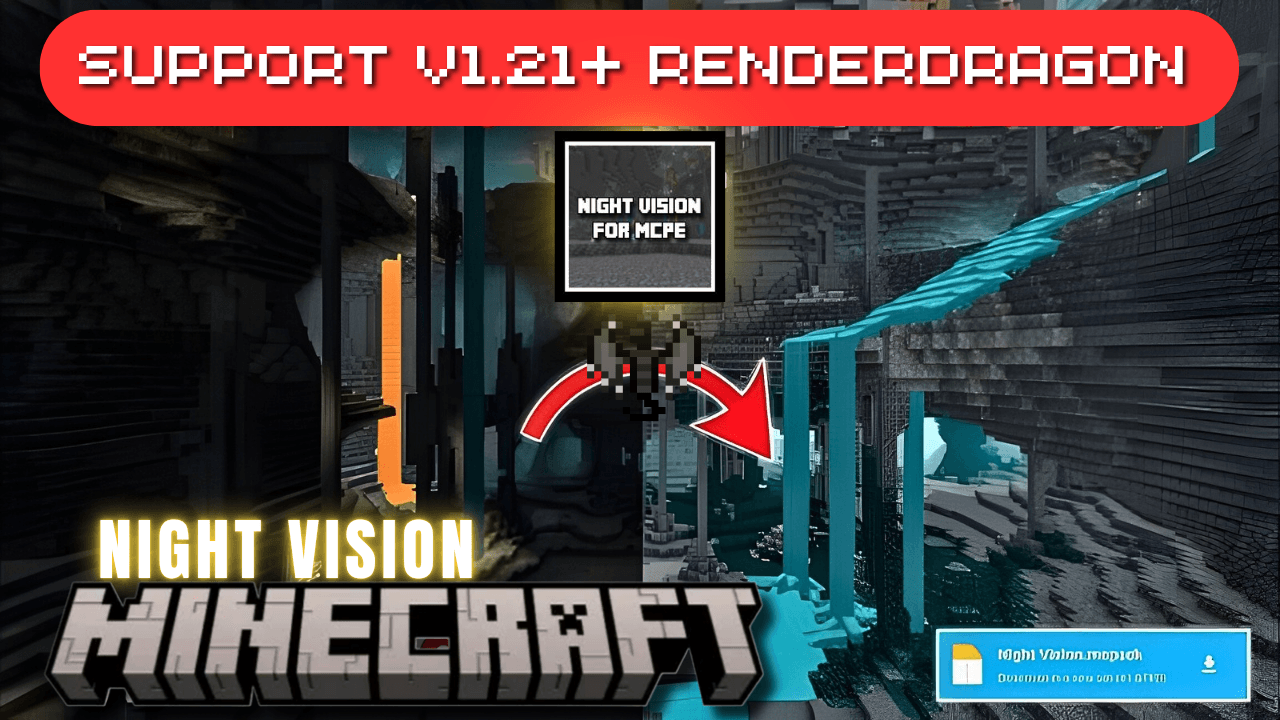

Night Vision for RenderDragon
Unlock the full potential of your nighttime adventures in Minecraft with this Night Vision Texture Pack for Bedrock Edition, fully compatible with the RenderDragon engine. Whether you're exploring deep caves, building in the dark, or surviving hostile mobsDownload
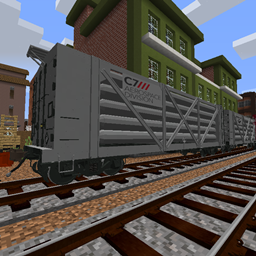
Gibster's Freight Pack - Immersive Railroading
A collection of freight cars made for IRInstall
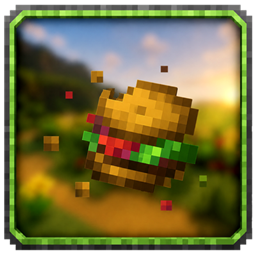
Eating Animations x Farmer's Delight
This pack TRULY adds up-to-date Eating Animations for Farmer's Delight!Install
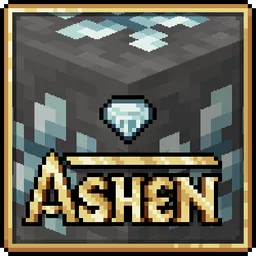
Ashen Emissive Ores
Adds glowing ore textures for Ashen 16x.Install
TFC-TNG Soft Paths
Replaces the top of TFC Paths to look more like vanilla and tile betterInstall
Kill To Earn Speed
kill in order gain speedInstall

Totem of Rick Astley
This is a simple resourcepack that replaces the totem with Rick Astley (animation + music). :DInstall

Vanilla Animated Food
A resource pack that adds animations to eating food without any mods using the new resource pack features introduced in 24w45a!Install

MultiPixel - 乘方像素
A 32×32 resolution original HD style texture pack based on the new Minecraft textures.Install

NoFog
Removes fog from the game. Pretty simple.Install
Create & Alex's Caves Limestone Compat
Adds compatibility between Create's limestone and Alex's Caves LimestoneInstall

CWSBP: Fixed Classic Textures
Cracker's Wither Storm Bedrock Port in Minecraft's Original Artstyle.Download
Ovo's Ultimate Rustic
An unofficial continuation of Ovo's Rustic / RedemptionInstall

Better Glass | Transparent Glass
A resource pack that will makes glass better and clear!Download

Glowing Enchanted Tools - Red Extension
An unofficial extension that changes the enchantment glint to a smooth red glow for a cleaner visual style.Install
Tom's Create Storage Recipes (Datapack)
Recipes for Tom's Simple Storage to match the Create mod.Install

REALISTIC SKY
This texture pack changes the boring sky of Minecraft, for a realistic one, with hyperrealistic cloudsInstall

Arsenal+
A resourcepack full of guns!Install

Spartan Shields Fix for Epic Fight
A simple fix to shield clipping when using Epic FightInstall
Volcanic Dark
Obsidian inspired and minimal-ish UIInstall

Vanilla Emissive
Vanilla Emissive is a resource pack or shader that makes some blocks, entities and items glow in the dark.Download

Aimz Lunar Orbit Crosshair
A PVP focused crosshair that changes the vanilla crosshair into a pvp oneInstallFAQ
Do I need Forge or Fabric for a resource pack?
No. A resource pack works on the regular game with no loaders or mods. Click “Install” and Millida Launcher will put the pack into the right modpack — then just enable it in the settings.
What do 16×, 32×, 64× mean?
The resolution of a single texture in pixels. 16× matches the original game, 32× and 64× are more detailed and heavier, and 128× and up put a noticeable load on your graphics card.
Will a pack made for another version work?
Most likely partly: older packs don't have textures for newer blocks, so those will stay default. The game won't break, though.
How is a texture pack different from a resource pack?
Only by name and age. Before version 1.6 the sets were called texture packs and changed only textures; in 1.6 resource packs replaced them and also change sounds, fonts and the interface. Old texture packs for 1.5 and below do not work on new versions without conversion.
Which texture packs are best for PvP?
PvP packs: 16× resolution or lower, shortened swords, low fire, a clear sky and bright particles. They barely load the computer and make the opponent easier to see. These packs are collected in the PvP theme.
How do I install a resource pack?
Press Install and Millida Launcher puts the pack into the resourcepacks folder of the right instance. Then enable it in the game: Options, then Resource Packs. Manually, the archive goes into resourcepacks inside the game folder, no need to unpack it.
Minecraft texture packs
A resource pack changes how the game looks and sounds: block and item textures, fonts, the interface, sounds. It doesn't touch the game's code, so it needs no mod loader and breaks nothing on a server — the pack only works on your screen. That's exactly why a resource pack is safer than any mod: the worst that happens on a version mismatch is that some textures stay default.
Textures, texture packs and resource packs are essentially the same thing: since version 1.6 Mojang calls these sets resource packs, but the old name is still searched more often. PvP packs are a big genre of their own: shortened swords, low fire, bright particles and 16× resolution or lower, so the opponent stands out and the frame rate does not drop. Such packs are most often made for 1.8.9 and 1.16.5, the versions many PvP servers run on.
The key thing about a pack is its resolution. The game's default textures are 16×16 pixels; 32× and 64× packs look more detailed, while 128× and up need a real graphics card and are usually paired with shaders. On a weak machine it makes sense to stay at 16× or go for packs that deliberately simplify graphics for more FPS. Every pack here lists its game version, author and license, and all released versions are gathered on one card. Put the downloaded archive in the resourcepacks folder and enable it in the game settings.