
Minecraft texture packs — page 186
Resource packs: list


3D Pack
3D Pack – Transform Minecraft with 3D Blocks and Mobs!Install

UltimaCraft Enchantments
Adds unique look for each enchanted book, tool, armor and weaponInstall

G-Lime Shader (ESSENCE VERSION)
G-Lime Shader (ESSENCE VERSION)Download

Mod Descriptions
An add-on for Item Descriptions that adds additional descriptions for over 200 mods.Install

Cherry Blossom(Sakura) Tools
Turn your boring nethrite tools into brand new Cherry Blossom ToolsInstall

Itachi Uchiha Anime Ui
Itachi Uchiha live ui mcpe 1.21+ | best ui for minecraft pe / bedrock . Roshidere , Naruto Anime Ui .Download

Music Resource Pack Template
Allows the average Joe to edit and modify Minecraft's music easily with tutorial and template.Install

MiniWorld
This resource pack revives the classic textures of old Mini World, evoking nostalgia for fans of retro block-style gaming. Version focuses on recreating the charm of old-school block textures, with item textures still in progress and creature texturesInstall

Kill la Kill Custom GUI Pack
This is a GUI-only resource pack inspired by the show "Kill La Kill." It is designed to work seamlessly with other resource packsInstall
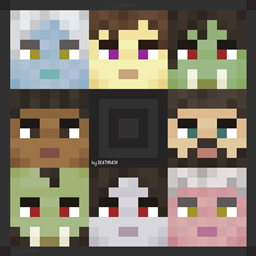
Human Villagers - Fantasy Races
Villagers in human models and of different fantasy races!Install

masa Mod Translation
masa/sakura系列模组的简体中文汉化翻译。 Translation for masa/sakura's mod to Simplified Chinese(zh_cn). MaLiLib, Litematica, MiniHUD, Tweakeroo, Item Scroller, Litematica Printer, Syncmatica and so on.Install

Berkao Bedwars Pack
A clean and smooth 1.8.9 PvP texture pack designed for competitive gameplay.Install
R3D CRAFT Shader Support 64x
Normal, specular and occlusion maps for R3D CRAFTInstall
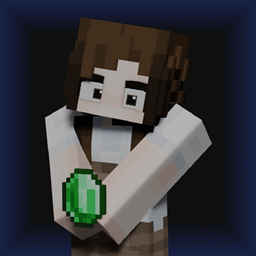
Omnix Girl Villagers
Change those squidward scammers with a cute girl (still scam you).Install
Cave Dweller
Make the Cave Dweller more scary or something, basically is just a retextureInstall

CrackShot Plugin TexturePack
CrackShot Plugin TexturePackInstall

Walking-Dead-Craft TEXTURE PACK
Walking-Dead-Craft TEXTURE PACKInstall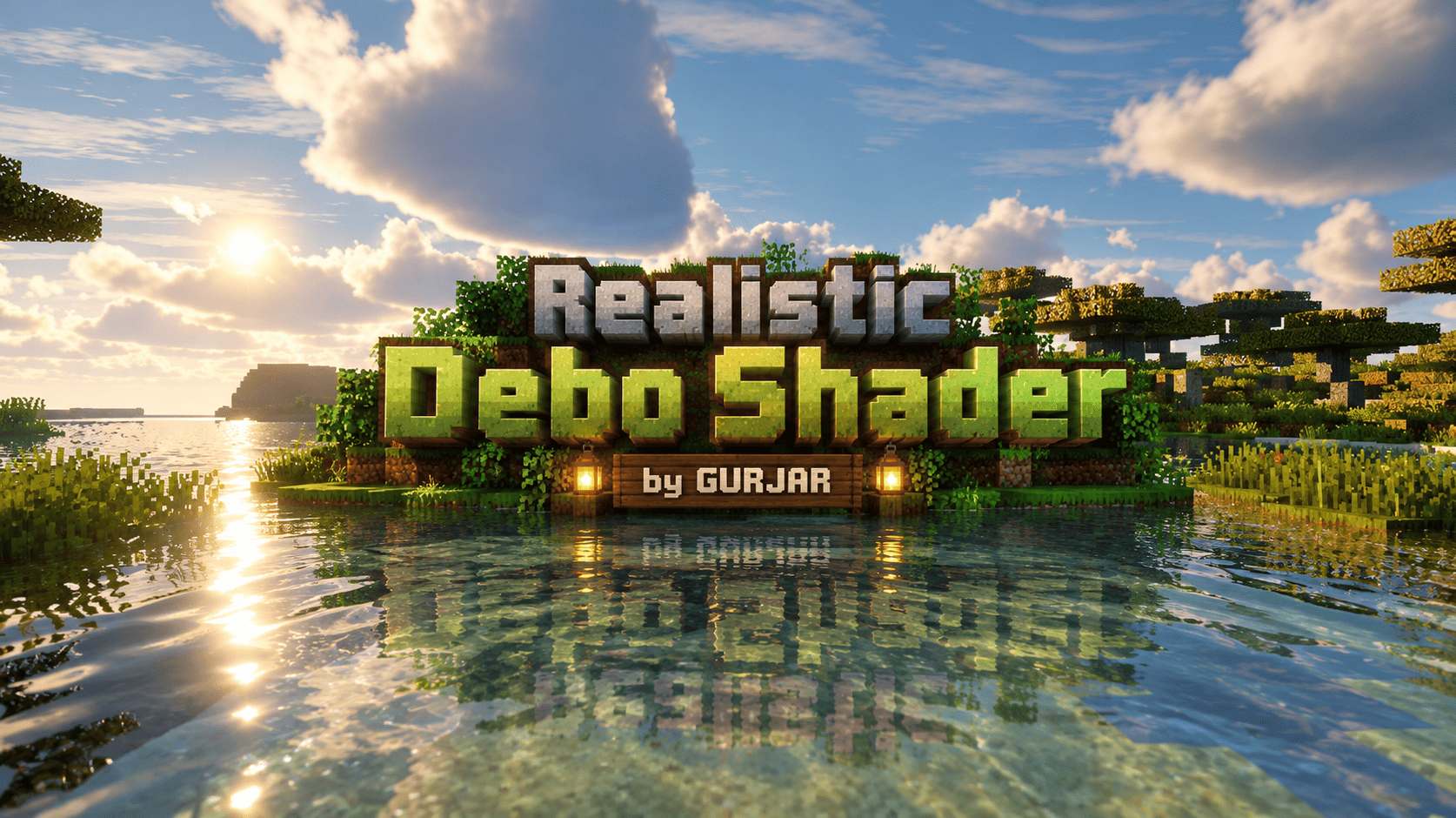
Realistic Debo Shader
Realistic Debo Shader by GURJAR – Cinematic realistic visuals for Minecraft Bedrock. Soft natural lighting, clear reflective water, lush foliage, soft clouds & PBR materials. Best with Vibrant Visuals enabled. 1.21 – 1.26Download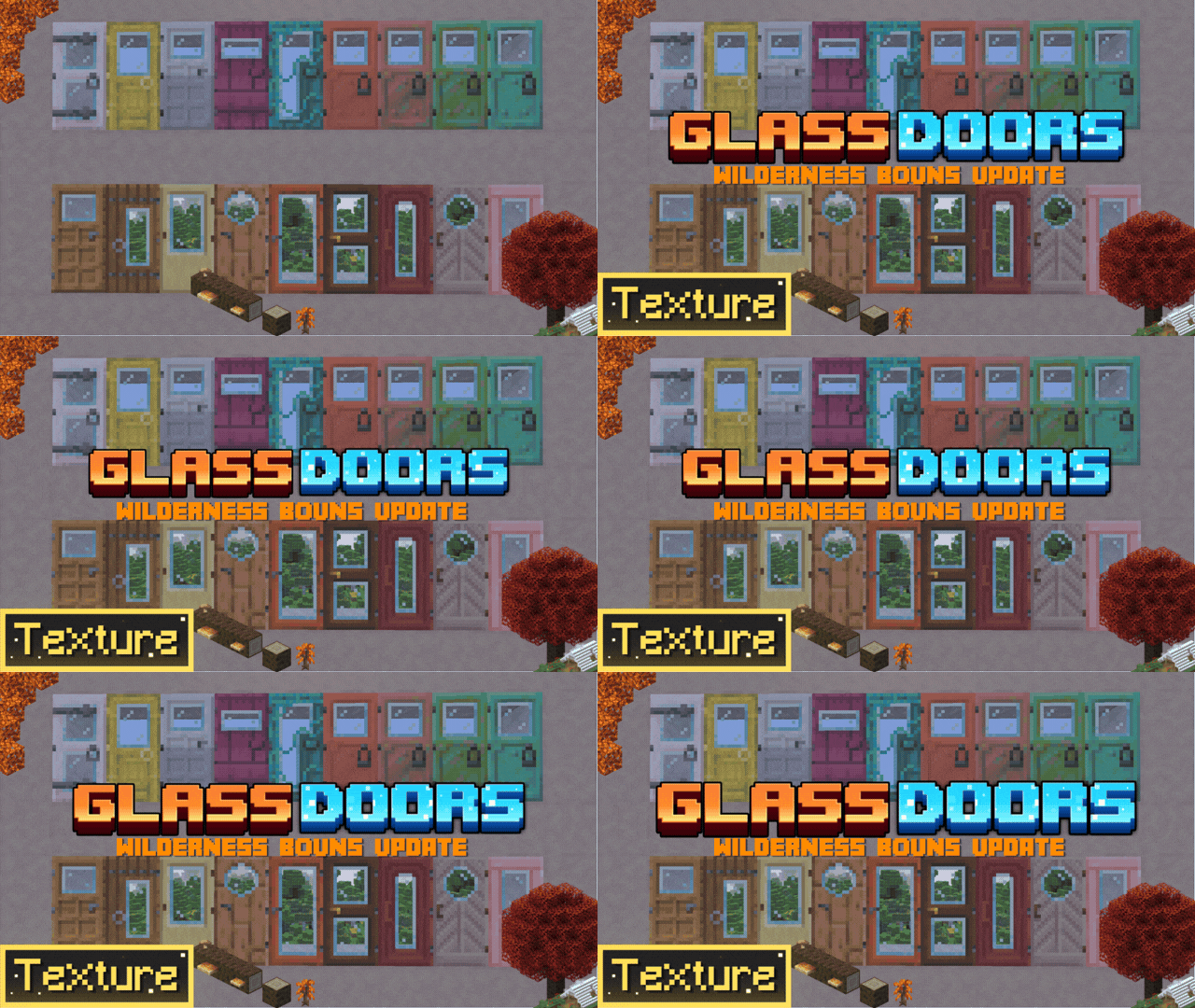

Glass Doors Windowed
Give a fresh look to Minecraft’s boring vanilla doors! This texture pack adds doors with functional glass windows so you can see through them—perfect for giving your survival or creative builds a brand-new vibe.Download

IR Surfliners [Immersive Railroading Pack]
Surfliners for Immersive RailroadingInstall

Ched's Realism CTM
A CTM resource pack required to make Ched's Realism Mod Properly WorkInstall

Boy Kisser
Changes the appearance of the wolves to that of the boy kisserInstall

PvP by mobp
Vanilla Friendly PvP rescoure pack for 1.15+InstallFAQ
Do I need Forge or Fabric for a resource pack?
No. A resource pack works on the regular game with no loaders or mods. Click “Install” and Millida Launcher will put the pack into the right modpack — then just enable it in the settings.
What do 16×, 32×, 64× mean?
The resolution of a single texture in pixels. 16× matches the original game, 32× and 64× are more detailed and heavier, and 128× and up put a noticeable load on your graphics card.
Will a pack made for another version work?
Most likely partly: older packs don't have textures for newer blocks, so those will stay default. The game won't break, though.
How is a texture pack different from a resource pack?
Only by name and age. Before version 1.6 the sets were called texture packs and changed only textures; in 1.6 resource packs replaced them and also change sounds, fonts and the interface. Old texture packs for 1.5 and below do not work on new versions without conversion.
Which texture packs are best for PvP?
PvP packs: 16× resolution or lower, shortened swords, low fire, a clear sky and bright particles. They barely load the computer and make the opponent easier to see. These packs are collected in the PvP theme.
How do I install a resource pack?
Press Install and Millida Launcher puts the pack into the resourcepacks folder of the right instance. Then enable it in the game: Options, then Resource Packs. Manually, the archive goes into resourcepacks inside the game folder, no need to unpack it.
Minecraft texture packs
A resource pack changes how the game looks and sounds: block and item textures, fonts, the interface, sounds. It doesn't touch the game's code, so it needs no mod loader and breaks nothing on a server — the pack only works on your screen. That's exactly why a resource pack is safer than any mod: the worst that happens on a version mismatch is that some textures stay default.
Textures, texture packs and resource packs are essentially the same thing: since version 1.6 Mojang calls these sets resource packs, but the old name is still searched more often. PvP packs are a big genre of their own: shortened swords, low fire, bright particles and 16× resolution or lower, so the opponent stands out and the frame rate does not drop. Such packs are most often made for 1.8.9 and 1.16.5, the versions many PvP servers run on.
The key thing about a pack is its resolution. The game's default textures are 16×16 pixels; 32× and 64× packs look more detailed, while 128× and up need a real graphics card and are usually paired with shaders. On a weak machine it makes sense to stay at 16× or go for packs that deliberately simplify graphics for more FPS. Every pack here lists its game version, author and license, and all released versions are gathered on one card. Put the downloaded archive in the resourcepacks folder and enable it in the game settings.