
Minecraft texture packs — page 178
6,460 itemsResource packs: list

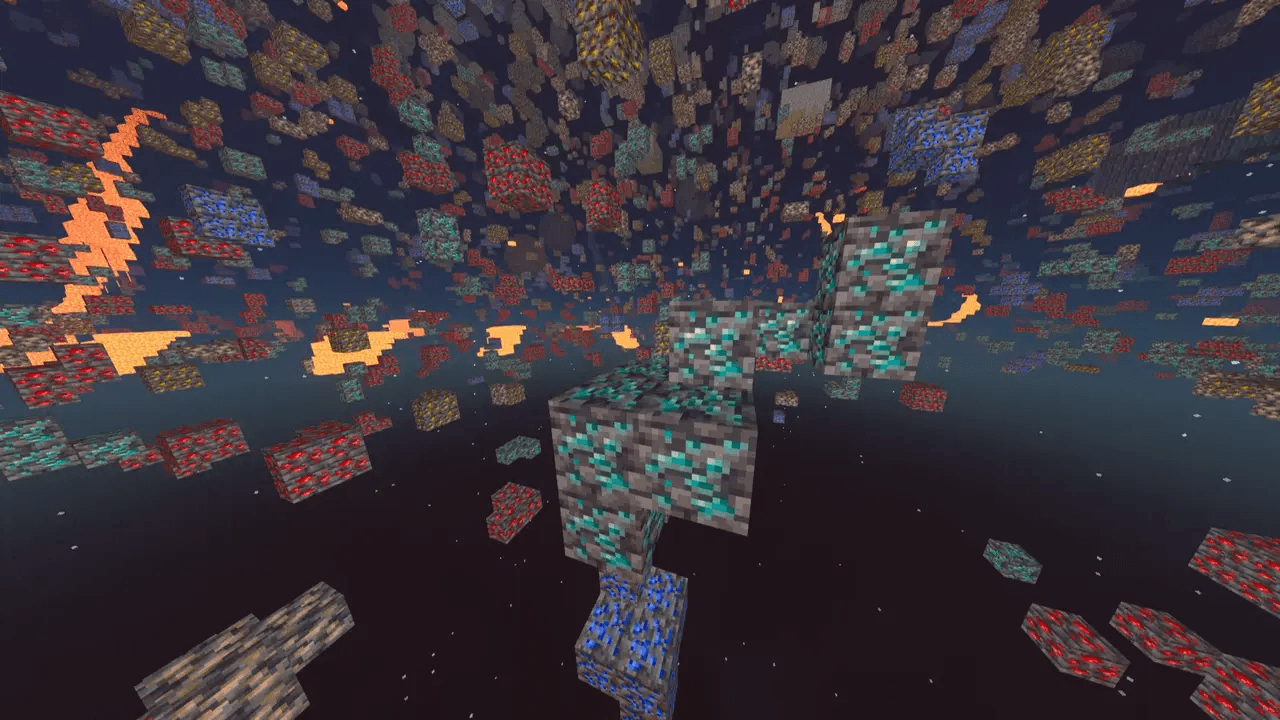
X-Ray Texture Pack
See through the world to uncover valuable ores, caves, and hidden structures with this powerful X-Ray pack for Minecraft. It highlights only the blocks you need, cutting out visual clutter for easier resource hunting.Install

CPvP Sounds
PvP Sounds is a lightweight resource pack that replaces the default Minecraft sounds with cleaner and sharper effects optimized for PvP. Get clear hit sounds, satisfying damage feedback, and smoother audio that helps you focus during fights.Install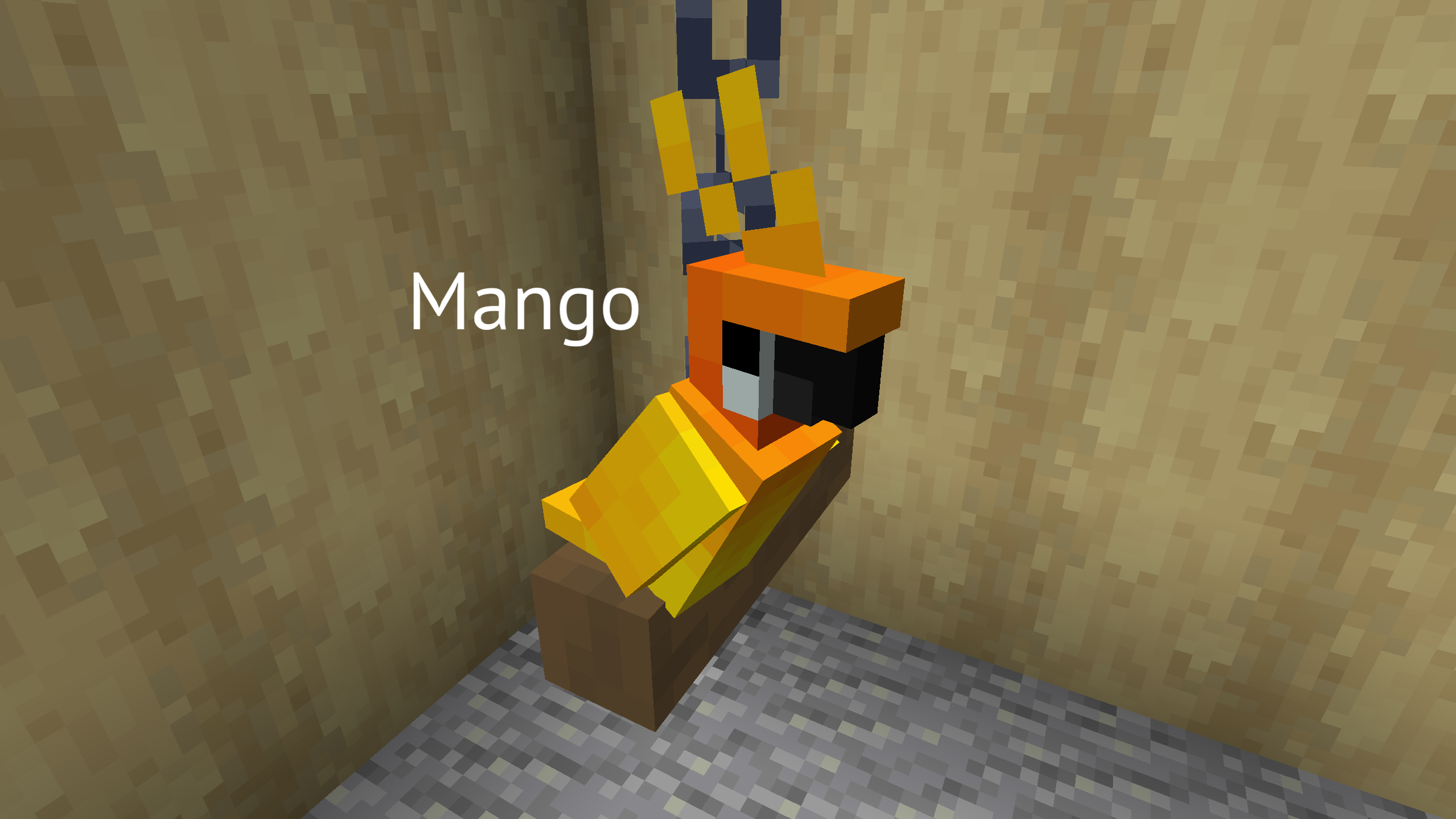

Player totems
Adds custom player totems of undying and more.Install

Fresh Food VR
A resource pack that adds 3D food models and eating animations tailored for Vivecraft!Install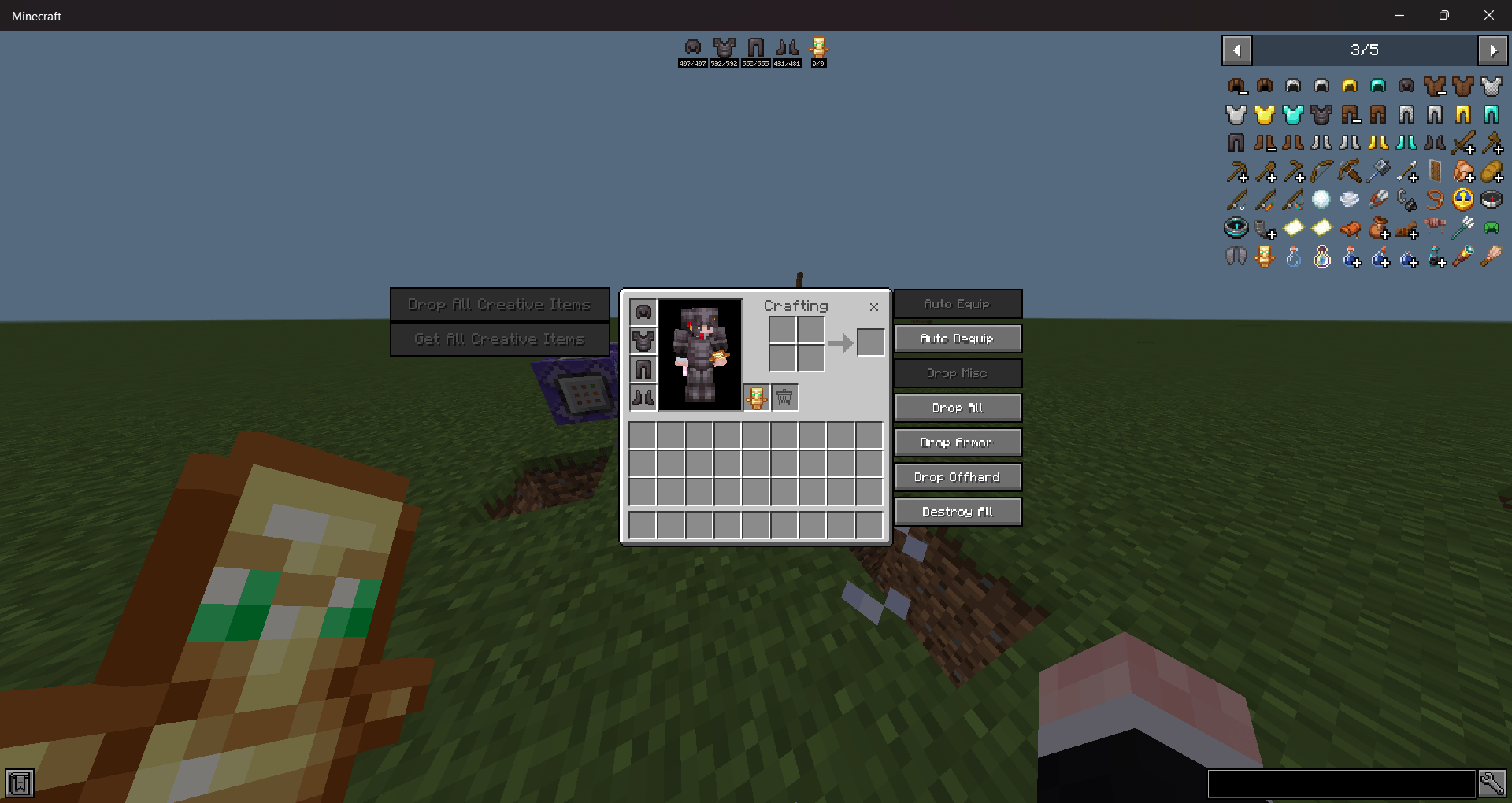
Ui Utils [JEI]
A Minecraft bedrock texture pack that imitates a popular Minecraft mod called "Just Enough Items (JEI)" with a bunch of neat features.Download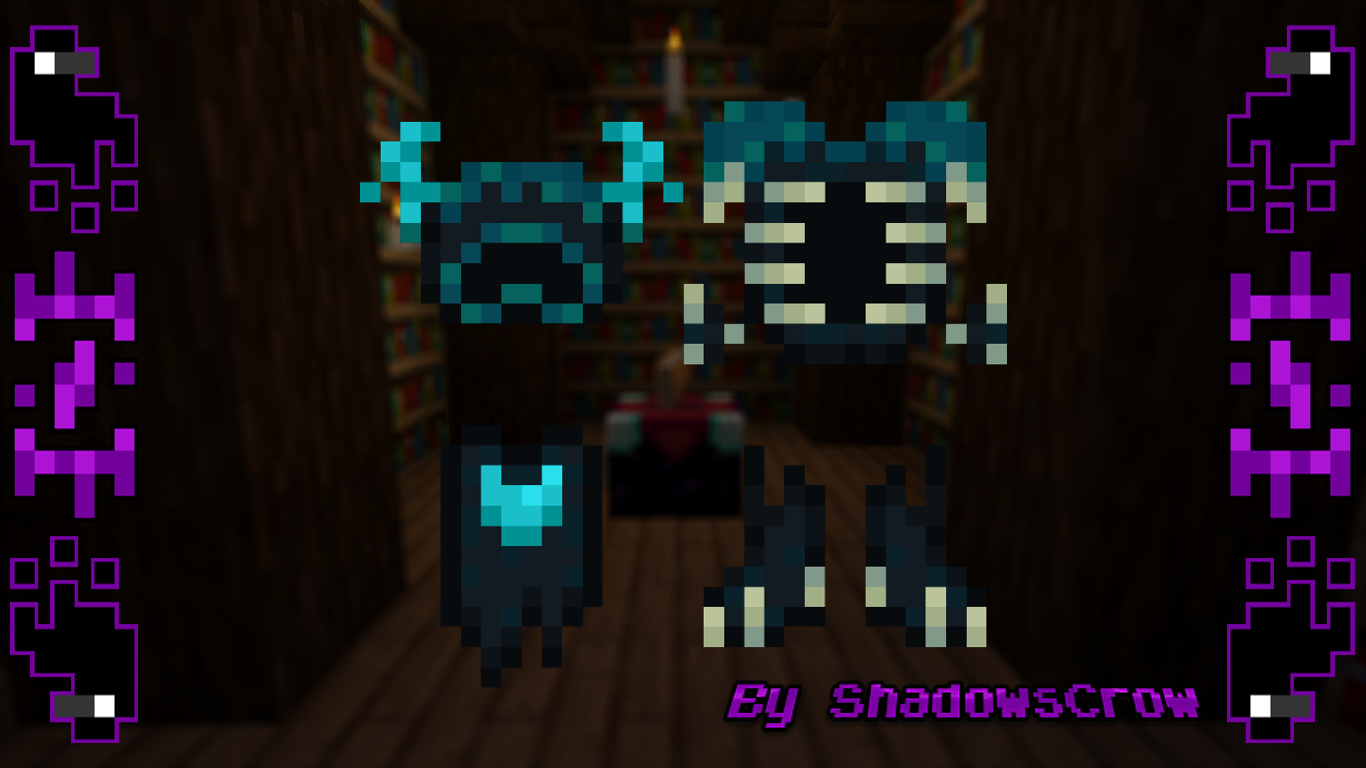
SHC Wardenite Armor
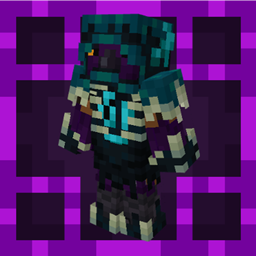
Change the netherite armor for a warden armorInstall
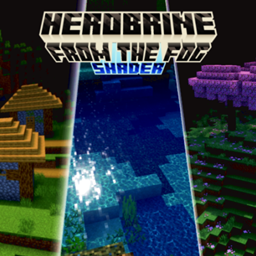
Herobrine from the fog shader
Herobrine From the Fog Shader is made for Herobrine or other creepypasta add-ons, where the world still looks beautiful and dynamic, but dark and foggy.Download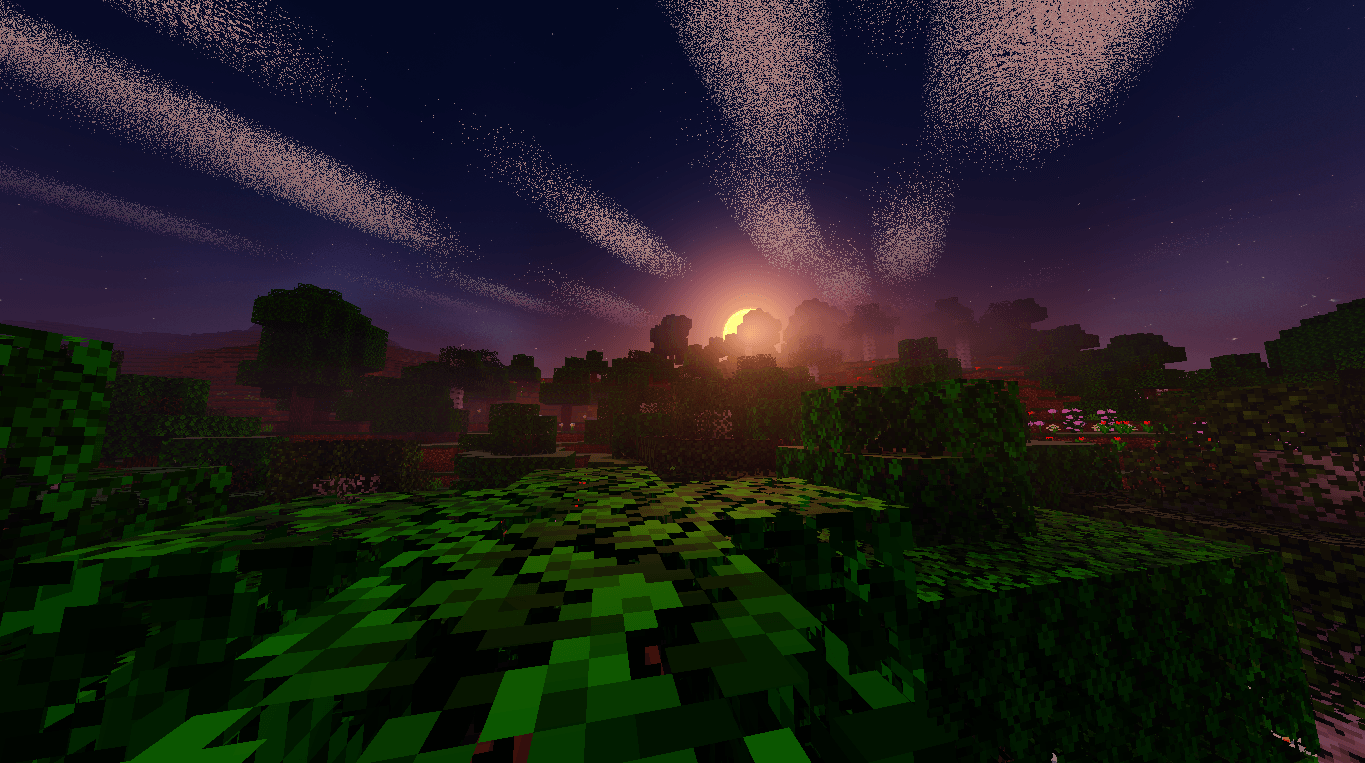

Newb X Manyzz Windows
Upgrade Minecraft visuals: vibrant colors, realistic lighting, immersive effectsDownload
Cluckier Chickens x Fresh Animations
Makes Cluckier Chickens(my chicken pack) compatible with Fresh AnimationsInstall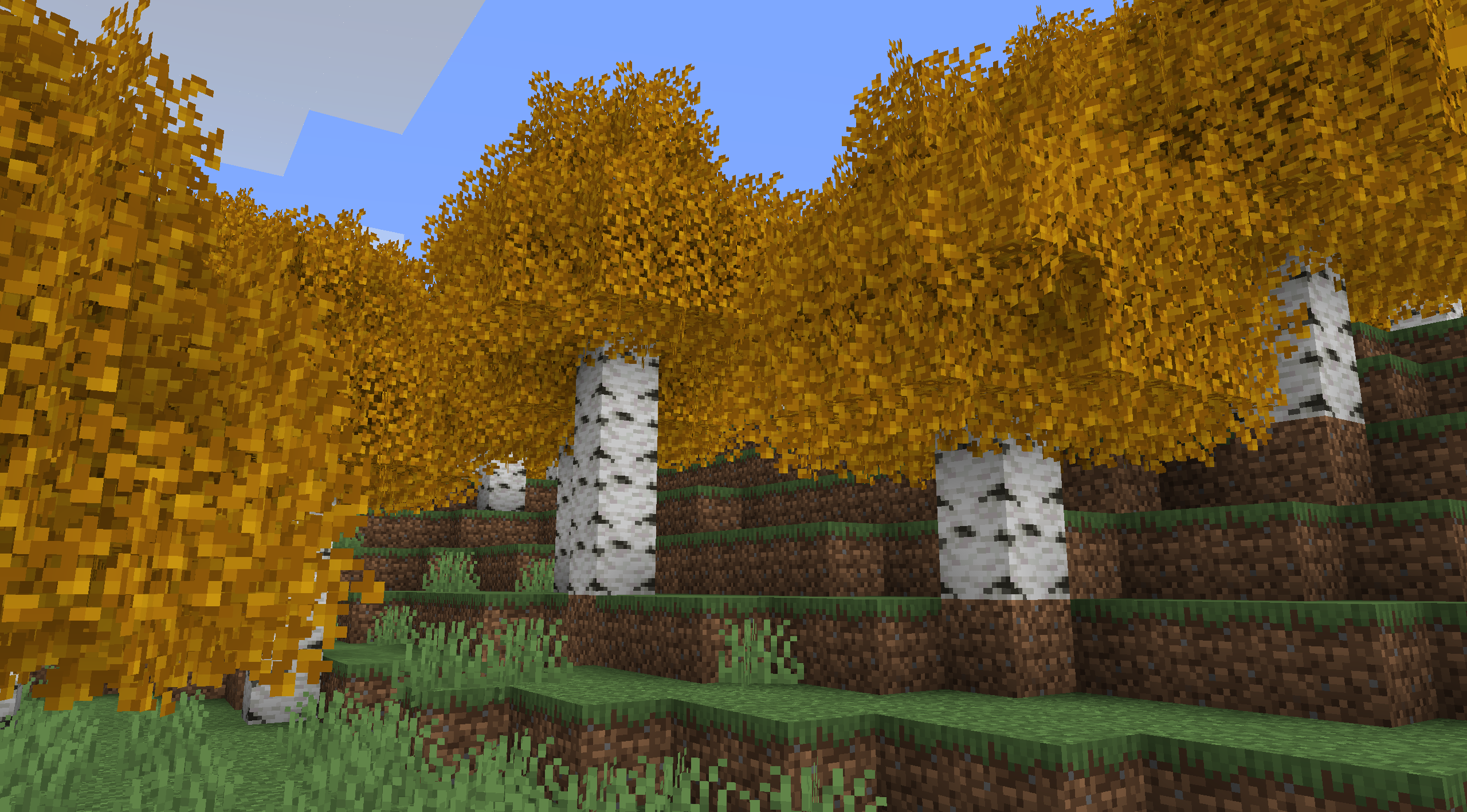

Better Birch Leaves Add-on
More Variety in Birch LeavesInstall
Pollachius
An 8x8 simple pack with a vibrant, boxy aesthetic.Install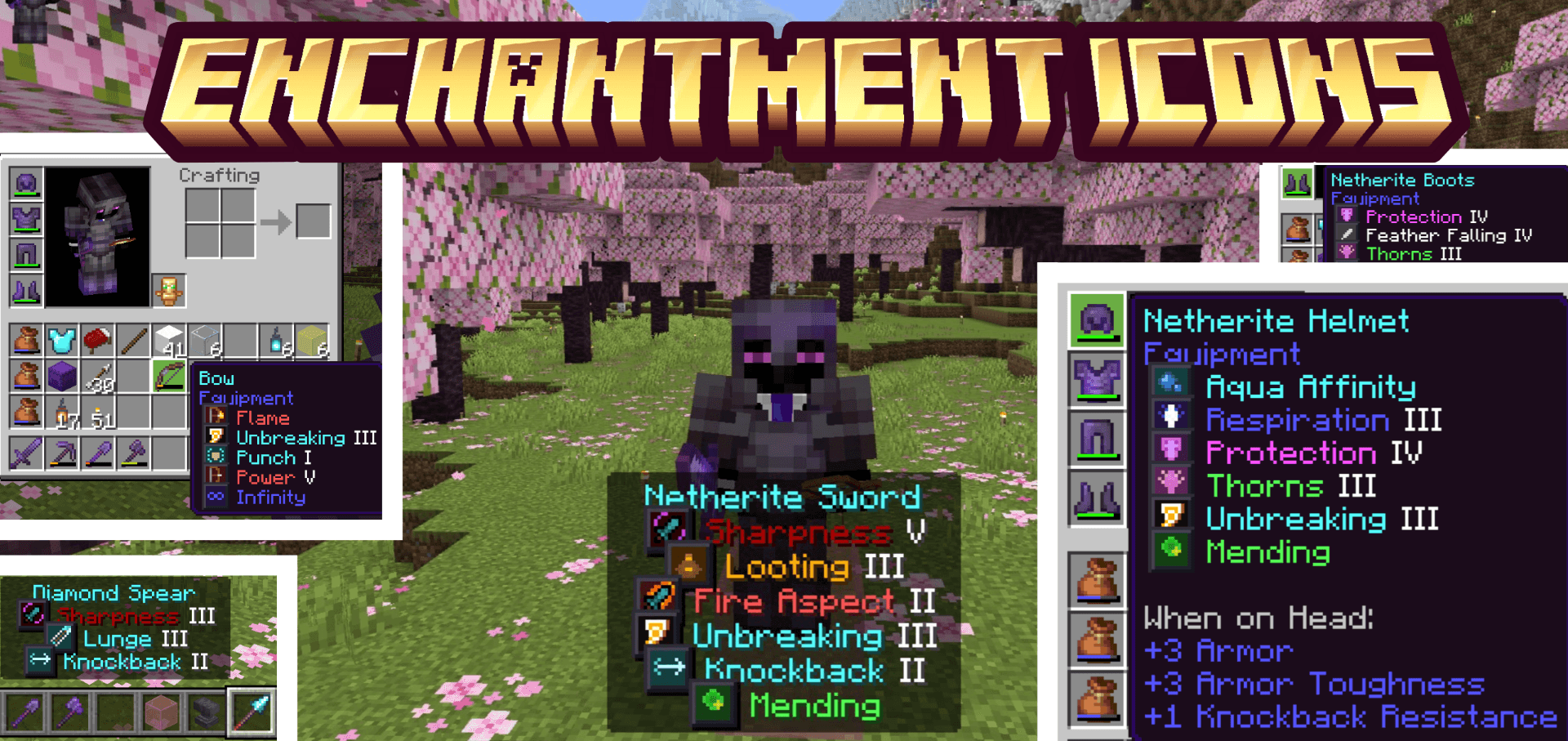
Enchantment Icons
Enchantment Icons adds unique colored pixel-art icons next to every enchantment name in your inventory tooltipsDownload
Connected grass & Clear water
Makes grass variants connect like OptiFine's fast connected grass, and makes water more transparent and clearer.Download

Bazaar Graph Fix
Fixes the bazaar graphs in Hypixel Skyblock on latest versions.Install
DSWG Weapons
Adds a lot of weaponsInstall

Undopia 3D Sugar Cane
Gives the Sugar Canes a 3 dimensional modelInstall

Carbon PvP Pack
Carbon PvP Pack Provides cool looks like an Dark Knight. it's a pvp pack based on black themed version from 1.16 to latestInstall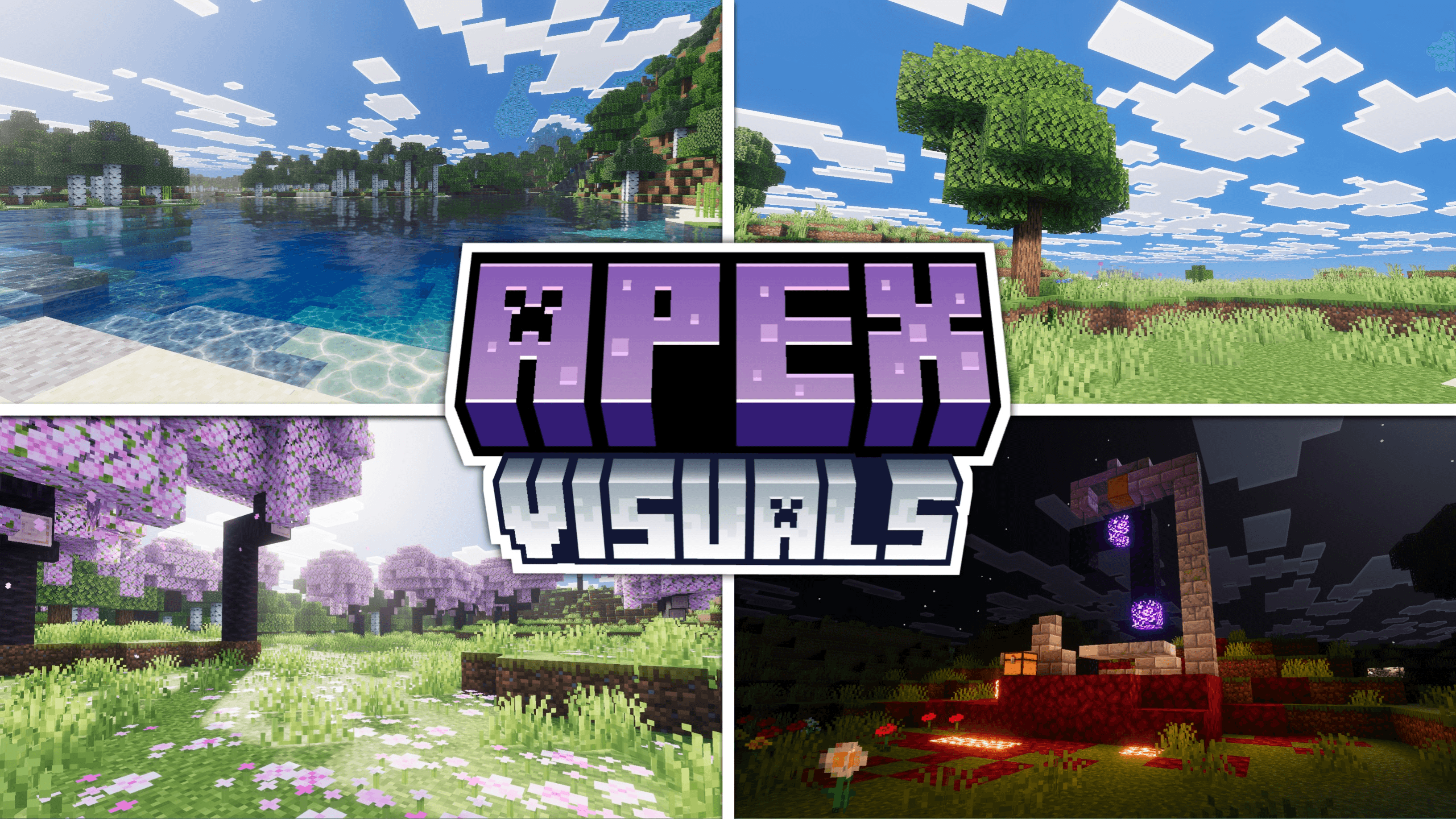

Apex Visuals
A cold and clean shader pack for Minecraft Bedrock. Water clear enough to see the floor through, thin fog that keeps distant terrain sharp, and warm village lighting at night. Requires Vibrant Visuals.Download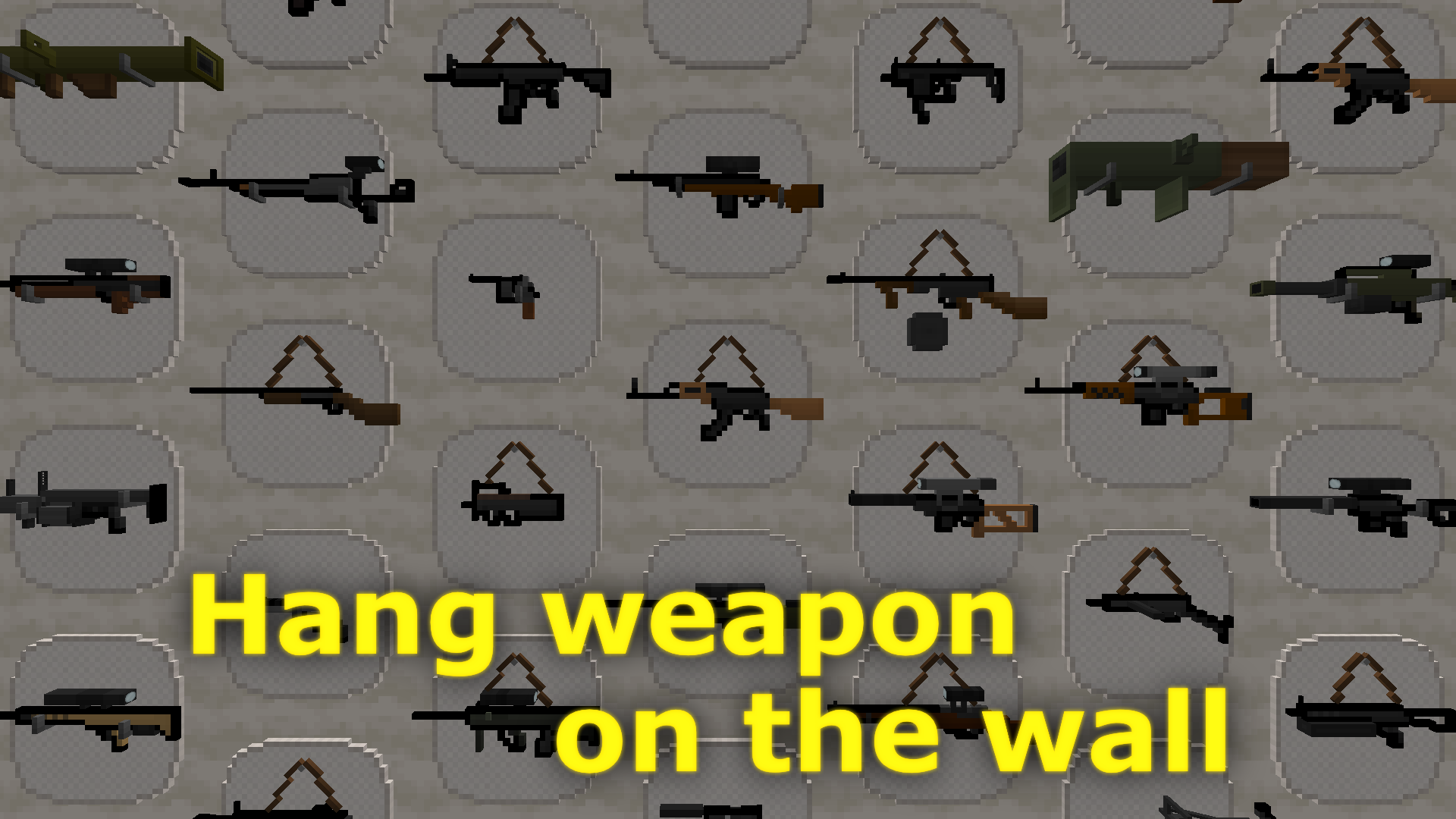
DSWG Weapons Plus
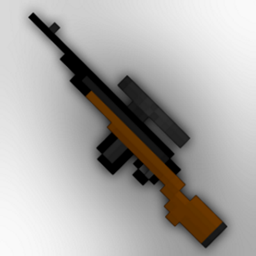
Adds a lot of 3D weaponsInstall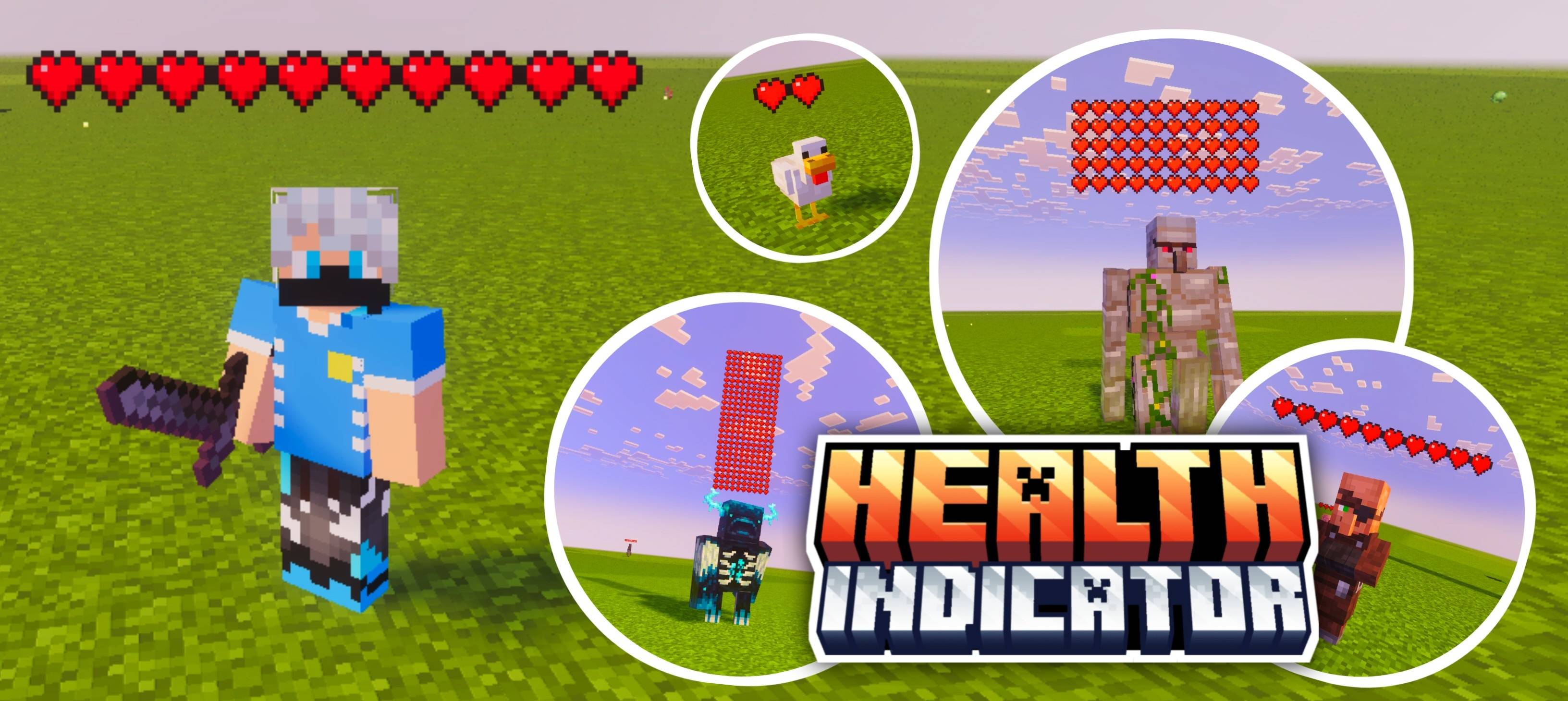

Voxen Health Indicator
See live health bars above every mob and player — sheep, pig, villager, Warden and more! Two subpacks included: Always Visible or Only When Hit for 5 seconds. Never guess a mob's health again!Download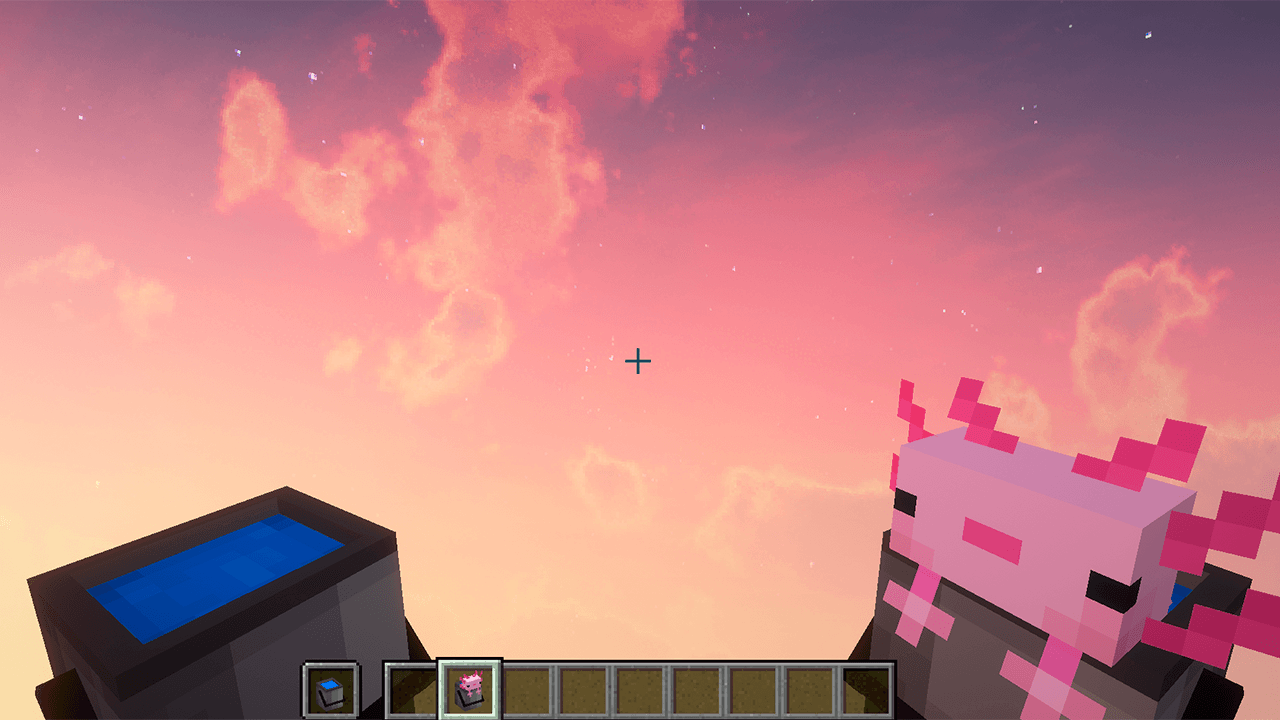
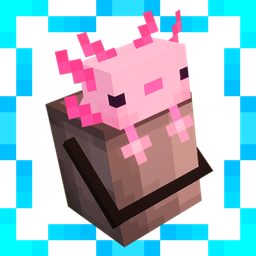
Immersive Bucket
This texture makes Minecraft buckets look 3DInstall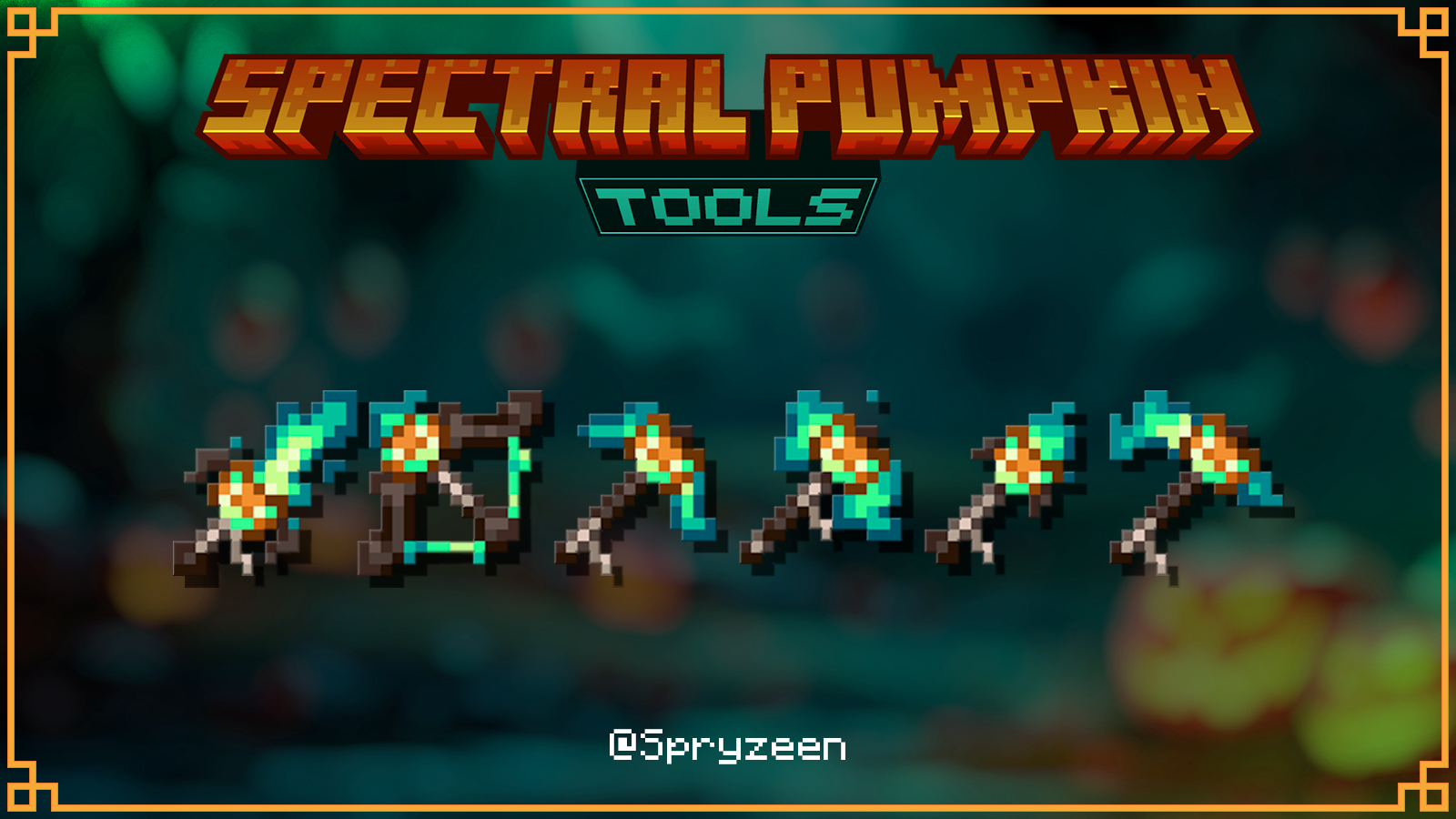
Spryzeen's Spectral Pumpkin Tools
Animated spooky pumpkin toolsInstall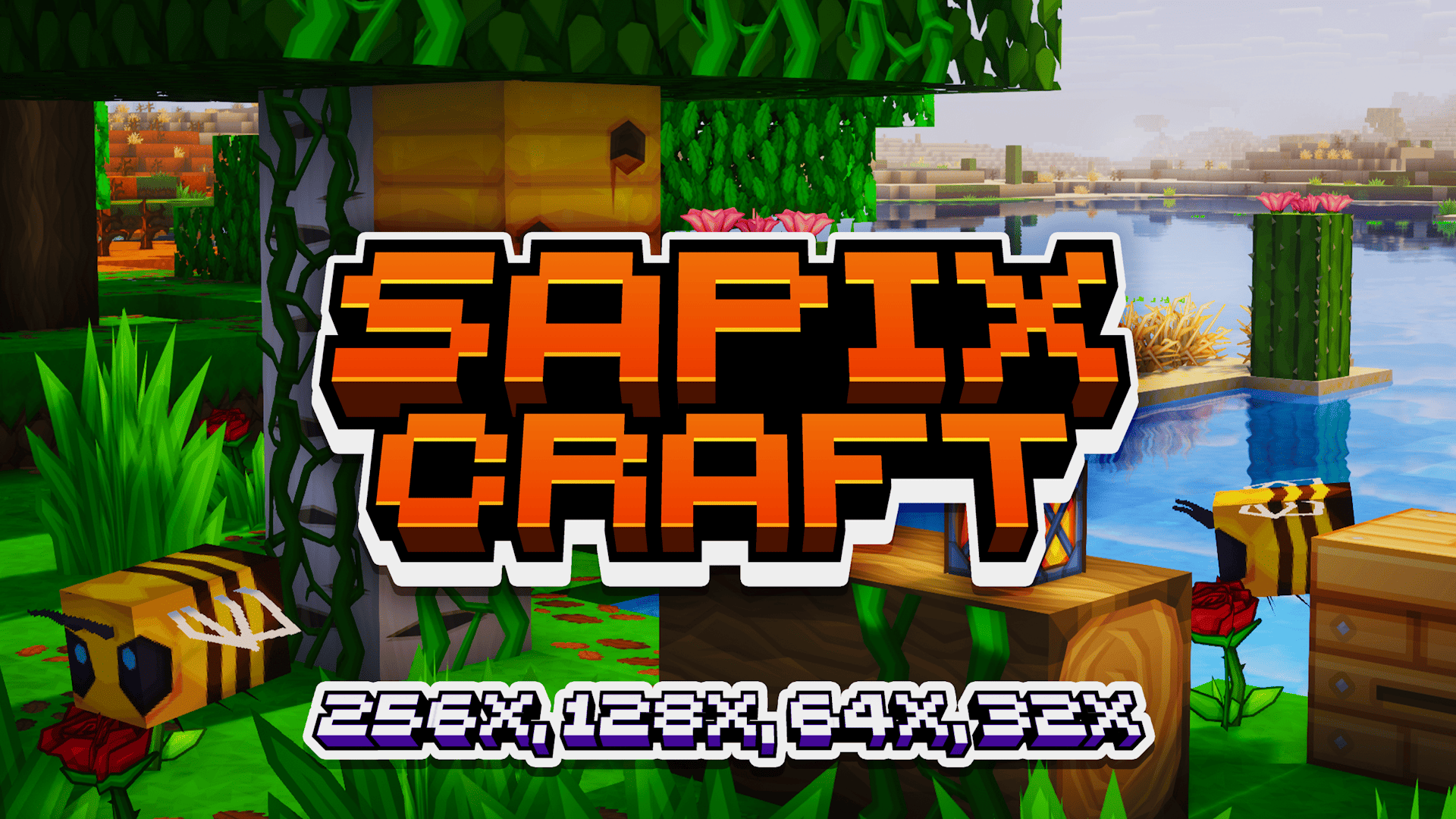
SAPIXCRAFT Bedrock - 32x Lite
🔶 Reimagine MC with vibrant, cartoony styled HD textures | available in 32x→ 256xDownloadFAQ
Do I need Forge or Fabric for a resource pack?
No. A resource pack works on the regular game with no loaders or mods. Click “Install” and Millida Launcher will put the pack into the right modpack — then just enable it in the settings.
What do 16×, 32×, 64× mean?
The resolution of a single texture in pixels. 16× matches the original game, 32× and 64× are more detailed and heavier, and 128× and up put a noticeable load on your graphics card.
Will a pack made for another version work?
Most likely partly: older packs don't have textures for newer blocks, so those will stay default. The game won't break, though.
How is a texture pack different from a resource pack?
Only by name and age. Before version 1.6 the sets were called texture packs and changed only textures; in 1.6 resource packs replaced them and also change sounds, fonts and the interface. Old texture packs for 1.5 and below do not work on new versions without conversion.
Which texture packs are best for PvP?
PvP packs: 16× resolution or lower, shortened swords, low fire, a clear sky and bright particles. They barely load the computer and make the opponent easier to see. These packs are collected in the PvP theme.
How do I install a resource pack?
Press Install and Millida Launcher puts the pack into the resourcepacks folder of the right instance. Then enable it in the game: Options, then Resource Packs. Manually, the archive goes into resourcepacks inside the game folder, no need to unpack it.
Minecraft texture packs
A resource pack changes how the game looks and sounds: block and item textures, fonts, the interface, sounds. It doesn't touch the game's code, so it needs no mod loader and breaks nothing on a server — the pack only works on your screen. That's exactly why a resource pack is safer than any mod: the worst that happens on a version mismatch is that some textures stay default.
Textures, texture packs and resource packs are essentially the same thing: since version 1.6 Mojang calls these sets resource packs, but the old name is still searched more often. PvP packs are a big genre of their own: shortened swords, low fire, bright particles and 16× resolution or lower, so the opponent stands out and the frame rate does not drop. Such packs are most often made for 1.8.9 and 1.16.5, the versions many PvP servers run on.
The key thing about a pack is its resolution. The game's default textures are 16×16 pixels; 32× and 64× packs look more detailed, while 128× and up need a real graphics card and are usually paired with shaders. On a weak machine it makes sense to stay at 16× or go for packs that deliberately simplify graphics for more FPS. Every pack here lists its game version, author and license, and all released versions are gathered on one card. Put the downloaded archive in the resourcepacks folder and enable it in the game settings.