
Minecraft texture packs — page 158
Resource packs: list

Hit range+
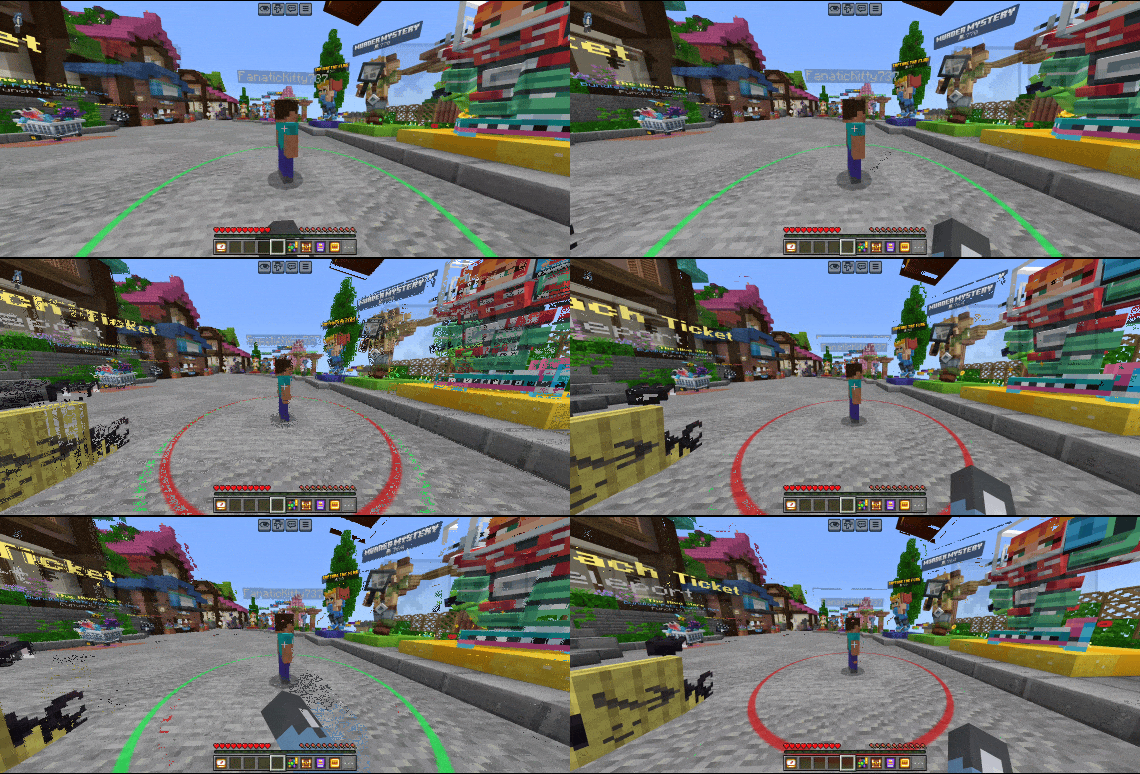
Shows player hit range so you have the perfect hit reachDownload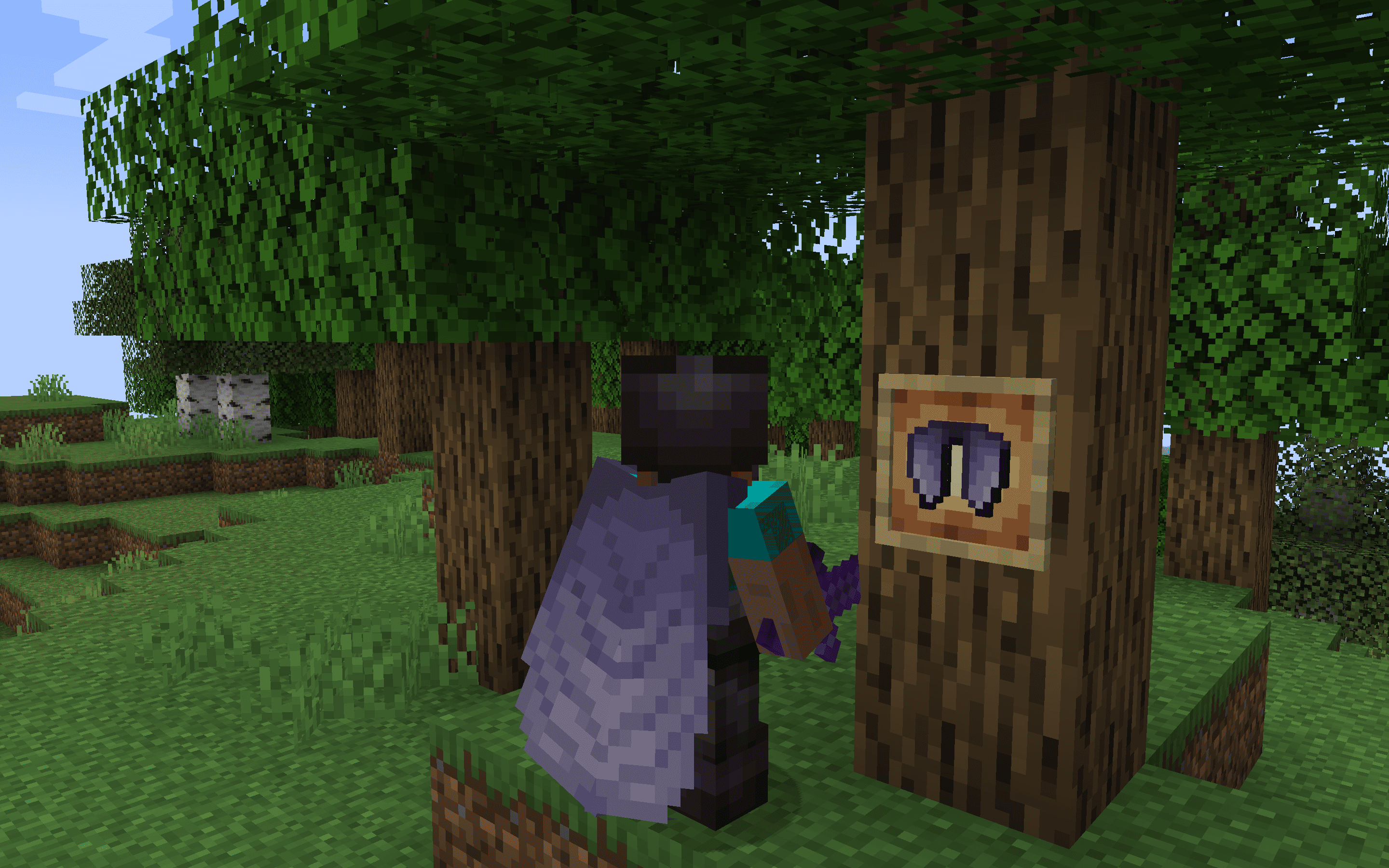
Classic+ Elytra - Better Wings
The Vanilla+ Elytra resource pack offers a subtle yet stylish upgrade to Minecraft's traditional Elytra wings, enhancing the original design with refined details and textures.Install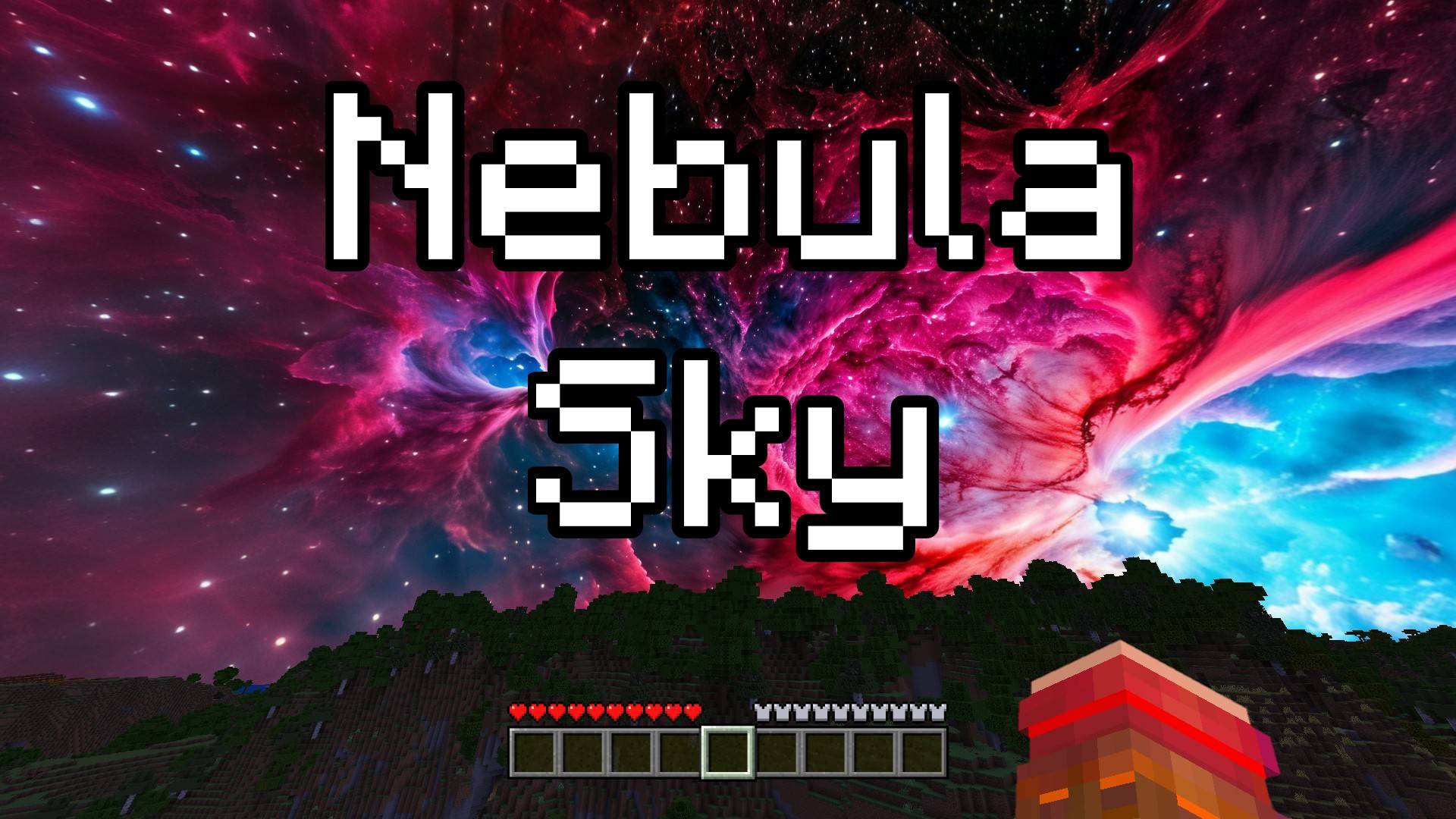

Nebula Sky - Custom Sky
This texture pack changes the sky in Bedrock Edition to show outer space, with beautiful stars and colorful nebulas. Now every time you look up, you’ll see a galaxy far, far away. Enjoy your cosmic adventure!Download
DogePack Classic Beta
Classic Reimagined 10 enhances Minecraft with classic textures and shaders, offering classic visuals on modern MinecraftInstall

Better Low Shield
Lower your shield to improve visibility -- ideal for PvP.Install

Better Nether Portal
Tired of the very prominent texture of the nether portal? This resource pack will completely rework its texture by adding a cool frame and increasing transparency.Install

Pokemon Emerald Font Pack
Relive the Pokémon Emerald GBA era with this lightweight font pack that replaces Minecraft’s default text with the authentic Emerald-style typography.Install

Tutta's MCA Texture
Re-imagining for "MCA Reborn" textures.Install
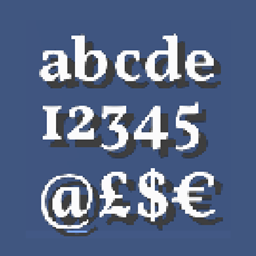
HD Font - Vollkorn
A compact, yet bold seriffed font.Install

Realistic Wolves
Improve the look of boring and bland Minecraft wolves!Install
Underground Bunkers x SCP-049 Compat
Adds SCP-049 from SCP Overtime to special containment units in Underground Bunkers!Install
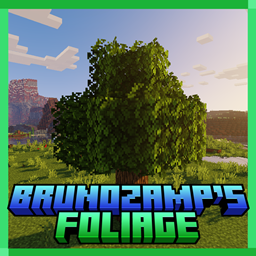
Brunozamp's Foliage
A pack that makes foliage more dense and detailedInstall

Pokecraft V4.0
Pokecraft V4.0Install
TerraFirmaCraft Classic Music
Re-adds the TerraFirmaCraft Classic music to newer versions of Minecraft.Install

xBatmunPvPx's Rainbow PvP Add-On Texture Pack!
Rainbow PvP Add-On is a PvP friendly texture pack that you can add on to any texture pack!Install

Better Lily Pads
A texture to make lily pads better, adding flowers and variants to themInstall

Rascal Does Not Dream GUI Pack
Overhauled Minecraft GUI in the theme off Rascal Does Not Dream of Bunny Girl Senpai.Install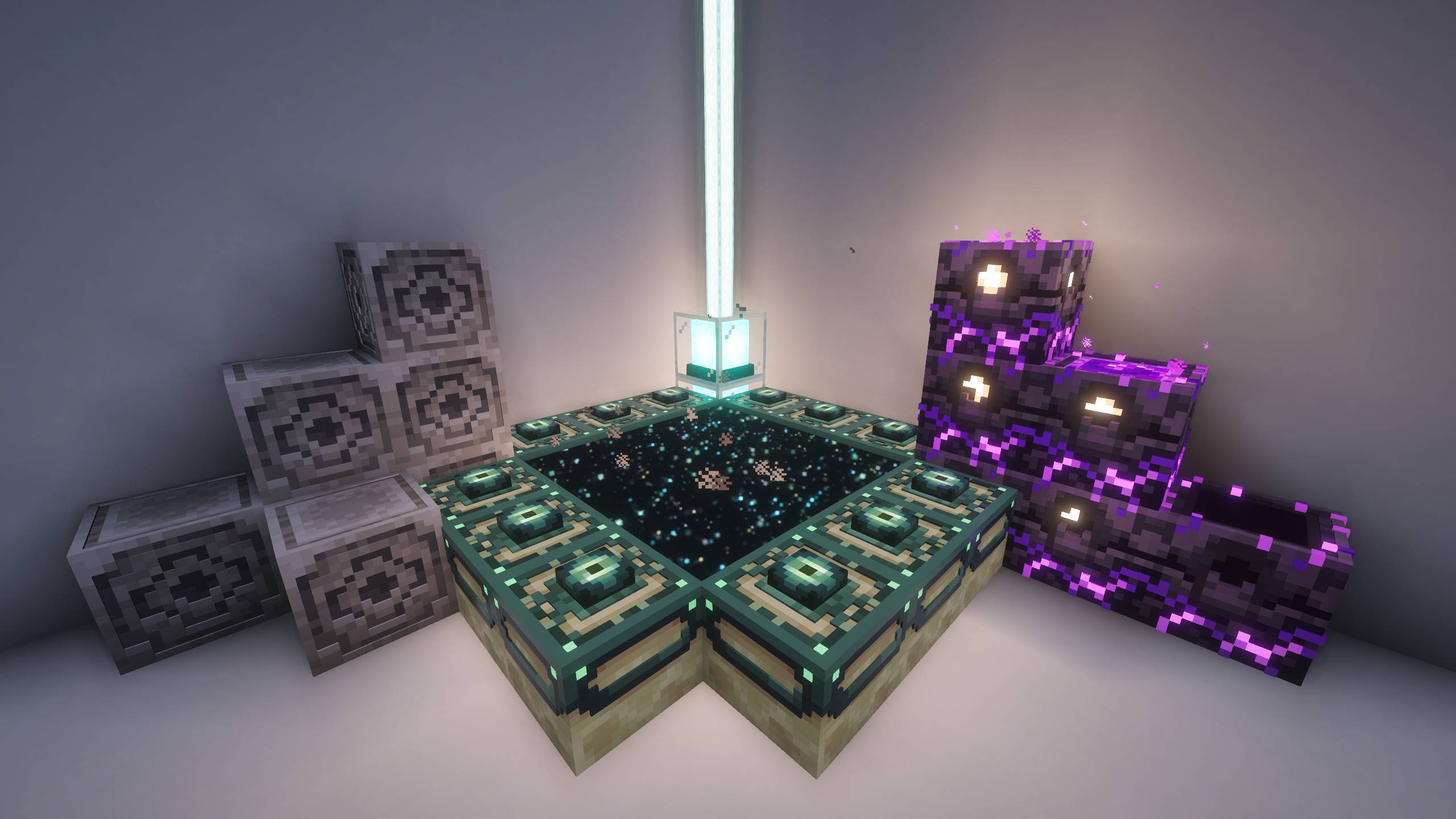
Hellim's 3D Functional Blocks
Adds refined 3D structure to utility and workstation blocks, increasing visual depth while staying true to Minecraft’s classic design.Install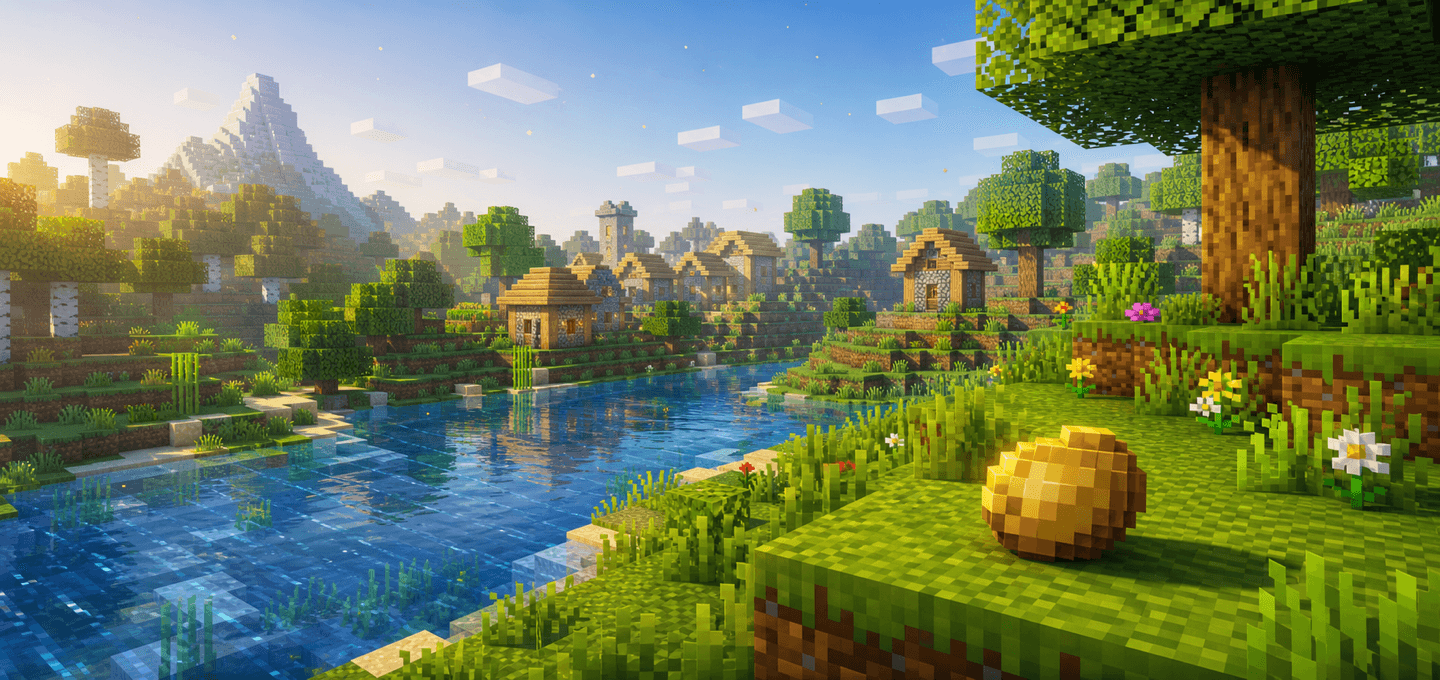
Potato Shader | FPS Booster
Potato Shader is a lightweight Minecraft Bedrock visual pack for low-end devices. It reduces visual noise, calms heavy particles, softens fog, and slows distracting animations to keep the game cleaner and easier to run.Download

[8x8] Perch! - A Tiny RPG Experience
An 8x8 RPG packInstall

G's Smooth Modern HD [256x]
Multi-theme 256x texture packInstall
IU Font Pack
This is an extra font pack for Interface Update.Install

HorizonUI: BE
Bring a modern, clean, and customizable user interface to Minecraft. HorizonUI focuses on visual clarity, animated backgrounds, and layout refinement to deliver a fresh and immersive UI experience.DownloadFAQ
Do I need Forge or Fabric for a resource pack?
No. A resource pack works on the regular game with no loaders or mods. Click “Install” and Millida Launcher will put the pack into the right modpack — then just enable it in the settings.
What do 16×, 32×, 64× mean?
The resolution of a single texture in pixels. 16× matches the original game, 32× and 64× are more detailed and heavier, and 128× and up put a noticeable load on your graphics card.
Will a pack made for another version work?
Most likely partly: older packs don't have textures for newer blocks, so those will stay default. The game won't break, though.
How is a texture pack different from a resource pack?
Only by name and age. Before version 1.6 the sets were called texture packs and changed only textures; in 1.6 resource packs replaced them and also change sounds, fonts and the interface. Old texture packs for 1.5 and below do not work on new versions without conversion.
Which texture packs are best for PvP?
PvP packs: 16× resolution or lower, shortened swords, low fire, a clear sky and bright particles. They barely load the computer and make the opponent easier to see. These packs are collected in the PvP theme.
How do I install a resource pack?
Press Install and Millida Launcher puts the pack into the resourcepacks folder of the right instance. Then enable it in the game: Options, then Resource Packs. Manually, the archive goes into resourcepacks inside the game folder, no need to unpack it.
Minecraft texture packs
A resource pack changes how the game looks and sounds: block and item textures, fonts, the interface, sounds. It doesn't touch the game's code, so it needs no mod loader and breaks nothing on a server — the pack only works on your screen. That's exactly why a resource pack is safer than any mod: the worst that happens on a version mismatch is that some textures stay default.
Textures, texture packs and resource packs are essentially the same thing: since version 1.6 Mojang calls these sets resource packs, but the old name is still searched more often. PvP packs are a big genre of their own: shortened swords, low fire, bright particles and 16× resolution or lower, so the opponent stands out and the frame rate does not drop. Such packs are most often made for 1.8.9 and 1.16.5, the versions many PvP servers run on.
The key thing about a pack is its resolution. The game's default textures are 16×16 pixels; 32× and 64× packs look more detailed, while 128× and up need a real graphics card and are usually paired with shaders. On a weak machine it makes sense to stay at 16× or go for packs that deliberately simplify graphics for more FPS. Every pack here lists its game version, author and license, and all released versions are gathered on one card. Put the downloaded archive in the resourcepacks folder and enable it in the game settings.