
Minecraft texture packs — page 153
6,456 itemsResource packs: list


Two Thousand Leagues 256x
2000 Leagues Under the Sea inspired, survival friendly.Install

Better PvP
Improved item textures for PvPInstall
Rojak
A random collection of miscellaneous textures and tweaks, supports Aether, Twilight Forest, etc.Install

Hellay's Redone Endermans x Fresh Compats
Fixes endermans not having face when Hellay's Redone Endermans installed alongside Fresh CompatsInstall

Sky Inventory Background
a nice sky background for the inside of your inventory no mods requiredInstall

Highlight Ores
Added highlighted edges to all the ores to make them a lot easier to findInstall

Pixel Perfection Legacy
Since Pixel Perfection by XSSheep got abandoned and left unfinished in the development of 1.13 did I took it to myself to update the pack in an 16x16 art style.Install

High on Sugar
High on SugarInstall

Skyrim HD Resource Pack By Ghostmod
Skyrim HD Resource Pack By GhostmodInstall

Created Ender Storage
Create Like textures for Ender Storage mod!Install
Lopy's Create's Copper Coating v2
Mixes Vanilla & Creates Copper Textures!Install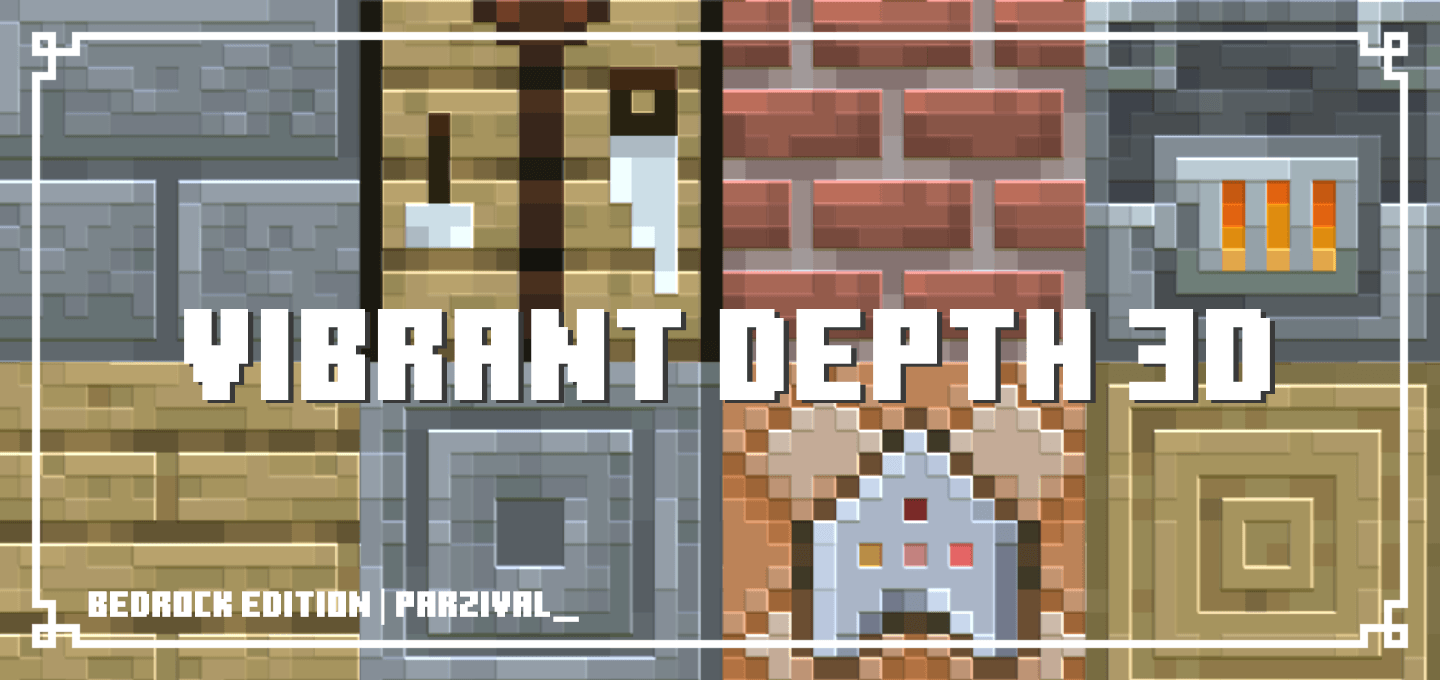

Vibrant Depth 3D
Adds slight depth to blocks, items, and entities using Vibrant VisualsDownload
Immersive Interfaces - Farmer's Delight
This texture pack adds special compatibility with Farmer's Delight, integrating its grooves into the aesthetics of Immersive Interfaces.Install

Better Golden Apples
A new golden apple texture with a leaf and some shine!Install
FixPatrix128x by LozoyaArellano
Enables Patrix high-res variations on Forge/Embeddium using Vanilla Blockstate randomization without CTM mods.Install

Bushy Biomes
Adds bushy leaves and biome variation to your gameInstall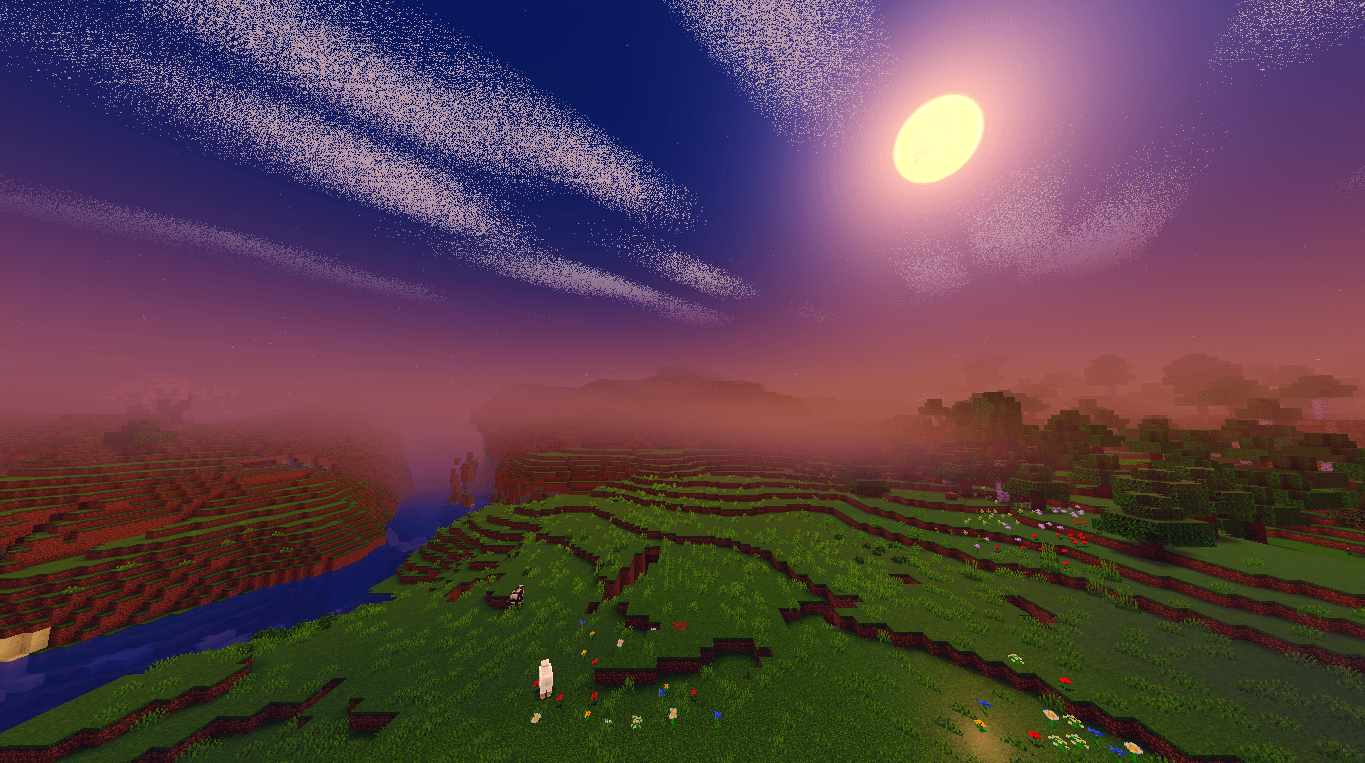

Newb X Manyzz Android
Upgrade Minecraft visuals: vibrant colors, realistic lighting, immersive effectsDownload

Reduce the Vignette Effect - Less intense Shadow Borders/Corners
Reduces the Vignette Effect (The dark corners effect of the screen).Install

TOTEM OF YOUR SKIN
This texture pack replace the totem of immortality with your skin.Install

VanillaFix
Basic vanilla textures with a slight improvement!Install

Spryzeen's Ore glint
Gives a glint animation to all oresInstall

Better 3D Beds
Better Beds redesigns Minecraft beds, adding new models, textures, and colors to improve their appearance and give them a more modern and updated design.Download
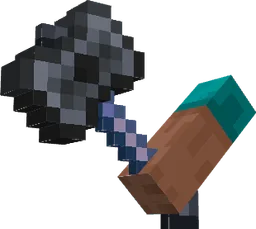
Items In Hands!
Now in first person view weapons and tools are in your handsInstallFAQ
Do I need Forge or Fabric for a resource pack?
No. A resource pack works on the regular game with no loaders or mods. Click “Install” and Millida Launcher will put the pack into the right modpack — then just enable it in the settings.
What do 16×, 32×, 64× mean?
The resolution of a single texture in pixels. 16× matches the original game, 32× and 64× are more detailed and heavier, and 128× and up put a noticeable load on your graphics card.
Will a pack made for another version work?
Most likely partly: older packs don't have textures for newer blocks, so those will stay default. The game won't break, though.
How is a texture pack different from a resource pack?
Only by name and age. Before version 1.6 the sets were called texture packs and changed only textures; in 1.6 resource packs replaced them and also change sounds, fonts and the interface. Old texture packs for 1.5 and below do not work on new versions without conversion.
Which texture packs are best for PvP?
PvP packs: 16× resolution or lower, shortened swords, low fire, a clear sky and bright particles. They barely load the computer and make the opponent easier to see. These packs are collected in the PvP theme.
How do I install a resource pack?
Press Install and Millida Launcher puts the pack into the resourcepacks folder of the right instance. Then enable it in the game: Options, then Resource Packs. Manually, the archive goes into resourcepacks inside the game folder, no need to unpack it.
Minecraft texture packs
A resource pack changes how the game looks and sounds: block and item textures, fonts, the interface, sounds. It doesn't touch the game's code, so it needs no mod loader and breaks nothing on a server — the pack only works on your screen. That's exactly why a resource pack is safer than any mod: the worst that happens on a version mismatch is that some textures stay default.
Textures, texture packs and resource packs are essentially the same thing: since version 1.6 Mojang calls these sets resource packs, but the old name is still searched more often. PvP packs are a big genre of their own: shortened swords, low fire, bright particles and 16× resolution or lower, so the opponent stands out and the frame rate does not drop. Such packs are most often made for 1.8.9 and 1.16.5, the versions many PvP servers run on.
The key thing about a pack is its resolution. The game's default textures are 16×16 pixels; 32× and 64× packs look more detailed, while 128× and up need a real graphics card and are usually paired with shaders. On a weak machine it makes sense to stay at 16× or go for packs that deliberately simplify graphics for more FPS. Every pack here lists its game version, author and license, and all released versions are gathered on one card. Put the downloaded archive in the resourcepacks folder and enable it in the game settings.