
Minecraft texture packs — page 152
6,456 itemsResource packs: list


Rabbit Remodel By Blond
The classic rabbit design with a new look and feelInstall
Detail Brush - Modded Disc Compat
Adds compatibility between detail brush and various modsInstall

Freshly Twilighted [Fresh Animations x The Twilight Forest]
Classic dimension mod gets a FRESH coat of paint!Install
Medieval Music
just adds medieval game musicInstall
Pokemon DS Font Pack
Bring back the nostalgic Pokémon DS interface with this clean, pixel-perfect font replacement for Minecraft menus and dialogues.Install

Medieval Font
This resource pack will change the font in your game to a more medieval one like in the game "Devil may cry 5"Install
Fantasy GUIs: Vampire
Gives your GUI a vampire-like style!Install

Bunji 4k
A Light Blue Themed PvP Texturepack made for the Youtuber BunjiInstall

sharpless pvp
Smooth, clean, boosted vanilla vibes. Better visibility, better gameplay, zero clutter and perfect for pvp. Grab it and dominate your fightsInstall

LightsaberPvP
lightsaberPvPInstall

Creepers Refreshed
Creepers with a Refreshed Take!Install
Bare Bones Simple CTM
A resource pack that aims to just add some simple connected textures for the Bare Bones resource pack, with a couple of extra addons.Install

Jurassic Franchise Paintings
New paintings in Minecraft from the Jurassic Franchise!Install

Quick Loot & Crafting
Quick Loot Chest & Quick Crafting Get everything you need instantly! Open chests to gather resources in seconds and craft items immediately without delay. Speed up your gameplay with fast collection and seamless creation, so you can focus on the action.Download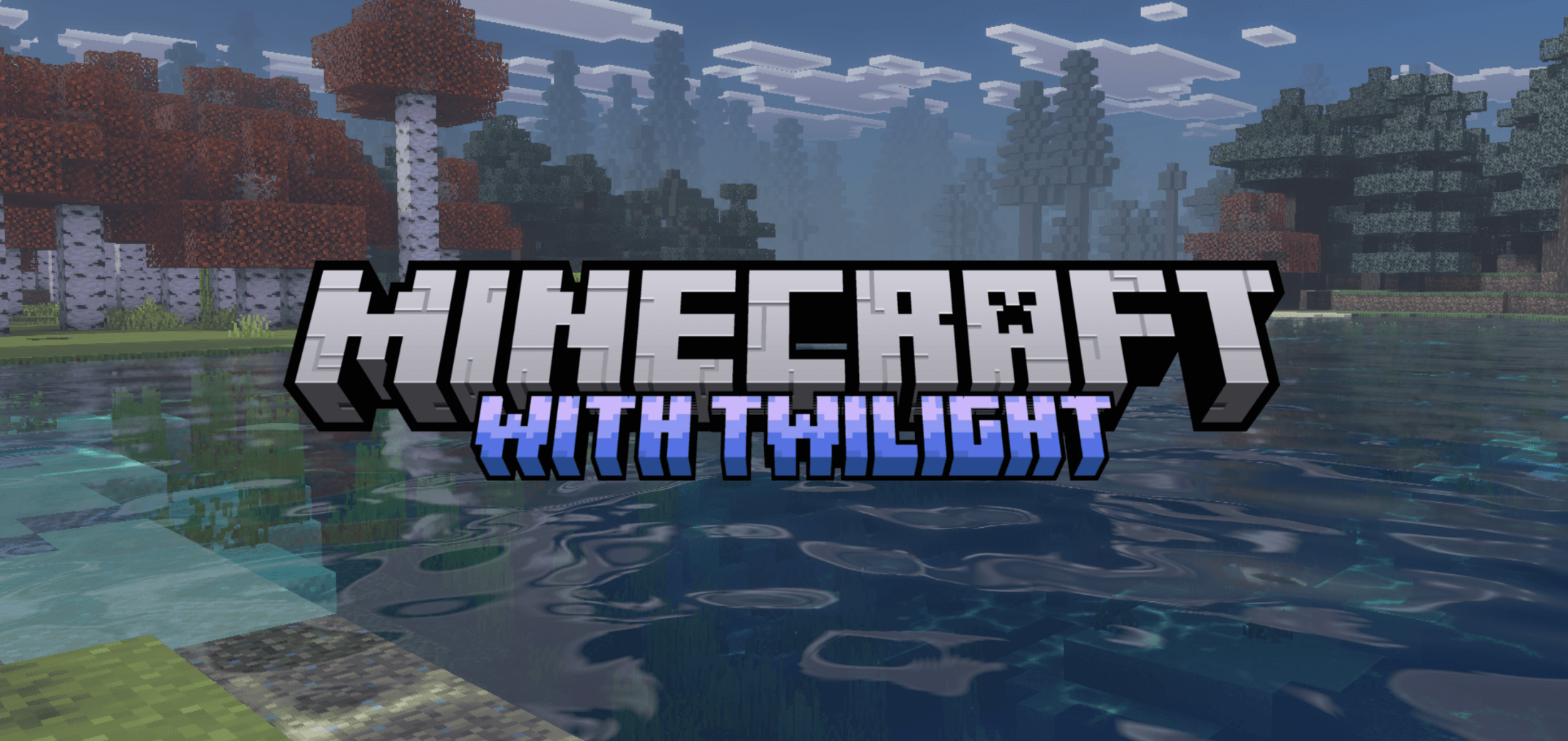
Twilight Visuals
A cinematic shader pack featuring cold blue-teal atmospheres, muted lavender-rose sunsets, height-based volumetric fog, and per-biome visuals for a moody, immersive Minecraft experience.Download

RealSource CARTOONIZED
CARTOONIZED pack brings Minecraft Bedrock to life with fun, cartoon-style textures that will give. your game a playful look with amazing details. This complete texture pack offers full support for RTX and VIBRANT VISUALSDownload

Animated Furnaces
Adds animation to the furnace, slightly changes smoker and blast furnace.Install

Nate's Halloween Resource Pack
Nate's Halloween Resource PackInstall

Smooth Entity Shadows
Makes the Shadows under Entities Smooth. The closest you can get without shaders and optifine!Install

SPBR-GlowingOre
SPBR Patches Add Glowing Ore into the world. Find all diamonds hiding in the dark.Install

Rainbow RGB XP Bar & Enchantment Glint
Recolors XP Bar and Enchantment Glint to be Rainbow/RGB. Now customizable.Install

Old Default | Beta-Textures Edition
The Beta Textures of MinecraftInstall

Drodi's Slimes
My take on a new Slimes and Magma Cubes. Dordinatteur Co does not take responsability for any attemps at eating them.InstallFAQ
Do I need Forge or Fabric for a resource pack?
No. A resource pack works on the regular game with no loaders or mods. Click “Install” and Millida Launcher will put the pack into the right modpack — then just enable it in the settings.
What do 16×, 32×, 64× mean?
The resolution of a single texture in pixels. 16× matches the original game, 32× and 64× are more detailed and heavier, and 128× and up put a noticeable load on your graphics card.
Will a pack made for another version work?
Most likely partly: older packs don't have textures for newer blocks, so those will stay default. The game won't break, though.
How is a texture pack different from a resource pack?
Only by name and age. Before version 1.6 the sets were called texture packs and changed only textures; in 1.6 resource packs replaced them and also change sounds, fonts and the interface. Old texture packs for 1.5 and below do not work on new versions without conversion.
Which texture packs are best for PvP?
PvP packs: 16× resolution or lower, shortened swords, low fire, a clear sky and bright particles. They barely load the computer and make the opponent easier to see. These packs are collected in the PvP theme.
How do I install a resource pack?
Press Install and Millida Launcher puts the pack into the resourcepacks folder of the right instance. Then enable it in the game: Options, then Resource Packs. Manually, the archive goes into resourcepacks inside the game folder, no need to unpack it.
Minecraft texture packs
A resource pack changes how the game looks and sounds: block and item textures, fonts, the interface, sounds. It doesn't touch the game's code, so it needs no mod loader and breaks nothing on a server — the pack only works on your screen. That's exactly why a resource pack is safer than any mod: the worst that happens on a version mismatch is that some textures stay default.
Textures, texture packs and resource packs are essentially the same thing: since version 1.6 Mojang calls these sets resource packs, but the old name is still searched more often. PvP packs are a big genre of their own: shortened swords, low fire, bright particles and 16× resolution or lower, so the opponent stands out and the frame rate does not drop. Such packs are most often made for 1.8.9 and 1.16.5, the versions many PvP servers run on.
The key thing about a pack is its resolution. The game's default textures are 16×16 pixels; 32× and 64× packs look more detailed, while 128× and up need a real graphics card and are usually paired with shaders. On a weak machine it makes sense to stay at 16× or go for packs that deliberately simplify graphics for more FPS. Every pack here lists its game version, author and license, and all released versions are gathered on one card. Put the downloaded archive in the resourcepacks folder and enable it in the game settings.