
Minecraft texture packs — page 142
6,456 itemsResource packs: list


shureee's Note Blocks
Simple Note Block info with a colored keyboard, note name, and instrument type!Install
Skyfall Visuals
A simple, smooth shader pack for Minecraft Bedrock. It keeps the vanilla look and only cleans up the lighting: softer clouds, deeper water, healthier greens. The quietest pack I make. Requires Vibrant Visuals.Download

LifeStealZ Resourcepack
The First and Only Official Resourcepack for LifeStealZInstall
More Fungi
Adds variants for brown and red mushrooms.Install

(Bee's) Vanilla+ Collections
My take on an updated look and feel of MinecraftInstall
XRay+
XRay+ a simpler and easier XRay packInstall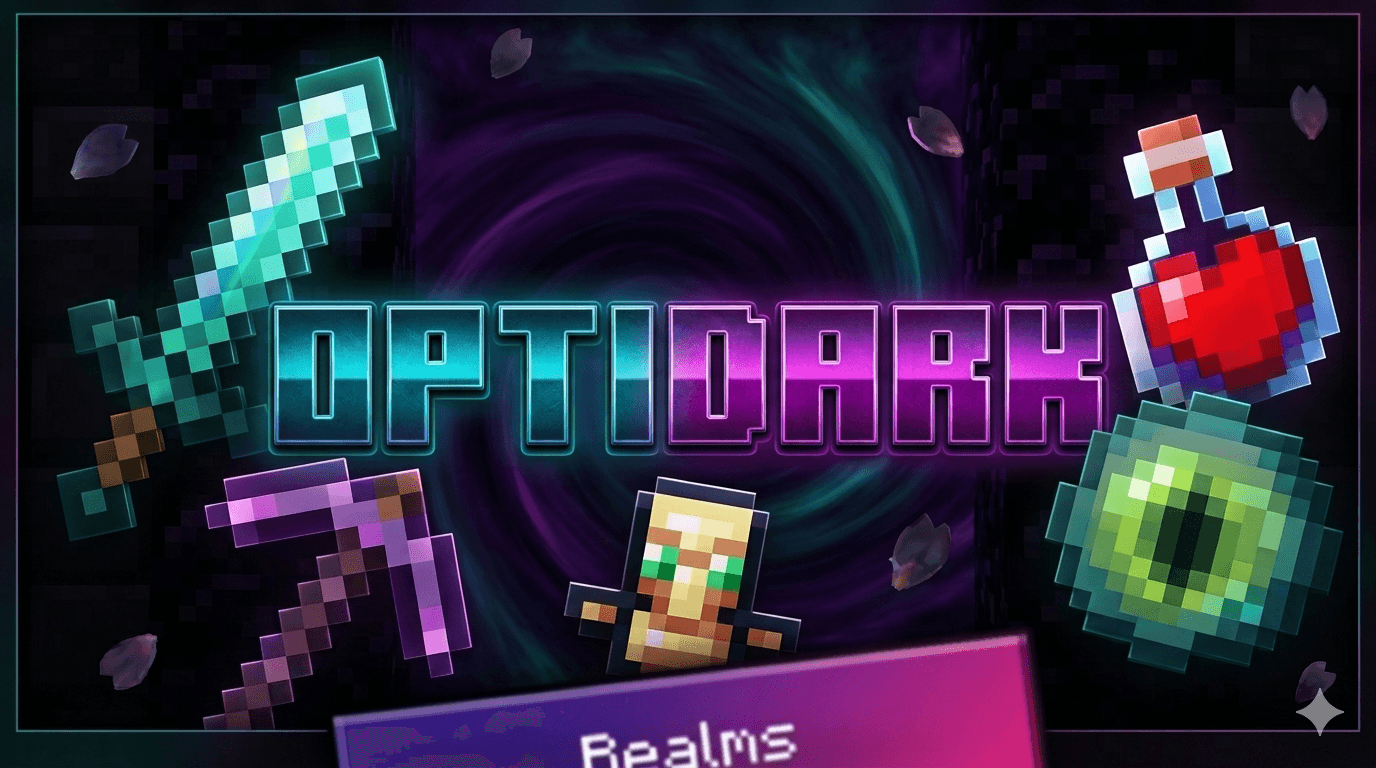

OptiDark
Reduce lag for Minecraft BedrockDownload

3D End Crystal
Makes the end crystal 3D when in your hand, but keeps it 2D everywhere else 1.21.4+. No mods required. For versions 1.21-1.21.11Install

Cosmic Vortex
Experience cosmic wonders and celestial beauty with the immersive Intelstellar Black Hole by KotoInstall

Asteroid Client V2
The Ultimate Client For Minecraft PEDownload
Mekanism Programmer's Art
Brings back the textures from Mekanism 1.19 to 1.20+Install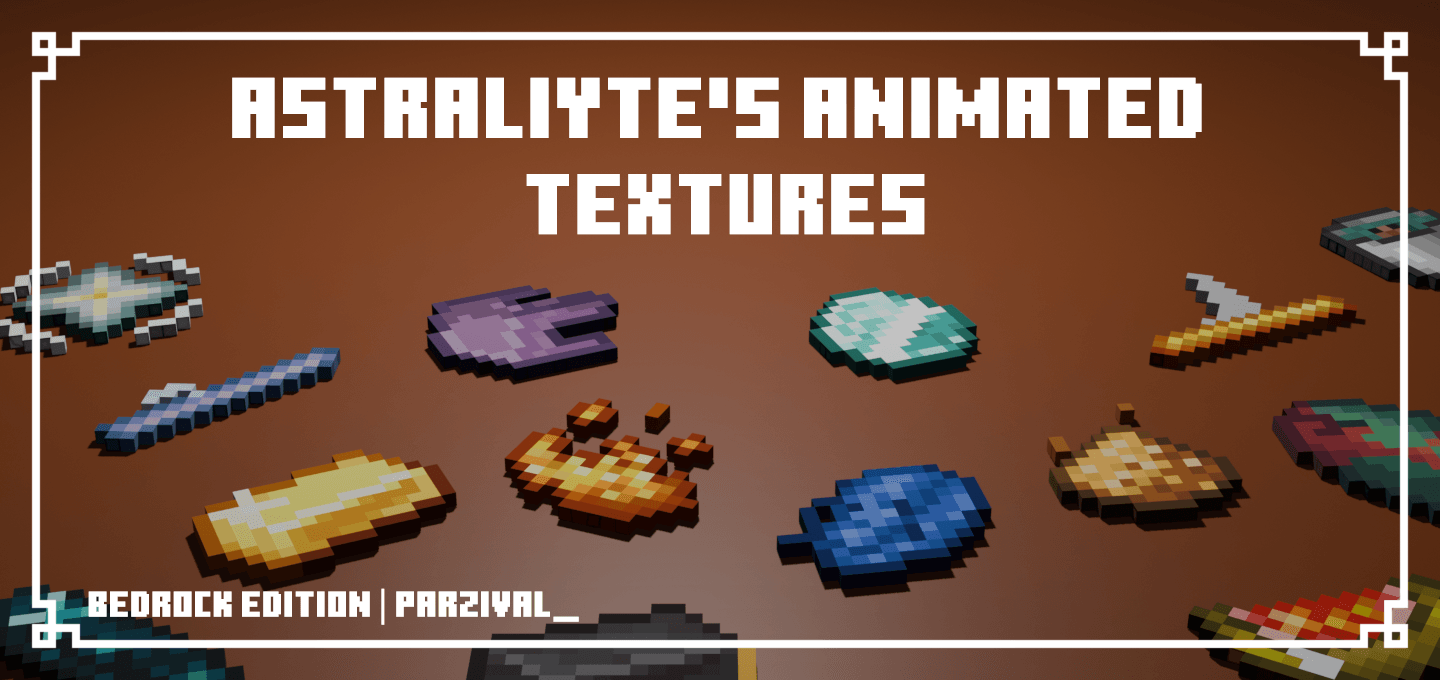

Astraliyte's Animated Textures
Some textures are kinda stationary when they don't need to be, this pack gives them some special animationsDownload
Mandalorian Armor
Replaces all common Armour and Armor Trim with Mandalor armour.Install

Unique Dark Hotbar Add-On
Hotbar Add-On for Unique Dark | Changes the style of the hotbarInstall
FullBright RD
A utility shader for RenderDragon that makes the game bright like night vision and removes fog.Download

Luna HD Resourcepack
Luna HD Resource Pack (1.21.3, 1.20.6) is inspired by the beauty of the moon itself. The Pack provides some of the most beautiful textures glued on 3D Models that are hand-crafted by the best artists in the community.Install

Lantern 3D - Better Lantern
3D Lantern transforms Minecraft’s classic lantern into a beautiful 3D model, adding depth, detail, and realism to your builds!Install

Spectral Pumpkin [S2 V7.5]
This texture changes the Vanilla Tools to a Hellowin pumpkin themeDownload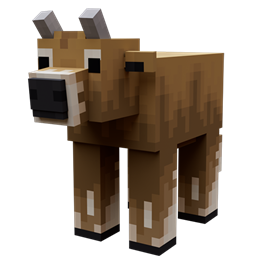
Better Cows
Updates cow models to look more realisticInstall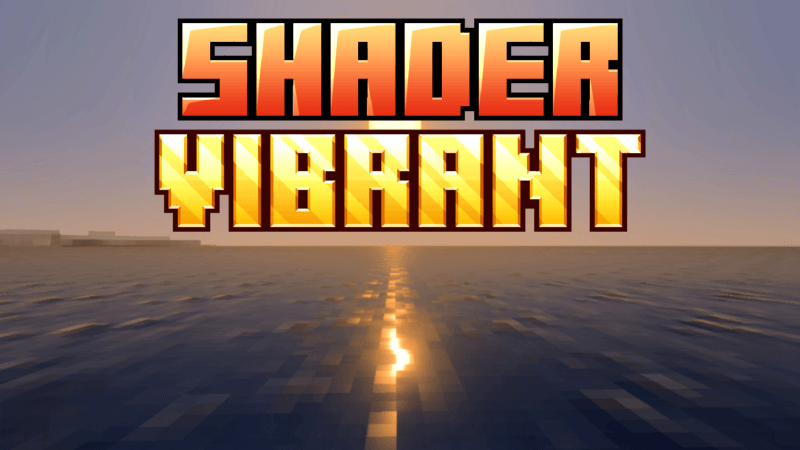

SHADER VIBRANT (HowardAddon)
This Texture pack will make your survival world look more vibrant, and dynamic.Download
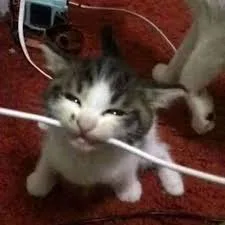
Animated Cat Biting Wire Totem Reskin
The cat-biting electrical wire meme as a totem reskin with an activation sound when the totem is used. This is the animated version where he opens his mouth and bites the wire.Install
Foods 3D
Remakes most food items in 3DInstall

Purpled Resource Pack
Default Edit by PurpledInstallFAQ
Do I need Forge or Fabric for a resource pack?
No. A resource pack works on the regular game with no loaders or mods. Click “Install” and Millida Launcher will put the pack into the right modpack — then just enable it in the settings.
What do 16×, 32×, 64× mean?
The resolution of a single texture in pixels. 16× matches the original game, 32× and 64× are more detailed and heavier, and 128× and up put a noticeable load on your graphics card.
Will a pack made for another version work?
Most likely partly: older packs don't have textures for newer blocks, so those will stay default. The game won't break, though.
How is a texture pack different from a resource pack?
Only by name and age. Before version 1.6 the sets were called texture packs and changed only textures; in 1.6 resource packs replaced them and also change sounds, fonts and the interface. Old texture packs for 1.5 and below do not work on new versions without conversion.
Which texture packs are best for PvP?
PvP packs: 16× resolution or lower, shortened swords, low fire, a clear sky and bright particles. They barely load the computer and make the opponent easier to see. These packs are collected in the PvP theme.
How do I install a resource pack?
Press Install and Millida Launcher puts the pack into the resourcepacks folder of the right instance. Then enable it in the game: Options, then Resource Packs. Manually, the archive goes into resourcepacks inside the game folder, no need to unpack it.
Minecraft texture packs
A resource pack changes how the game looks and sounds: block and item textures, fonts, the interface, sounds. It doesn't touch the game's code, so it needs no mod loader and breaks nothing on a server — the pack only works on your screen. That's exactly why a resource pack is safer than any mod: the worst that happens on a version mismatch is that some textures stay default.
Textures, texture packs and resource packs are essentially the same thing: since version 1.6 Mojang calls these sets resource packs, but the old name is still searched more often. PvP packs are a big genre of their own: shortened swords, low fire, bright particles and 16× resolution or lower, so the opponent stands out and the frame rate does not drop. Such packs are most often made for 1.8.9 and 1.16.5, the versions many PvP servers run on.
The key thing about a pack is its resolution. The game's default textures are 16×16 pixels; 32× and 64× packs look more detailed, while 128× and up need a real graphics card and are usually paired with shaders. On a weak machine it makes sense to stay at 16× or go for packs that deliberately simplify graphics for more FPS. Every pack here lists its game version, author and license, and all released versions are gathered on one card. Put the downloaded archive in the resourcepacks folder and enable it in the game settings.