
Minecraft texture packs — page 141
Resource packs: list


Better Cats x Fresh Animations
A Fresh Animations Add-on for Better Cats!Install

Non-RTX ---> RTX Pack Converter
This texture pack lets you convert any non-RTX texture pack to be compatible with Nvidia Minecraft Raytracing. *PBR textures will not be automatically be generated for those textures, raytracing will be applied as it is in the original texture pack.Download

Txyme's Cottagecore Pack
This pack is a simple minecraft+ style pack. everything is soft and simple and cute!Download

Bleach GUI Pack
Overhauled Minecraft GUI in the theme off Bleach.Install
Fresh Animations X Epic Fight Compat
Add Fresh animation and Epic fight compatibility.Install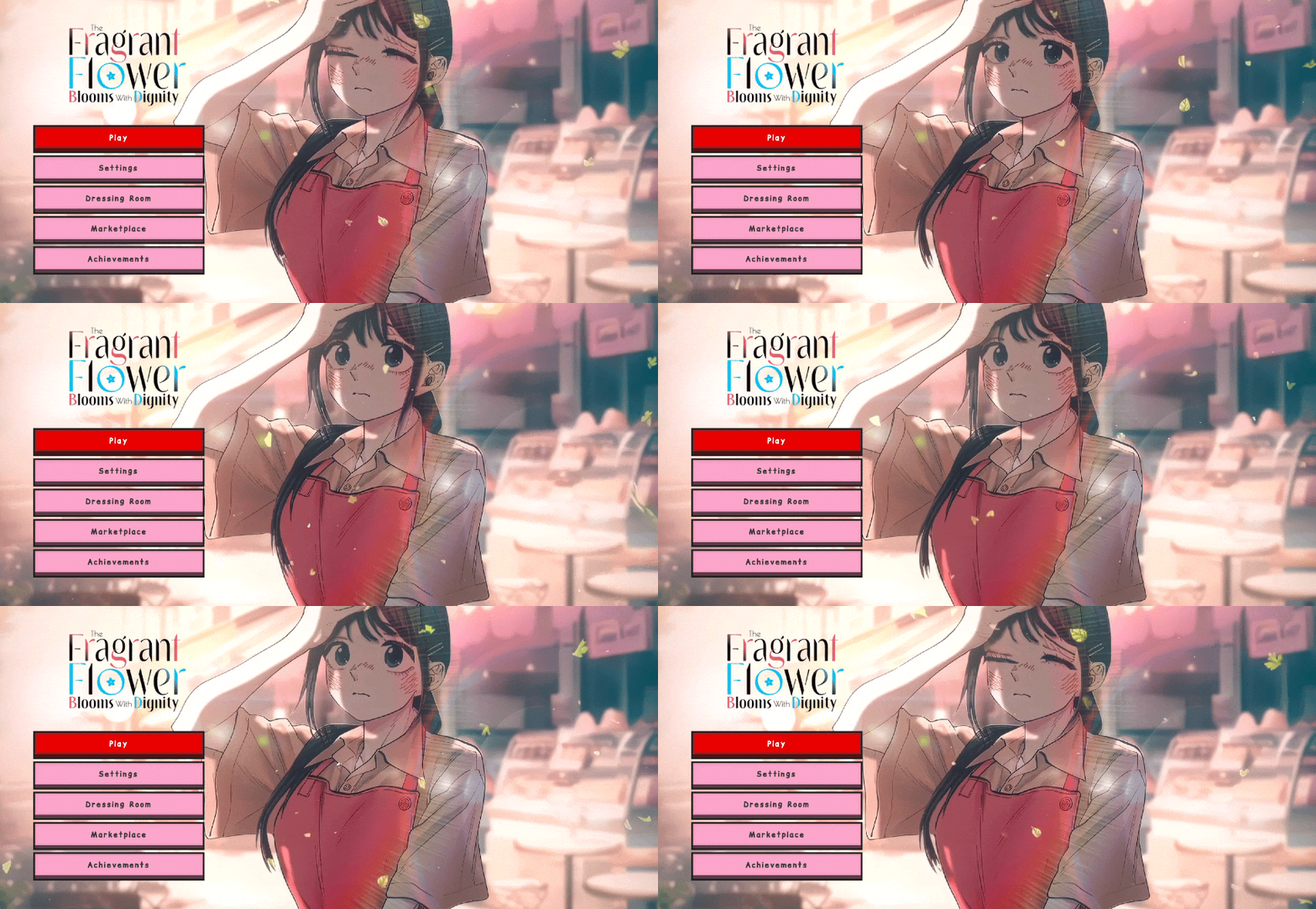

Waguri Live Anime Ui | Animated
Kaoroku Waguri live ui mcpe 1.21+ | best ui for minecraft pe / bedrock . Kaoroku Waguri Anime Ui .Download
Fast Leaves
Cleaner foliage, solid leaves without transparency. Also fixes shaders! 🌿Install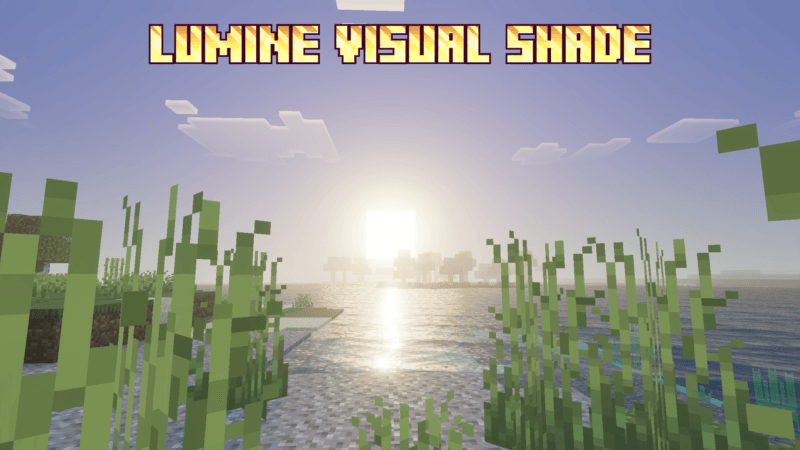

Lumine Visual Shade
This shader gives your world a classic, luminous, and vibrant visual style.Download

RTX_Logical-Faithful
MINECRAFT BEDROCK VERSION ONLY !! It faithfully adheres to the stylistic "intentions" of the original "Vanilla" graphics, but increases the definition in a logical way from the point of view of simulated reality.Download
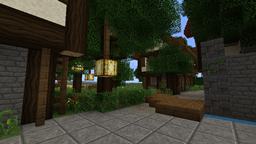
Steelfeathers' Enchanted Pack [32x] (1.5+)
Steelfeathers' Enchanted Pack [32x] (1.5+)Install

Connected Vanilla Textures
This pack connects a lot of the default vanilla textures without changing anything else.Install

Vanilla 8x
this is a 8 pixel vanilla texture pack this pack versions are from 1.16 to latest more then 1000+ texture is changed.Install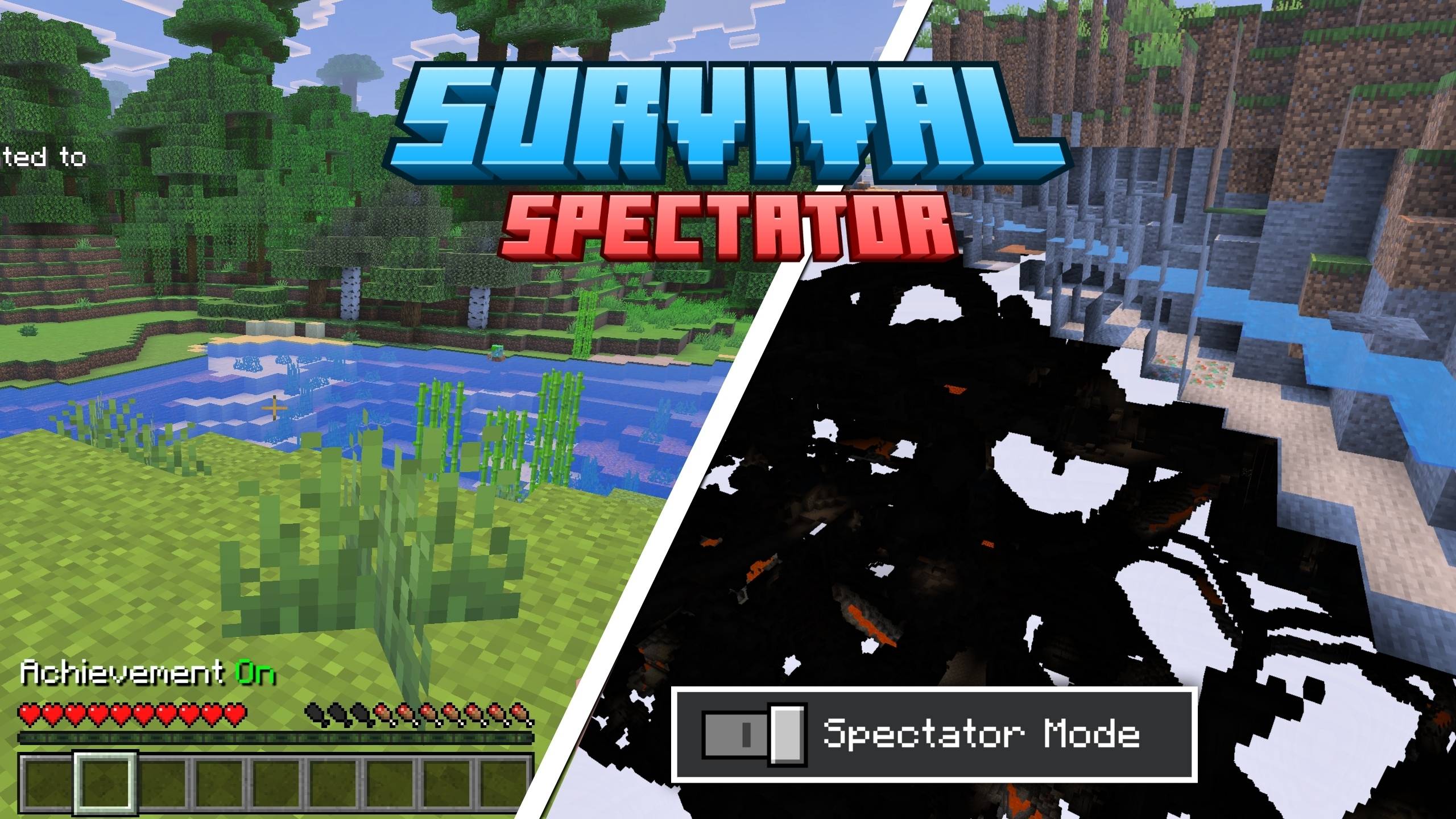

[Deprecated] Survival Spectator
spectator mode in survival without cheats!!Download

Copper Lighter
A simple, vanilla-friendly 3D copper lighter, that replaces flint and steel. who lights a fire with flint and steel anymore?!?Install

Create: Old Copper Stuffs
Brings Back Create's Copper Stuffs Textures Such as Scaffoldings, All fluid items, Copper Building Blocks, and More To pre 6.0.0!Install
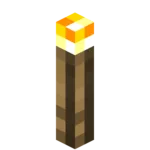
YFs - 3D Hand Torch and Lanterns
My texture pack adds freshness to the game because there are so few 3D things in Minecraft.Install

LabPBR Emissive Ores [No Optifine required]
Adds emissive ores using LabPBR format.Install

Xbox 360 Accuracy Pack
Add-on to Re-Console that adds a lot of parity from Xbox 360 edition!Install

EpicFight Full Chinese Translation
Complete the missing localization for this mod.Install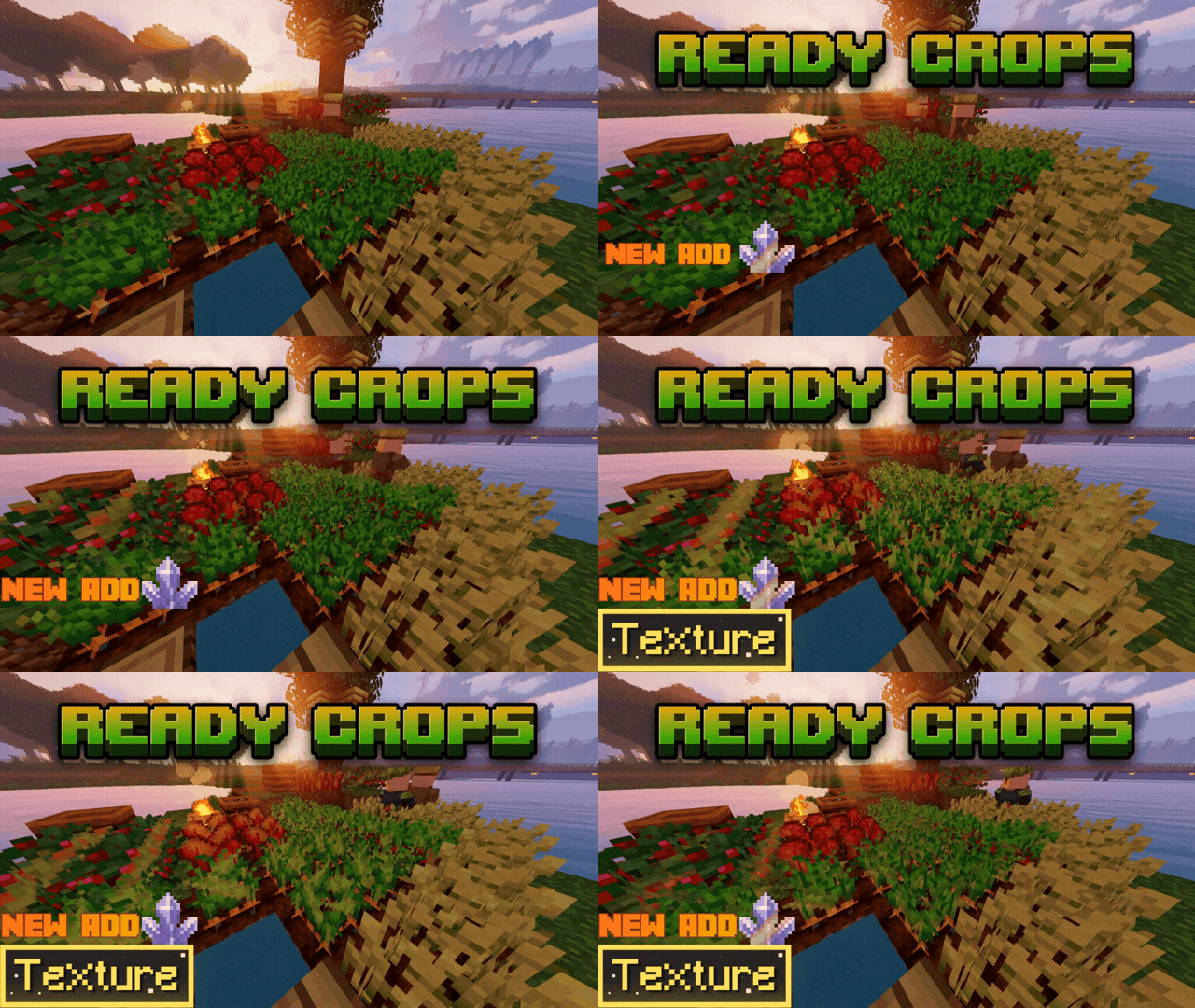

Ready Crop +
Ready Crops+ is a clean texture pack to easily see when your crops are ready to harvest. This pack adds an animated highlighter to full-grown plants, making farming easier! Features: - Ready Crops animation. - Clear visual crops helper.Download
shureee's Note Blocks
Simple Note Block info with a colored keyboard, note name, and instrument type!Install
Xaiwaker x32 Swirly Resource Pack
Xaivern's Cartoon MasterpieceInstall

Falling Sakura (1.20 Update)
Single pixel pellets are no more! Cherry leaves now leave custom particles with 20% chance of dropping a cherry flower instead of a petal.InstallFAQ
Do I need Forge or Fabric for a resource pack?
No. A resource pack works on the regular game with no loaders or mods. Click “Install” and Millida Launcher will put the pack into the right modpack — then just enable it in the settings.
What do 16×, 32×, 64× mean?
The resolution of a single texture in pixels. 16× matches the original game, 32× and 64× are more detailed and heavier, and 128× and up put a noticeable load on your graphics card.
Will a pack made for another version work?
Most likely partly: older packs don't have textures for newer blocks, so those will stay default. The game won't break, though.
How is a texture pack different from a resource pack?
Only by name and age. Before version 1.6 the sets were called texture packs and changed only textures; in 1.6 resource packs replaced them and also change sounds, fonts and the interface. Old texture packs for 1.5 and below do not work on new versions without conversion.
Which texture packs are best for PvP?
PvP packs: 16× resolution or lower, shortened swords, low fire, a clear sky and bright particles. They barely load the computer and make the opponent easier to see. These packs are collected in the PvP theme.
How do I install a resource pack?
Press Install and Millida Launcher puts the pack into the resourcepacks folder of the right instance. Then enable it in the game: Options, then Resource Packs. Manually, the archive goes into resourcepacks inside the game folder, no need to unpack it.
Minecraft texture packs
A resource pack changes how the game looks and sounds: block and item textures, fonts, the interface, sounds. It doesn't touch the game's code, so it needs no mod loader and breaks nothing on a server — the pack only works on your screen. That's exactly why a resource pack is safer than any mod: the worst that happens on a version mismatch is that some textures stay default.
Textures, texture packs and resource packs are essentially the same thing: since version 1.6 Mojang calls these sets resource packs, but the old name is still searched more often. PvP packs are a big genre of their own: shortened swords, low fire, bright particles and 16× resolution or lower, so the opponent stands out and the frame rate does not drop. Such packs are most often made for 1.8.9 and 1.16.5, the versions many PvP servers run on.
The key thing about a pack is its resolution. The game's default textures are 16×16 pixels; 32× and 64× packs look more detailed, while 128× and up need a real graphics card and are usually paired with shaders. On a weak machine it makes sense to stay at 16× or go for packs that deliberately simplify graphics for more FPS. Every pack here lists its game version, author and license, and all released versions are gathered on one card. Put the downloaded archive in the resourcepacks folder and enable it in the game settings.