
Minecraft texture packs — page 134
Resource packs: list


Bedwars Essentials
A 1.8.9 Texturepack That Contains Everything Needed to Play BedwarsInstall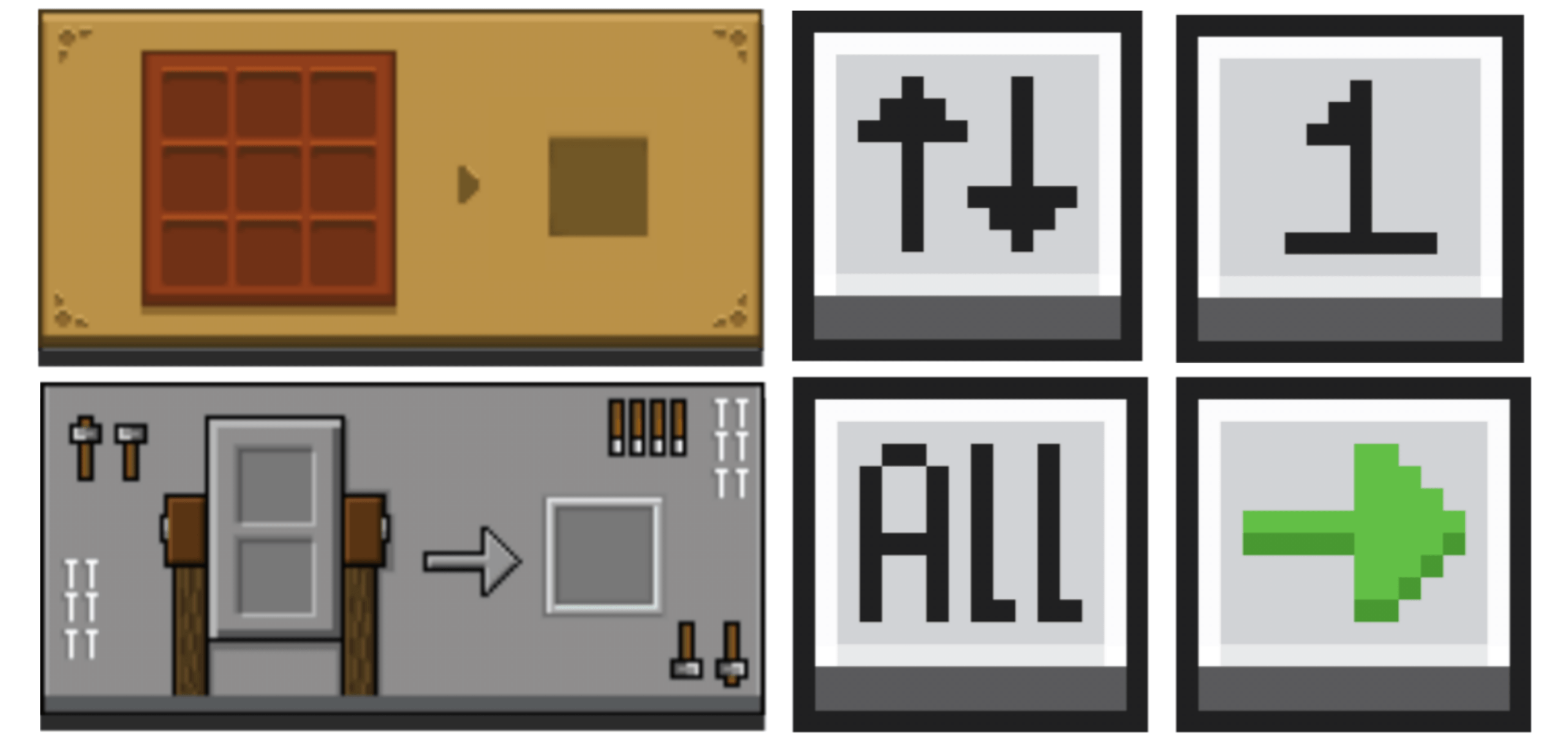
Pocket Gui+
Pocket GUI+ upgrades Minecraft’s block GUIs, giving each block its themed interface (like crafting table GUI) and adds useful features such as Guides, Quick Loot, Drop One Item, and Drop All Items for a smoother, enhanced Bedrock/MCPE experience.Download

Better Saplings & Mushrooms Texture Pack(Pale Oak Update!)
Ever wanted some bonsai trees or puffy mushrooms? Then this texture pack is for you! This small texture pack improves the saplings and makes them bushier and makes the mushrooms puffier!Download
Peep Client GUI
A clean and modern dark GUI for MinecraftInstall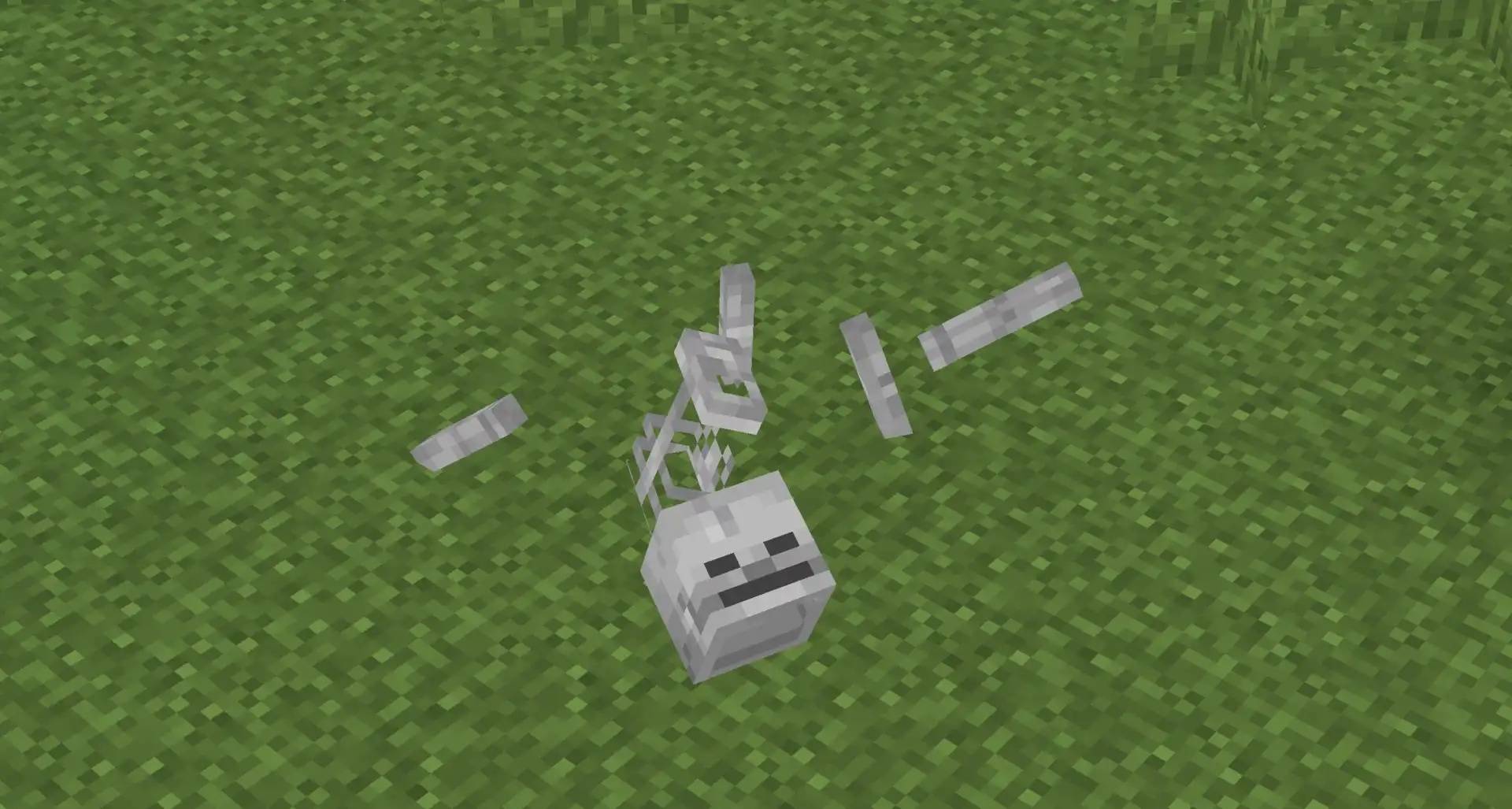
Skeleton Physics
Give skeletons physics!Install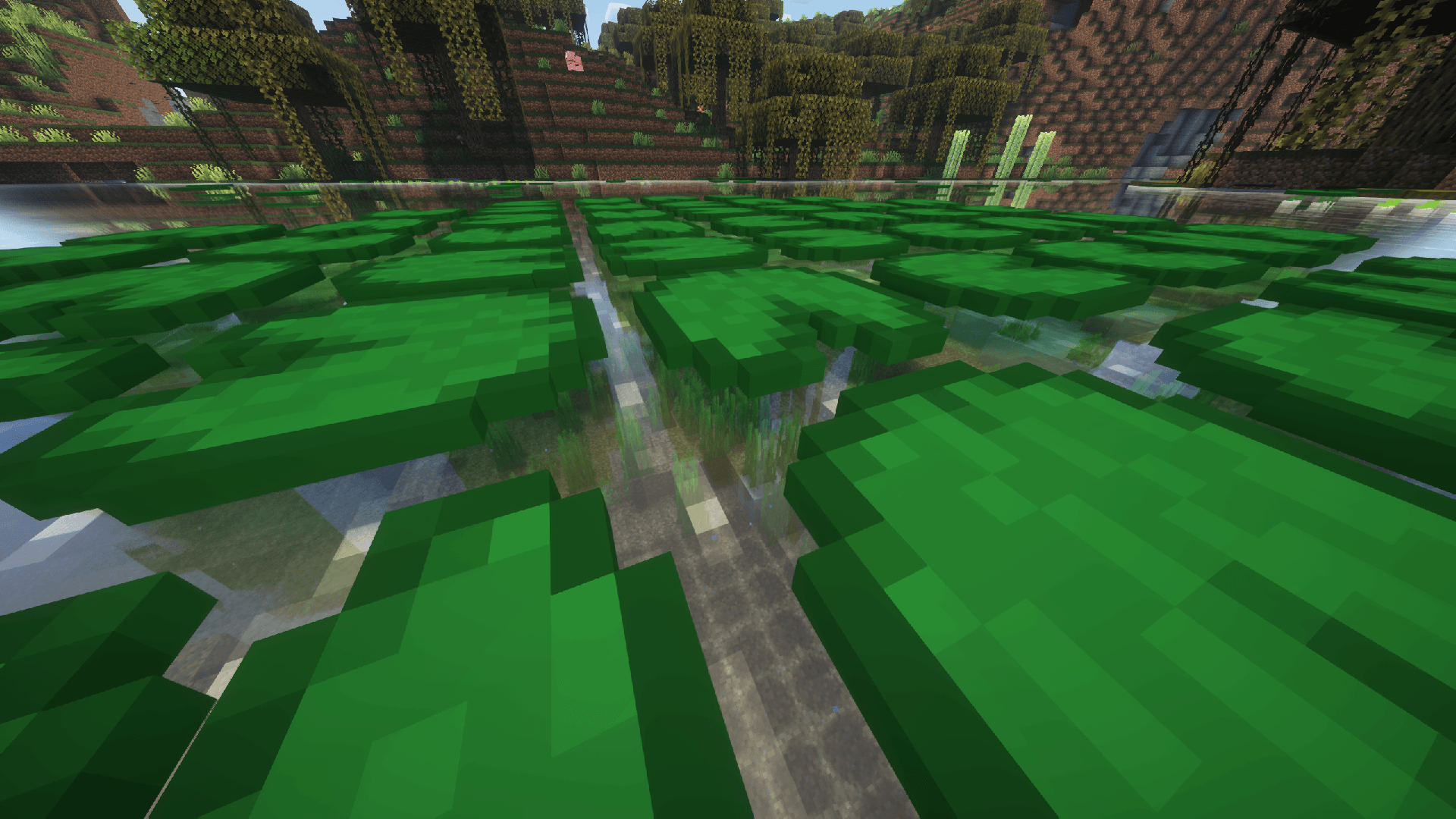
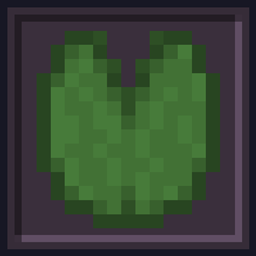
Undopia 3D Lily Pad
Gives the Lily Pad a 3 dimensional modelInstall

Cubix
Vibrant, clean 16x desingInstall

Eating Animations x Quark
Add compatibility between Eating Animations and the food of the mod Quark and variants of some other Quark theme modInstall
X-ray plus+
Clean outline X-Ray texture pack for Minecraft Bedrock. Easier mining while staying survival-friendlyDownload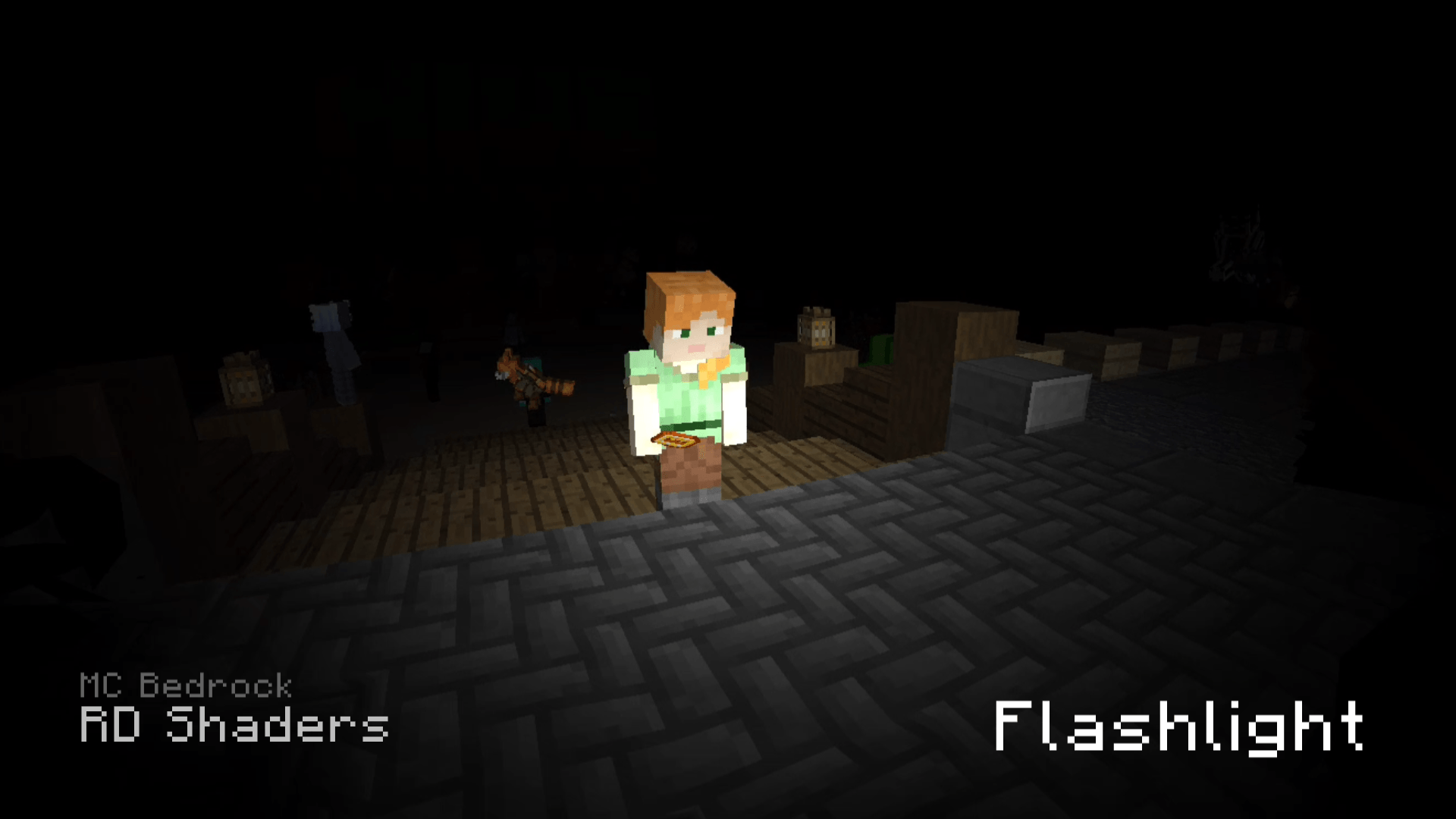
flashlight shader
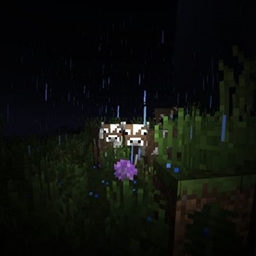
RD shader that adds flashlight and fish eye lens effect to your worldDownload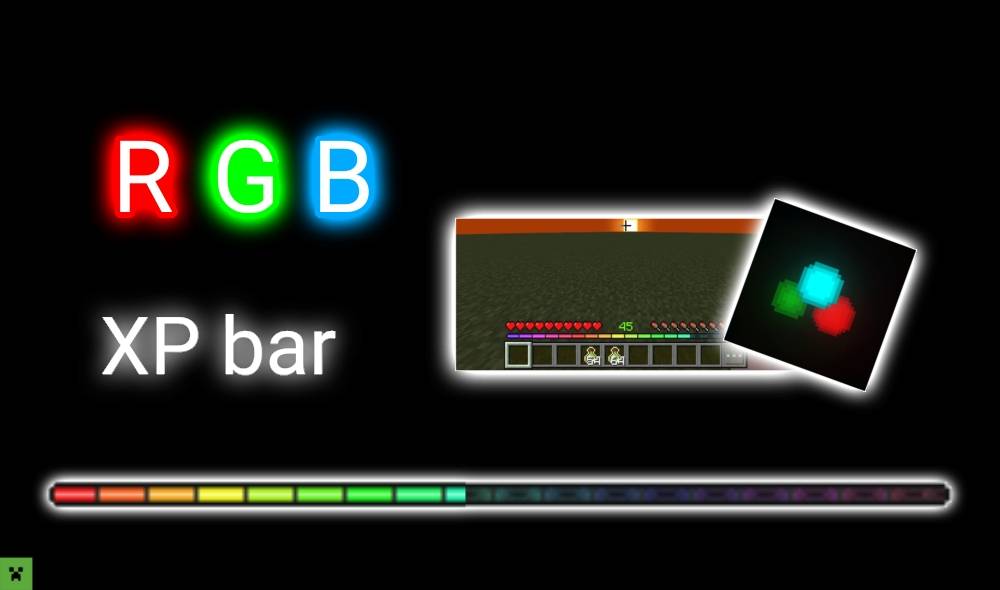

RGB XP GS
Change XP to RGB.Download
Medieval Menu
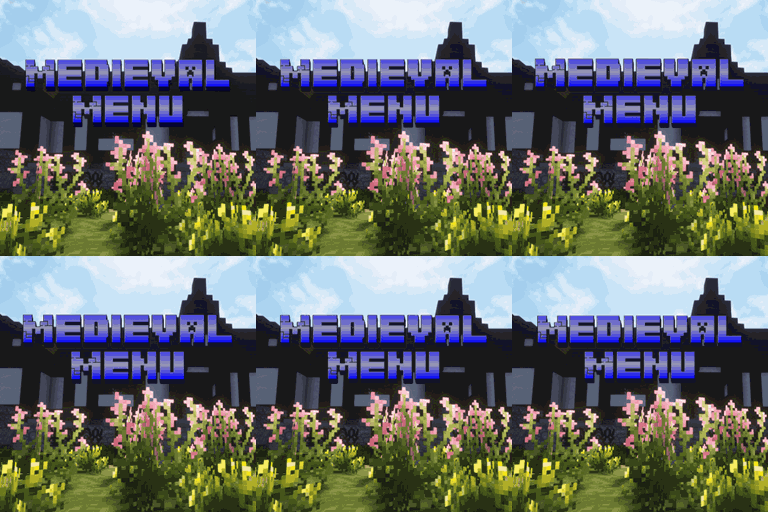
Adds Medieval panorama and music to the menuInstall

Legacy Glint
Bring back the old, pre 1.19.3 enchantment glint!Install

Wearable Christmas Hats
Carved Pumpkins into Hats! [No Mods Required!]Install

PvP Fundamentals
A Texturepack That Contains Everything Needed for PvPInstall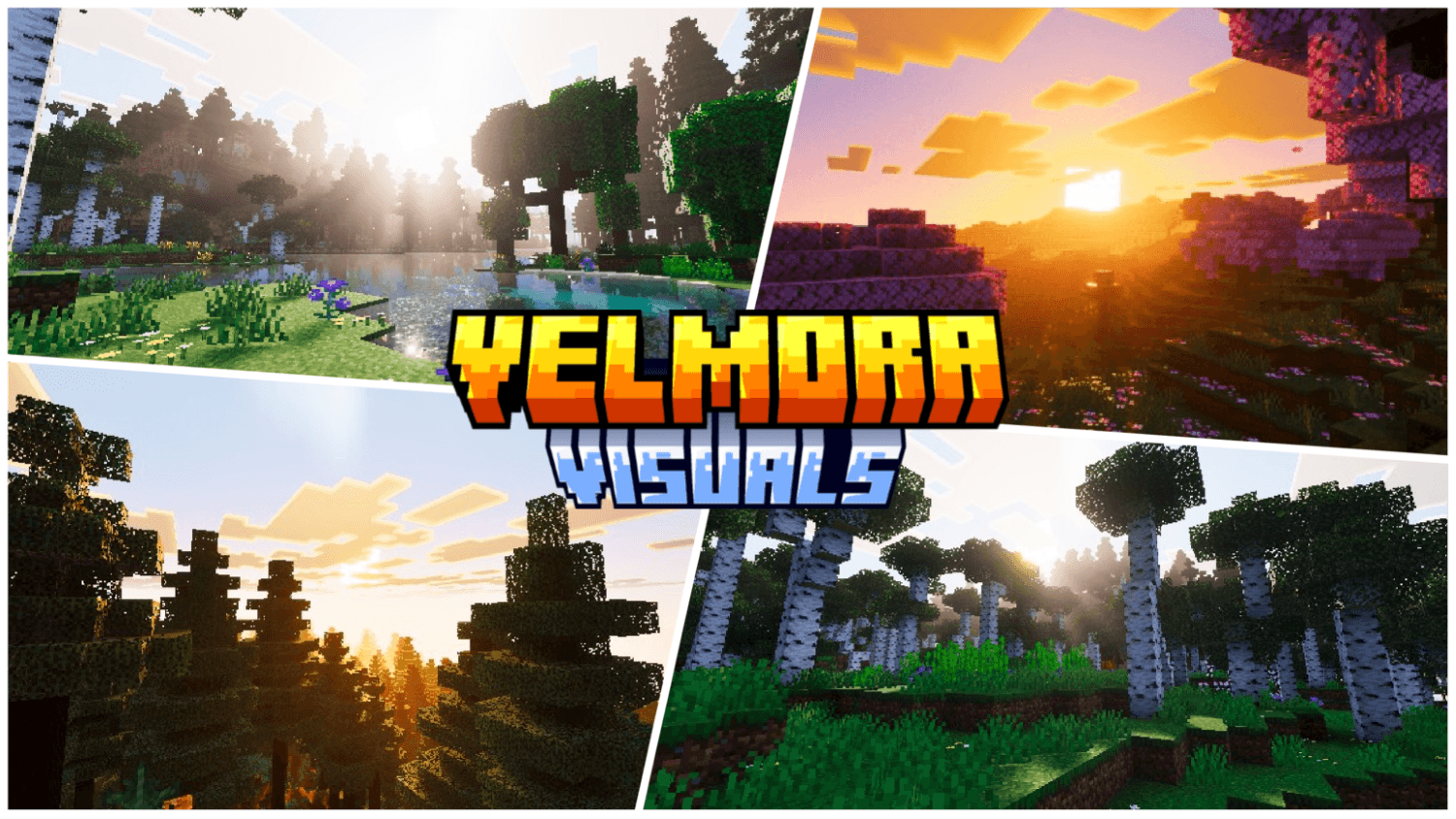
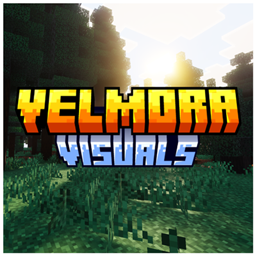
Velmora Visuals
Velmora Visuals is a Vibrant Visuals shader pack for Minecraft Bedrock that transforms your world with Arctic Aurora skies, cinematic sunsets, animated foliage, and ACES film-grade color grading — optimized for all devices.Download

Default Skinpack
Adds Default Skin into Legacy4J as a SkinpackInstall

ChicknTurtle's 3D Tools
Gives tools some depth, while keeping the vanilla style!Install
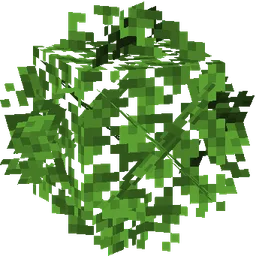
Universal Bushy Leaves
A better leaves pack that just works. Compatible with mods and other resource packs you can keep using Biomes You'll Go, Biomes O' Plenty, Let's Do Vinery, Mizunos, Faithful, Whimscape... and everything else too!Install
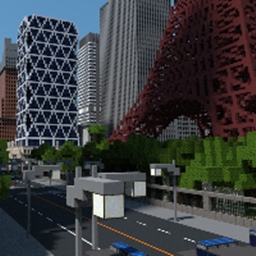
Lazuli Plains HD Texture Pack
A Creative and Realistic Texture Pack for city makingInstall

Ryan's 32x Lower Fire
A resource pack that lowers fire on the UIInstall

Christmas Chests All Year
Changes the default texture of ALL chests to Christmas textures. And adds new ones!Install

Better Grass
Adds the grass top texture to the side like better grass in optifine without any modsInstallFAQ
Do I need Forge or Fabric for a resource pack?
No. A resource pack works on the regular game with no loaders or mods. Click “Install” and Millida Launcher will put the pack into the right modpack — then just enable it in the settings.
What do 16×, 32×, 64× mean?
The resolution of a single texture in pixels. 16× matches the original game, 32× and 64× are more detailed and heavier, and 128× and up put a noticeable load on your graphics card.
Will a pack made for another version work?
Most likely partly: older packs don't have textures for newer blocks, so those will stay default. The game won't break, though.
How is a texture pack different from a resource pack?
Only by name and age. Before version 1.6 the sets were called texture packs and changed only textures; in 1.6 resource packs replaced them and also change sounds, fonts and the interface. Old texture packs for 1.5 and below do not work on new versions without conversion.
Which texture packs are best for PvP?
PvP packs: 16× resolution or lower, shortened swords, low fire, a clear sky and bright particles. They barely load the computer and make the opponent easier to see. These packs are collected in the PvP theme.
How do I install a resource pack?
Press Install and Millida Launcher puts the pack into the resourcepacks folder of the right instance. Then enable it in the game: Options, then Resource Packs. Manually, the archive goes into resourcepacks inside the game folder, no need to unpack it.
Minecraft texture packs
A resource pack changes how the game looks and sounds: block and item textures, fonts, the interface, sounds. It doesn't touch the game's code, so it needs no mod loader and breaks nothing on a server — the pack only works on your screen. That's exactly why a resource pack is safer than any mod: the worst that happens on a version mismatch is that some textures stay default.
Textures, texture packs and resource packs are essentially the same thing: since version 1.6 Mojang calls these sets resource packs, but the old name is still searched more often. PvP packs are a big genre of their own: shortened swords, low fire, bright particles and 16× resolution or lower, so the opponent stands out and the frame rate does not drop. Such packs are most often made for 1.8.9 and 1.16.5, the versions many PvP servers run on.
The key thing about a pack is its resolution. The game's default textures are 16×16 pixels; 32× and 64× packs look more detailed, while 128× and up need a real graphics card and are usually paired with shaders. On a weak machine it makes sense to stay at 16× or go for packs that deliberately simplify graphics for more FPS. Every pack here lists its game version, author and license, and all released versions are gathered on one card. Put the downloaded archive in the resourcepacks folder and enable it in the game settings.