
Minecraft texture packs — page 133
Resource packs: list


ClearVisionGlass 32x - Faithful Addon
This Faithful resourcepack addon that makes regular glass, all types of colored glass, and even the tinted glass clear!Install
Night Vision Ultimate | Night Vision
Night Vision Pack for Minecraft without turning off achievements by. Enjoy full brightness anywhere—no potions needed! Perfect for caves, night, and underwater.Install

Mahi's Xray Pack
Makes terrain blocks show as outlines only so you can see ores and valuables through solid ground. Works without any mods.Install

XEHD Texture
A High-Definition resource pack for minecraftInstall

Midnighttigger's Default Connected Textures Addons
Addons such as Clear Glass to Midnighttigger's Default Connected Textures/Better Grass & SnowInstall
Android ICS Holo GUI
User Interface from Android 4.0 for Minecraft 1.9+Install

Different Size Galacticraft O2 Tanks
Retextures Glacticraft's light and medium oxygen tanks to have different sizes.Install

Excalibur | Curios API & Accessories Support
Excalibur Support for Curios and Accessories ModsInstall

Dark Renaissance
Medieval Realistic texture pack 256xInstall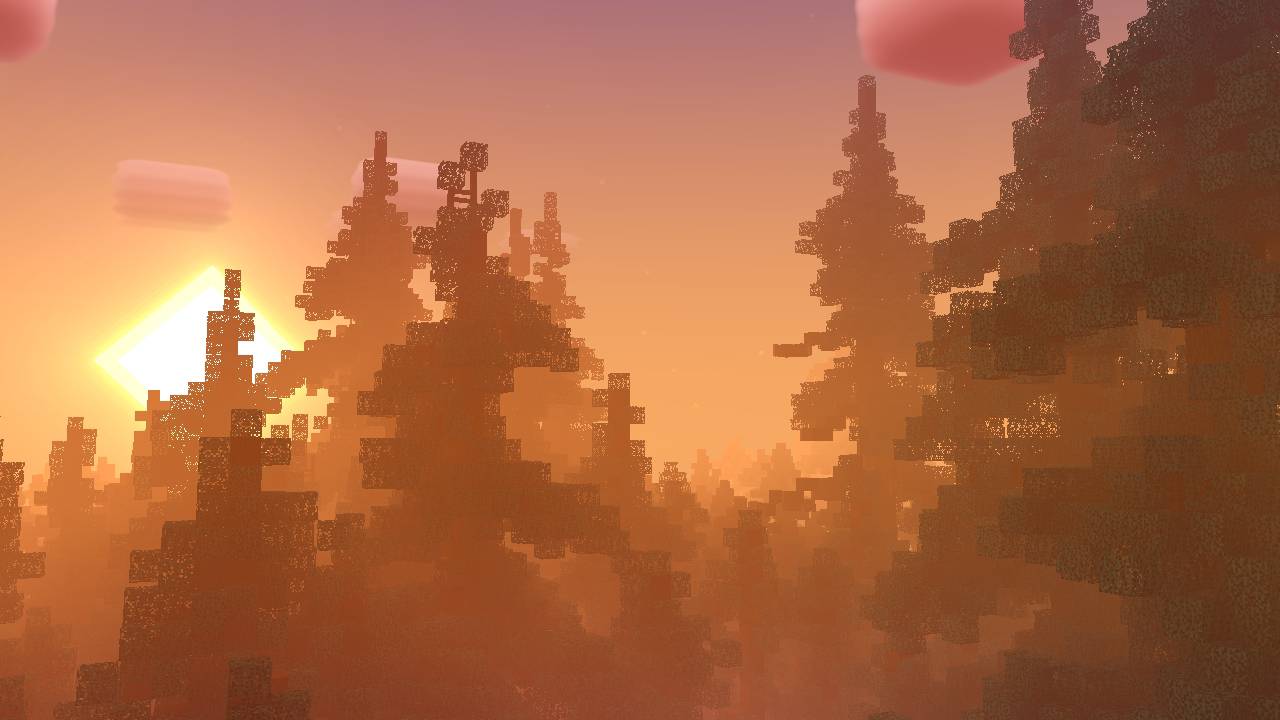

Newb X LMI Merged Version (for Android & Windows)
Newb X LMI shader for Minecraft bedrock & peDownload

SWEM: Horse Animation Tweaks
Changes SWEM horses posture and animation gaits. Canter, Extended canter and Gallop are replaced by new animations of different gallops.Install

Fresh End Crystal x Punchy!
A Punchy! resource pack that adds 3D End Crystal Model and Animations.Install

Fullbright by Finnvian
Fullbright is a resource pack that increases the brightness of Minecraft. This is a useful tool to be able to see in darker areas to improve gaming experience.Install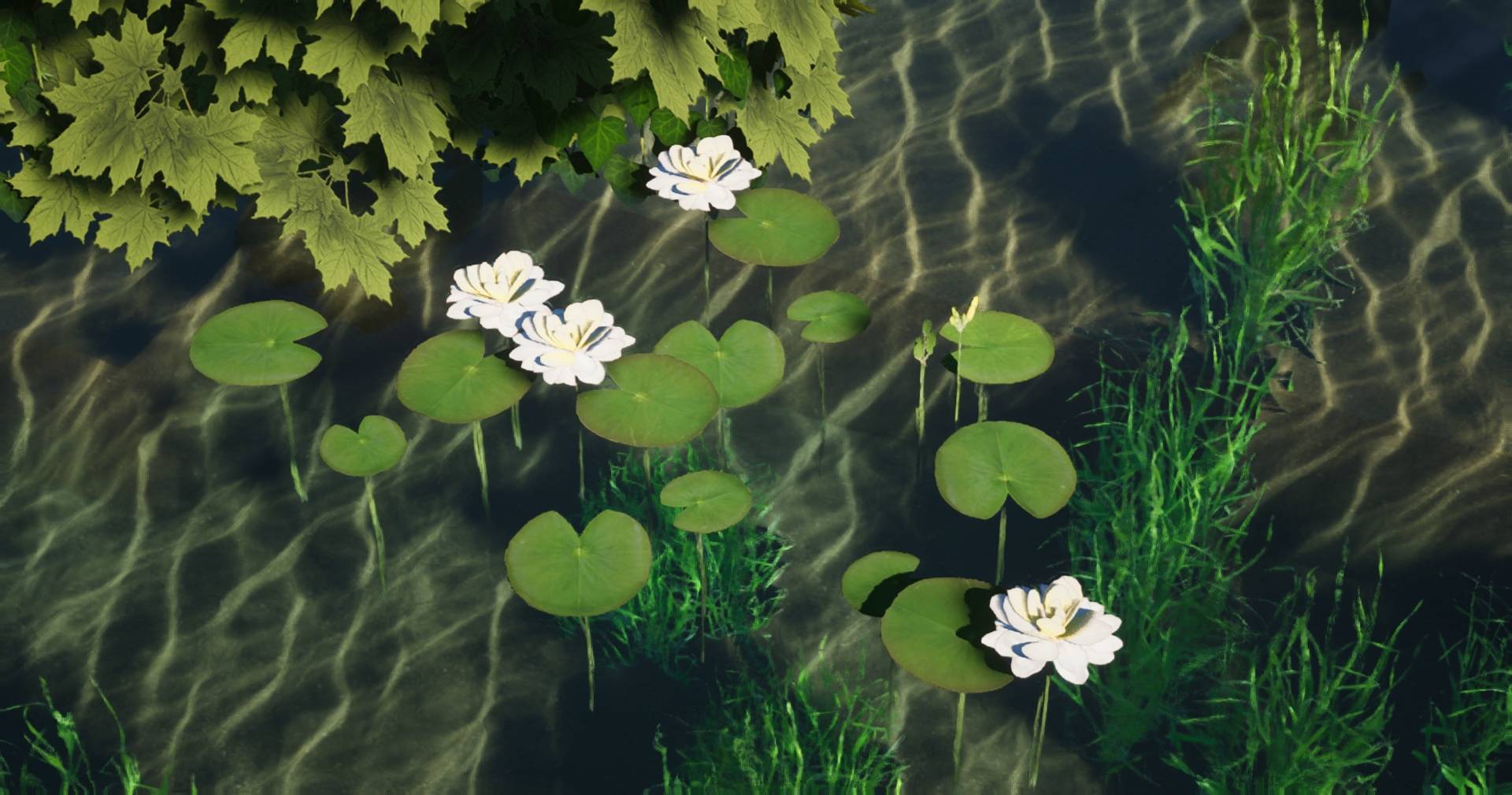
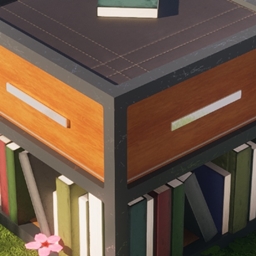
Destiny 128x
A modern themed realistic texture pack that comes in 4 different resolutions, all the way up to 1024x.Install

Fishing Rod 3D
Vanilla + Fishing Rod 3DInstall

GUI Revision Compats
A resourcepack that adds compatibility for GUI Revision with 140+ mods.Install

Cat Girls
Changes the appearance of cats into that of cute cat girls.Install

Fate Anime Girl Sky Overlay
A sky overlay of a character from the anime series "Fate".Install

Excalibur | Burnt Basic Support
This resource pack redraws the Burnt Basic mod in the Excalibur styleInstall

One Pixeled - The Ultimate FPS Booster Texture Pack! v1.6
Want to increase your FPS? Or just want a smooth and simple look? Then this is the Texture Pack for you!Download
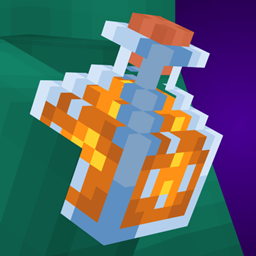
Alternate 3D Potions
Give your potions some 3D flair! (water and honey too :] )Install
BMP Translations
Resource pack created by the BMProjects team for adding translations for some mods!Install
OutlinedOres
Adds a nice outline to the regular Minecraft ores to improve visibility.InstallFAQ
Do I need Forge or Fabric for a resource pack?
No. A resource pack works on the regular game with no loaders or mods. Click “Install” and Millida Launcher will put the pack into the right modpack — then just enable it in the settings.
What do 16×, 32×, 64× mean?
The resolution of a single texture in pixels. 16× matches the original game, 32× and 64× are more detailed and heavier, and 128× and up put a noticeable load on your graphics card.
Will a pack made for another version work?
Most likely partly: older packs don't have textures for newer blocks, so those will stay default. The game won't break, though.
How is a texture pack different from a resource pack?
Only by name and age. Before version 1.6 the sets were called texture packs and changed only textures; in 1.6 resource packs replaced them and also change sounds, fonts and the interface. Old texture packs for 1.5 and below do not work on new versions without conversion.
Which texture packs are best for PvP?
PvP packs: 16× resolution or lower, shortened swords, low fire, a clear sky and bright particles. They barely load the computer and make the opponent easier to see. These packs are collected in the PvP theme.
How do I install a resource pack?
Press Install and Millida Launcher puts the pack into the resourcepacks folder of the right instance. Then enable it in the game: Options, then Resource Packs. Manually, the archive goes into resourcepacks inside the game folder, no need to unpack it.
Minecraft texture packs
A resource pack changes how the game looks and sounds: block and item textures, fonts, the interface, sounds. It doesn't touch the game's code, so it needs no mod loader and breaks nothing on a server — the pack only works on your screen. That's exactly why a resource pack is safer than any mod: the worst that happens on a version mismatch is that some textures stay default.
Textures, texture packs and resource packs are essentially the same thing: since version 1.6 Mojang calls these sets resource packs, but the old name is still searched more often. PvP packs are a big genre of their own: shortened swords, low fire, bright particles and 16× resolution or lower, so the opponent stands out and the frame rate does not drop. Such packs are most often made for 1.8.9 and 1.16.5, the versions many PvP servers run on.
The key thing about a pack is its resolution. The game's default textures are 16×16 pixels; 32× and 64× packs look more detailed, while 128× and up need a real graphics card and are usually paired with shaders. On a weak machine it makes sense to stay at 16× or go for packs that deliberately simplify graphics for more FPS. Every pack here lists its game version, author and license, and all released versions are gathered on one card. Put the downloaded archive in the resourcepacks folder and enable it in the game settings.