
Minecraft texture packs — page 126
Resource packs: list


Creative Music
Allows Creative Mode music to be played in Survival.Install

Back to Old Days
Minecraft 1.8 Old / Nostalgia PackInstall

Whimscape Unofficial Additions
Mod support for the Whimscape resource packInstall

1.15 Panorama with Shaders
Great looking Resource Pack that adds Shaders to the 1.15 Panorama. | All Versions SupportedInstall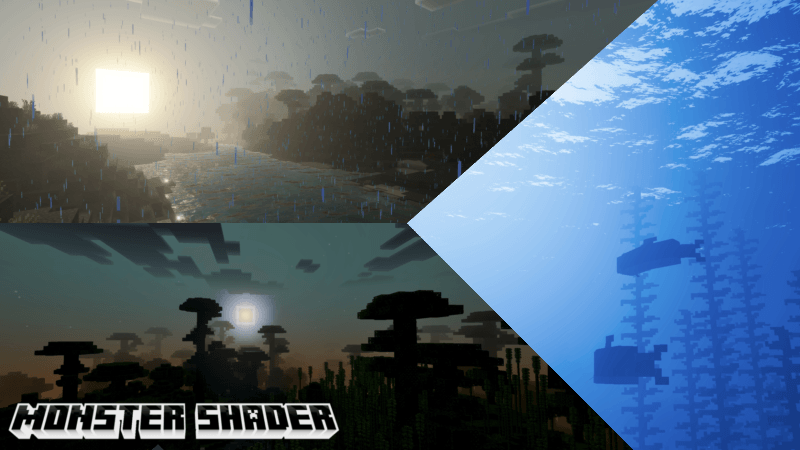

MONSTER SHADER
Monster Shader makes your world look more colorful, saturated, beautiful, and very natural, like 1000 years ago.Download

Small Tools
This resource pack makes the Sword , Axe , Pickaxe and Shovel smaller.Install

Sodium Boost
Make the game betterDownload

Translucent GUI
Makes the background of interfaces translucent.Install

Cat Girls
Changes the appearance of cats into that of cute cat girls.Install

blob's Enchant Icons
Enchantment icons (different icon for each enchant so epic)Install

Hide Armor - See Player Skins
Hides the armor model so they don't render on the playerInstall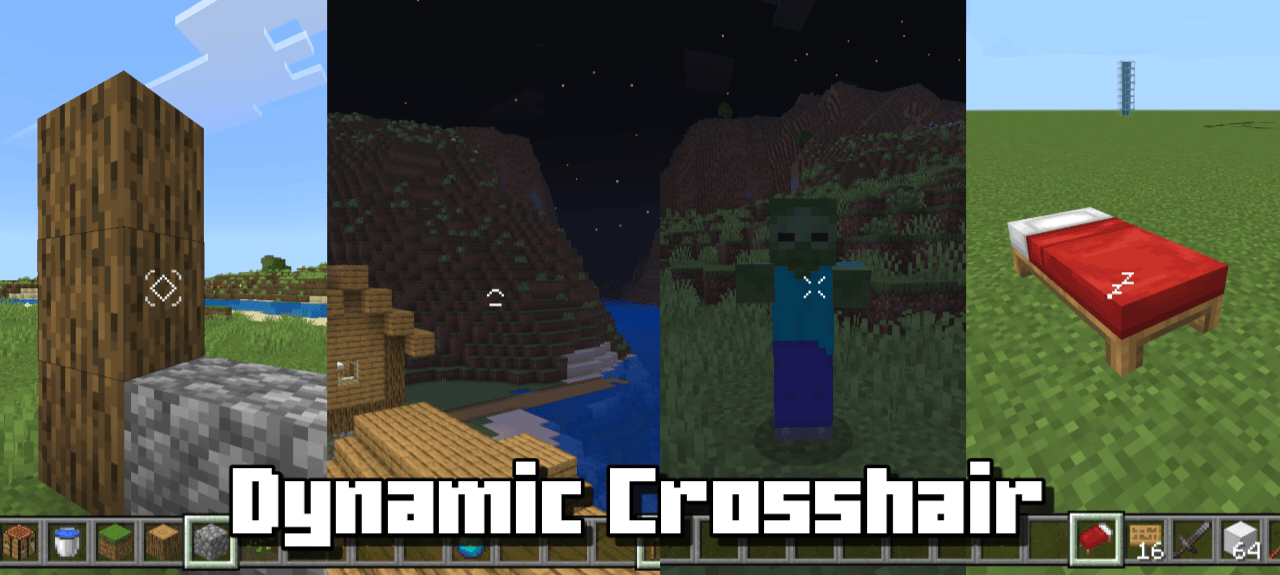

Dynamic Crosshair
Hide or change your crosshair depending on contextDownload

Excalibur | Bosses of Mass Destruction (BOMD) Support
A darker vision of ancient titansInstall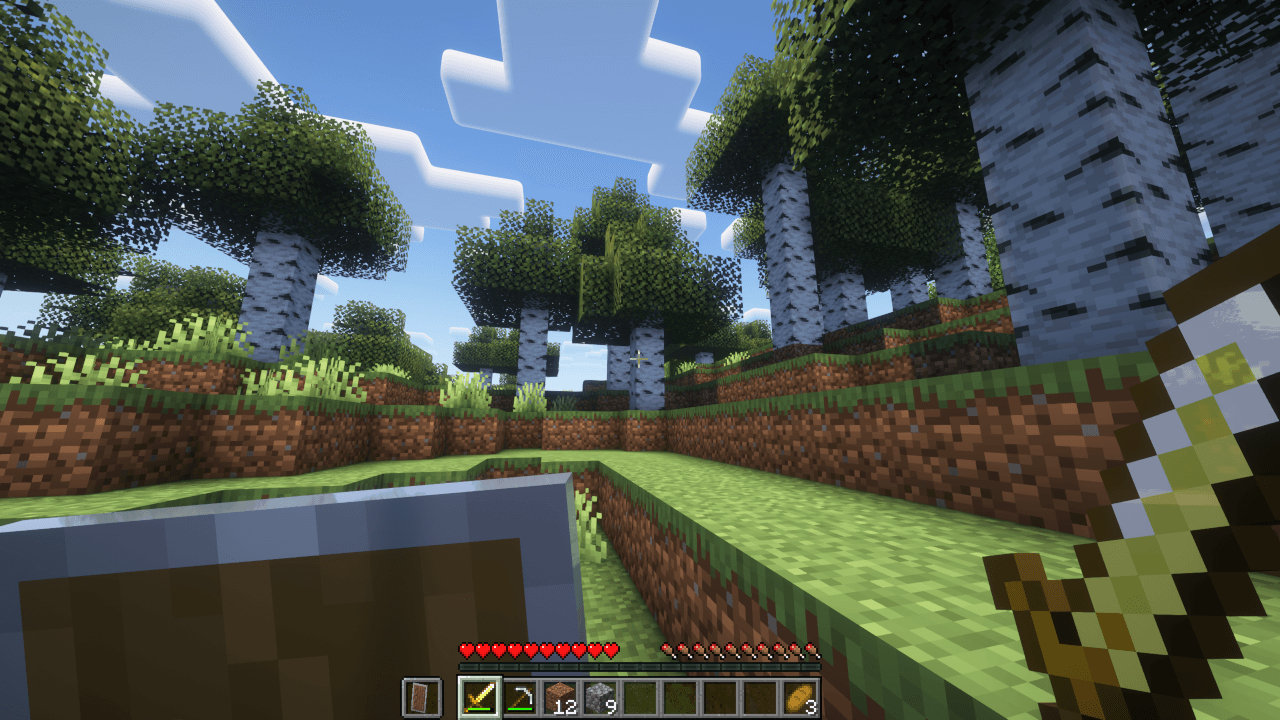
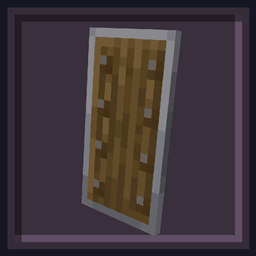
Undopia Lower Shield
Lowers the Shield so that the view is not restricted too muchInstall

low fire but better
this resource pack makes fire look better for pvpInstall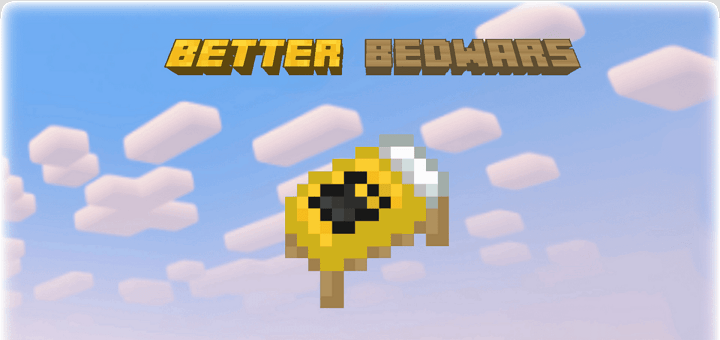

Better Bedwars. (Bedrock)
Better Bedwars (Bedrock) is a texture pack that simplifies your experience while still keeping the original look and feel of Minecraft. The aim is to simplify your Bedwars experience by making stuff less distracting.Download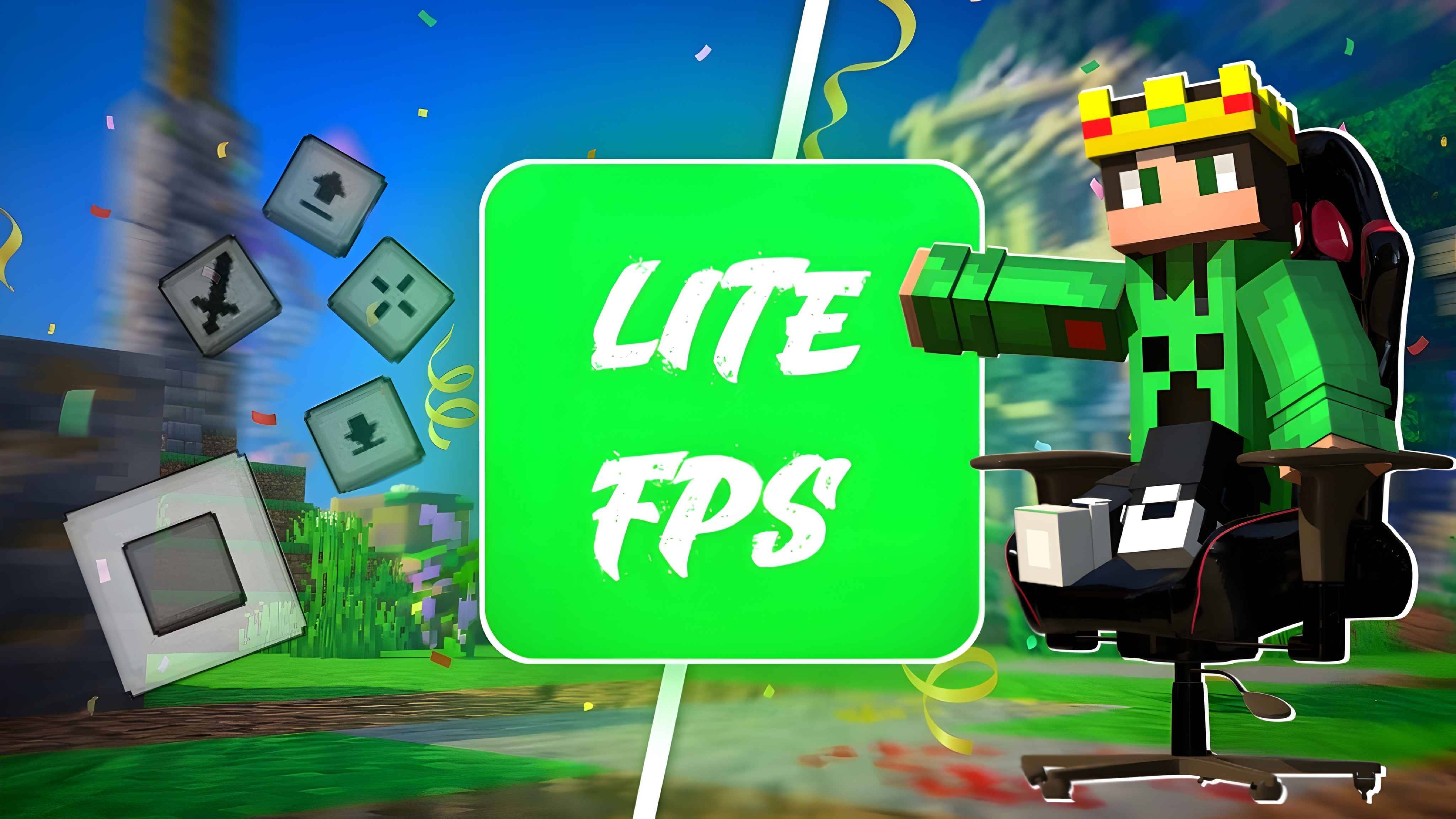
Lite FPS
Ultimate optimizer for MCPEDownload
Crosshair Pack V1
Change your crosshair with a much cooler one!Install

SI: Legacy UI - Darkmode Purple [DISCONTINUED]
DISCONTINUEDInstall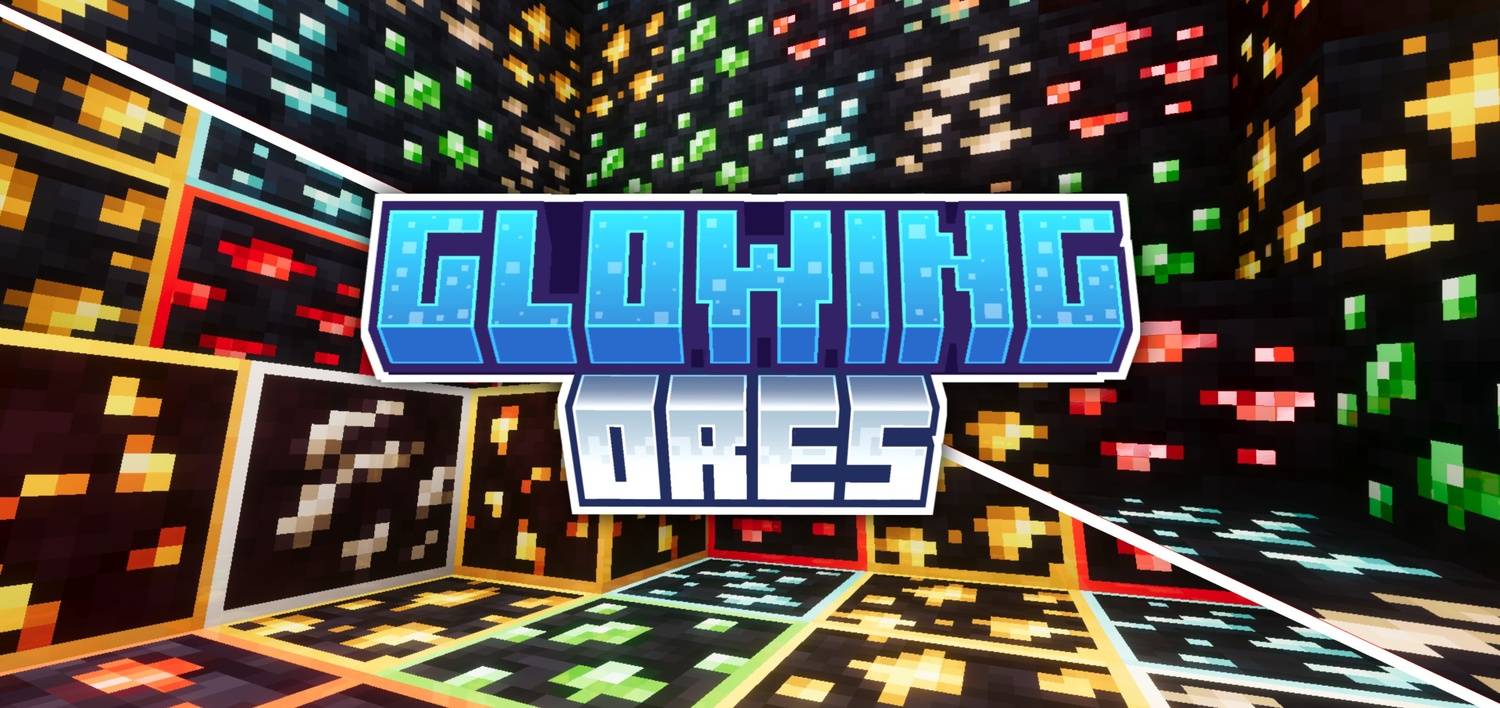

Glowy Ores
Never miss an ore again! Visible Ores makes all ores glow in the dark with unique colors for easy spotting. Two variants included outlined and normal. Works in any dark area or cave. Lightweight resource pack!Download

Glowing Enchanted Tools - Blue Extension
An unofficial extension that changes the enchantment glint to a smooth blue glow for a cleaner visual style.Install
Fresh Textures × Fresh Animations
Fresh Textures compatible with Fresh AnimationsInstall

(Bee's) Cozier Beds
My take on prettier and cosier beds...InstallFAQ
Do I need Forge or Fabric for a resource pack?
No. A resource pack works on the regular game with no loaders or mods. Click “Install” and Millida Launcher will put the pack into the right modpack — then just enable it in the settings.
What do 16×, 32×, 64× mean?
The resolution of a single texture in pixels. 16× matches the original game, 32× and 64× are more detailed and heavier, and 128× and up put a noticeable load on your graphics card.
Will a pack made for another version work?
Most likely partly: older packs don't have textures for newer blocks, so those will stay default. The game won't break, though.
How is a texture pack different from a resource pack?
Only by name and age. Before version 1.6 the sets were called texture packs and changed only textures; in 1.6 resource packs replaced them and also change sounds, fonts and the interface. Old texture packs for 1.5 and below do not work on new versions without conversion.
Which texture packs are best for PvP?
PvP packs: 16× resolution or lower, shortened swords, low fire, a clear sky and bright particles. They barely load the computer and make the opponent easier to see. These packs are collected in the PvP theme.
How do I install a resource pack?
Press Install and Millida Launcher puts the pack into the resourcepacks folder of the right instance. Then enable it in the game: Options, then Resource Packs. Manually, the archive goes into resourcepacks inside the game folder, no need to unpack it.
Minecraft texture packs
A resource pack changes how the game looks and sounds: block and item textures, fonts, the interface, sounds. It doesn't touch the game's code, so it needs no mod loader and breaks nothing on a server — the pack only works on your screen. That's exactly why a resource pack is safer than any mod: the worst that happens on a version mismatch is that some textures stay default.
Textures, texture packs and resource packs are essentially the same thing: since version 1.6 Mojang calls these sets resource packs, but the old name is still searched more often. PvP packs are a big genre of their own: shortened swords, low fire, bright particles and 16× resolution or lower, so the opponent stands out and the frame rate does not drop. Such packs are most often made for 1.8.9 and 1.16.5, the versions many PvP servers run on.
The key thing about a pack is its resolution. The game's default textures are 16×16 pixels; 32× and 64× packs look more detailed, while 128× and up need a real graphics card and are usually paired with shaders. On a weak machine it makes sense to stay at 16× or go for packs that deliberately simplify graphics for more FPS. Every pack here lists its game version, author and license, and all released versions are gathered on one card. Put the downloaded archive in the resourcepacks folder and enable it in the game settings.