
Minecraft texture packs — page 125
Resource packs: list


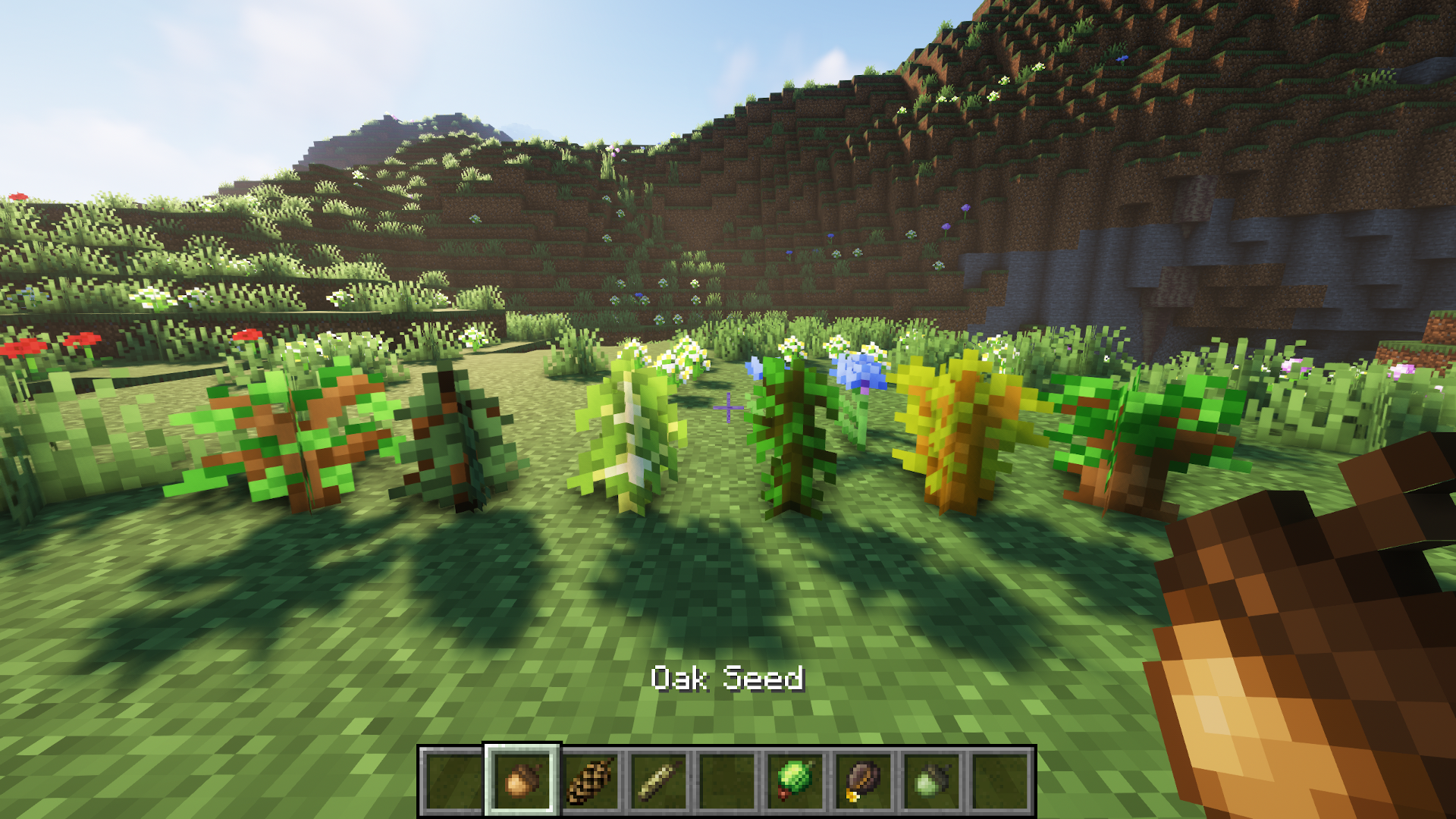
Tree Seeds
No more saplings from leaves!Install

RAIN - La Nature Fragment
Are you a rain lover? Did you spend years looking for ACTUAL rain splashes? Well here they are, in this Fragment of La Nature by Carrot!Download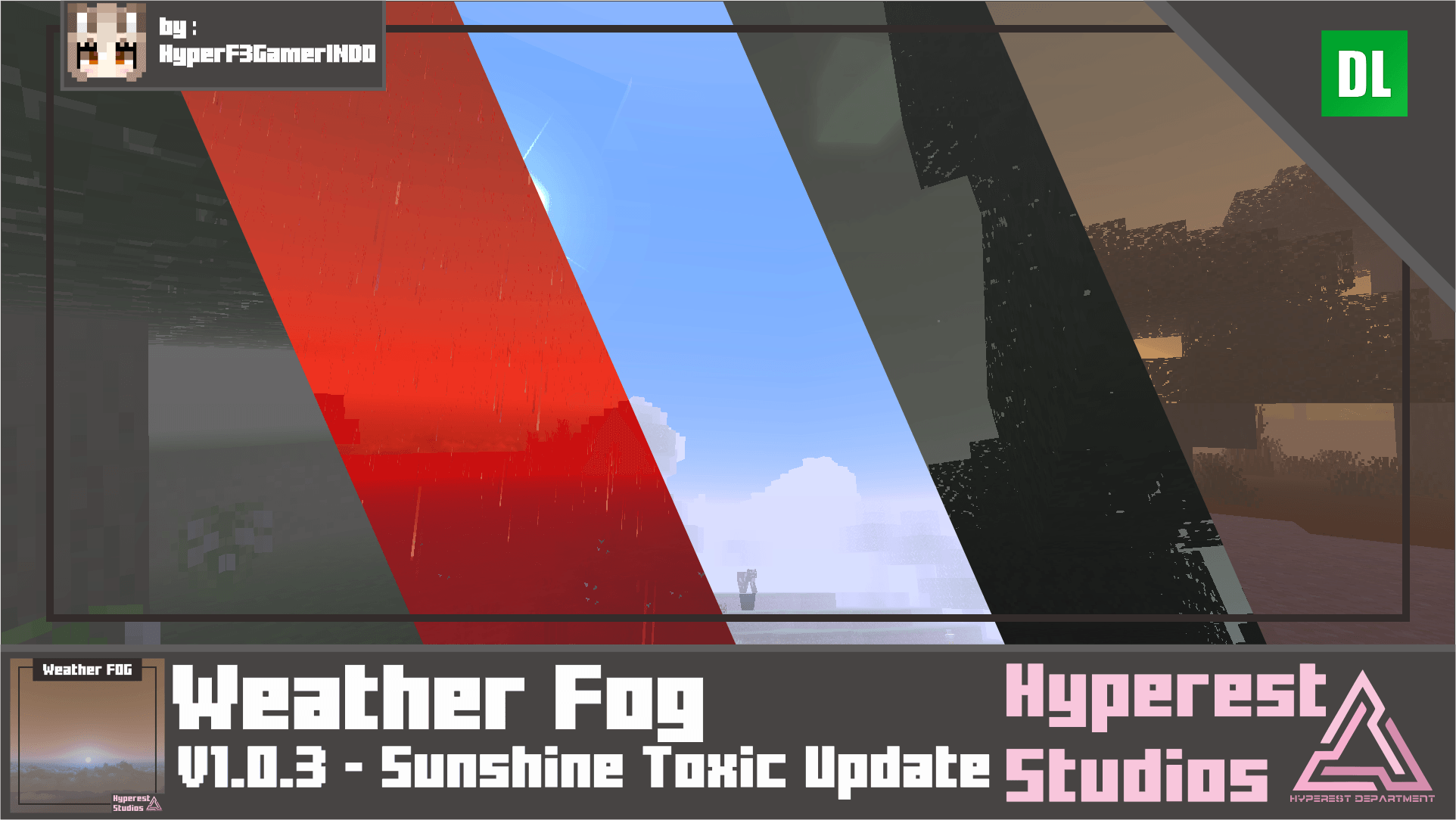

Weather FOG | v1.0.3 Sunshine Toxic Update
Are you looking for a FOG that change weather or condition in a game? well, this is you may look for, this pack change visual in-game start from dark vibe Minecraft into sandstorm.Download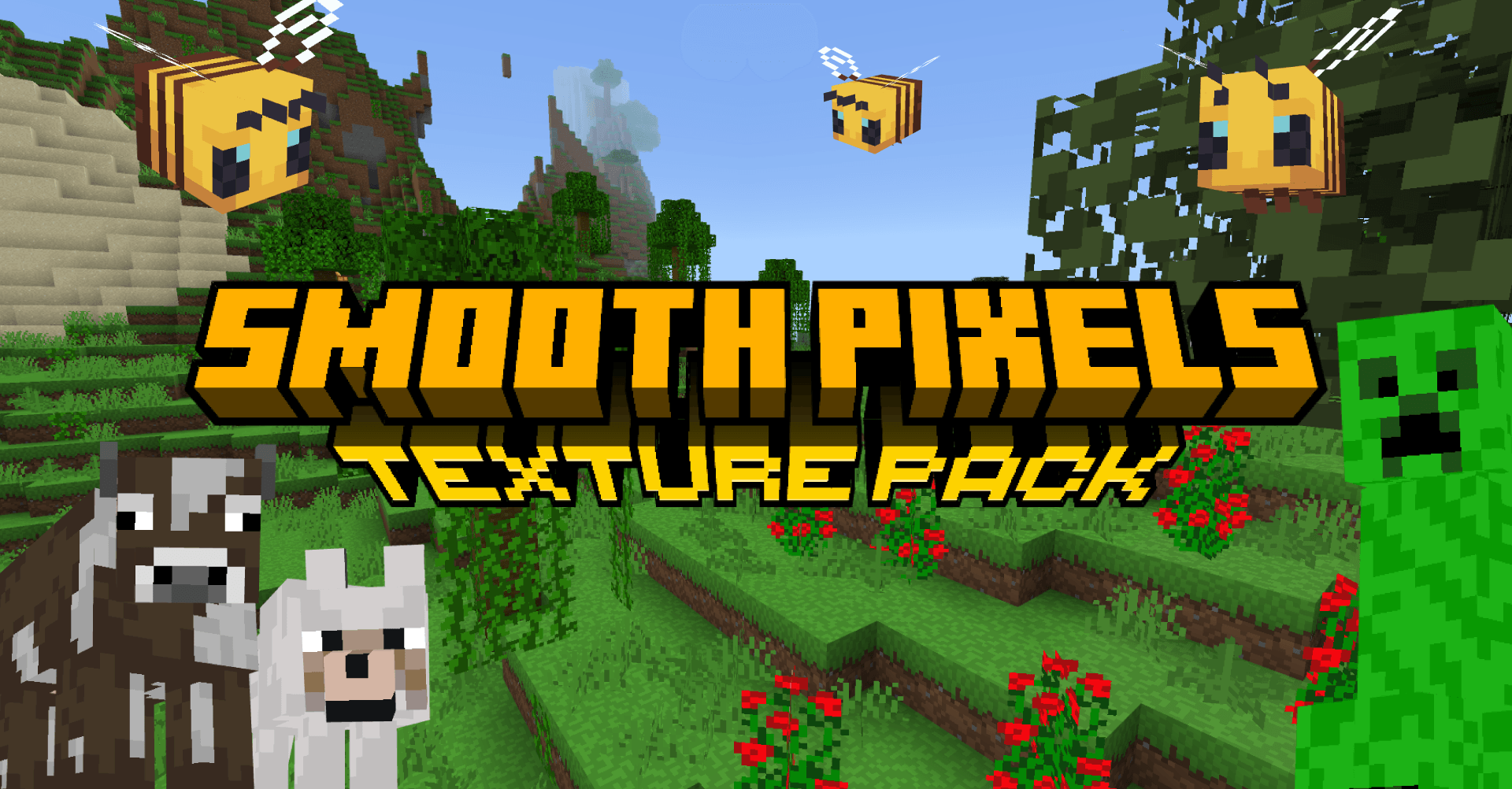

Smooth Pixels Texture Pack
Texture pack that simplifies and beautifies your world.Download

Yummysheep Shader for RTX
Extended Yummysheep shader for Minecraft Bedrock RTX which is an RTX-optimized versionDownload

Doggy Talent - Dog TP (Discontinued for now)
16x16 Texture Pack for Doggy TalentsInstall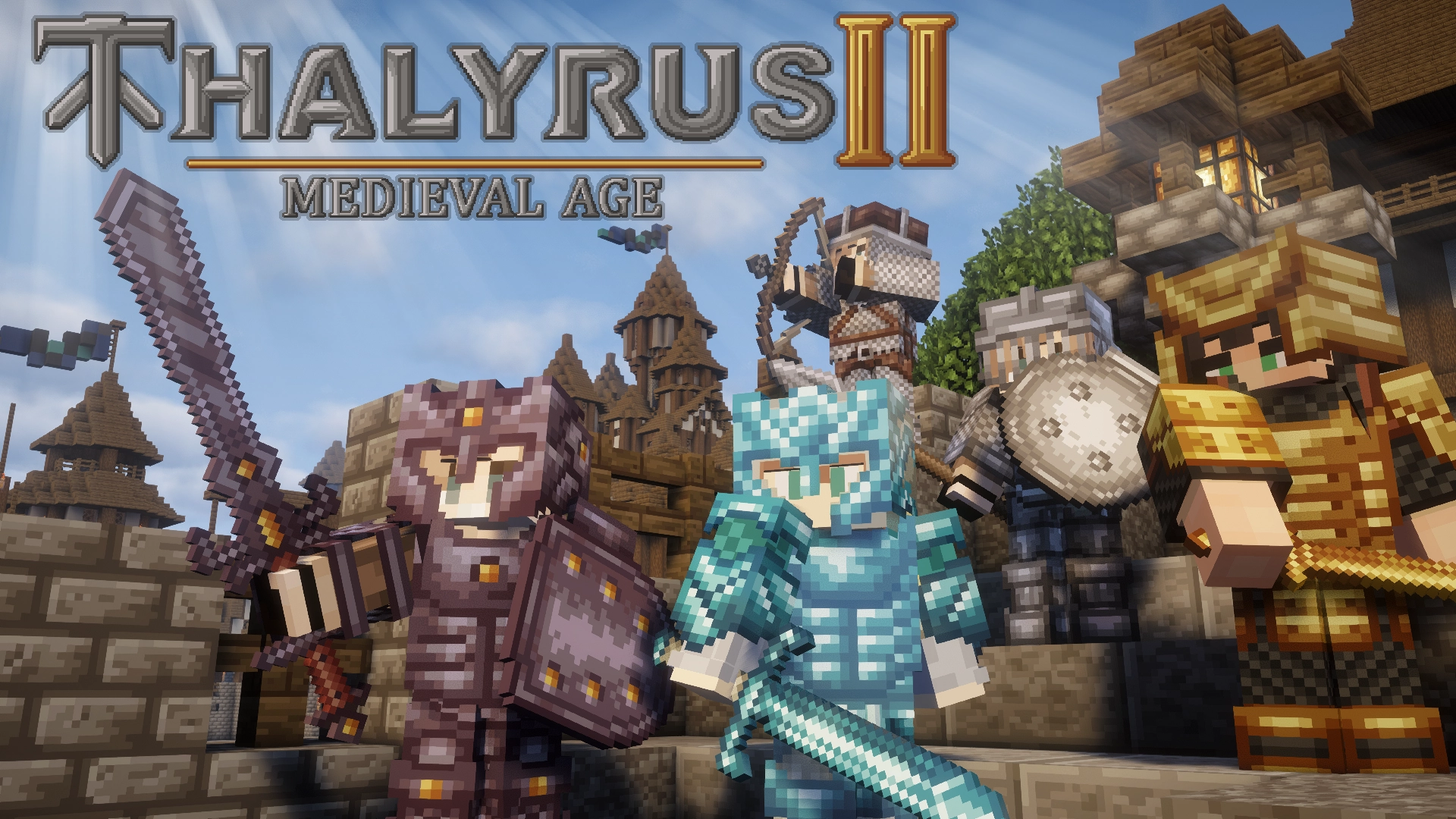
Thalyrus II Medieval Age
This texture pack adds epic battle sounds and themed visuals to your adventure. Dive into a unique medieval experience featuring a wide variety of medieval weapons, shields, and items.Install
Minimal Rain & Snow
Reduces rain and snow obstructionInstall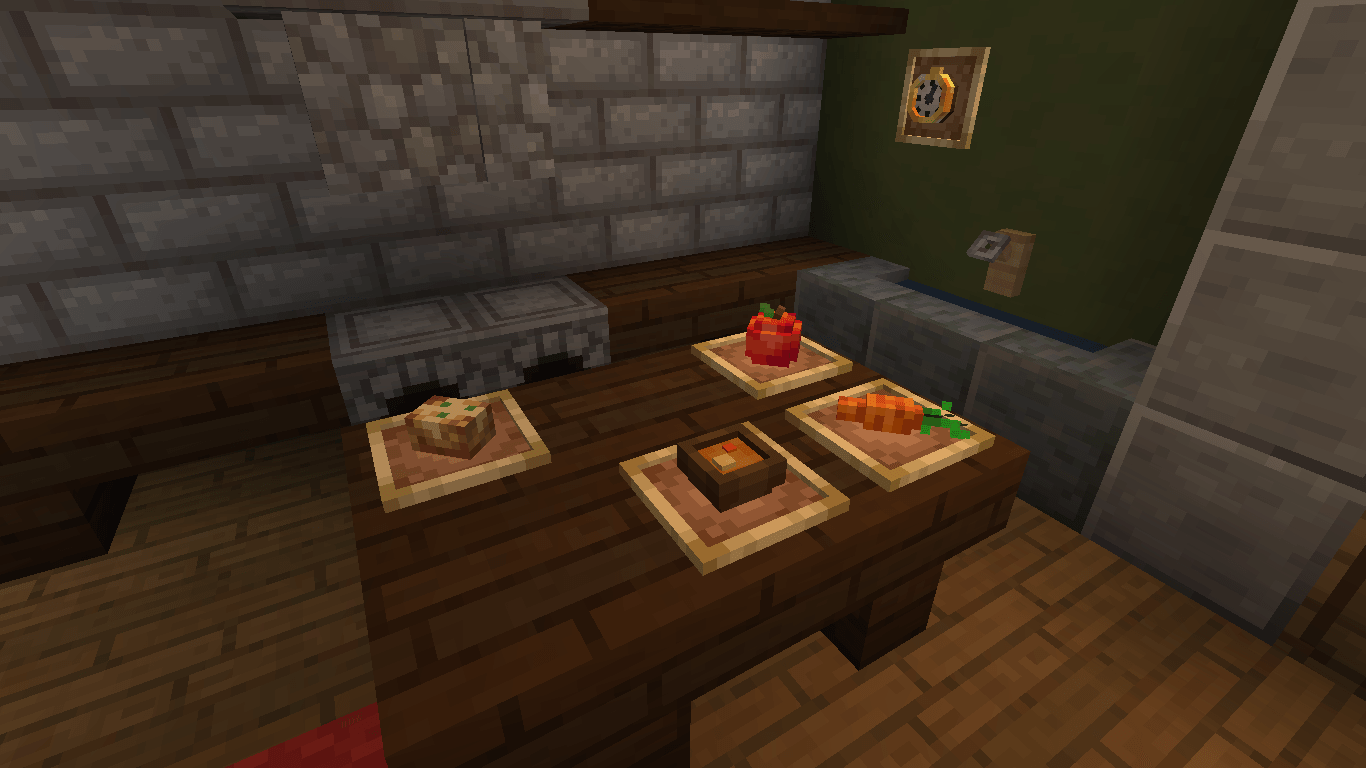
Gray's 3D items
New 3D models for various items and toolsInstall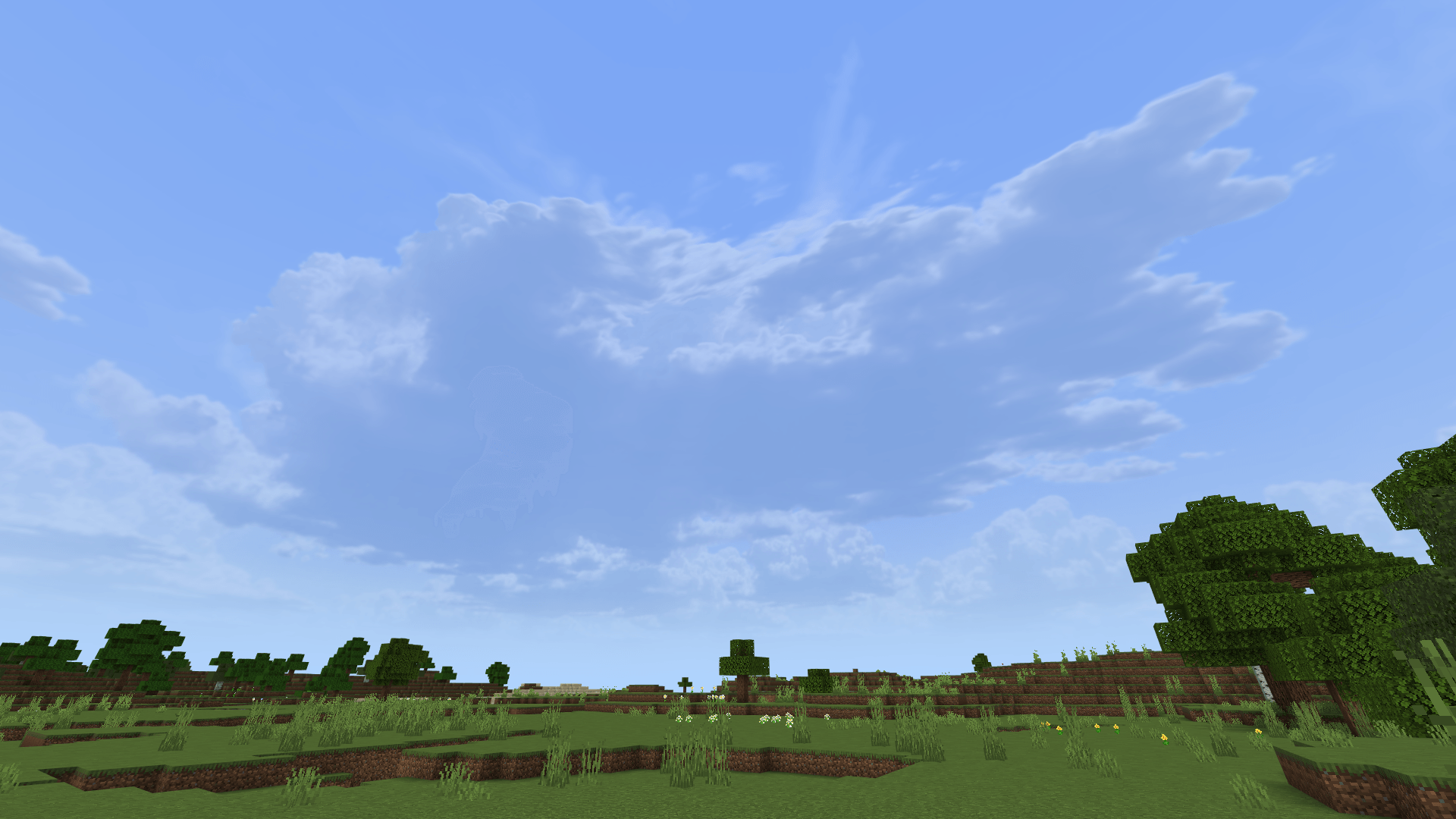

Hyper Realistic Sky
Hyper Realistic Sky cubemapDownload

Betta Click Sound
Changes the default click sound to a much better and more satisfying one.Install

Alien Evolution Alien X Fix Fabric/Froge
A resource pack for Alien Evolution that restores missing Celestialsapien (Alien X) content and adds compatibility with the Calibrated Ultimatrix and OV Omnitrix.Install

[WIP] Ovo's Rustic: Redemption
A fan continuation of the OG Ovo's Rustic packInstall

low fire but better
this resource pack makes fire look better for pvpInstall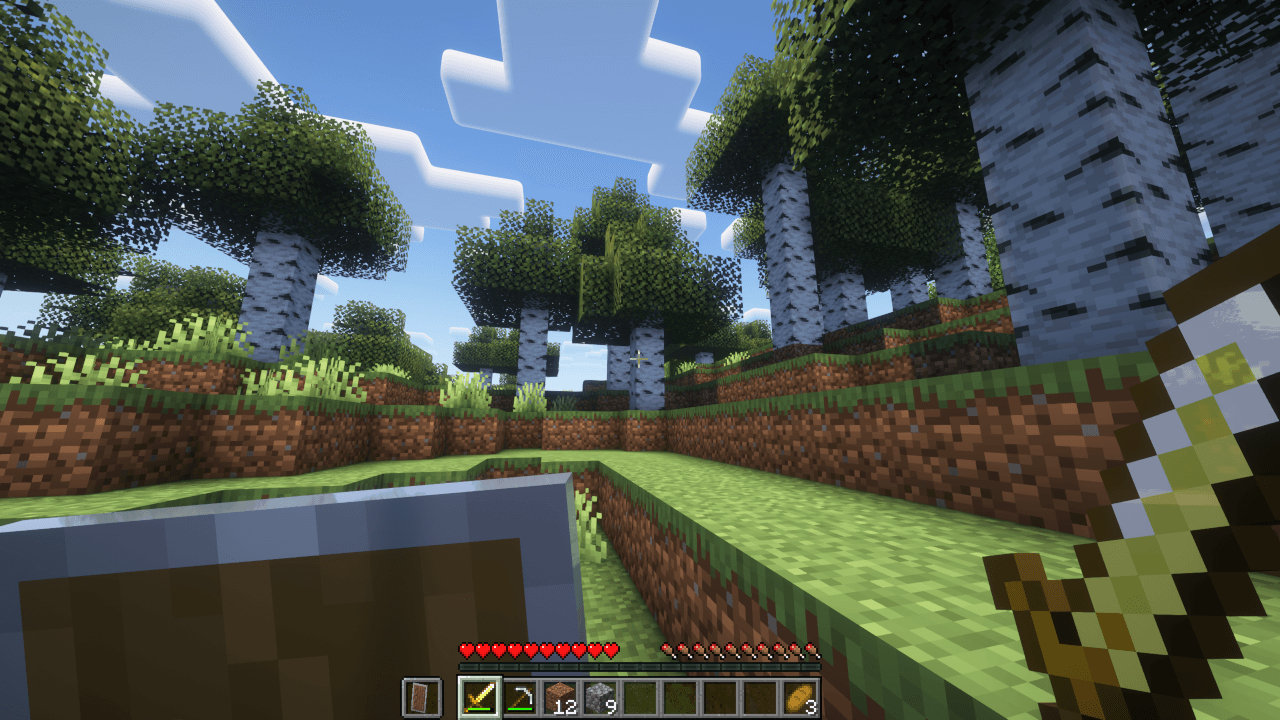
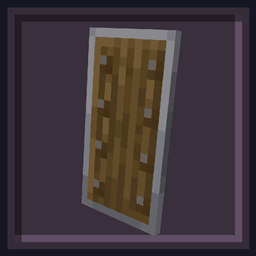
Undopia Lower Shield
Lowers the Shield so that the view is not restricted too muchInstall
Fiizy PVP Pack!
Fiizy!Install

blob's Enchant Icons
Enchantment icons (different icon for each enchant so epic)Install
& Fresh Animations for Dandelion X
An addon that brings Fresh Animations to Dandelion XInstall

Overgrown Flowery Hotbar
The sleek and adorably cottagecore Hotbar offshoot of Overgrown Flowery GUI!Install

Saints Better MC
The vanilla look with an added touchInstall

Endhanced End
Enhances the End Dimension!Install
Fresh Textures × Fresh Animations
Fresh Textures compatible with Fresh AnimationsInstall

Better Click Sounds
Changes the click sound in menus and UIs to the sound of the copper bulb toggling.InstallFAQ
Do I need Forge or Fabric for a resource pack?
No. A resource pack works on the regular game with no loaders or mods. Click “Install” and Millida Launcher will put the pack into the right modpack — then just enable it in the settings.
What do 16×, 32×, 64× mean?
The resolution of a single texture in pixels. 16× matches the original game, 32× and 64× are more detailed and heavier, and 128× and up put a noticeable load on your graphics card.
Will a pack made for another version work?
Most likely partly: older packs don't have textures for newer blocks, so those will stay default. The game won't break, though.
How is a texture pack different from a resource pack?
Only by name and age. Before version 1.6 the sets were called texture packs and changed only textures; in 1.6 resource packs replaced them and also change sounds, fonts and the interface. Old texture packs for 1.5 and below do not work on new versions without conversion.
Which texture packs are best for PvP?
PvP packs: 16× resolution or lower, shortened swords, low fire, a clear sky and bright particles. They barely load the computer and make the opponent easier to see. These packs are collected in the PvP theme.
How do I install a resource pack?
Press Install and Millida Launcher puts the pack into the resourcepacks folder of the right instance. Then enable it in the game: Options, then Resource Packs. Manually, the archive goes into resourcepacks inside the game folder, no need to unpack it.
Minecraft texture packs
A resource pack changes how the game looks and sounds: block and item textures, fonts, the interface, sounds. It doesn't touch the game's code, so it needs no mod loader and breaks nothing on a server — the pack only works on your screen. That's exactly why a resource pack is safer than any mod: the worst that happens on a version mismatch is that some textures stay default.
Textures, texture packs and resource packs are essentially the same thing: since version 1.6 Mojang calls these sets resource packs, but the old name is still searched more often. PvP packs are a big genre of their own: shortened swords, low fire, bright particles and 16× resolution or lower, so the opponent stands out and the frame rate does not drop. Such packs are most often made for 1.8.9 and 1.16.5, the versions many PvP servers run on.
The key thing about a pack is its resolution. The game's default textures are 16×16 pixels; 32× and 64× packs look more detailed, while 128× and up need a real graphics card and are usually paired with shaders. On a weak machine it makes sense to stay at 16× or go for packs that deliberately simplify graphics for more FPS. Every pack here lists its game version, author and license, and all released versions are gathered on one card. Put the downloaded archive in the resourcepacks folder and enable it in the game settings.