
Resource packs for Minecraft 1.21 — page 45
2,284 itemsResource packs: list


Warden Girl
More feminine Warden.Install

Assorted Allays (200+ Allays)
The pack for all of your Allay variants!Install

Tactical 3D Tools PvP X Simply Swords
[ Java Port ] an another 3d tools pack, but also for PVP, and NOW WITH MOD COMPATABILITIESInstall

Abibliophobia | Enchanted Books
Refreshed textures for every enchanted book from vanilla with plenty of mods compatibility and even more soon!Install

CreatorPack
Are you looking for a fresh new look for Minecraft, which still keeps the traditional feeling? Then you should get the CreatorPack! Enjoy Minecraft with high definition, smooth and clean textures in every part of the game!Install

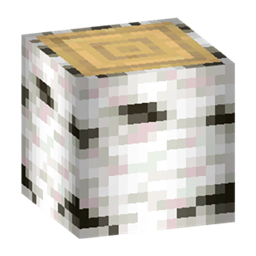
Created Drawers
Create Style Textures for Storage DrawersInstall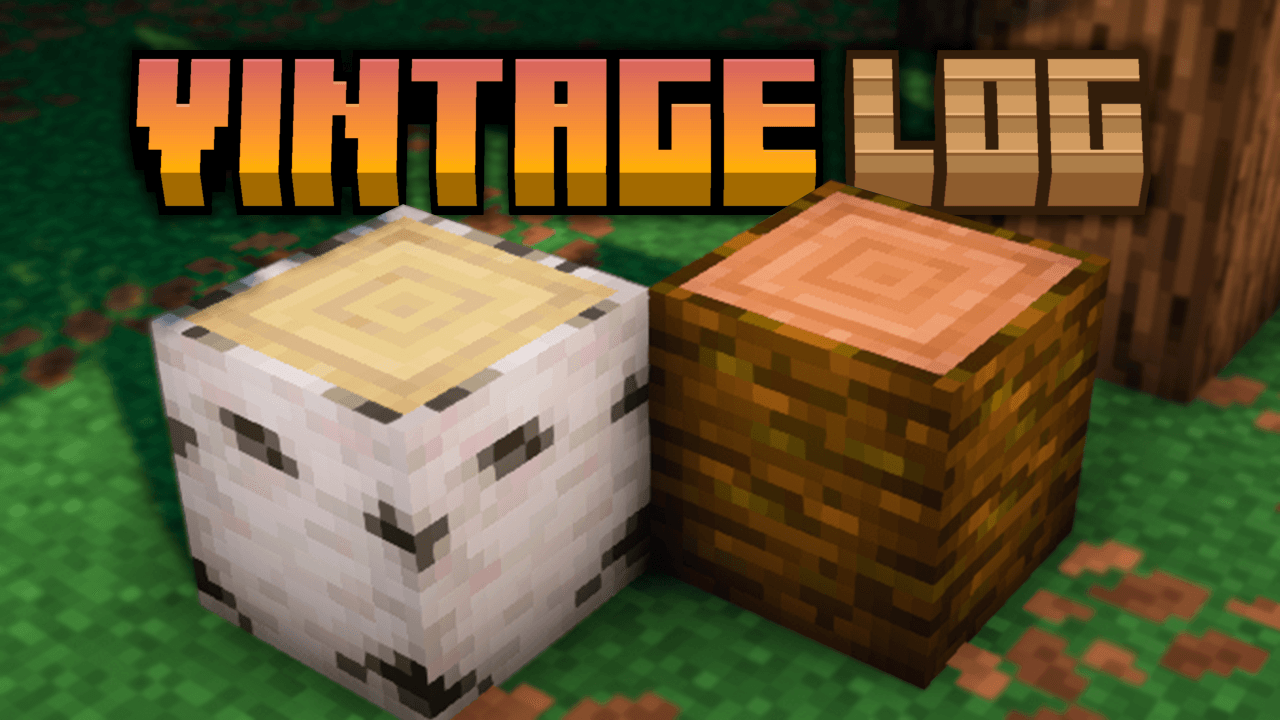
Vintage Logs
Adds darker side borders and soft shading to all Minecraft logs, giving them a more rustic, aged, and vanilla-friendly look.Install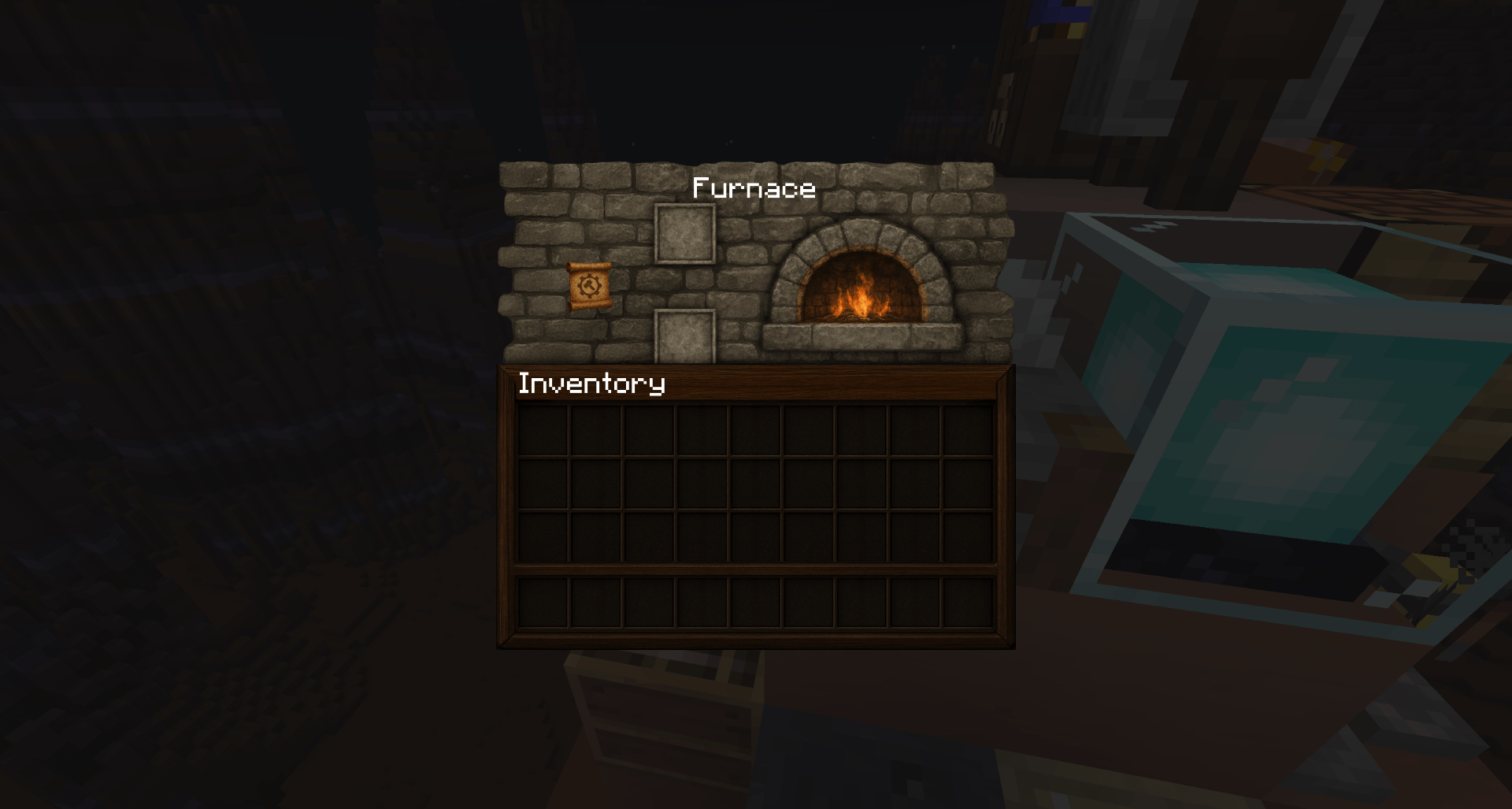

Hellim's TrueTexture GUI - TTCollection
True Textured Minecraft GUI with realistic textures.Install

Better Title Screens
Gives you a trailer style rendered background on the title screenInstall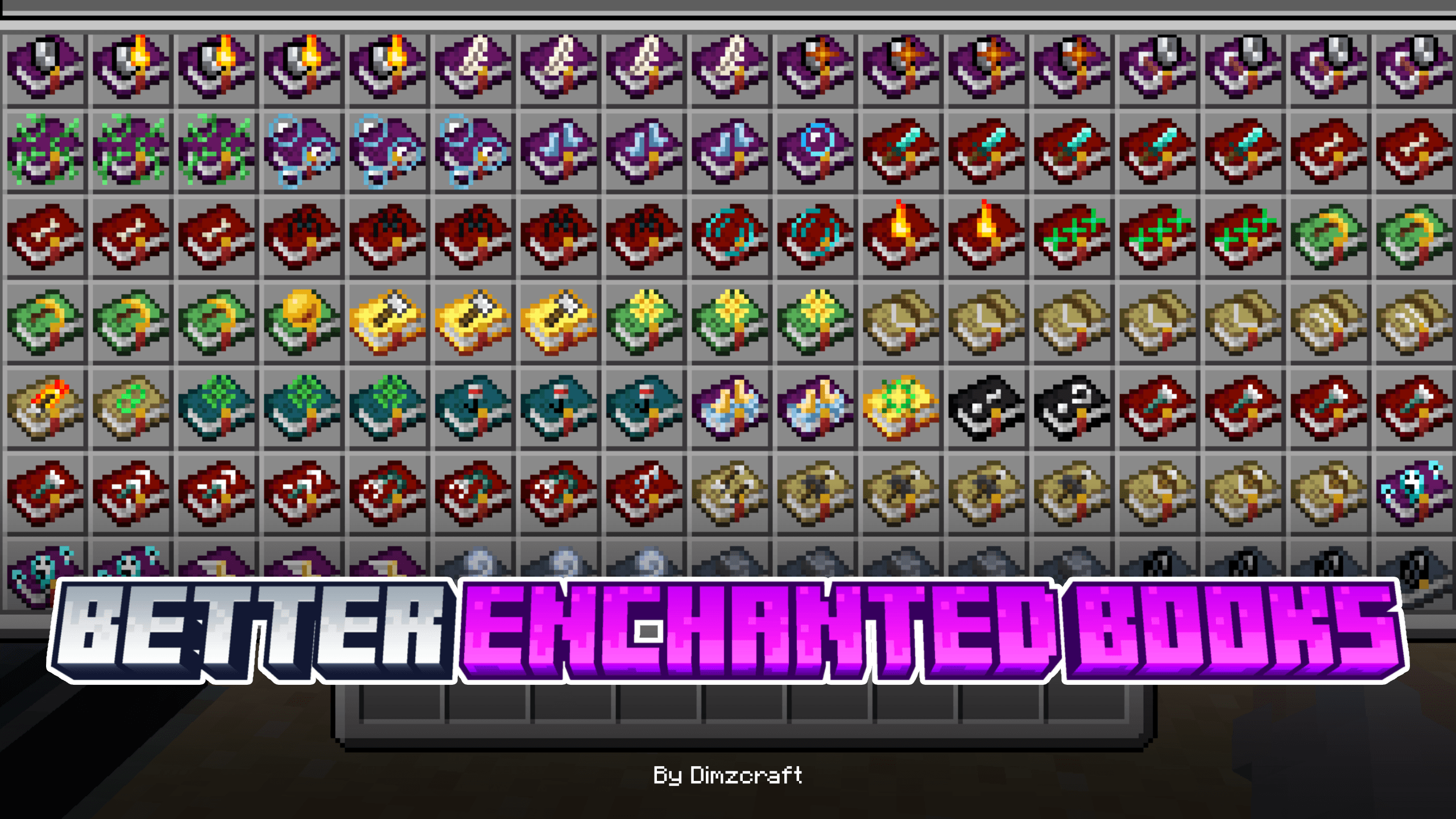

Better Enchanted Books
Change the enchanted book’s texture to make it better and easier to find!Download

Dark GUI Experience+
Enhances Dark ModeInstall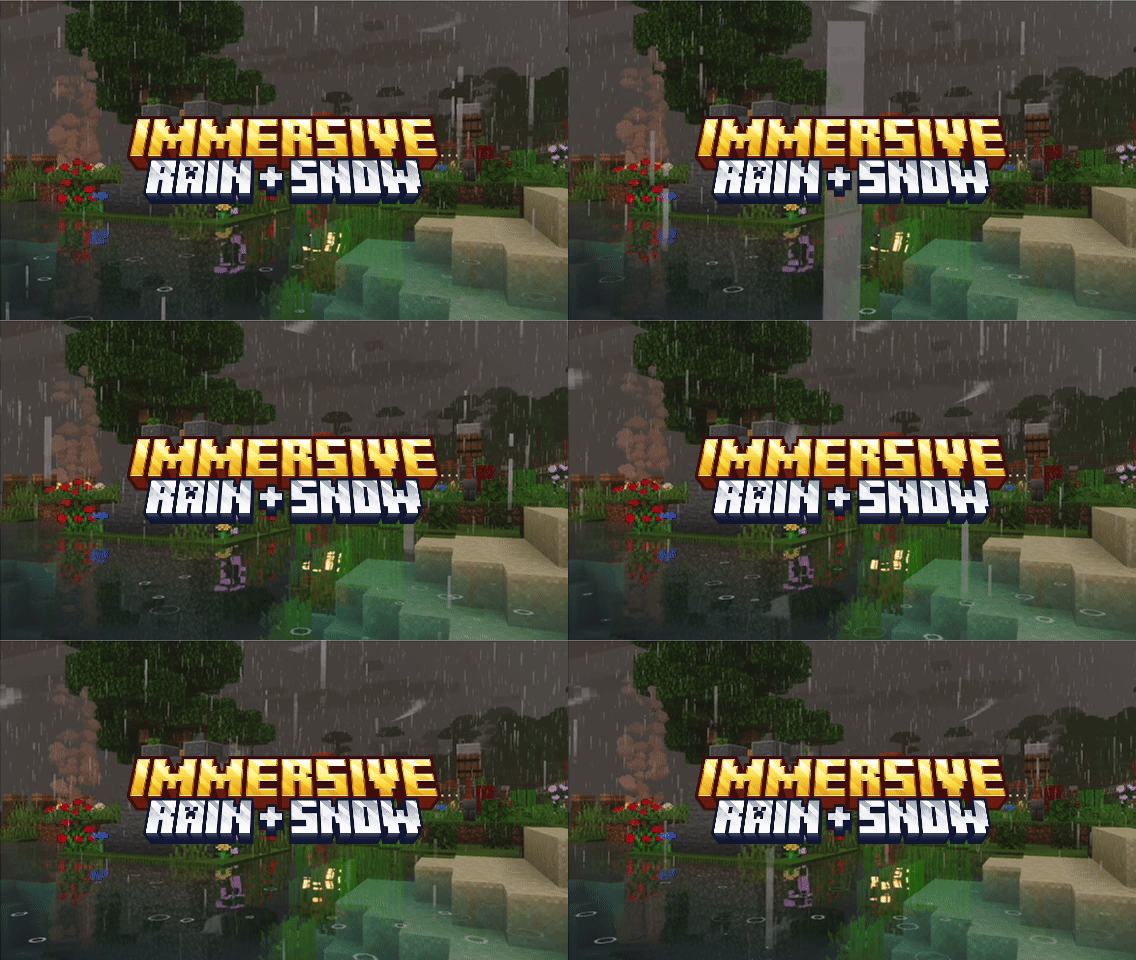
Immersive Rain + Snow
Enhanced rain and snow effects with immersive splash, ripple, and weather particles.Download

Prettier Horses
Remodeled and Retextured horses with 4x the amount of combinations!Install

Mizuno's x Storage Delight
A Recource pack that makes Mizuno's Craft compatible with Storage DelightInstall
Create Waystones Texture + GUI
Create enhanced Texture + GUI for waystones good bye to old boring texturesInstall

Clouds & Planets
A conversion of the Clouds & Planets skypack shared by Yuruze, for FabricSkyboxes.Install
Stormilla
Vanilla+ with QOL enhancements, tweaks and bug fixesInstall

ChicknTurtle's 3D Totems
Makes totems 3D without taking away the vanilla look!Install

Rekindled CTM
Add-on pack for Fire Rekindled, to be used with CTM modsInstall

No Game No Life Custom GUI Pack
This is a GUI packed themed towards the show "No Game No Life". I have taken the opportunity to experiment with adding different pictures to each container.Install
DynamicSurroundings Sounds Bedrock
Immerse yourself in Minecraft's lifelike soundscapes with a simple resource pack in BEDROCKDownload

Stardewful Plaques
Stardew Valley theme for Advancement Plaques.Install

Reimagined | Fresh Animations Patch
Makes Reimagined compatible with Fresh Animations!InstallFAQ
Do I need Forge or Fabric for a resource pack?
No. A resource pack works on the regular game with no loaders or mods. Click “Install” and Millida Launcher will put the pack into the right modpack — then just enable it in the settings.
What do 16×, 32×, 64× mean?
The resolution of a single texture in pixels. 16× matches the original game, 32× and 64× are more detailed and heavier, and 128× and up put a noticeable load on your graphics card.
Will a pack made for another version work?
Most likely partly: older packs don't have textures for newer blocks, so those will stay default. The game won't break, though.
How is a texture pack different from a resource pack?
Only by name and age. Before version 1.6 the sets were called texture packs and changed only textures; in 1.6 resource packs replaced them and also change sounds, fonts and the interface. Old texture packs for 1.5 and below do not work on new versions without conversion.
Which texture packs are best for PvP?
PvP packs: 16× resolution or lower, shortened swords, low fire, a clear sky and bright particles. They barely load the computer and make the opponent easier to see. These packs are collected in the PvP theme.
How do I install a resource pack?
Press Install and Millida Launcher puts the pack into the resourcepacks folder of the right instance. Then enable it in the game: Options, then Resource Packs. Manually, the archive goes into resourcepacks inside the game folder, no need to unpack it.
Resource packs for Minecraft 1.21
Resource packs for Minecraft 1.21: 2,284 items in the Resource packs section. Compatibility is checked against the files, not the description: only items with a build for exactly these conditions stay in the list.
The key thing about a pack is its resolution. The game's default textures are 16×16 pixels; 32× and 64× packs look more detailed, while 128× and up need a real graphics card and are usually paired with shaders. On a weak machine it makes sense to stay at 16× or go for packs that deliberately simplify graphics for more FPS. Every pack here lists its game version, author and license, and all released versions are gathered on one card. Put the downloaded archive in the resourcepacks folder and enable it in the game settings.