
Resource packs for Minecraft 1.21 — page 44
2,284 itemsResource packs: list


Technofault
A Technoblade-themed PvP Remake of TightfaultInstall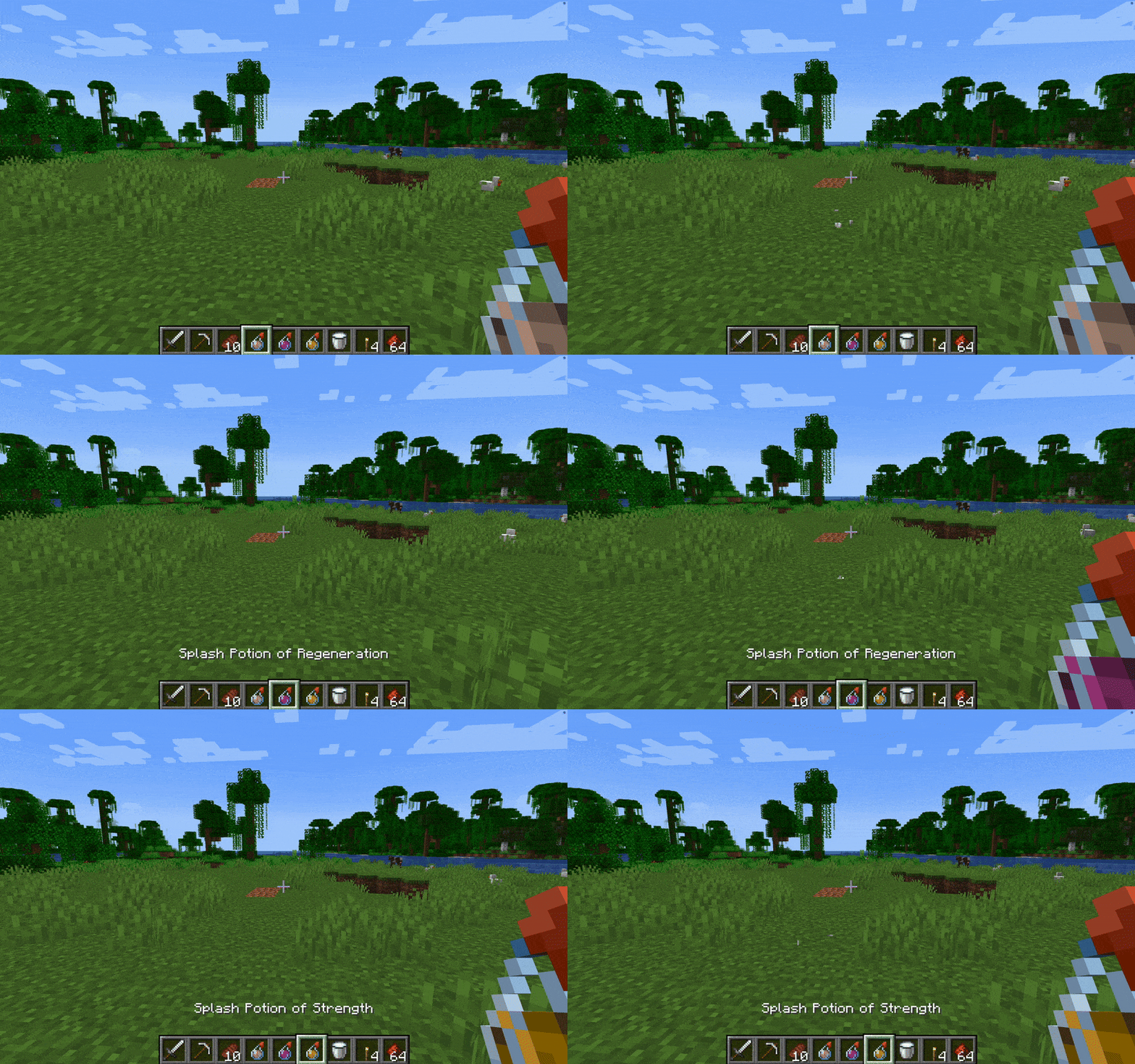

Without Potion Particles - Enhanced Visual Clarity
Without Potion Particles enhances Minecraft by removing the visual effects of potion particles, promoting a cleaner interface and helping to improve game performance on lower-end devices.Install
Fresh Hearts - Health Bar
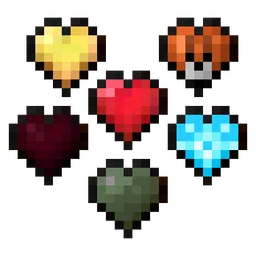
Improves the health bar heart textures: Hardcore, Absorption, Poison, Wither, Freezing, Mount and Damage Retextured. HUD Hotbar!Install

Mizuno x Fresh Animations
A Recource pack that makes Mizuno Craft compatible with Fresh AnimationsInstall

New Default+
A vanilla-style pack using OptiFine to add thousands of new features!Install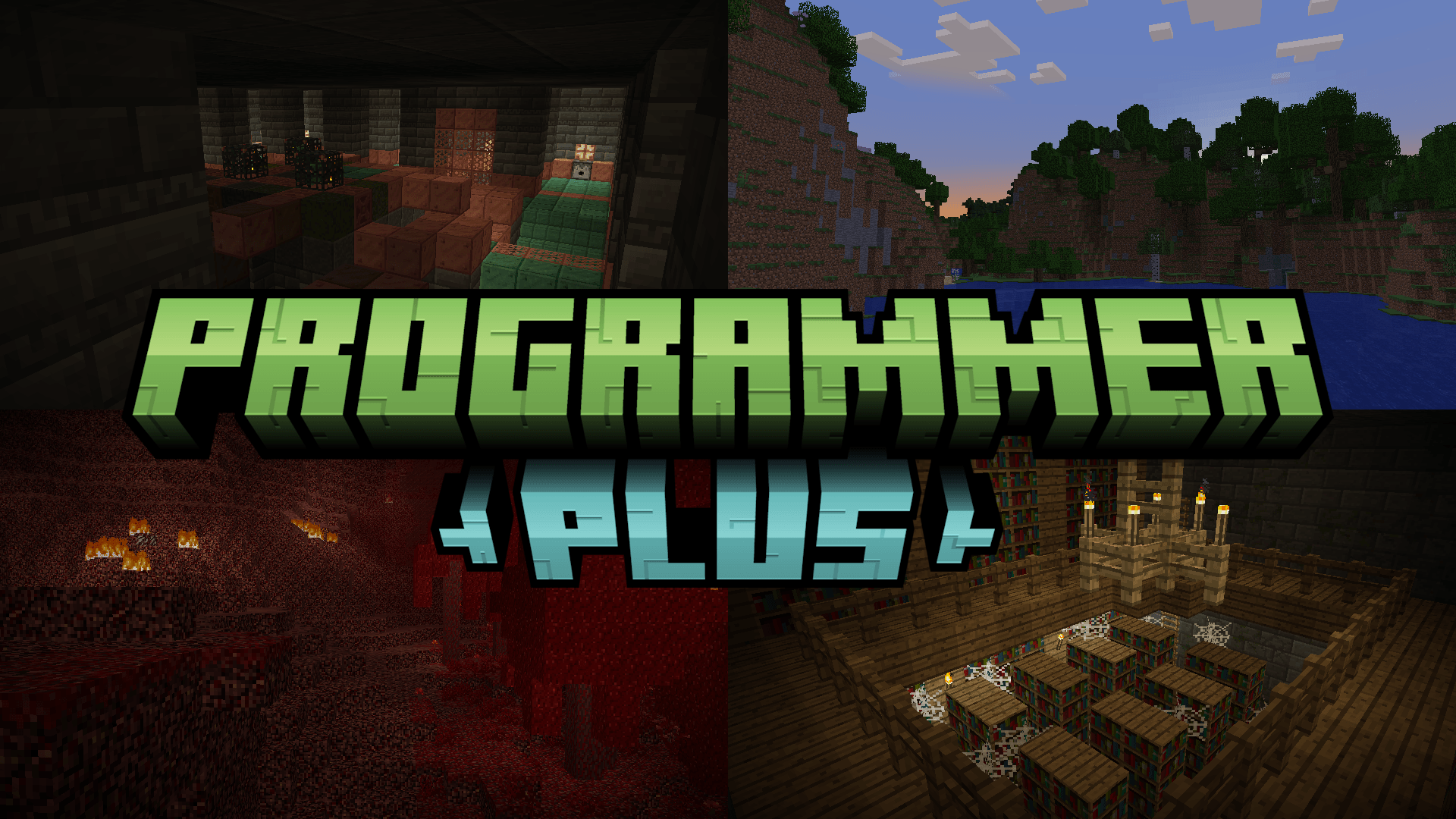
Programmer Plus - Fix Overlay for Programmer Art
The all-encompassing fix for Programmer Art!Install
Fusion Emissive Ores
Makes ores look emissiveInstall
Armor Reimagined
Armor Re-equipped!Install

Soft Bits
A simplistic resource packInstall

That Time I Got Reincarnated as a Slime GUI Pack
Overhauled Minecraft GUI in the theme off That Time I Got Reincarnated as a Slime.Install

Crystal PvP + Anime Sky
This PvP/CPvP resource pack replaces the model textures, sounds, GUI, inventory, and sky with a Anime theme.Install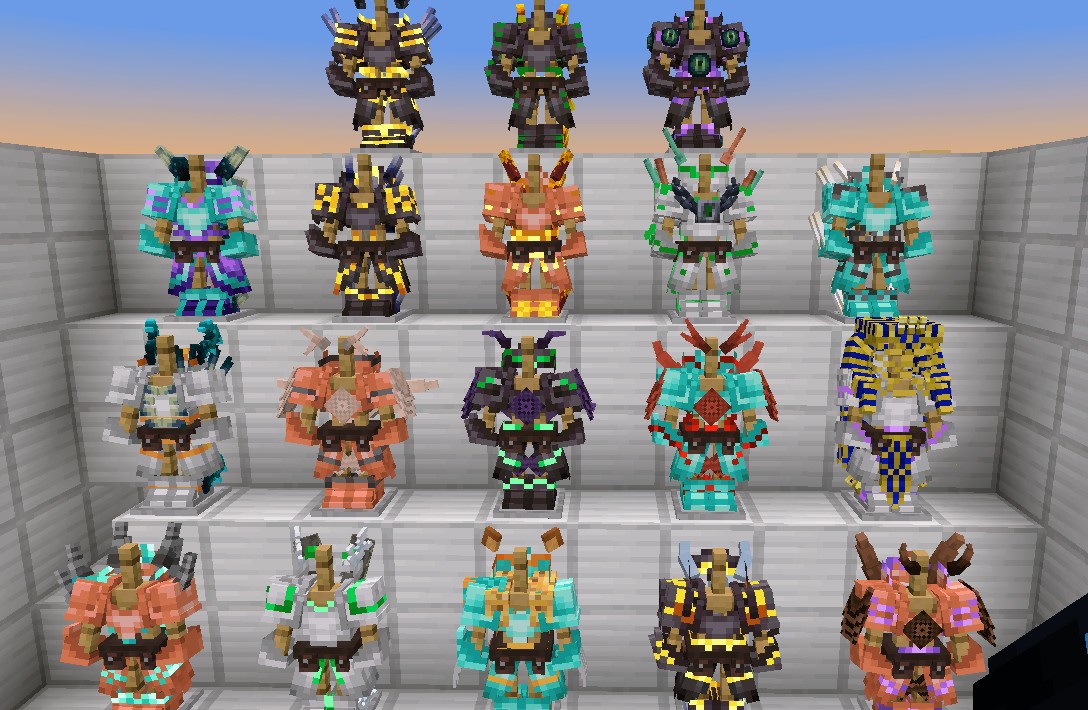

Vanilla armor 3D
Vanilla visuality updateDownload
Nerf's Fancy Cursor
Fancy golden cursors made for the Minecraft Cursor mod.Install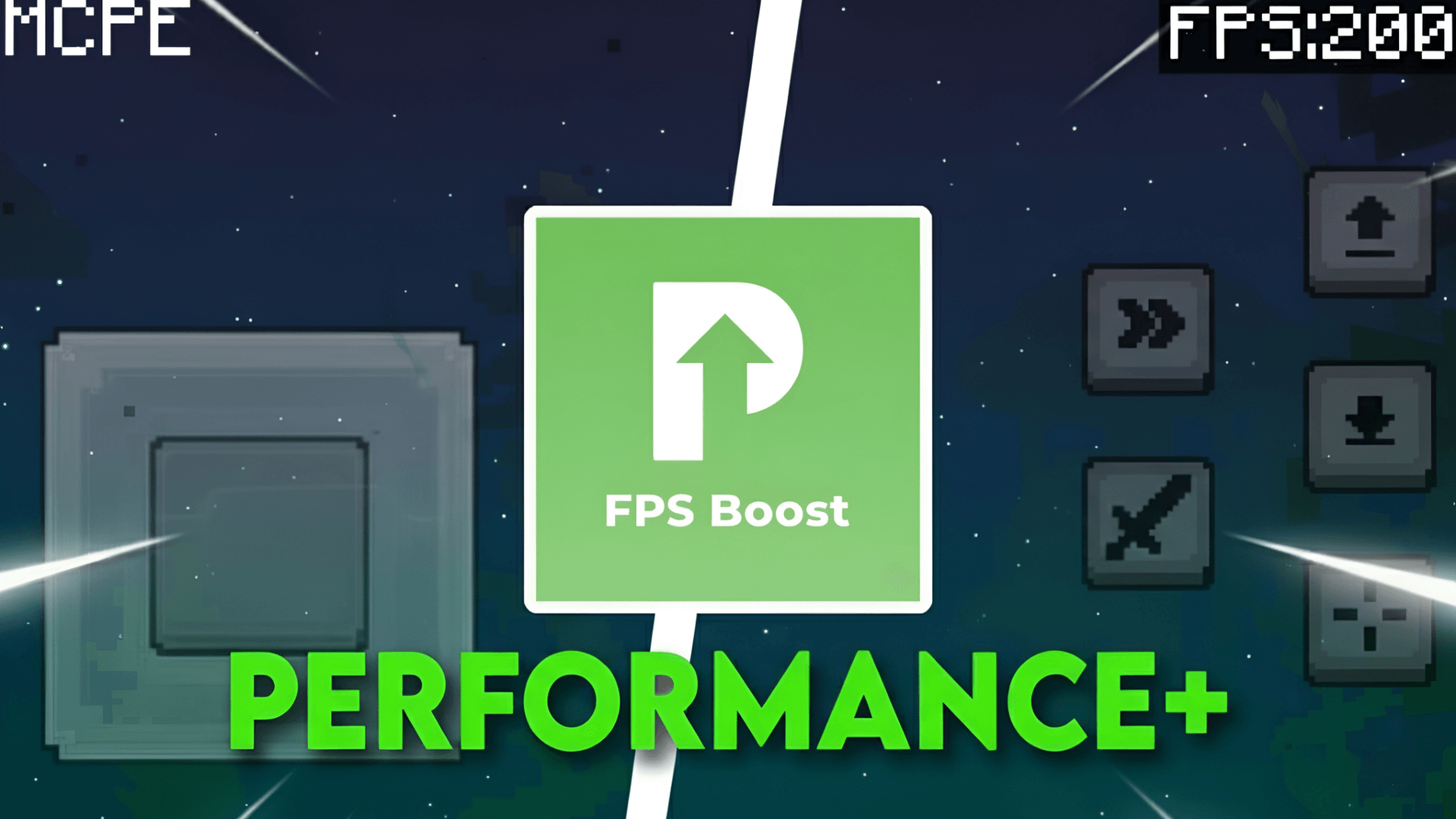
Performance+
Optimization pack designed to reduce lag, improve performance, and deliver smoother gameplay on low-end devices.Download

Small Totem Pop Animation
Makes the Totem Pop Animation not take up your whole screen!Install

Vanilla Live
Make your game look like the Minecraft Live Mob Votes!Install

Miss Kobayashi's Dragon Maid Custom GUI Pack
Miss Kobayashi's Dragon Maid Custom GUI PackInstall

Angel's Font
The Sacred Script • A family of font designs with distinct traits and an ever-growing suite of customization options.Install

SI: Broken Moon [DISCONTINUED]
DISCONTINUEDInstall

Move Those Hands! - Punchy Animation Addon
An animation resource pack addon for the mod Punchy!Install

PvP Essentials (Updated!)
CPvP Pack with Player Health Indicators, fullbright, removed overlays, smaller items, low fire, small totem pop, low shield, smaller items, and moreInstall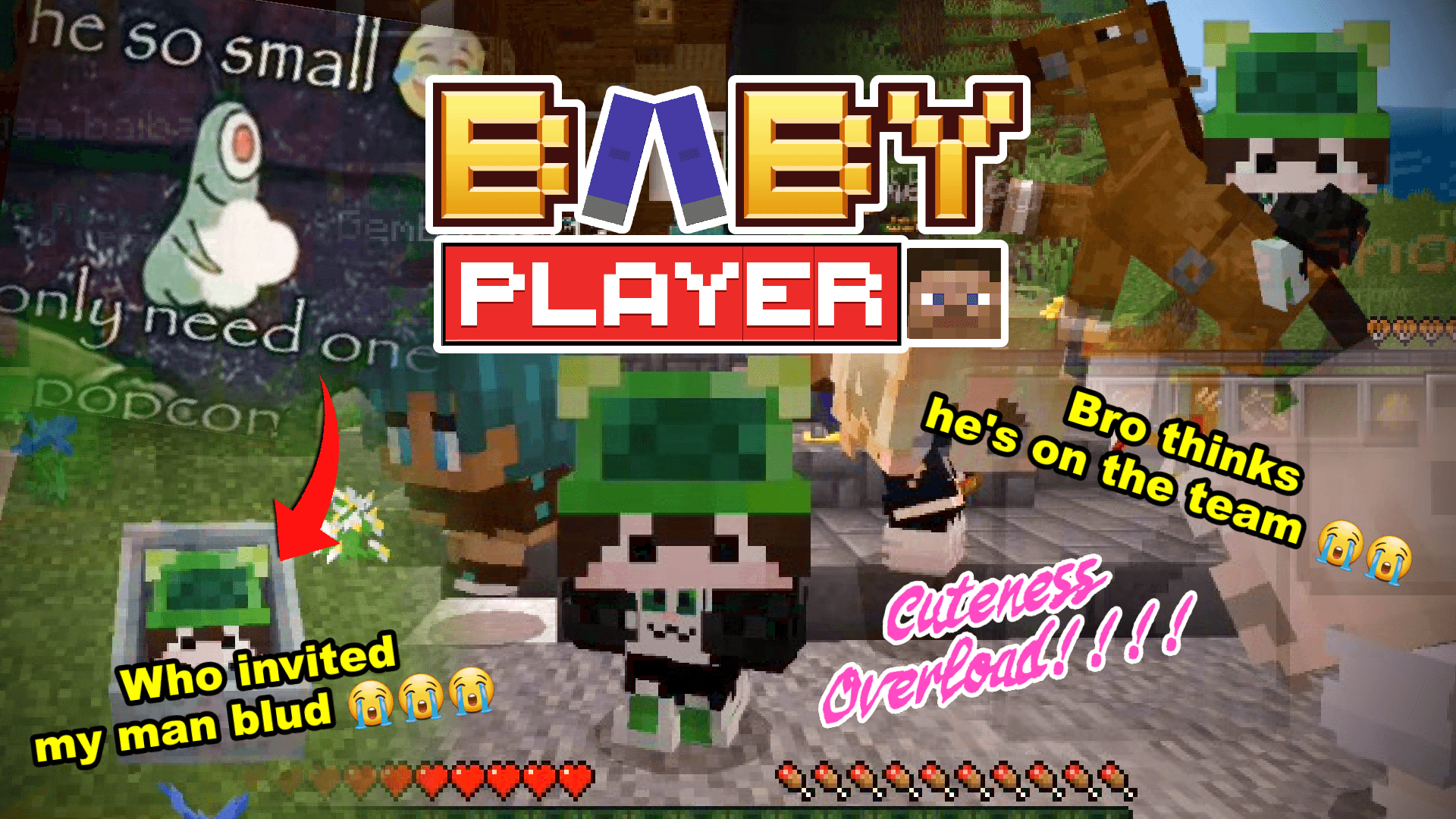
Baby Player v2 | Tiny Takeover
Now you can customize the model!!! and Change Players Model into Mob Vote StyleDownload

Just Normal Cats
This Texture Pack changes the model and texture of the CatInstallFAQ
Do I need Forge or Fabric for a resource pack?
No. A resource pack works on the regular game with no loaders or mods. Click “Install” and Millida Launcher will put the pack into the right modpack — then just enable it in the settings.
What do 16×, 32×, 64× mean?
The resolution of a single texture in pixels. 16× matches the original game, 32× and 64× are more detailed and heavier, and 128× and up put a noticeable load on your graphics card.
Will a pack made for another version work?
Most likely partly: older packs don't have textures for newer blocks, so those will stay default. The game won't break, though.
How is a texture pack different from a resource pack?
Only by name and age. Before version 1.6 the sets were called texture packs and changed only textures; in 1.6 resource packs replaced them and also change sounds, fonts and the interface. Old texture packs for 1.5 and below do not work on new versions without conversion.
Which texture packs are best for PvP?
PvP packs: 16× resolution or lower, shortened swords, low fire, a clear sky and bright particles. They barely load the computer and make the opponent easier to see. These packs are collected in the PvP theme.
How do I install a resource pack?
Press Install and Millida Launcher puts the pack into the resourcepacks folder of the right instance. Then enable it in the game: Options, then Resource Packs. Manually, the archive goes into resourcepacks inside the game folder, no need to unpack it.
Resource packs for Minecraft 1.21
Resource packs for Minecraft 1.21: 2,284 items in the Resource packs section. Compatibility is checked against the files, not the description: only items with a build for exactly these conditions stay in the list.
The key thing about a pack is its resolution. The game's default textures are 16×16 pixels; 32× and 64× packs look more detailed, while 128× and up need a real graphics card and are usually paired with shaders. On a weak machine it makes sense to stay at 16× or go for packs that deliberately simplify graphics for more FPS. Every pack here lists its game version, author and license, and all released versions are gathered on one card. Put the downloaded archive in the resourcepacks folder and enable it in the game settings.