
Shaders for Minecraft Java — page 9
963 itemsShaders: list
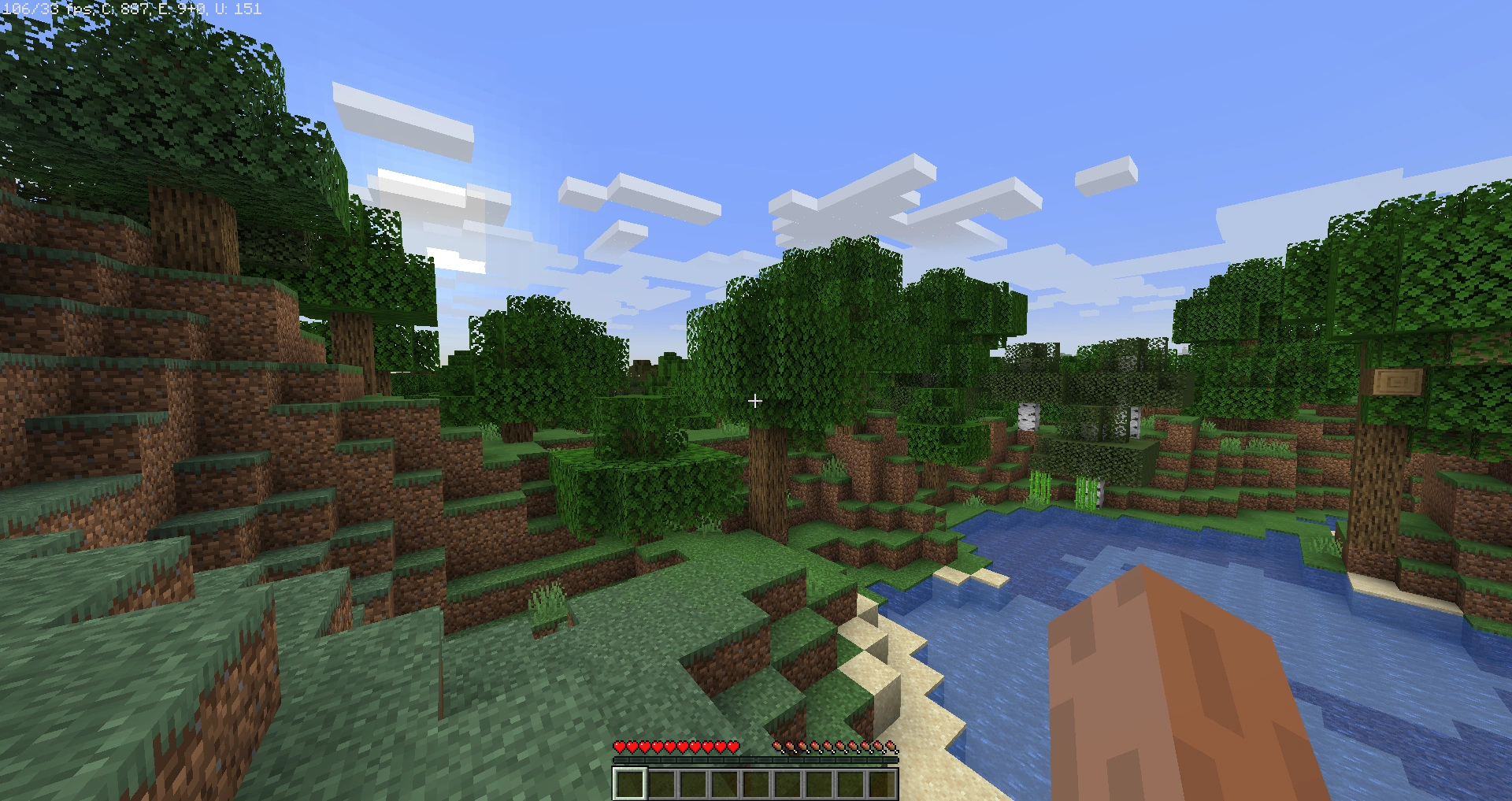

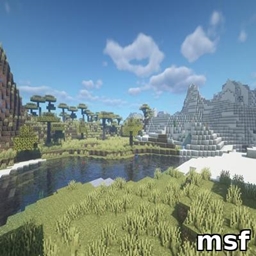
msf
Lightweight Minecraft shader creating a smooth blue iris glow with subtle pulsing, prettier and more performance-friendly than BSL.Install

DMS - Depth Map Shaders
A shader pack that turns your world into a depth mapInstall

Better Voxels
Rethinking Voxels Fork | Every legendary feature you ever wanted in a shader. Combined. Optimized. Perfected.Install
Sildurs Shaders TFC setup
Sildurs Shaders TFC setup 1.18.2Install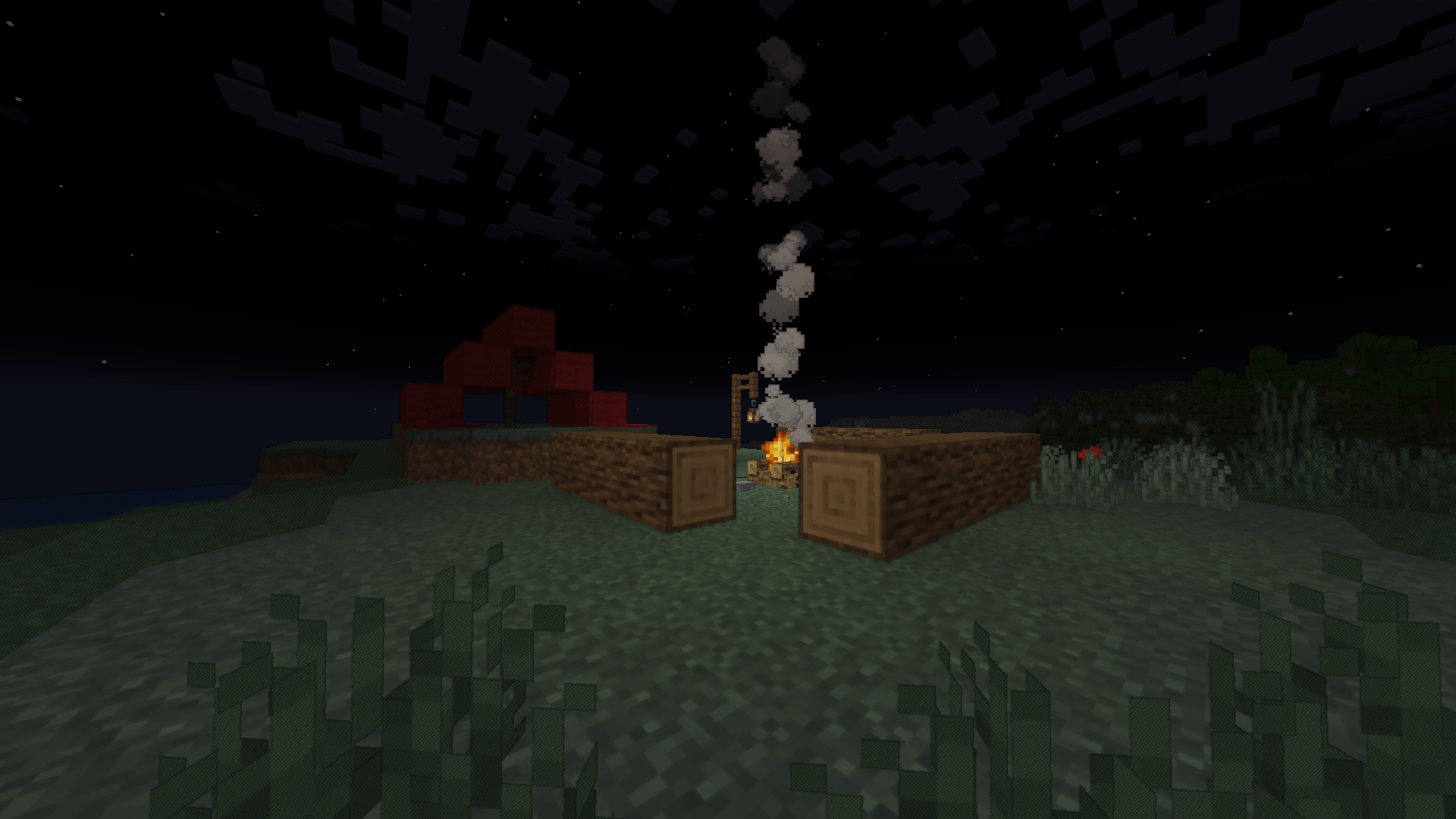

Cartoonikal
A cartoony shader that doesn't suck.Install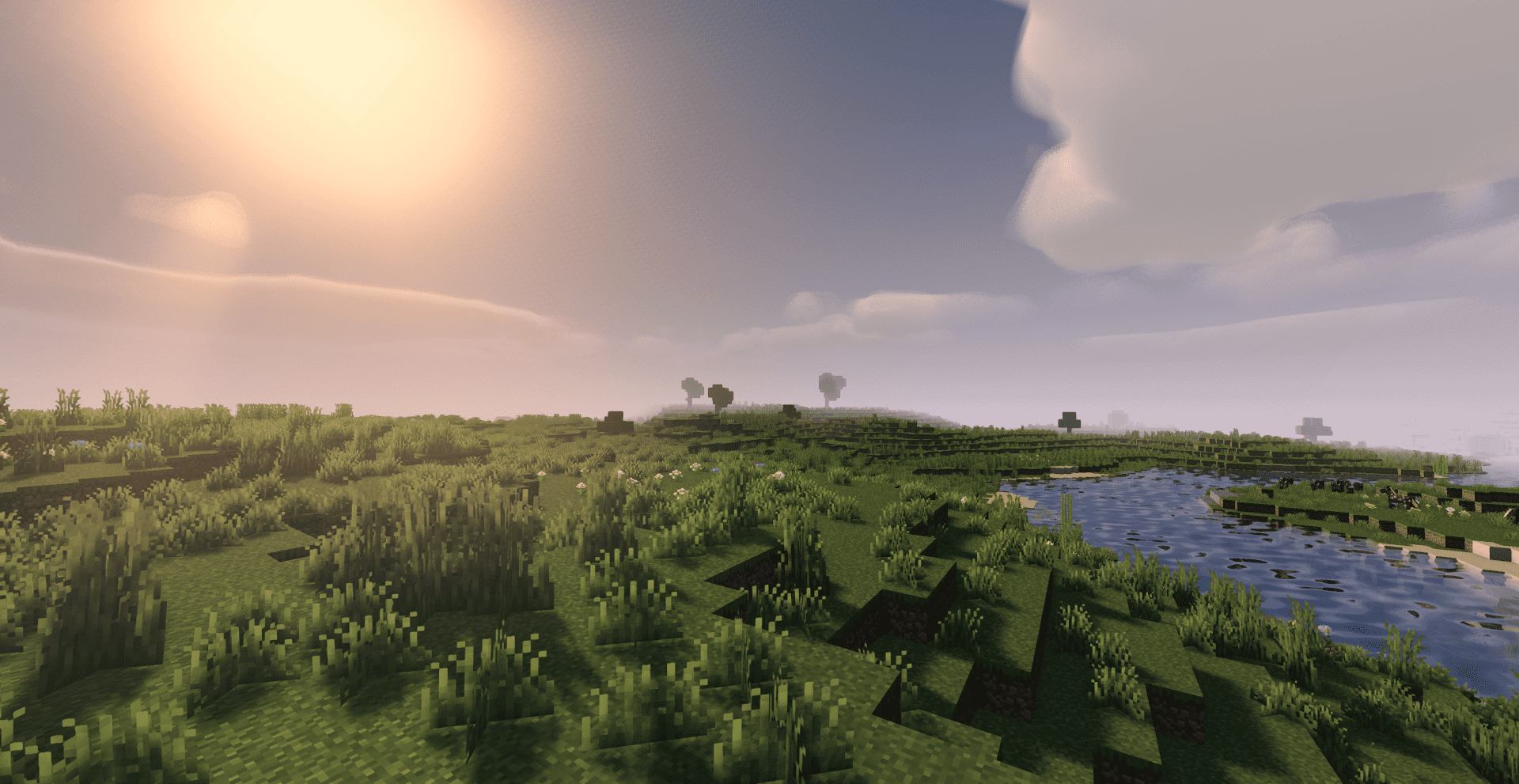

Quanta Shader
Fast, beautiful Minecraft visuals. Soft shadows, dynamic clouds, reflective water and rich skies, optimized for high FPS gameplay.Install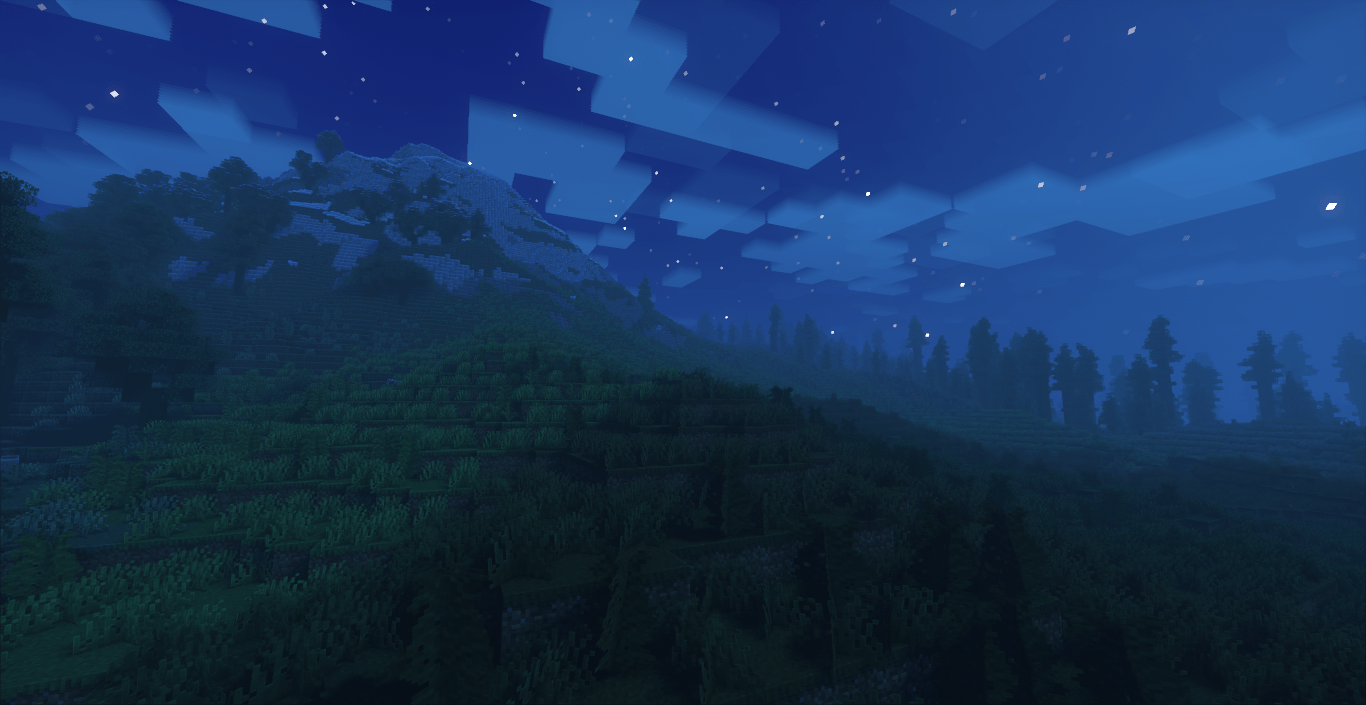
Gaint Villagers Shader
this shader pack for Minecraft offers a huge number of preset profiles, allowing you to choose the appropriate set of enhancements and effects in just a couple of clicks. Fully immerse yourself in the game world and add more realismInstall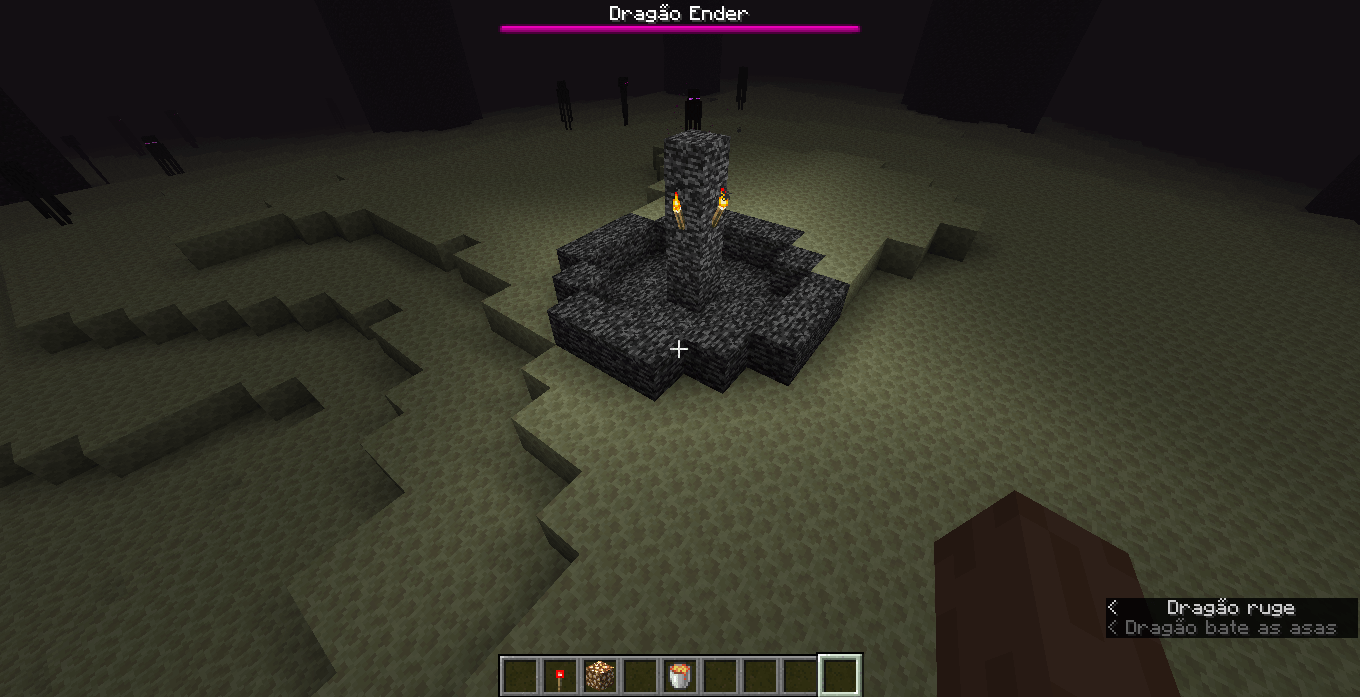
Grayscale Lightmap
Resource pack that changes the lighting to resemble pre-beta 1.8, not that accurately.Install
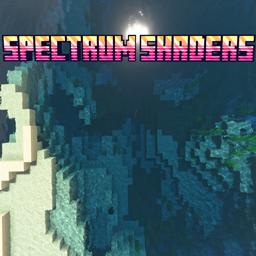
Spectrum Shaders
An extremly realistic shaders with very very high DetailInstall
Shadolimetto
Shadolimetto is a lightweight, highly optimized shader that makes Minecraft look more realistic with improved lighting, colors and atmosphere — all while keeping performance smooth, even on low-end systems.Install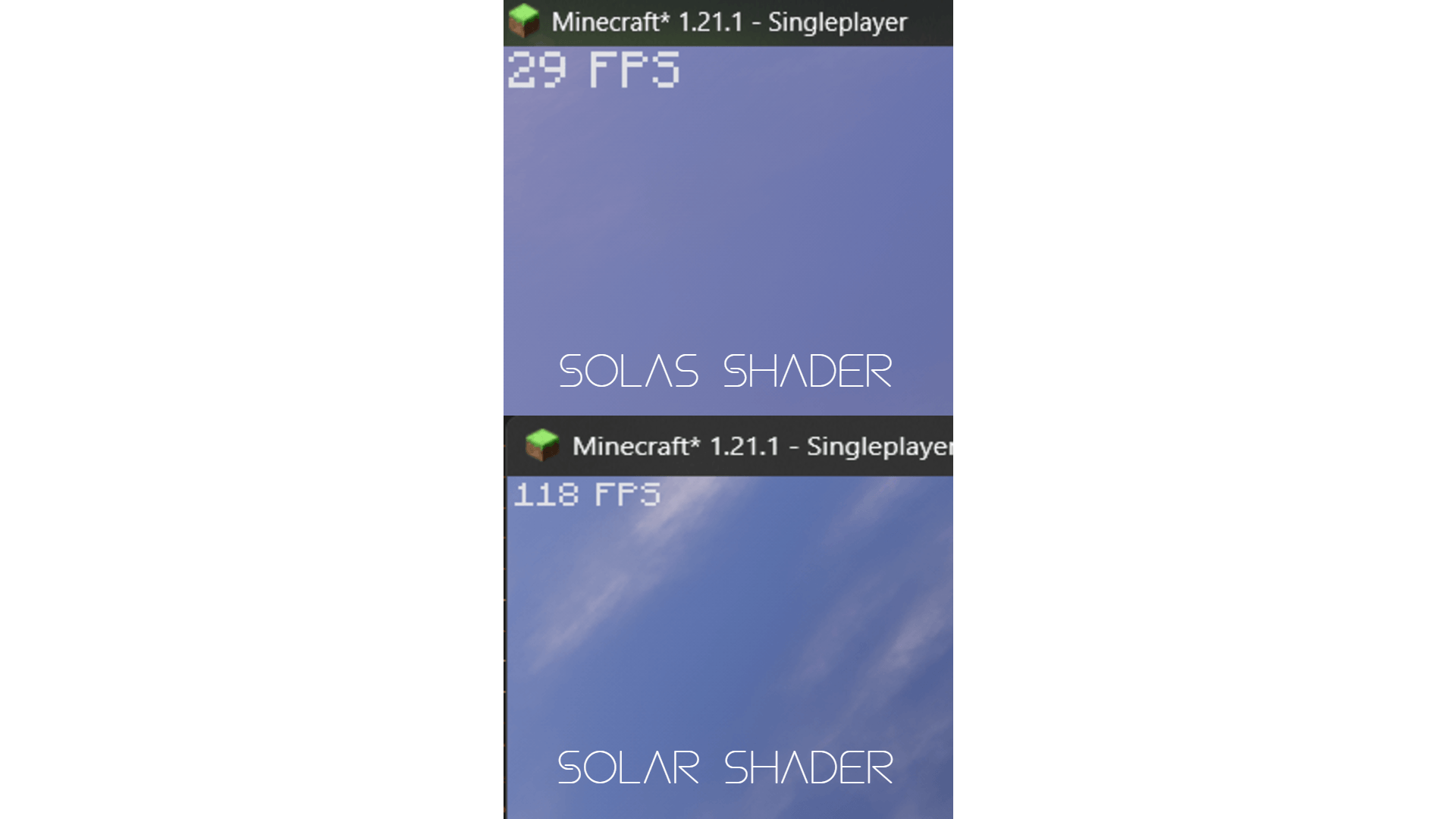
SOLAR Shader
solar shader is a cinematic pack that adds warm, golden-hour lighting and rich depth. It features real-time shadows, 3D clouds, auroras, It is highly optimized.Install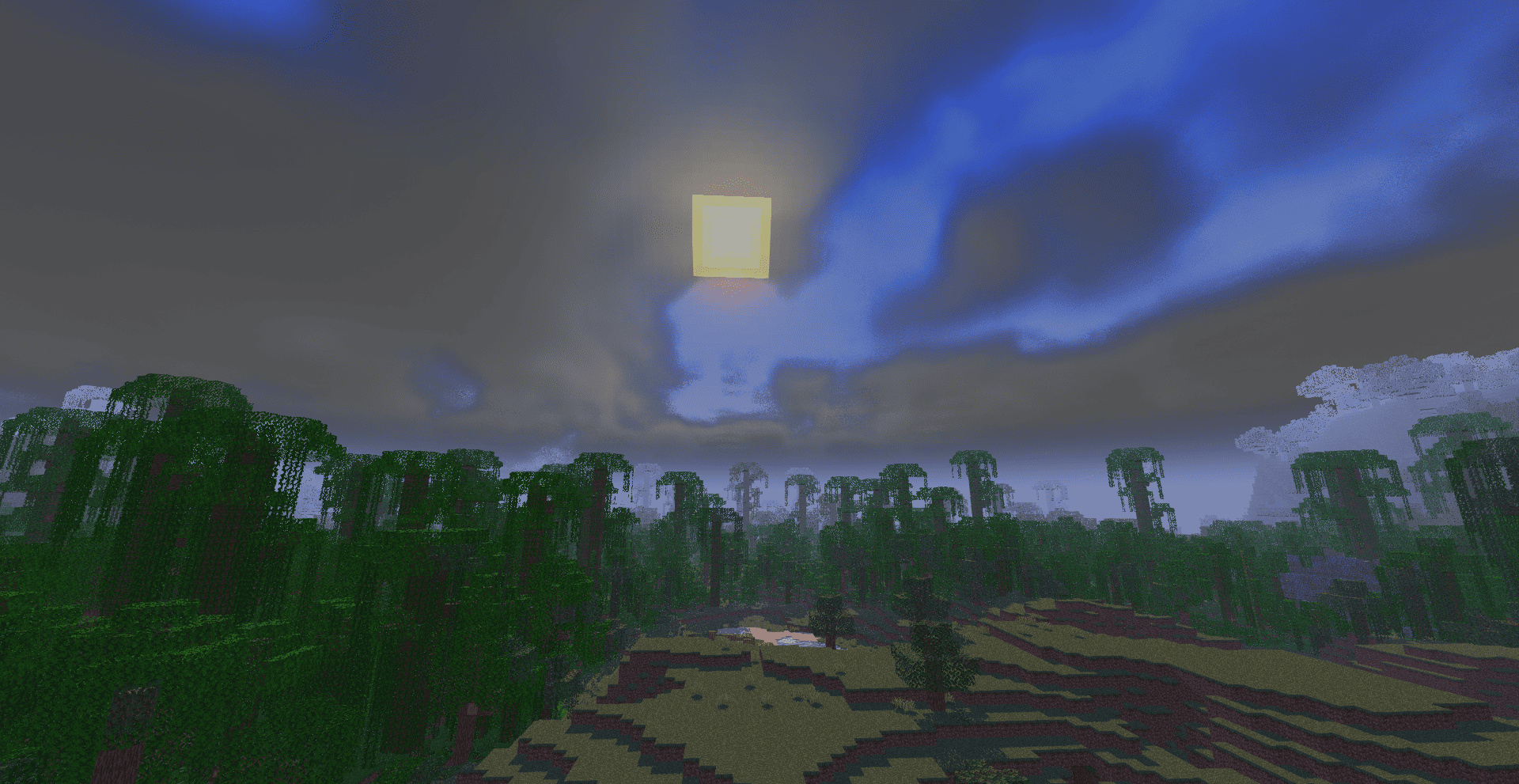
Vanilla Rebuild
preserves Minecraft's classic look with enhanced lighting, realistic sky, volumetric clouds, soft shadows, and rich per-dimension atmosphere.Install

BrighterAccessibility
Removes the shadows and fog from the game for visually impaired people. Has Distant Horizons support.Install

Forget-Me-Not Shaders
Realistic shader pack for can-pipe with a focus on quality and immersionInstall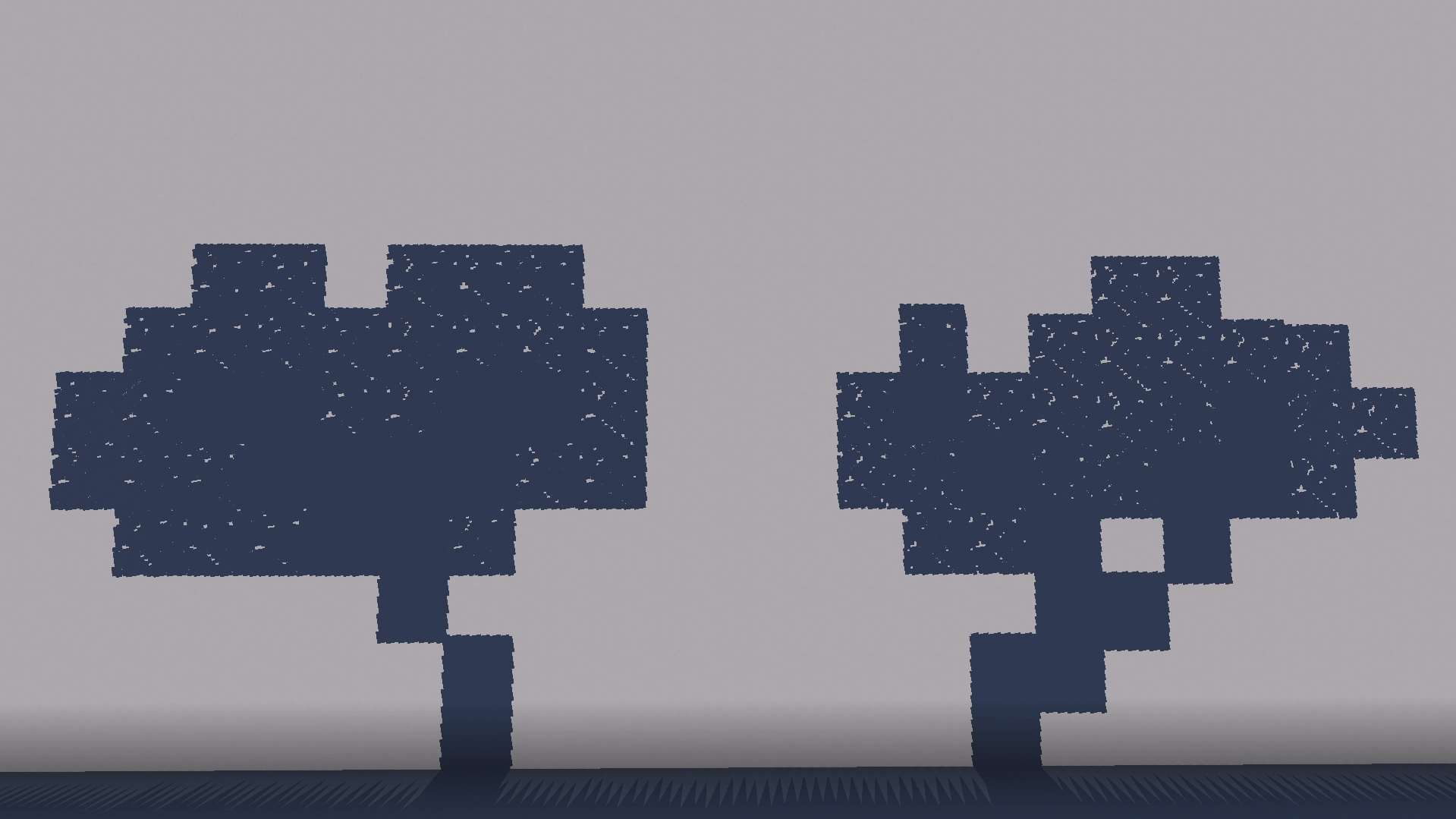
Pretty Shadows
adds some nice shadowsInstall

FOOTAGE
A Body Camera / VHS DERCODE edit Based off of Derivative shadersInstall

Prismarine Shader
A fantasy stylized shaderpack aiming to make Minecraft look stunning and beautifulInstall

HyShaders - Horror Edition
A lightweight horror shader - dark, gritty & atmospheric, while retaining Minecraft's pixel aestheticInstall
Anti Aliasing (TAA, FXAA)
Fix rendering aliasing (TAA, FXAA)Install

Vanilish Shaders
A lightweight shader that adds a realistic, warm atmosphere and soft lighting to Minecraft while maintaining the vanilla style.Install
NoShader
Very simple "shader" :)Install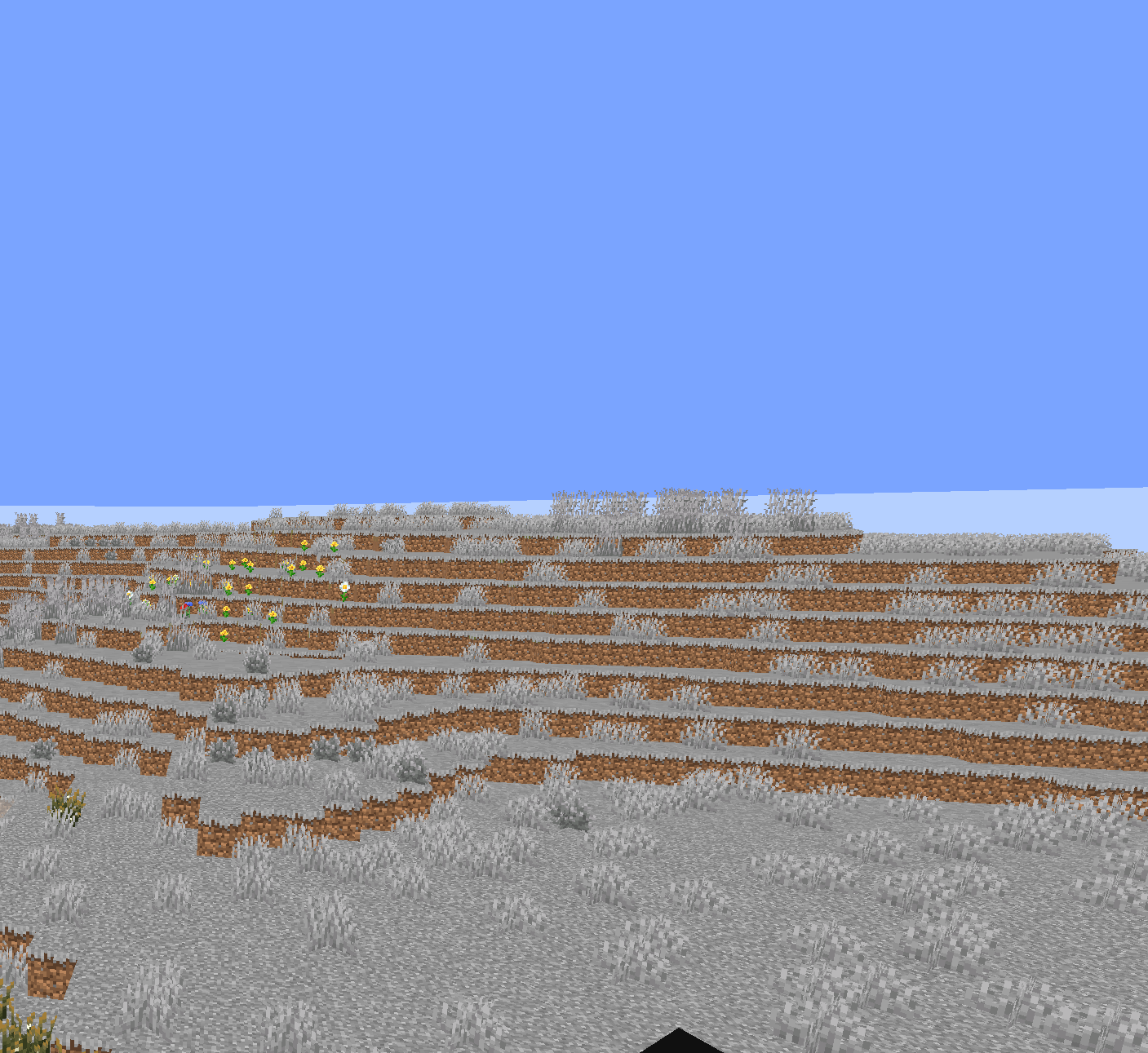
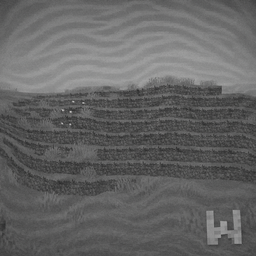
Gray Wobbly World
Prank your friends with this pack! This would make Minecraft little more harder. Good Luck!Install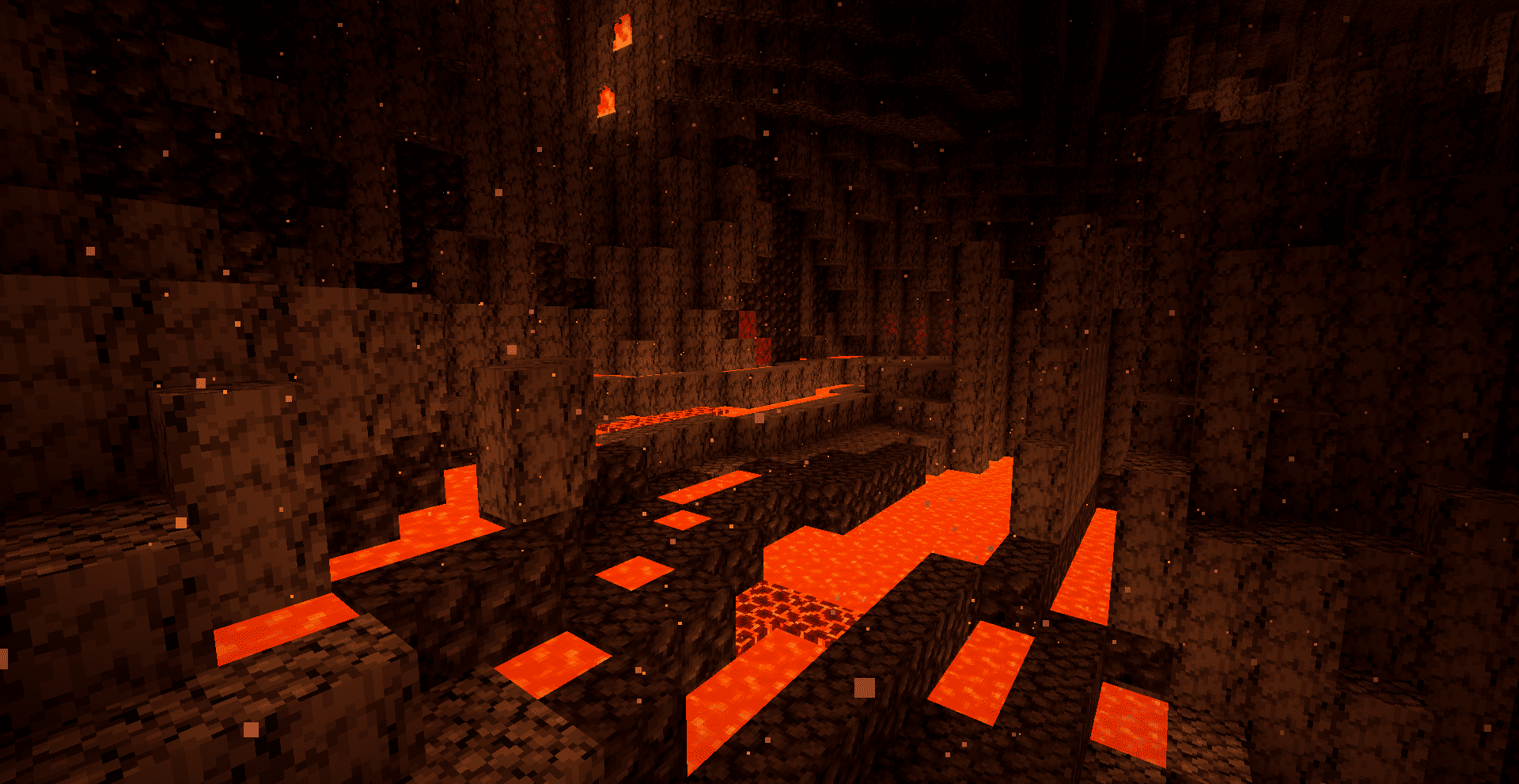

Karma Shader Nightmare
A cinematic horror Minecraft shader pack that turns the dark into a living threat. Features dynamic fear mechanics, hallucination warping, drifting fog banks, a blood moon, desaturated colors, and its terrifying inverted sea ceiling.InstallRequired to run
FAQ
What do I need to get shaders working?
Iris or OptiFine. Iris installs as a Fabric mod and is usually faster; OptiFine is a separate installer. Without one of them the game simply won't see the shader. Millida Launcher installs Iris along with the shader for you.
Which shaders run on a low-end PC?
Light packs without ray tracing and with low shadow resolution. They're marked in the catalog — they give you shadows and water while costing noticeably fewer frames.
How do I install shaders?
Click “Install” and Millida Launcher will put the shader into the shaderpacks folder of the right modpack. Then select the pack in the video settings — no need to unpack the archive.
Iris or OptiFine — which should I choose?
For new versions, Iris: it works with Sodium, usually gives more FPS and supports almost all modern shaders. OptiFine is needed on old versions and for packs that rely on its special features. The two cannot be installed in the same instance.
Are there shaders for Bedrock?
The shaders in this section are for the Java edition; their format does not work in Minecraft PE and Bedrock. Bedrock has a built-in Vibrant Visuals graphics mode and resource packs with deferred rendering support, which are turned on in the game settings.
Shaders for Minecraft Java
Shaders rewrite the game's lighting: you get soft shadows, volumetric sunlight, reflections on water and a real night instead of flat dusk. A shader on its own isn't a mod: it's a set of programs for your graphics card, run through a middleman — Iris or OptiFine. Iris installs as a Fabric mod and runs faster; OptiFine is a standalone installer that has been around the longest.
Iris works together with Sodium, so on the same machine it usually gives more frames, and new shaders come out for it first; OptiFine is chosen for old game versions and its own features such as connected textures. On a low-end PC start with packs from the For low-end PCs collection and lower the quality profile inside the shader, and leave heavy ray-traced packs to a powerful graphics card.
Beauty costs frames. Heavy ray-traced shaders can cut performance several times over even on a good graphics card, so the catalog separately marks light packs built for weak machines: they give you shadows and decent water while barely touching FPS. In practice: first install Iris or OptiFine, then put the shader archive in the shaderpacks folder and select it in the video settings. It's best to start with a light pack, and the quality profiles inside the shader itself lower the load even further.