
Shaders for Minecraft Java — page 7
959 itemsShaders: list


Sundial Lite
The balance of quality, performance and compatibilityInstall
Cozy & Light
A good performing lightweight shaderpack designed for a little comfort in vanilla.Install
Low Water
A shaderpack that ONLY adds water. Built for low-end-devices, like a laptop.Install

KUDA Shaders
Detailed Minecraft gameplay compatible with Iris and OptiFine!Install

Bad Apple Shaders
[🚨WORKS ON EVERYTHING🚨] | A shader that makes the game render similarly to "Bad Apple".Install

AstralCore
Astral Core is a pink-themed edit of Complementary Unbound, featuring soft pink clouds, tinted water, and a dreamy color tone.Install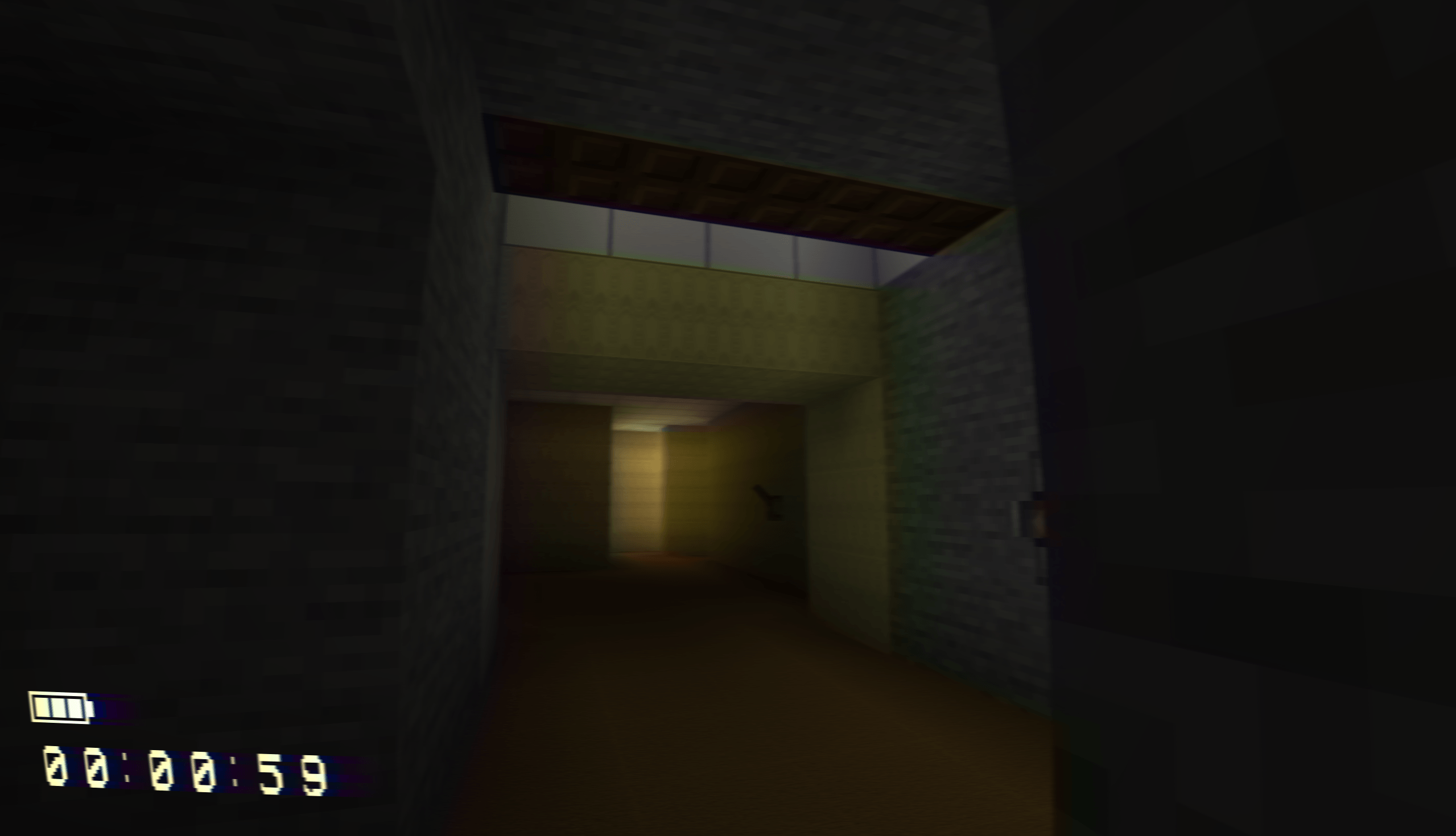
VHS Shader
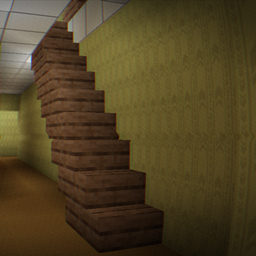
VHS Shader : Found footage, This is a shader with a Fisheye and scanlines, This is made for Potato PC, Using the vanilla Shader of MinecraftInstall
Complementary RU translation
Translation of the Complementary shader into Russian.Install

Baked Potato Shaders
Baked Potato is a lightweight shader pack designed for players who want better visuals without sacrificing performance.Install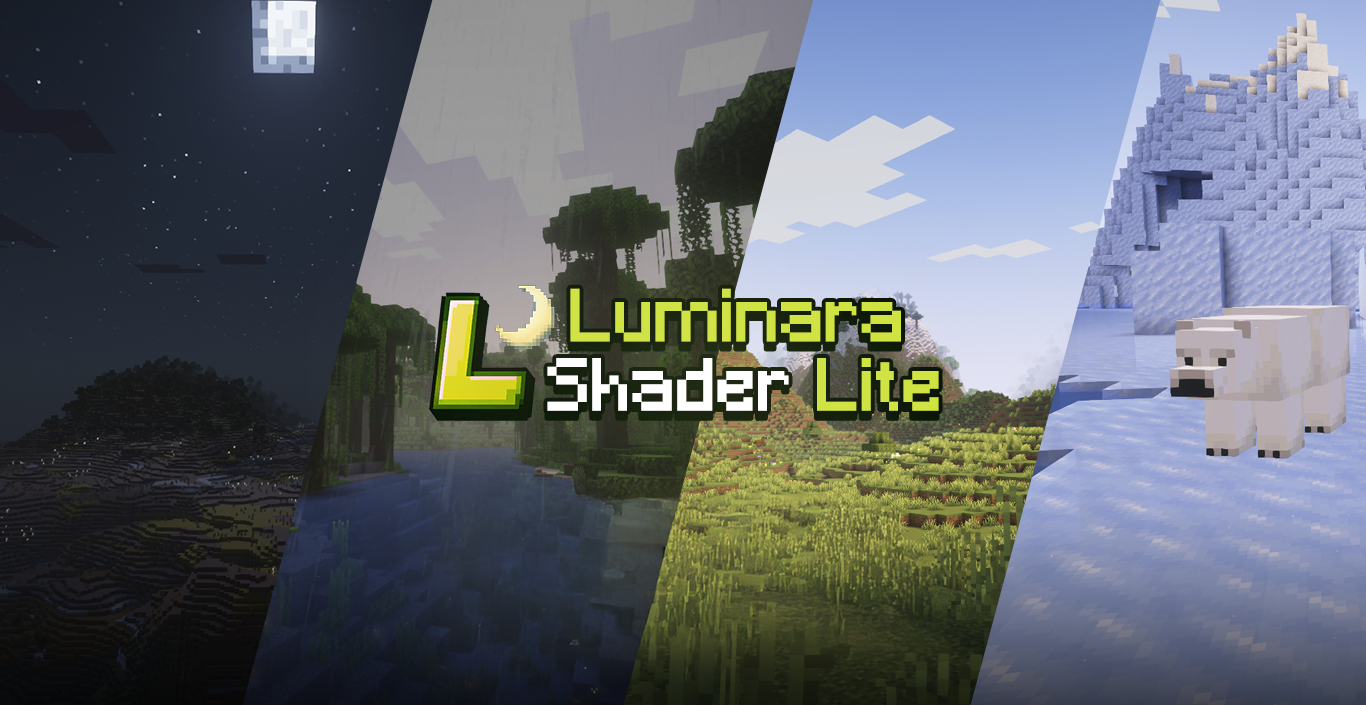
Luminara Shader Lite
A modified version of Zenith Shader optimized for mid-range devices. Features reduced glowing effects, vanilla-style water, dimmed particles, darker End sky with fewer stars, and disabled ore emission for better performance and visual comfort.Install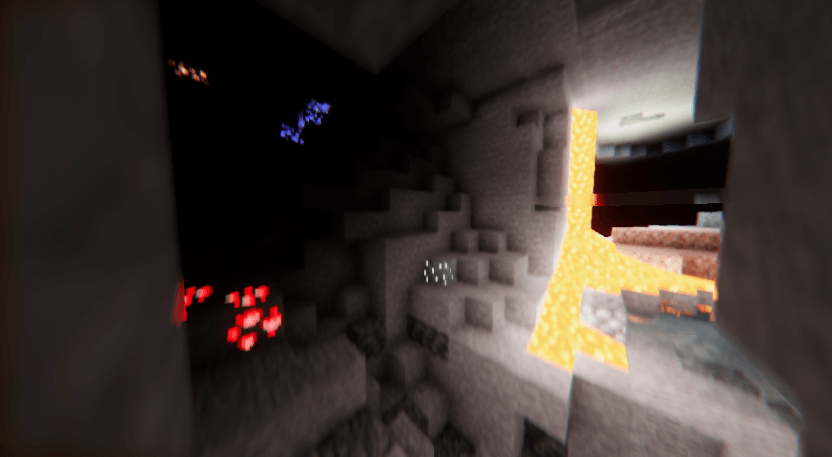
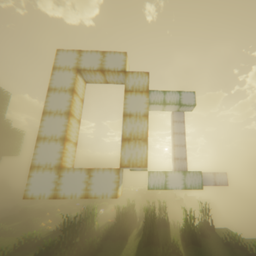
DERCODE Lite
Realistic Shader based on Dercode & DerivativeInstall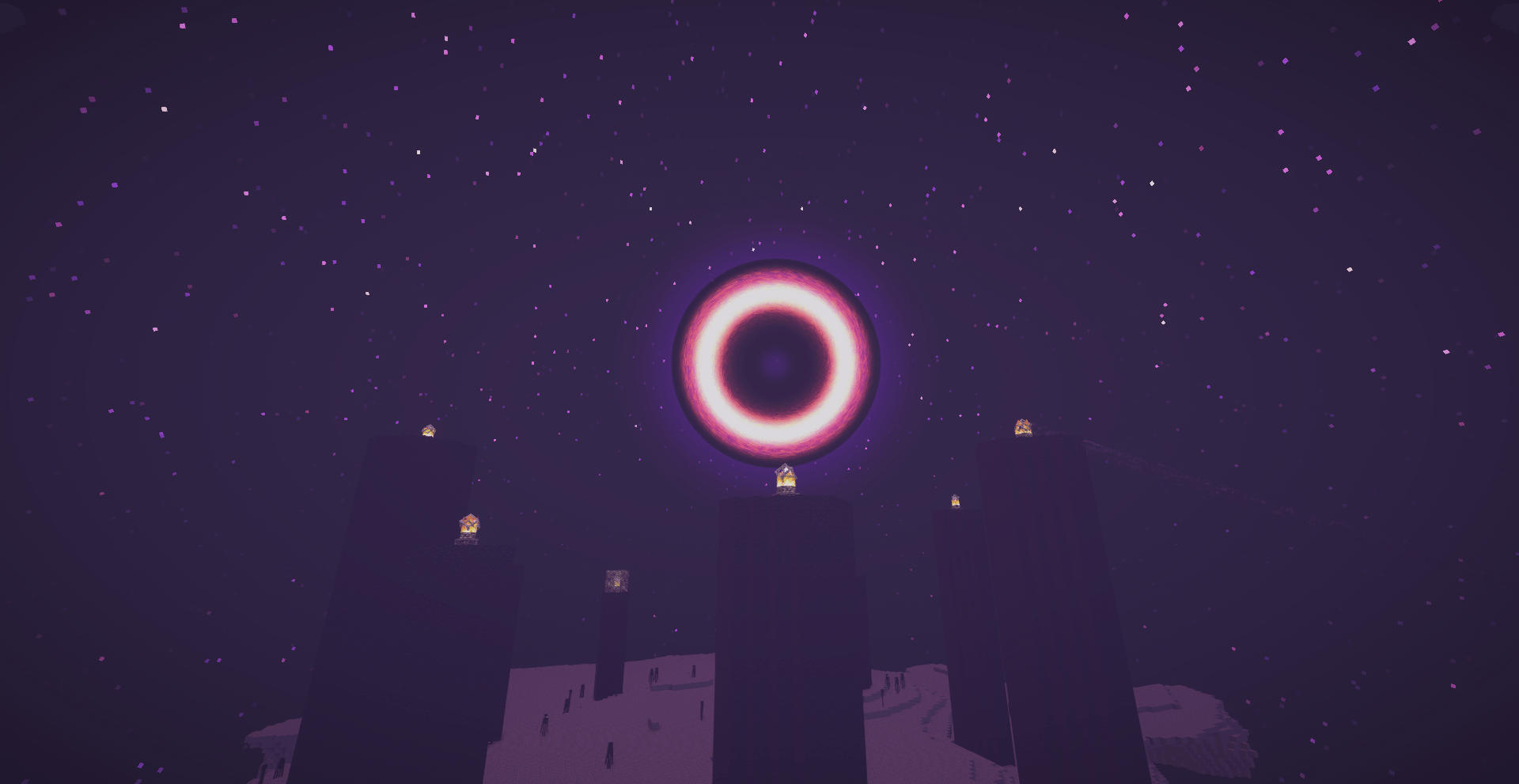
Luna shader
Luna shaders: refined water reflections with a deep-blue tint and a unique rotating black hole effect inside the End portal.Install

Creepers Reforged x FA
Adds FA compatibility to Creepers Reforged.Install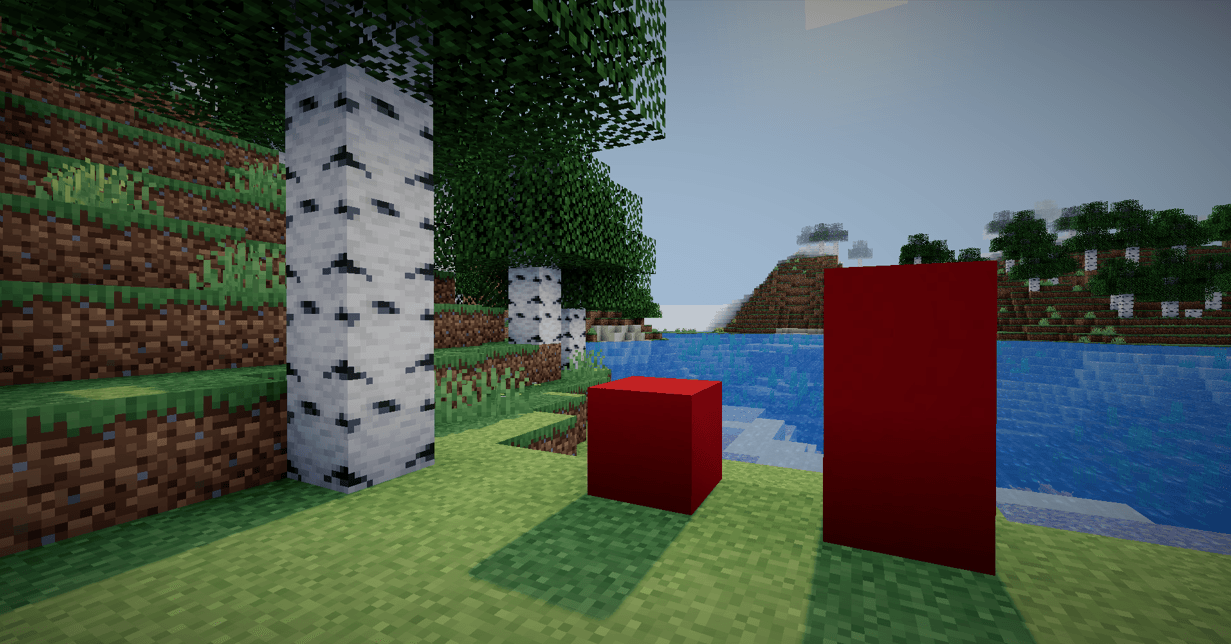

Aurora
A shader with ultra-sharp shadows.Install

BDS - Better Default Shaders
vanilla lighting, realistic shadows, high performance.Install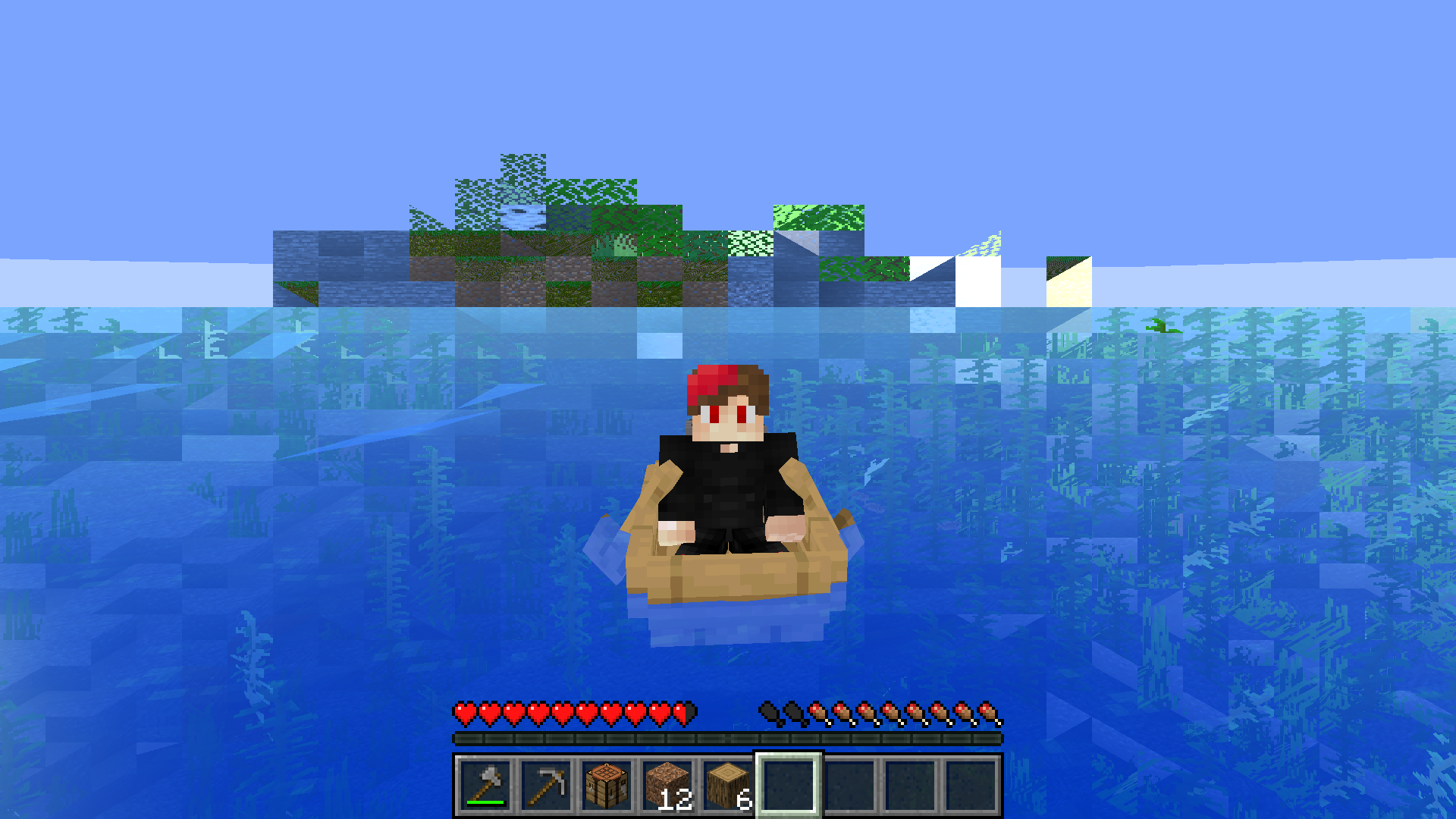
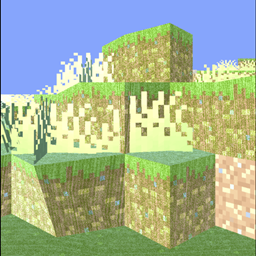
Cursed View
Curses your view! Try to curse yourself. Quake Pro FOV recommendedInstall

Acid Shaders 1.5
This is a minecraft shader pack that is a fan-made remaster of acid shaders, It has several different modes, and has a fast way to make your own custom deformation fomulas.Install

Lymbo Shader
Simple Minecraft shader without any trash in codeInstall

Simple Saturation
Quick shader with a slider to switch between grayscale/normal/oversaturated.Install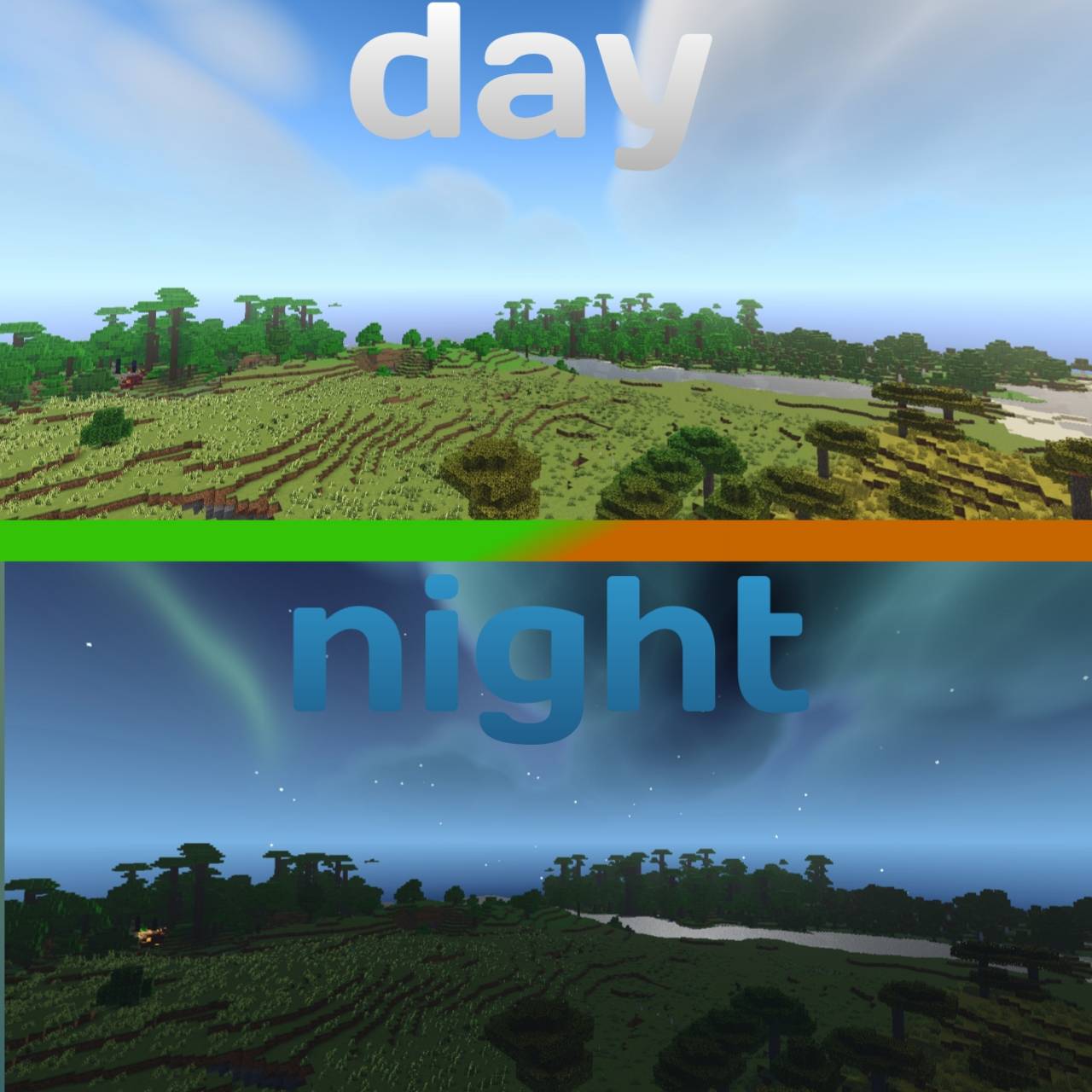
PROMO SHADER
REALISTIC SHADER IS PROM SHADER CLOUDS REALISTIC WATER MIDIAM LIGHTING MIDIAM NETHER dark end dimension butifullInstall

Butter Shaders
Enjoy beautiful lighting, soft shadows, and realistic water in Minecraft with great performance — perfect for both low-end and high-end devices.Install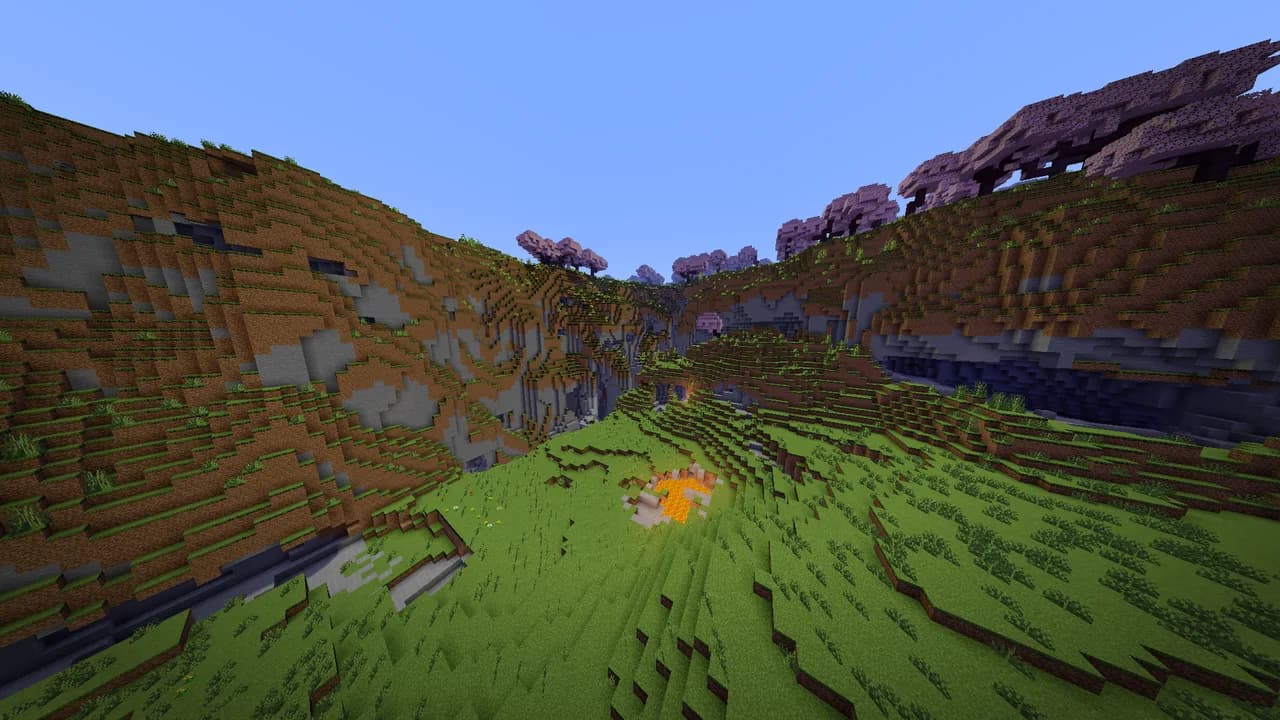

Energy Shaders Java
Energy Shaders for Java. A vanilla Minecraft shaderpack that aims on making the game more vibrant and aesthetic. Giving Minecraft a completely new Style. No Optifine/Iris required!Install

Sunveil
Enhanced Minecraft visuals with dynamic sun-tracking shadows, crystal-clear underwater exploration, warm golden lighting, and smooth anti-aliased shadow edges. Features realistic water reflections and optimized performance for all worlds.InstallRequired to run
FAQ
What do I need to get shaders working?
Iris or OptiFine. Iris installs as a Fabric mod and is usually faster; OptiFine is a separate installer. Without one of them the game simply won't see the shader. Millida Launcher installs Iris along with the shader for you.
Which shaders run on a low-end PC?
Light packs without ray tracing and with low shadow resolution. They're marked in the catalog — they give you shadows and water while costing noticeably fewer frames.
How do I install shaders?
Click “Install” and Millida Launcher will put the shader into the shaderpacks folder of the right modpack. Then select the pack in the video settings — no need to unpack the archive.
Iris or OptiFine — which should I choose?
For new versions, Iris: it works with Sodium, usually gives more FPS and supports almost all modern shaders. OptiFine is needed on old versions and for packs that rely on its special features. The two cannot be installed in the same instance.
Are there shaders for Bedrock?
The shaders in this section are for the Java edition; their format does not work in Minecraft PE and Bedrock. Bedrock has a built-in Vibrant Visuals graphics mode and resource packs with deferred rendering support, which are turned on in the game settings.
Shaders for Minecraft Java
Shaders rewrite the game's lighting: you get soft shadows, volumetric sunlight, reflections on water and a real night instead of flat dusk. A shader on its own isn't a mod: it's a set of programs for your graphics card, run through a middleman — Iris or OptiFine. Iris installs as a Fabric mod and runs faster; OptiFine is a standalone installer that has been around the longest.
Iris works together with Sodium, so on the same machine it usually gives more frames, and new shaders come out for it first; OptiFine is chosen for old game versions and its own features such as connected textures. On a low-end PC start with packs from the For low-end PCs collection and lower the quality profile inside the shader, and leave heavy ray-traced packs to a powerful graphics card.
Beauty costs frames. Heavy ray-traced shaders can cut performance several times over even on a good graphics card, so the catalog separately marks light packs built for weak machines: they give you shadows and decent water while barely touching FPS. In practice: first install Iris or OptiFine, then put the shader archive in the shaderpacks folder and select it in the video settings. It's best to start with a light pack, and the quality profiles inside the shader itself lower the load even further.