
Shaders for Minecraft Java — page 5
959 itemsShaders: list

Colorful
A Mellow-inspired shader that adds features and finally lets you run a shader on your old PC.Install
Verity Shader
Shader made for the mod Verity by PKFL fixes the VerityInstall

Lumina Shader - Event Horizon
A next-generation cinematic shader pack designed to deliver uncompromising graphics, advanced lighting, and deep environmental immersion for high-end setups.Install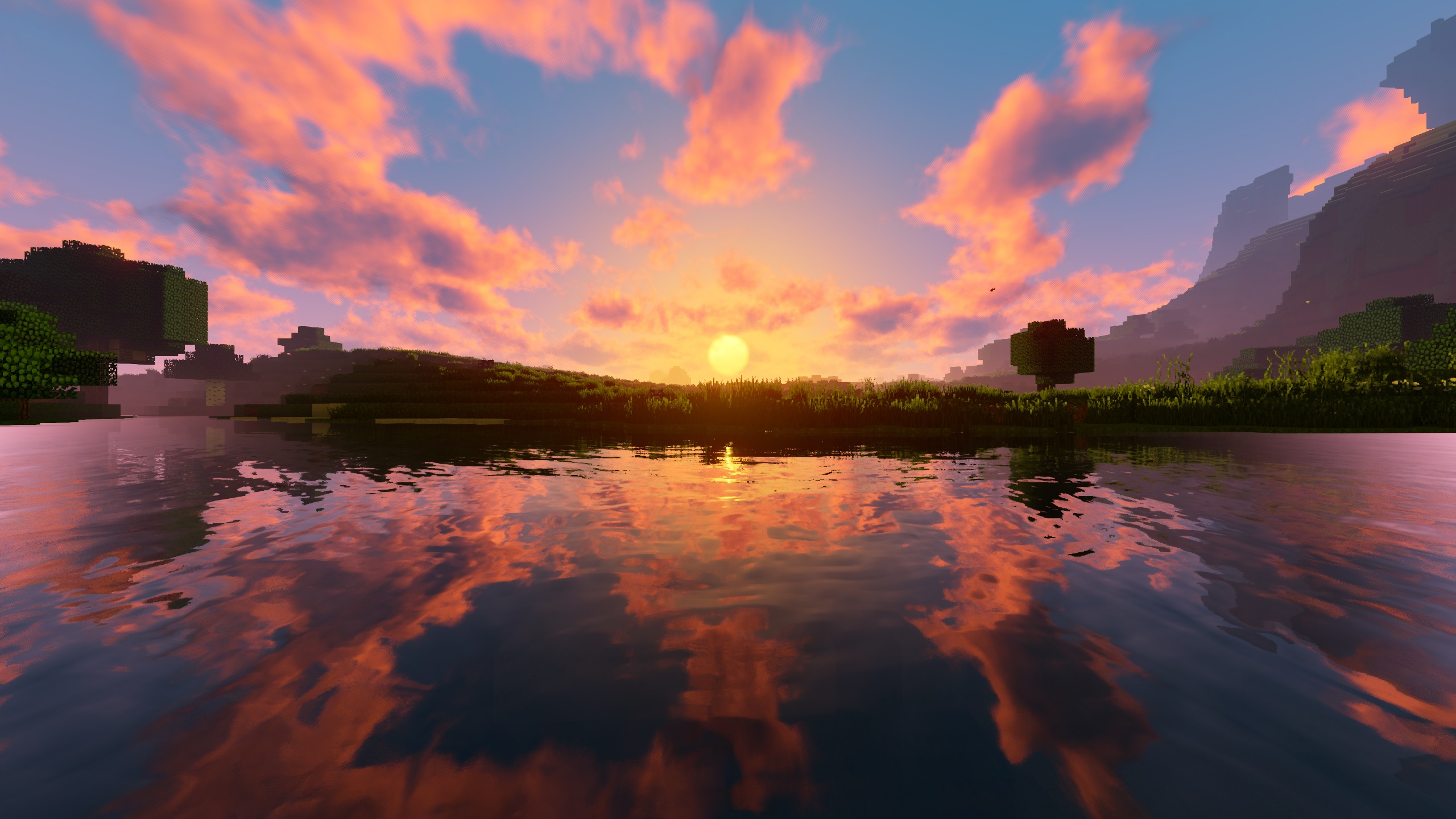
RRe36's Shader
A new version of my very first shader from 2014.Install

[BTB] Back To Basics
BTB is a shader that emulates the looks of old retro PS1 3D games.Install

DERCODE
Realistic & Fantasy Shader based on Derivative shaderInstall
Complementary Unbound - edition HardRock TFC
shader settings and configurations for HardRock TerrFirmaCraftInstall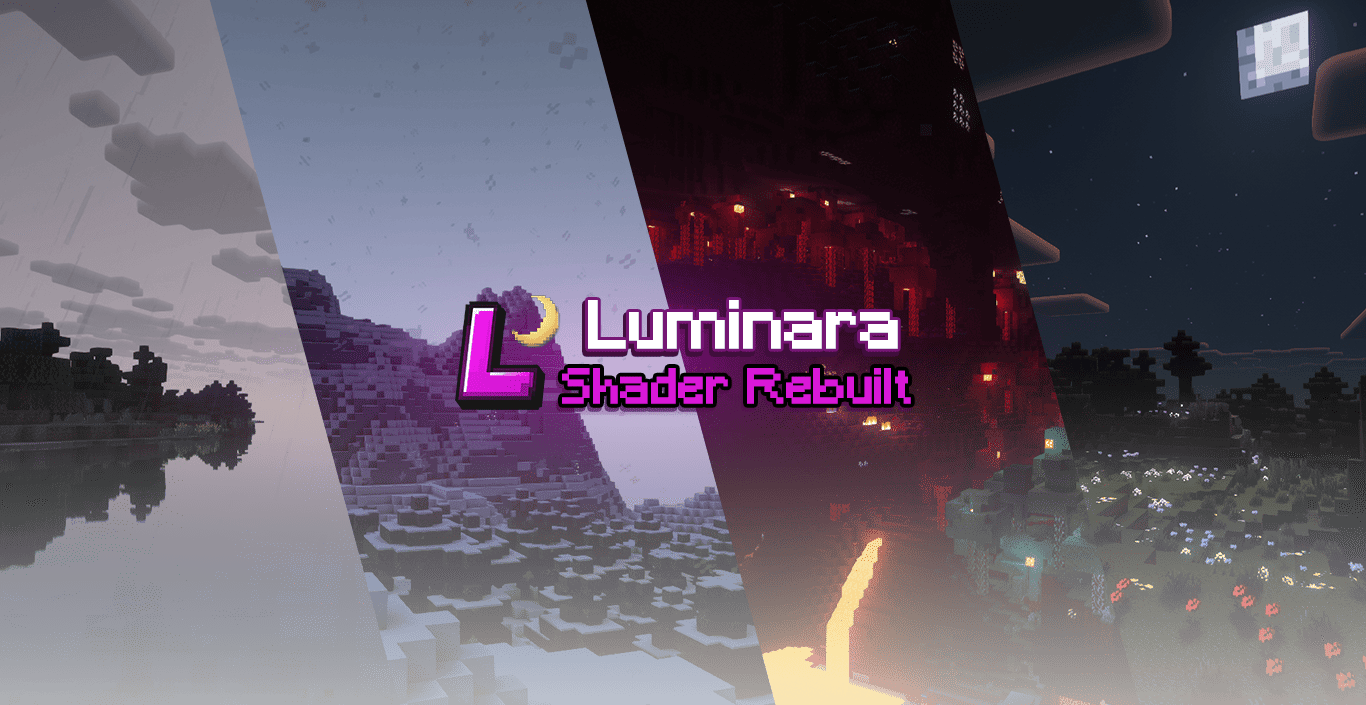
Luminara Shader - Rebuilt
Experience the beauty of enhanced visuals with stunning cloud systems and breathtaking lighting effects that transform your Minecraft world into a masterpiece.Install
Bloop Shaders - Official
A shader aimed at maximum speed while maintaining good visuals. Scalable from low to high end computers.Install

YoFPS
YoFPS is a Chocapic13's Shaders edit that focuses on quality and performance.Install

RetroVision
Add a VHS TV Effects Shader and MOREInstall

Dirt RT
A path tracing shaderpack for vulkanite mod, better than demo packInstall

Phoxel PT
[WIP] A Minecraft shader that strives to capture some of the beauty of real life, mixed with the unique ambience and blocky beauty of the Minecraft we've all come to loveInstall

ARTShade
Stylized, bright fantasy atmosphereInstall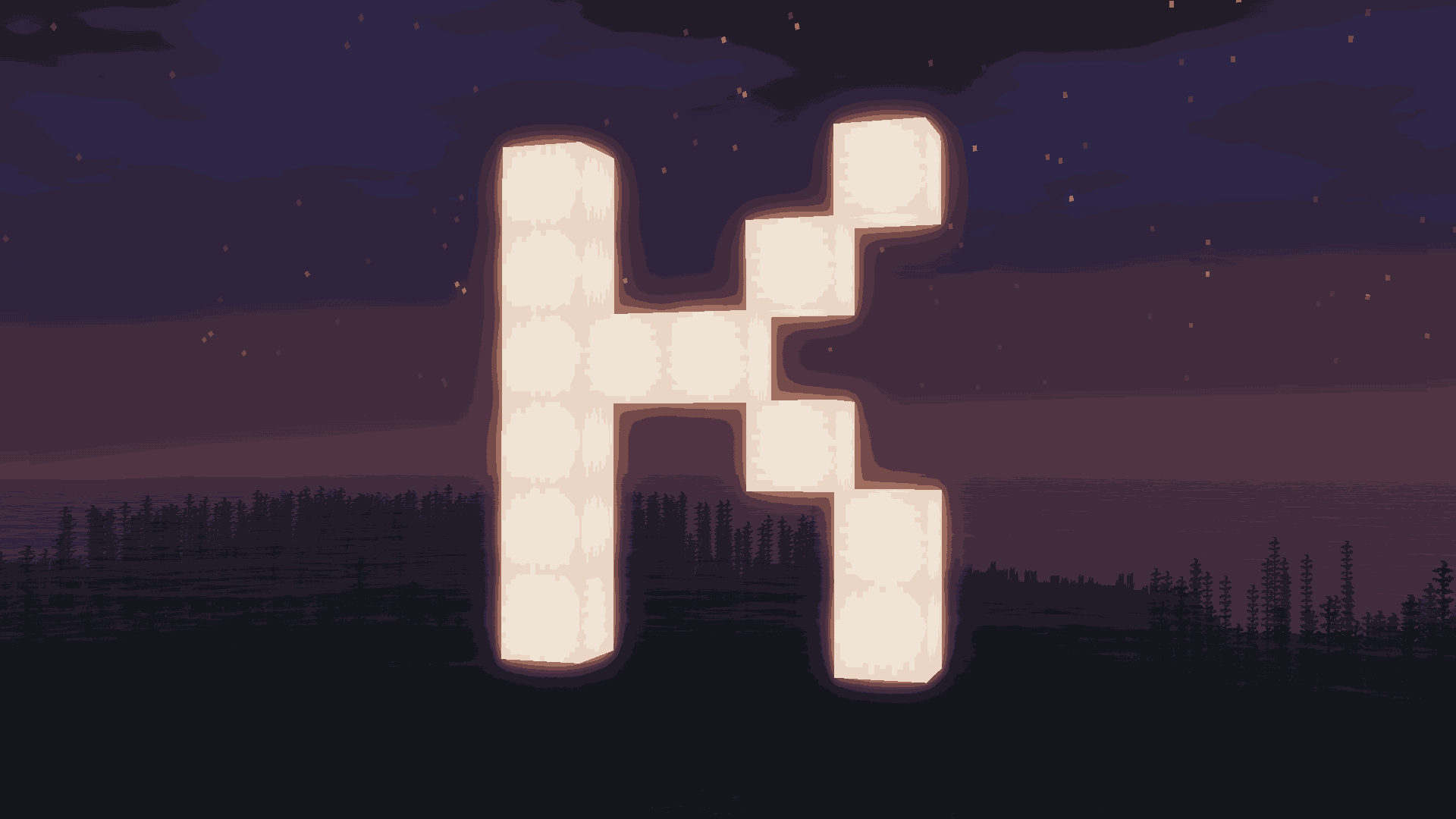
Kute
A lightweight shader that’s easy on performance and gives Minecraft a soft, dreamy vibe :D Edit of Mellow shader (Original - https://www.curseforge.com/minecraft/shaders/mellow - )Install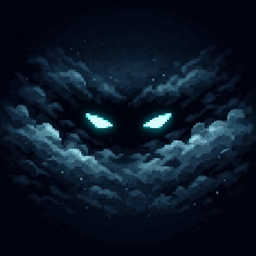
SI: Spectre [DISCONTINUED]
DISCONTINUEDInstall

Stracciatella Shaders
A vanilla-style shader with colored lights, many quality of life features and visual improvements aiming for the highest performance.Install

PixelCraft Shaders
PixelCraft Shaders is a Complementary Shaders edit aiming to replicate pixel art. Every screenshot is a new piece of art brought to life!Install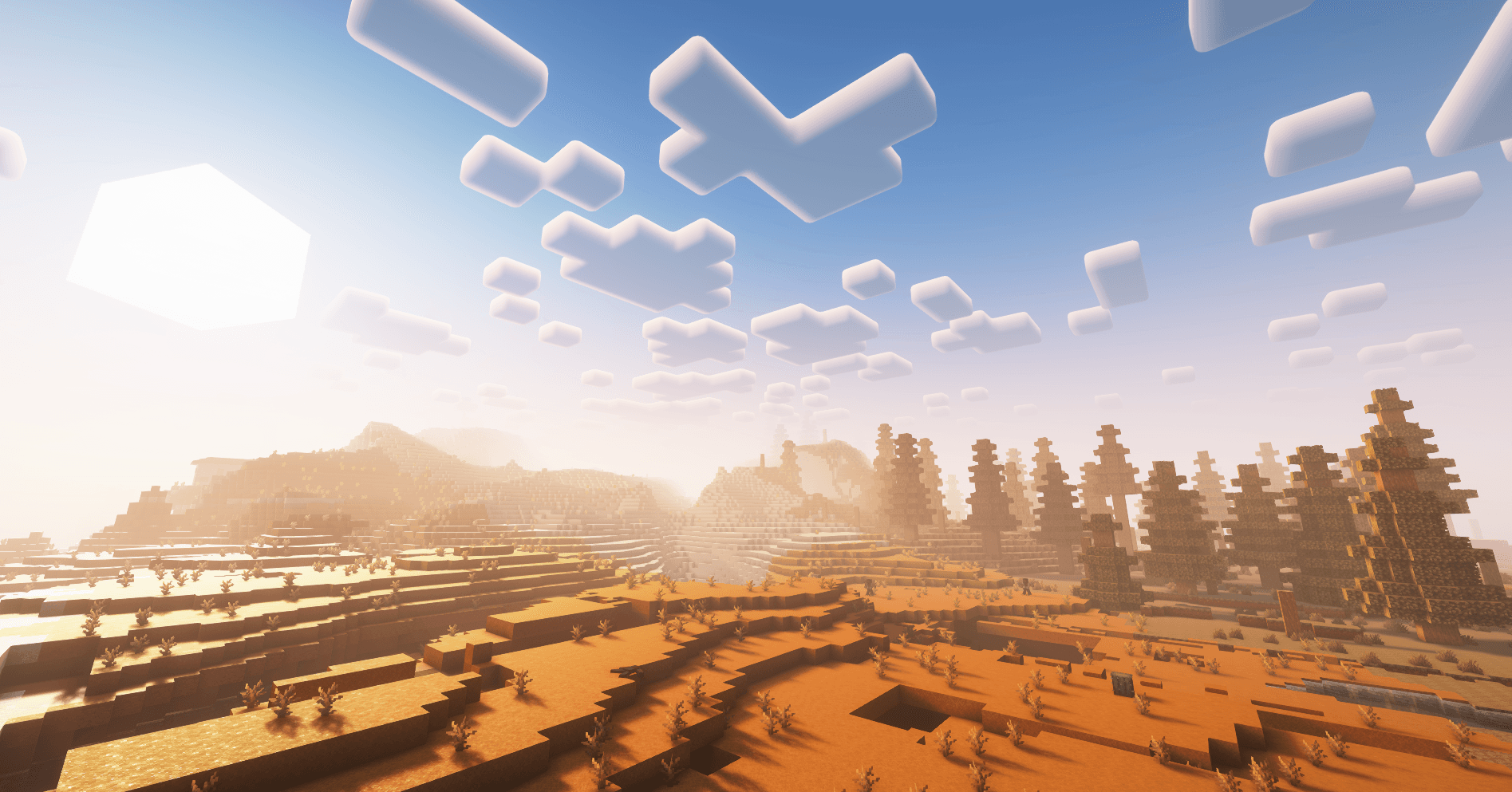
Five Nights at Pixels Shader Edition
FNaP Shader edition includes a cool shader with various predefined settings.Install

Tea Shaders
Vanilla Minecraft with a little extra!Install

Luminara Shader spooky
Transform your Minecraft world into a haunting Halloween nightmare. Features eerie fog, desaturated spooky colors, oppressive shadows, and sinister effects.Install

Daybreak Shader
A simple vanilla plus shader with screen space reflections! In Alpha!Install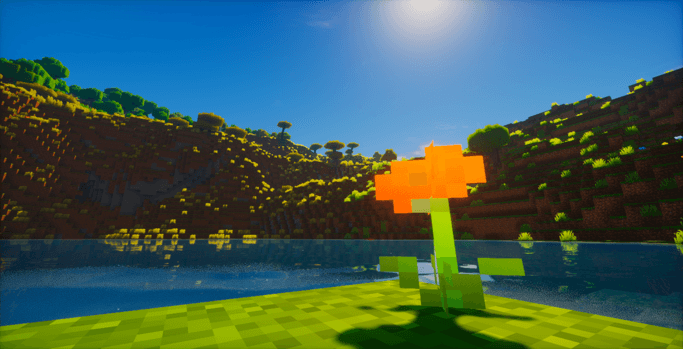
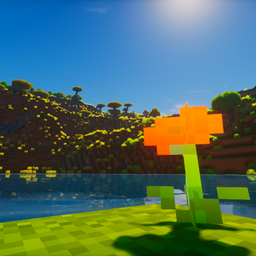
ColorFul Unbound
An ultra-realistic and visually impressive shaderInstallRequired to run
FAQ
What do I need to get shaders working?
Iris or OptiFine. Iris installs as a Fabric mod and is usually faster; OptiFine is a separate installer. Without one of them the game simply won't see the shader. Millida Launcher installs Iris along with the shader for you.
Which shaders run on a low-end PC?
Light packs without ray tracing and with low shadow resolution. They're marked in the catalog — they give you shadows and water while costing noticeably fewer frames.
How do I install shaders?
Click “Install” and Millida Launcher will put the shader into the shaderpacks folder of the right modpack. Then select the pack in the video settings — no need to unpack the archive.
Iris or OptiFine — which should I choose?
For new versions, Iris: it works with Sodium, usually gives more FPS and supports almost all modern shaders. OptiFine is needed on old versions and for packs that rely on its special features. The two cannot be installed in the same instance.
Are there shaders for Bedrock?
The shaders in this section are for the Java edition; their format does not work in Minecraft PE and Bedrock. Bedrock has a built-in Vibrant Visuals graphics mode and resource packs with deferred rendering support, which are turned on in the game settings.
Shaders for Minecraft Java
Shaders rewrite the game's lighting: you get soft shadows, volumetric sunlight, reflections on water and a real night instead of flat dusk. A shader on its own isn't a mod: it's a set of programs for your graphics card, run through a middleman — Iris or OptiFine. Iris installs as a Fabric mod and runs faster; OptiFine is a standalone installer that has been around the longest.
Iris works together with Sodium, so on the same machine it usually gives more frames, and new shaders come out for it first; OptiFine is chosen for old game versions and its own features such as connected textures. On a low-end PC start with packs from the For low-end PCs collection and lower the quality profile inside the shader, and leave heavy ray-traced packs to a powerful graphics card.
Beauty costs frames. Heavy ray-traced shaders can cut performance several times over even on a good graphics card, so the catalog separately marks light packs built for weak machines: they give you shadows and decent water while barely touching FPS. In practice: first install Iris or OptiFine, then put the shader archive in the shaderpacks folder and select it in the video settings. It's best to start with a light pack, and the quality profiles inside the shader itself lower the load even further.