
Shaders for Minecraft Java — page 35
936 itemsShaders: list


OMEGA SHADERS
A stylized and ultra-optimized shader for low-end PCs, featuring pixelated shadows and diamond reflections for all versionsInstall

The Cursed Shaders
This shader for Iris curses your game into a TERIBBLE GAME!Install

Toon Cel
Toon Cel Shader, a lightweight anime style shader for Minecraft. Bold black outlines, flat cel shading and punchy colors with almost zero FPS cost. A stylized alternative to Complementary or BSL, fully adjustable in game.Install

Eternal Prism
Volumetric light, 3D clouds, living water and starry nights — cinematic Iris shader that scales to any PC.Install

Out Of Focus
Can't see anything? Perfect. A fully configurable blur shaderpack ranging from Subtle to WHY.Install

VableVanilla
A vanilla-inspired shader that enhances Minecraft with improved lighting, waving vegetation, realistic water, soft shadows, and smooth performance while preserving the game's original look.Install

ULS Shader
A lightweight Iris shader focused on performance, vibrant visuals, and Intel UHD compatibility.Install
Depth of field Test3
Simple shader that just blurs the backgroundInstall

Aetheris Lite
An ultra-lightweight, performance-friendly post-processing shader pack that enhances Minecraft's colors and atmosphere without affecting FPS.Install

Cealith Shaders
A lightweight shaderpack with beautiful lighting, soft shadows, vibrant skies, and realistic water, optimized for low- and mid-end PCs.Install

Vanilla shade
and FPS boost shader that is meant for minecraft java edition. with better shadows, better lighting, and volumetric fog, all minimal,Install

Solace Shaders
A warm, stylized cartoon shaderpack with glowing light, soft hazy skies and bright foamy water.Install

Chandler's Retro Shader
Filter for those who miss limited color palettes.Install

Visual Addons
A shader adding a few neat visual addons like damage effects or blurring water depending on your swim speedInstall

Hollow Shaders
Shaderpack for Minecraft Java,adds Bright Light and ShadowsInstall

Reimagined + Global Illumination Fork
Cheap, shadowmap-driven Global Illumination.Install
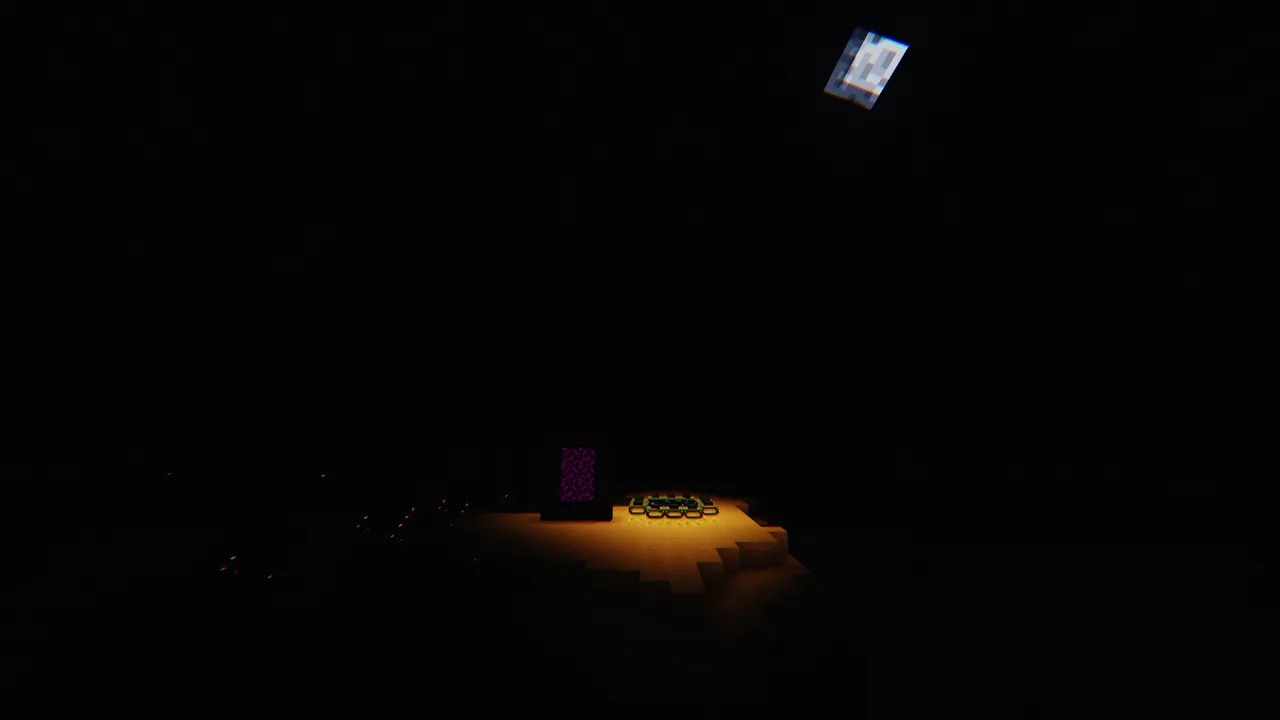
ExtremeDarknessShader
Its an extremely dark shader which sort of simulates night time 24/7Install
Saturation Test3
Adjust the saturation/vibrance in the most optimized way possible.Install

SolisLite
Ultra-lightweight shader for every version but not yet. Pure GPU math for stable 30 FPS on low-end laptops. 0% VRAM waste.Install

vibes2019shaders
This shader pack gives you nostalgic 2019 vibes. Supports versions 1.7.10 - 1.16.5.Install

koptiretro
8/12/15bits minecraft shader with pixelation and dithering!Install

Orbit Shader
A deferred rendering shaderpack for Minecraft 1.21+ on Iris/Sodium. Features PBR lighting, SSR, SSAO, volumetric god rays, weather puddles, bloom, ACES tonemapping, and scalable quality presets from Low to Ultra.Install

Nivora Shaders
Nivora Shaders featuring balanced colors, softer sunlight, gentle bloom, and a beautiful vanilla-inspired atmosphere without excessive visual effects.InstallRequired to run
FAQ
What do I need to get shaders working?
Iris or OptiFine. Iris installs as a Fabric mod and is usually faster; OptiFine is a separate installer. Without one of them the game simply won't see the shader. Millida Launcher installs Iris along with the shader for you.
Which shaders run on a low-end PC?
Light packs without ray tracing and with low shadow resolution. They're marked in the catalog — they give you shadows and water while costing noticeably fewer frames.
How do I install shaders?
Click “Install” and Millida Launcher will put the shader into the shaderpacks folder of the right modpack. Then select the pack in the video settings — no need to unpack the archive.
Iris or OptiFine — which should I choose?
For new versions, Iris: it works with Sodium, usually gives more FPS and supports almost all modern shaders. OptiFine is needed on old versions and for packs that rely on its special features. The two cannot be installed in the same instance.
Are there shaders for Bedrock?
The shaders in this section are for the Java edition; their format does not work in Minecraft PE and Bedrock. Bedrock has a built-in Vibrant Visuals graphics mode and resource packs with deferred rendering support, which are turned on in the game settings.
Shaders for Minecraft Java
Shaders rewrite the game's lighting: you get soft shadows, volumetric sunlight, reflections on water and a real night instead of flat dusk. A shader on its own isn't a mod: it's a set of programs for your graphics card, run through a middleman — Iris or OptiFine. Iris installs as a Fabric mod and runs faster; OptiFine is a standalone installer that has been around the longest.
Iris works together with Sodium, so on the same machine it usually gives more frames, and new shaders come out for it first; OptiFine is chosen for old game versions and its own features such as connected textures. On a low-end PC start with packs from the For low-end PCs collection and lower the quality profile inside the shader, and leave heavy ray-traced packs to a powerful graphics card.
Beauty costs frames. Heavy ray-traced shaders can cut performance several times over even on a good graphics card, so the catalog separately marks light packs built for weak machines: they give you shadows and decent water while barely touching FPS. In practice: first install Iris or OptiFine, then put the shader archive in the shaderpacks folder and select it in the video settings. It's best to start with a light pack, and the quality profiles inside the shader itself lower the load even further.