
Shaders for Minecraft Java — page 2
939 itemsShaders: list


Noble Shaders
Using clever lighting techniques and powerful customization to create clean, immersive, and enjoyable visuals.Install

BSL Shaders - Classic
[DISCONTINUED] Shaderpack for Minecraft: Java Edition. It's oriented towards vanilla aesthetics.Install

Shrimple
A simple Minecraft Java shader that attempts to maintain the vanilla aesthetic while adding optional shadows, colored lighting, and ray-tracing.Install

Bloop Shaders
A shader aimed at maximum speed while maintaining good visuals. Scalable from low to high end computers.Install

FastPBR
A fast and high-quality shaderpack with realistic visuals and PBR atmospherics.Install

E-LITE shaders (MakeUp edit)
A MakeUp - Ultra Fast shaders edit that is highly customizable, beautiful, and fast!Install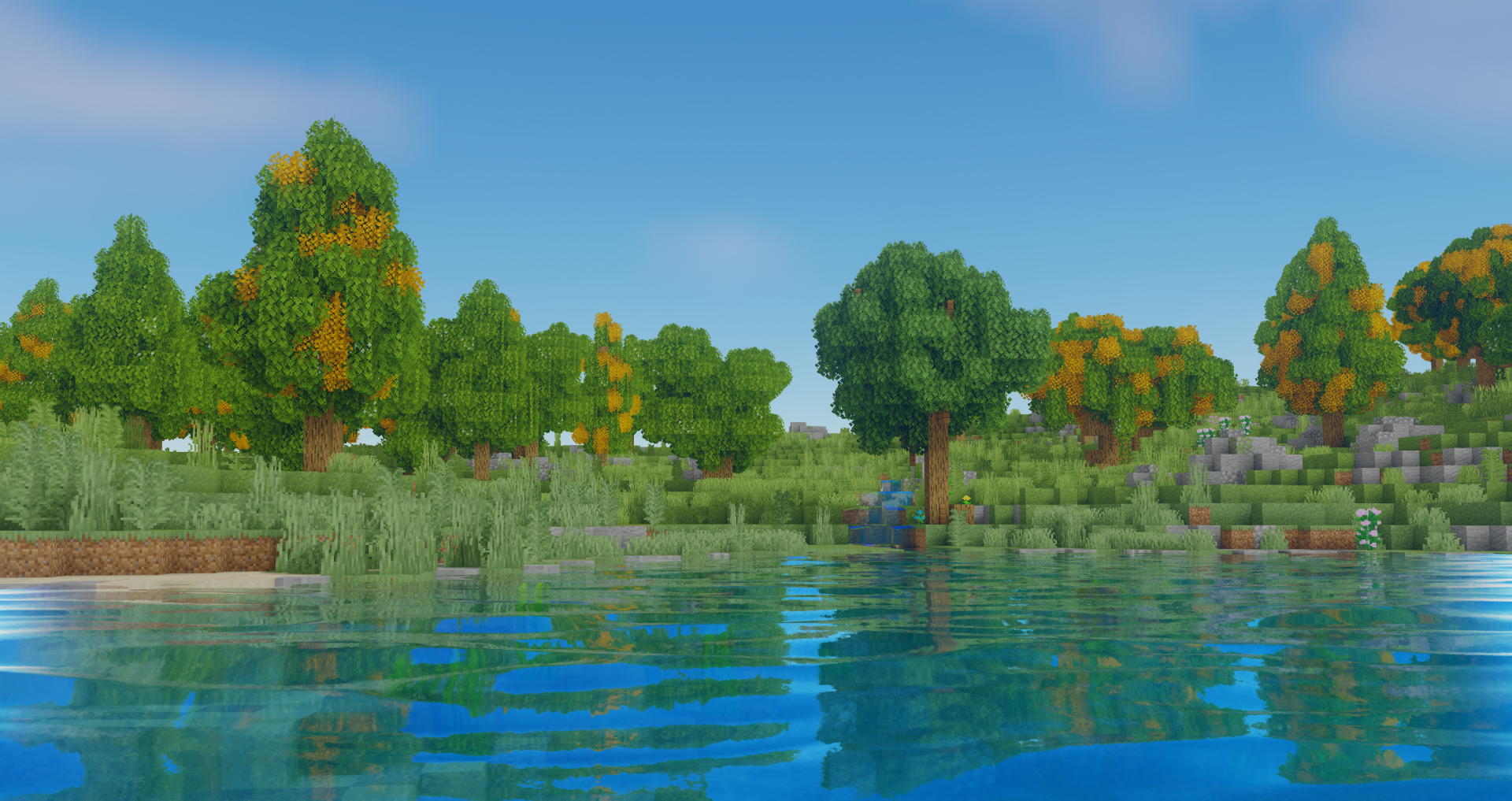
Oceano Shaders 3.0
A Vibrant Tropical Shaderpack for Minecraft Java EditionInstall

Fantasy Shaders Reimagined
Colors of fantasy, vivid and strikingInstall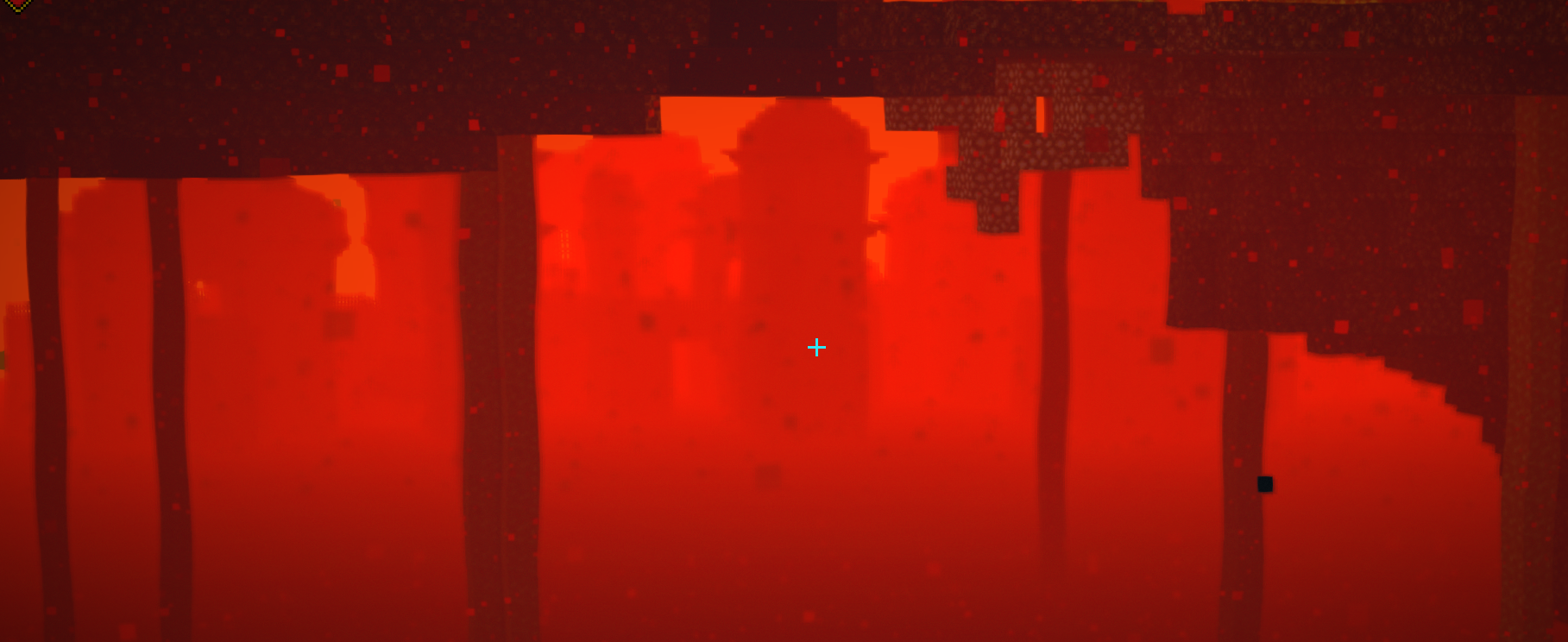
Tea Shaders
Vanilla Minecraft with a little extra!Install

Clarity
FullBright2 is now named Clarity and it removes all shadows and fog wich makes you see clearly everywhere and can be used for mining or travelling at night.Install

RenderPearl
Clean, high performance shaders for modern hardwareInstall
Body Camera
Adds a body camera effectInstall

Lux V1
Lux is a high fidelity Minecraft: Java Edition shader pack based on Capt Tatsu's BSL Shaders.Install

Fantasy Shaders Unbound
A shader that aims to give a fantasy setting for those who like color.Install
Skygleam Shaders
Best Performance! With Best Visuals!Install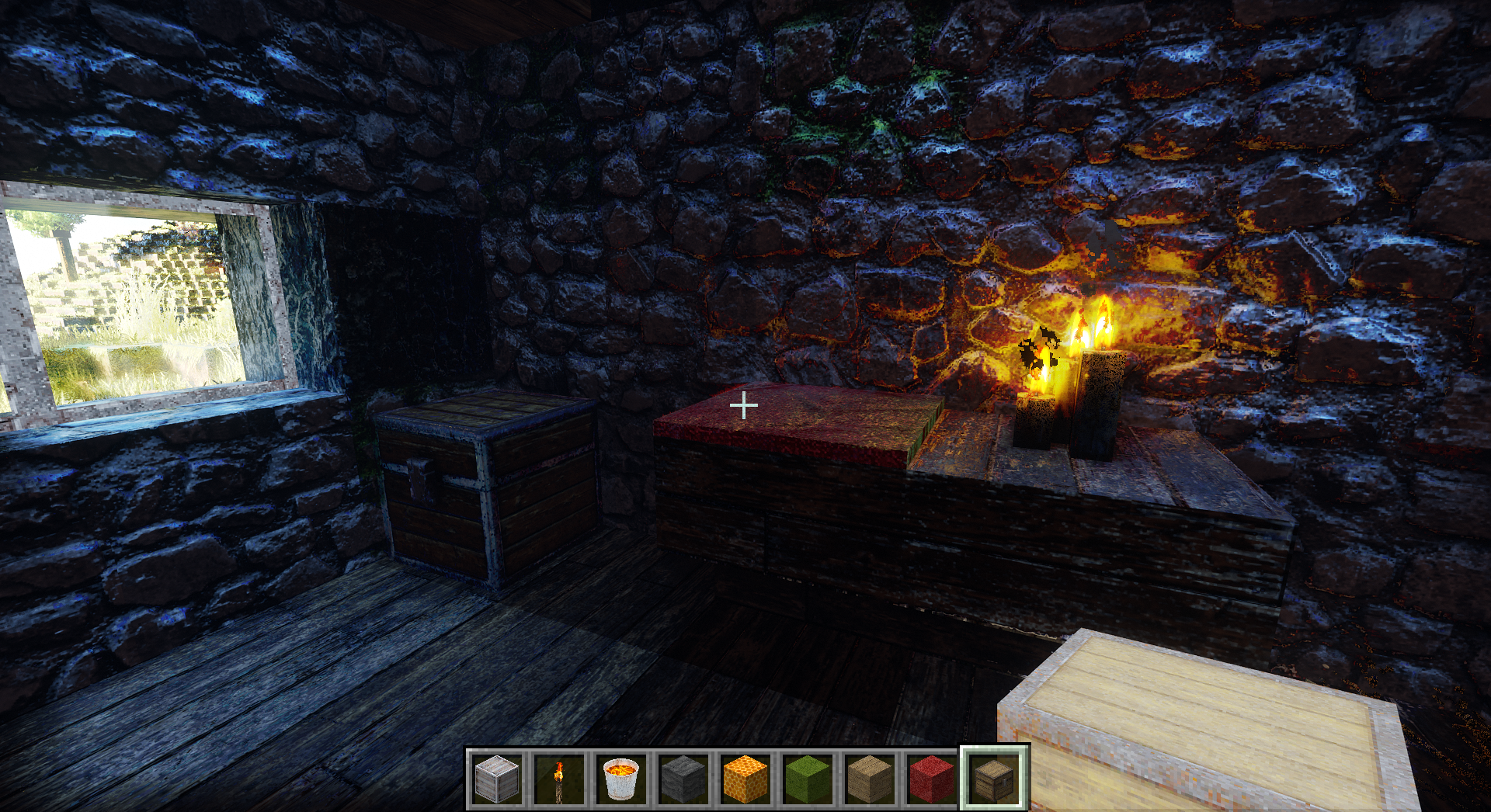
CTMPOMFIX Shader (Chocapic13' Shaders edit)
A unique beautiful PBR shader that keeps adding features from the future, like CTMPOMFIX for better 3D Textures, texture upscaling, deep light scattering, optional path tracing, Distant Horizons with Iris and more.Install

RedHat Shaders
A shaderpack based on older versions of Chocapic13 Shaders.Install

Pegasus Shaders
A shader that blends high performance range with new features, and lots of stylistic range!Install

Arc
An attempt at a mostly realistic shader that maintains decent performance; for Minecraft Java.Install

Aurora's Shaders
Based on Complimentary Unbound, a beautifully colorful Vanilla+ shader meant for making the game look good while maintaining good performance and vanilla feel.Install

Sildur's Vibrant Shaders
Very optimized shaderpack for MC: Java edition, around since 2012! Runs on any hardware and supports every MC version since 1.7.10.Install

Pixel Perfect
Improves visuals without interrupting gameplayInstall

Cursed Fog
Creepy, tense shaders that will tickle your nerves.InstallRequired to run
FAQ
What do I need to get shaders working?
Iris or OptiFine. Iris installs as a Fabric mod and is usually faster; OptiFine is a separate installer. Without one of them the game simply won't see the shader. Millida Launcher installs Iris along with the shader for you.
Which shaders run on a low-end PC?
Light packs without ray tracing and with low shadow resolution. They're marked in the catalog — they give you shadows and water while costing noticeably fewer frames.
How do I install shaders?
Click “Install” and Millida Launcher will put the shader into the shaderpacks folder of the right modpack. Then select the pack in the video settings — no need to unpack the archive.
Iris or OptiFine — which should I choose?
For new versions, Iris: it works with Sodium, usually gives more FPS and supports almost all modern shaders. OptiFine is needed on old versions and for packs that rely on its special features. The two cannot be installed in the same instance.
Are there shaders for Bedrock?
The shaders in this section are for the Java edition; their format does not work in Minecraft PE and Bedrock. Bedrock has a built-in Vibrant Visuals graphics mode and resource packs with deferred rendering support, which are turned on in the game settings.
Shaders for Minecraft Java
Shaders rewrite the game's lighting: you get soft shadows, volumetric sunlight, reflections on water and a real night instead of flat dusk. A shader on its own isn't a mod: it's a set of programs for your graphics card, run through a middleman — Iris or OptiFine. Iris installs as a Fabric mod and runs faster; OptiFine is a standalone installer that has been around the longest.
Iris works together with Sodium, so on the same machine it usually gives more frames, and new shaders come out for it first; OptiFine is chosen for old game versions and its own features such as connected textures. On a low-end PC start with packs from the For low-end PCs collection and lower the quality profile inside the shader, and leave heavy ray-traced packs to a powerful graphics card.
Beauty costs frames. Heavy ray-traced shaders can cut performance several times over even on a good graphics card, so the catalog separately marks light packs built for weak machines: they give you shadows and decent water while barely touching FPS. In practice: first install Iris or OptiFine, then put the shader archive in the shaderpacks folder and select it in the video settings. It's best to start with a light pack, and the quality profiles inside the shader itself lower the load even further.