
Shaders for Minecraft Java — page 20
967 itemsShaders: list


PathMax
Enchanting look with smooth and simple path tracing.Install
Vespera
Volumetric clouds, coloured shadows, physically absorbed water — a complete modern shaderpack for Minecraft.Install
Zenith's LUT Shader
Color Lookup TablesInstall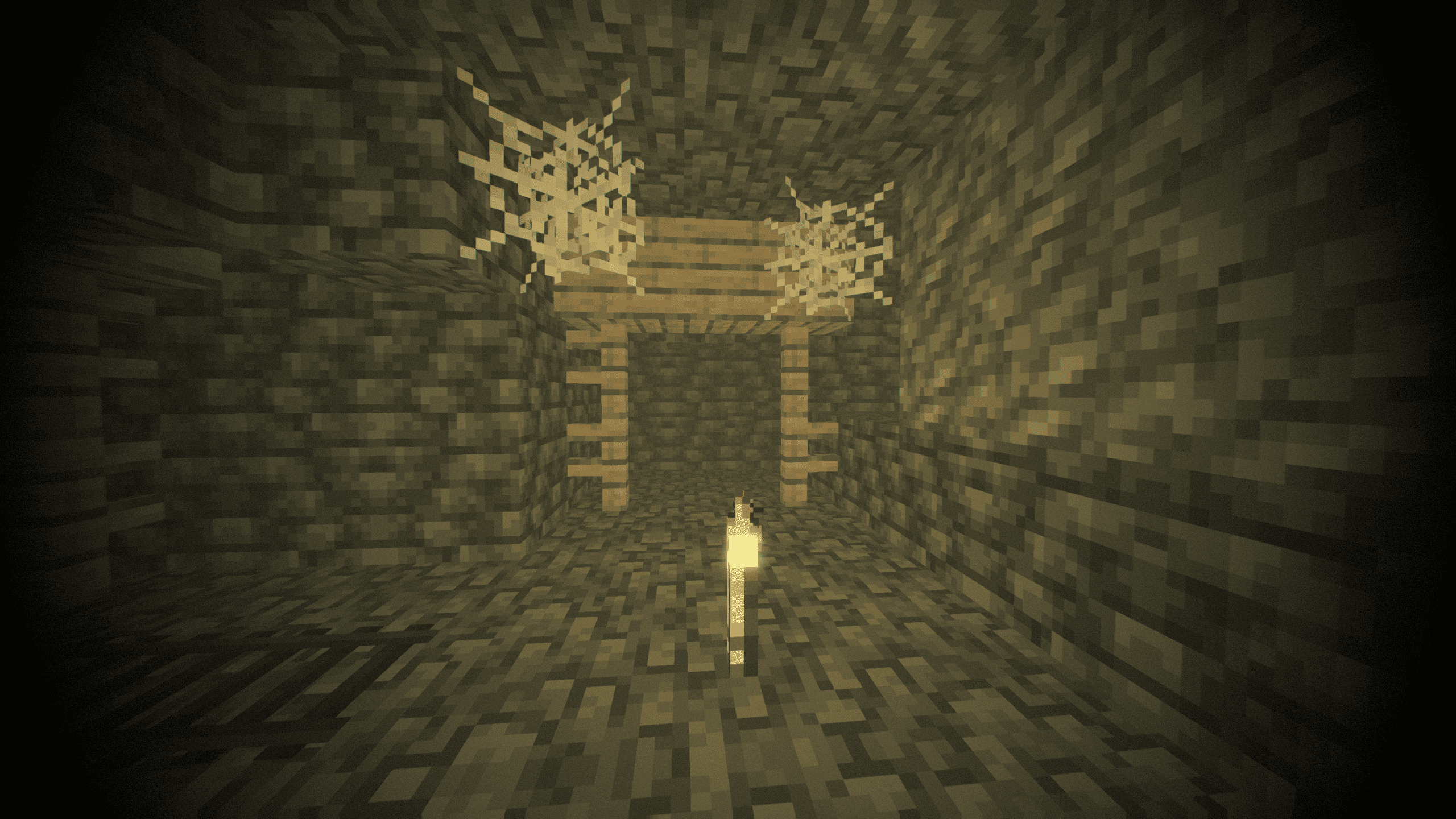
Gravemist
Gravemist is a horror shaderpack for Minecraft 26.2: heavy fog that hides mobs until the last second, unstable torchlight, and an image that quietly degrades the longer you stay underground.Install

Mode 13h: MS-DOSify!
An Iris shader pack for Minecraft that recreates the look of late-90s MS-DOS 3D graphics with deliberate retro accuracy.Install

Round World
A simple Shader that adds a slight visual curve to the world and darkens the lightingInstall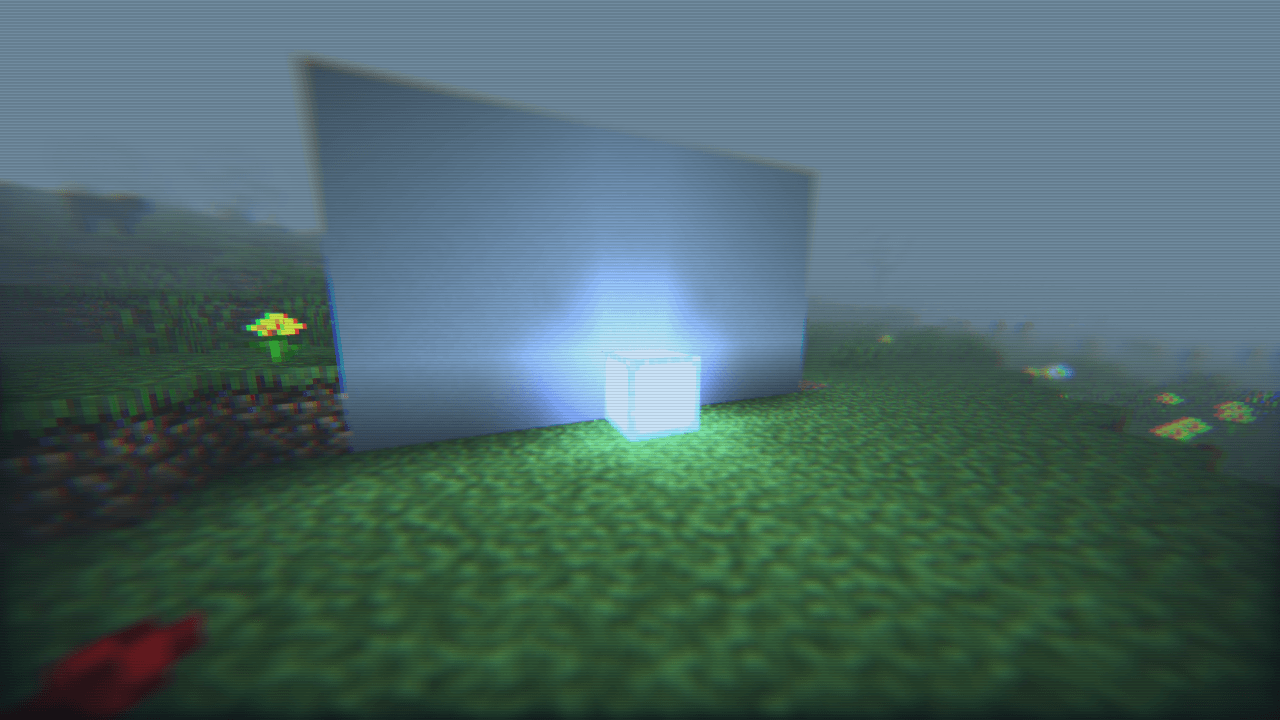
After Hours shader
A Calm Nostalgic Shader Inspired By RainCoreInstall

Principal
Dynamic atmospheric Minecraft shader with cinematic skies, volumetric clouds, immersive lighting, and reactive weather.Install

EchoShift
EchoShift is a cinematic Minecraft Java shader that makes the world feel more alive with realistic lighting, clearer skies, softer shadows, moving foliage, reflective ores, improved water, and a custom star-filled End atmosphere.Install

Fisheye Shaders
A shaderpack that simulates fisheye lenses.Install

Pholas Shaders
Pholas Shaders is a heavy shaders with godrays, reflections etc.Install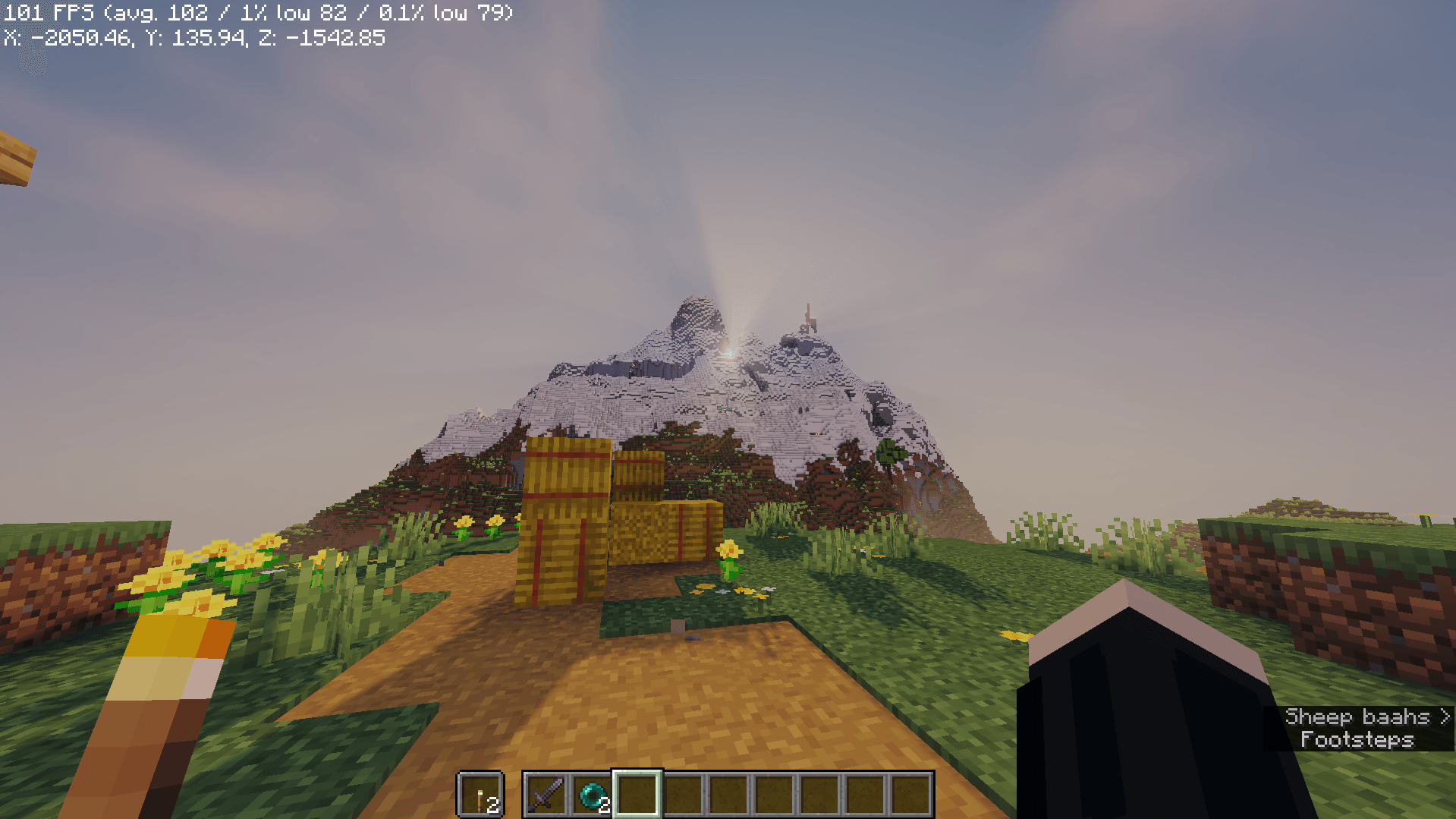

AerixiumSFA Shaders
AerixiumSFA is a performance-optimized shader pack for Minecraft, offering crisp, vibrant visuals, realistic lighting, and 3D parallax. Get cinematic graphics with clean, smooth gameplay.Install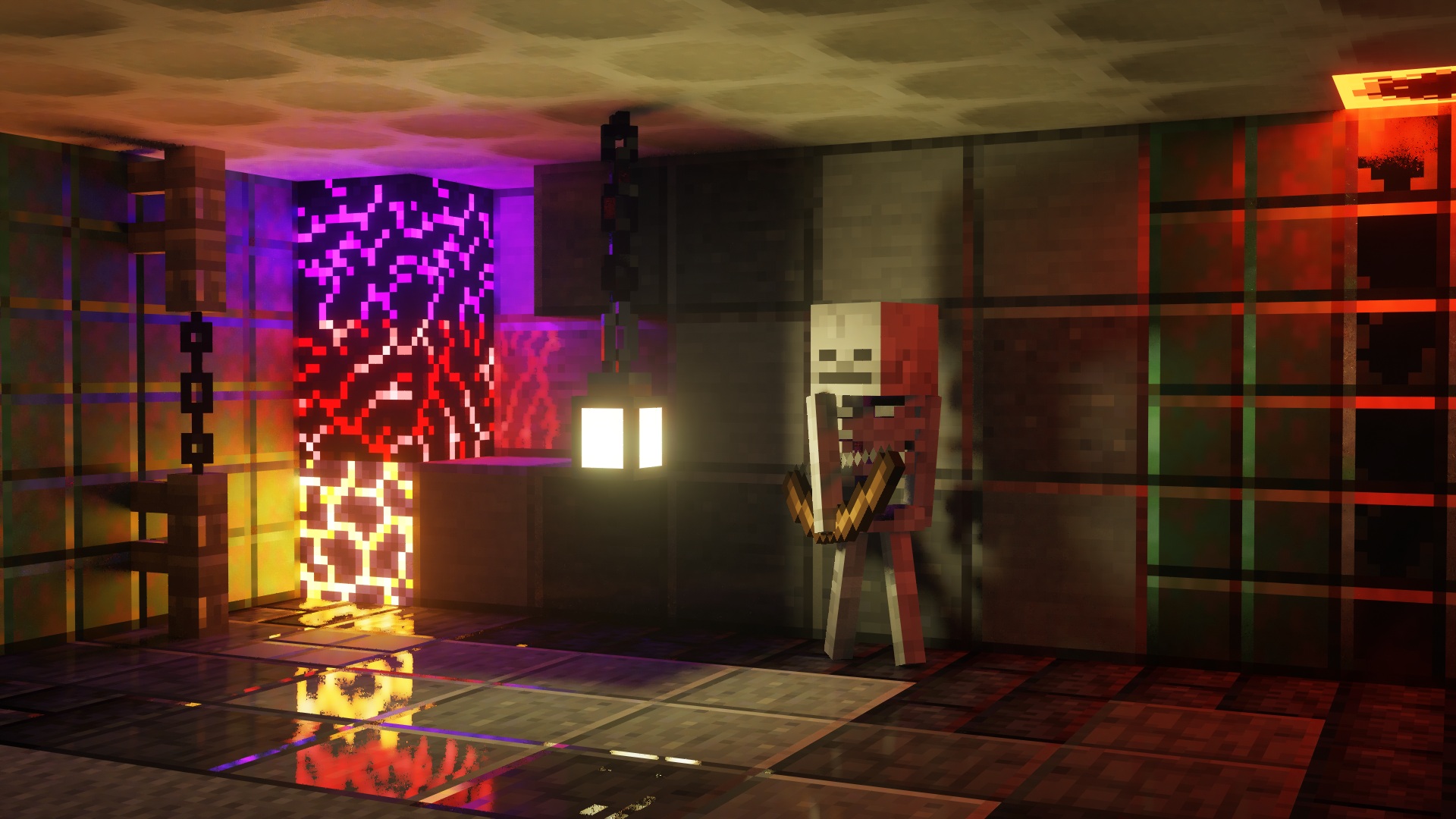
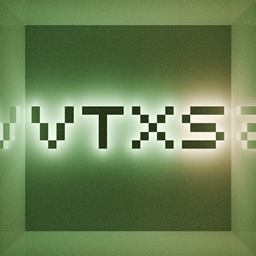
VTXS Screen Space Demo
Fast and very sharp shader with Screen Space Path TracingInstall

Pagoda Shaders
Pagoda Shaders is a Japanese-themed Minecraft shader pack that enhances the game's visuals with a serene and traditional Eastern aesthetic. It features soft lighting, warm tones, sakura-style ambience.Install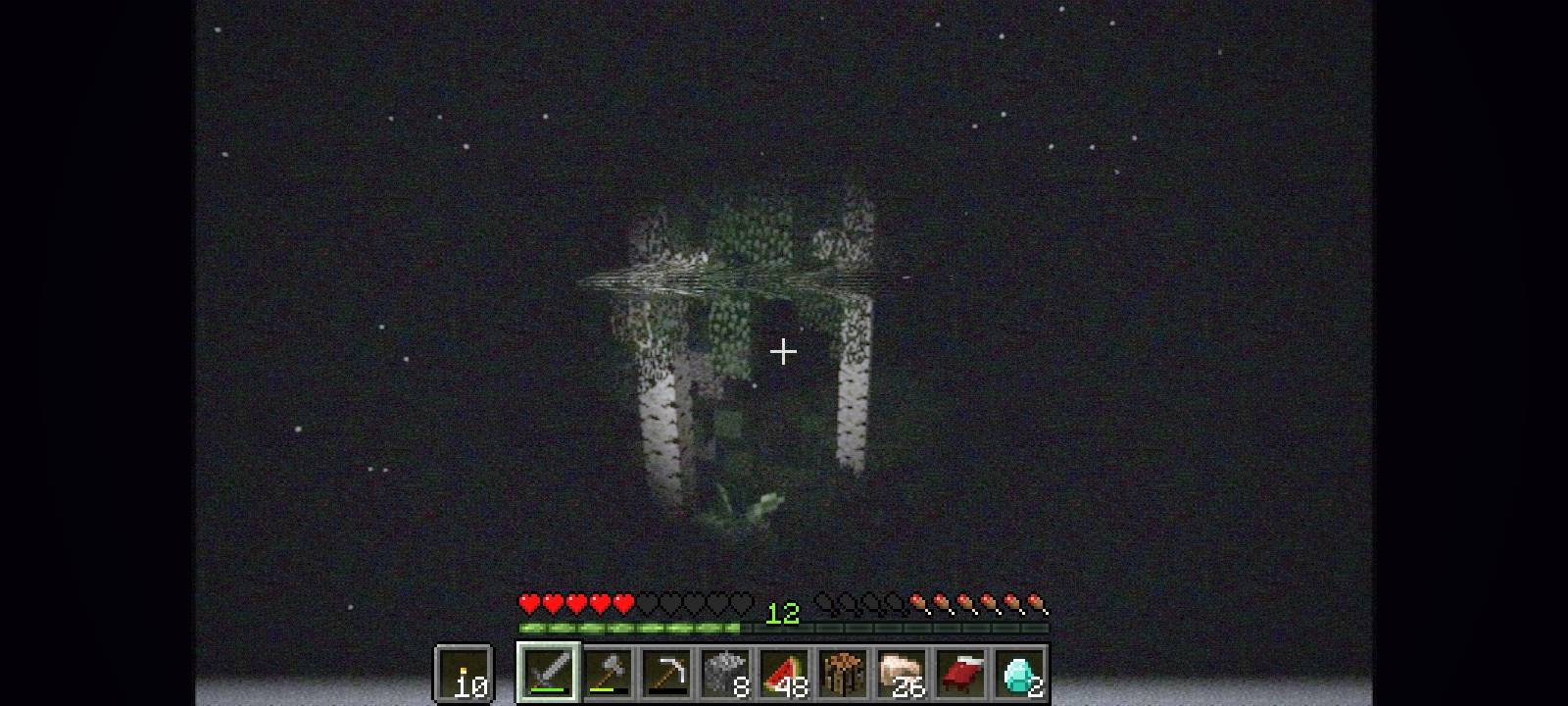
Found VHS Tapes
Found VHS Tapes is a liminal horror Minecraft shader featuring 11 atmospheric profiles and customizable VHS/CRT effects, fog, lighting, color grading, camera distortion, and more.Install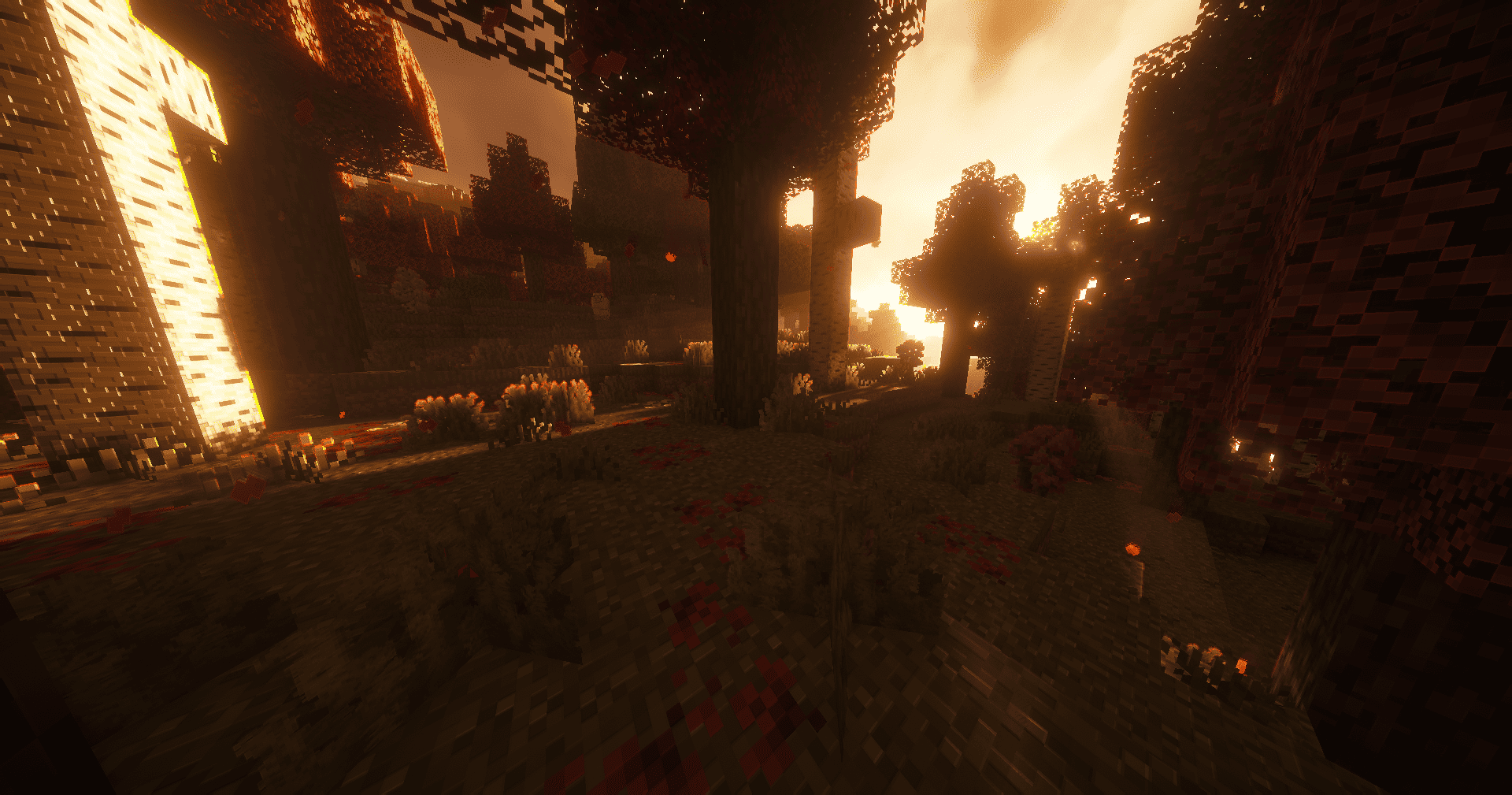
CARTUX SHADER
Cartoon fantasy shaders: colorful, vivid and semi-realisticInstall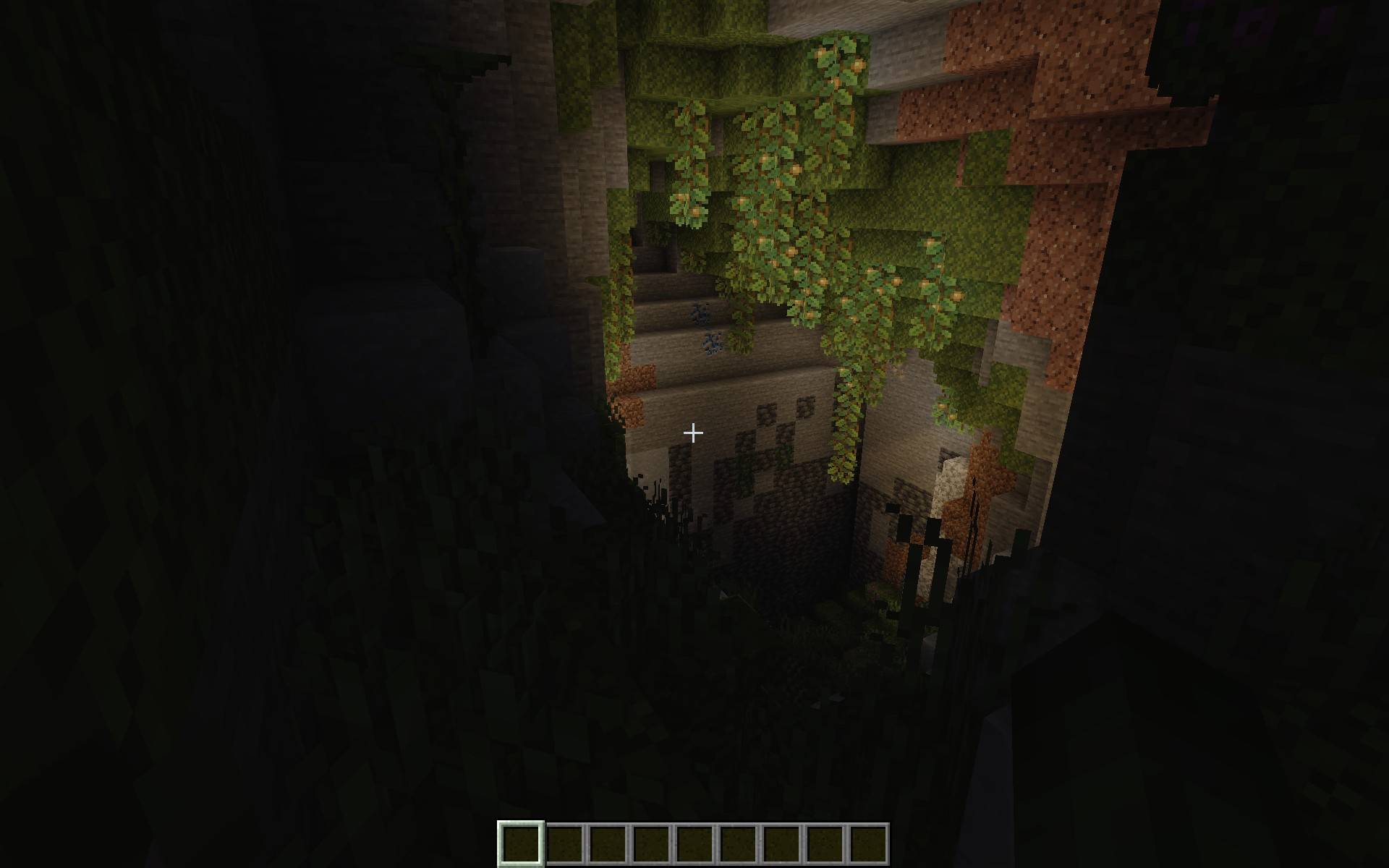

PoorLite
A simple shader for low end devices, features include shadows, light rays, and customizable settings.Install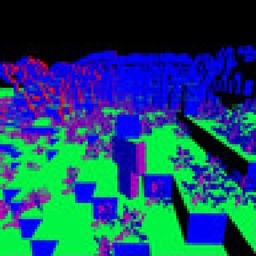
NMS - Normal Map Shaders
A shader that turns your world into a normal mapInstall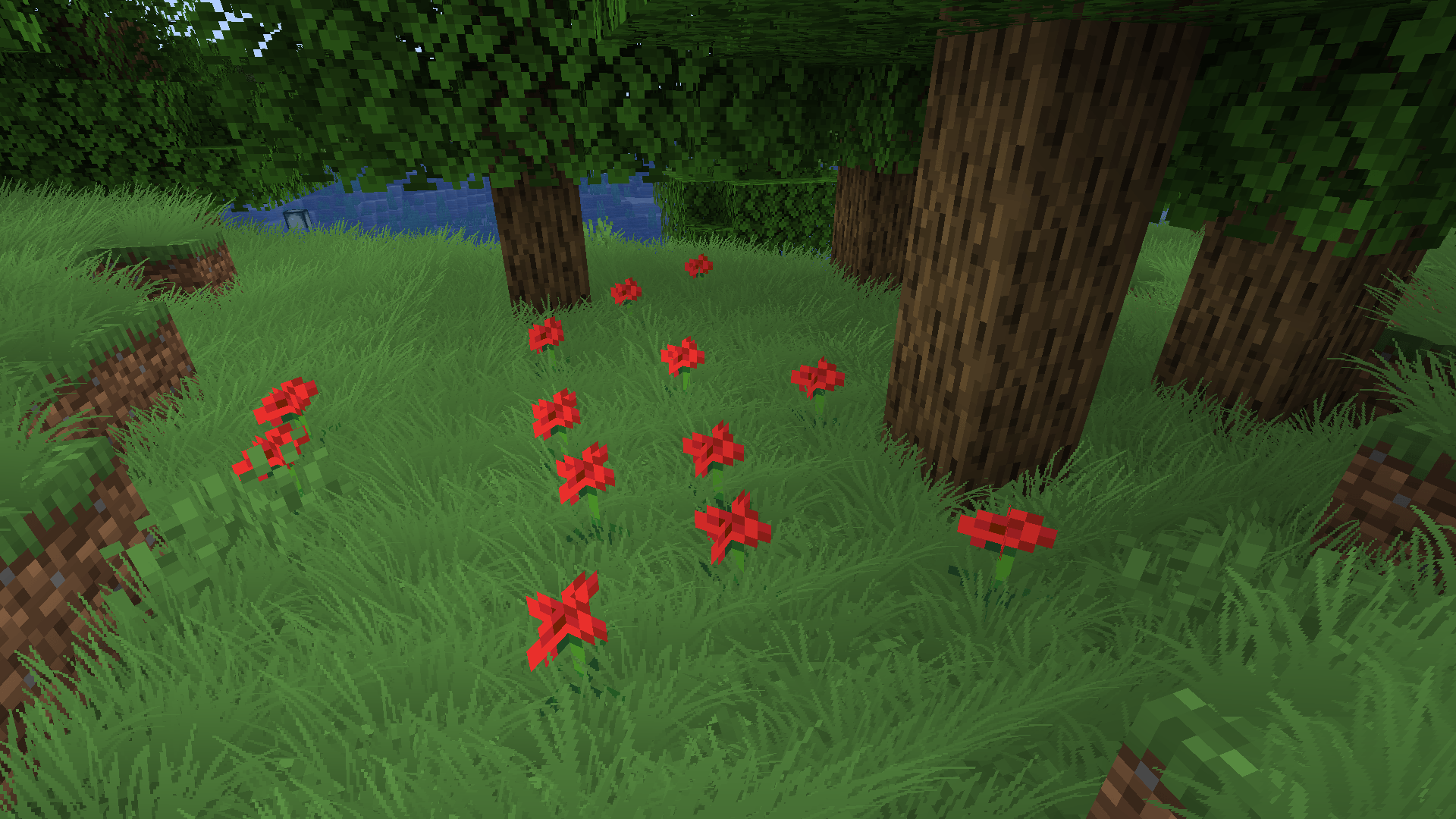
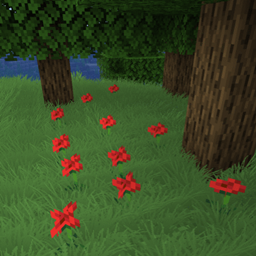
Billboard grass
Shaderpack that adds billboard grass to minecraft. Looks pretty, has no impact on performance.Install

Better End Portal Shader
A Shader that changed the End Portal effect to look more cleanInstall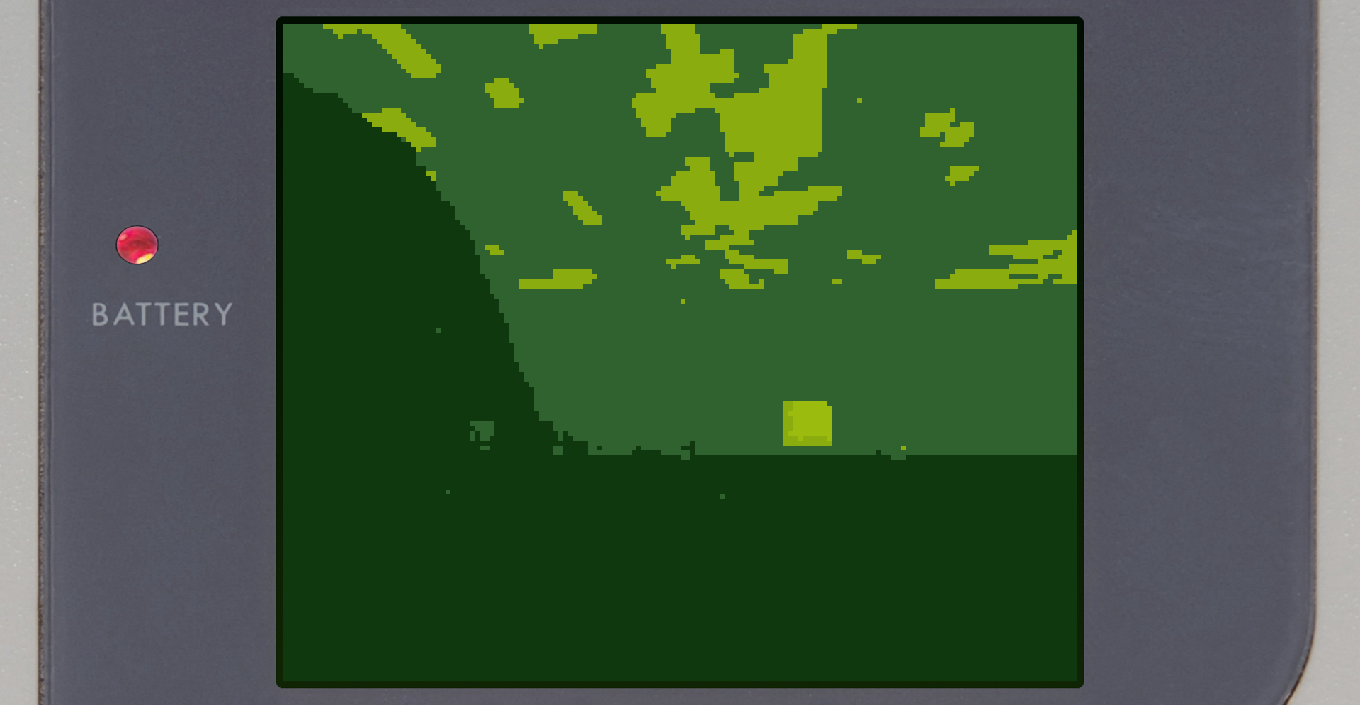
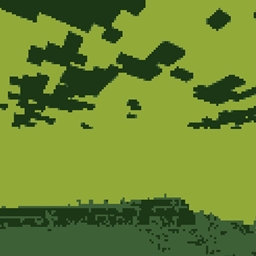
Gameboy Shader
A Minecraft shader to replicate the Nintendo GameboyInstall

Vividness
Enhance Minecraft with vivid, vibrant colors - a simple color grading shader.Install

Negative Colors
Transform Minecraft with the Negative Color shader,InstallRequired to run
FAQ
What do I need to get shaders working?
Iris or OptiFine. Iris installs as a Fabric mod and is usually faster; OptiFine is a separate installer. Without one of them the game simply won't see the shader. Millida Launcher installs Iris along with the shader for you.
Which shaders run on a low-end PC?
Light packs without ray tracing and with low shadow resolution. They're marked in the catalog — they give you shadows and water while costing noticeably fewer frames.
How do I install shaders?
Click “Install” and Millida Launcher will put the shader into the shaderpacks folder of the right modpack. Then select the pack in the video settings — no need to unpack the archive.
Iris or OptiFine — which should I choose?
For new versions, Iris: it works with Sodium, usually gives more FPS and supports almost all modern shaders. OptiFine is needed on old versions and for packs that rely on its special features. The two cannot be installed in the same instance.
Are there shaders for Bedrock?
The shaders in this section are for the Java edition; their format does not work in Minecraft PE and Bedrock. Bedrock has a built-in Vibrant Visuals graphics mode and resource packs with deferred rendering support, which are turned on in the game settings.
Shaders for Minecraft Java
Shaders rewrite the game's lighting: you get soft shadows, volumetric sunlight, reflections on water and a real night instead of flat dusk. A shader on its own isn't a mod: it's a set of programs for your graphics card, run through a middleman — Iris or OptiFine. Iris installs as a Fabric mod and runs faster; OptiFine is a standalone installer that has been around the longest.
Iris works together with Sodium, so on the same machine it usually gives more frames, and new shaders come out for it first; OptiFine is chosen for old game versions and its own features such as connected textures. On a low-end PC start with packs from the For low-end PCs collection and lower the quality profile inside the shader, and leave heavy ray-traced packs to a powerful graphics card.
Beauty costs frames. Heavy ray-traced shaders can cut performance several times over even on a good graphics card, so the catalog separately marks light packs built for weak machines: they give you shadows and decent water while barely touching FPS. In practice: first install Iris or OptiFine, then put the shader archive in the shaderpacks folder and select it in the video settings. It's best to start with a light pack, and the quality profiles inside the shader itself lower the load even further.